
Best Creative Reference Management Tools in 2026
Most "best reference tool" lists only test images. We tested against what really fills a production company's library: reels, TikToks, ads and YouTube links. Prices checked October 2026.
By the Spark team ·
The best reference management tool for creatives depends on whether your references sit still. A solo library of images you want to own as files: buy Eagle. Slow, connected research: Are.na. A team log that sits next to the brief: Notion. Most of those tools quietly stop helping once the references move: reels, TikToks, ads and Vimeo links that a team needs to search. That's the gap we built Spark for.
The other thing most lists miss: the library is only half the kit. The best setups we've seen pair one place to keep references with two or three smaller tools that feed it or work beside it. So there are two halves below. Where to keep things, then what to run alongside.
Every price below was checked on the vendor's own pricing page in October 2026, with one exception. Raindrop's page doesn't list the Pro price, so that figure is the one shown at checkout.
The short answer
| Tool | Pick it for | Price (as of October 2026) |
|---|---|---|
| Spark | A team saving reels, TikToks, ads and links, and searching inside them | Free for 15 videos and 30 frames; Creator £16 a month; Studio £23 per user a month |
| Eagle | A solo designer with thousands of images as local files | $34.95 once, for two computers |
| Are.na | Slow, connected research with no ads | Free for 200 blocks; Premium $7 a month or $70 a year |
| mymind | A private, no-folders memory for everything you see | From $4.99 a month; Mind plan $79 a year |
| Notion | A written reference log next to the brief and schedule | Free (5 MB uploads); Plus £8.50 per member a month |
| Raindrop.io | Links and articles, plus searching what's said in YouTube videos | Free; Pro £25 a year |
| PureRef | Keeping references on screen while you draw, edit or grade | Pay what you want for personal use; paid commercial licences |
| Cosmos | Ad-free discovery with colour search | Free; Premium $8 a month (App Store) |
| Savee | Ad-free discovery for graphic design and type | Free; Pro $9 a month billed yearly |
| FILMGRAB | Film stills, for free | Free |
| Wandering, and finding more of what you like | Free |











The test: one Tuesday afternoon
Most roundups test reference tools by dragging in a JPEG. That's the easy bit. Our test was a real afternoon at Perspective Pictures: the creative director sends four Instagram links, a TikTok, a YouTube ad and a Vimeo link with a password, and says "put these somewhere we can find them in March".
Five questions decided the rankings:
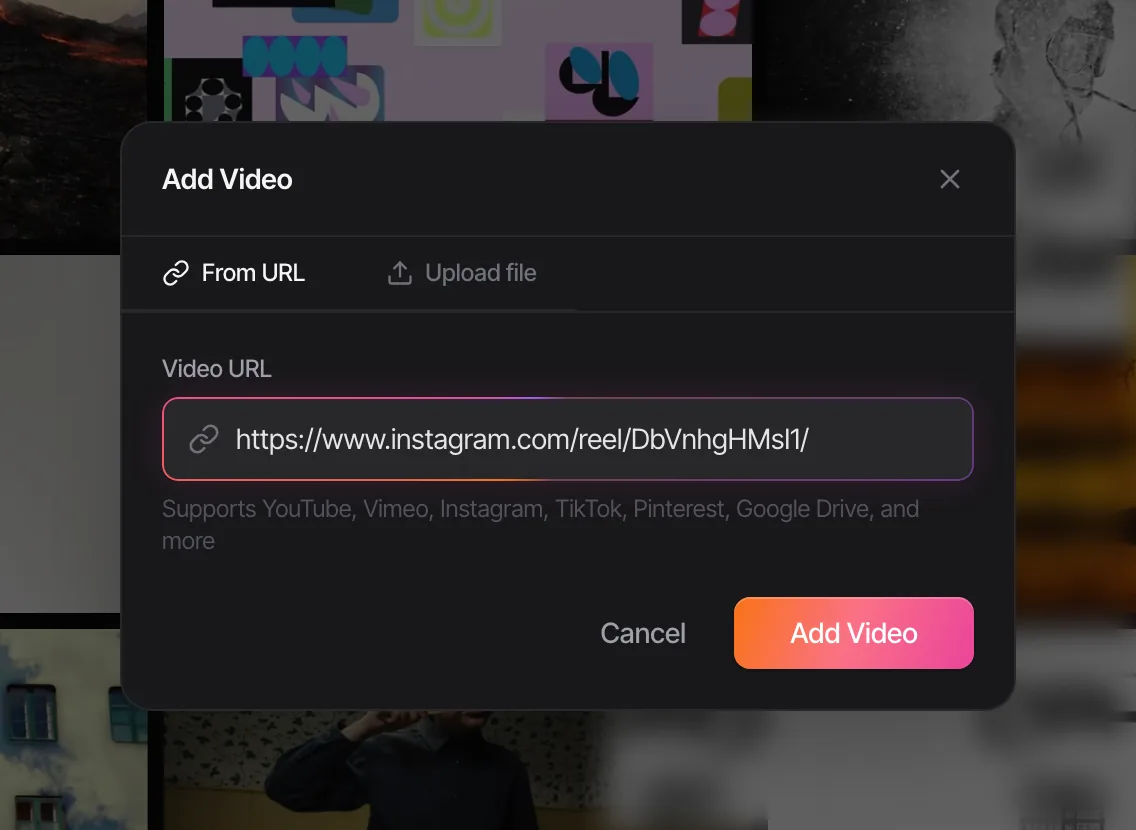
- Can it save from a link? Paste an Instagram URL and get the video, not a dead thumbnail.
- Does it keep a copy? If the creator deletes the post next month, is your reference still there?
- Can you search inside it? Find a clip by what happens in it or what someone says. The tags you remembered to add are a bonus.
- Can a team and a client see it? Shared libraries for the crew, a tidy selection for the client.
- Can you get it out? A GIF for the deck, a still for the treatment, a board for the pitch.
Images pass most of those by default. Video fails most of them by default, which is why the order changes so much once you test with it.


Part one: where to keep your references
Spark, for teams whose references move
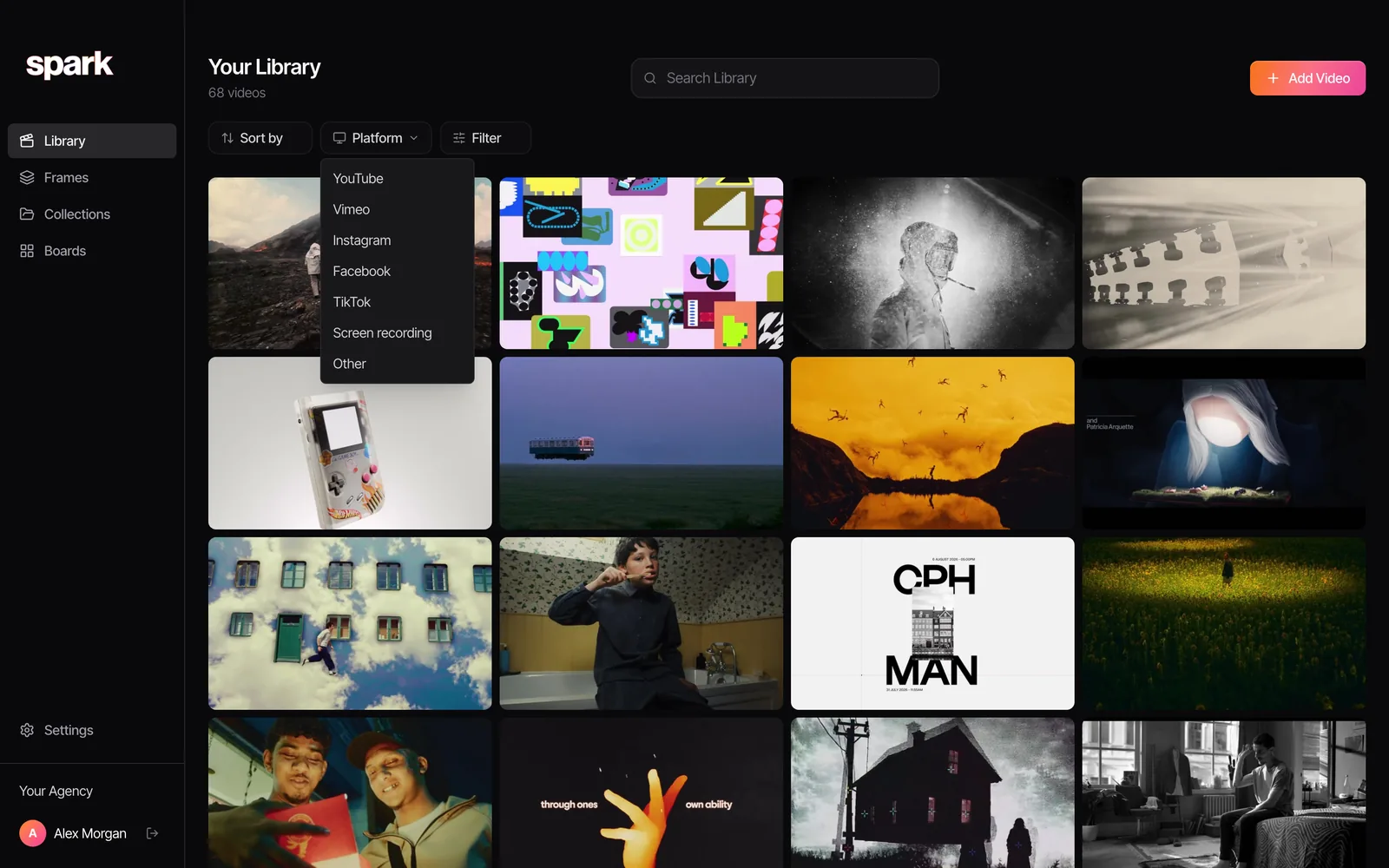
Full disclosure: we make this one, so allow for bias. Spark runs on Mac and Windows and is built for video references. Paste a link from Instagram, TikTok, YouTube, Vimeo, Pinterest, Facebook or LinkedIn, or from the Meta Ad Library, and it saves a copy and remembers where it came from. You can also forward a post to @sparkreferences in an Instagram DM, send links on WhatsApp, right-click with the Chrome extension, upload files or pull from Google Drive. Anything behind a login, like a client portal, goes in through the built-in screen recorder.
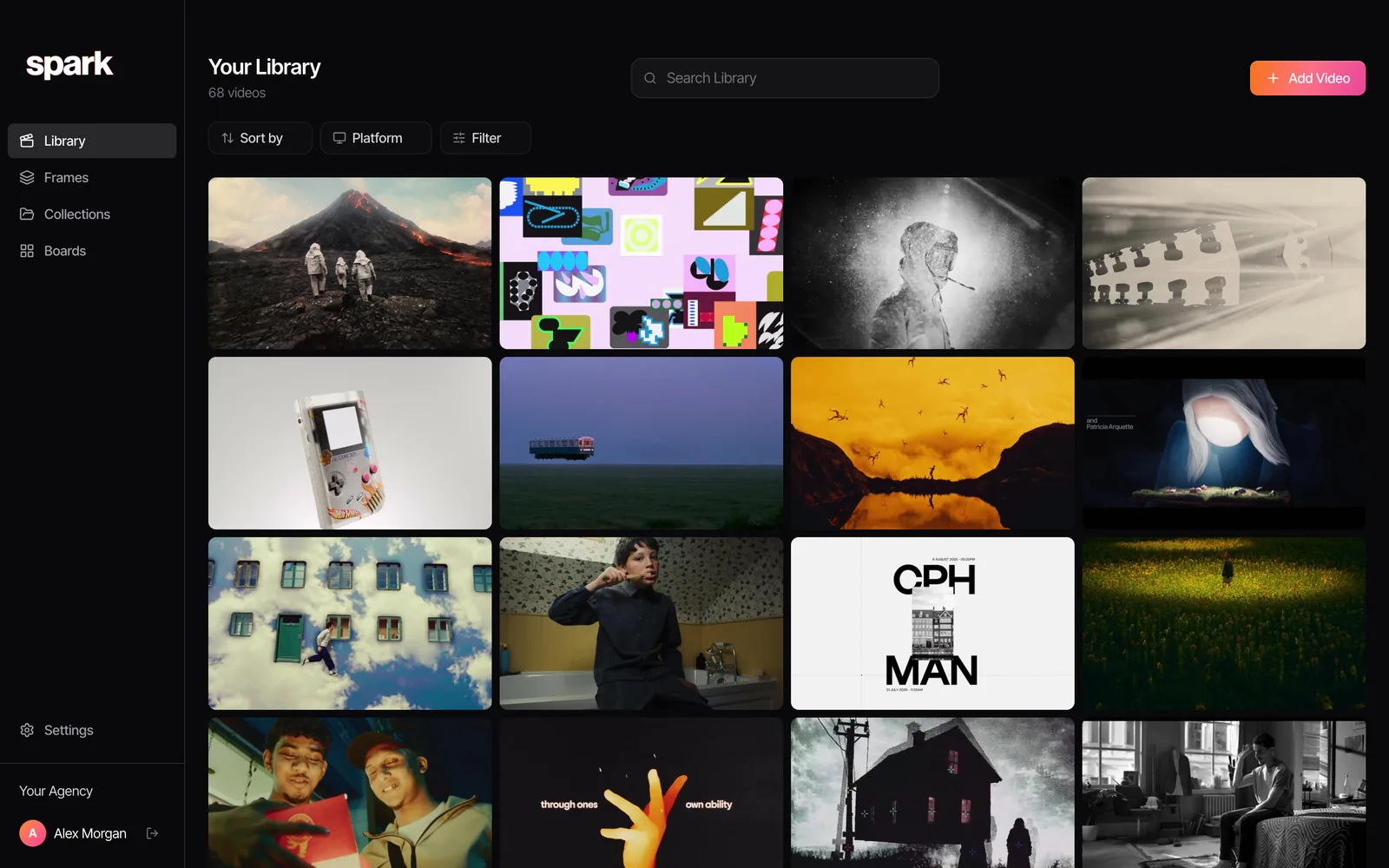
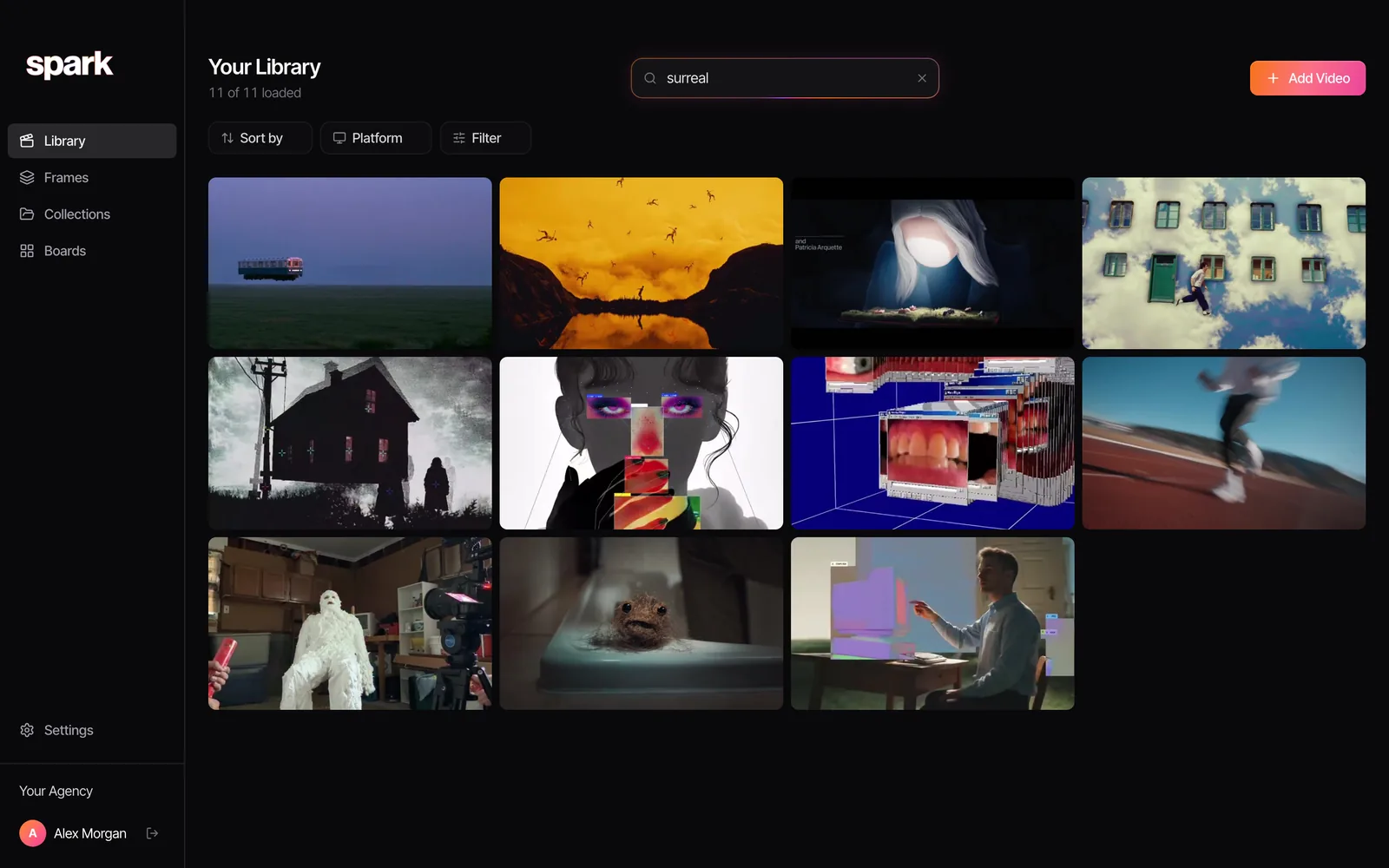
On the Tuesday test it was the only tool that passed all five. Each video gets a thumbnail, an AI description of what's in it and a transcript of the audio. So a search for "surreal" finds the floating metro carriage and the man running across a facade of sky, even though nobody tagged either of them.
Collections hold a project's videos and frames together and can be shared as a public link. Boards lay references out as a moodboard, Export GIF and Export Frame pull the exact moment you mean, and Create Moodboard sends a board to Google Slides, Canva, PowerPoint, Keynote or PDF. On Studio the team shares one workspace, and the Slack integration saves links posted in a channel.
Weak at: discovery, since it only knows what you save. It's desktop only, with no mobile app. And if your library is mostly still images, Eagle is better value.
Eagle, the best solo library for images
Eagle keeps everything as files on your own Mac or PC and makes them quick to browse, tag and filter. $34.95, once, for two computers. No subscription, which is rare now.
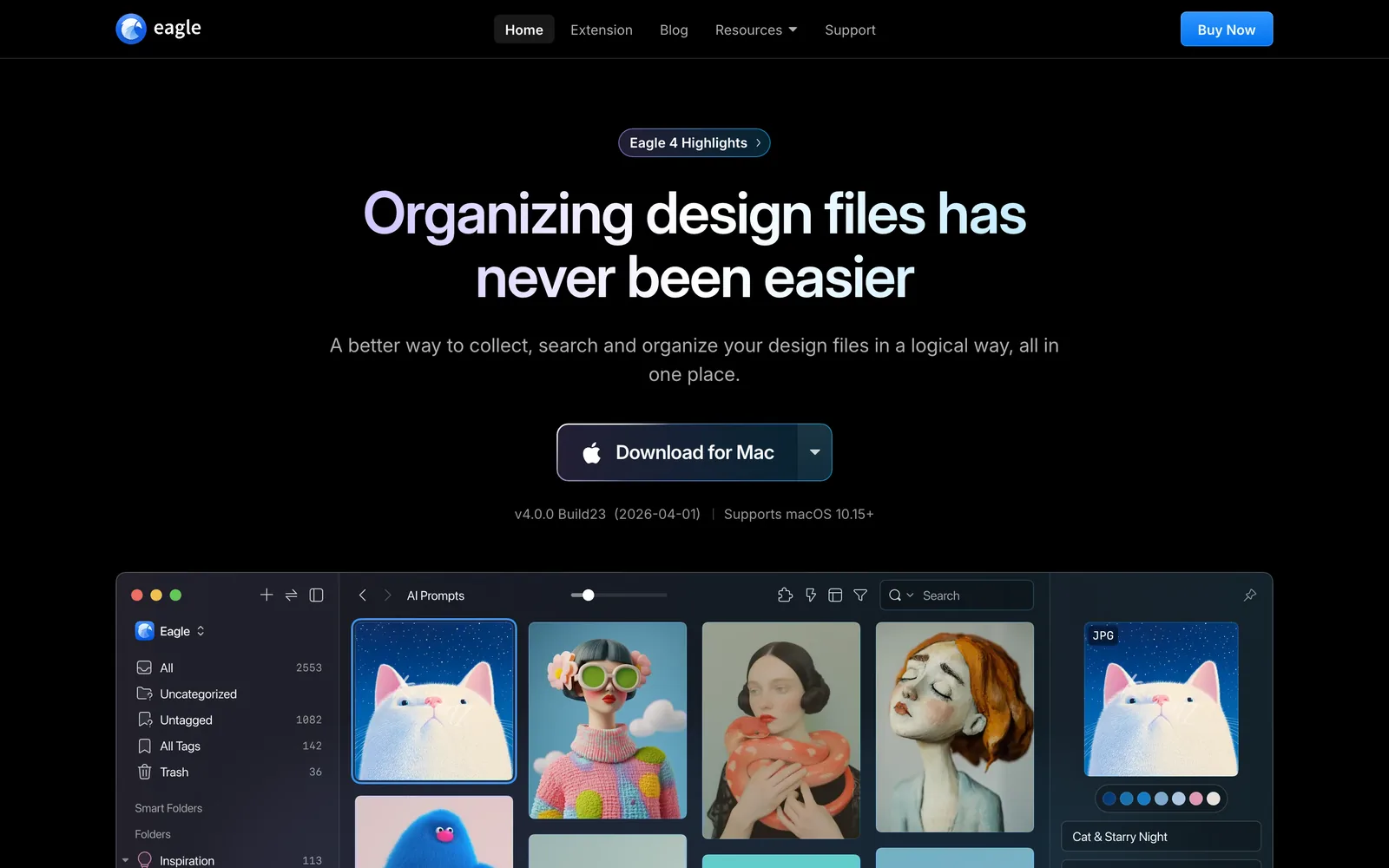
Eagle 4 adds AI search by image or by meaning, so you can find a picture without remembering its filename. It plays video files happily too. The snag is getting them in from social platforms, because the browser extension is built around images, so reels and TikToks mean a community plugin or a separate download first. And it's fundamentally a one-person tool: teams can share a library through a synced folder like Dropbox, with some care. On the Tuesday test it scored well on questions two and five and badly on one and four.
Pick it if you're a designer or illustrator who wants to own the files outright. The fair head to head is Spark vs Eagle.
Are.na and mymind, the calm ones
These two share a temperament. No ads, no algorithm, nothing shouting at you.
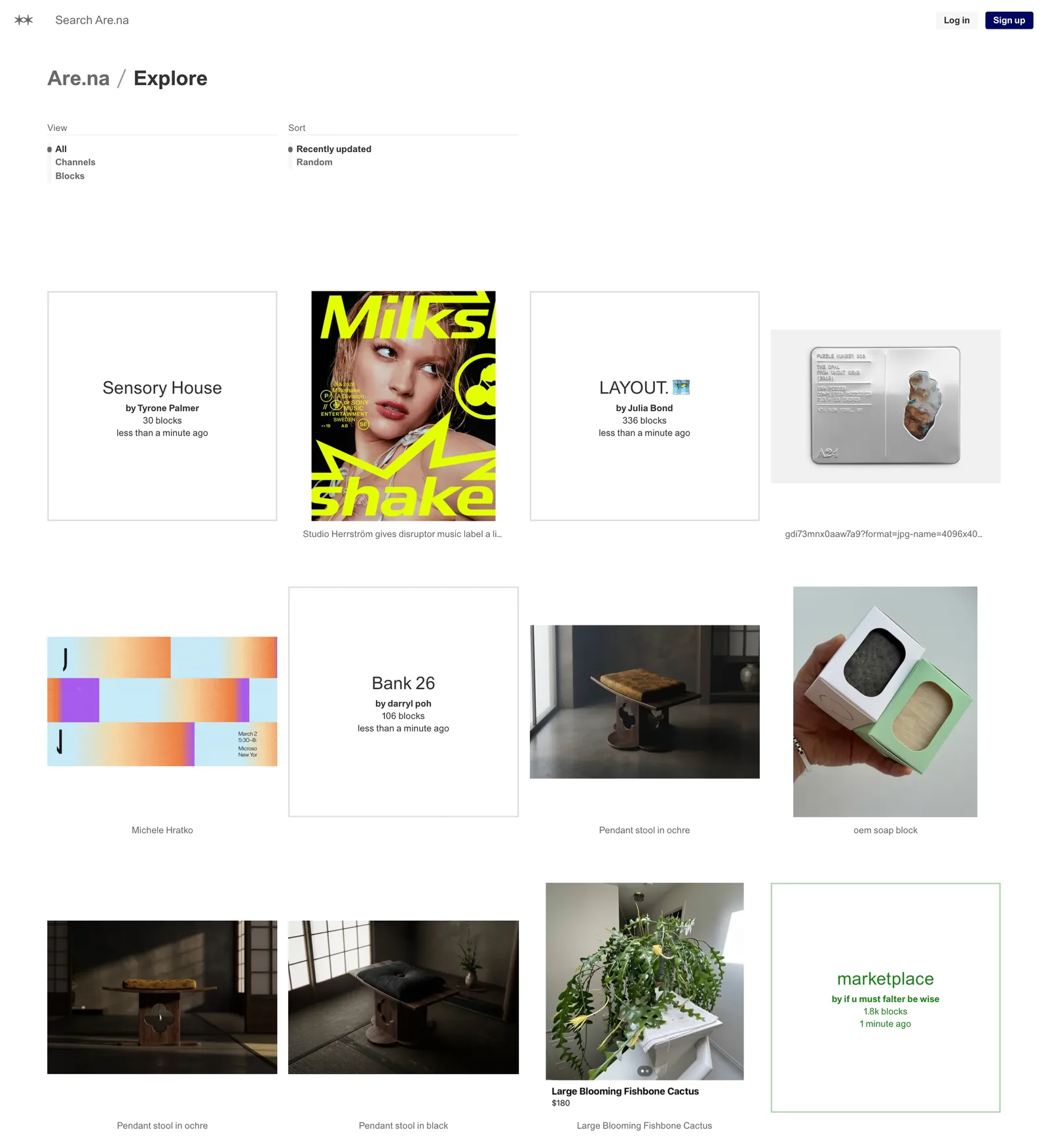
Are.na is for thinking. You collect images, links, text and files into channels, and channels connect to other people's channels, so you end up following ideas rather than feeds. Free for 200 blocks, then $7 a month or $70 a year. It's wonderful for a long research practice and weak as a production library: video is mostly links and embeds, so it lives and dies with the original post, and you won't search inside a clip. More in Spark vs Are.na.
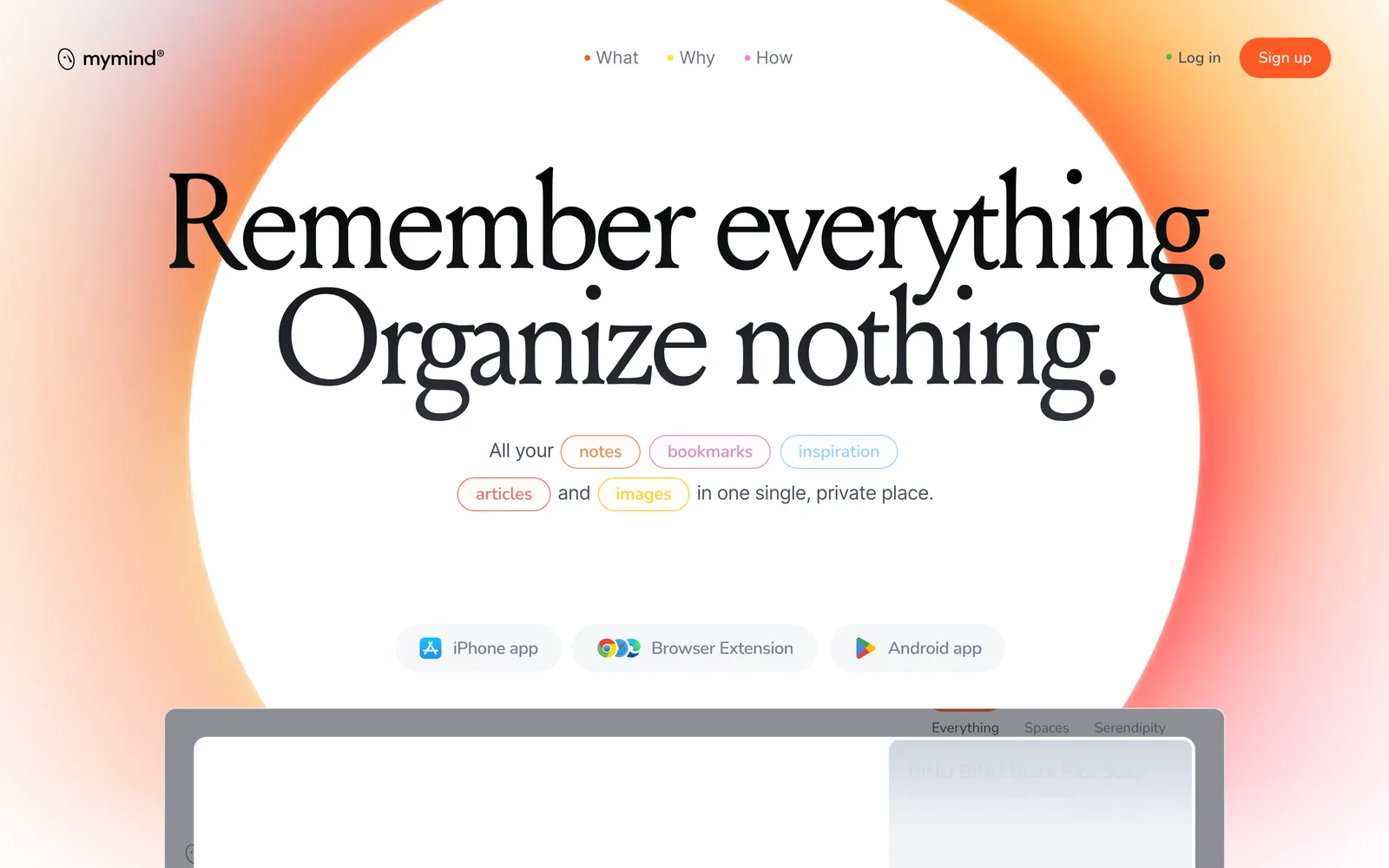
mymind goes further and refuses to make you organise at all. Save an image, a note, an article or a video, and it sorts and searches for you, privately. Plans start at $4.99 a month, the Mind plan is $79 a year, and Mastermind ($129 a year) lets you upload video files up to 500 MB. It's built as a personal memory. For one curious person, lovely. For a crew of eight, no.
Notion, for teams that live in docs
A Notion database with a property for technique, mood, colour and client is a perfectly decent reference log, and it sits next to the brief, the schedule and the call sheet. A lot of teams already pay for it, and there are community templates for exactly this.
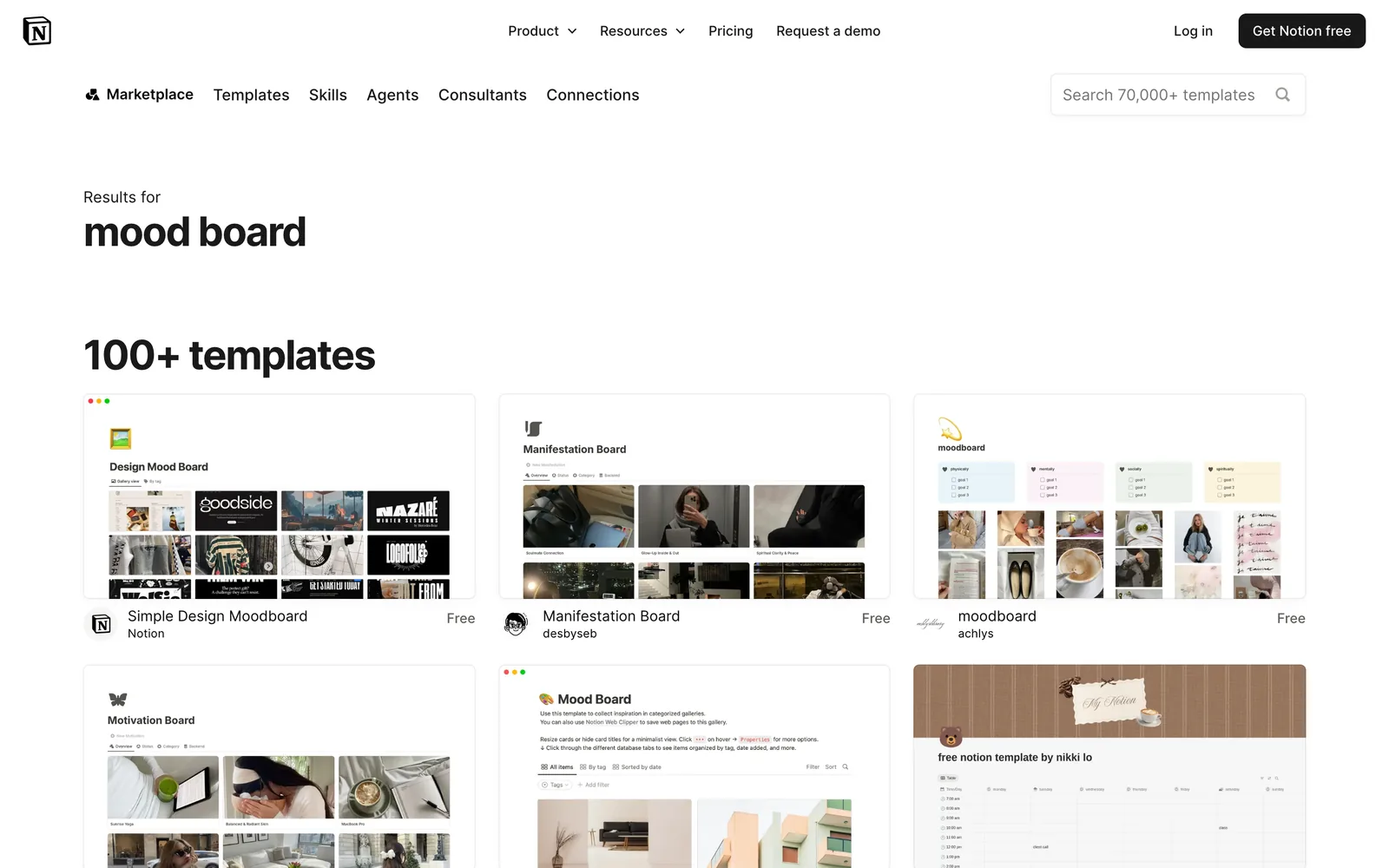
The trouble is the media. Embeds rely on the original post staying up, and the free plan caps uploads at 5 MB a file, which is a few seconds of 1080p. Plus (£8.50 per member a month) lifts the cap. Plenty of teams we know use Notion for the notes and something else for the clips, which is a sensible split.
Part two: the tools that sit beside the library
None of these should be your library on their own. All of them make a library better.
Raindrop.io, for the links that aren't videos
Raindrop.io is a bookmark manager, and a very good one. Articles, interviews with DoPs, a colourist's breakdown, a rental house's lens page: the stuff that's research but isn't footage.
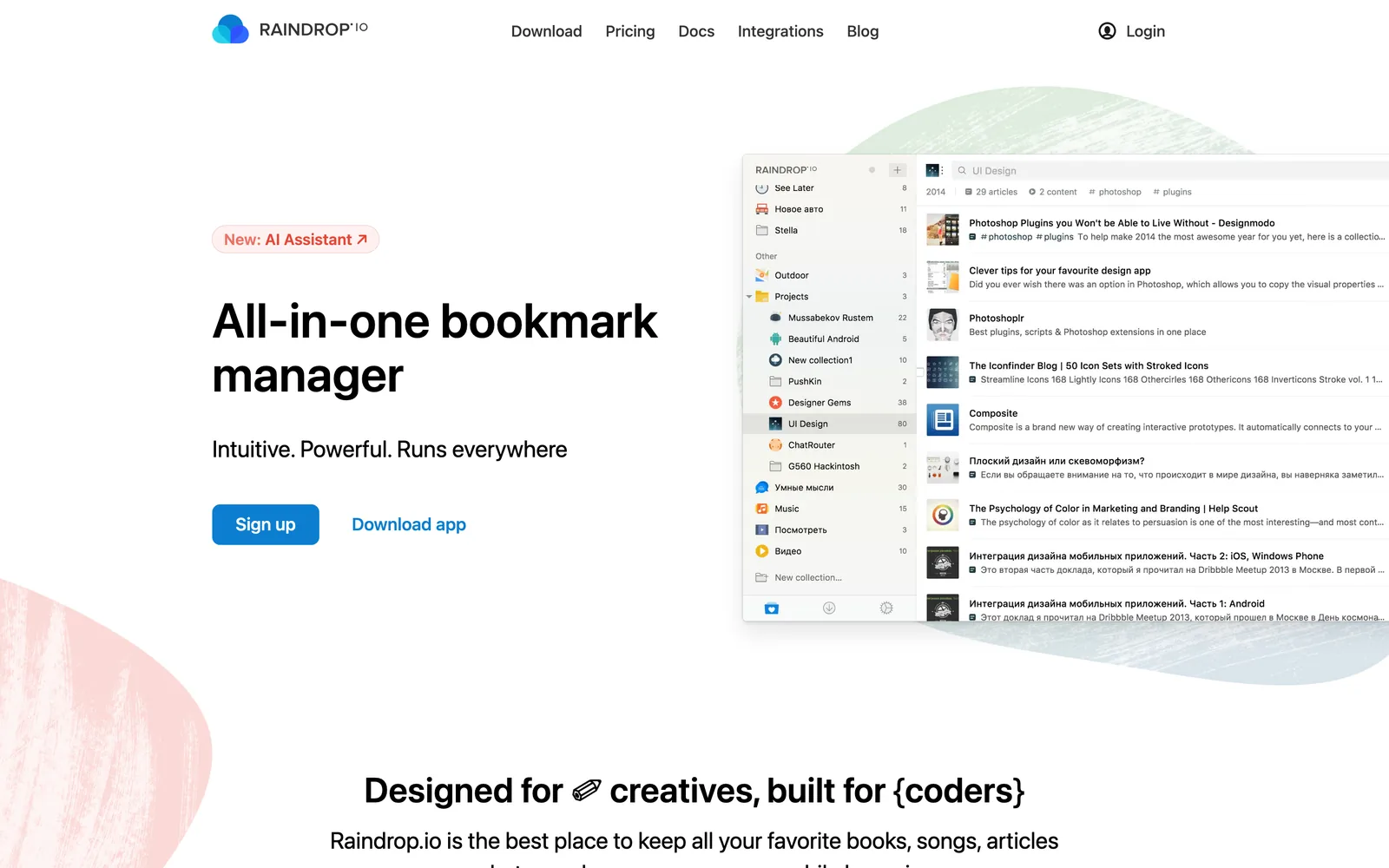
The free plan gives you unlimited bookmarks and collections. Pro (£25 a year) adds permanent copies of pages and full-text search, which, according to Raindrop, reaches every spoken word in saved YouTube videos. If most of your references are YouTube, that's a real trick. Instagram and TikTok saves are still just links with a preview.
PureRef, for when you're actually working
PureRef is a floating, frameless canvas that sits on top of whatever else you have open. Drop twenty frames on it, scale them, keep them in the corner of your screen while you storyboard, light a set in Unreal or grade in Resolve.
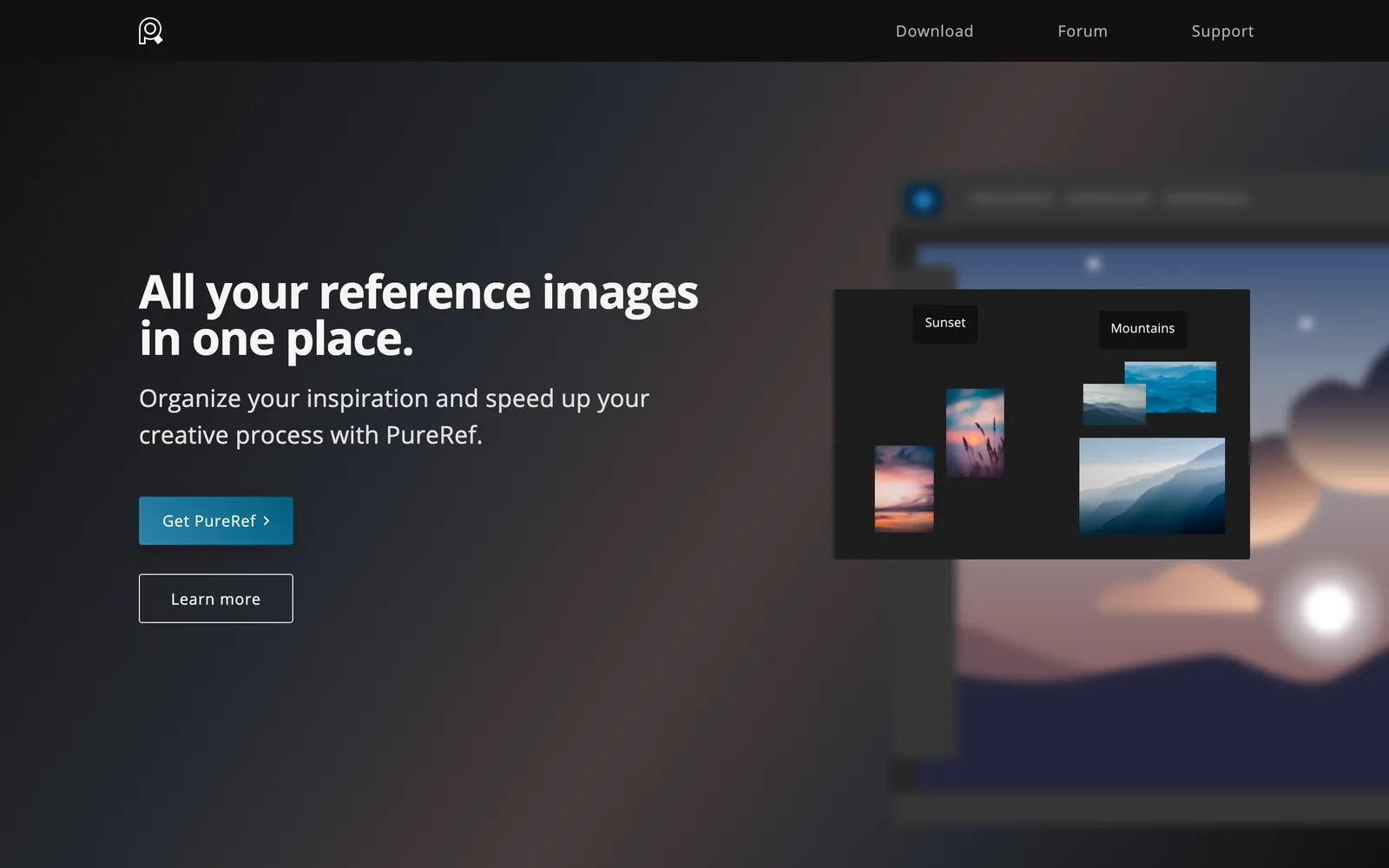
It's not a library and doesn't pretend to be. It's what you open after you've found the references, which is exactly why it pairs well with any tool in part one. Pay what you want for personal use; commercial licences are paid.
Cosmos and Savee, for finding new things
These are the two designers mention when they say they've left Pinterest.
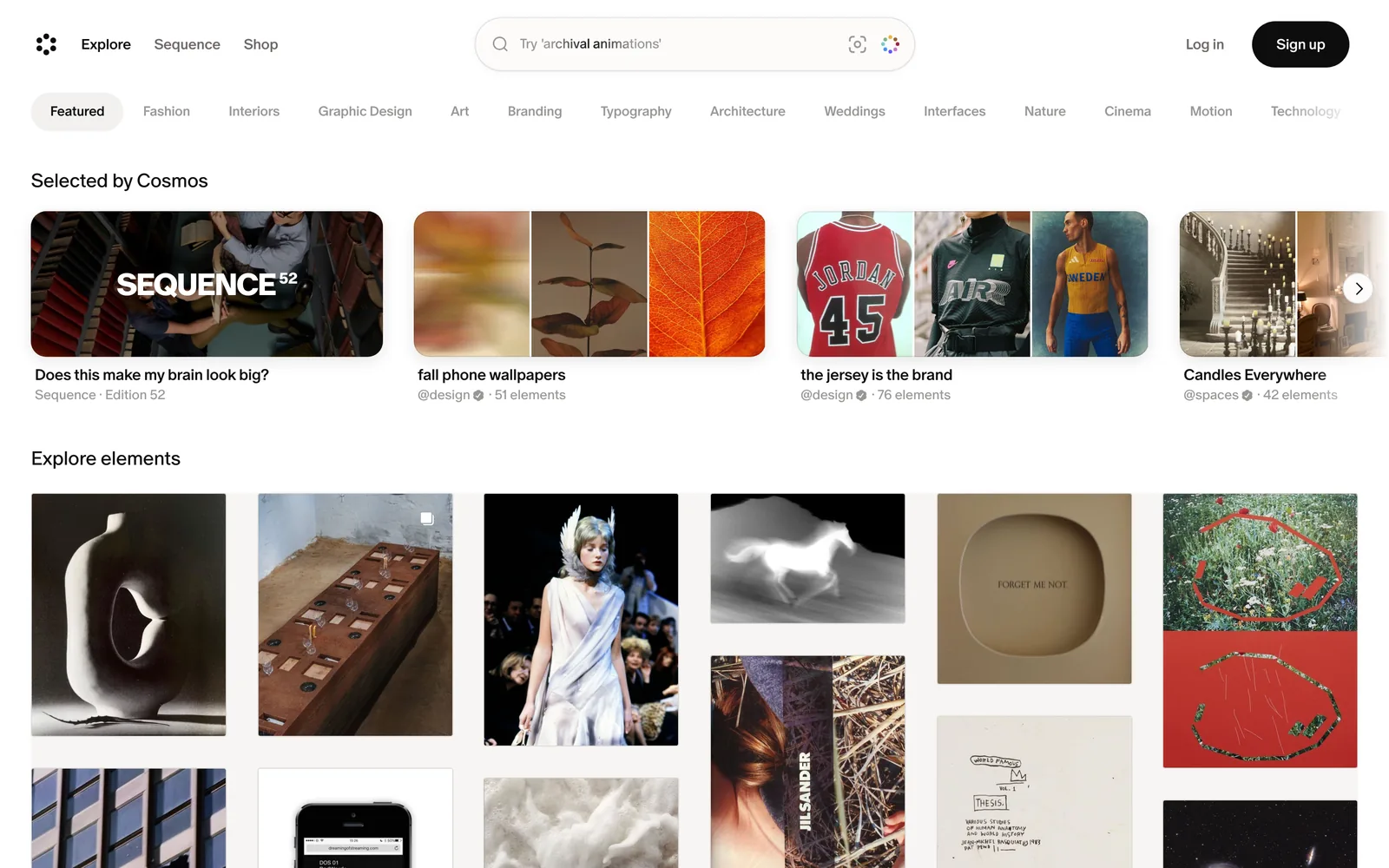
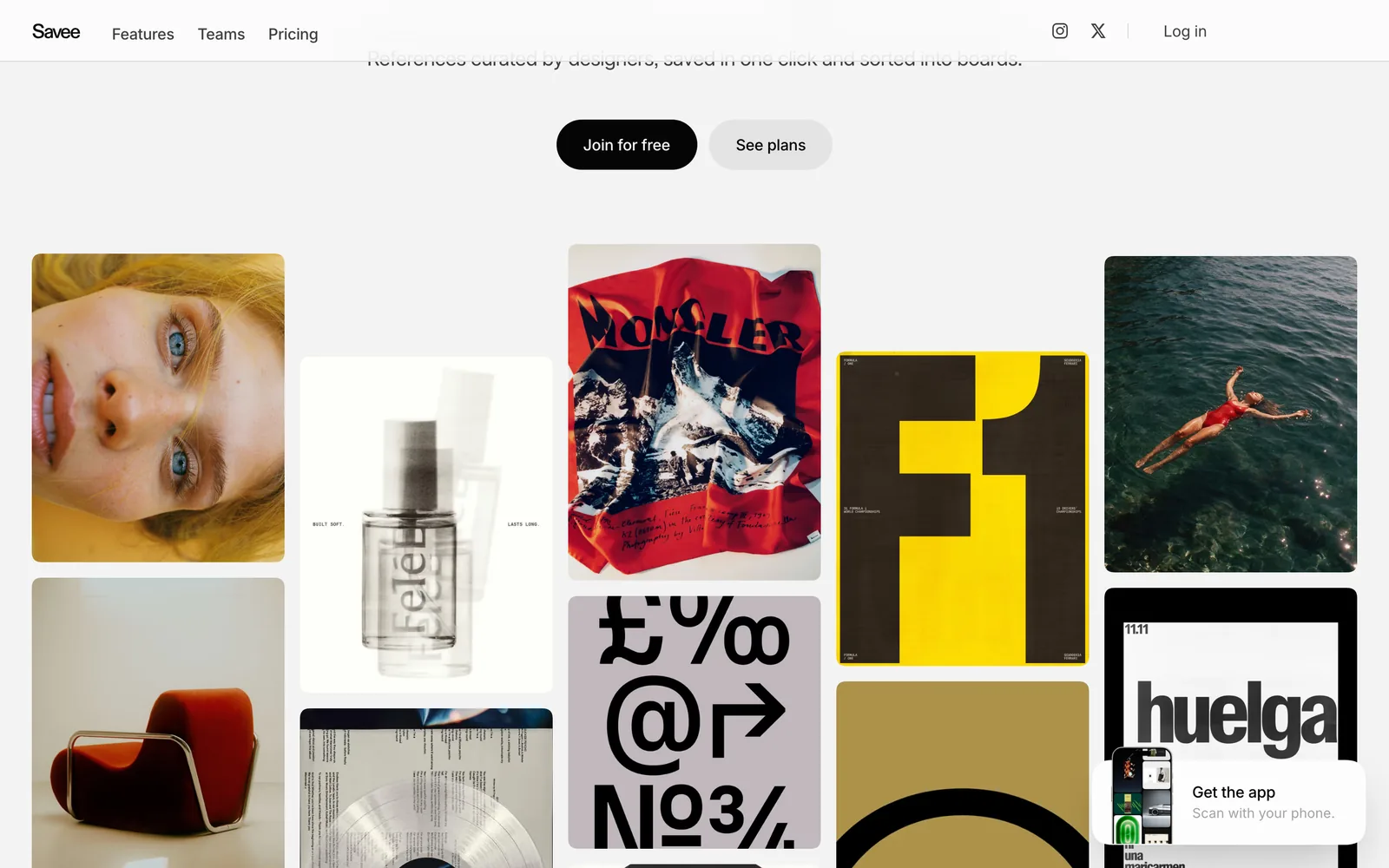
Cosmos lets you search by colour or by image, hide or blur images flagged as AI-generated, and build collections. It's free to join. Savee has a free plan and Pro at $9 a month billed yearly, with search by colour or image and a Team plan for studios. Both lean towards graphic design, fashion and photography, with little moving image. Treat them as the place you find things, then bring the keepers home. Our Pinterest alternatives guide goes through them one by one.
FILMGRAB, for film stills
FILMGRAB is a free archive of film stills, browsable by film, by director or cinematographer, and by category. When a director says "it should feel like Roma", this is where you go to check what Roma looks like.
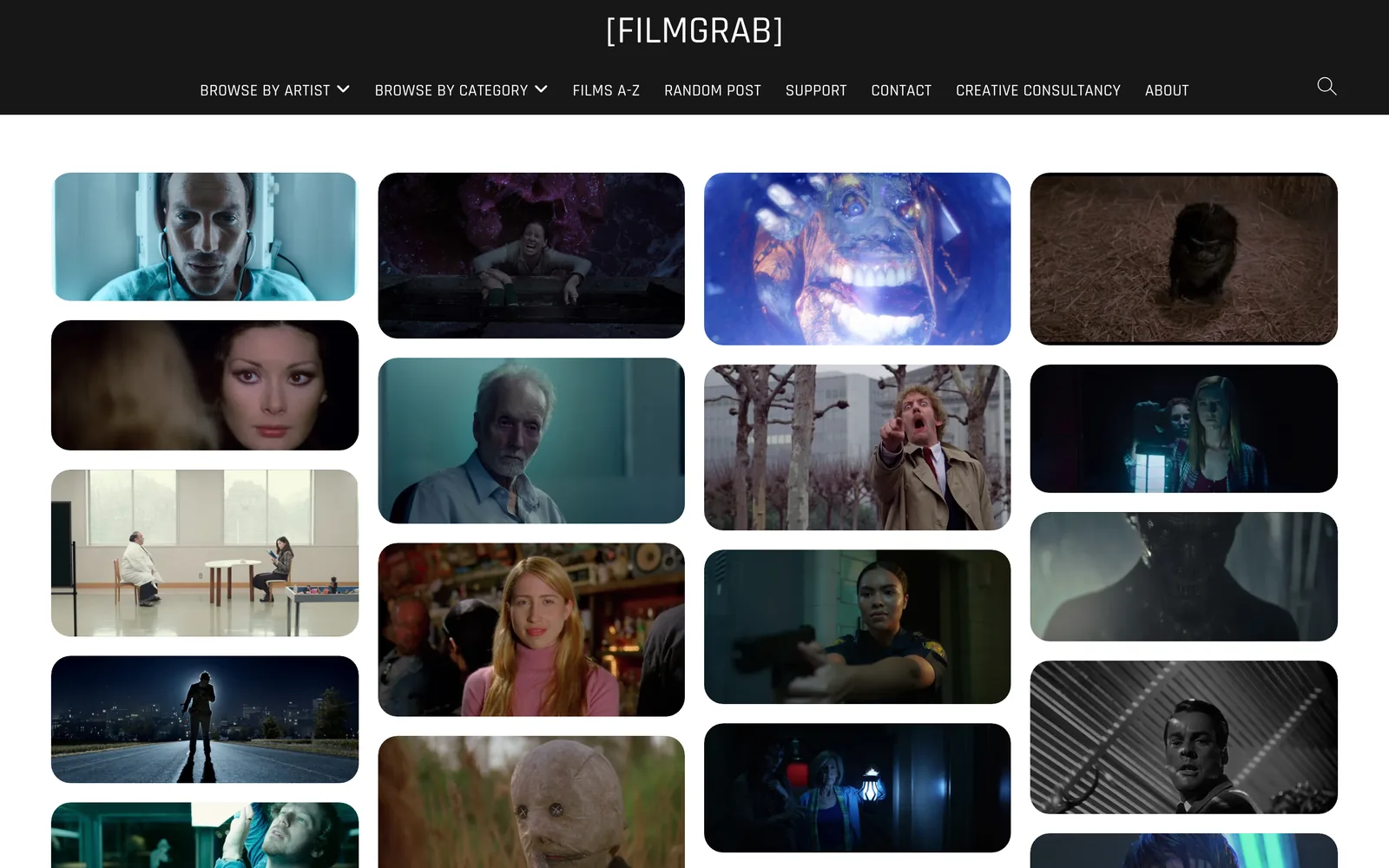
Pull the frames you need into your library with a note on why, and if the colour is the point, run the still through our free colour palette extractor so the hex codes travel with it. The paid stills libraries, ShotDeck and Frameset, add search by colour, lighting and lens if you do this every week.
Pinterest, for wandering
Pinterest is free, vast and very good at showing you more of what you like. For wardrobe, set dressing, colour and locations it's often the first stop.
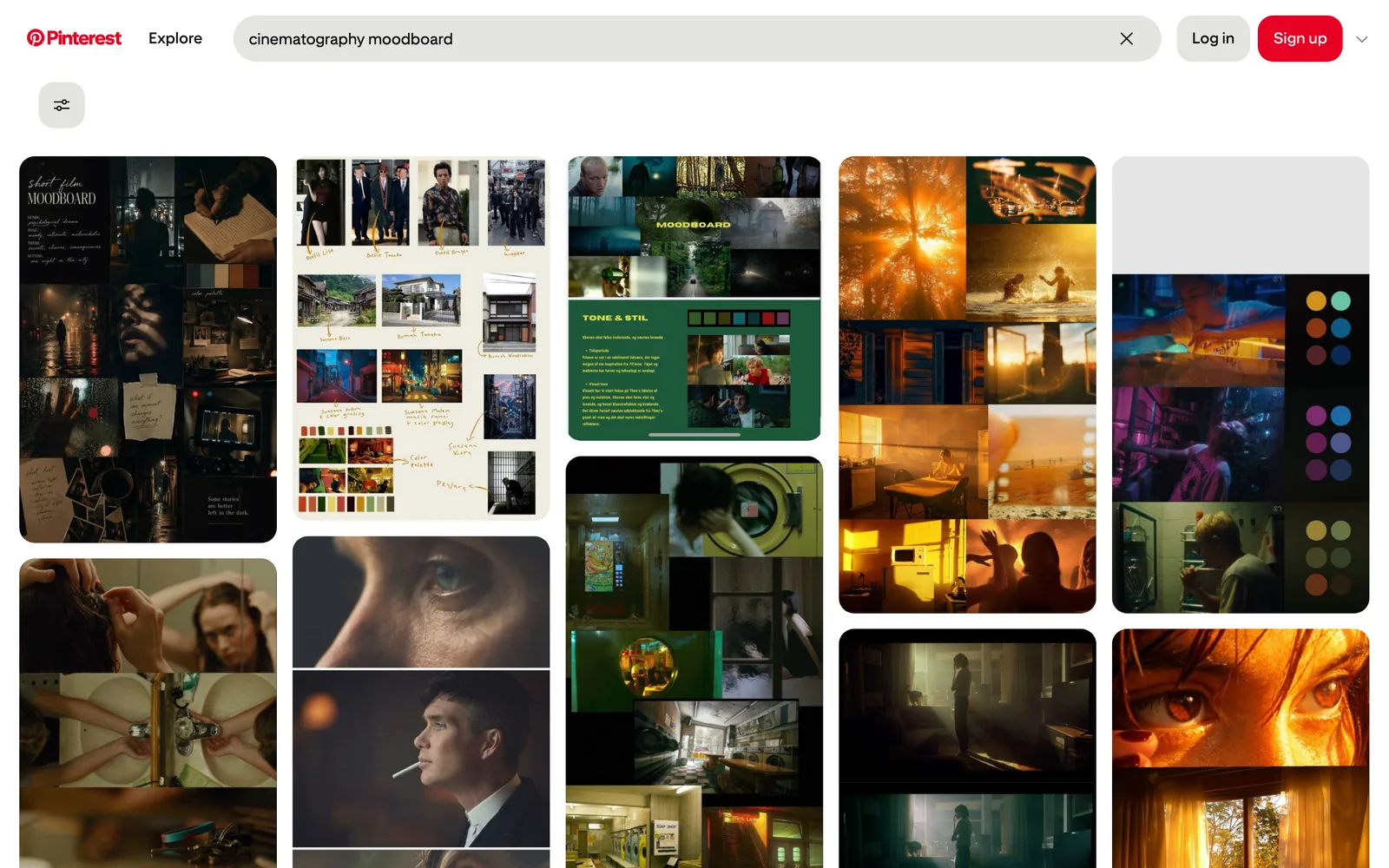
As an archive of video from elsewhere it's weak. Save an Instagram reel or a TikTok and you're saving a pointer to someone else's account, so when the post goes, so does your reference. You can't search what's said in a clip. We go through it in Spark vs Pinterest.
What happened to Kive?
If you remember Kive as an AI-powered reference library, it has changed direction. Its site now sells AI product photography for e-commerce brands.
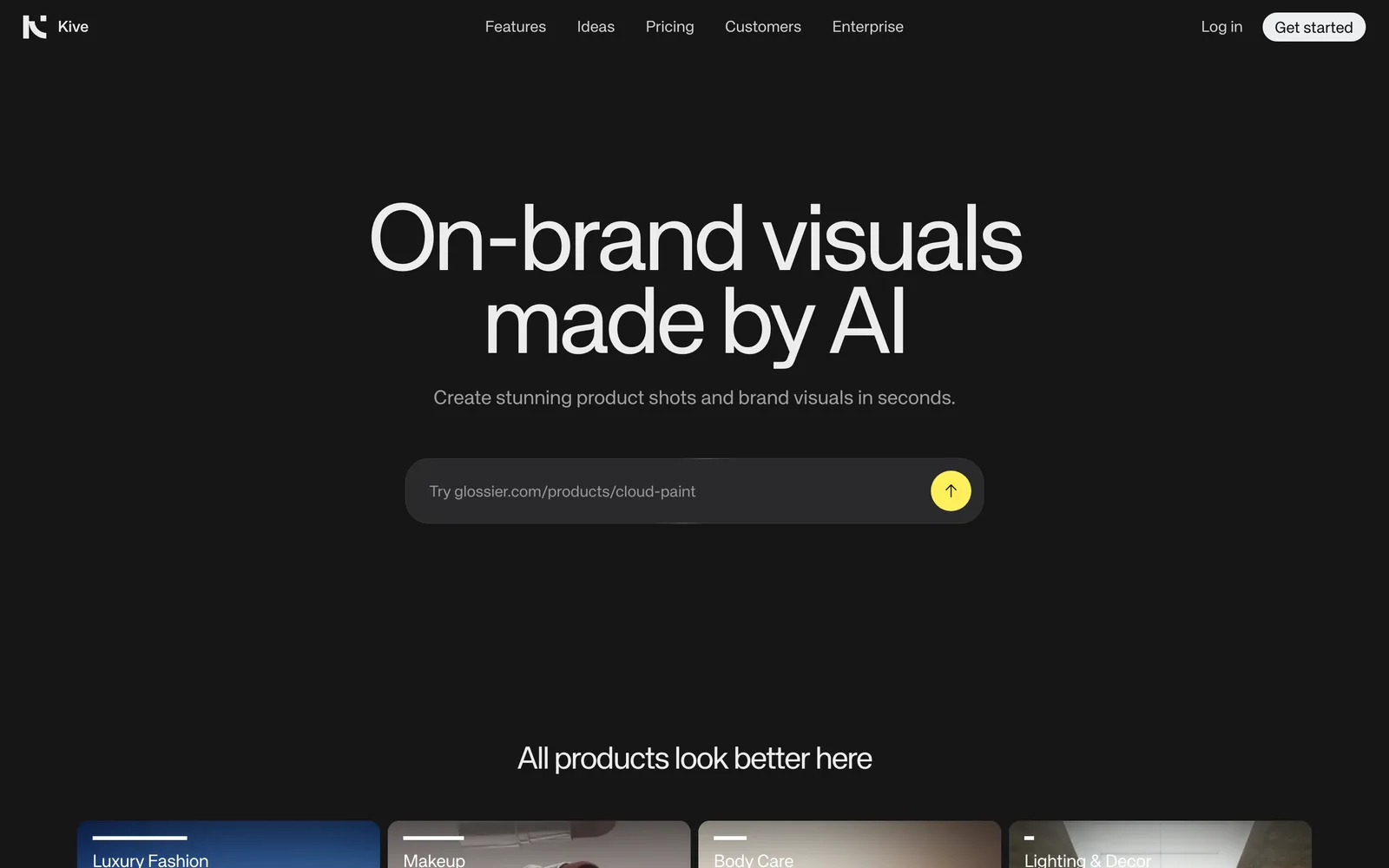
It's still operating, just no longer the tool these lists used to recommend for organising inspiration. What changed, and where its old users can go, is in Spark vs Kive.
Side by side, against video
| Saves video from a social link | Keeps a copy | Searches inside the video | Team sharing | |
|---|---|---|---|---|
| Spark | Yes, most major platforms | Yes | AI descriptions and transcripts | Team workspaces, shared collections |
| Eagle | Via plugins or a manual download | Yes, local files | AI search by image and meaning | Synced folder workarounds |
| Are.na | As links and embeds | Images yes, video no | No | Collaborative channels |
| mymind | Saves the link; video uploads on Mastermind | Uploads only | Its own AI search | No, it's personal |
| Notion | Embed or upload | If uploaded | No | Excellent |
| Raindrop.io | As bookmarks | Pages, on Pro | YouTube speech, on Pro | Shared collections |
| As pins pointing elsewhere | Images yes, outside video no | No | Group and secret boards |
How to choose in two minutes
Count your last 50 saved references.
If more than half are images you'd happily keep as files, buy Eagle and be done with it. Add PureRef for working sessions.
If more than half are videos on someone else's account, you need something that keeps a copy and lets you search inside it. Just you? You could get by with downloads, a good folder system and the method in our guide to building a searchable creative library. A team? You'll want shared search, and that's where Spark comes in, with Raindrop for the articles and Cosmos or Pinterest as the place you go looking.
Spark exists because of that Tuesday afternoon, repeated most weeks for years at our own production company.
FAQs
What is the best app for organising creative references?
For still images on your own computer, Eagle is the best value: a one-off $34.95 with fast tagging. For video references saved from social feeds, especially for a team, Spark is built for the job because it keeps a copy and searches inside the video. Are.na suits slow, connected research.
What is a good Eagle alternative?
It depends on what you miss. For team sharing and video from social platforms, Spark. For a calm, private online collection you can reach from any device, Are.na or mymind. For a written log beside your documents, Notion. Eagle is still hard to beat on price for a solo image library.
Can Pinterest be used to organise video references?
For discovery, yes, and secret boards work for private projects. As an archive it's weak: pins from Instagram or TikTok point back to someone else's account, so they break when the post is removed, and you can't search what's said in a video.
Is Kive still available?
Kive still operates, but as of October 2026 its site describes AI product photography and on-brand visuals for e-commerce brands. If you were using it as a reference library, look at Eagle, Are.na or Spark depending on whether you save mostly images, research or video.
What's the difference between a reference library and PureRef?
A reference library stores, tags and searches everything you've ever saved. PureRef is a viewer: a floating canvas that keeps a handful of references on screen while you work in another app. Most people who use PureRef also have a library somewhere, and drag the day's references out of it.
Can Frame.io be used as a reference library?
It can hold a folder of references at a push, and plenty of post teams try it because they already pay for it. It's built for reviewing and approving your own cuts, though, not for saving reels and ads from other people's accounts. We go through where the line falls in Spark vs Frame.io.
Keep reading
All articles
Spark vs Milanote: Which Is Better for Video Moodboards?
We make Spark, and we still think Milanote is the better tool for some people. Six rounds, real boards from both apps, October 2026 prices, and why plenty of teams use both.
How to Build a Searchable Creative Inspiration Library
Your references live in nine places and none of them has a decent search bar. This is the four-step system we run at our own production company, in whatever tool you like.

How to Make a Moodboard for a Video Project
Twenty well-chosen frames with a line of explanation under each will do more for your shoot than two hundred beautiful pins. Here's how to build that board, section by section.