
How to Save Instagram Reels for Creative Inspiration
Instagram's Saved tab is a fine bookmark and a terrible archive. Here's how to use it well, where it lets you down, and what we do with the reels that matter.
By the Spark team ·
Tap the bookmark on a reel and it goes to Saved, a private folder on your profile under the menu (the three lines, top right). Tap Save to collection in the bar that pops up, or make collections inside Saved with the + button, and you can file reels into named folders. Only you can see them, and the creator never finds out who saved what.
That's plenty for "recipes to try". For work, there's a catch you should know before you build a year of references on it: a save is a bookmark, not a copy. When the creator deletes the reel, archives it or takes their account private, it goes from your Saved too.
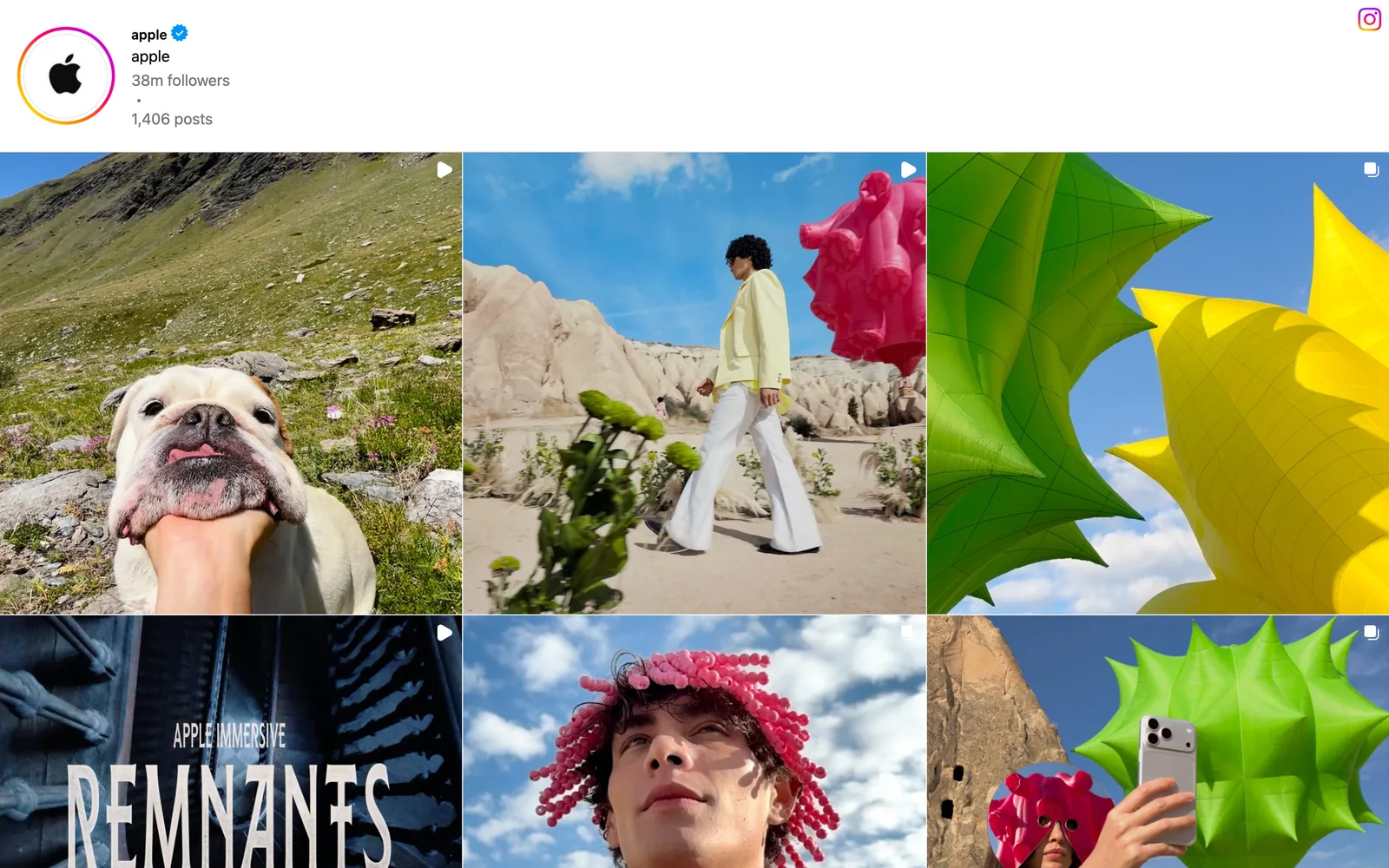
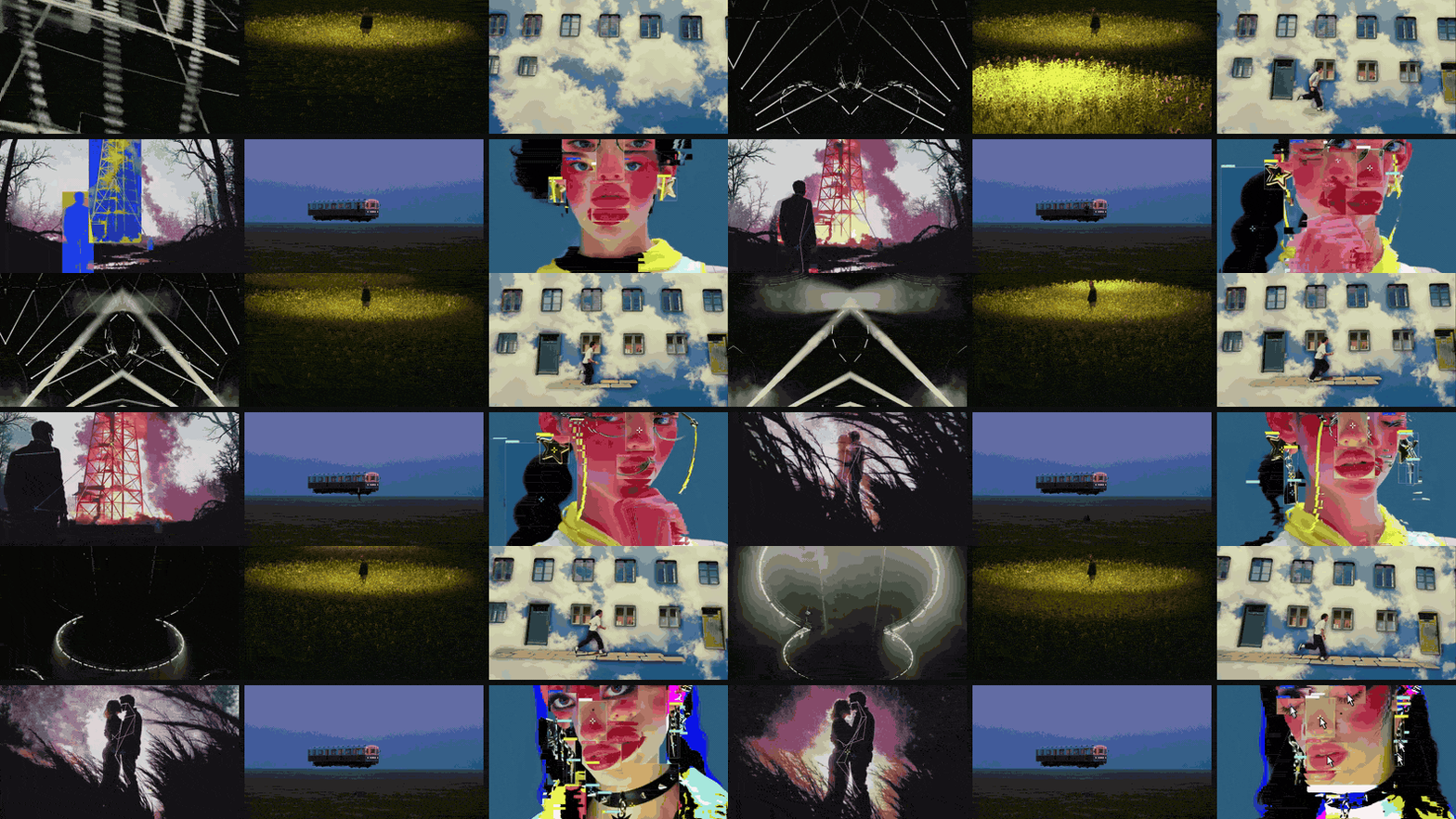
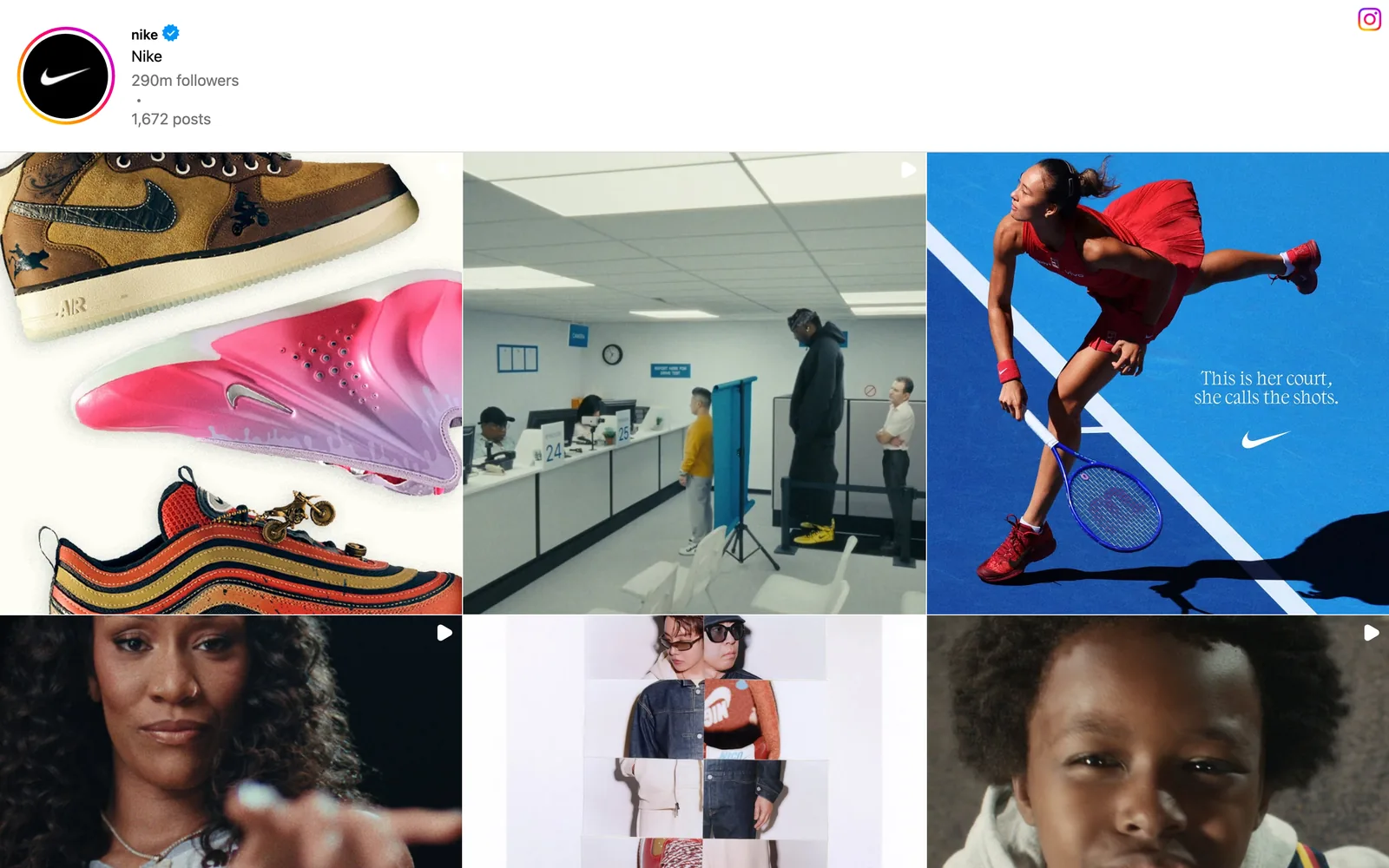
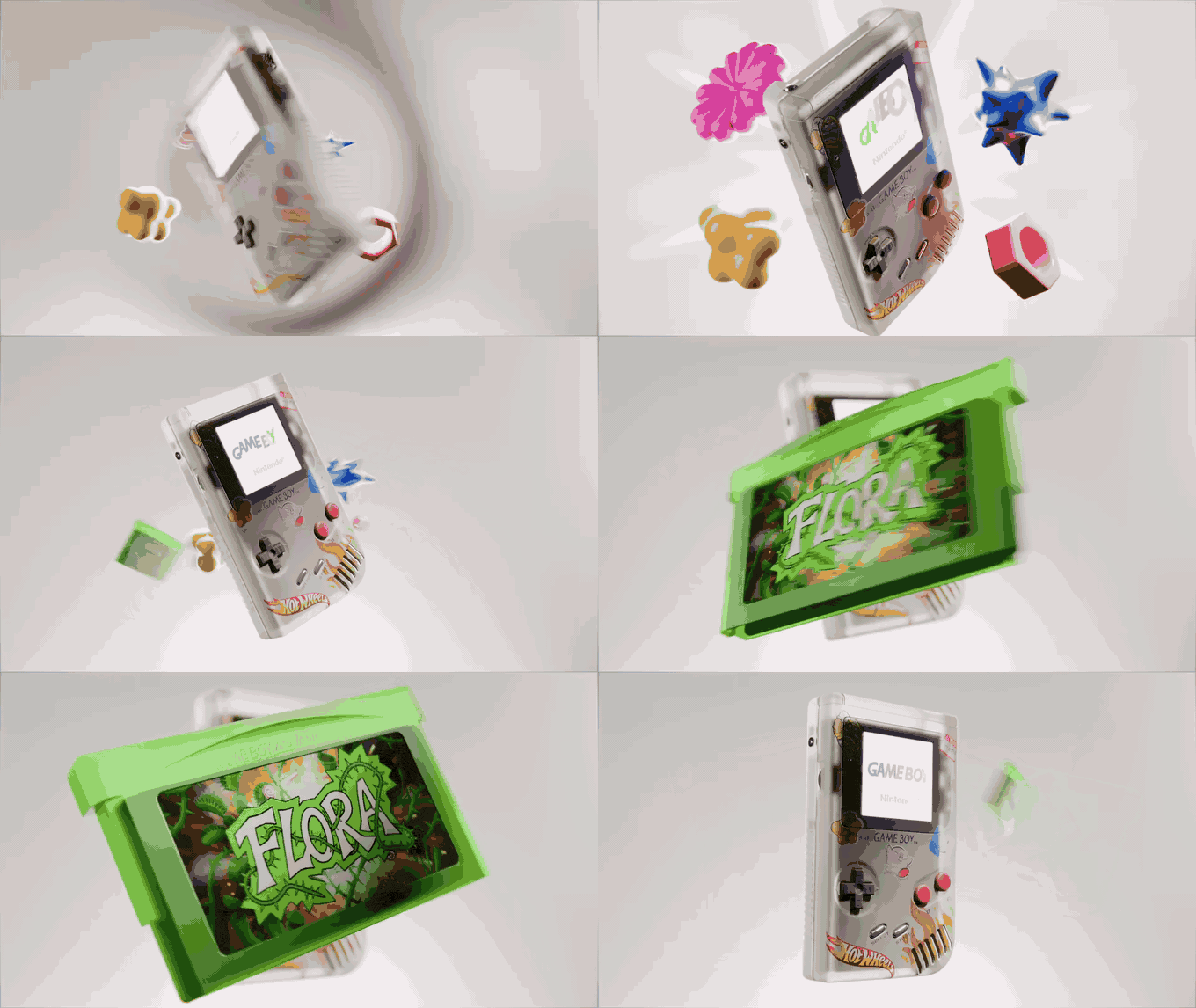
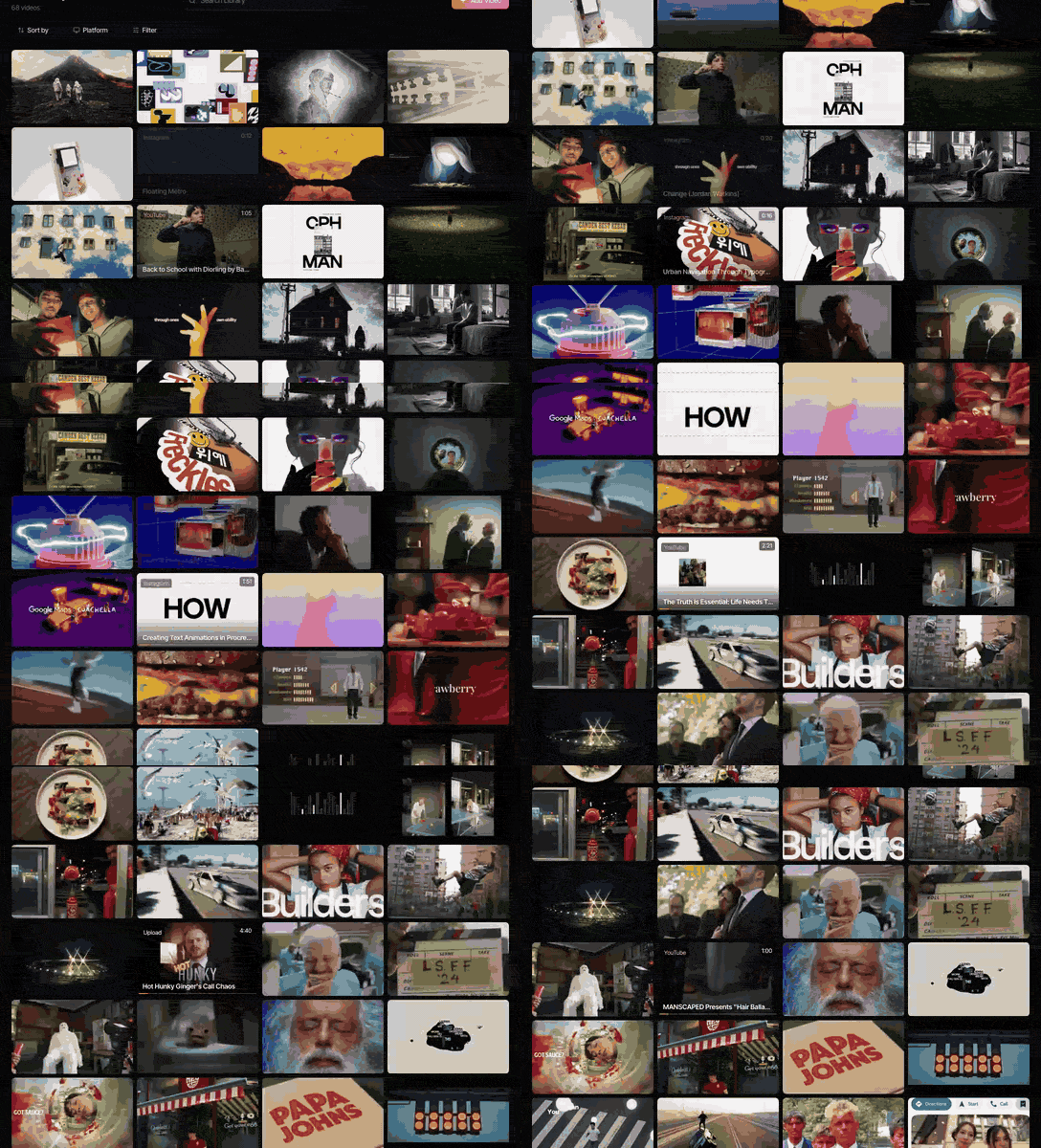
We learnt that the expensive way. Instagram is where most of our references start: the library shown on this page holds 68 references and 37 of them came from Instagram. Below is how to get the most out of Instagram's own tools, and what we do with the reels we can't afford to lose.
How to save a reel and file it
- On the reel, tap the bookmark. Depending on your app version it sits in the right-hand rail or inside the Share or three dots menu.
- A bar pops up at the bottom of the screen. Tap Save to collection and pick one, or tap + to make a new one.
- To find it later: Profile, then the menu, then Saved. On a computer, go to instagram.com, click More in the sidebar, then Saved.
Everything you save lands in All posts, and collections are extra folders on top. One reel can live in several collections, which is handy: the same clip can sit under "Edit: speed ramps" and "Pitch: trainer brand".
A collection system that holds up
Most people's Saved tab is one endless grid of 800 reels, in roughly the order you scrolled past them on the sofa at midnight. Collections fix that, but only if the names are still useful in a year.
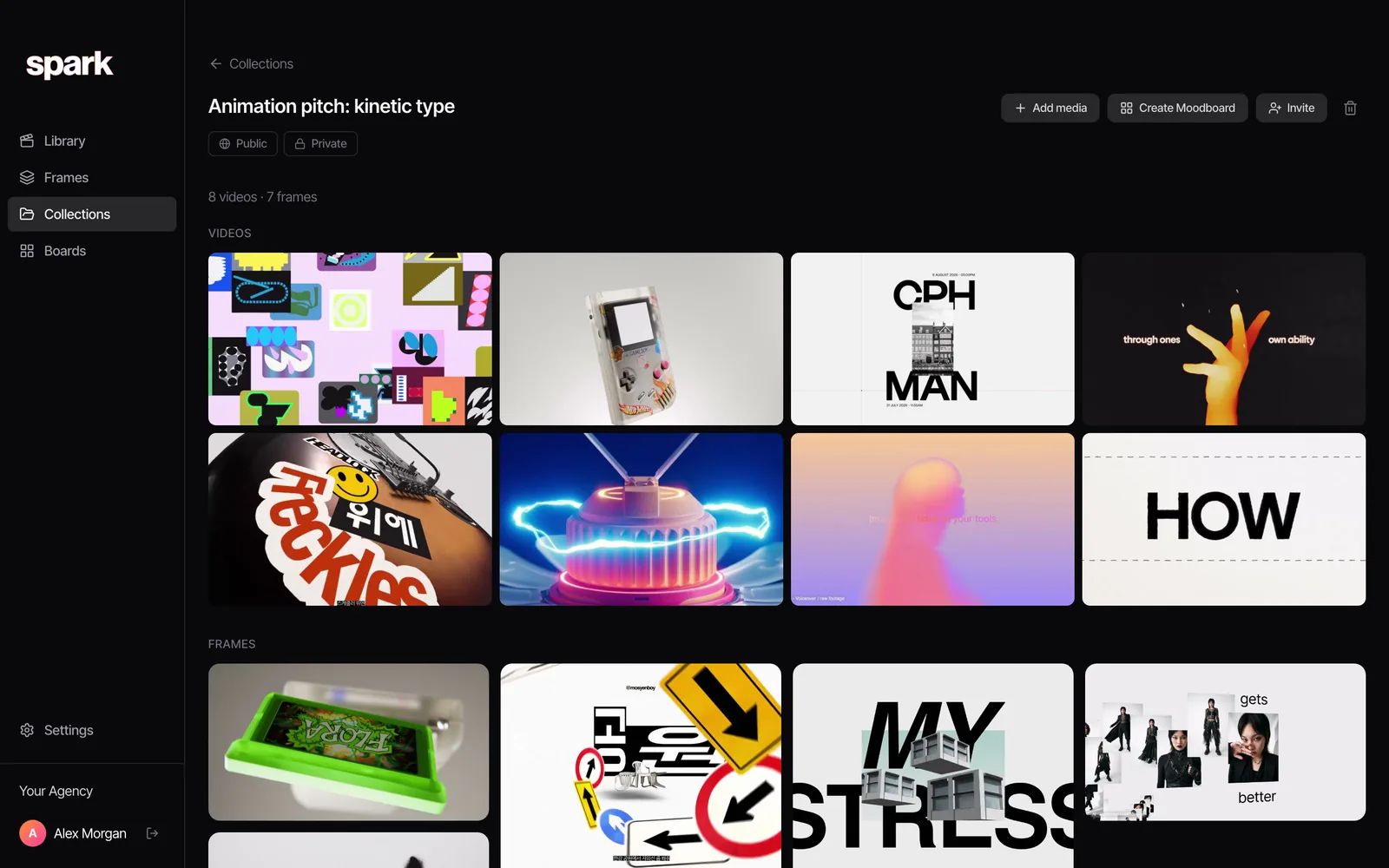
Name collections by technique, not by project. Project collections die when the project ends. Technique collections get more valuable every week. Ours break down like this, with reels that live in them.
Light. Practicals, hard sun, neon, a single source in a dark field.


Type and graphics. Kinetic type, captions you'd steal, collage.


3D and motion design. The stuff a motion designer will ask for by name.

Then the rest: Camera (whip pans, top shots, handheld follow, snorricam), Colour (red accent, tonal, pastel, bleach bypass), Edit (match cuts, speed ramps, cuts on the beat) and People (casting, wardrobe, performances).
Add one collection called Inbox for anything saved in a hurry, and empty it on Friday afternoons. Fifteen minutes, a cup of tea, and you'll find things when the brief lands. The deeper version, with tags, naming and the folders versus tags argument, is in building a searchable creative library.
Collaborative collections: good, with limits
Since 2023, Instagram has let you share a collection with other people. Make one from a DM or group chat (tap the bookmark next to a shared post) or from a new collection, and everyone in the chat can add and remove reels. Instagram said at launch that up to 250 people can have access.
It's a decent way for a small team who all live on Instagram to pool references. It has the same weaknesses as your private Saved, though, plus a couple of its own:
- Everyone needs an Instagram account. Your client who "doesn't really do social" can't open it.
- Each reel keeps its own privacy. If it's from a private account a collaborator doesn't follow, they can't see it.
- When a creator deletes a reel, Instagram removes it from the collection. Instagram's own announcement said as much.
Where Instagram's Saved tab lets you down
To be fair to Instagram, Saved is built for one thing, keeping a reel to watch again, and it does that well. It's private, free, one tap, and right there in the app you're already scrolling. Its problems all come from being used as an archive, which it was never meant to be.
Reels disappear. A save is a pointer to someone else's post, so you lose it whenever they change that post. Brands archive campaign posts once a campaign ends. Creators clear their grid before a rebrand. Accounts go private, get banned or vanish. Licensed music can go unavailable too, leaving you the pictures without the rhythm that made you save it.

There's nowhere to write why. You saved that reel for the way the camera pushes through the doorway at 0:04. Instagram doesn't know that, and in four months neither will you.
You can't search inside the reels. Nothing in Saved finds a reel by what's on screen or what someone says. You scroll. Our guide to finding a video you saved months ago has the rescue steps for when you know it's in there somewhere.
It doesn't travel. Saved lives inside Instagram. You can't drop a collection into a treatment, put it on the office TV, or send it to a client who isn't on the app. On a laptop, reel links often hit a login wall, which is how a client meeting becomes a demo of Instagram's sign-up screen.
A save is a bookmark to someone else's post. The day they delete it, your reference goes with it.
Downloading reels for reference
For the reels you really can't lose, you want a copy. Instagram offers one, within limits:
- Tap the Share icon (the paper plane) on the reel.
- Tap Download.
- It saves to your camera roll with the creator's handle as a watermark.
It only works on public accounts, and creators can switch it off. For your own reels, use the original from your camera roll; it's sharper than anything Instagram hands back.
A word on rights. A downloaded reel kept as an internal reference, credited to the creator, is how references have always worked in this industry. Posting it, using it in an ad or putting it on your website needs permission. Download is a convenience, not a licence.
And a camera roll full of watermarked reels isn't a library. No link back to the post, no notes, no search, and your references sandwiched between holiday photos and a picture of a parking meter you needed for some reason. If you're turning the best ones into GIFs for a deck, making a GIF from an Instagram reel covers the crop and the settings. The browser converter below handles the conversion.
What we actually do: get reels out of Instagram
For references you'll use in pitches, keep a copy in a library you control, source URL kept, somewhere you can search and share. You can build that by hand with downloads and a spreadsheet of links. Most people manage about three weeks.
This is what we built Spark for. Instead of tapping save, you send the reel to @sparkreferences from Instagram's share sheet, the same way you'd send it to a mate. Connect your handle once in Spark's settings and anything you send lands in your library as a saved video, credited to its creator.
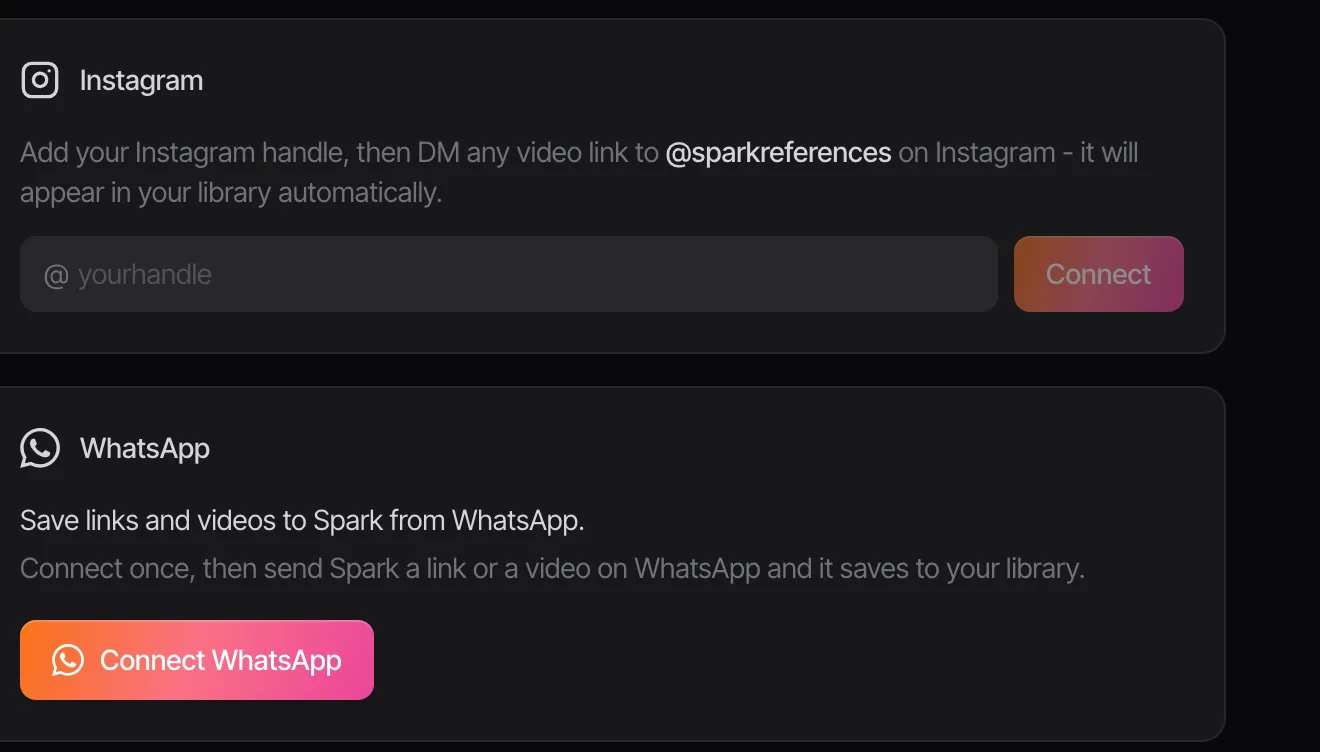
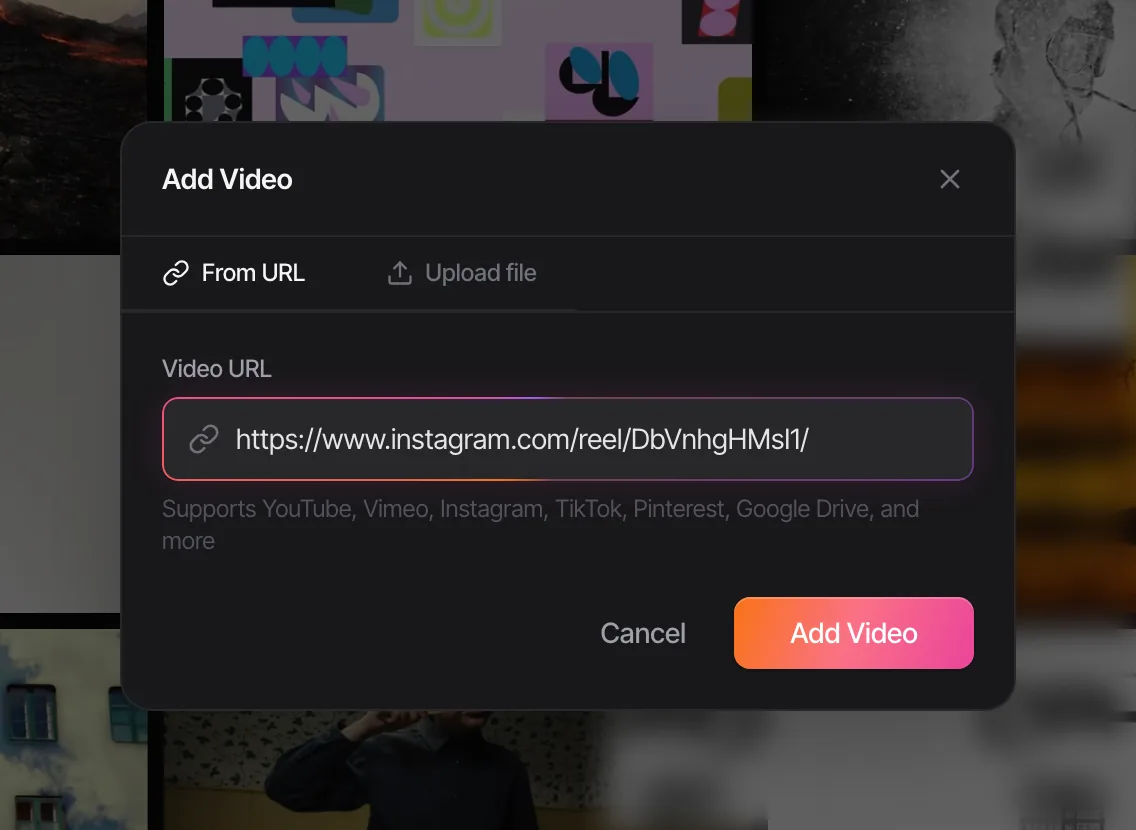
On a laptop, pasting the reel's link into Add Video does the same job.
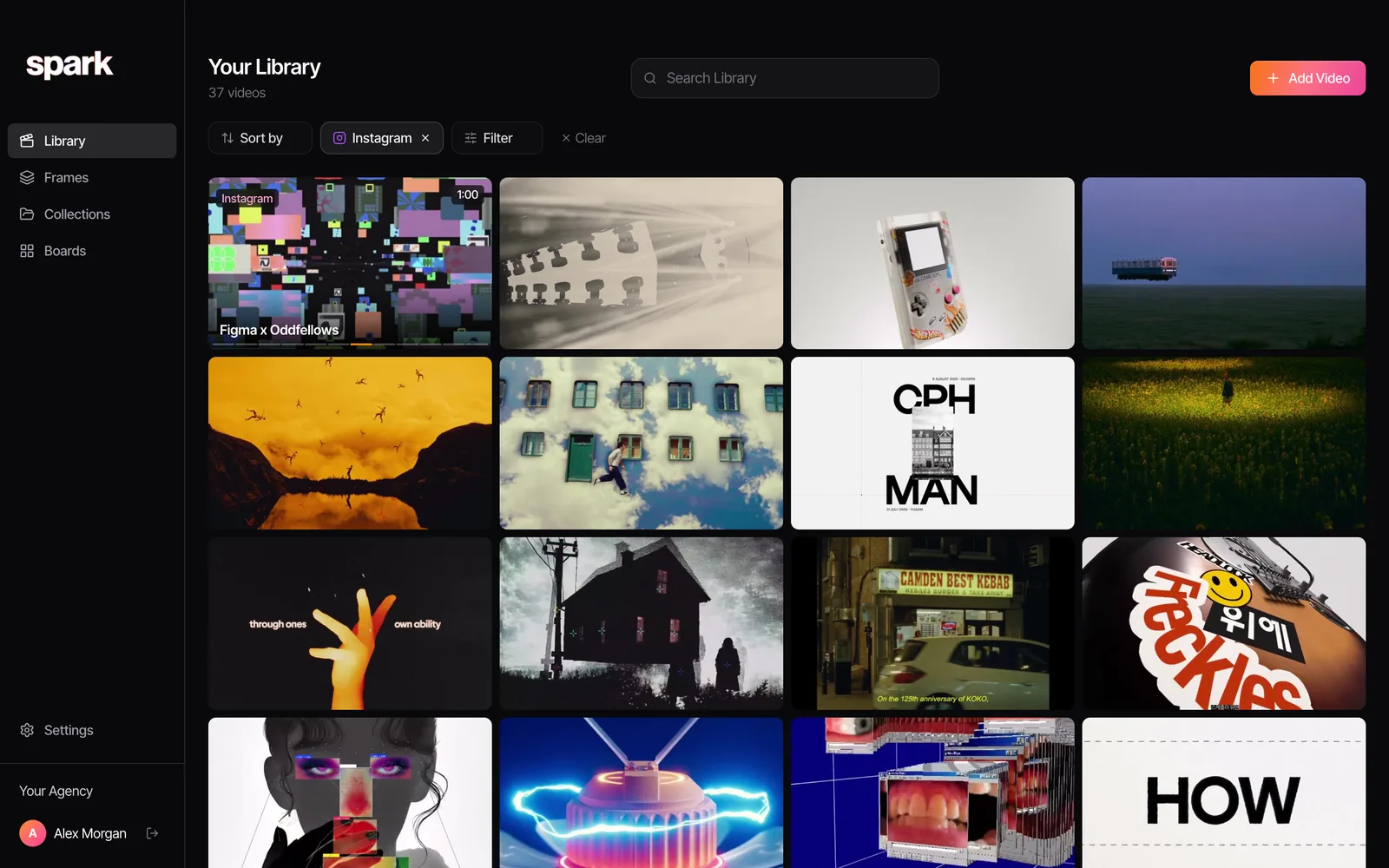
The result: our library filtered to Instagram, 37 reels, every one playable, none of them depending on the original post still existing.
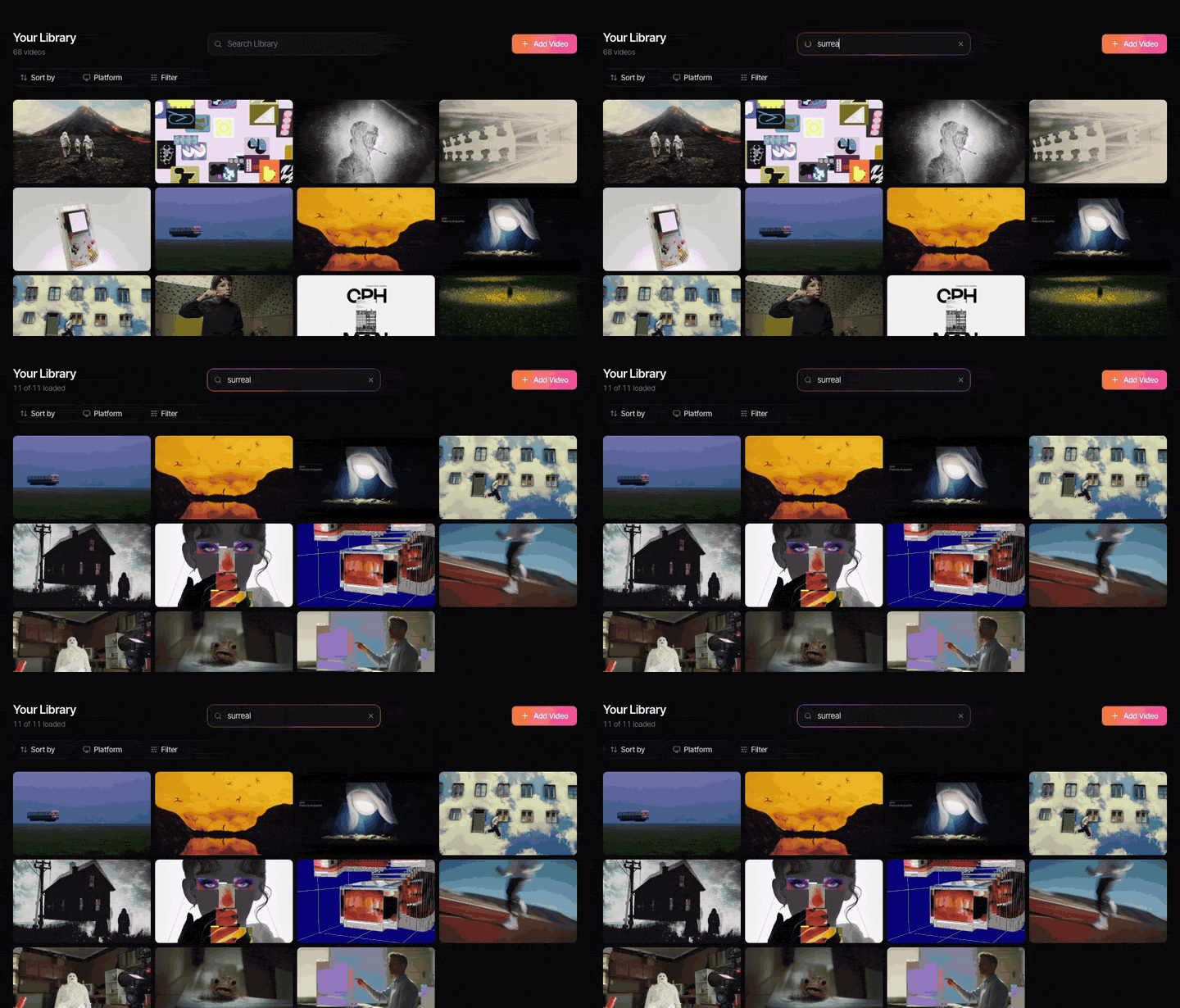
Then Spark does the bits Saved can't. It writes a description of what's in each reel and transcribes the audio, so you can search for "glitch", "pastry" or a line from the voiceover.
Each reel also gets its own page with the creator, the length, the detected brand, the collections it's in and Export GIF and Export Frame for pulling the moment you need. This is Paddy Cartwright's Nike ACG film, saved from Instagram.
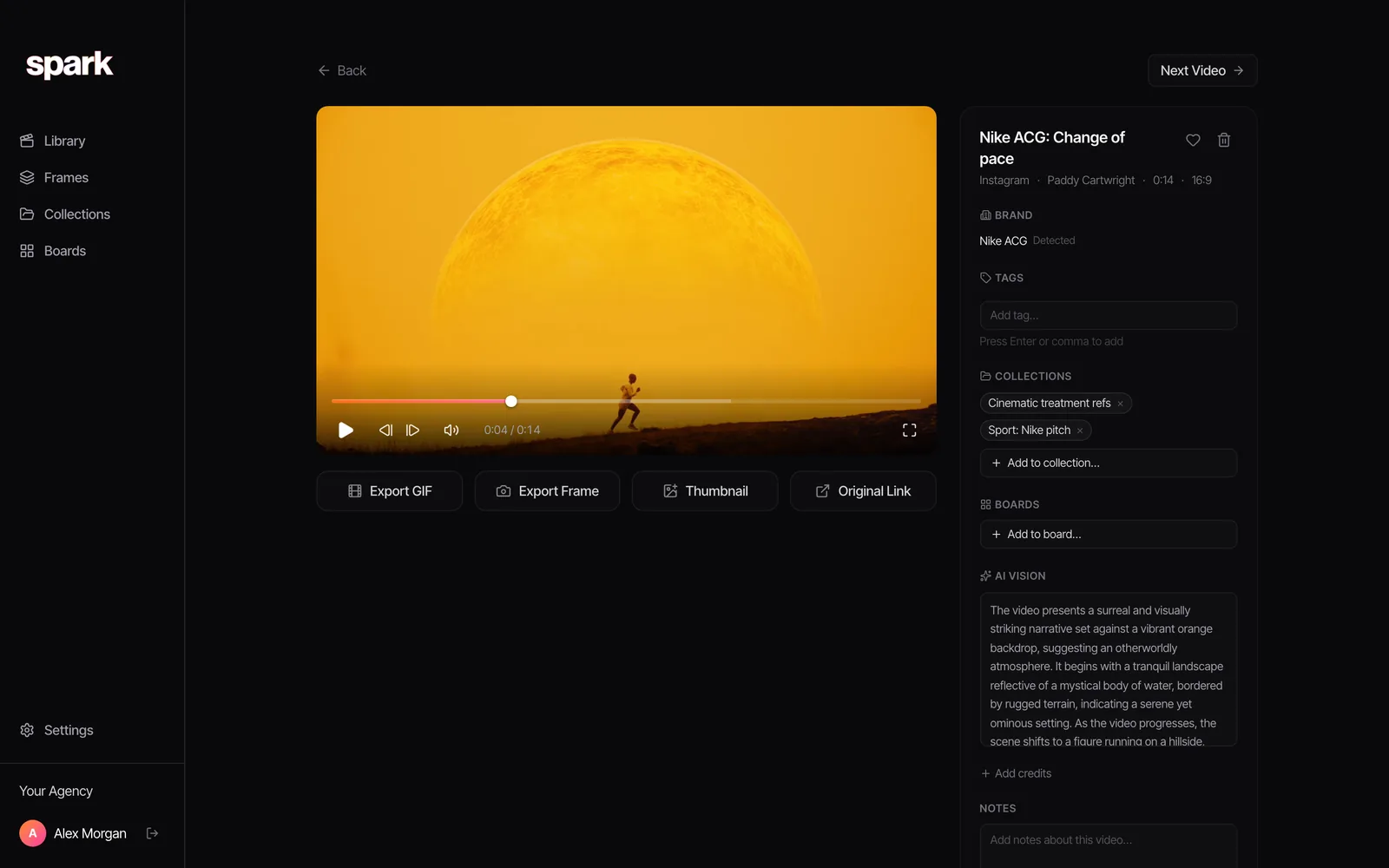
Collections work like Instagram's, except you can share them with clients and collaborators whether or not they're on Instagram, and the reels stay put even if the original post disappears.
To be fair to the alternatives: if your team lives in Pinterest for discovery, that's fine, but it's weak at saving video from other platforms, which we go through in Spark vs Pinterest. If you mostly save images and writing, mymind or Are.na may suit you better. And if you save a dozen reels a year for fun, Instagram's own collections are all you need.
A routine that takes ten minutes a week
- When you see it: save or send it immediately. You won't find it again from memory.
- On Friday: go through the Inbox. Bin half. File the rest by technique, and write one line on why it's there, somewhere that lets you.
- Before a pitch: search the library and pull the five best into a collection for that job.
- Every few months: check your most-used references still exist. Anything you'd hate to lose needs a copy.
We lost count of the times a director said "that reel I sent you in March" and it had gone, deleted by the brand or buried under 900 other saves. Spark is the fix we built for our own team: send the reel once, find it by what's in it, share it with a client who's never opened Instagram.
FAQs
Can people see what I save on Instagram?
No. Your saved posts and collections are private, and the creator isn't told who saved their reel. They only see a total number of saves in their insights. Collaborative collections are the exception: everyone you've shared that collection with can see what's in it.
What happens to a saved reel if the creator deletes it?
It disappears from your Saved, because a save is a bookmark to the original post rather than a copy. The same happens if the creator archives it, and you'll lose sight of it if their account goes private and you don't follow them. Instagram has said deleted posts are removed from collaborative collections too.
How do I organise saved reels into collections?
Tap Save to collection in the pop-up that appears after you save, or go to Saved on your profile and tap the + button to make a new collection. Naming collections by technique (camera moves, lighting, colour, editing) rather than by project keeps them useful long after the project is over.
Can I share a saved collection with someone?
Yes, if they're on Instagram. Collaborative collections let people in a DM or group chat add and remove posts together. People without an Instagram account can't open them, and reels from private accounts stay hidden from collaborators who don't follow those accounts.
How do I save a reel to my camera roll?
Tap the Share icon on the reel, then Download. It saves with the creator's handle as a watermark. The option only appears for public accounts that haven't switched it off, so for anything beyond a private reference, ask the creator before you use it.
Why did a reel disappear from my saved posts?
Usually the creator deleted or archived it, or their account went private or was removed. Instagram doesn't tell you when this happens. If you need to keep a reel for work, save a copy into a library you control as well as the bookmark.
Keep reading
All articles
How to Build a Searchable Creative Inspiration Library
Your references live in nine places and none of them has a decent search bar. This is the four-step system we run at our own production company, in whatever tool you like.
How to Find a Video You Saved Months Ago
The reel you saved in spring is perfect for Thursday's pitch and it's nowhere. Here's where to look, platform by platform, in the order most likely to work.

How to Make a Moodboard for a Video Project
Twenty well-chosen frames with a line of explanation under each will do more for your shoot than two hundred beautiful pins. Here's how to build that board, section by section.