
How to Make a GIF from a TikTok Video
TikTok will make you a GIF if the creator allows it. For one that looks good on a slide, you'll want the video, a sensible crop and a GIF that isn't 12 MB. We measured that last bit.
By the Spark team ·
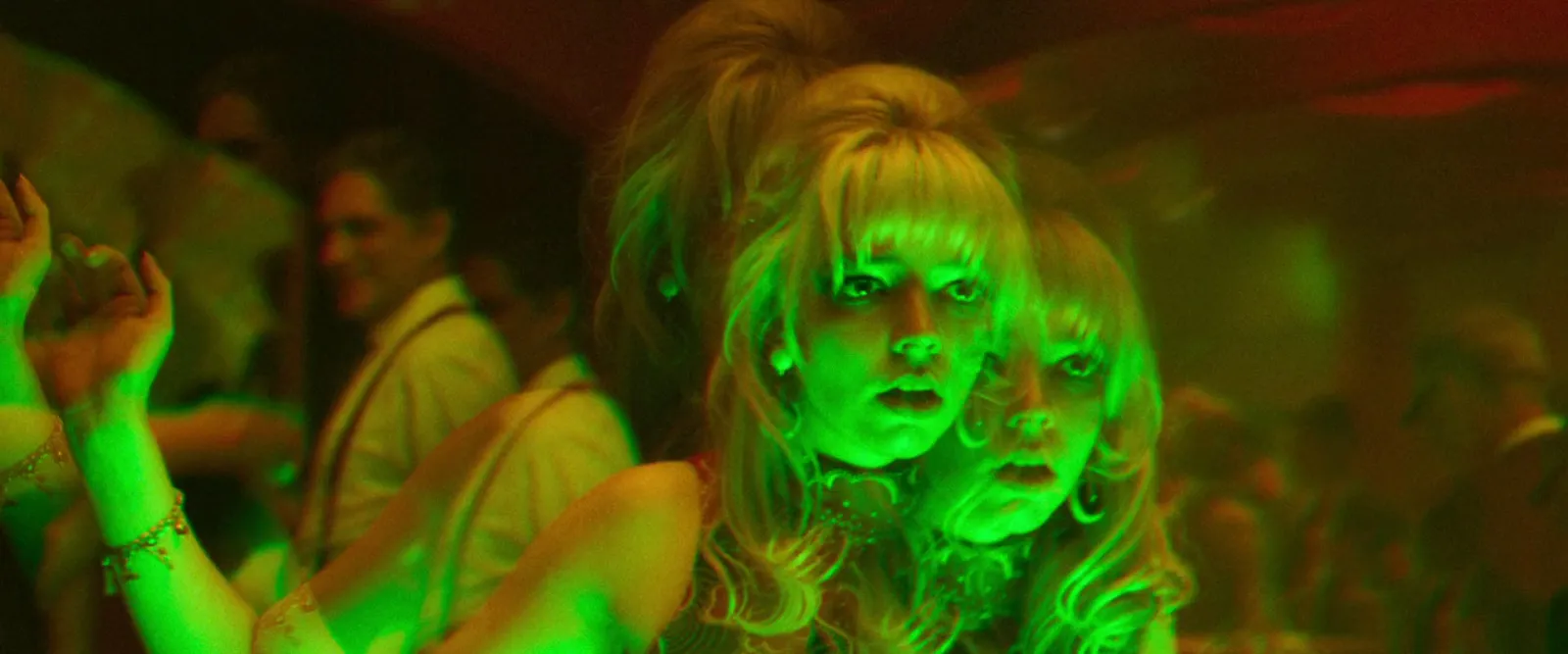
The quickest way to turn a TikTok video into a GIF is in the app itself. Tap the Share arrow, swipe along the row of options, tap Share as GIF, pick the section and save it. Phone only, and only if the creator allows downloads, and you get no say over size or quality. For a GIF that's going into a pitch deck, get the video file instead, crop it out of 9:16, and convert it at about 480 px wide and 12 fps.
We make GIFs from TikToks most weeks, for treatments and for the "is this the energy?" slide early in a pitch. They're the ones that cause trouble. Fast, handheld, vertical footage makes enormous GIFs, and TikTok is made of fast, handheld, vertical footage. Below are the routes, the watermark question, and what happened to the file size when we cropped one clip four different ways.

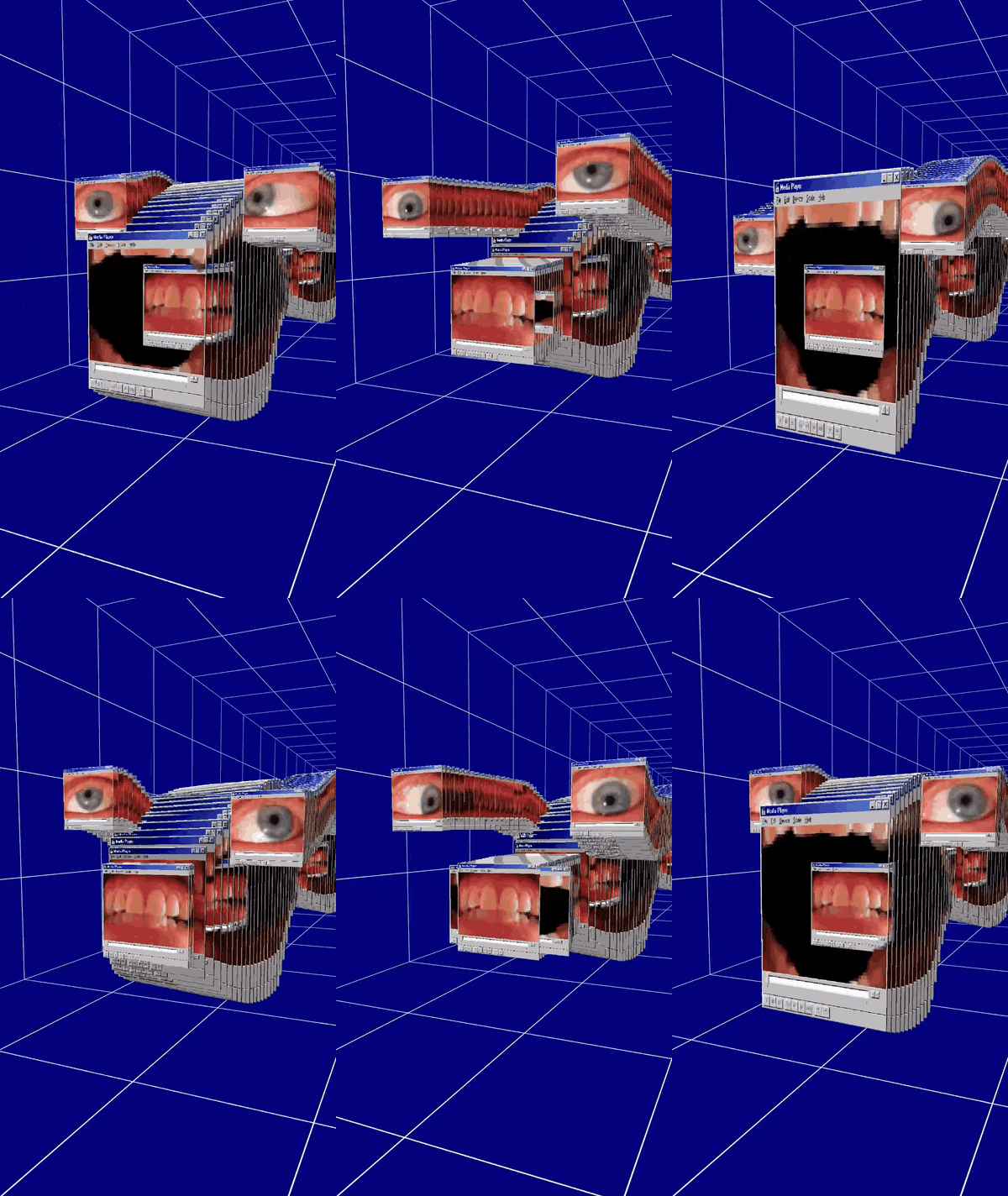
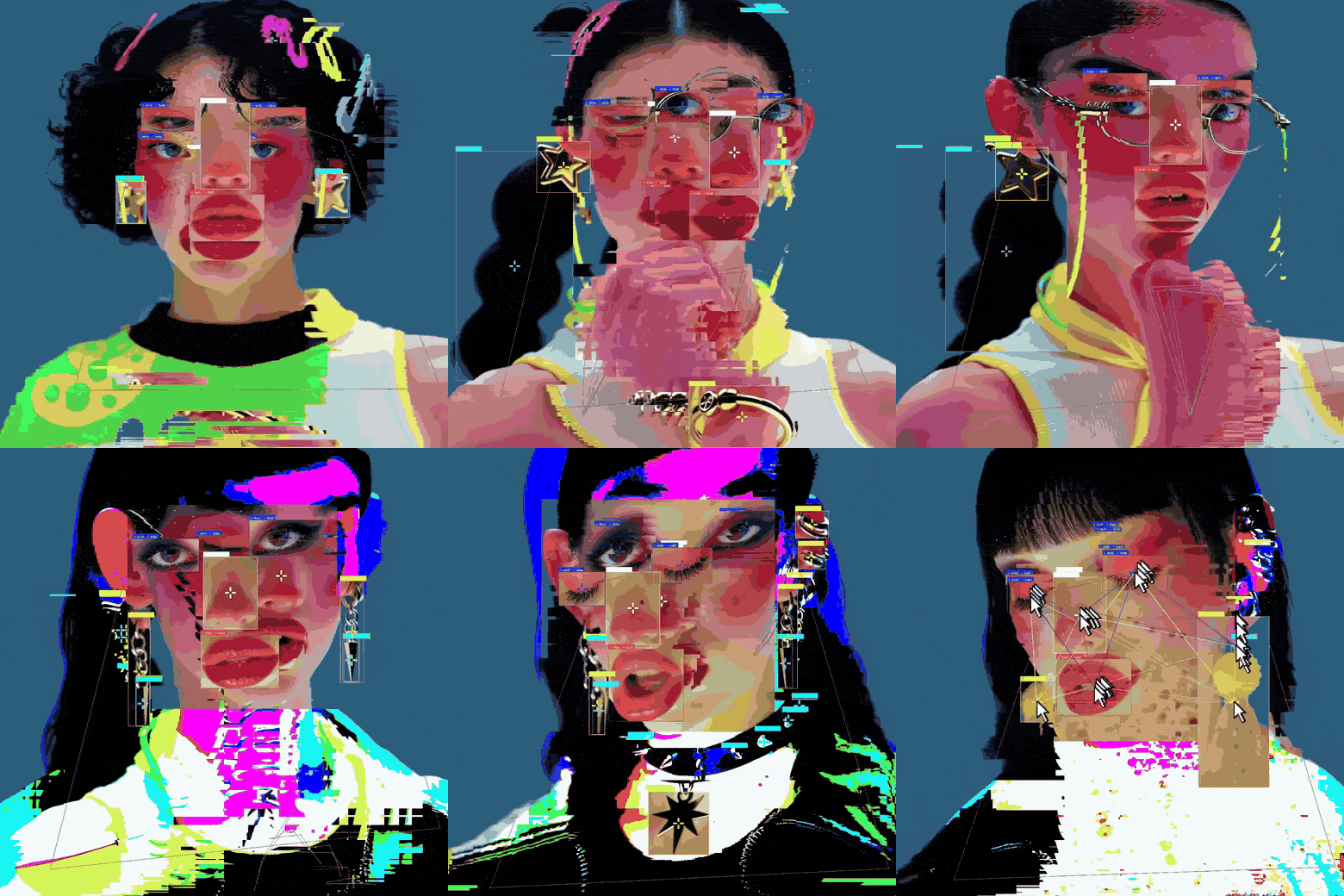
Those two vertical loops are about as heavy as we'd let a portrait GIF get on a slide. Keep them in mind when you get to the table further down.
Your TikTok or someone else's?
If it's yours, do what you like with it. If it's someone else's, a GIF on slide 4 of an internal treatment, credited to the creator, is how references have always been used. Putting it on your own Instagram, in an ad or on a website is a different thing, and you need to ask.
TikTok creators are easy to reach. Most say yes when you tell them it's for a pitch and you'll credit them. We've never regretted asking.
Route 1: TikTok's own Share as GIF
- Open the video in the TikTok app on your phone.
- Tap the Share arrow on the right.
- Swipe along the row of share options and tap Share as GIF. Its position has moved between app versions, so check the whole row before deciding it isn't there.
- If it offers a trim, drag the handles to the section you want, then let it generate.
- Save it to your phone, or send it straight on.
Fine for a group chat. For work it falls down three ways. If the creator has switched off downloads, the option disappears. You can't choose the width, frame rate or colours. And it's mobile only: there's no Share as GIF on tiktok.com.
Route 2: get the video, then convert it
This is the route for anything a client will see, because every setting is yours.
Your own TikTok
Use the file you uploaded, not the one TikTok gives back. The original in your camera roll or your CapCut export has no watermark, no second round of compression and no captions burned in. Saving your own post back out of TikTok gets you a worse copy of a file you already have.
Someone else's, with downloads allowed
In the app, tap Share then Save video. On a laptop, open the video on tiktok.com and right-click it: if the creator allows downloads, there's a download option in the menu. Either way you get a watermarked MP4 with the creator's handle on it. No option in either place means the creator has switched downloads off.
No save option at all
Screen record it. On an iPhone, open Control Centre and tap the record button. On a Mac, press Cmd+Shift+5 and choose Record Selected Portion. Our guide to making a GIF from a YouTube video has screen recording steps for every platform. With TikTok, plan to crop out the like and comment buttons down the right and the caption along the bottom.
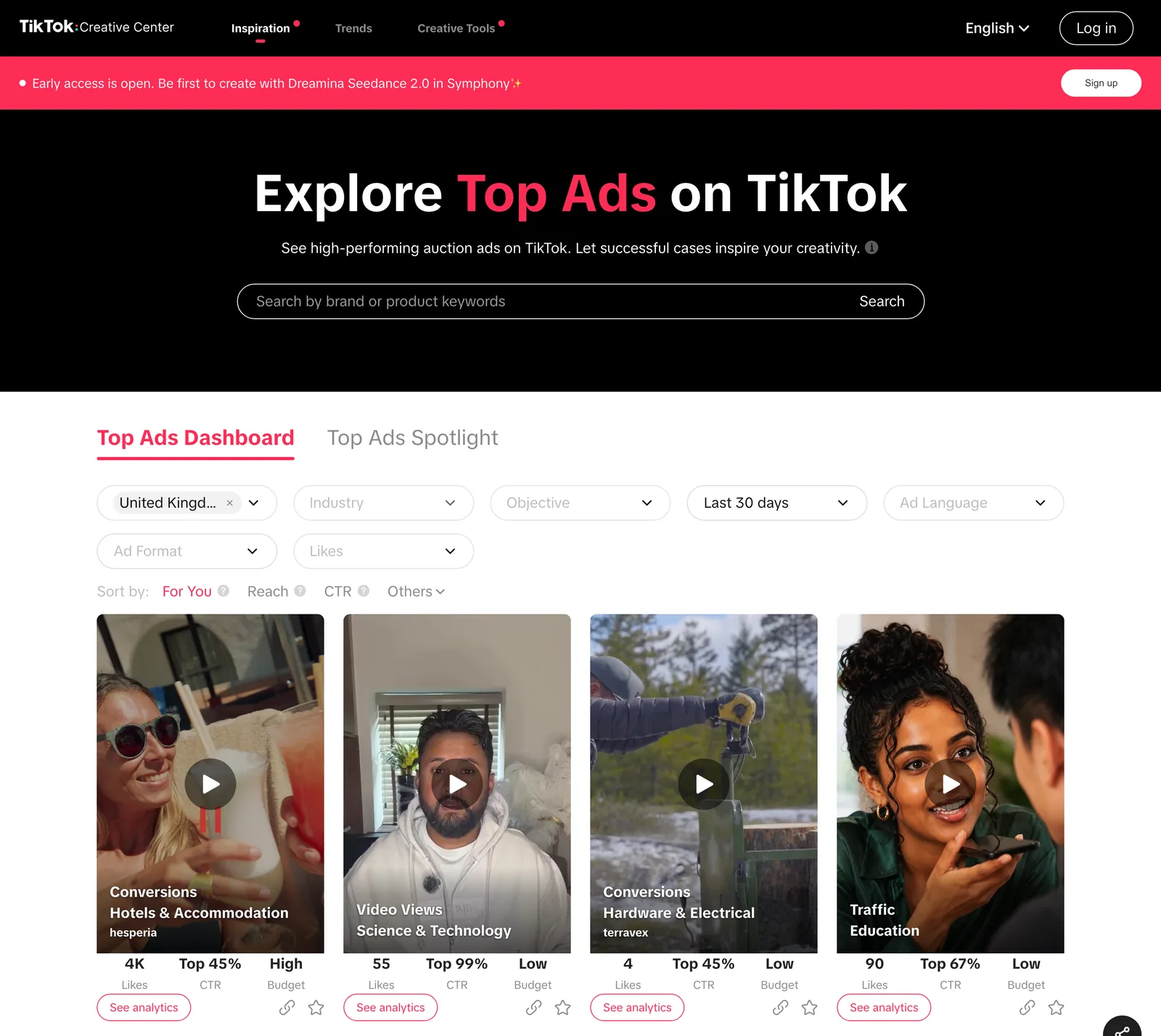
If you're mining ads rather than creators, TikTok Creative Center is the better hunting ground, and we wrote up how we use TikTok Creative Center for research.
The watermark question
Downloads of other people's TikToks carry a watermark: the TikTok logo and the creator's handle, which jumps around the frame during the video. That's deliberate. You can't crop it out cleanly, because a few seconds later it's somewhere else.
Skip the "no watermark" download sites, for the reasons in our TikTok saving guide. Honestly, for an internal reference the watermark is doing you a favour. It's a credit that travels with the clip, so whoever opens the deck in six months knows whose work it is. For anything public, ask the creator for the original file. That's also the only clean copy you're actually allowed to use.
Crop out of 9:16 before you convert
A TikTok is 1080 x 1920. Decks are horizontal. A full-height vertical GIF on a 16:9 slide is either a thin strip or a postage stamp, and it costs you, because GIF size follows pixel count and a vertical frame has a lot of pixels.

We measured it. Six seconds of real vertical footage: an off-road truck tearing across a grass field, handheld, the camera panning to follow it. Very TikTok, and about as hard as footage gets for a GIF, because a pan makes every blade of grass move on every frame. Every GIF used ffmpeg's two-pass palette with Bayer dithering at 12 fps.
| Version | Size in pixels | GIF size |
|---|---|---|
| Full vertical, 480 px wide | 480 x 853 | 12.0 MB |
| Full vertical, 320 px wide | 320 x 569 | 5.8 MB |
| Cropped to 4:5 | 480 x 600 | 8.8 MB |
| Cropped square | 480 x 480 | 7.2 MB |
| Square, first 3 seconds only | 480 x 480 | 4.0 MB |
| Square, 360 px, 10 fps | 360 x 360 | 3.6 MB |
| The same 6 seconds as an MP4 (H.264, 720 x 1280) | 720 x 1280 | 1.45 MB |
Cropping square and cutting to three seconds took 12 MB down to 4 MB, and nothing got smaller on screen. And the leanest GIF was still more than twice the size of a full resolution MP4 of the whole clip. If you're presenting from your own laptop, an MP4 is often the smarter file. Our guide to GIF vs MP4 for presentations goes through it app by app.
Our converter keeps whatever shape you give it, so crop first, in ffmpeg or any editor that exports an MP4. TikTok creators keep the important stuff out of the bottom of the frame because the caption lives there, so a crop that sits a bit high usually works. This takes a square from about a third of the way down, starting 2 seconds in and lasting 3:
ffmpeg -ss 2 -t 3 -i tiktok.mp4 -vf "crop=iw:iw:0:(ih-iw)/3,fps=12,scale=480:-1:flags=lanczos,split[a][b];[a]palettegen=stats_mode=diff[p];[b][p]paletteuse=dither=bayer:bayer_scale=3" tiktok-square.gifFor 4:5, use crop=iw:iw*5/4:0:(ih-iw*5/4)/3. Reels have exactly the same problem, and our guide to making a GIF from an Instagram Reel has more on choosing between vertical, 4:5 and square.
Convert it
With a cropped MP4 in hand (or a vertical one you're happy to keep), Video to GIF does the rest in your browser. Nothing is uploaded, nothing of ours is stamped on top of TikTok's watermark, and it takes files up to 2 GB. The comma and full stop keys nudge the in and out points by one frame, which matters when the beat you want is one step of a dance.
The settings we use for TikTok footage:
- Width: 360 to 480 px. Vertical footage is pixel heavy, so err small.
- Frame rate: 10 to 12 fps. TikTok's quick cuts survive it. A dance or a hard whip pan might want 15.
- Length: 2 to 4 seconds. One move, one beat, one reaction.
- Quality: Balanced for most clips. Grass, crowds and confetti are where files explode, so drop to Small if you're over your limit.
Still too big? Run it through our GIF compressor with a target size. For the theory behind all of this, see how to turn a video into a GIF without losing quality.
Do it all from the saved TikTok
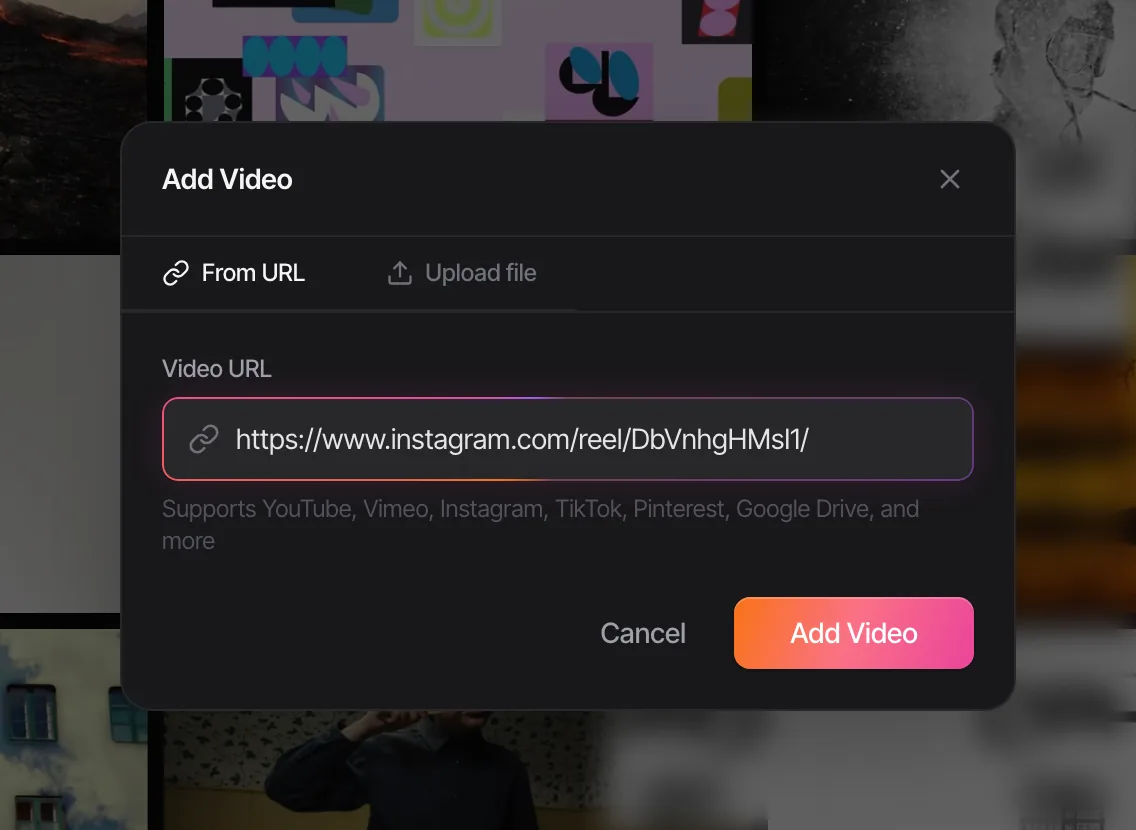
If TikTok supplies half your references, the download, crop, convert routine gets old by Wednesday. In Spark you paste the TikTok link, or click the Spark button in Chrome while the TikTok is open, and the video itself is saved to your library along with its source URL. The credit can't get lost.
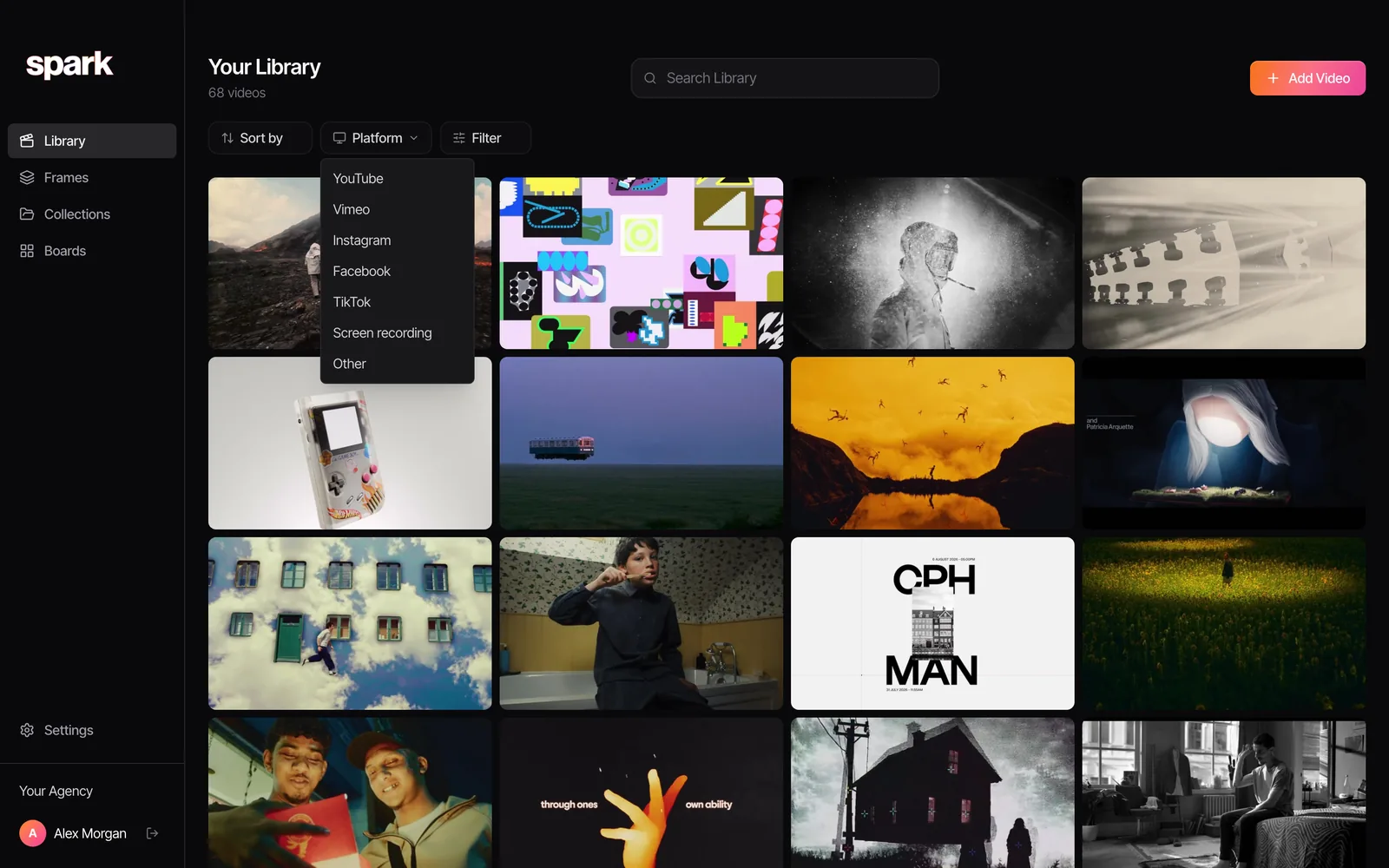
Once it's saved, TikTok is one entry in the Platform filter, next to Instagram, YouTube and the rest, so the TikToks for a pitch are one click away.
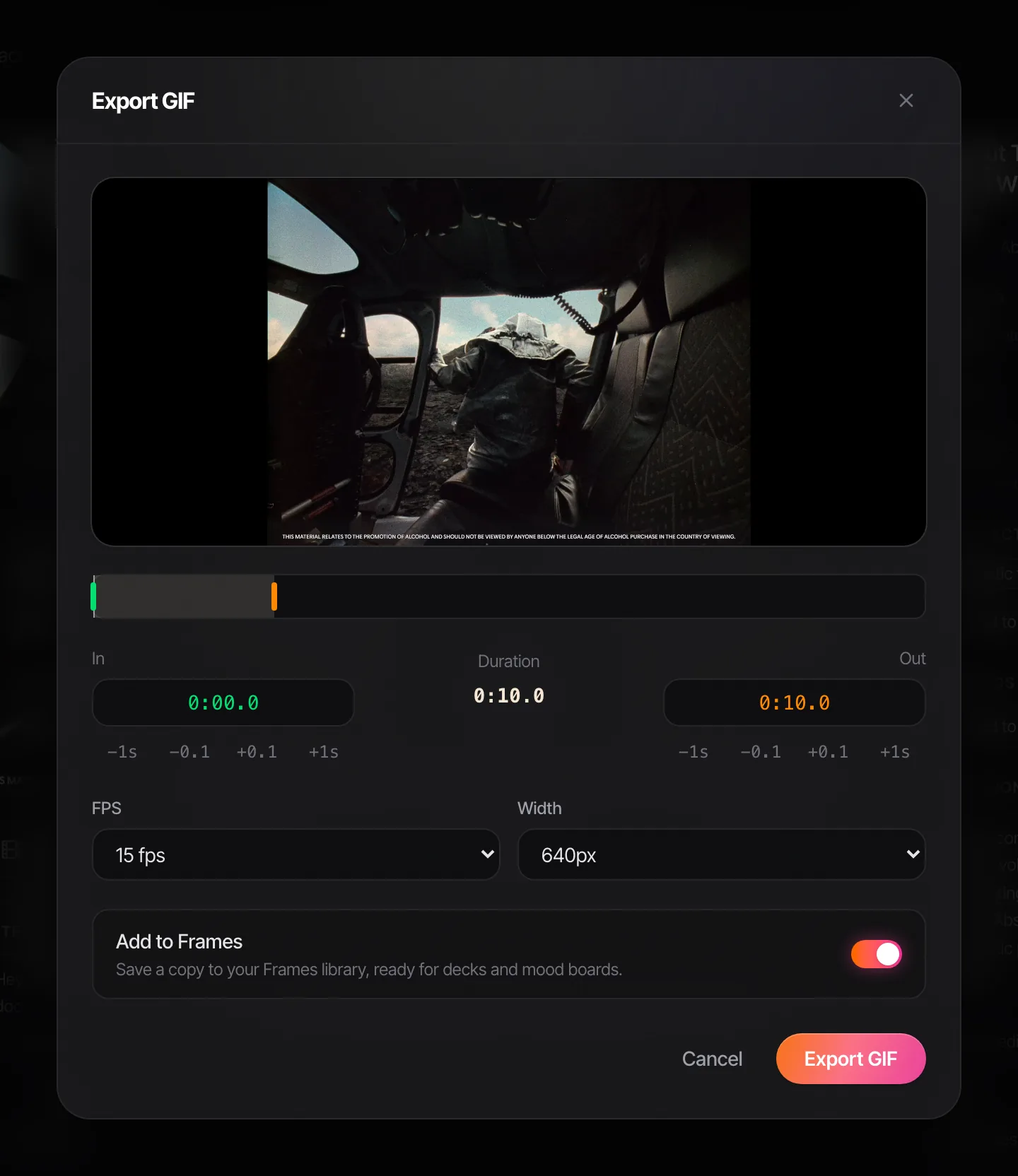
When the deck needs it, open the saved video and click Export GIF. Set the in and out points (nudge them by a second or a tenth), pick a frame rate from 8 to 24 fps and a width from 320 to 1080 px, and save it to Frames so it sits with the rest of the pitch. Spark exports the full frame, so a vertical TikTok stays vertical: keep it to 320 px wide, or crop with the ffmpeg line above when it has to be square. GIF export is a Creator and Studio feature; saving the TikTok works on Free.
Saving TikToks in bulk for research? Our guide to saving and organising TikTok videos covers Favourites, collections and getting them out of the app. And when the GIF has done its job on slide 4, the TikTok it came from is still in your library (and on Creator or Studio, searchable by its description and transcript) for the next time a client asks for "something like that one".
FAQs
Can you make a GIF from a TikTok in the app?
Yes, on your phone. Tap Share on the video, swipe along the share options and tap Share as GIF, choose the section, and save it. The option doesn't exist on tiktok.com, and it disappears when the creator has switched downloads off.
Why don't I see Share as GIF on a TikTok?
The creator has most likely turned off downloads for that video, which removes Save video and Share as GIF together. You can still copy the link, or screen record the video for internal reference and convert the recording.
Will the TikTok watermark show in my GIF?
If you made it from a downloaded copy of someone else's TikTok, yes. The watermark moves around the frame, so cropping can't reliably remove it. For an internal deck it doubles as a credit; for anything public, ask the creator for the original file.
Is it legal to make a GIF from someone's TikTok?
Using a short, credited clip as a reference in an internal pitch is common practice, but the video still belongs to the creator. Publishing the GIF, using it in an ad or posting it on your own channels needs their permission. When in doubt, ask.
What size should a TikTok GIF be for a presentation?
Crop it to 4:5 or square, then export 360 to 480 px wide at 10 to 12 fps and 2 to 4 seconds long. In our test that took a 12 MB vertical GIF down to between 3.6 and 4 MB. If it's still too big, an MP4 will be far smaller.
How do I make a GIF from a TikTok on an iPhone?
The fastest is TikTok's own Share as GIF. For more control, save the video (or screen record it), then open our converter in Safari, choose the video from Photos, trim it and convert. The GIF lands in the Files app.
Keep reading
All articles
How to Convert MP4 to GIF on Windows
The Photos app won't do it, Clipchamp will (just about), and ScreenToGif is better than its name suggests. Every free route on Windows, tested and ranked.
How to Create a GIF from an Instagram Reel
Instagram won't make the GIF for you. Here's how we get the reel, crop it for a horizontal slide and keep the file small, without being a menace about it.
How to Turn a Video into a GIF Without Losing Quality
A GIF can't hold your footage's colours, but it can fool the eye. We exported one clip 13 different ways and measured what each setting really costs.