
Best Pinterest Alternatives for Creative Professionals
Pinterest does two jobs: finding ideas and keeping them. Most alternatives only do one. Which to use for each, from a production company that has tried them all.
By the Spark team ·
Pinterest does two jobs, finding ideas and keeping them, and nothing else does both as well. So the best Pinterest alternatives come in pairs. For finding things without the shopping pins, look at Cosmos, Savee and Are.na, plus Behance and Dribbble for designers' finished work and ShotDeck, Frame Set or FILMGRAB if the brief is cinematic. For keeping what you find, Eagle is the pick for image files, Raindrop for plain links, and Spark (ours) if your references move.
Pick one from each half and you've replaced it. Here's how we'd choose.
What's actually wrong with Pinterest
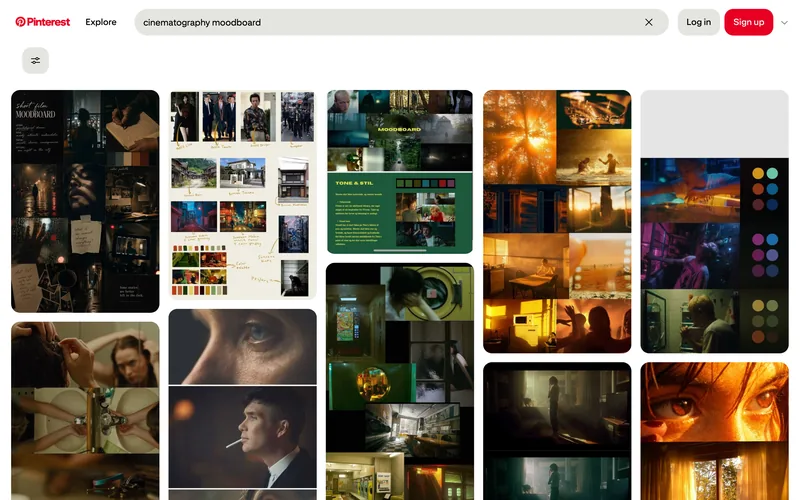
Nothing, for wardrobe, interiors and the odd location idea. Search it for "cinematography moodboard" signed out and you get a perfectly decent wall of film frames and colour boards.
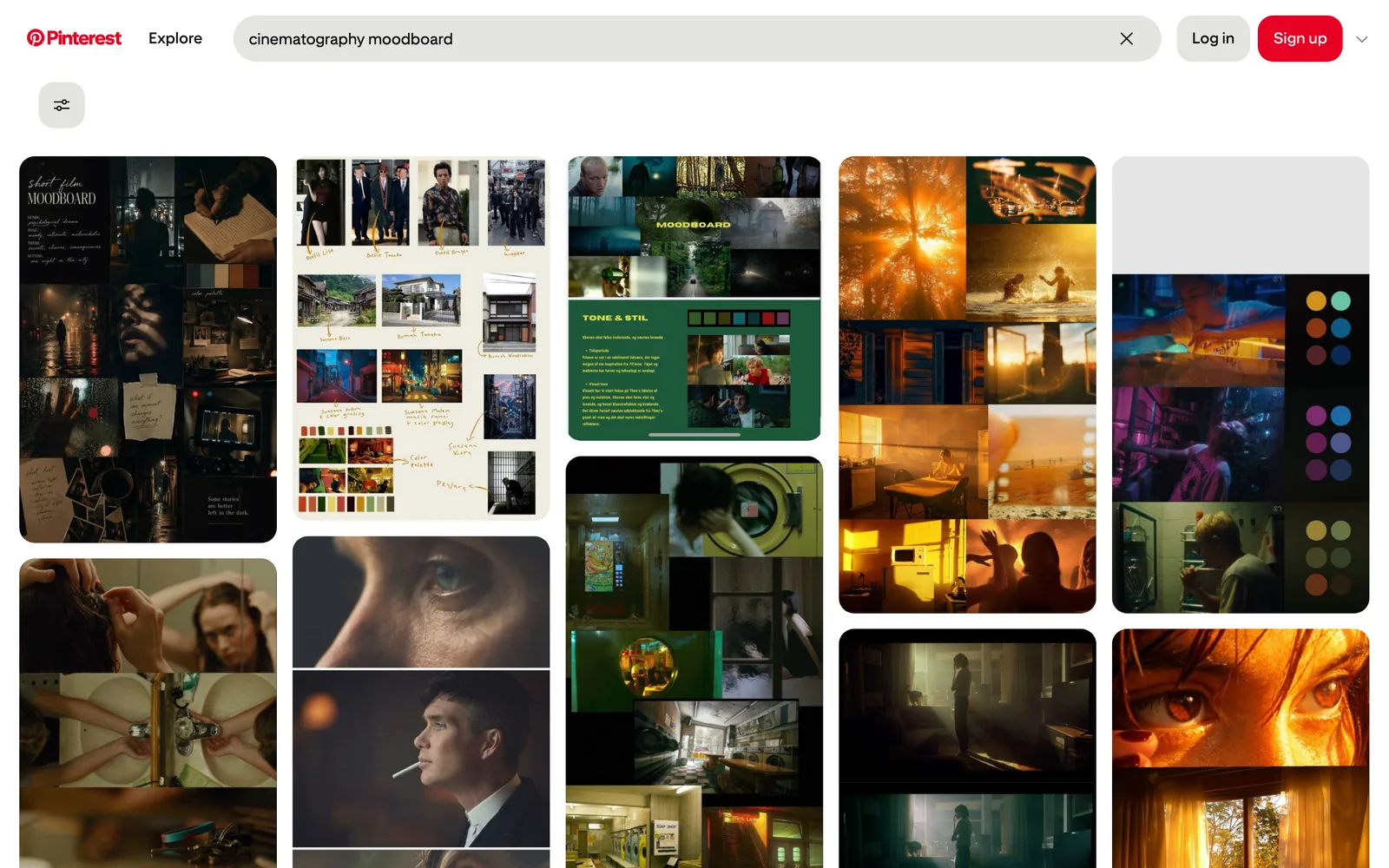
Use it for work, though, and the complaints pile up. The feed fills with shopping and promoted pins. AI images turn up everywhere (Pinterest has labelled AI-modified images since 2025, which helps, but you're still wading). Frames get cropped, compressed and lose their credit somewhere around the fourth repin. And the further your taste drifts from home decor, the less the algorithm seems interested.
Then there's video. Pin a reel, a TikTok or an ad and you've saved a pointer to someone else's account. Pointers break. We go into that in Spark vs Pinterest.
Part one: places to find ideas
| Tool | Best for | Price (as of October 2026) |
|---|---|---|
| Broad taste, wardrobe, interiors, locations | Free | |
| Cosmos | Designers who want Pinterest without the noise | Free; Premium $8 a month or $72 a year (App Store listing) |
| Savee | Graphic, brand and web design | Free plan; Pro $9 a month billed yearly |
| Are.na | Slow, connected research | Free for 200 blocks; Premium $7 a month or $70 a year |
| Behance | Finished projects and case studies | Free to browse; Pro £8.98 a month (for selling work) |
| Dribbble | UI, illustration, motion and brand design | Free to browse; Pro Lite $4 a month billed yearly |
| ShotDeck | Searchable film stills | $12.95 a month or $99.95 a year |
| Frame Set | Commercial and film frames, plus short motion clips | Free search and sets; Pro $15.99 per member a month |
| FILMGRAB | Free film stills, a new film most days | Free |







Cosmos
Cosmos is the one designers mean when they say "like Pinterest but nicer". Quiet, grown up, built around collections you can share. You can search by colour, which is handy when the brief says "that exact rust orange", and you can show, blur or hide images flagged as AI-generated.
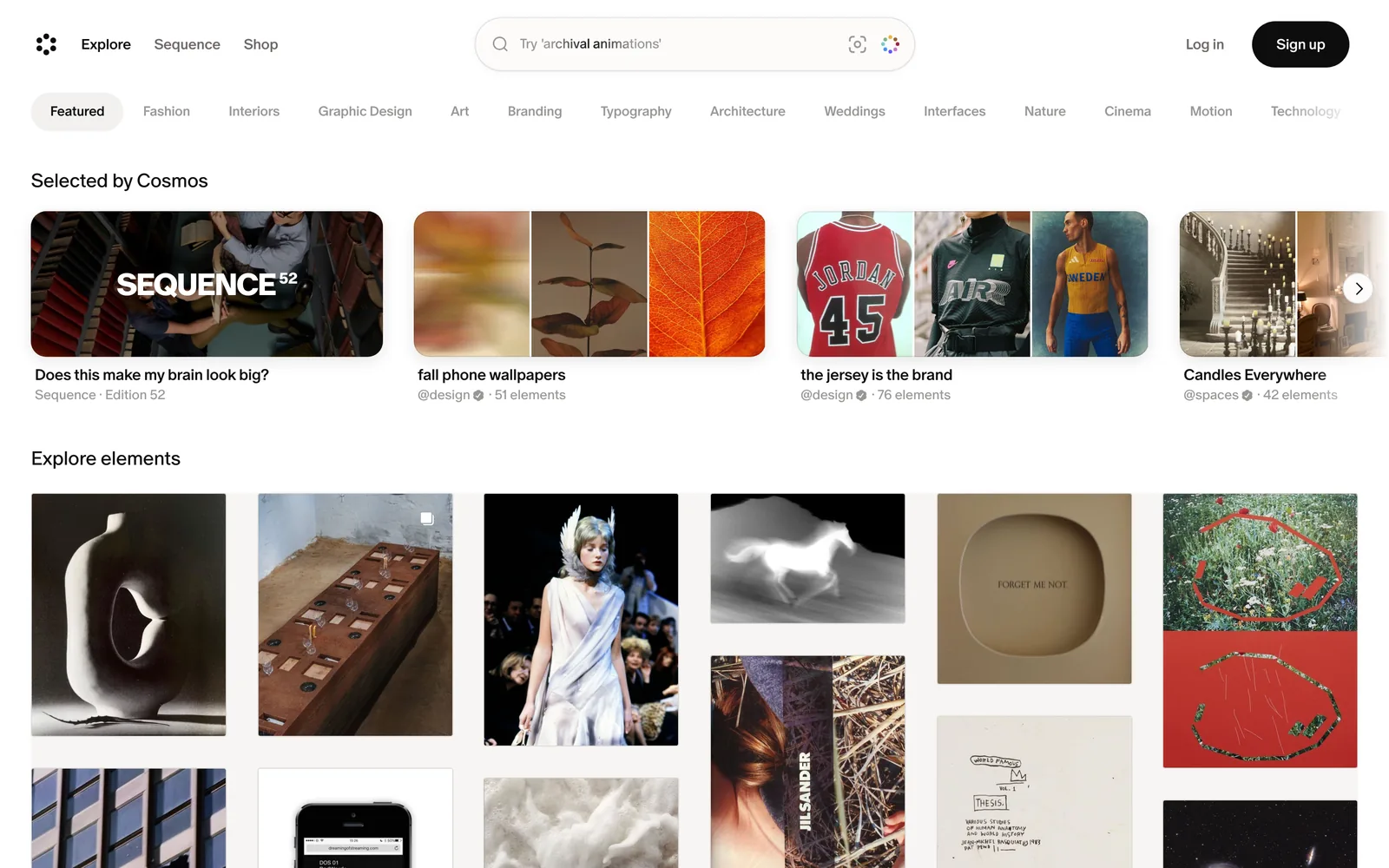
It has started adding shopping from fashion brands, so it isn't entirely commerce-free. For finding still images, it's still our first pick.
Savee
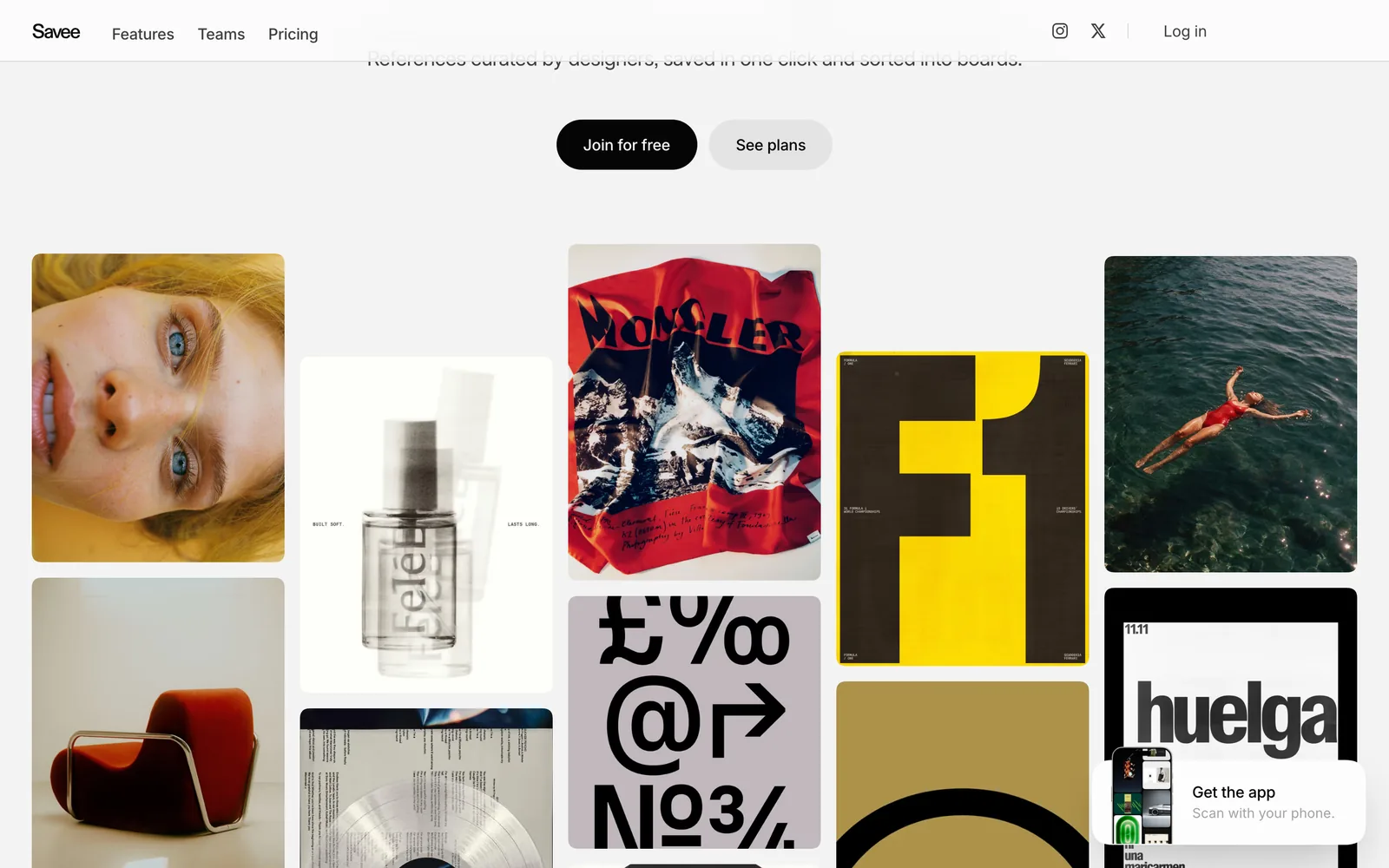
Savee leans towards graphic design, branding, type and web layouts. It's ad-free and not driven by an engagement algorithm, with search by image and a Figma plugin. The free plan has limits on saves and boards that a keen designer reaches in a few weeks; Pro is $9 a month billed yearly.
Are.na
Are.na isn't really a Pinterest clone, which is the appeal. You save images, links, text and files into channels, and channels link to other people's. Following a thread from someone's channel on brutalist car parks into another person's on Soviet bus stops is a better afternoon than any feed. It's member-funded, with no ads, and it's the one tool here that does both jobs reasonably well, as long as you mostly save images and words. We put it up against Spark, warts and all, in Spark vs Are.na.
Behance and Dribbble
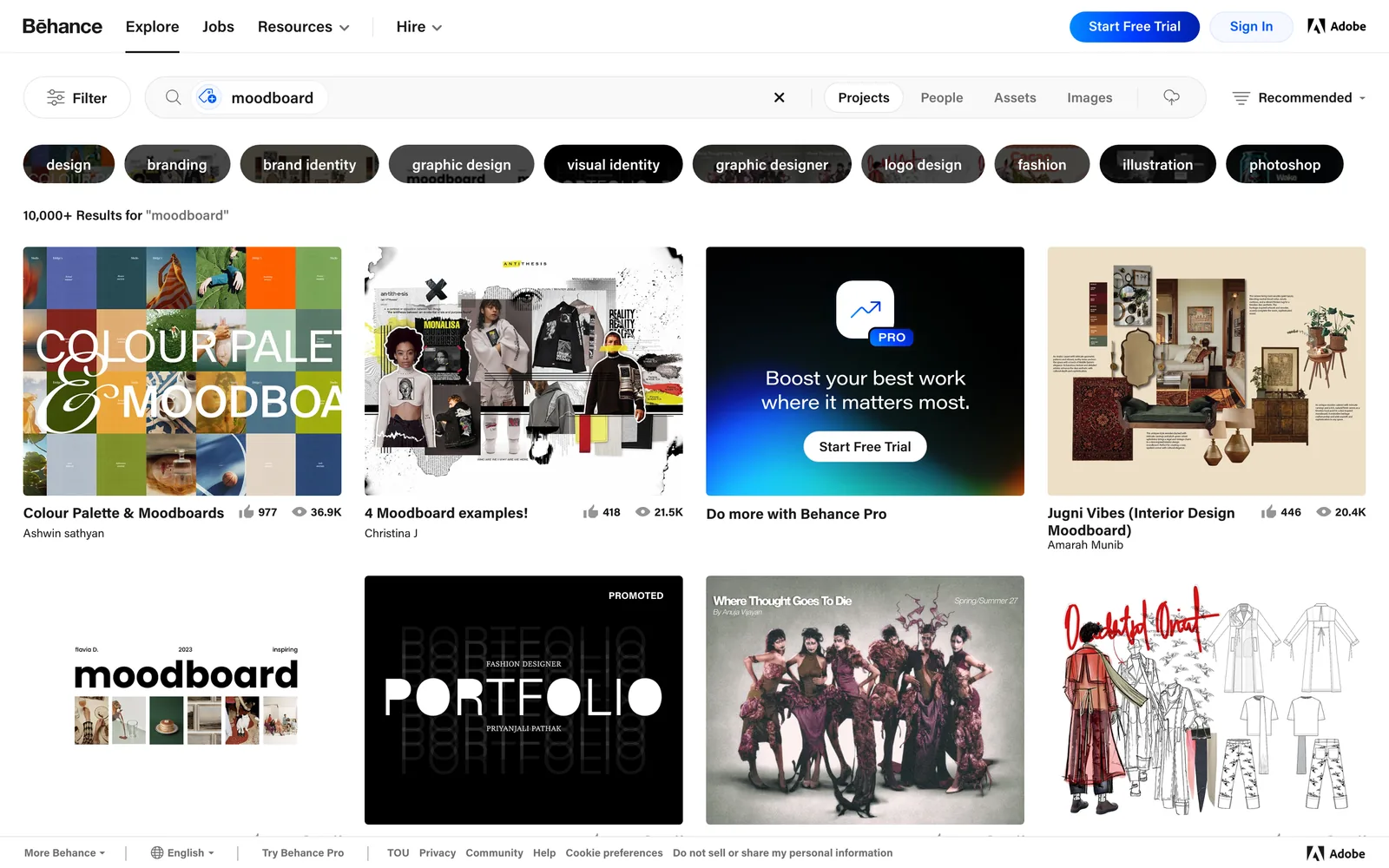
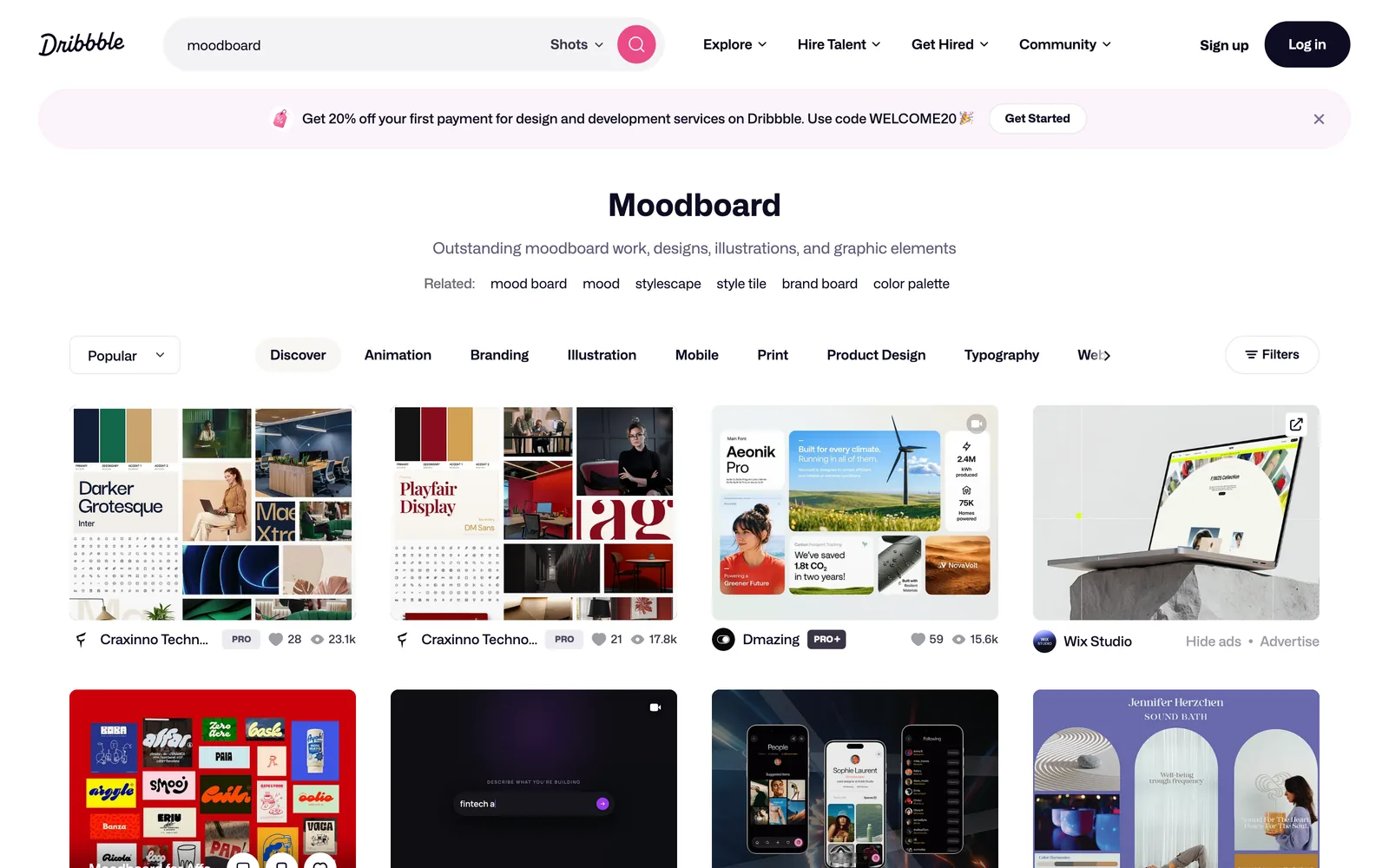
Portfolio sites rather than mood tools, but still where plenty of creatives go hunting. Behance shows finished projects with the thinking behind them, which is useful for brand and campaign references. Dribbble is strongest on UI, illustration, motion and logos. Free to browse, both of them. Neither is a good place to keep a private library.
ShotDeck, Frame Set and FILMGRAB: when the brief is cinematic
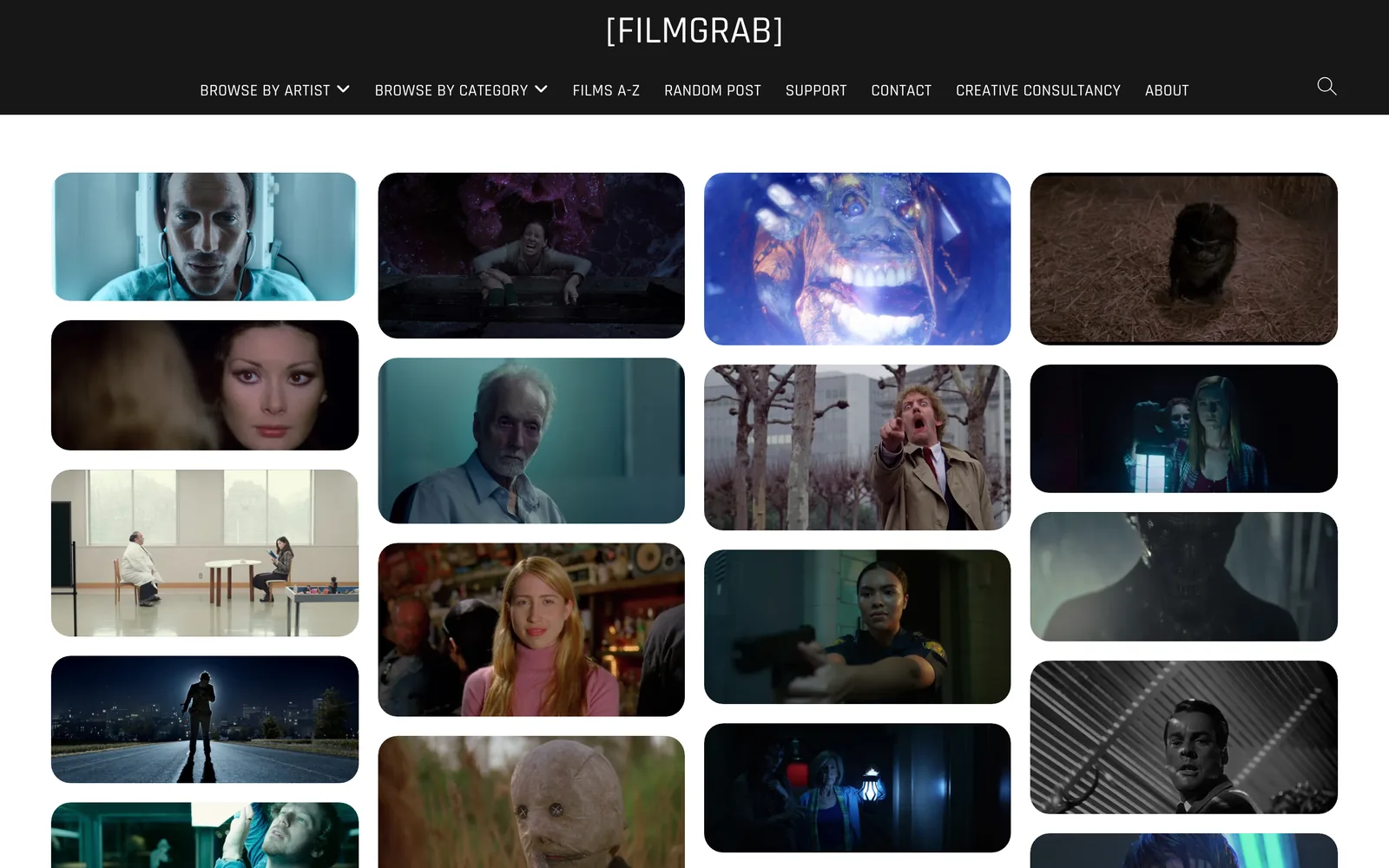
If you make films, commercials or music videos, the most useful Pinterest alternative might not be a Pinterest alternative at all. ShotDeck, started by cinematographer Lawrence Sher, is a subscription library of high-quality stills you can filter by lighting, colour, shot size, lens and location. Frame Set does a similar job with a lean towards commercials, and its short motion clips show a camera move rather than a frozen frame. FILMGRAB is free, and has been posting a film's worth of chosen frames most days for years.


This is where the treatment for a night shoot gets its reference page: real frames from real films, credited, at a resolution that holds up on a projector. Pinterest has these frames too. Usually cropped, compressed and with nobody's name on them.
Part two: places to keep what you find
Discovery is the fun half. The other half is the bit Pinterest was never designed for: a private library you can search on a Tuesday afternoon when the brief lands and the client wants "something like that ad with the moon".
| Tool | Best for | Video from social links | Price (as of October 2026) |
|---|---|---|---|
| Eagle | A solo library of image files | Plugins or manual download | $34.95 once, two computers |
| Raindrop.io | Bookmarking links with previews | Saves the link, not the video | Free for unlimited bookmarks; paid Pro |
| Spark | Video references from social feeds | Saves a copy, describes and transcribes it | Free for 15 videos and 30 frames; Creator £16 a month; Studio £23 per user a month |



Eagle
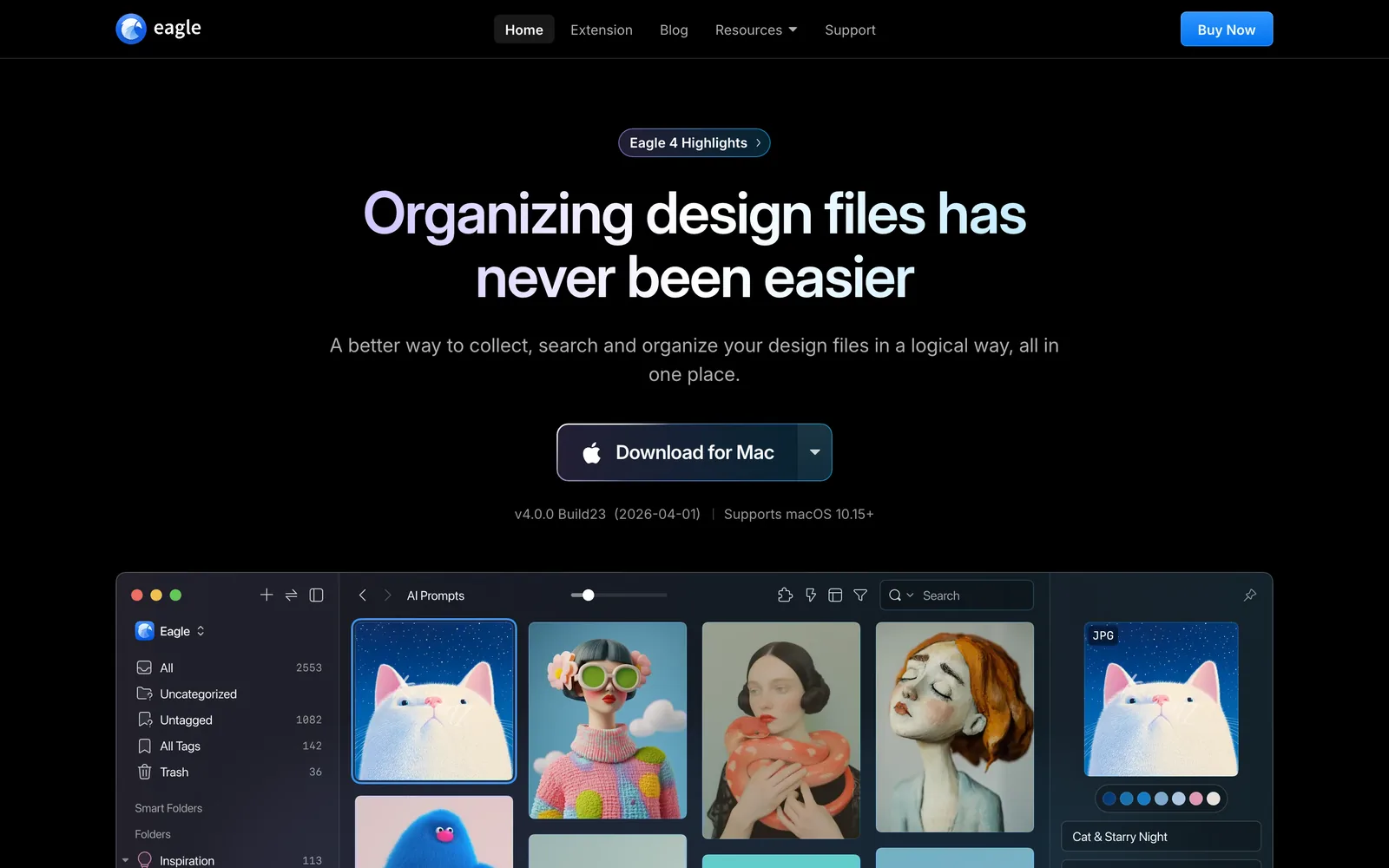
Eagle keeps files you own (images, video, fonts) in a quick local library on your Mac or PC. For a solo designer or illustrator with a big image collection, it's the best value on this page. It's built for one person, though, and its browser extension is made for grabbing images. Reels are another matter.
Raindrop.io
Not glamorous, very useful. Raindrop.io is a bookmark manager with previews, collections and tags, and the free plan covers unlimited bookmarks. If half your "Pinterest" was really a pile of articles, director interviews and portfolio links, this is where they belong. It keeps the link and nothing more, so a deleted post is still a deleted post.
Spark
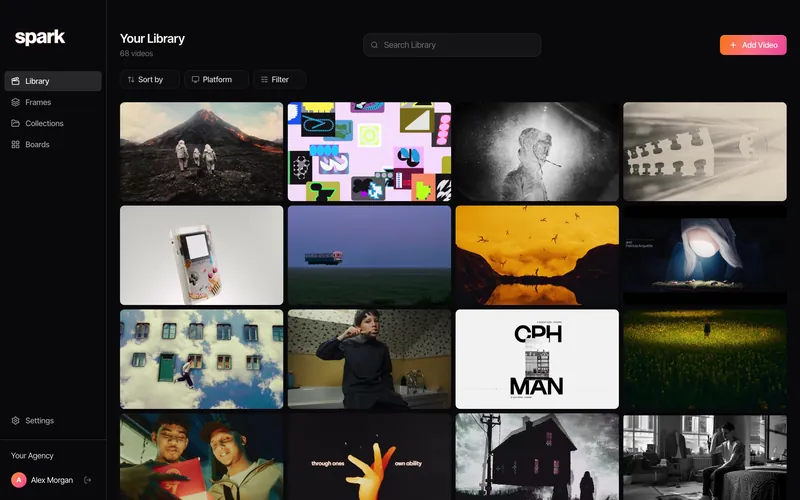
We make Spark, so add salt. Spark is our Mac and Windows app for saving and searching video references. Paste a link from Instagram, TikTok, YouTube, Vimeo, Facebook, LinkedIn or Pinterest itself (video pins save as video, picture pins land in Frames) and it keeps a copy, source URL attached. A deleted post doesn't take your reference with it.

Creator and Studio add an AI description of each video and a transcript of the audio, so you can search for what happens in a clip or what someone says. Filter by where it came from and the whole thing looks like this:
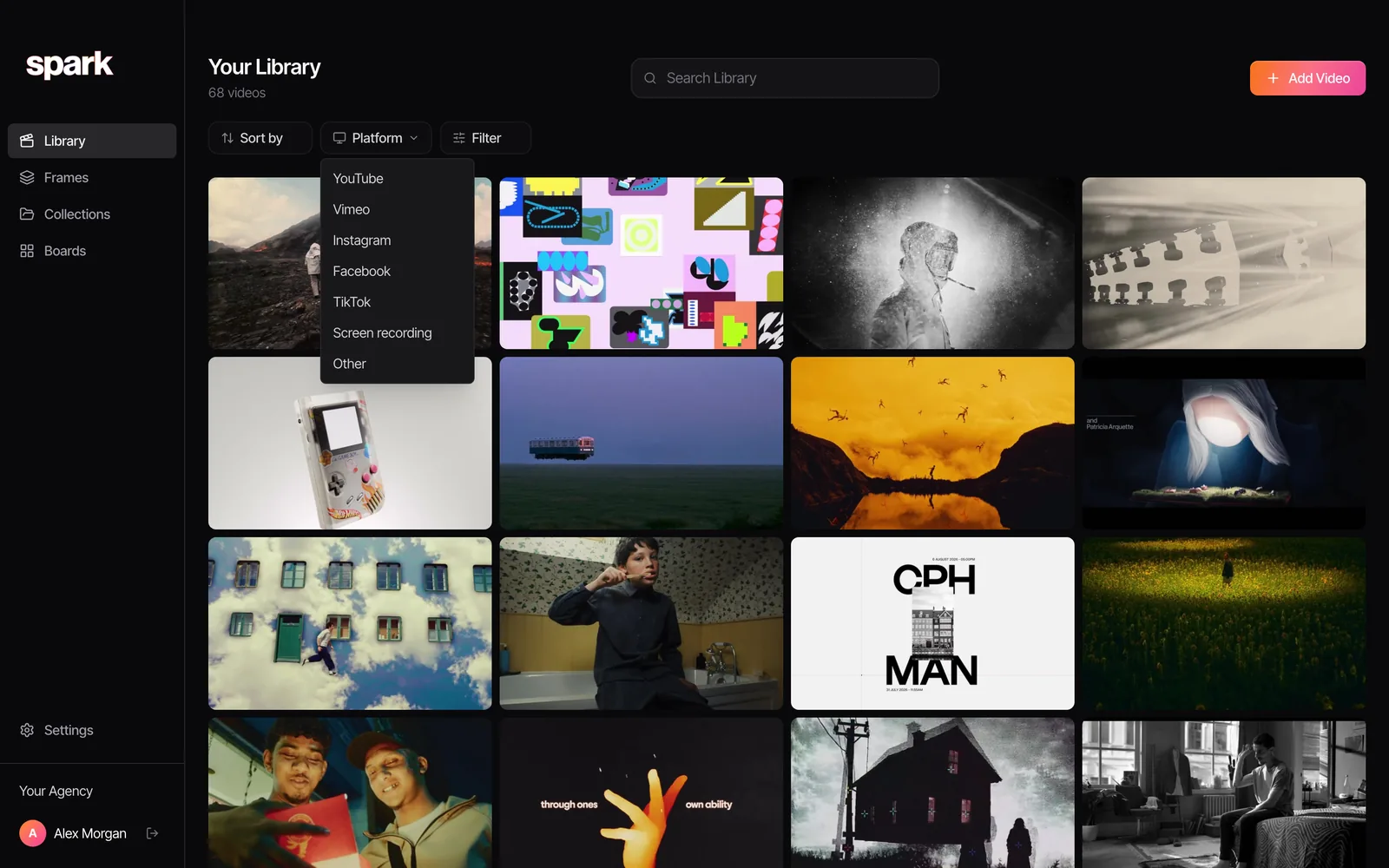
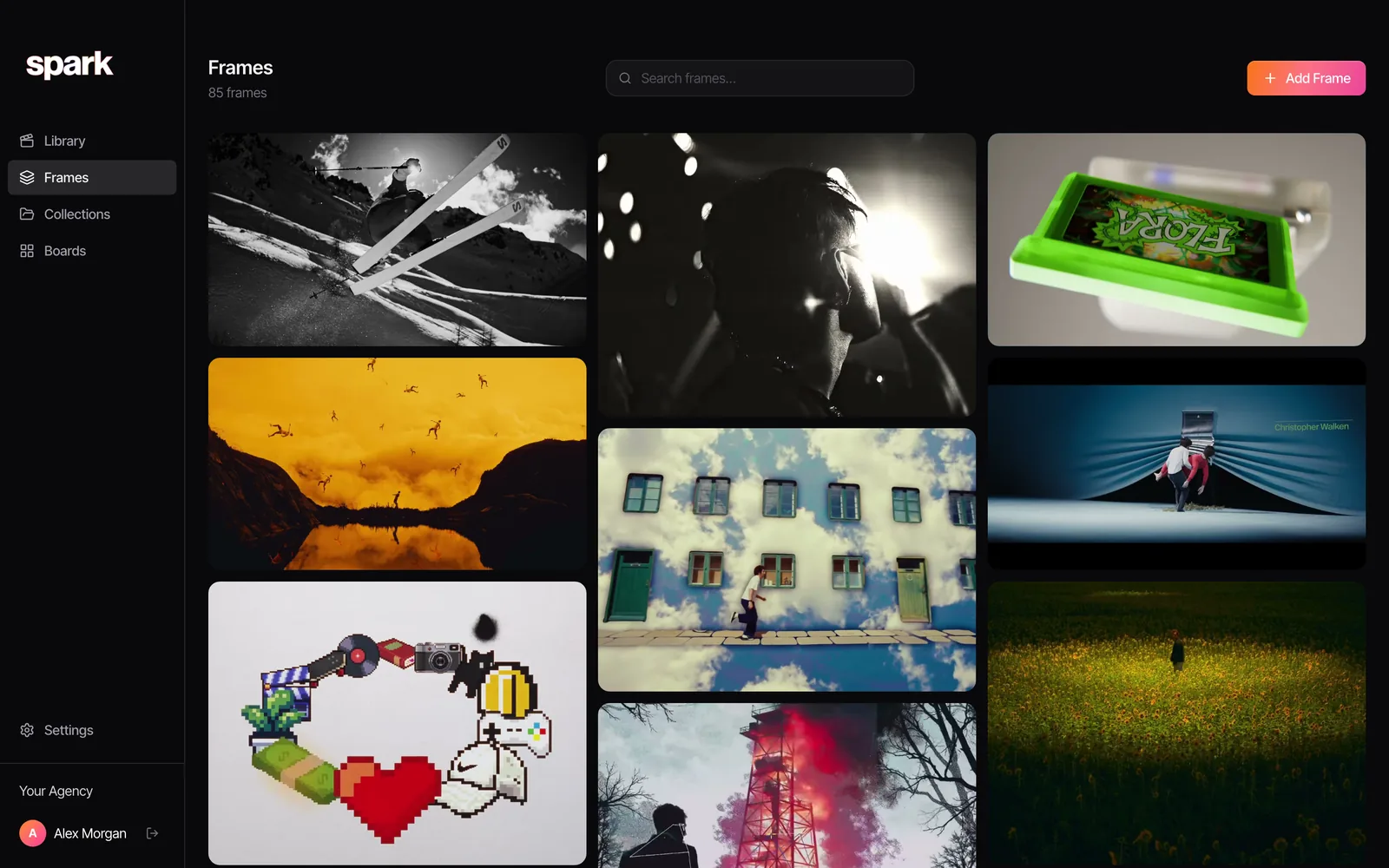
Frames are stills saved or pulled from a video, so the ShotDeck habit and the reels habit end up in one place, ready for a deck. Each frame gets a five-colour palette, and colour words in search match it.
Where Spark isn't the answer: it has no discovery feed at all, and there's no mobile app. If you only ever save stills, Eagle will suit you better.
How to pick your pair
Most of the creatives we know end up with two tools, one for each job.
| You are... | Find with | Keep with |
|---|---|---|
| A graphic or brand designer | Savee or Cosmos | Eagle |
| A director, DoP or producer | ShotDeck and Instagram | Spark |
| An art director on campaigns | Cosmos and Behance | Spark or Eagle |
| A researcher or writer | Are.na | Are.na or Raindrop.io |
| An illustrator | Cosmos and Dribbble | Eagle |
Whatever you keep, pull the palette before you forget why you saved it. Drop any still or video frame into the colour palette extractor here and you get the HEX codes back.
For the full field of keeping tools, including Notion and mymind, see our guide to the best creative reference management tools. If you plan your boards in Milanote and want out of that too, Milanote alternatives for film and video sorts the options by why you're leaving. And a library is only as good as its tags, so borrow the vocabulary from building a searchable creative library.
FAQs
What is the best alternative to Pinterest for designers?
For finding ideas, Cosmos and Savee are the closest to Pinterest without the ads, with Savee leaning towards graphic and web design. For keeping a private image library, Eagle is excellent value at $34.95 once as of October 2026. Most designers use one of each.
Is Cosmos better than Pinterest?
For professional visual inspiration, many designers think so: no ads, search by colour, and you can hide AI-generated images. Pinterest still has far more content and stronger recommendations, especially outside design. Cosmos has started adding shopping, so it isn't entirely commerce-free.
Is Are.na free?
Yes, up to 200 blocks. After that, Premium costs $7 a month or $70 a year as of October 2026, and there's a higher Supporter tier. Are.na has no ads and is funded by its members.
What is the best Pinterest alternative for filmmakers?
For finding cinematic references, ShotDeck and Frame Set are built around searchable film stills, and FILMGRAB is free. For keeping the reels and clips you find, Spark saves a copy of each one and makes it searchable by what's said and shown. Pinterest is still handy for wardrobe, locations and art direction.
Is there a Pinterest alternative without AI images?
None is completely free of them, but several give you more control. Cosmos lets you show, blur or hide images flagged as AI-generated, Pinterest labels AI-modified images, and private libraries like Eagle and Spark only contain what you put in them.
Keep reading
All articles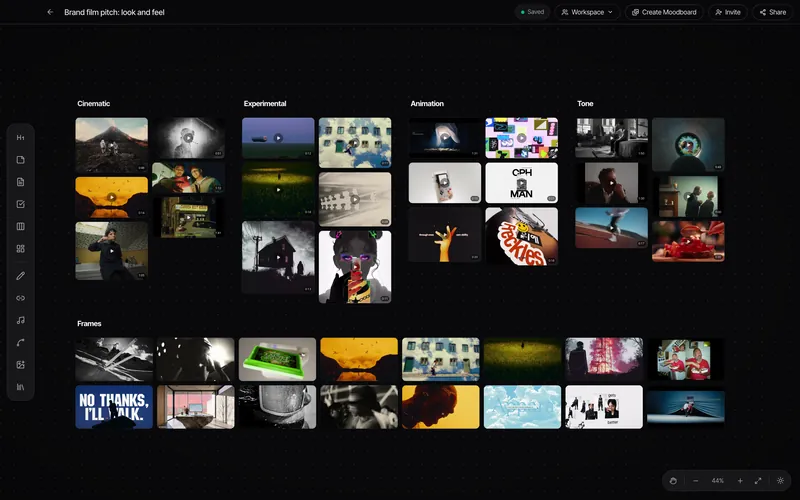
Spark vs Are.na: Saving and Finding Creative Inspiration
Are.na is one of the nicest places on the internet, and we'd defend it in a pub. It's also not built for the reel your DoP sent at midnight. Here's how to tell which one you need.
Spark vs Eagle: Which Reference Library Fits Your Workflow?
Eagle is one of the best local asset libraries ever made, and it costs less than a round of drinks. Spark does a different job. Here's how to tell which one you need.
Spark vs Pinterest: Which Is Better for Organising Video References?
Pinterest is where you find things. Spark is where you keep them. A fair comparison from a team that uses both, with a clear answer for who needs which.