
Spark vs Pinterest: Which Is Better for Organising Video References?
Pinterest is where you find things. Spark is where you keep them. A fair comparison from a team that uses both, with a clear answer for who needs which.
By the Spark team ·
Use Pinterest to find things and Spark to keep them: that's the short answer to Spark vs Pinterest. Pinterest is free, enormous and still the best recommendation engine for visual ideas, especially stills, wardrobe, interiors and colour. As an archive for video references from social platforms, it's weak: you're saving pointers to other people's accounts, you can't search what's said in a clip, and your pitch board shares a feed with shopping pins. Spark saves a copy of each video, describes and transcribes it, and keeps it private to your team.
We make Spark (we're Perspective Pictures, a production company), so we've tried hard to be fair. Pinterest wins more rows below than you'd expect on our own blog.
 Pinterest
 Spark
SparkThe quick verdict
| Job | Spark | |
|---|---|---|
| Discovering new ideas | Excellent, the best there is | None. It only knows what you save |
| Saving images | Excellent | Good (Frames, uploads, image pins) |
| Saving videos from Instagram, TikTok, YouTube, Vimeo | A pin that points at the original | Saves its own copy |
| When the original is deleted | The pin breaks or goes blank | Your copy stays |
| Searching your own saves | Mostly by remembering the board | AI descriptions, transcripts, colour words, your tags |
| Privacy | Public by default; secret boards available | Private workspace by default |
| Team use | Board collaborators | Shared workspace on Studio, Slack integration |
| Getting references into a deck | Screenshot or link | GIF and still export, Create Moodboard to Slides, Canva, PowerPoint, Keynote or PDF |
| Mobile | Excellent apps | Mac and Windows app; save from your phone by Instagram DM or WhatsApp |
| Price (as of October 2026) | Free | Free for 15 videos and 30 frames; Creator from £16 per month; Studio £23 per user per month |
Spark's US prices are $24 and $34, checked October 2026.
If you only ever save still images and you like being shown more of what you like, Pinterest is all you need. You can stop reading here. If your references move, keep going.
What Pinterest does best
Discovery. Save three mid-century kitchens and Pinterest shows you three hundred more, some of them genuinely surprising. Its visual search lets you crop a bit of an image (a lamp, a jacket, a colour) and find more like it. For an art department pulling set dressing, a stylist building a wardrobe board or a director chasing a location feeling, nothing comes close for volume.
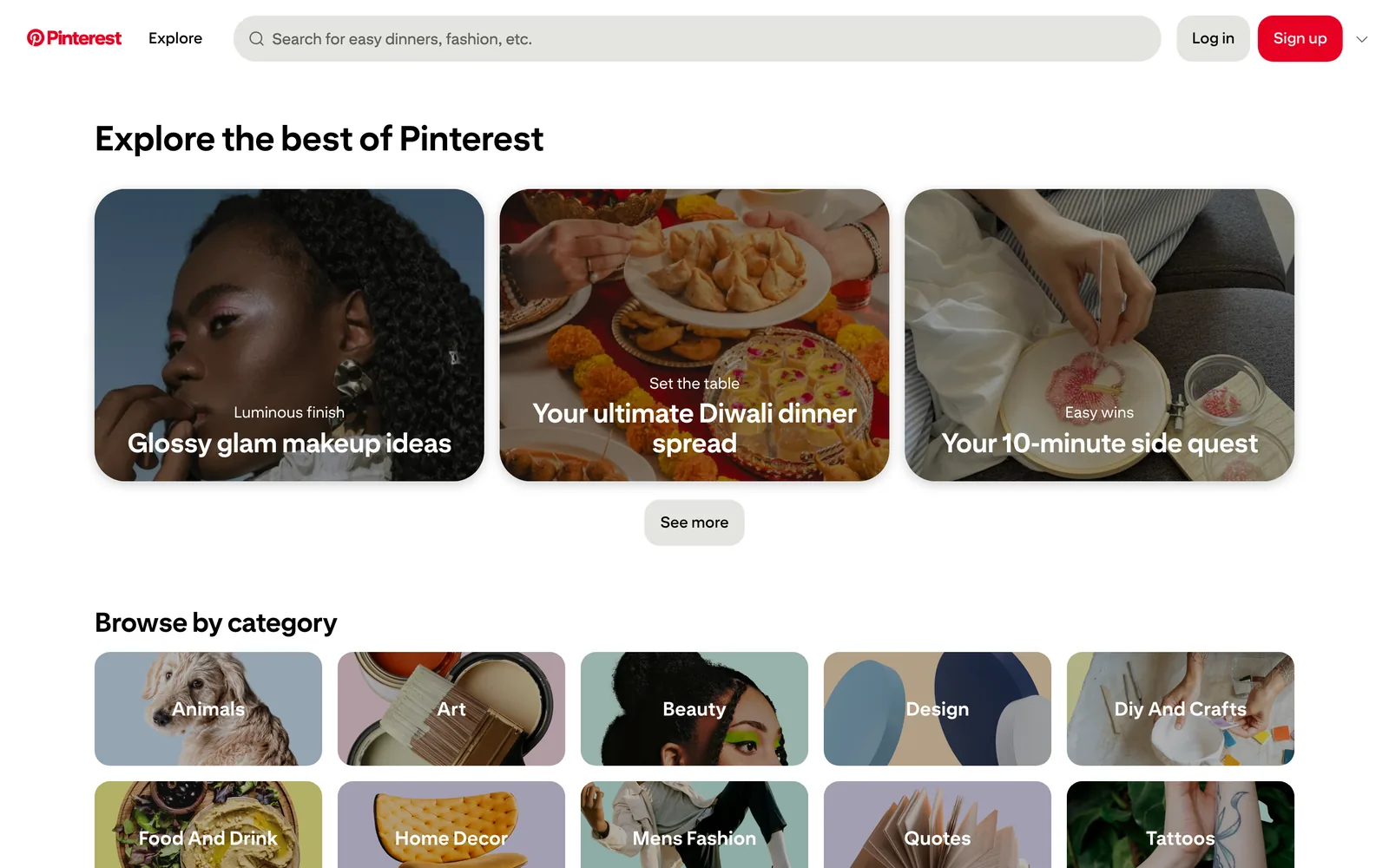
It's free, it's on every device, and everyone already has an account, including the client who only checks things on their phone in a taxi. Boards have sections, secret boards keep a pitch away from prying eyes, and you can invite collaborators. That covers a surprising amount of what a small team needs for stills.
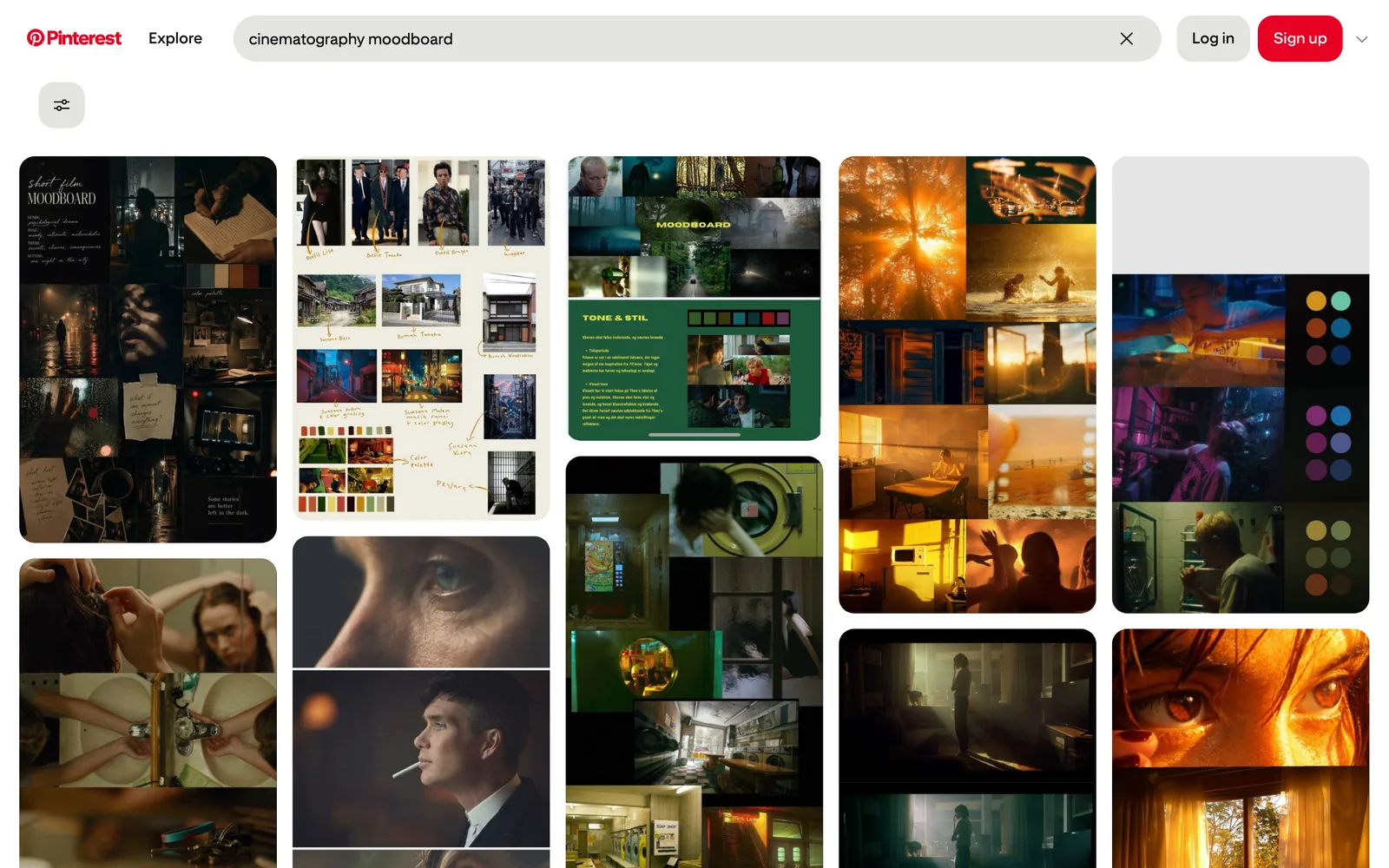
It's a decent place to find video too. Pinterest's own video pins are full of motion design, food films and product shots, and the recommendations will cheerfully lead you somewhere you wouldn't have gone on your own. A search for cinematography moodboards alone is an evening gone.
Where Pinterest struggles with video references
The trouble starts when the reference didn't begin life on Pinterest. For most production people, that's most of them.
You're saving a pointer, not the video. Pin a reel, a TikTok or a Vimeo link and what you've really saved is a pin that leads back to someone else's account. When the creator deletes the post, goes private or the brand pulls the campaign, your reference goes with it. Every producer has opened a pitch board on the morning of the meeting and found grey boxes where the key references used to be. Not a great start to the day.

You can't search what's in a video. On Pinterest you find your own saves mostly by remembering which board they're on. Fine for "kitchen". Less fine for the ad where the grandad says it's the best tea he's ever had. Pinterest can't search the speech in a clip, and it doesn't describe your saved videos by what happens in them. If you can't remember the board, you're scrolling.
The feed has company. Pinterest is free and ad-funded, so shopping pins and promoted pins come with the territory. AI-generated images have been a growing complaint too. To its credit, Pinterest started labelling AI-modified images in 2025 and has added controls to see fewer of them. Your reference hunt still shares space with things trying to sell you a rug.
Getting references out is clunky. When the deck's due, you want the actual moment: two seconds of a whip pan as a GIF, or a clean still of the frame you mean. Pinterest isn't built for that, so it's screen recordings, screenshots and a fair amount of muttering.
What changes when the video is kept
Spark starts from the opposite end. It doesn't find anything for you. It catches the references you've already found, wherever they turned up, and makes them findable later.
It saves the video, from wherever it lives
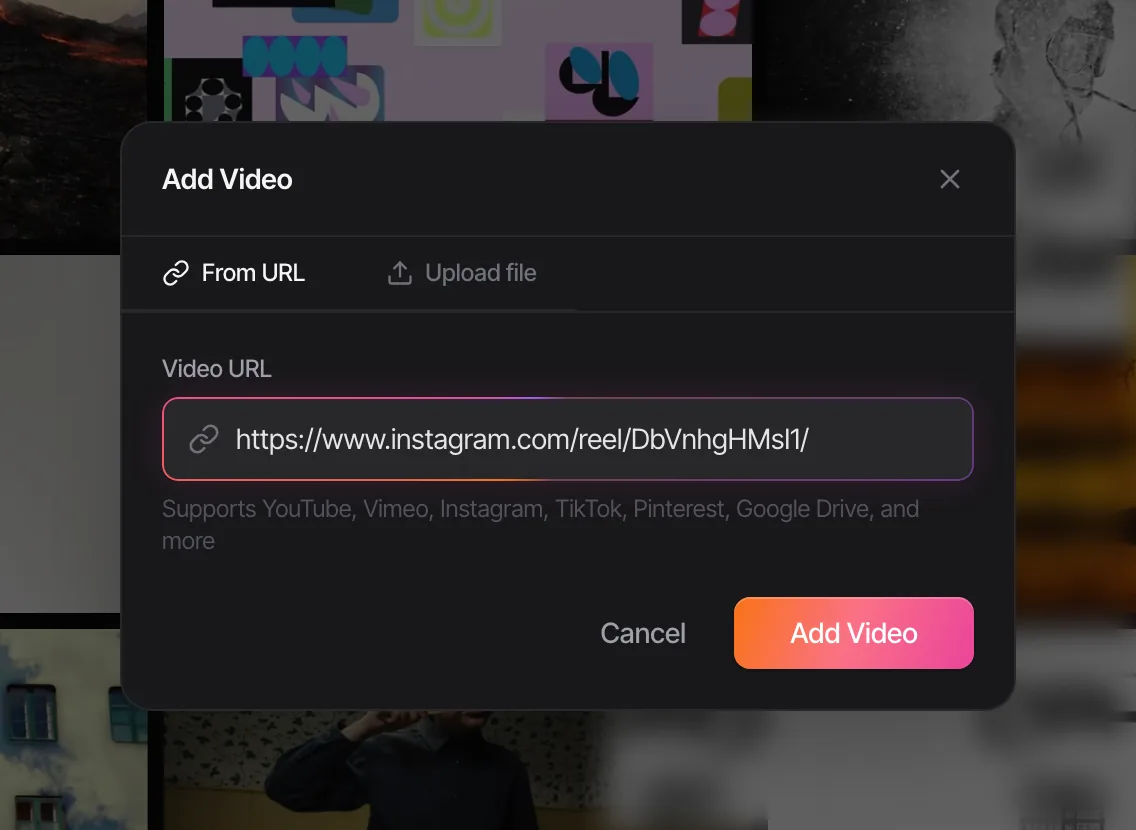
Paste a link from Instagram (reels, posts, carousels), TikTok, YouTube, Vimeo, Facebook, LinkedIn, X or a Pinterest pin, and Spark saves a copy. It takes ads from the Meta Ad Library and TikTok Creative Center too. From your phone, share a reel with @sparkreferences in Instagram DMs or send a link on WhatsApp; both work on the free plan up to its limits. At your desk there's the Chrome extension, uploads and Google Drive, and a built-in screen recorder for anything stuck behind a login.
It knows what's in each video
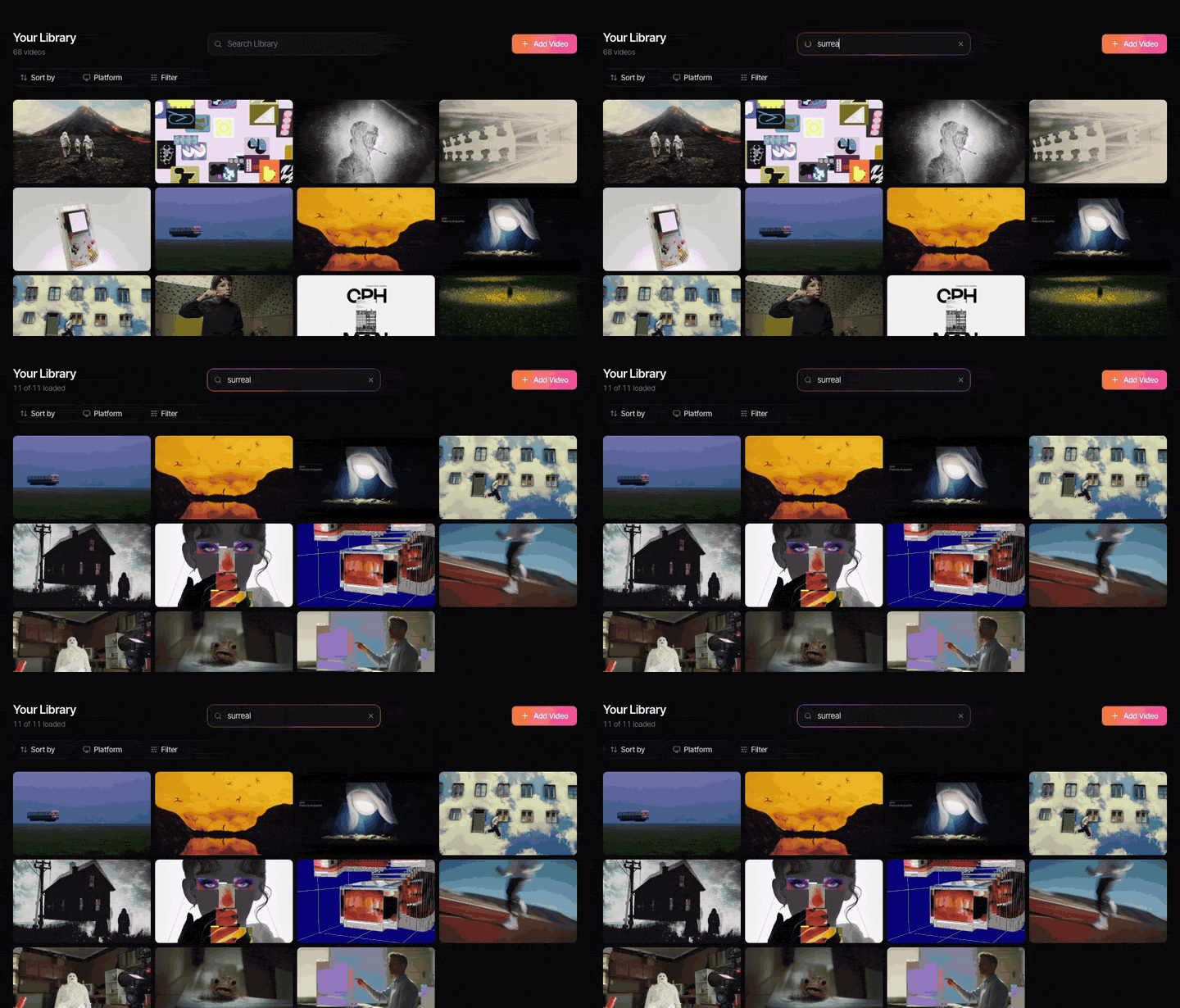
Every saved video gets a thumbnail. Creator and Studio add an AI description and a transcript, so you can search for a drone shot over a motorway or a line of dialogue and turn up untagged references. Add your own tags on top for the things only you know, like which pitch it was for; our guide to tagging video references has a tag list worth stealing.
It's private and built for a team
Your workspace is private to you and the people you invite. On Studio, the whole team shares one library, and the Slack integration saves every video link posted in a chosen channel straight into it. No public profile, no follower counts, no client stumbling across their competitor's pitch board.
Boards, but for footage
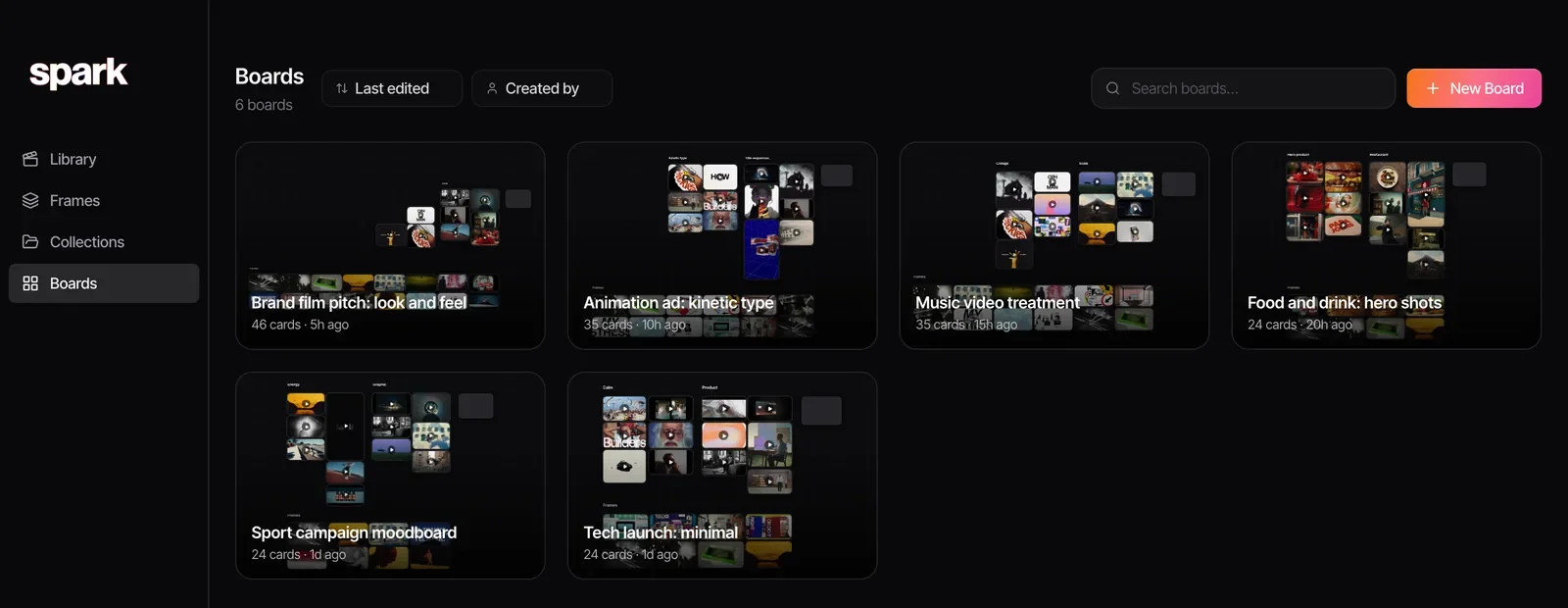
Pinterest gave everyone the habit of boards, and Spark has them too: one per project, with saved videos that play in place beside the stills you pulled from them.
It gets references into the deck
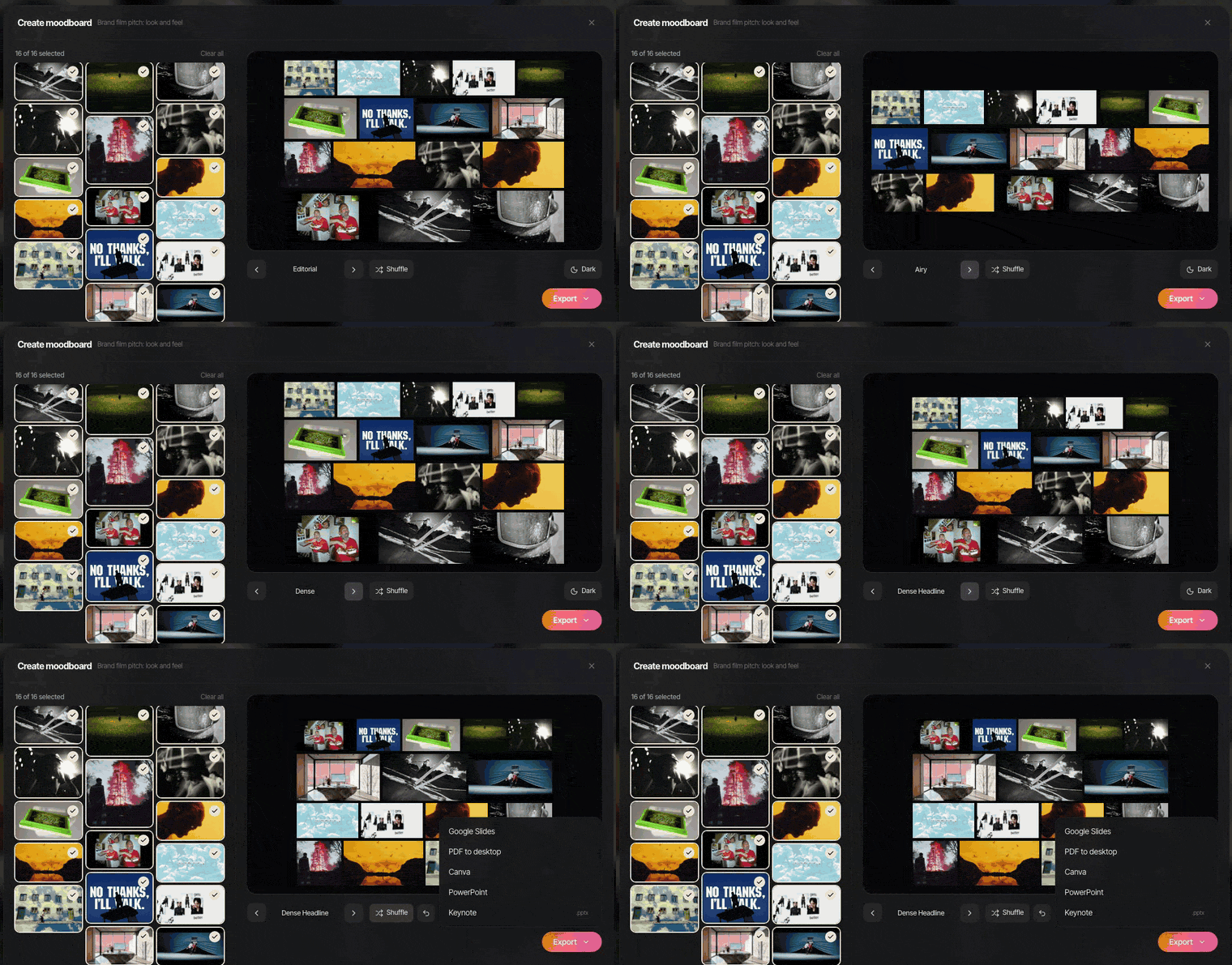
Export a GIF from any saved video in a few clicks, pull a still into Frames, lay things out on a board and use Create Moodboard to send it to Google Slides, Canva, PowerPoint, Keynote or PDF. The GIFs keep moving in the slide versions; only the PDF freezes them.
No Spark account yet? Drag your favourite pins into the free deck builder on this site, pick a layout and export a deck in the browser.
Where Spark falls short
Fair's fair. Our side, bluntly.
No discovery. No feed, no recommendations, no community. Open Spark with nothing saved and there's nothing to see. You'll still need Pinterest, Instagram or a site like Cosmos to find new ideas.
It costs money past the free plan. The free plan holds 15 videos, 30 frames and 1 GB, with no card and no time limit. Then Creator is £16 a month for one person and Studio £23 per user a month. Pinterest costs nothing.
It's a desktop app. Mac and Windows, no mobile app. On your phone you save by DM or WhatsApp; you browse the library at your desk.
It's less fun for pure stills. You can save images and frames, but if your whole library is photographs of interiors, Pinterest's discovery or Eagle's local files will suit you better.
Using both together
This is the setup we'd recommend to most production teams.
- Browse on Pinterest. Let it do the discovery. Save freely to messy boards; nobody's judging.
- Promote the keepers. When a pin is going to matter for a project, paste its link into Spark, or right-click it with the Chrome extension. Picture pins land in Frames, video pins in the library. Studio's Bulk import can pull in a whole public board, up to its first 25 pins (all Pinterest shows anyone who isn't signed in).
- Catch the rest at source. Reels, TikToks and YouTube links go straight into Spark, not via Pinterest, so you keep the real video.
- Tag with intent. Add the project and a technique or mood tag. The description covers the picture; your tags say why it matters.
- Present from Spark. Build the collection, pull GIFs and frames, invite the client.
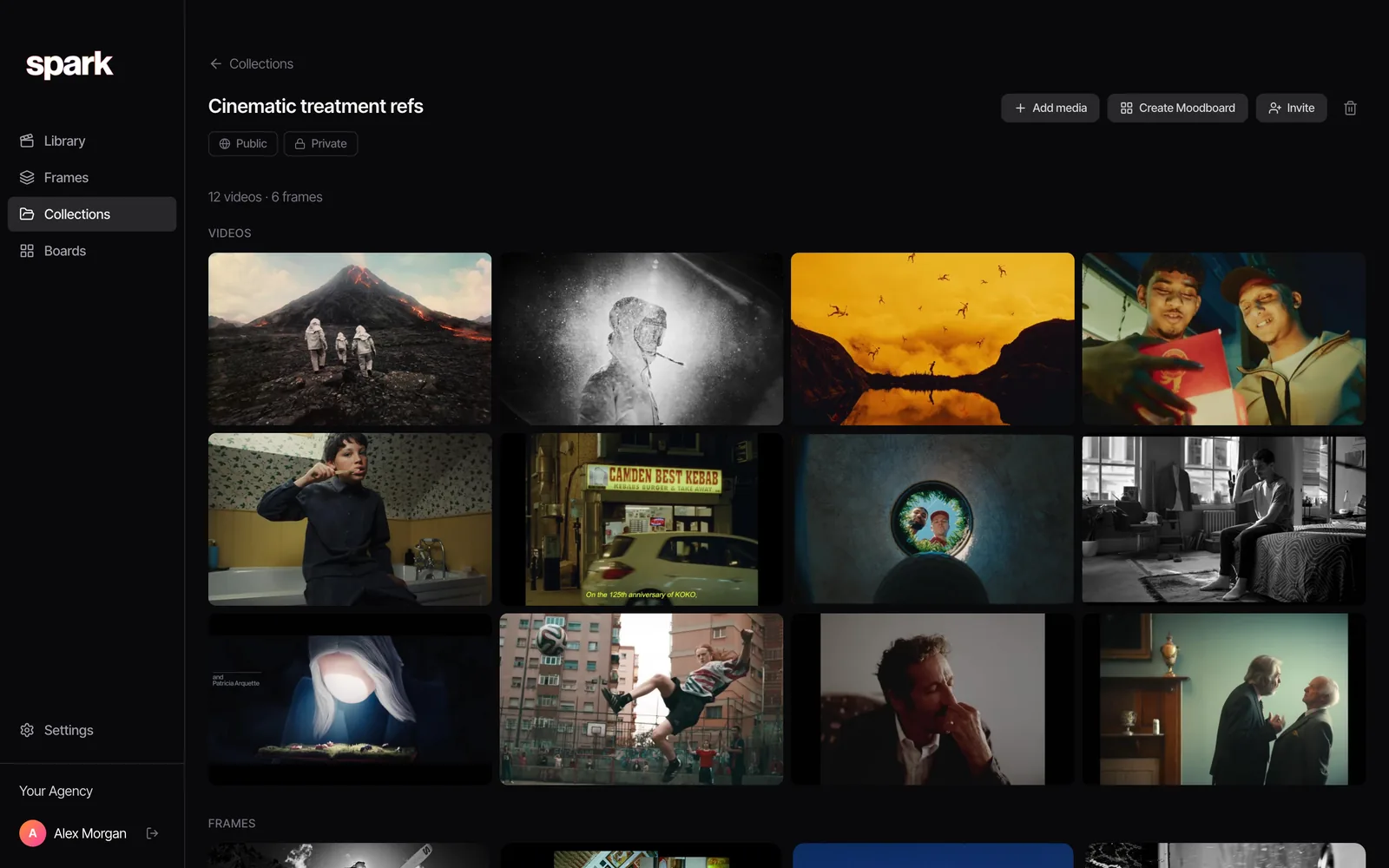
Pinterest becomes the scrapbook, Spark the archive. They stop competing once you give them different jobs.
So which should you use?
Pinterest alone if you mainly save stills, you work solo or in a small team, and discovery matters more than archiving. It's free and it's very good at what it does.
Spark alone if what you save is largely video from social platforms and ads, you need to find things months later, and you'd rather not have shopping pins in your pitch prep.
Both if you're like most production teams. To see the wider field first, we've compared the best Pinterest alternatives for creatives and the best creative reference management tools. And if Instagram is where most of your video references start, read how to save Instagram reels for inspiration.

Not sure which camp you're in? For a fortnight, put the videos you'd normally pin into Spark instead, and notice which place you go back to when a brief lands. That's what the free plan is for.
FAQs
Can you save videos on Pinterest?
Yes, you can save Pinterest's own video pins and pin videos from sites like YouTube. But the pin points back to the original, so if the video is deleted or made private, the pin stops working. Pinterest isn't designed to keep your own copy of a video from Instagram or TikTok.
Is Pinterest good for filmmakers?
It's very good for discovery, particularly for stills, colour, wardrobe, interiors and locations, and plenty of art departments rely on it. It's weaker as a library of moving references, because you can't search what's said in a video and saved links break when the original goes.
Is Spark a Pinterest alternative?
Partly. Spark replaces Pinterest as the place you keep and search references, especially video, but it doesn't replace Pinterest's discovery feed. The natural split is Pinterest to find ideas and Spark to keep the ones that matter.
Can I import Pinterest pins into Spark?
Yes. Paste a pin's link into Spark, or right-click it with the Chrome extension, and Spark saves it as an image in Frames or a video in your library, depending on what the pin contains. On Studio, Bulk import can bring in the first 25 pins of a public board in one go.
Are Pinterest secret boards private?
Secret boards are only visible to you and anyone you invite as a collaborator, and they don't appear in search. They're fine for keeping pitch ideas out of public view, but the pins inside still point to content hosted elsewhere.
Keep reading
All articles
Best Creative Reference Management Tools in 2026
Most "best reference tool" lists only test images. We tested against what really fills a production company's library: reels, TikToks, ads and YouTube links. Prices checked October 2026.

Spark vs Milanote: Which Is Better for Video Moodboards?
We make Spark, and we still think Milanote is the better tool for some people. Six rounds, real boards from both apps, October 2026 prices, and why plenty of teams use both.

How to Build a Film Treatment That Wins a Pitch
Most treatments are decided in the first three pages, often on a phone. Build yours to survive that, from the opening letter to the reference frames.