
Spark vs Eagle: Which Reference Library Fits Your Workflow?
Eagle is one of the best local asset libraries ever made, and it costs less than a round of drinks. Spark does a different job. Here's how to tell which one you need.
By the Spark team ·
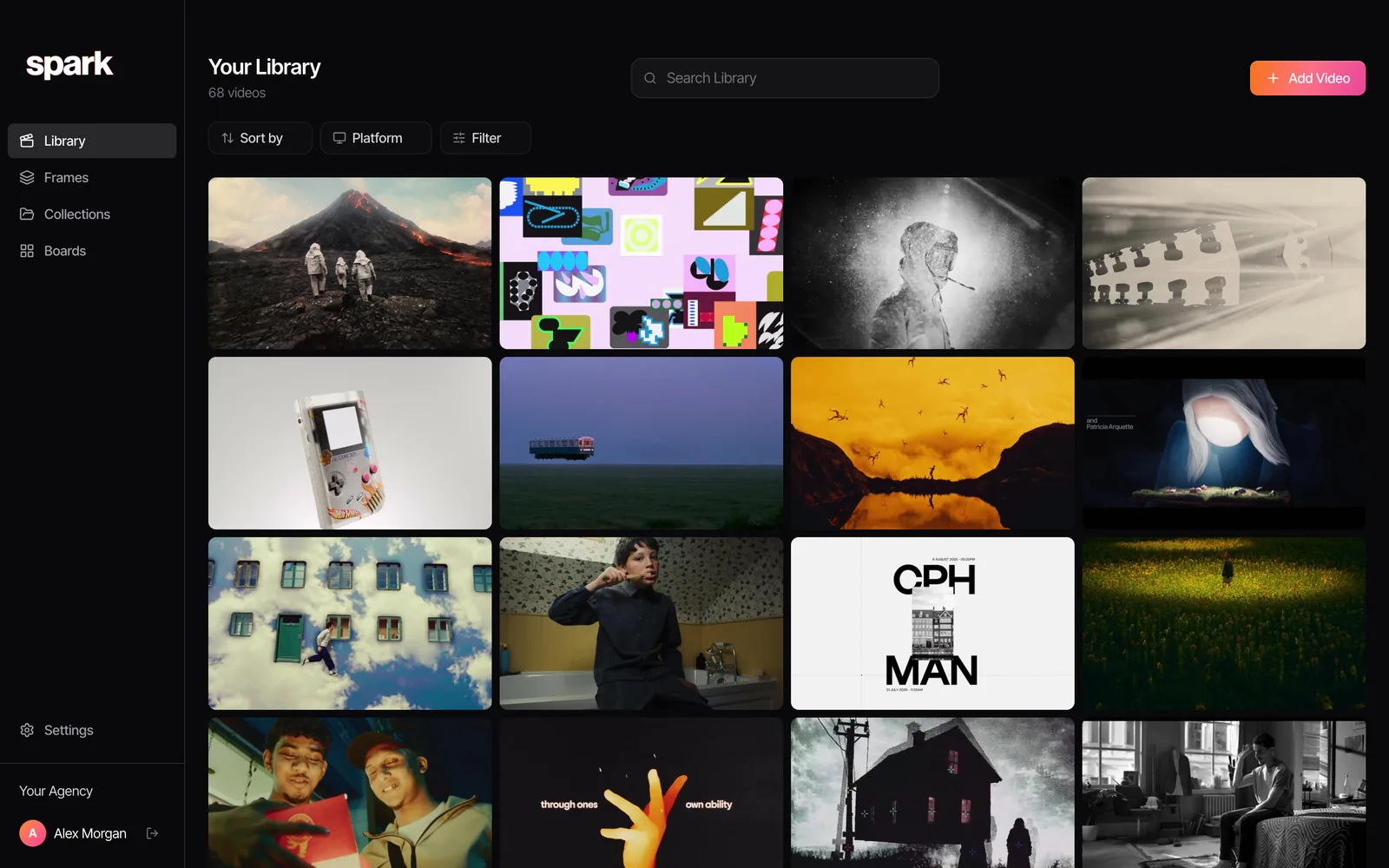
Where do your references come from? That one question settles Spark vs Eagle. If they're mostly images and files already sitting on your computer, buy Eagle. It's $34.95 once, it runs locally, it's absurdly quick with huge libraries and it opens nearly any file you throw at it. If they're mostly videos you found on social media, and other people need to find them too, that's what Spark is for, and Eagle isn't.
That's the summary. The rest is the detail, including the places where Eagle is simply better than us. We make Spark, and we'd still tell a designer friend to buy Eagle.
 Eagle
Eagle Spark
SparkEagle and Spark at a glance
| Eagle | Spark | |
|---|---|---|
| What it is | Local asset library for Mac and Windows | Mac and Windows app with a cloud library |
| Where files live | A library folder on your own drive | Spark's cloud storage (1 GB free, 20 GB on Creator, 35 GB per user on Studio) |
| Best at | Images, design files, fonts, 3D, screenshots | Video references from social platforms and ad libraries |
| Saving from Instagram, TikTok, YouTube | YouTube and Vimeo save as bookmarks; Instagram by a workaround; the rest need a community plugin | Paste a link or DM it; the video itself is saved |
| Search | Tags, folders, smart folders, colour picker, file type, notes, optional AI search | AI descriptions, transcripts, colour words, titles, brands, your own tags |
| Teams | Share the library folder yourself; no permissions | Shared workspaces and invites; Slack on Studio |
| Offline | Fully | Cloud library, built to be used online |
| Price (as of October 2026) | US$34.95 one-off for 2 devices, 30-day free trial | Free for 15 videos and 30 frames; Creator from £16 per month; Studio £23 per user per month |
Eagle prices in dollars, Spark in pounds ($24 and $34 in the US). Both checked on the vendors' own pages in October 2026.
Five things Eagle does superbly
For years Eagle has been the default answer for designers who hoard images, and it has earned it.
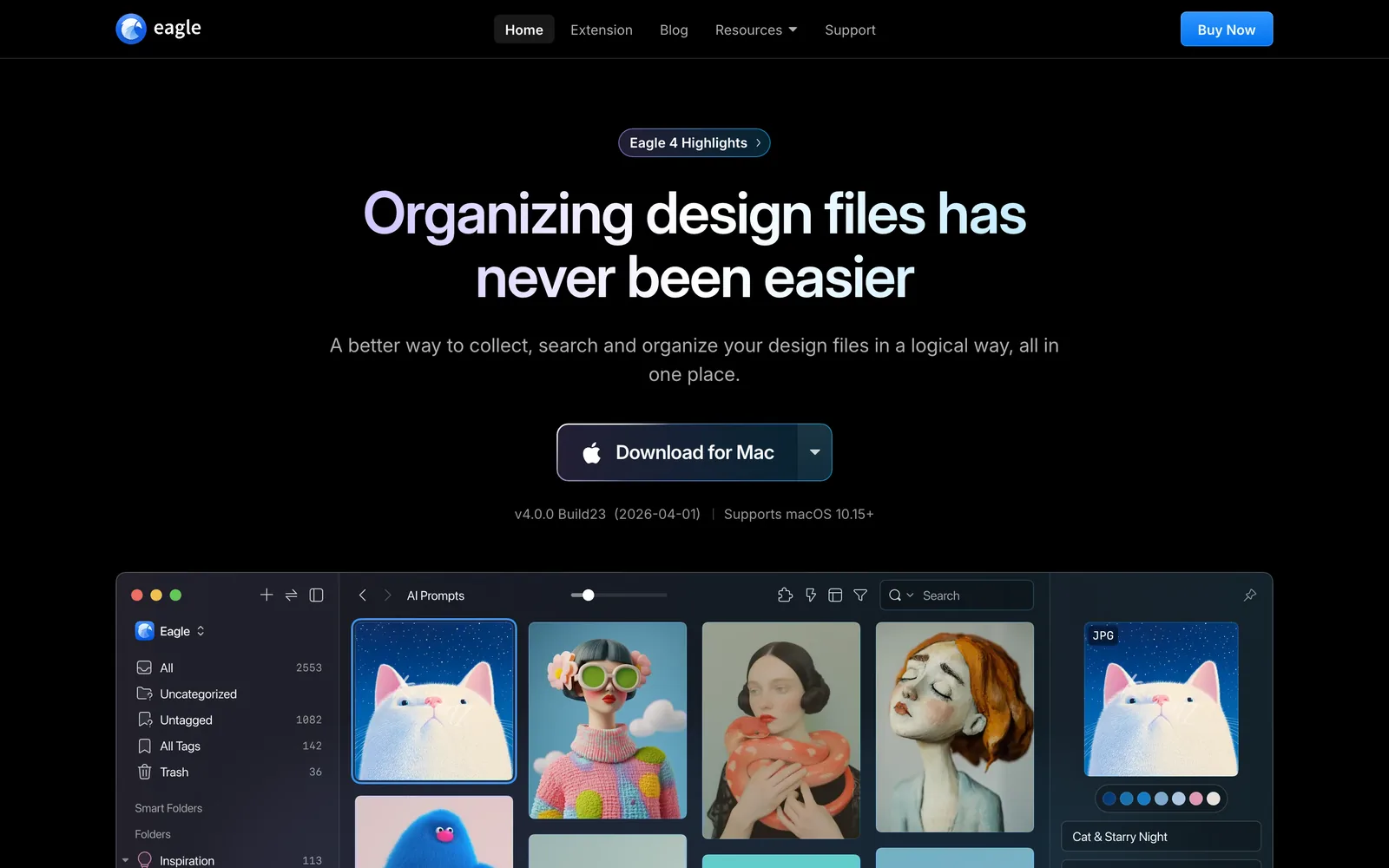
- You own it. $34.95 buys a licence for two devices. No subscription, and Eagle's site calls it lifetime access. Once, it costs less than two months of Spark's Creator plan. That matters, and we won't wave it away.
- It's local and fast. Your library is a folder on your drive. No upload, no storage tier, no waiting on a server. Reviewers praise the speed with big libraries more than anything else, and if the internet goes down mid-deadline, Eagle doesn't care.
- It opens nearly everything. RAW photos, PSDs, Illustrator, Sketch and Affinity files, fonts, PDFs, 3D formats. For a motion designer or an illustrator, that alone can settle it.
- The organising is deep. Tag groups, smart folders with rules, ratings, notes, duplicate detection, and a colour filter where you pick a swatch and it reads the actual pixels. Every reference with that dusty pink in it, in one go.
- It's extensible. There's a plugin centre and a plugin API, plus optional AI search (visual, semantic and cross-source search, in Eagle's words). The browser extension and built-in screenshot tool make grabbing images quick.
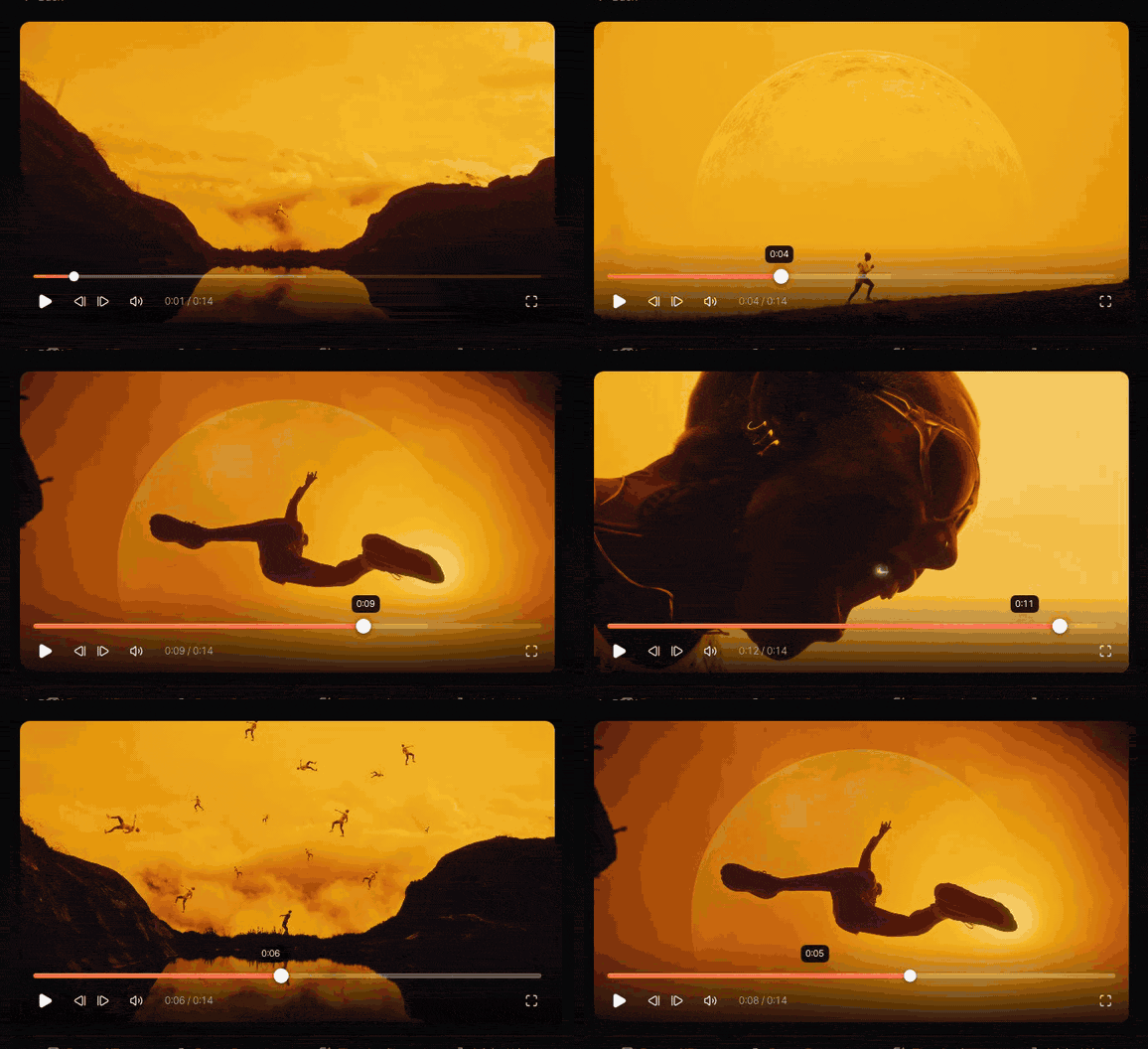
Eagle also plays the video files you already have rather well: frame stepping, slow motion, section loops, timestamped comments, saving the current frame as a new image. As a viewer for footage on your own drive, it's solid. Which brings us to the gap.
Where Eagle struggles: video from the internet
This is the bit that matters for anyone in film, advertising or social.
Eagle's support pages say YouTube and Vimeo videos save as bookmarks: a thumbnail and a link, with the video itself not downloaded. When it goes private or gets taken down, so does your reference. For Instagram, Eagle suggests an Alt and right-click trick, with a warning that it can break when the platform changes. TikTok isn't in the official docs at all. There's a community plugin, Video Fetch, that downloads from the big platforms with yt-dlp, and if you're committed to Eagle it's worth a look. It's a third-party add-on, though, not part of the product.

Then there's finding it again. Once a video is in Eagle, it's a file with the tags you typed. Eagle doesn't transcribe speech. So you can't search your library for the ad where the voiceover talks about Sunday mornings, or every clip with a drone shot over water, unless you tagged them that way on the day. You didn't. Nobody does.
What Spark does differently
We built Spark at Perspective Pictures because our own references lived in Instagram saves, DMs, Slack threads and camera rolls, and none of it could be searched. So it starts where references actually arrive.
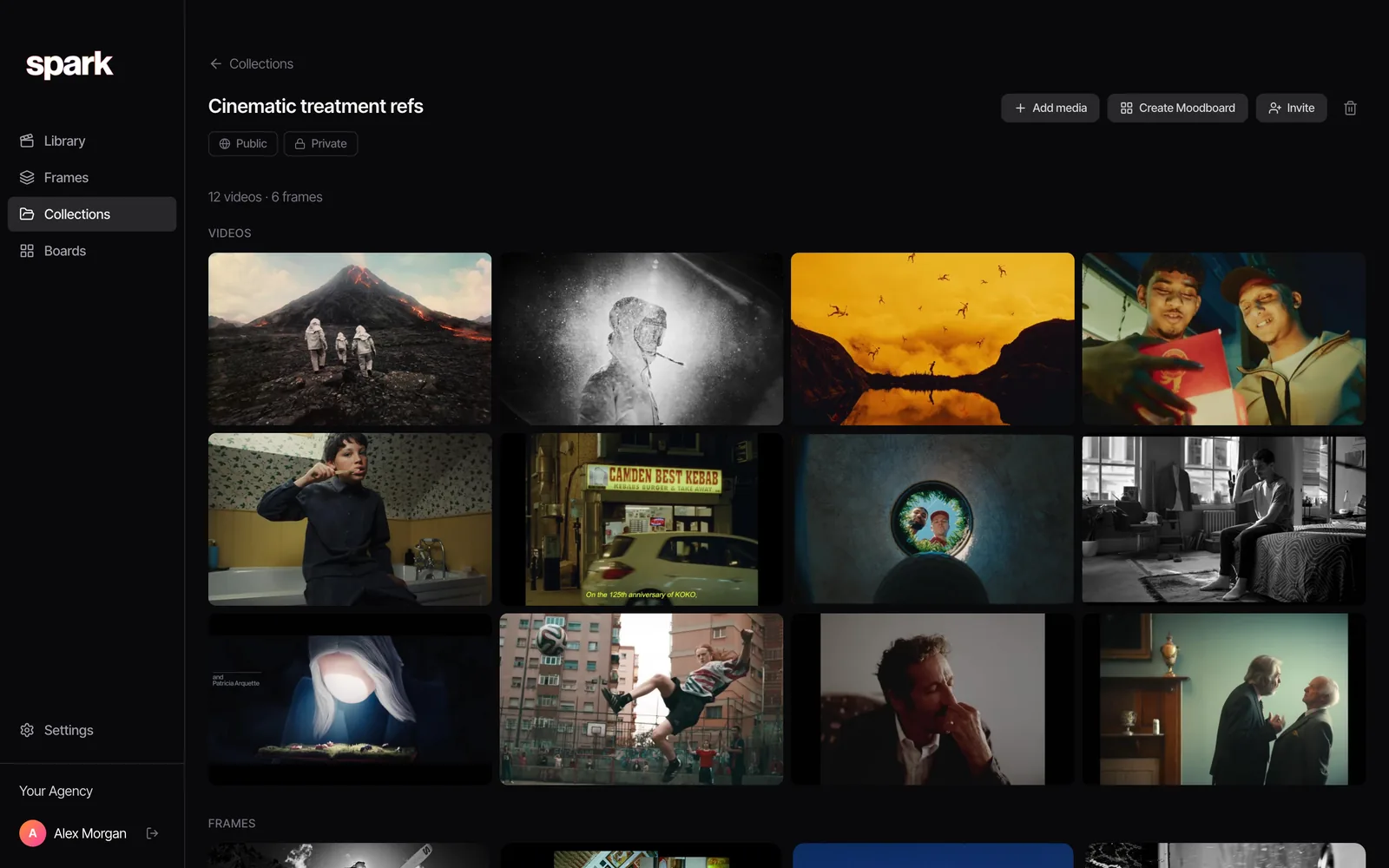
Saving. Paste a link, send a reel to @sparkreferences in an Instagram DM, use the Chrome extension, send a link on WhatsApp, upload files or pull from Google Drive. Spark saves the actual video from Instagram, TikTok, YouTube, Vimeo, Pinterest, Facebook and LinkedIn, plus ads from the Meta Ad Library and TikTok Creative Center. A built-in screen recorder catches anything that won't save. Studio teams can bulk import whole YouTube playlists, Vimeo collections, Pinterest boards or a spreadsheet of links.
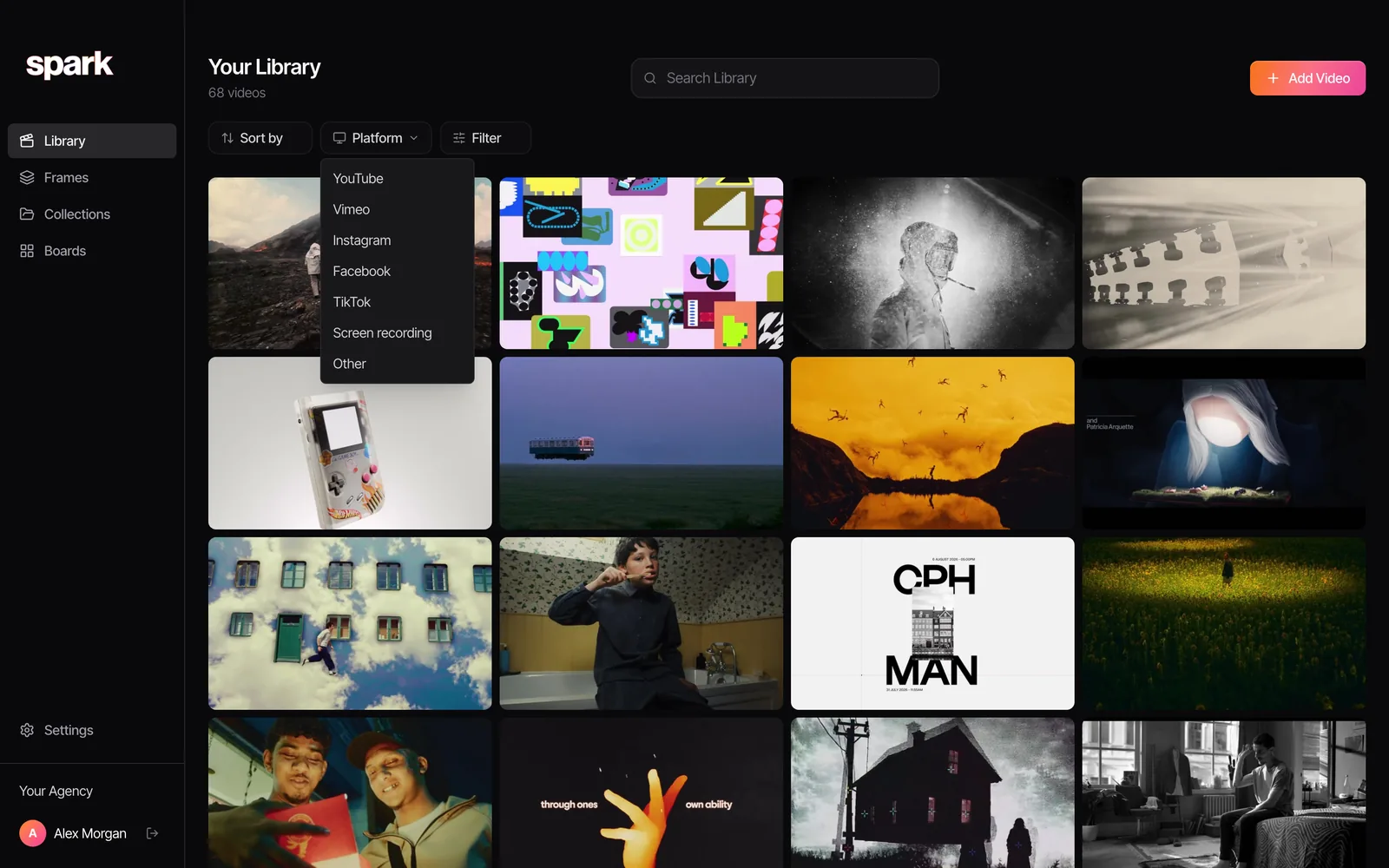
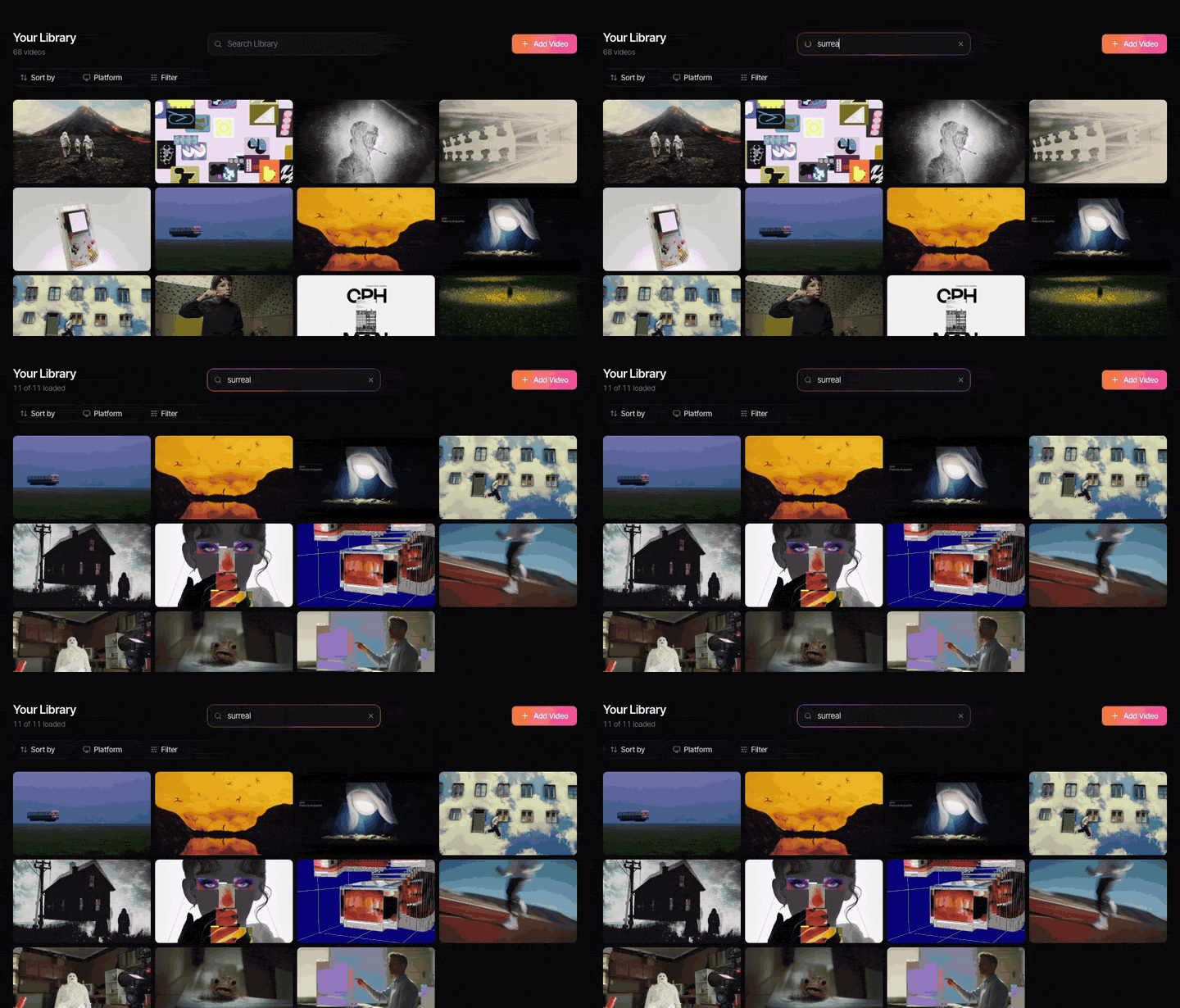
Search that doesn't depend on your tagging discipline. On Creator and Studio, Spark writes a description of each video and transcribes the audio. Your own tags are still there for the things only you know, like which pitch a reference was for. Spark never adds tags for you; it doesn't need to, because search reads the description and the transcript. More on that in how to tag video references.
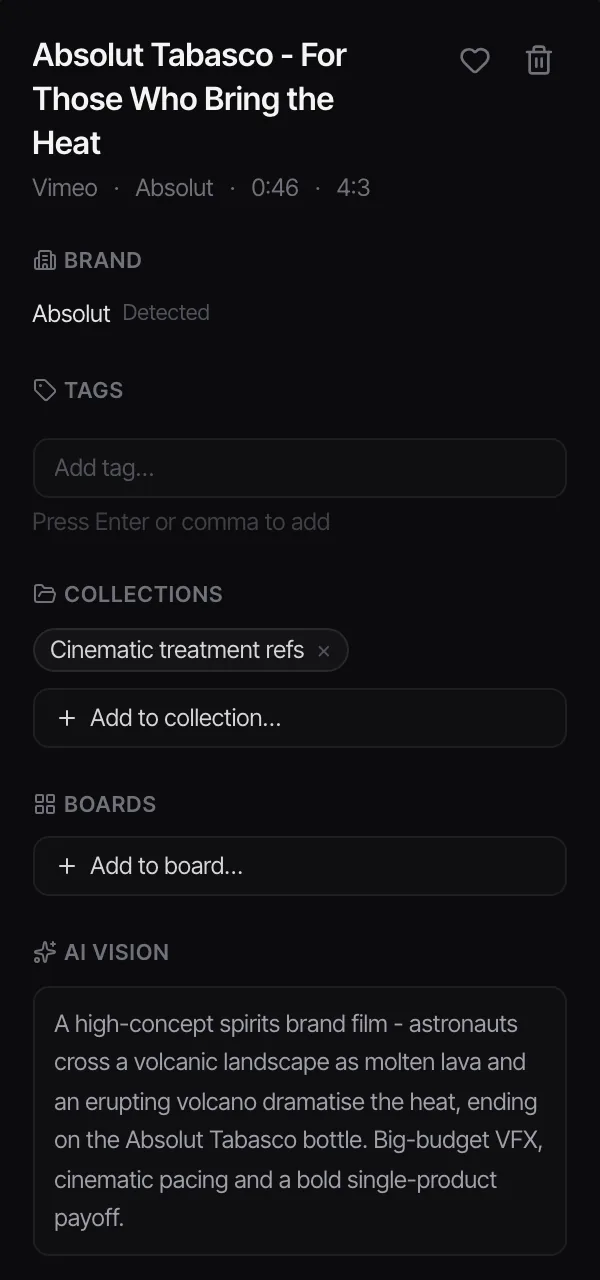
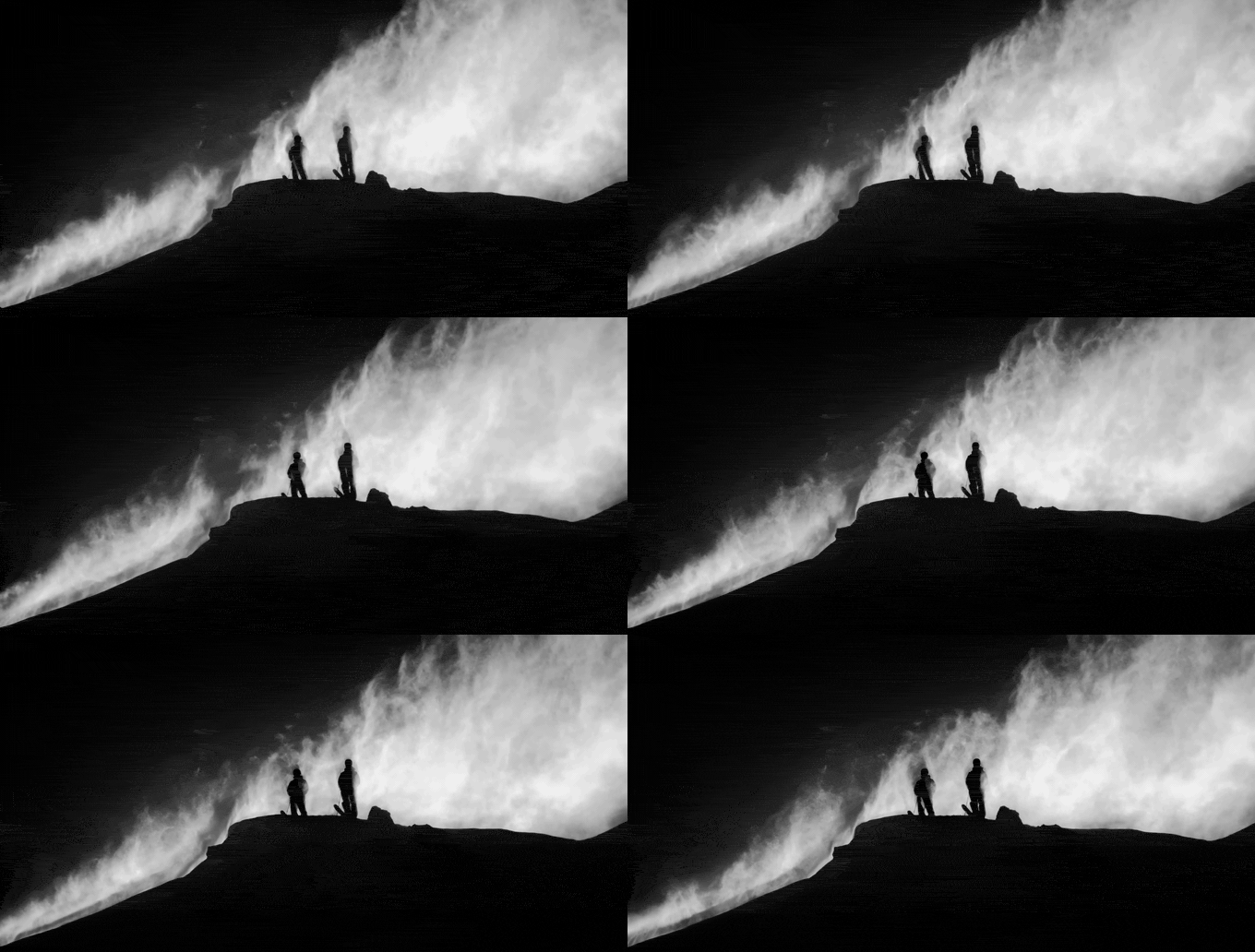
Colour, done differently. Eagle's swatch picker is lovely. Spark's take is that every frame you keep gets a five-colour palette, and colour words in search match it, so typing teal or amber pulls the frames that carry it. Different route, similar end.
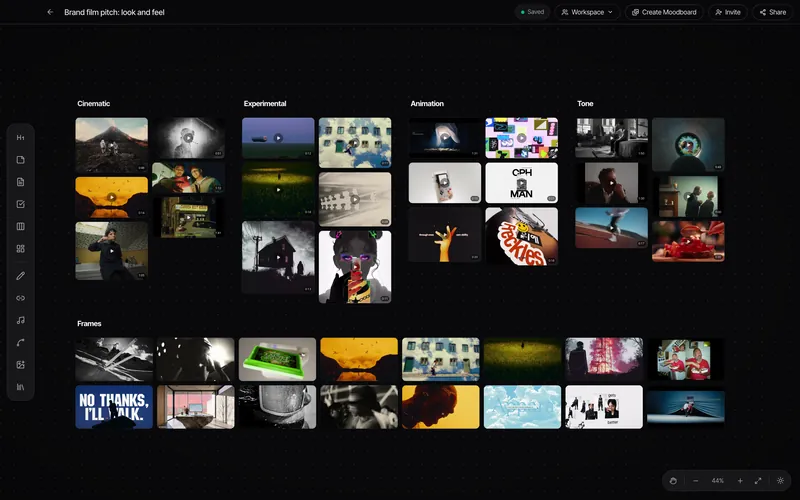
Using references. Export a GIF from any saved video in a few clicks, pull stills into Frames, lay them out on a board, and send it with Create Moodboard to Google Slides, Canva, PowerPoint, Keynote or PDF. That stretch between nice reference and slide 7 of the treatment is where most of a producer's week goes.
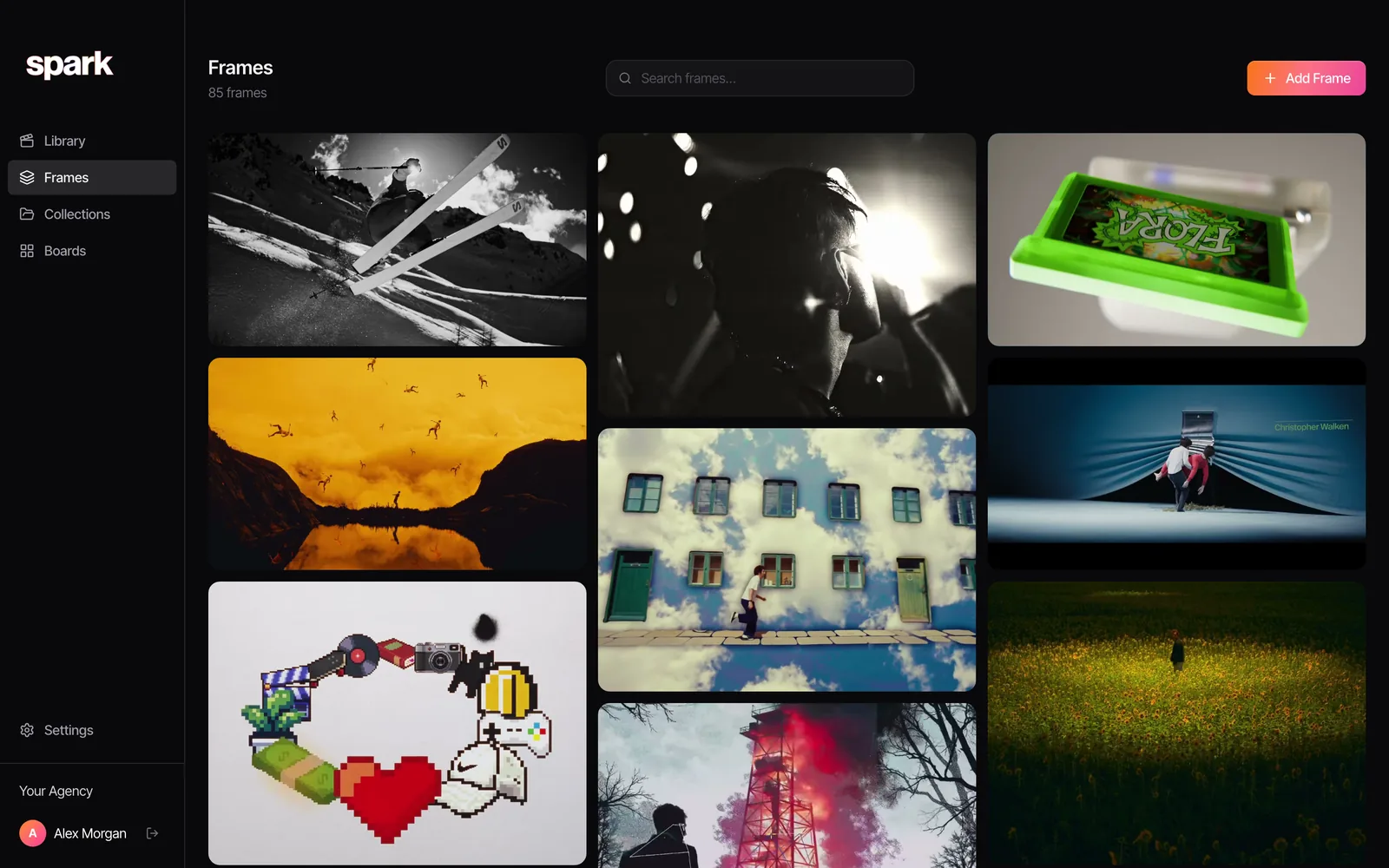
Teams. On Studio, a team shares one workspace, invites people in, and links posted in a chosen Slack channel save straight into the library. Eagle's support pages are plain that it doesn't do team or permission management: you share the library folder through Dropbox or a NAS and try not to edit the same item at the same time.
Where Spark is weaker than Eagle
Equally plain, then.
It's a subscription. Spark's free plan stays free (15 videos, 30 frames, 1 GB, no time limit), but serious use means Creator at £16 a month or Studio at £23 per user. Against $34.95 once, that's real money. Only pay it if the video and team features save you more time than they cost.
Storage has a ceiling. 20 GB on Creator, 35 GB per user on Studio. Eagle is limited only by your drive. If you're archiving terabytes of rushes or a decade of design files, Spark is the wrong place for them.
It's not a design asset manager. No font previews, no PSDs, no 3D files. It isn't trying to be.
It needs the internet. The library lives in the cloud, which is what makes sharing and search work. It does mean Spark isn't offline-first the way Eagle is.
Who should pick which
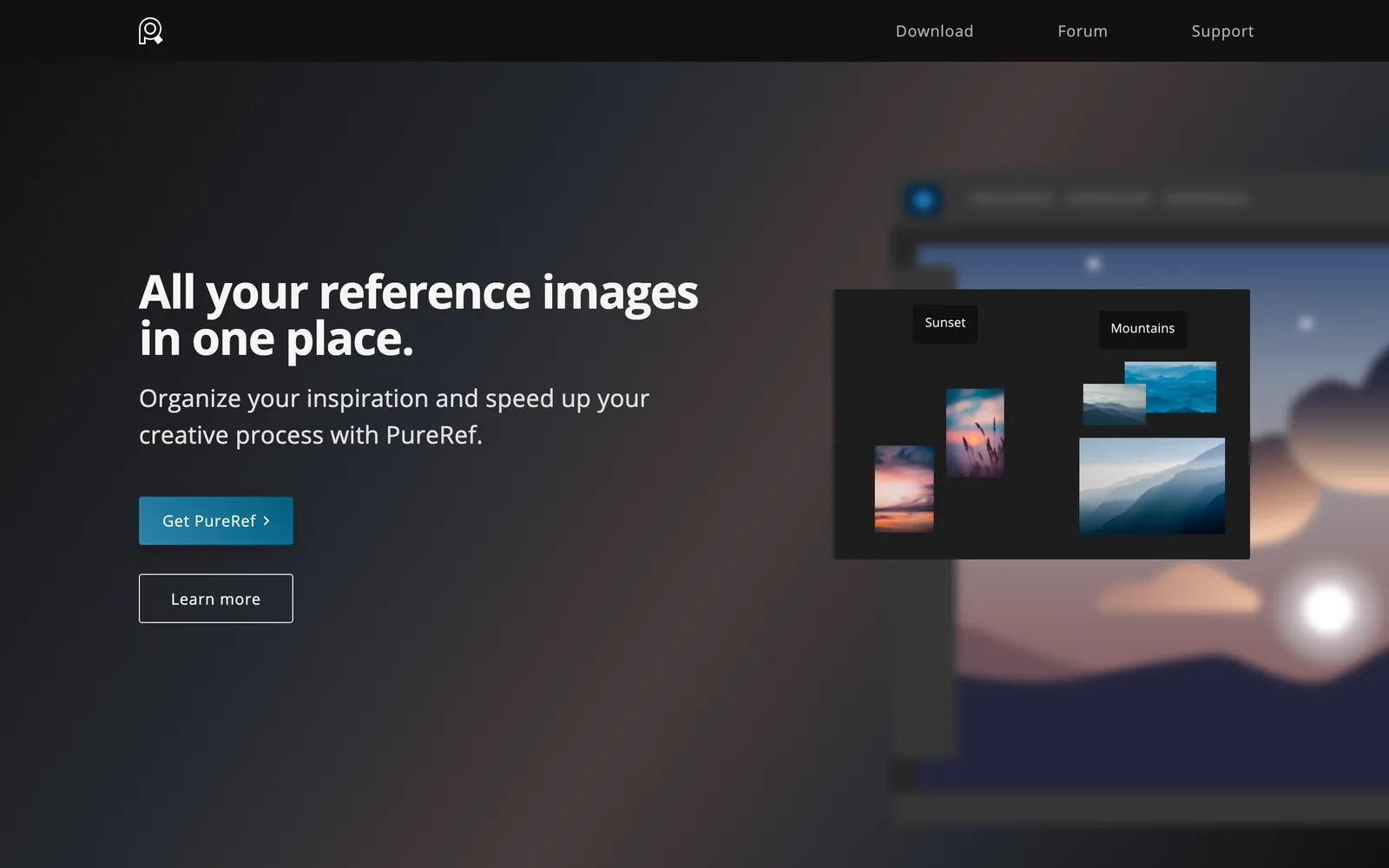
Pick Eagle if you're a designer, illustrator, motion designer or 3D artist whose references are mostly images and files, you work alone or share informally, and you like owning your software outright. At $34.95 it's one of the best-value creative tools going. If you only need loose images floating on a canvas while you work, PureRef is another good, cheap option.
Pick Spark if most of what you save is video from social platforms and the web, you need to find them by what's in them months later, you put references into decks every week, or a whole team (producers, directors, a client) works from the same library.
Use both if you're a studio that does both kinds of work. Keep Eagle for design assets and type, and Spark for the moving references that feed pitches and treatments. They barely overlap.
Where to go next
If you're still deciding what kind of library you need, start with the method rather than the tool: a library system that works in any app, Eagle included. Weighing more than two options? The best creative reference management tools compares the field with a video-first lens. And if you landed here because Kive stopped being a reference library, Spark vs Kive explains what happened, and why Eagle is often the closest replacement for image-heavy users.
Need a GIF from a clip on your drive right now, no app at all? Trim it into a GIF in your browser. Nothing gets uploaded.
Eagle is the better home for a local stash of images. Spark is for the reel someone DMed you on a Tuesday that turns out to be the whole idea for a pitch three months later, when all you can remember is what the voiceover said.
FAQs
How much does Eagle cost in 2026?
As of October 2026, Eagle costs US$34.95 as a one-time payment, with no subscription. A licence covers two devices (Mac or Windows), and there's a 30-day free trial with every feature.
Can Eagle save videos from YouTube, Instagram or TikTok?
Not natively as files. Eagle saves YouTube and Vimeo videos as bookmarks (a thumbnail and a link), so the reference disappears if the original does. Instagram saving relies on a workaround that can break, TikTok isn't covered in Eagle's docs, and a third-party community plugin called Video Fetch can download from these platforms.
Is Eagle good for video references?
For video files you already have, yes: the player handles most formats, steps frame by frame, supports timestamped comments and saves frames as images. It falls short on saving video from social platforms and searching inside videos, because it doesn't transcribe speech.
Can a team share an Eagle library?
Only informally. You put the library folder in Dropbox, Google Drive or on a NAS, and Eagle warns that several people editing the same items at once can cause sync conflicts. There are no user permissions.
What is the best Eagle alternative for video?
If you need to save video from social platforms and search it by what it shows or says, Spark is built for that, and its free plan lets you test the saving side before you pay for transcription. If you mainly want another local image library, PureRef suits loose reference boards. Our list of creative reference management tools compares the field.
Is Eagle a one-time purchase?
Yes. Eagle is sold as a one-off licence for two devices, with no subscription, and its site describes it as lifetime access.
Keep reading
All articles
Best Pinterest Alternatives for Creative Professionals
Pinterest does two jobs: finding ideas and keeping them. Most alternatives only do one. Which to use for each, from a production company that has tried them all.
Spark vs Are.na: Saving and Finding Creative Inspiration
Are.na is one of the nicest places on the internet, and we'd defend it in a pub. It's also not built for the reel your DoP sent at midnight. Here's how to tell which one you need.
Spark vs Pinterest: Which Is Better for Organising Video References?
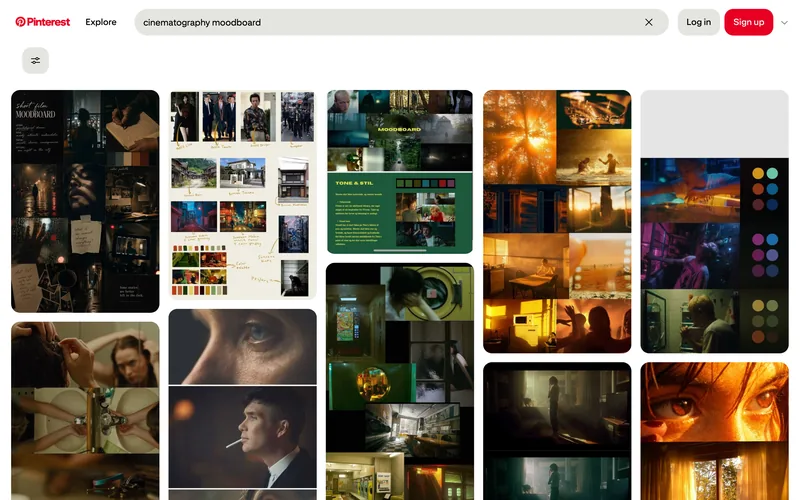
Pinterest is where you find things. Spark is where you keep them. A fair comparison from a team that uses both, with a clear answer for who needs which.