
How to Reduce GIF File Size Without Ruining Quality
We measured every way to shrink a GIF on the same clip. Width wins by a mile, colours save less than you'd think, and grain is the silent killer.
By the Spark team ·
To reduce a GIF's file size, make it narrower first. Size grows with roughly the square of the width, so going from 640 to 480 px cut our test file by about 40%, and 320 px took off about three quarters. After that, in order of what each fix saved us: trim the length, switch to ordered (Bayer) dithering, drop the frame rate, cut the colours, then run lossy compression with gifsicle. And if you still have the original video, export again from that rather than squeezing the GIF. Every fix works better at the source.
We measured all of this on one clip so the numbers are comparable: 4 seconds of 1080p from Spark's own launch film, a sunset full of gradients, which is about as hard as footage gets for a GIF. One setting changed at a time.
The fixes, ranked by what they saved
| Fix | Change | Before | After | Saved |
|---|---|---|---|---|
| Make it narrower | 640 px to 480 px, 15 fps | 5.97 MB | 3.44 MB | 42% |
| Make it narrower | 480 px to 320 px, 12 fps | 2.85 MB | 1.32 MB | 54% |
| Halve the length | 4 seconds to 2, 480 px | 3.44 MB | 1.84 MB | 47% |
| Switch dither | Sierra to Bayer, 480 px | 3.44 MB | 1.85 MB | 46% |
| Lower frame rate | 15 fps to 10 fps, 480 px | 3.44 MB | 2.41 MB | 30% |
| Fewer colours | 256 to 128, Bayer | 1.85 MB | 1.49 MB | 19% |
| Fewer colours | 256 to 64, Bayer | 1.85 MB | 1.18 MB | 36% |
| Fewer colours | 256 to 32, Bayer | 1.85 MB | 0.90 MB | 51% |
| Turn off dither | Bayer to none | 1.85 MB | 1.66 MB | 10% |
All made with FFmpeg using a two-pass palette and lanczos scaling. Your footage will give different numbers. The dither saving in particular depends on how many gradients there are, and a flat graphic will see far less from it.
1. Width: the big one
It works in two directions at once. Halve the width and the height halves too, so each frame has a quarter of the pixels, and the file follows. Most GIFs never display wider than 480 px anyway. In a Slack thread, an email or half a slide, the extra pixels are invisible. If yours is wider than the place it's going, that's your answer, and you can stop reading.
2. Length: trim to the moment
Size grows in step with duration, so cutting 4 seconds to 2 nearly halved the file. Find the moment that matters and the loop point where the end flows back into the start. Three good seconds beat eight okay ones every time.
3. Dither: Bayer instead of error diffusion
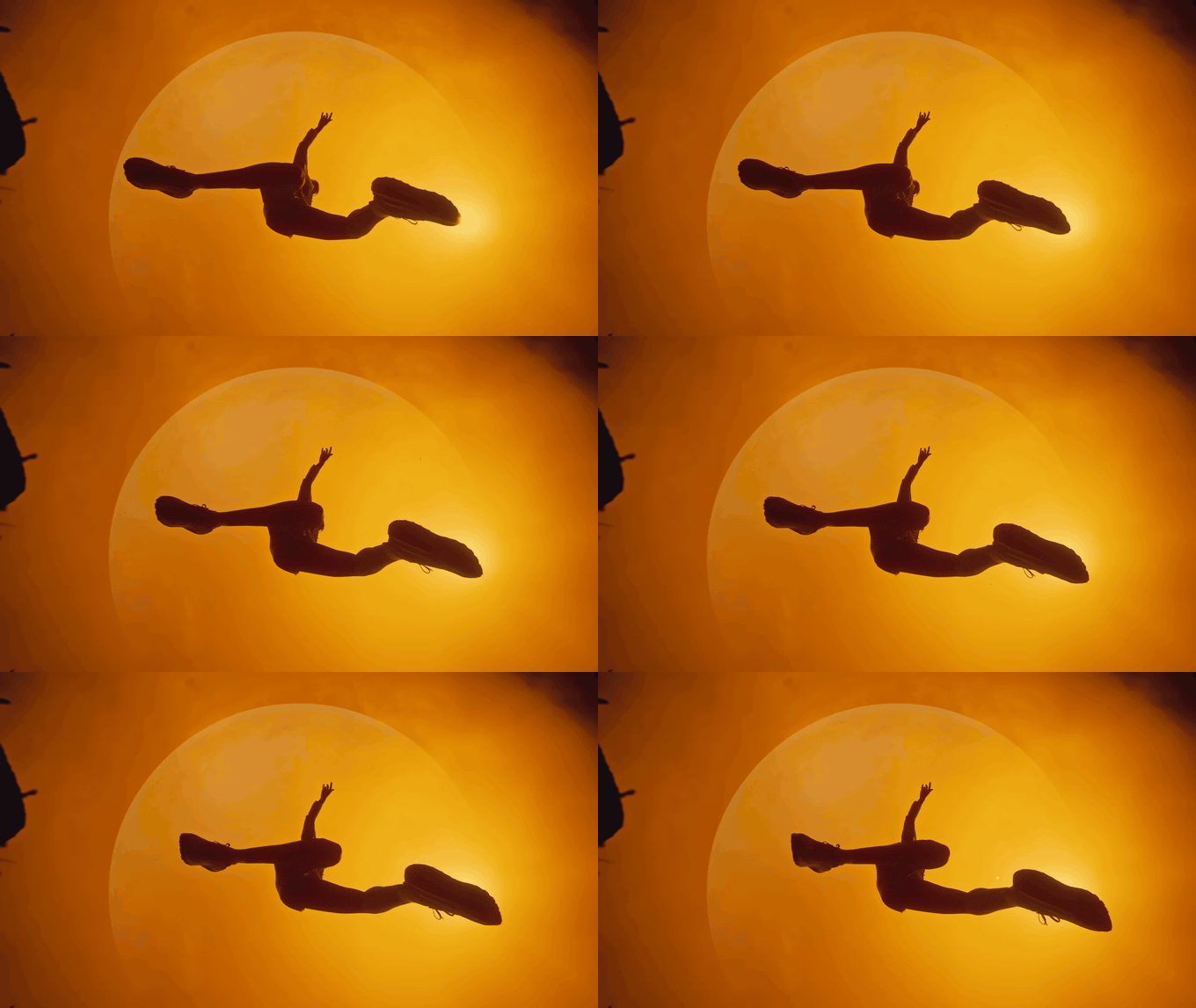
This one surprises people. Error-diffusion dithering (Floyd-Steinberg, Sierra) gives the smoothest gradients, but its noise pattern changes on every frame, and GIF can't compress change. Ordered (Bayer) dithering lays down a fixed pattern that stays put, so unchanged areas really are unchanged. On our sunset it nearly halved the file and looked almost as smooth. If your GIF came out of a converter's "best quality" setting, it's often error diffusion.
4. Frame rate: 12 to 15 fps is plenty
Dropping from 15 to 10 fps saved 30%. Below 10, movement starts to judder. A 25 fps source at 12 fps reads fine for most references; fast action wants 15.
5. Colours: less than you'd hope
Halving 256 colours to 128 saved about a fifth. Going to 32 colours halved the file, but the picture paid for it: skies banded and our pinks went muddy. Colours are the lever people reach for first. It's one of the weakest. Use it late, and check the result at full size.
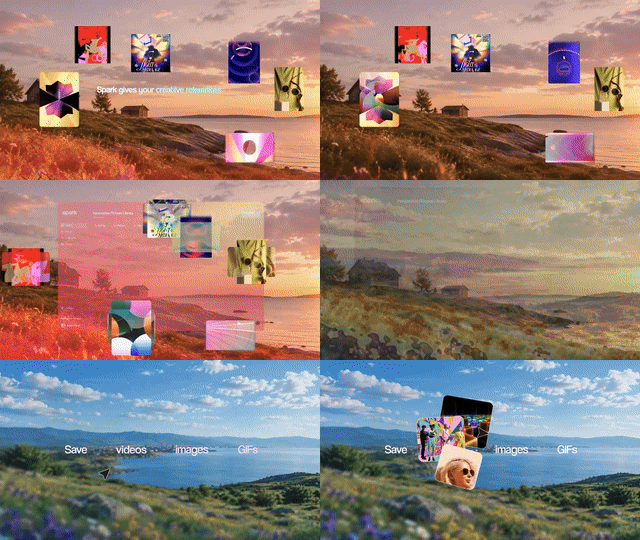
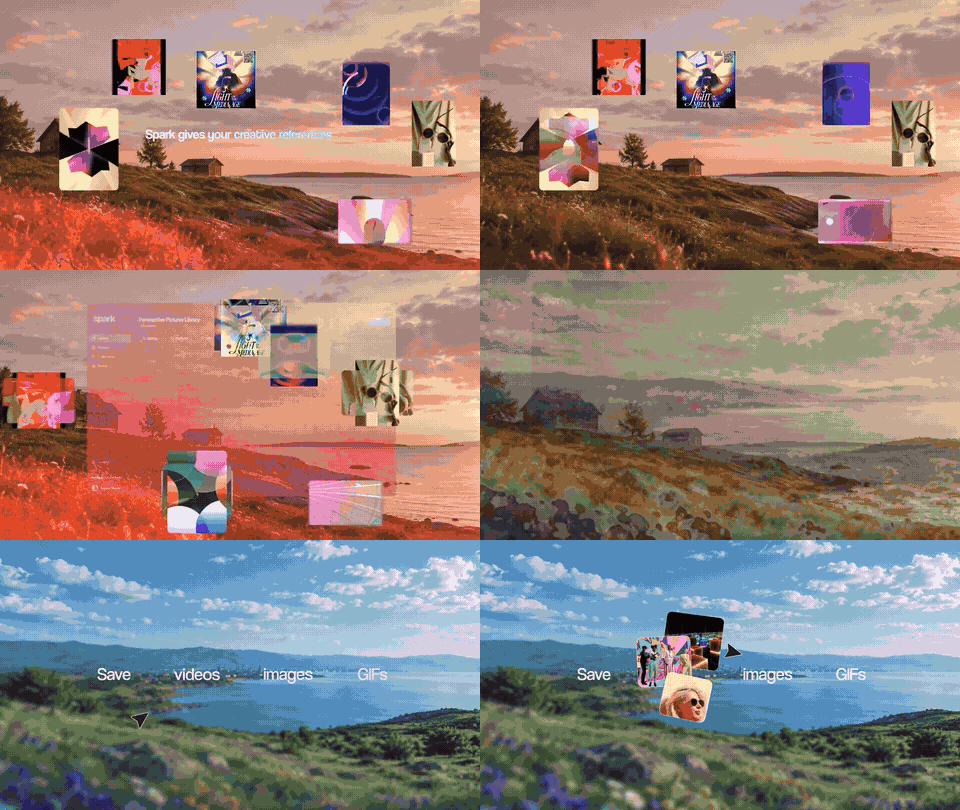
Two ways to roughly the same size. For text and interface shots, keep the width and cut colours. For footage where colour carries the mood, keep the colours and go narrower.
What the GIFs on this blog taught us
Every clip GIF on this blog went through the same ladder. Start gentle (15 fps, 128 colours, Bayer dither, a light denoise, gifsicle at --lossy=40), check the size, and step down a rung until the file is under about 1.45 MB. Same tools, same rules, wildly different outcomes:
| Clip | What's in it | Rung it needed | Result |
|---|---|---|---|
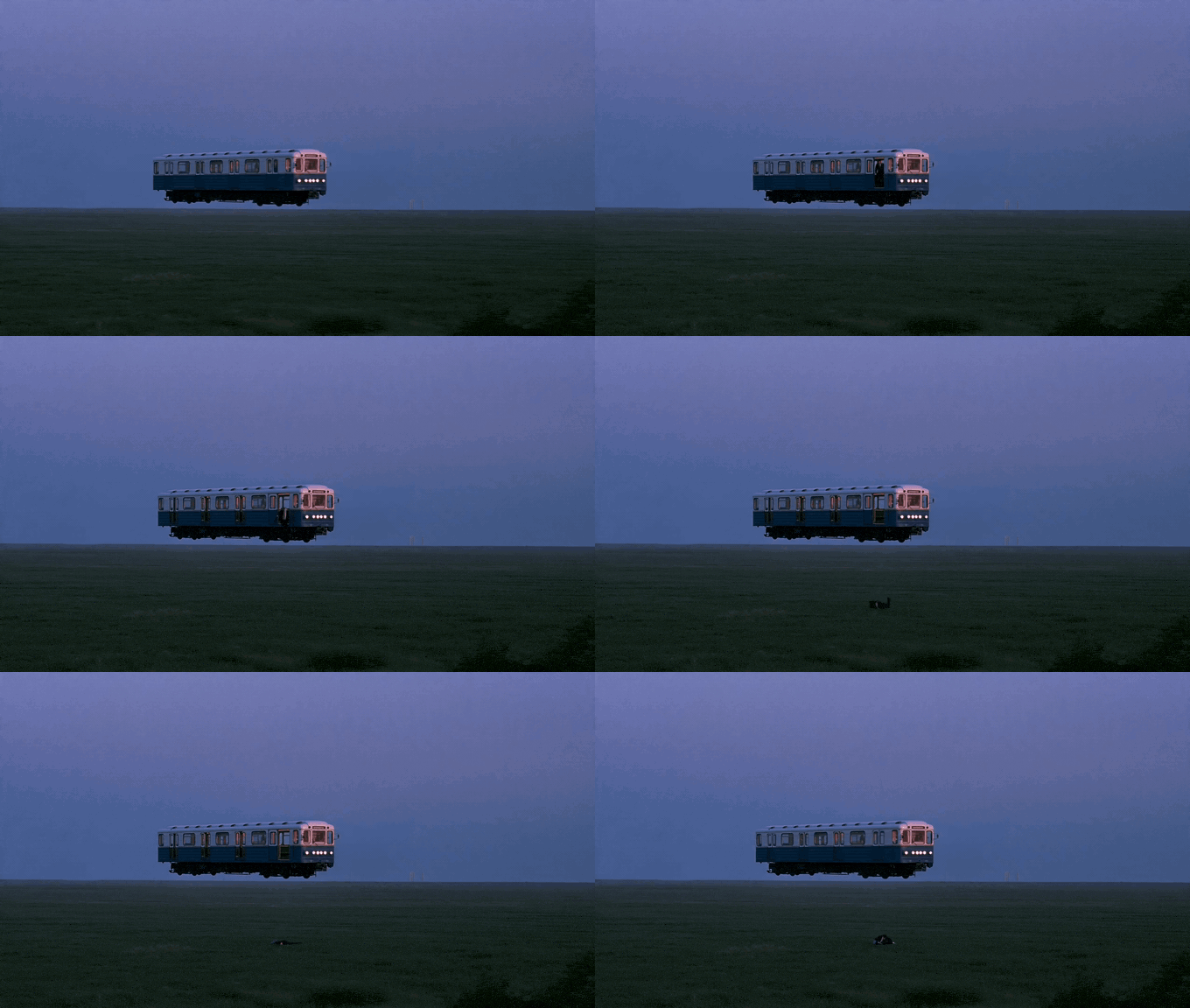
| Floating Metro | Mist, slow drift, a still camera | The first: 15 fps, 128 colours | 3.5 s at 680 px, 0.54 MB |
| Nike ACG: Change of pace | A silhouette on a flat sky | The first | 2 s at 680 px, 0.54 MB |
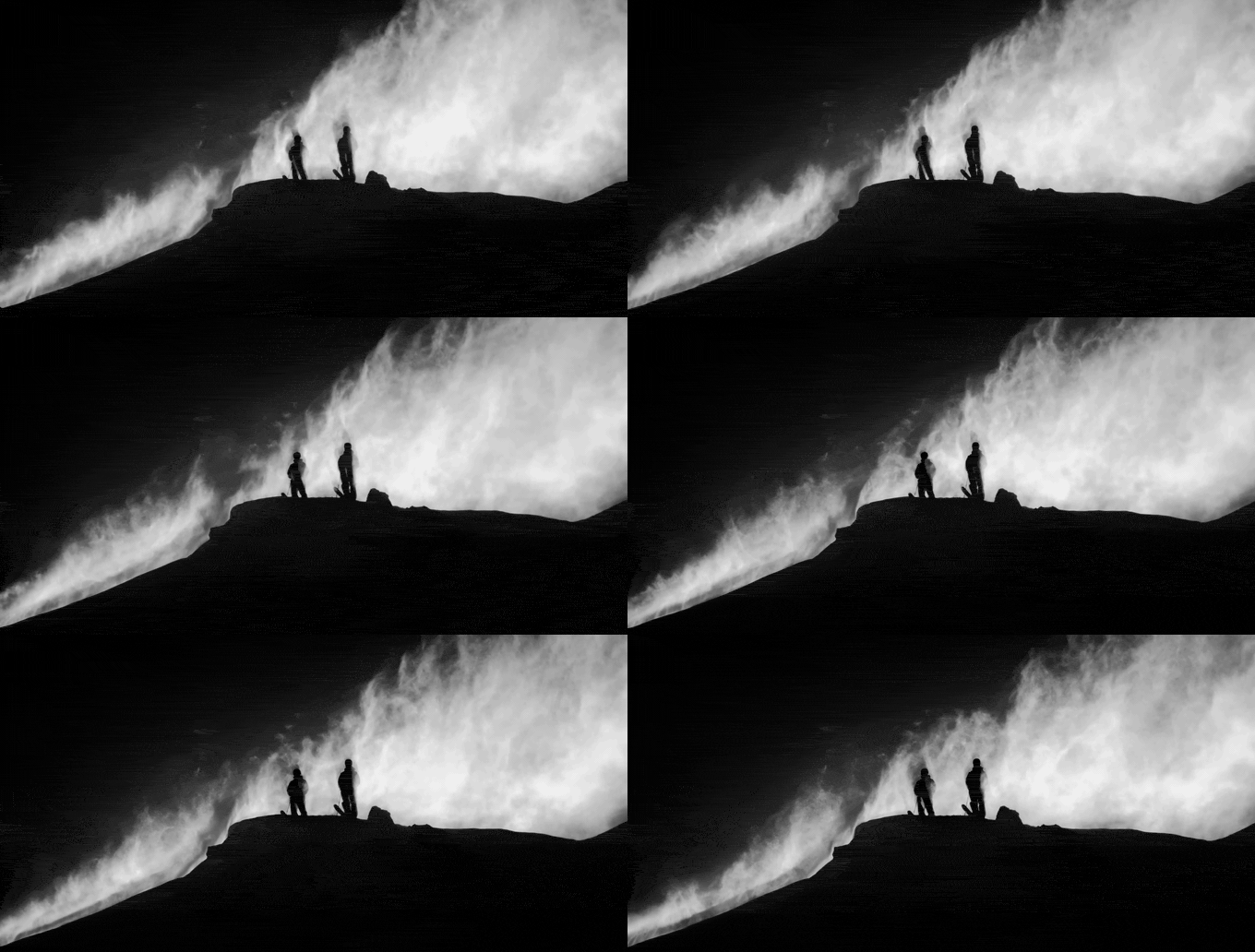
| Salomon: Sentry Pro DC | Black and white, blowing powder | 10 fps, 64 colours, lossy 160 | 3.1 s at 680 px, 1.26 MB |
| Kinisi: Copenhagen | Kinetic type, hard cuts | 10 fps, 64 colours, lossy 160 | 3.7 s at 680 px, 1.31 MB |
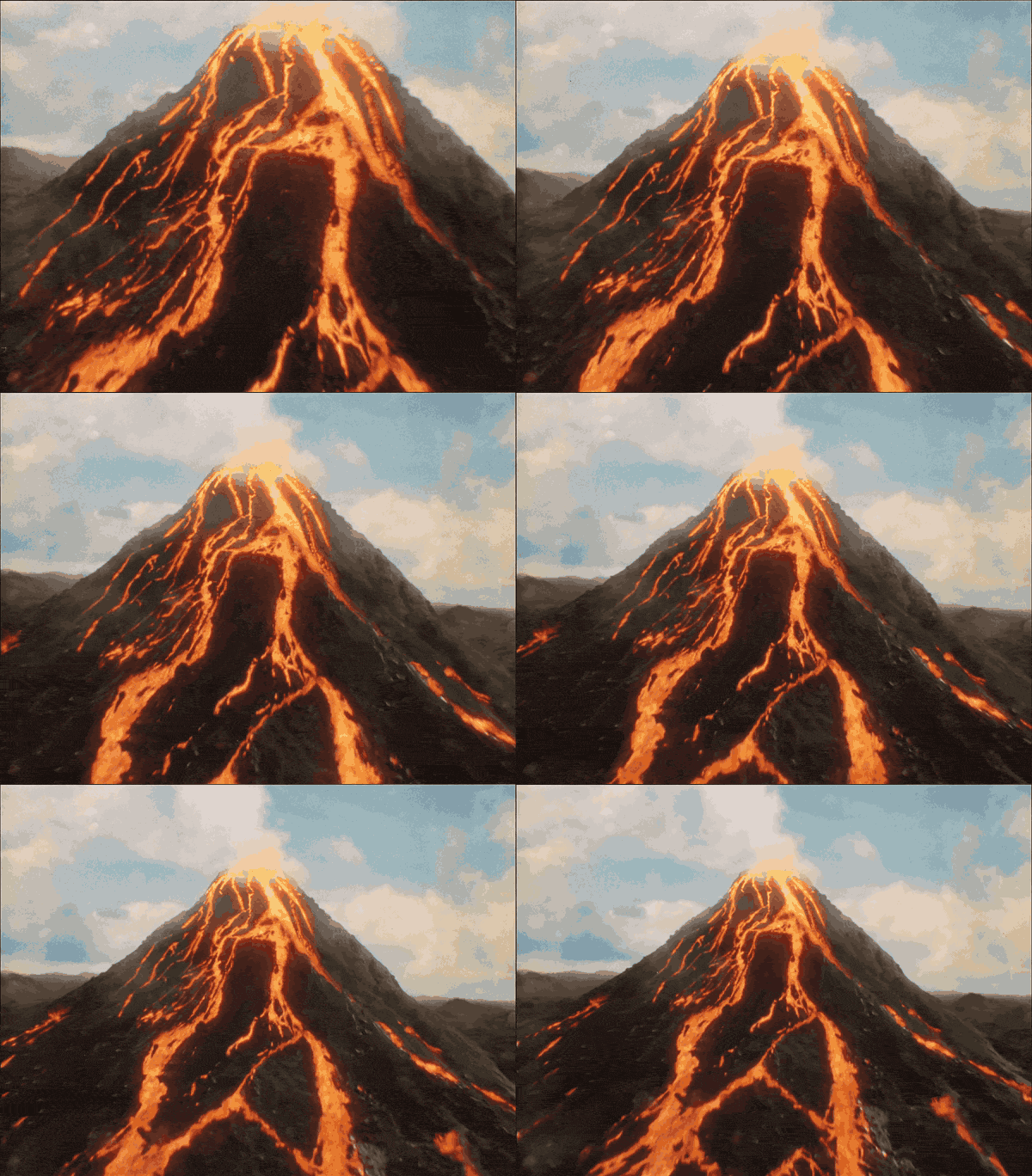
| Absolut Tabasco | Lava, smoke, moving camera | 10 fps, 48 colours, lossy 200, cut to 2 s | 2 s at 600 px, 1.16 MB |
So the floating metro got nearly twice the running time of Absolut's volcano at a bigger width, for less than half the bytes. The settings matter. What's in the frame matters more.
Grain is the silent killer (and black and white won't save you)
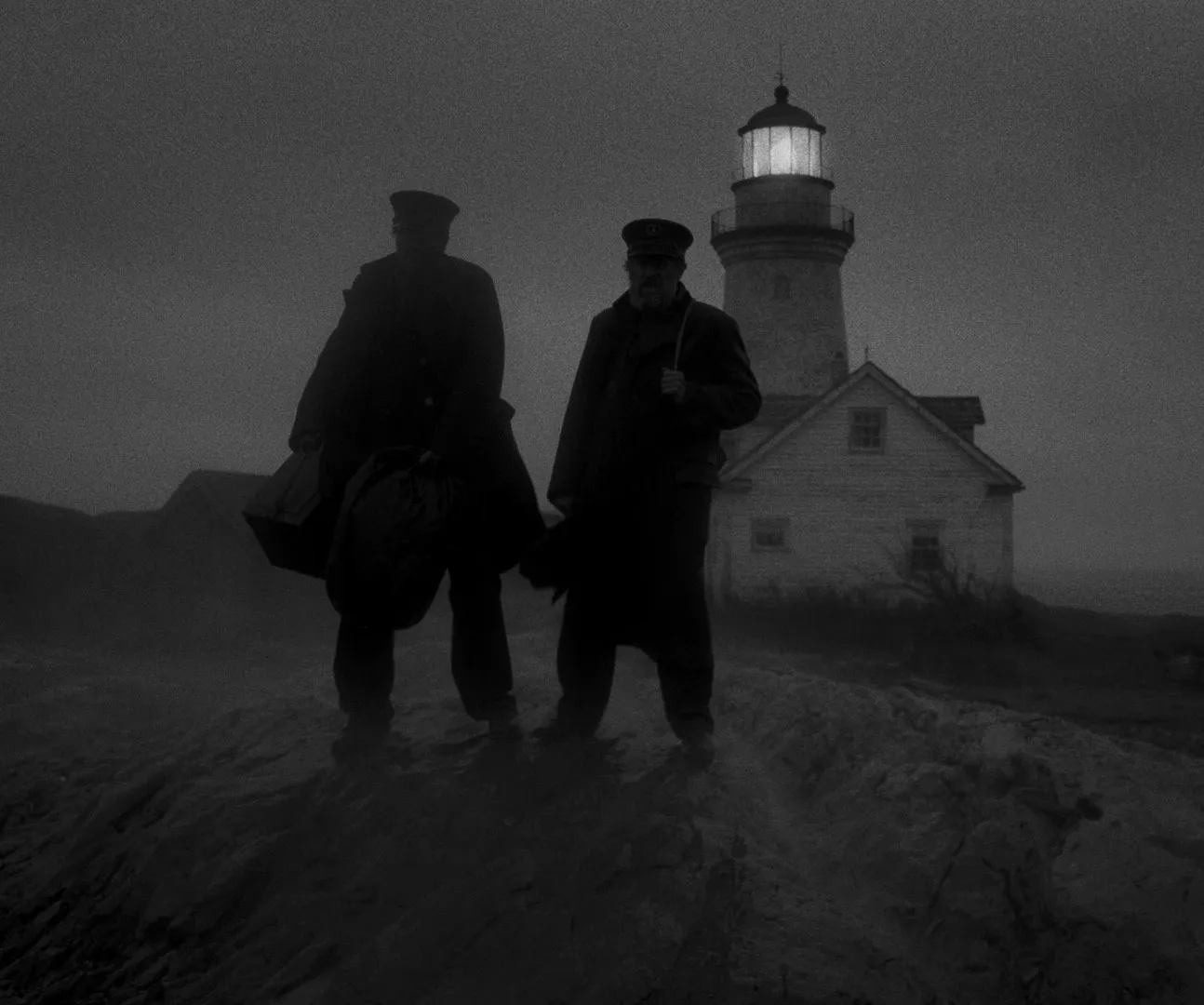
You'd think a black and white clip like The Lighthouse would make a tiny GIF. Fewer colours, right? We tested it. Converting our clip to greyscale made the GIF bigger at every palette size we tried: 4.66 MB at 256 greys against 1.85 MB in colour. Our best guess is that the dither has to work across very smooth grey tones. Whatever the reason, monochrome isn't a shortcut. The Salomon ridge in the table above is black and white too, and it still needed the fourth rung of the ladder.
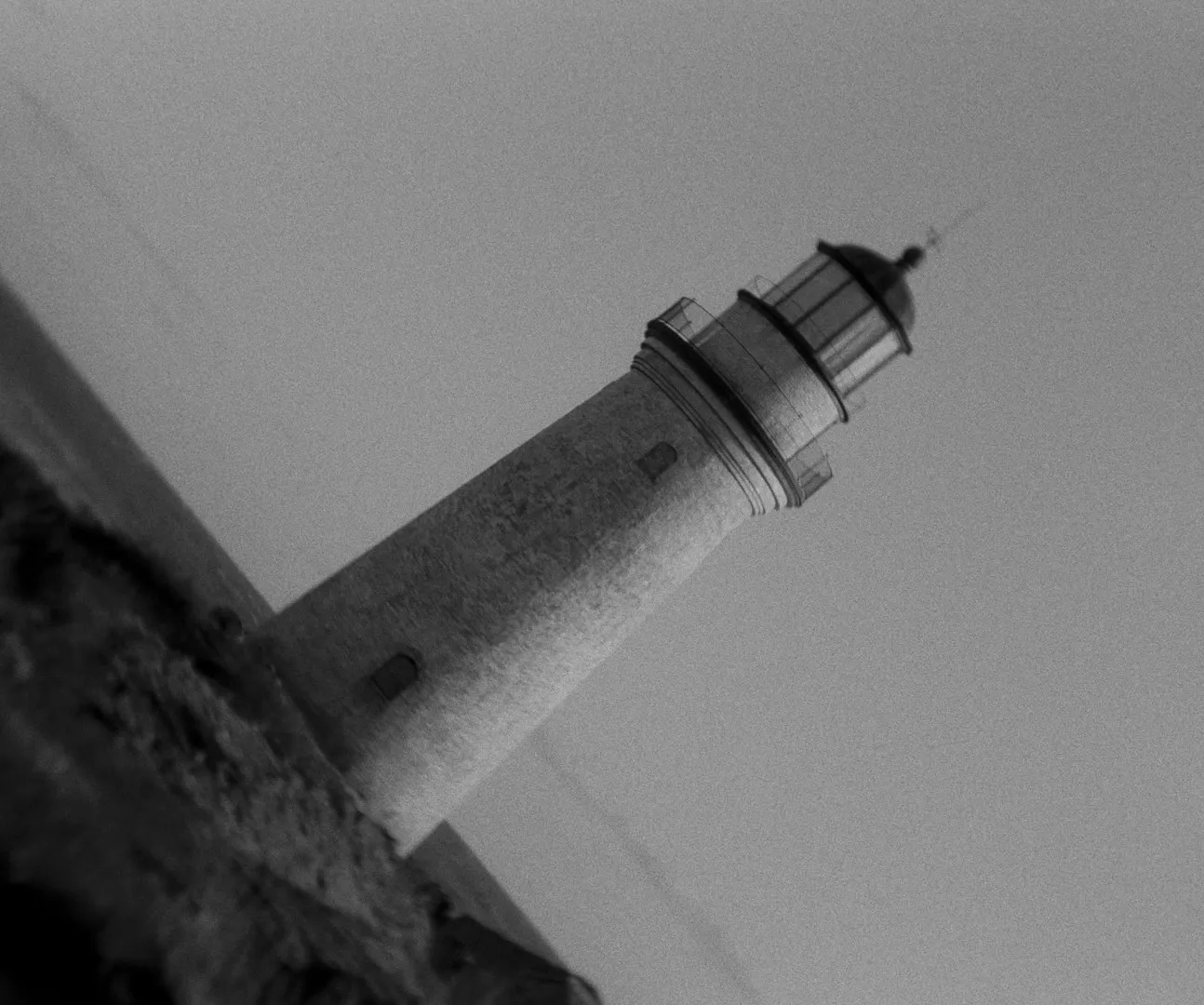
Grain is the real problem. We added light film grain to the same clip and the GIF went from 1.85 MB to 5.33 MB, nearly three times the size, because every pixel changes on every frame. So for grainy footage (35mm, high ISO, anything with a film-emulation plug-in on it), smooth the grain before you convert. In ffmpeg, add the hqdn3d denoiser to the filter chain, after the scale:
ffmpeg -i input.mp4 -vf "fps=15,scale=480:-1:flags=lanczos,hqdn3d=4:3:6:4,split[a][b];[a]palettegen=stats_mode=diff[p];[b][p]paletteuse=dither=bayer:bayer_scale=3" output.gifOn our clean source it only saved 6%, which tells you the saving depends entirely on how much grain there is to remove.
Compress a GIF you already have
Sometimes there's no source video. Just a GIF someone sent you, usually five minutes before the meeting.
The quickest fix is our free GIF compressor. Drop the GIF in and pick Light, Balanced or Smallest, or give it a target (1 MB for an email, 128 KB for a Slack emoji) and it tries settings until it finds the gentlest one that fits. Its controls run in the same order as the table at the top: width, then frames, then colours, then dithering. The original and the smaller version play side by side so you can see what you gave up, and it all happens in your browser, so nothing is uploaded.
For finer control, or a whole folder at once, gifsicle is the tool. It's free, runs on Mac (brew install gifsicle), Windows and Linux, and its lossy mode is the strongest thing you can do to a finished GIF. It's also the last step of the ladder we used for this blog's clips.
gifsicle -O3 --lossy=80 input.gif -o output.gif-O3 tries several optimisation methods and keeps the best. --lossy=80 lets it nudge colours so they compress better, at the cost of some speckle. Start at 80; go to 120 or more if you can live with it. To shrink and cut colours as well:
gifsicle -O3 --lossy=80 --colors 128 --resize-width 360 input.gif -o output.gifPrefer a browser? ezgif has an online optimiser built on gifsicle's lossy mode, and quotes savings of 30% to 50%. Expect less from a GIF that was carefully made in the first place, because there's less slack to take out. It uploads your file to their server (their page says files are deleted after an hour), so keep anything under NDA off it.
| Tool | Best for | Runs where | Price (as of October 2026) |
|---|---|---|---|
| Spark GIF compressor | Hitting a target size without thinking | Your browser, nothing uploaded | Free |
| ezgif | Quick fixes on public files | ezgif's servers | Free, with ads |
| gifsicle | Batches and maximum control | Terminal on Mac, Windows, Linux | Free, open source |
| Gifski | Making a cleaner GIF from video in the first place | Mac app and command line | Free |

Or go back to the source
A GIF made from a GIF is a photocopy of a photocopy. If you have the video, export again at the size you need. The Video to GIF tool here shows an estimated file size before you convert, so you can tune width, frame rate and quality until it fits. Small is 128 colours with no dithering. It runs in your browser, nothing is uploaded, and there's no watermark.
For the full set of quality settings, including the two-pass palette that makes small GIFs look decent, see our guide to turning a video into a GIF without losing quality. GIFs out of Premiere are usually huge for one specific reason, covered in exporting a GIF from Premiere Pro. Motion graphics are a special case, because flat colour behaves so differently; our After Effects guide has the numbers.
How small does it need to be?
Know the limit before you start squeezing. These are the ones that catch people out, as published when we checked:
| Where it's going | Limit |
|---|---|
| Slack custom emoji | 128 KB |
| Notion free plan | 5 MB per uploaded file |
| X | 15 MB per GIF |
| Gmail | 25 MB of attachments in total, then it becomes a Drive link |
| Google Slides | 50 MB per image |



The published limit is rarely the real one, though. A 20 MB GIF in an email is technically fine and practically rude: it'll crawl on a phone over 4G. Our rules of thumb are under 1 MB for email, 2 to 5 MB for Slack or Microsoft Teams messages, and whatever keeps the deck under the client's attachment limit for slides. Older desktop versions of Outlook may show only the first frame, too, so make sure frame one works on its own.
Moodboards and decks add up fast. Ten 5 MB GIFs is a 50 MB attachment before you've added a single still. Our guide to video moodboards covers when to use a GIF and when to link to the video instead, and the free moodboard maker keeps GIFs moving in a .pptx deck if you'd rather not lay it out by hand. If a GIF is small enough but sits frozen on the client's laptop, that's playback, not size: our guide to inserting GIFs into PowerPoint goes through the usual culprits.
Keep the source, export small
The real fix for bloated GIFs is upstream. Keep the full-quality video and export a GIF at the size each job needs: a 320 px loop for an email, 640 px for the projector. That only works if you can find the source again, which with references from Instagram or TikTok is easier said than done.
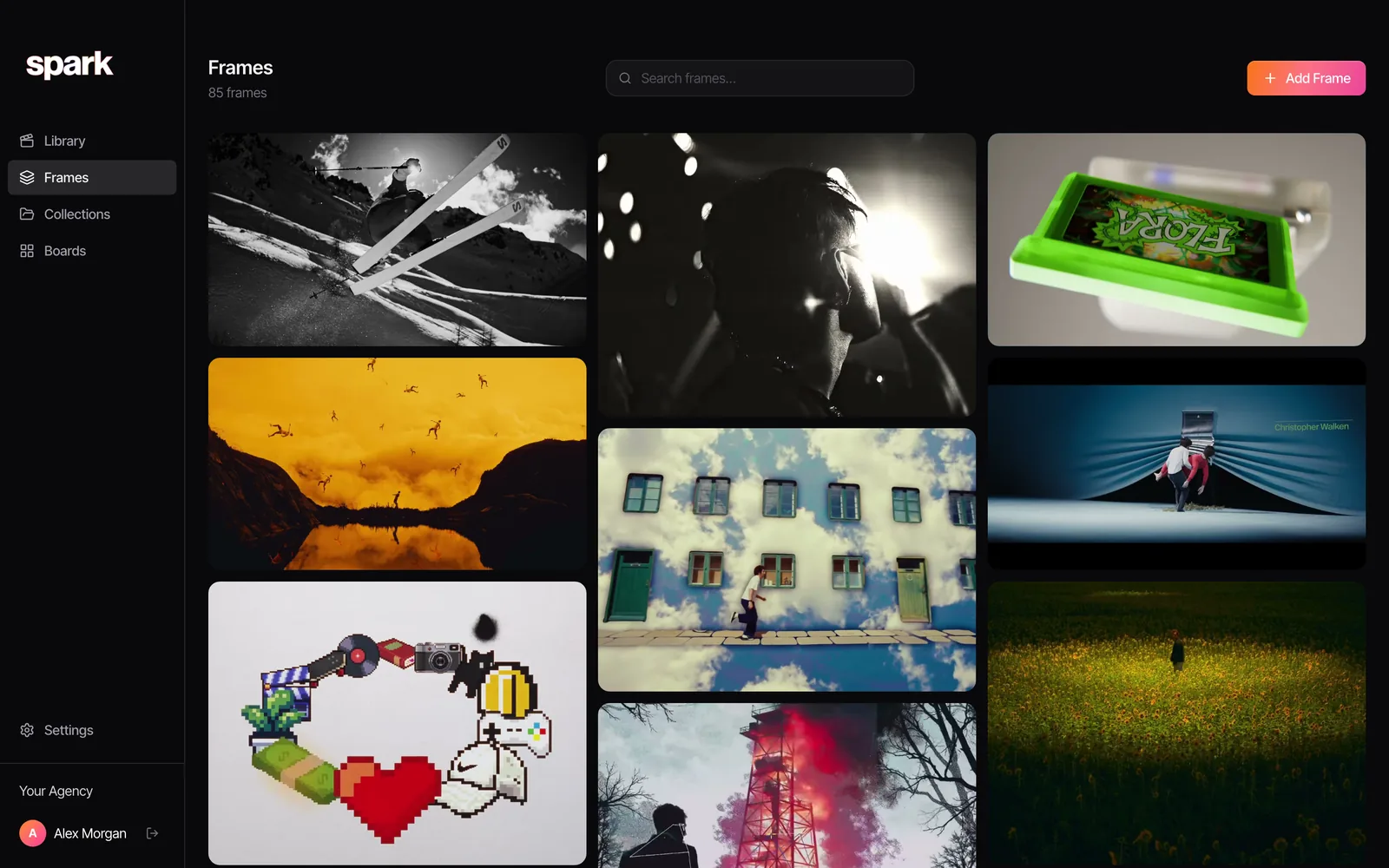
That's how we work at Perspective Pictures. The reference lives in Spark at full quality, and the GIF is a disposable copy made for one deck. When the next pitch needs it smaller or longer, we export again from the original instead of compressing a compression.
FAQs
How do I reduce a GIF's file size without losing quality?
Some quality always goes, but the least visible fixes are cutting the width to where it's displayed, trimming the length and switching to Bayer dithering. In our tests, those three each saved 40% to 55% with little visible loss at normal viewing size. Cutting colours and lossy compression come next and are easier to spot.
Why is my GIF file so big?
GIF is a 1980s image format, not a video codec, so it stores frames with weak compression and only 256 colours each. Width, length, frame rate and grain all multiply the size. The same 4 seconds we tested was 0.29 MB as an MP4 and 1.85 MB as a well-made GIF.
What size should a GIF be for email?
Aim for under 1 MB and no wider than about 600 px, since most email layouts are around that width. Gmail's attachment limit is 25 MB, but a GIF near that will load painfully on a phone. Put the key moment in the first frame, because some versions of Outlook only show that one.
How do I make a GIF small enough for a Slack emoji?
Slack custom emoji must be under 128 KB, and they display tiny, so start at 128 x 128 px. Keep it to a second or two, use 32 colours or fewer and a low frame rate, then run gifsicle with --lossy if it's still over. Our GIF compressor has a 128 KB target that does that search for you.
Is it better to convert a GIF to MP4?
If the destination plays video, yes. MP4 was six times smaller than our leanest decent GIF and looked better. Slack, Keynote, PowerPoint and most websites play MP4 happily; email and image-only tools are where GIF still earns its keep. Our GIF vs MP4 guide goes through it app by app.
Keep reading
All articles
How to Make a GIF from a YouTube Video: Step-by-Step Guide
YouTube has no GIF button. Here are the routes that work, how to land on the exact frame, and the settings that stop your GIF looking like a fax.
How to Build a Searchable Creative Inspiration Library
Your references live in nine places and none of them has a decent search bar. This is the four-step system we run at our own production company, in whatever tool you like.
How to Make a Moodboard for a Video Project
Twenty well-chosen frames with a line of explanation under each will do more for your shoot than two hundred beautiful pins. Here's how to build that board, section by section.