
How to Create a Video Moodboard with Moving References
A still can show what a shot looks like, not how the camera got there. How to build a moodboard that moves, and make sure it still plays on the client's laptop.
By the Spark team ·
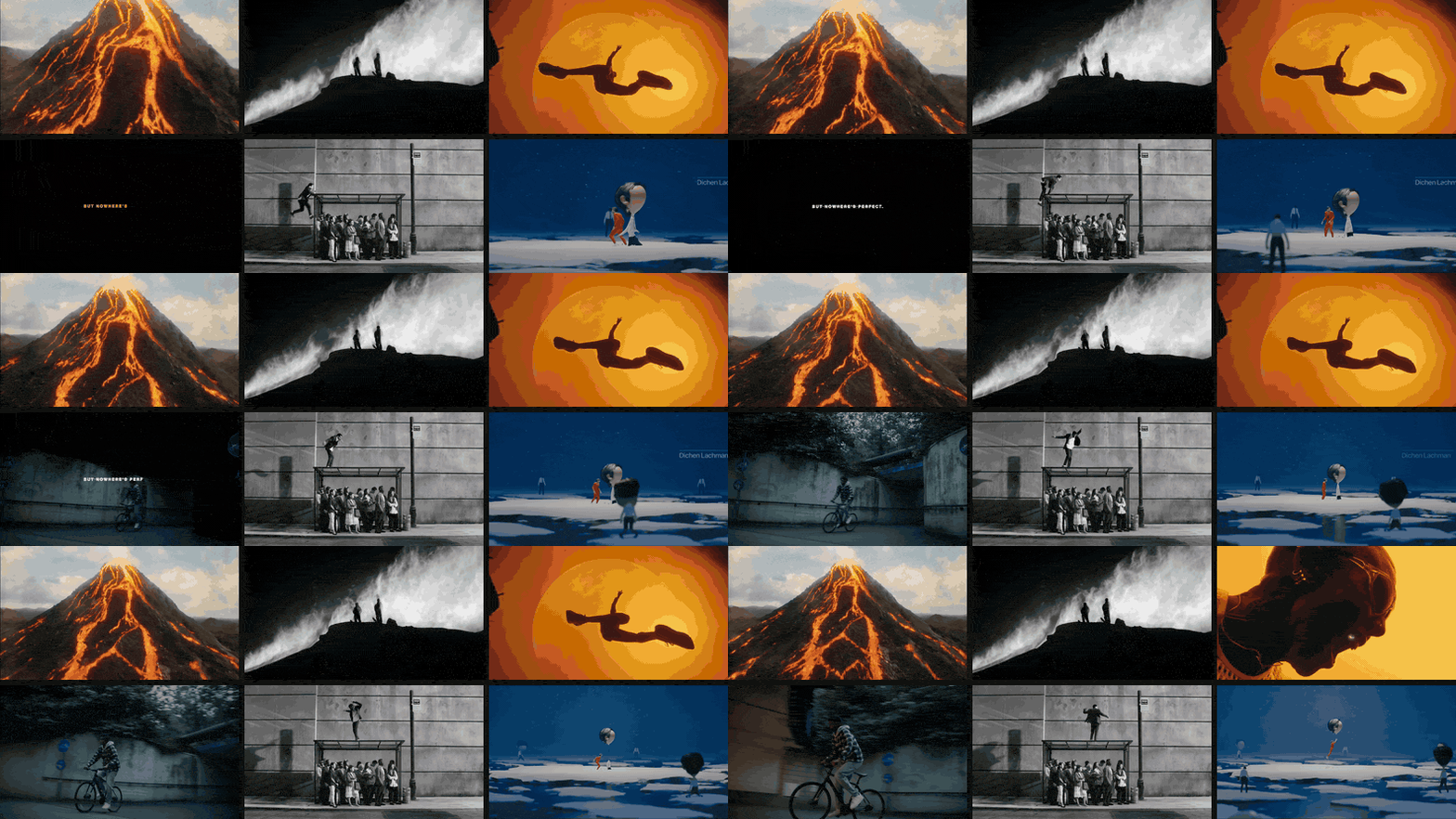
Try briefing a oner with a single frame. The still shows the light. It can't show that the camera never cuts.
That's what a video moodboard is for: short clips or GIFs, two to six seconds each, carrying the things stills can't, like camera movement, pace, edit rhythm and performance. To make one, save the clips you mean, trim each to the exact moment, export it as a GIF or a short looping MP4, and lay them out in a deck or board that plays them. Then test it on the machine it'll be presented from, because that's where moving moodboards go to die.
Every picture on this page moves, on purpose. If a page about moving references can't, what hope has your deck?
If you just want the layout done, the moodboard maker on this site takes your GIFs and stills and builds a deck that keeps them moving in PowerPoint, Keynote, Google Slides and Canva. The rest of this is how to make what goes into it worth looking at.
What a moving moodboard looks like
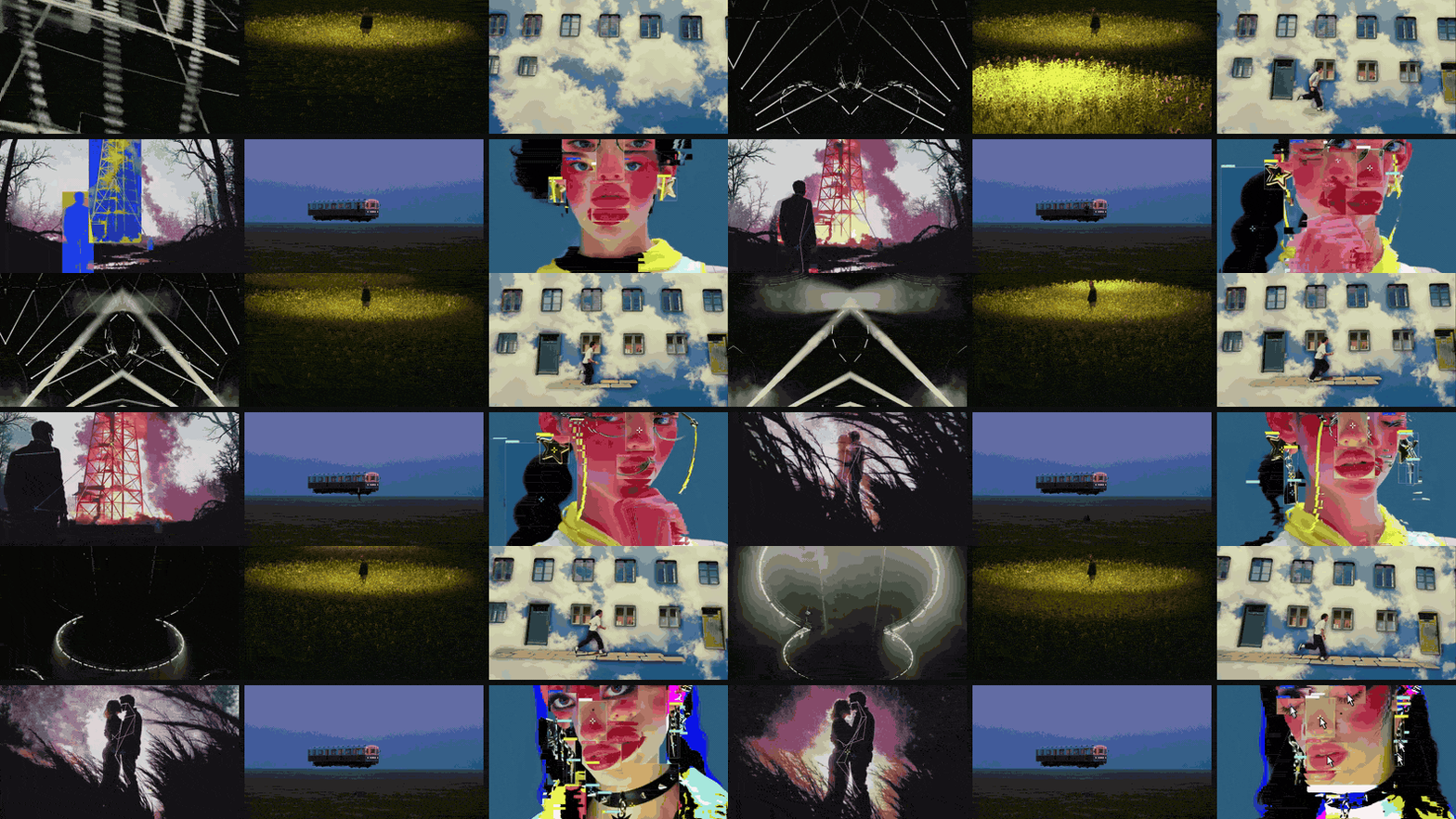
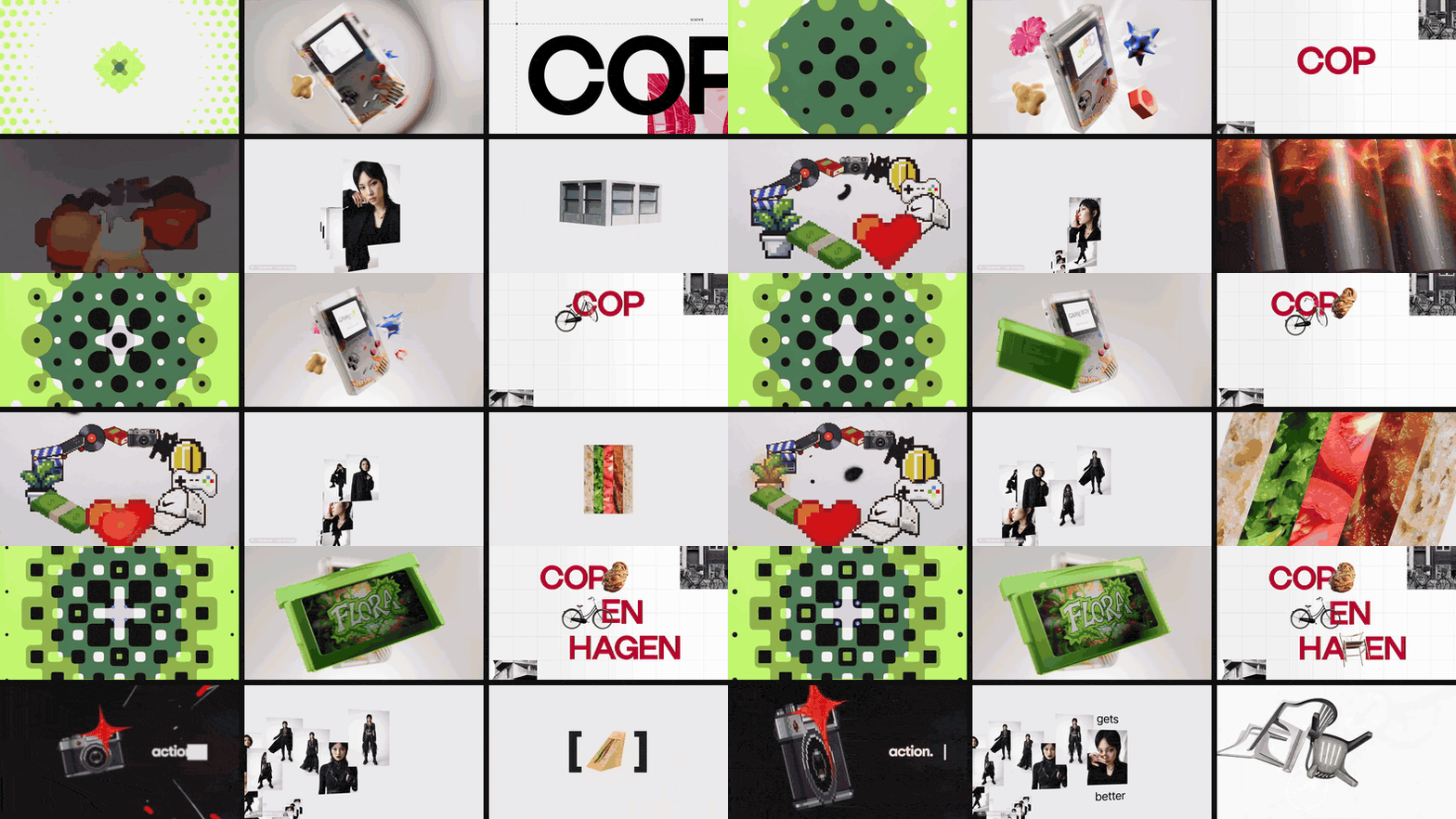
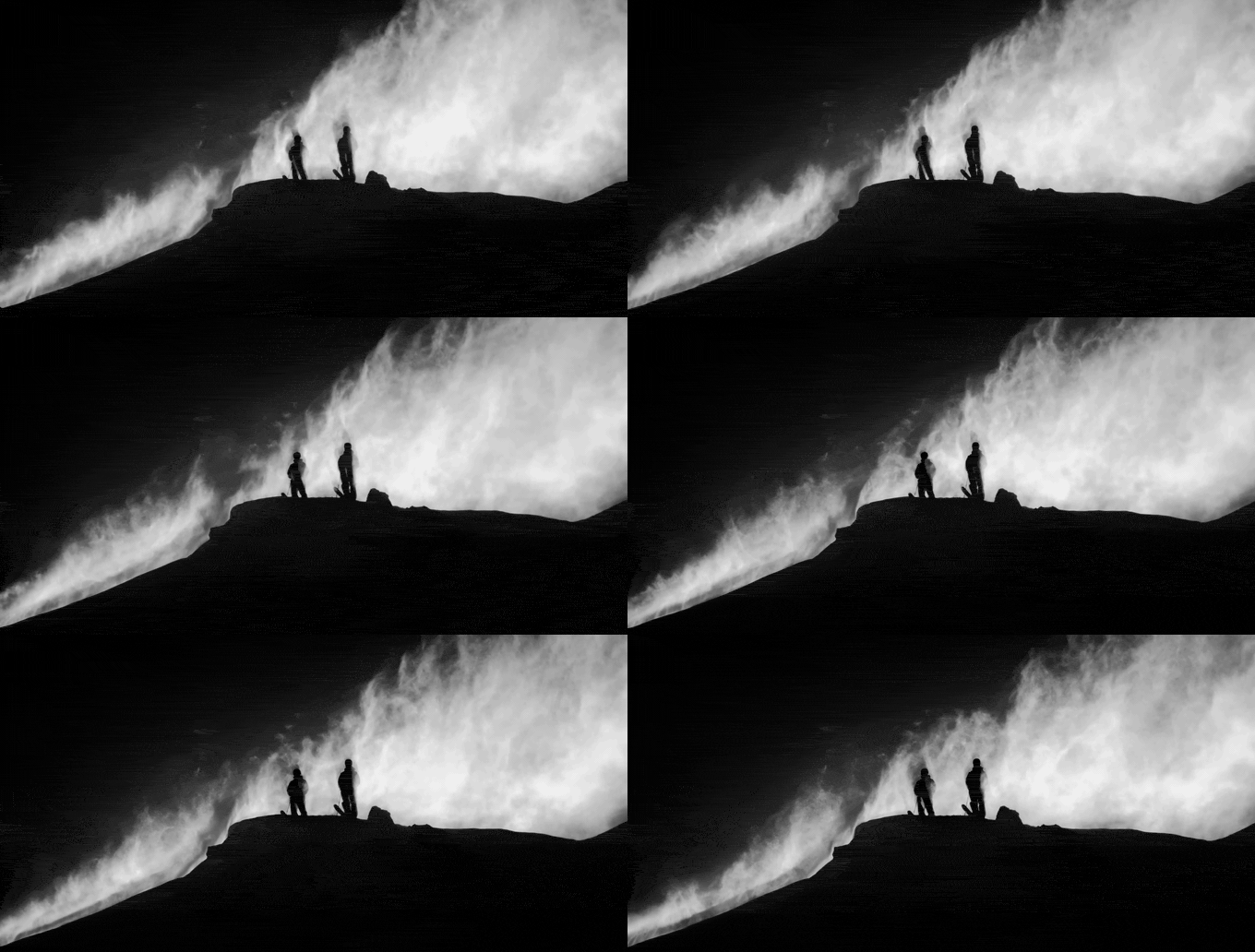
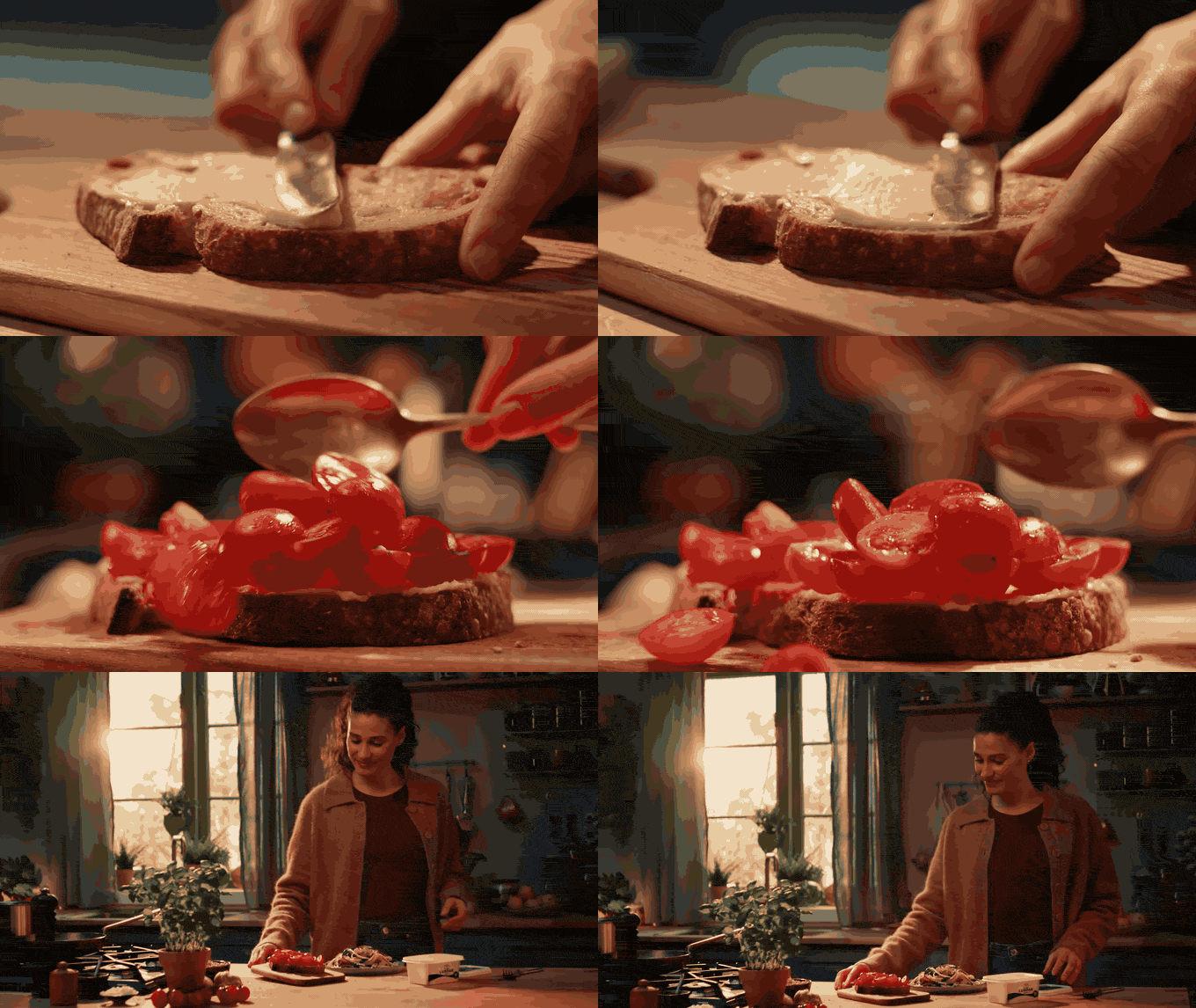
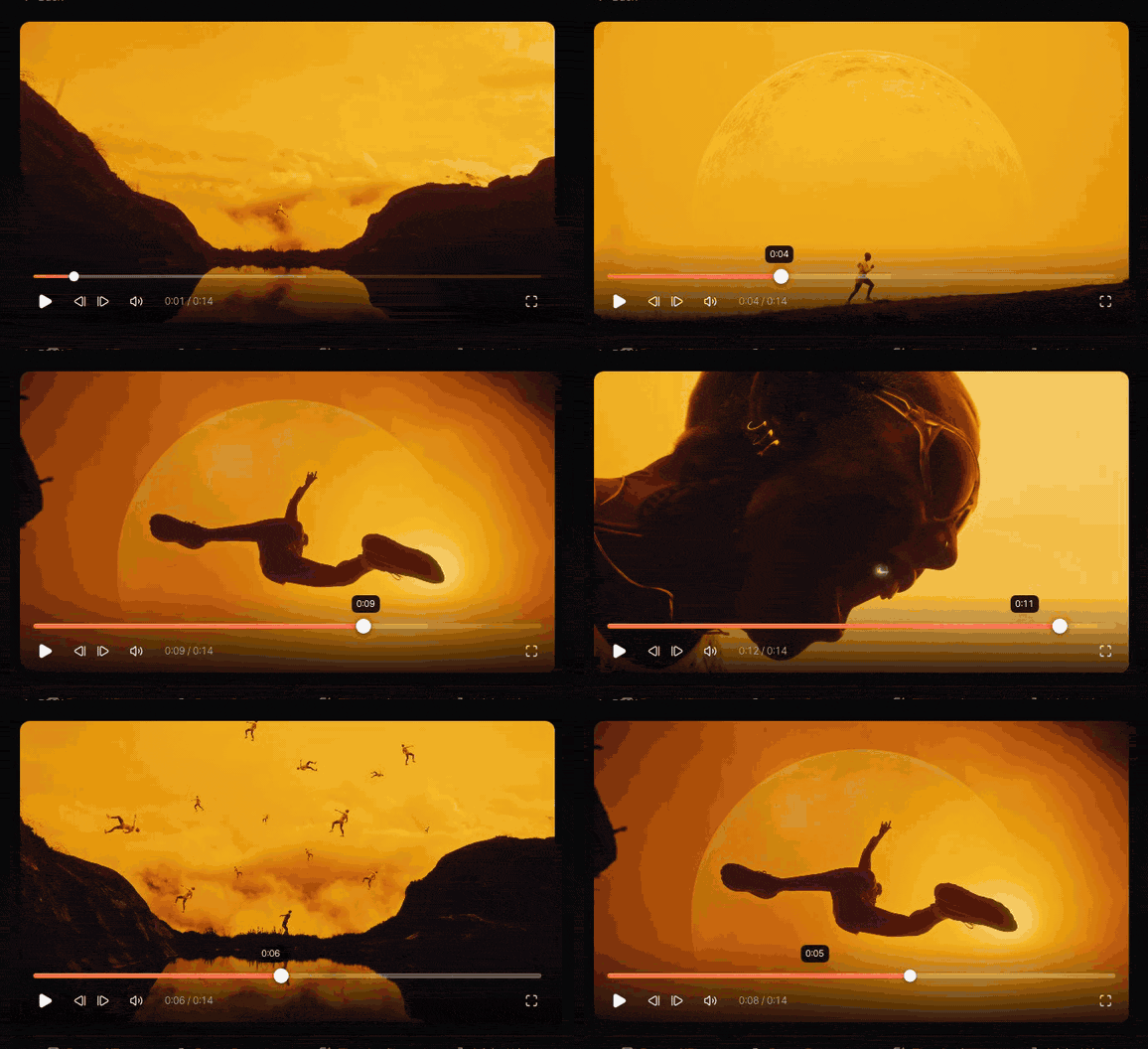
Three moving boards built from references in our library, each made of six references and each saying something a still board couldn't. The board at the top of the page is cinematic: big, graphic, one figure against a lot of world. Here are the other two.
What a still can't tell your DoP
Stills are great for colour, light and composition, and we've written about those in how to make a moodboard for a video project. Movement is where they run out.
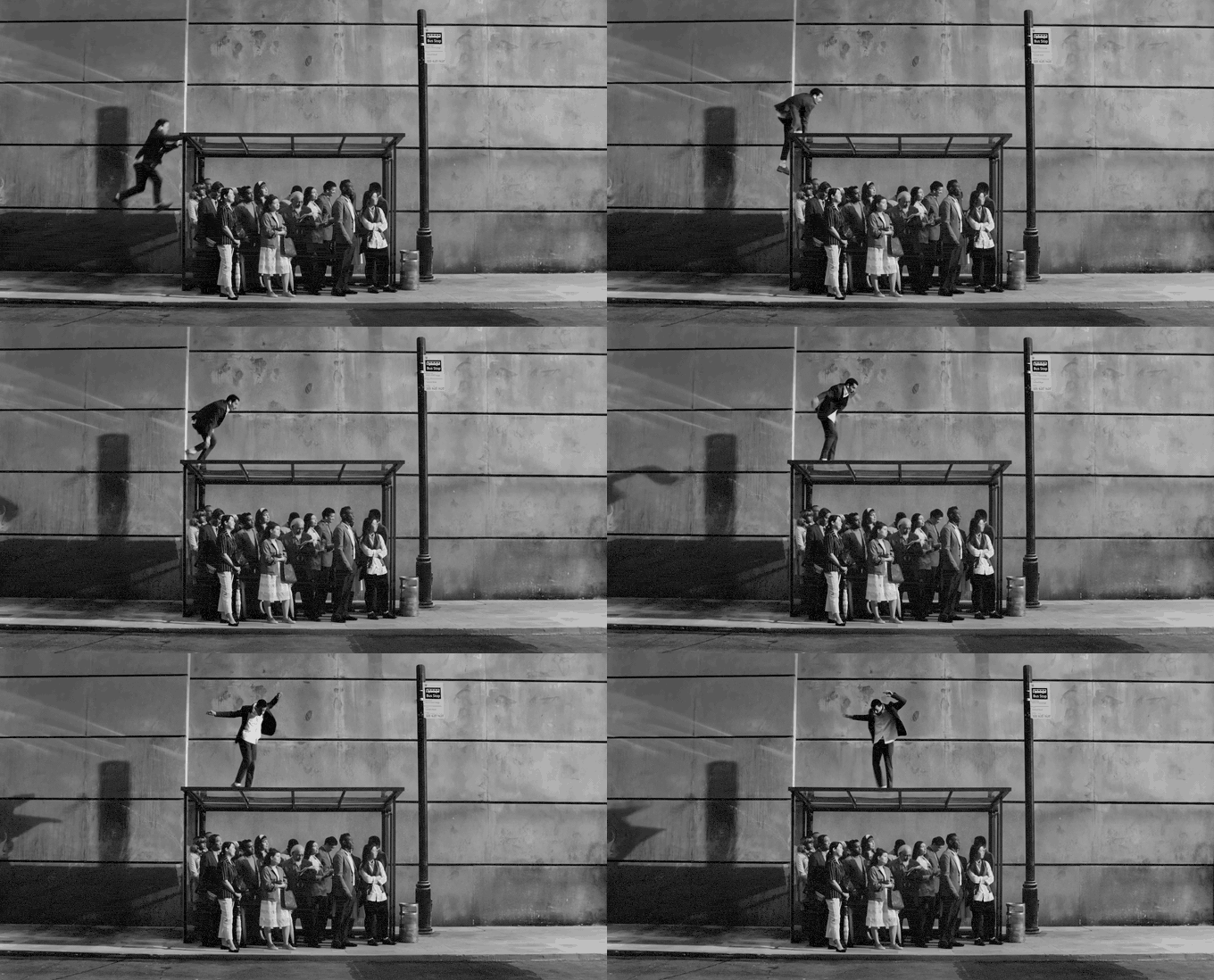
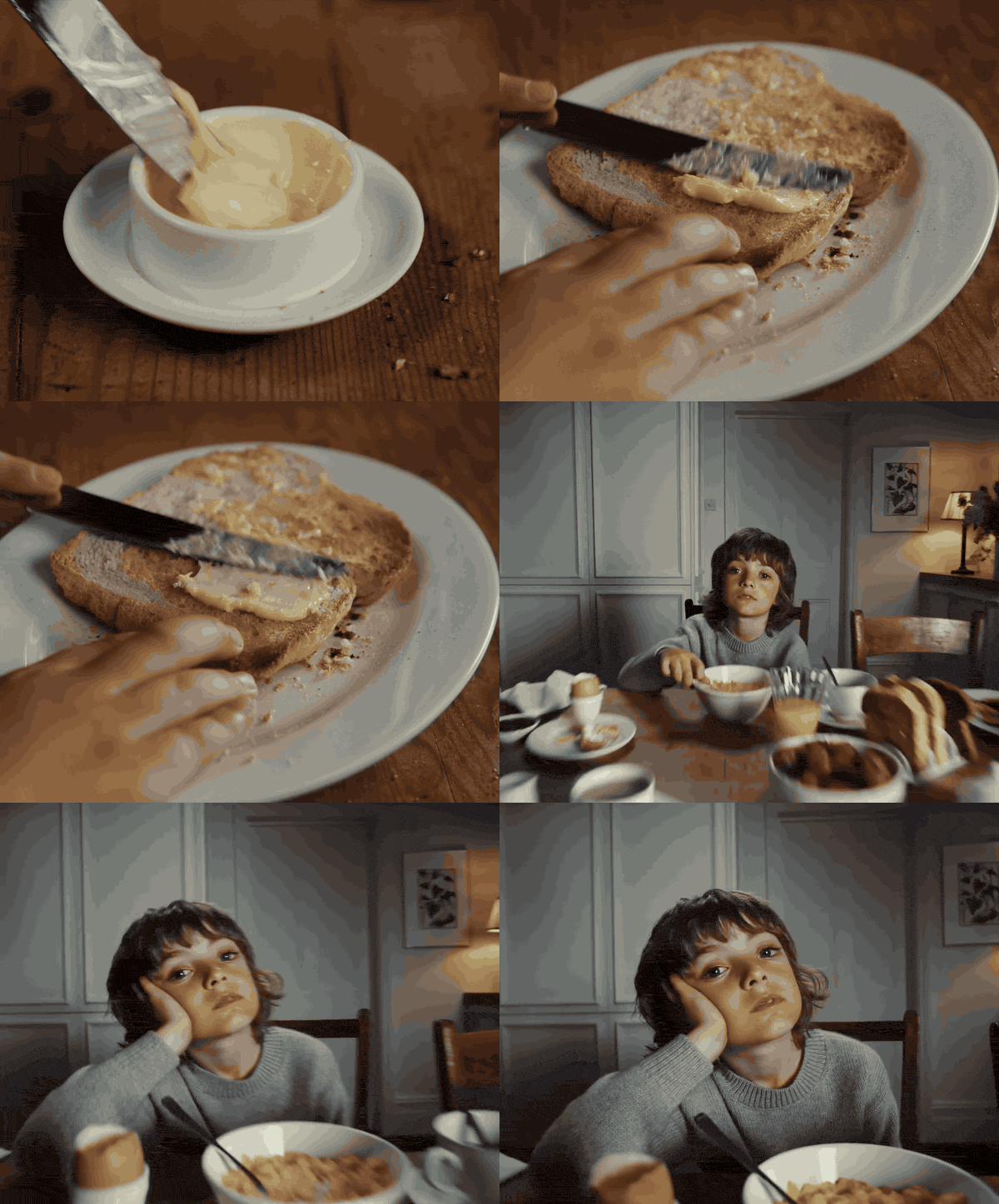
Things only a moving reference can carry:
- Camera movement. Push in or pull out, handheld or on a dolly, how fast, and where it settles.
- Pace and edit rhythm. Whether shots hold for four seconds or cut every eight frames, and whether the cuts land on the beat.
- Performance. How someone moves, a gesture, the timing of a look to camera. Fashion boards live on this, since a coat only sells itself in motion (see building a fashion campaign moodboard).
- Light that changes. A flare rolling across the lens, a sunset dropping, neon flicker, a rig strobing.
- Transitions and graphics. Match cuts, whip pans, type animating on, anything motion design.
- Speed tricks. Slow motion, speed ramps, step printing, time-lapse.
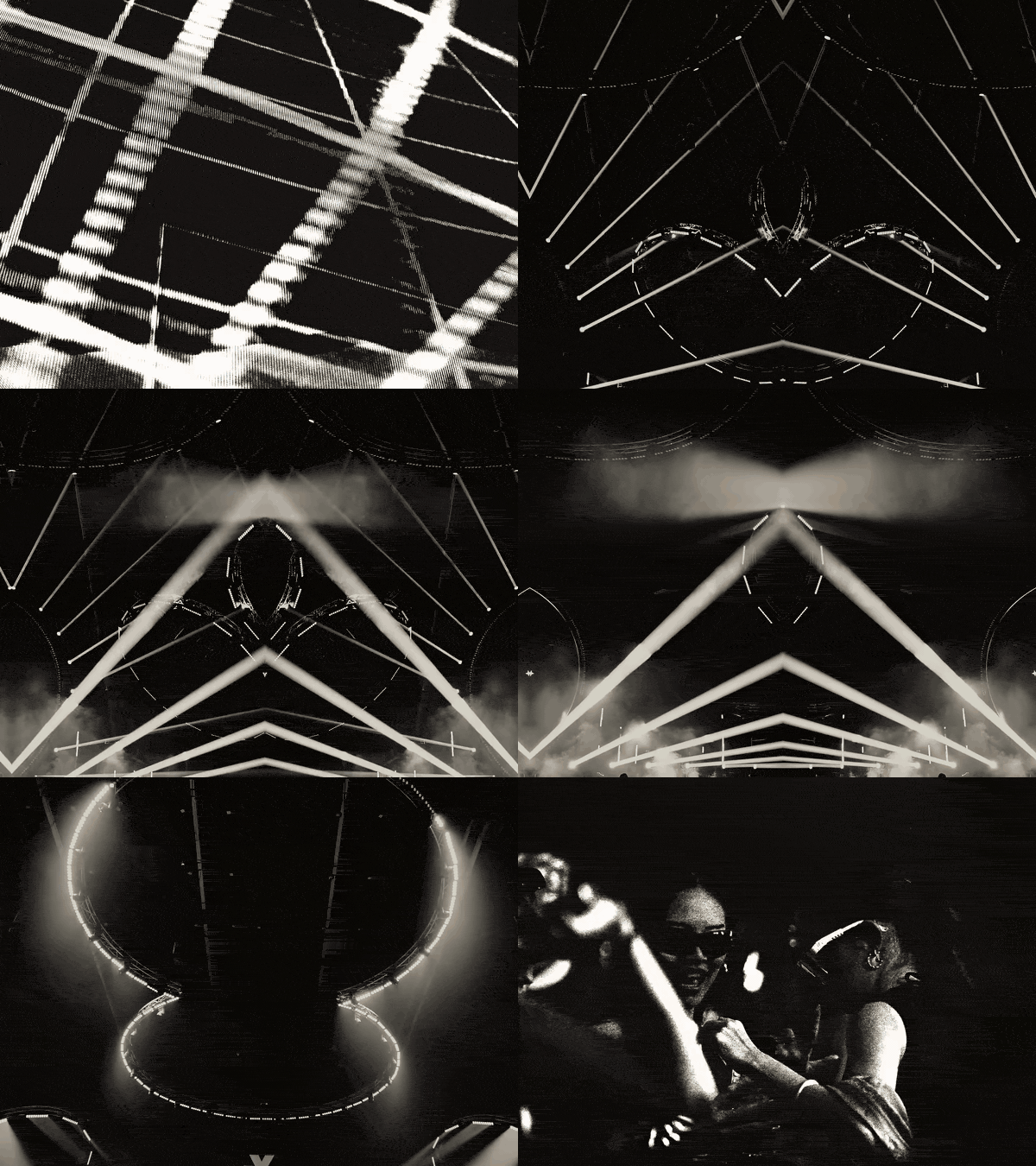
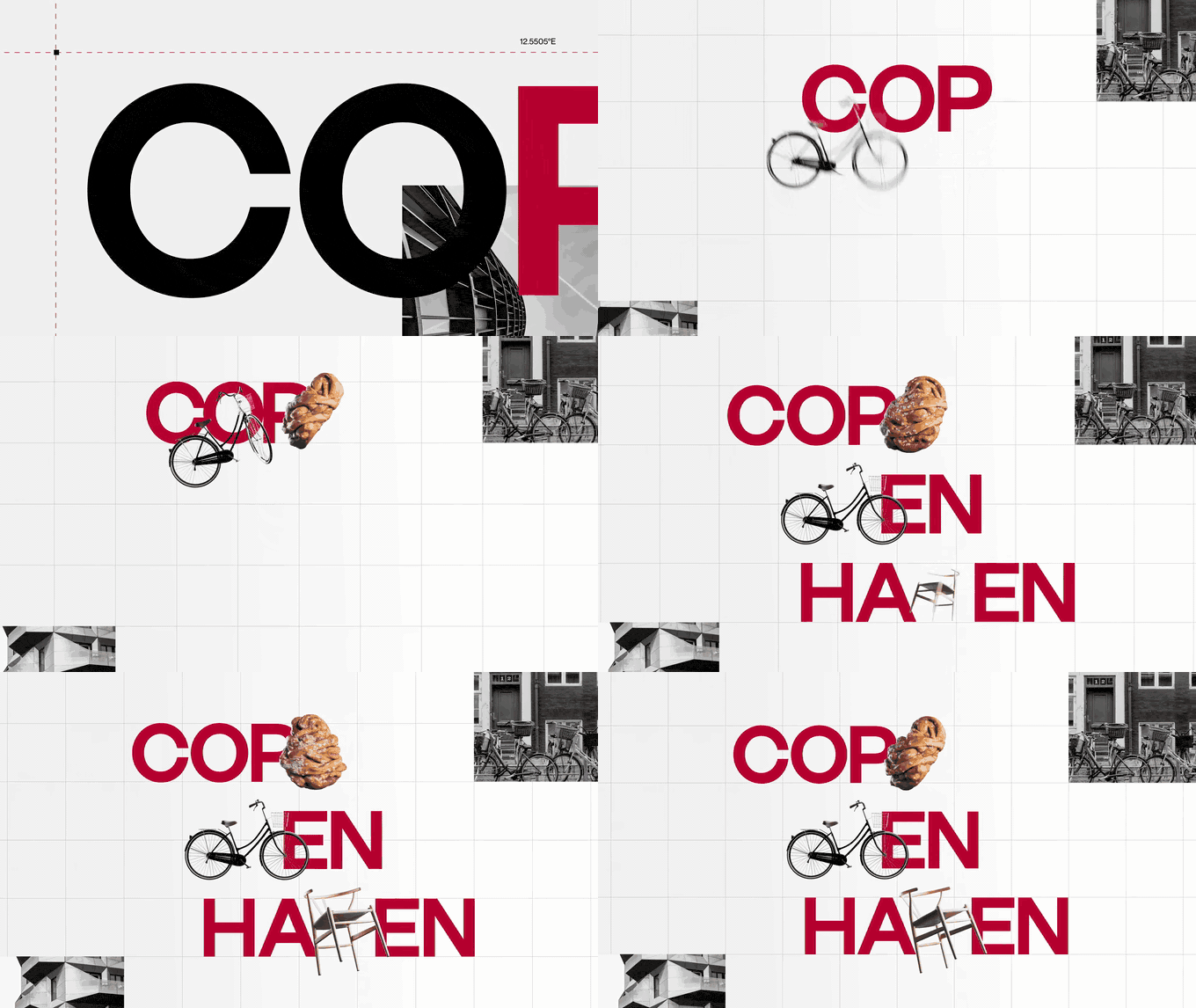
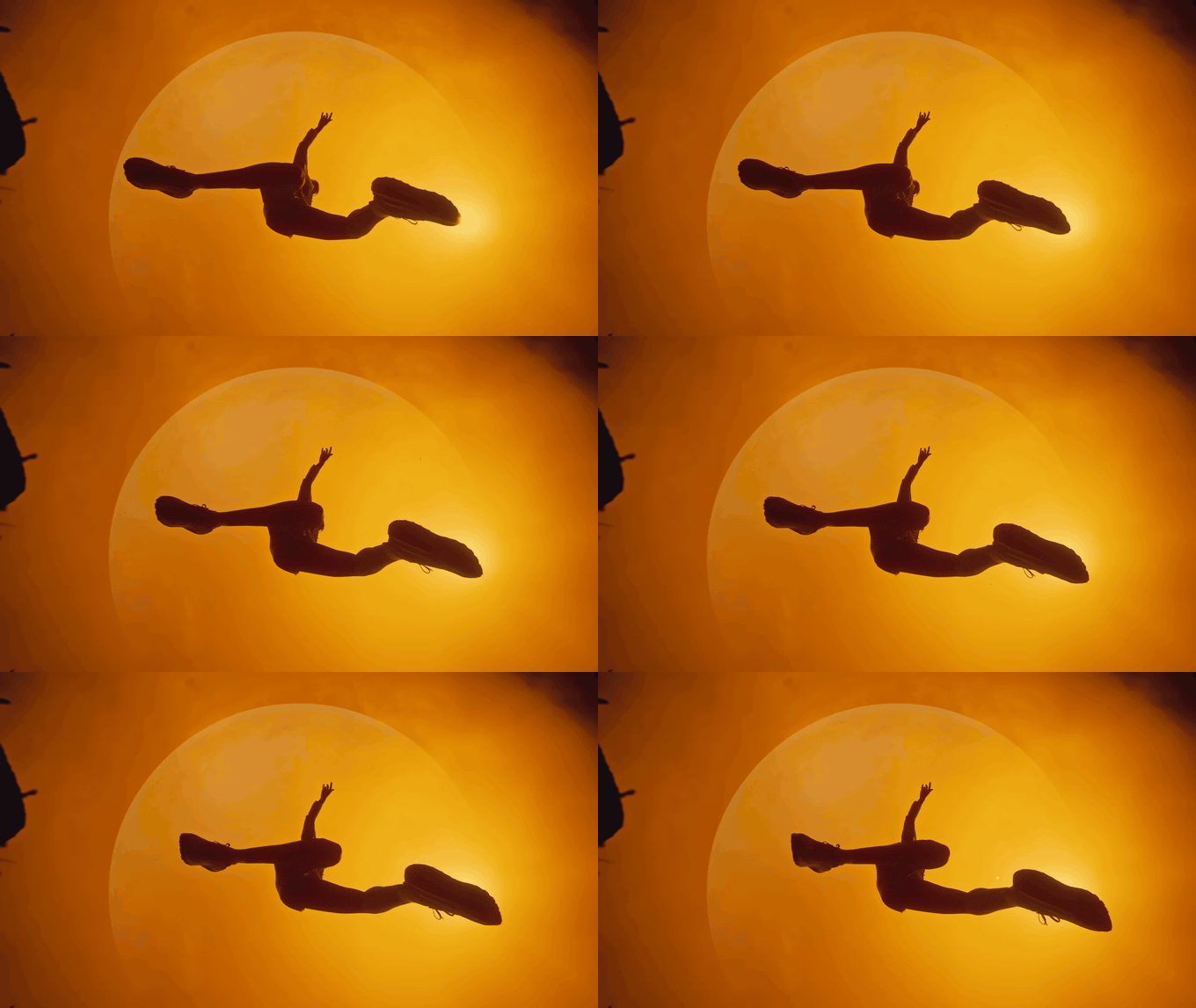
If none of those matter to your idea, you probably don't need a video moodboard. A good still board is faster to make and easier to share. But for most commercials and music videos, at least one of them is the point.
Give every clip one job
The most common mistake is pasting in whole videos. A three-minute music video is not a reference. The eleven seconds where the camera drifts through the party and finds the singer is.
So before you save anything, decide what the clip is there to show and write it down: "the push-in speed", "the cutting pattern in the chorus", "how slowly she turns". That note becomes the label on the board, and it stops the client fixating on the wrong thing, like the hair, when you meant the dolly move.
Good places to find moving references:
- Frameset's Motions. Frameset, the film stills library, also has short curated clips searchable by camera move and transition. Useful when you know the technique but not the example.
- Vimeo and YouTube. Music videos, director reels, brand films. Use share-at-time links so you land on the exact second.
- Instagram and TikTok. Where a lot of current editing language starts. Also where references vanish when an account goes private, so save a copy rather than a bookmark. Our guide to saving Instagram reels for inspiration covers how.
- Ad libraries. The Meta Ad Library and TikTok Creative Center show what brands are running right now, which is often closer to your budget than a feature film.
- Your own footage. Test shoots and previous jobs. Clients love seeing a move you've already pulled off.
Cut each moment to two to six seconds
Short is the point. A two to six second loop gets watched three times. A forty-second clip gets watched for four seconds and then the client scrolls.
Finding the exact frame to start on is most of the work, which is why Spark's player steps one frame per key press (comma and full stop) and jumps five seconds with the arrow keys.
Trimming routes, quickest first:
- QuickTime Player on a Mac. Open the clip, choose Edit > Trim (Command+T), drag the yellow handles, save. No re-encode.
- Video to GIF, in your browser. Drop in an MP4 or MOV, nudge the in and out points frame by frame, pick a width and frame rate, download the GIF. It runs in the browser and nothing is uploaded.
- Spark. Open the saved video, hit Export GIF, set the in and out points, pick a frame rate and width, and it lands in Frames ready for the board.
- Your NLE. Premiere, Resolve or Final Cut when you need to string several moments together into a little reel, which is the right call for edit rhythm references.
- ffmpeg. If you're batch-cutting a lot of references,
ffmpeg -ss 00:01:12 -t 4 -i input.mp4 -c copy clip.mp4cuts four seconds starting at 1:12 without re-encoding (it snaps to the nearest keyframe, so drop the-c copyif it needs to be frame accurate).
GIF or MP4? Pick per destination
Both work. They fail in different places.
| GIF | Short MP4 loop | |
|---|---|---|
| Quality | 256 colours per frame, gradients band | Full colour, looks like the film |
| File size | Big for what it is | Small for what it is |
 Plays in Keynote Plays in Keynote | Yes, when the slideshow plays | Yes, set it to loop |
 Plays in Google Slides Plays in Google Slides | Yes, inserted as an image | Only from YouTube or Google Drive |
| Plays in a PDF | No, you get one frozen frame | No |
| Plays in Slack, email, Notion | Yes, almost everywhere | Usually needs a click |
| Sound | Never | Possible, but most decks play muted |
Our rule of thumb: GIFs for anything that'll be emailed, posted in Slack or dropped into a shared doc, because they play almost everywhere without anyone clicking. MP4s for anything presented from your own laptop, where quality matters and you control the software. We measured the gap on three kinds of footage and went app by app in GIF vs MP4 for presentations.
Every GIF on this page is under 1.5 MB, which is roughly the ceiling we'd aim for on a deck. Frame rate and width matter more than anything else for how a GIF looks; our guide to turning video into a GIF without losing quality has measured settings, and if a GIF is over an attachment limit, the free GIF compressor will shrink it to a target size.
Where to build the board
Keynote, Google Slides or PowerPoint
Where most moving moodboards end up, because the treatment is a deck. In Keynote, select a movie, open the Movie tab in the Format sidebar, set Repeat to Loop and untick "Start movie on click". In PowerPoint it's the Playback tab: Start Automatically, and Loop until Stopped. Google Slides plays GIFs inserted with Insert > Image, and video only from YouTube or Drive, with Play (automatically) under Format options > Video playback.
Decks are the best place to present a moving board and a clumsy place to build one. That's the gap our moodboard maker fills: drop in GIFs and stills, pick one of eight layouts (Collage, Grid, Columns, Hero, Feature, Filmstrip, Panels or one per slide), and download a .pptx with the GIFs still animated. PowerPoint has its own small catalogue of ways to freeze a GIF, which inserting GIFs into PowerPoint works through one by one.
Milanote
Milanote handles video better than most planning tools. Uploaded videos can autoplay when the board opens and loop, and YouTube and Vimeo links embed and play. The catches, as of October 2026: the free plan allows 10 file uploads in total and videos up to 50 MB each, and autoplay and loop don't apply to embedded YouTube or Vimeo videos. Instagram and TikTok aren't on its list of embeddable sources, so expect a link card rather than a player. We go through it fairly in Spark vs Milanote.
Figma, FigJam and Miro
Figma and Miro both play uploaded video on paid plans (MP4, MOV and WebM). Good if the board lives next to design work or a workshop. Less good for presenting to a client who's never opened Figma and will be on their phone.
Spark
Spark is built around the collecting step. Save a reel by sending it to @sparkreferences on Instagram, a TikTok or YouTube link by pasting it, an ad straight from the Meta Ad Library, and anything behind a login with the built-in screen recorder. On a Spark board those videos play in place, and you can pull GIFs and frames from the exact moment you mean.
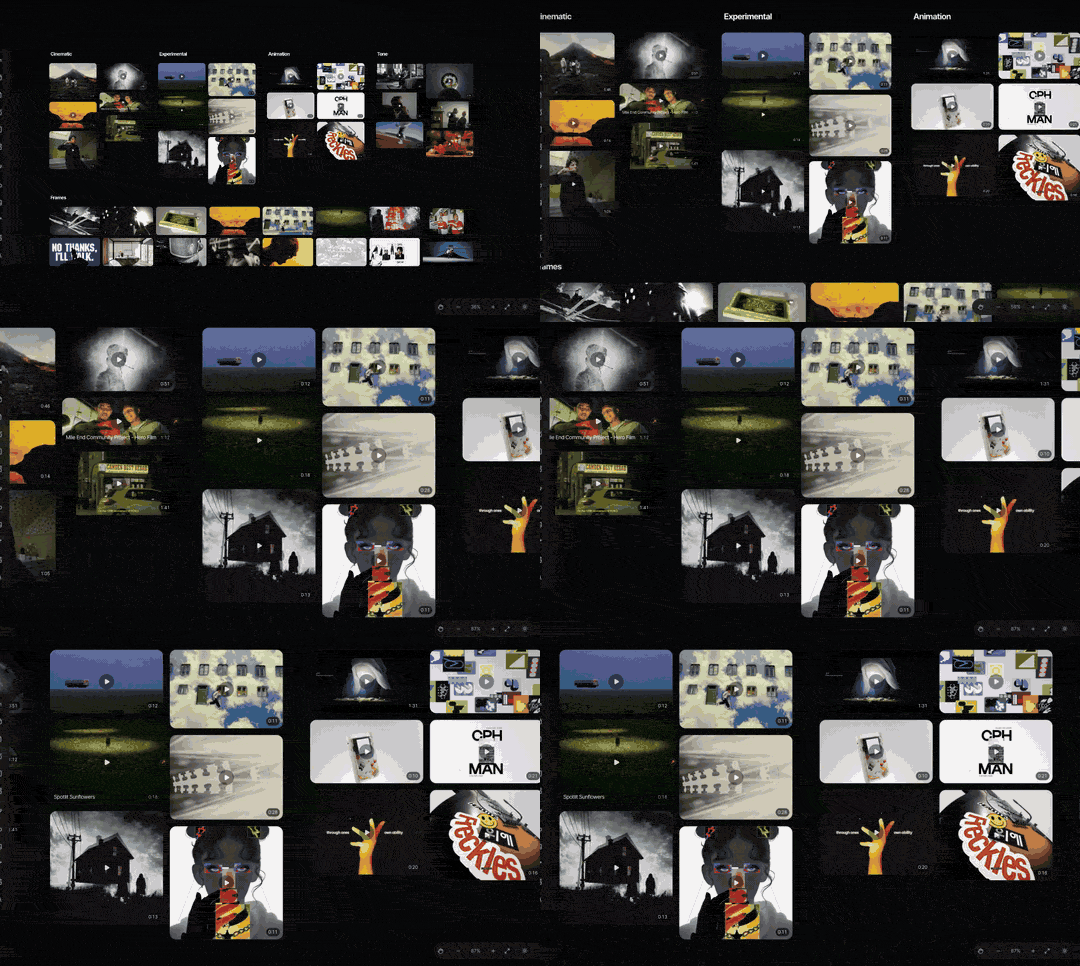
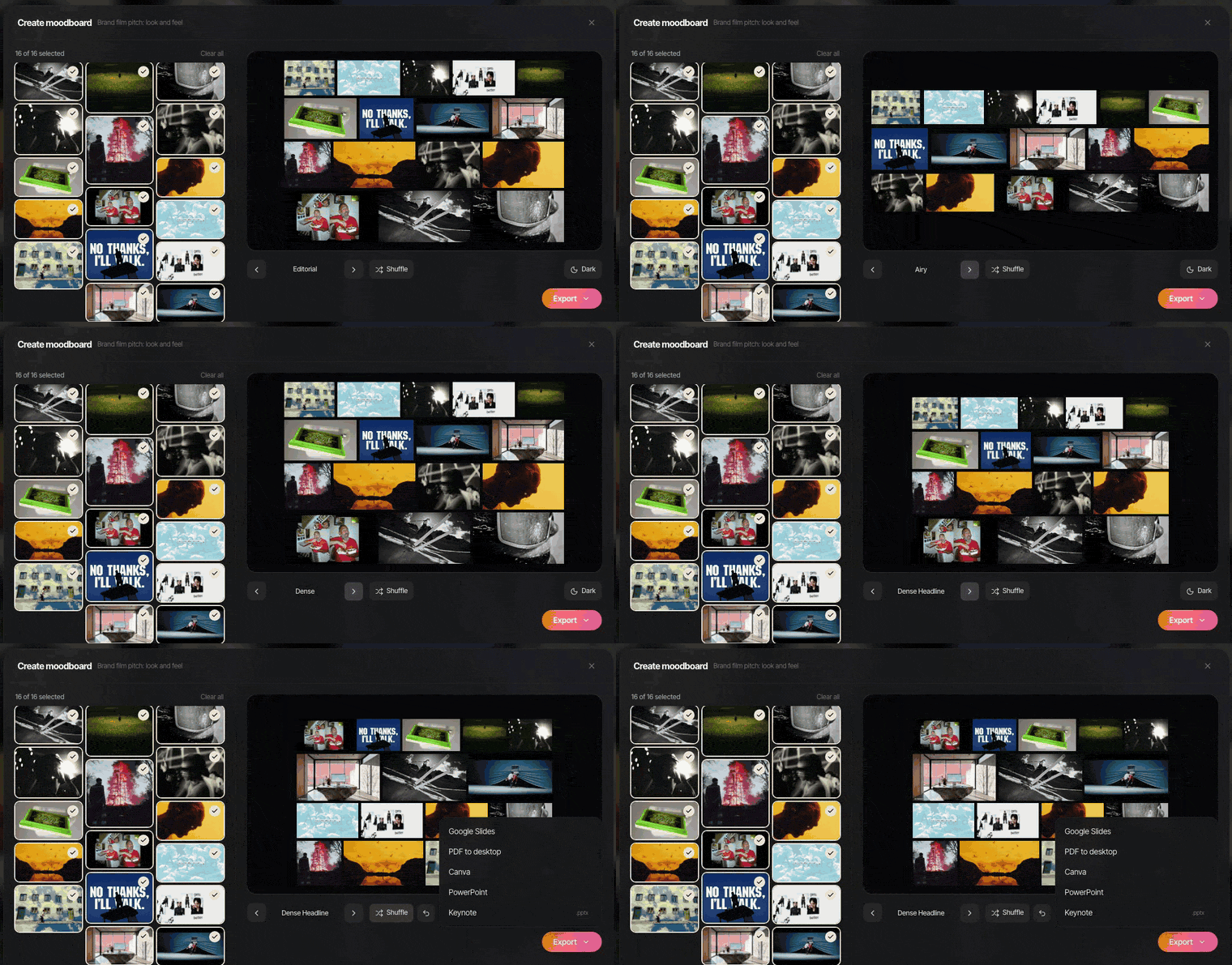
When it's time to present, Create Moodboard lays the board's frames and GIFs out as slides and exports to Google Slides, Canva, PowerPoint, Keynote or PDF. GIFs stay animated in every one of those except the PDF, which can't move anyway.
Playback gotchas that ruin moving moodboards
We learned most of these the hard way, usually about ten minutes before a pitch.
- PDFs don't move. Export your deck to PDF and every GIF becomes its first frame, every video a poster. If the board must travel as a PDF, pick GIFs whose first frame reads as a still, and add a link to a moving version.
- The first frame is the thumbnail. Wherever something doesn't play, people see frame one. Trim so frame one is a good picture, not a black fade-up. (The GIF below breaks this rule, deliberately.)
- Email limits. Gmail caps attachments at 25 MB. A deck with twelve GIFs sails past that, and Gmail turns the file into a Drive link the client may not be able to open.
- Screen sharing kills motion. On a video call, fast camera moves and grain turn to mush. Slow, bigger references survive; a frantic montage won't.
- Autoplay is muted. Browsers, and the board tools that run in them, generally only autoplay silent video. If the sound is the reference, say so on the board and make them click.
- Heavy decks stall. Twenty full HD loops on one Keynote slide will stutter on an older laptop. Present from the machine you rehearsed on, with the deck stored locally.
- Links rot. A board of embedded Instagram posts slowly fills with "this content isn't available". Keep your own copy.

Make the first frame work as a still
The best moving moodboards keep one discipline: every GIF's first frame works as a picture on its own. When the deck gets exported, printed for the shoot, or opened on a phone in a lift, the board still makes sense.

It's also insurance. The day the client's IT department strips every video out of the deck, the first frames are still telling the story. Spark looks after the other half: every saved clip in one place, searchable by description and transcript on Creator and Studio, with the GIF and the still for each reference a few clicks apart.
FAQs
What is a video moodboard?
A video moodboard is a collection of moving references, usually short clips or GIFs, used to show the camera movement, pacing, editing and performance for a film or ad. It sits alongside or inside a normal still moodboard. It's most useful when how the film moves matters as much as how it looks.
How long should clips in a video moodboard be?
Two to six seconds is the sweet spot. Long enough to show a camera move or a cutting pattern, short enough that people watch the loop more than once. If you need to show edit rhythm across a sequence, cut a reel of 15 to 30 seconds and label it clearly.
Can you put GIFs in a moodboard PDF?
You can, but they won't animate. A PDF shows the first frame of each GIF and nothing else. If the board has to be a PDF, choose GIFs whose first frame works as a still and include a link to a moving version in Keynote, Google Slides or a shared board.
Is there a free tool for making a moving moodboard?
Yes. Our moodboard maker runs in your browser, takes GIFs and stills, and exports a .pptx for PowerPoint, Keynote, Google Slides or Canva with the GIFs still animated, or a PDF or PNG where they'll be still. To make the GIFs in the first place, cut them from your clips here.
What's the best format for moving references in a pitch deck?
Short MP4 loops look better and are smaller, so use them when you're presenting from your own laptop in Keynote or PowerPoint. GIFs play almost everywhere without a click, so use them for decks that will be emailed, posted in Slack or opened in Google Slides.
How do I make a moodboard with clips from Instagram or TikTok?
Save the post itself, not a bookmark, because accounts go private and posts get deleted. Then trim the moment you need and export it as a GIF or short MP4 for the board. Spark does both: you send a reel to @sparkreferences on Instagram or paste a TikTok link, then export a GIF of the exact seconds you want.
Keep reading
All articles
How to Make a Moodboard for a Video Project
Twenty well-chosen frames with a line of explanation under each will do more for your shoot than two hundred beautiful pins. Here's how to build that board, section by section.
Best Moodboard Tools for Creative Directors in 2026
Most moodboard roundups are written for interior designers. This one is for people who pitch films and ads, collect references from reels and need the board to play on a client's laptop.
How to Build a Searchable Creative Inspiration Library
Your references live in nine places and none of them has a decent search bar. This is the four-step system we run at our own production company, in whatever tool you like.