
How to Make a GIF from a Vimeo Video
Vimeo has a GIF maker, but only for your own videos. For the director's reel you actually want to reference, here's how to get the moment out cleanly, without the black bars.
By the Spark team ·
If the Vimeo video is yours, Vimeo will make the GIF for you. Open it from your Library, click Edit, choose Make a GIF, set a start and end point (six seconds at most) and download it. If it's someone else's, the GIF maker isn't yours to use, so you need the file first: the Download button on its vimeo.com page if the owner allows it, a screen recording if they don't. Then convert it at 480 to 640 px wide and 12 to 15 fps.
The second case is the common one, and it's what this post is really about. Vimeo is where directors, DoPs and production companies keep their reels. That makes it the best reference library in the business, and one of the most locked down.
Why the good references live on Vimeo
YouTube has more of everything. Vimeo has the work: directors' reels, music videos uploaded by the people who shot them, short films, Staff Picks, the brand film a production company is proudest of. When a client says "make it feel like this", the link is very often a Vimeo link. Our list of the best websites for commercial film inspiration covers where else to look.
The owners are professionals who care how their work is seen. So downloads are often off, and plenty of reels sit behind a password or only play embedded on the director's own site. We have our own films on Vimeo with downloads switched off, for exactly the same reasons.
Route 1: your own video, with Vimeo's GIF maker
The tidiest route if you own the video, and it's on every plan, free included.
- Go to your Library and open the video.
- Click Edit, to the left of the player.
- In the panel that opens, choose Make a GIF, then Create a GIF.
- Drag the brackets, or type a Start time and End time. Six seconds is the maximum.
- Click Create GIF. It appears in the GIF panel.
- Download the small file for email or the larger one for social, or copy the embed code.
Up to four GIFs per video, and 360 videos aren't supported. On the free plan, check for a Vimeo watermark before you send it anywhere. You can't pick the width, frame rate or colours, so if the GIF has to hit a strict size or look its best on a boardroom screen, download your original from the Library and convert it yourself (route 2 onwards).
Route 2: someone else's video, downloads allowed
If the owner has switched downloads on, there's a Download button on the video's page on vimeo.com, near the player. Click it and take the highest quality on offer.
Two things trip people up:
- The button never appears in an embedded player. Viewers can't download from an embed, only from the vimeo.com page. Watching on a director's website? Look for the Vimeo logo in the player, which (when it's shown) links through to the video's page. No logo and no page usually means the owner set the video to Hide from Vimeo, so it only exists as an embed.
- No button means no permission. Downloads are switched off per video, by the owner. The answer isn't a downloader site. It's an email.
Ask for the file (it works more than you'd think)
For a pitch, it's completely normal to email the production company or the director's rep and ask for the clip. Say what it's for ("a reference in an internal treatment, credited to you") and they'll often send a Vimeo review link with downloads on, or the file itself. Already working with a production company? Ask them for a review link. Each review link has its own download setting, separate from the public video's.
Mark the exact moment before you share it
Vimeo links can start at a set time. Add #t= and a time to the end of the URL, like vimeo.com/123456789#t=1m42s, or pause, open Share and use Start video at. Send references round the team with the timestamp attached. "The bit at 1:42" in a Slack thread is how three people end up making GIFs of three different moments.
Route 3: no download, so screen record
For a reference you can't download, a screen recording does the job for internal use. Keep the original link next to it so you can always credit it. Before you hit record:
- Open the player's settings (the gear) and pick the highest quality, not Auto, which can drop resolution mid-recording.
- Play it full screen, or as large as you can.
- Move the mouse off the player so the controls fade out.
- On a Mac, press Cmd+Shift+5 and choose Record Selected Portion. On Windows 11, open the Snipping Tool and switch to record.
The steps are the same as for YouTube, and our guide to making a GIF from a YouTube video goes through them platform by platform.
Crop the black bars before you convert
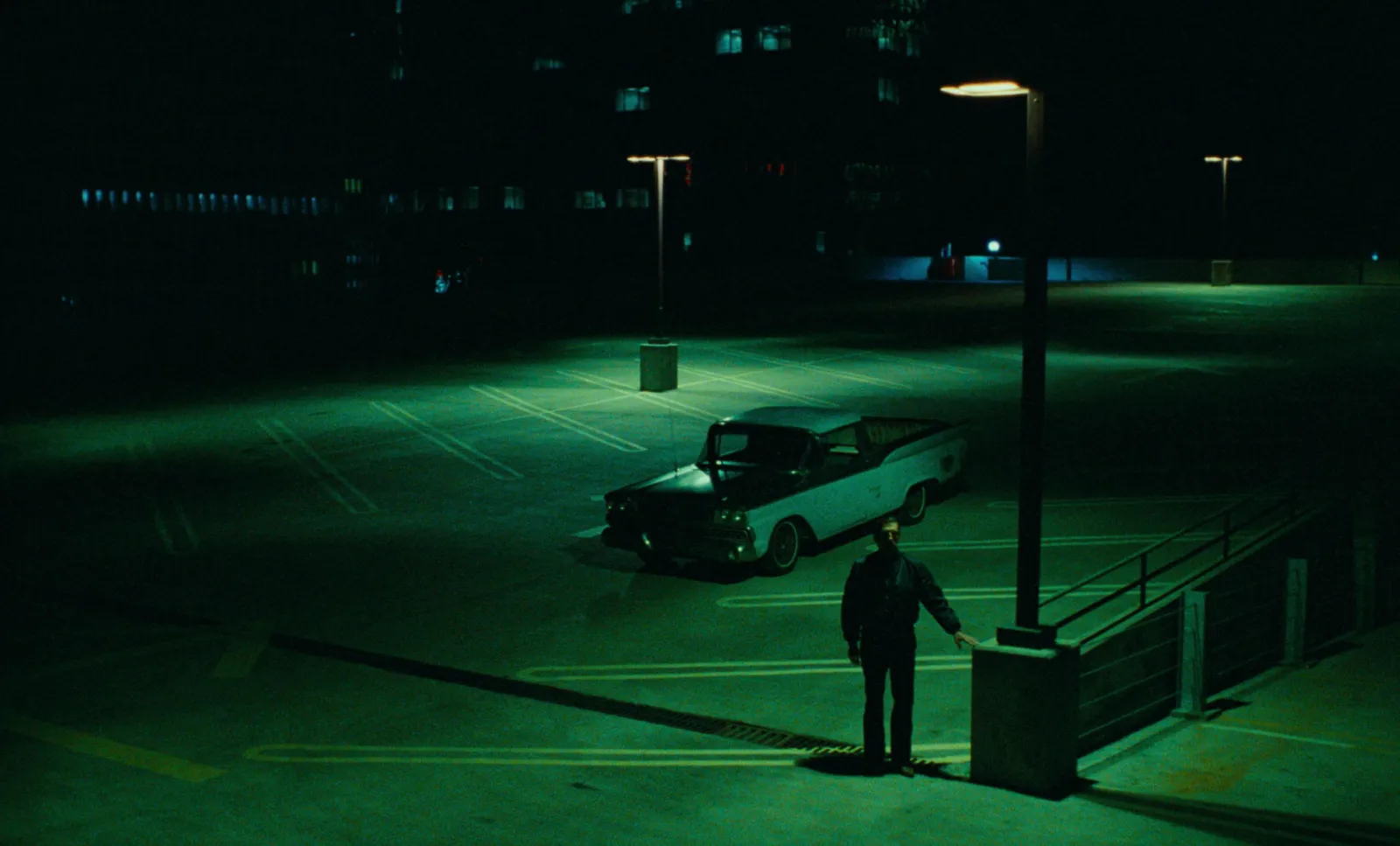
This is the Vimeo-specific bit. A lot of directors' reels are scope (around 2.39:1) sitting inside a 16:9 file, with black bars top and bottom. Convert that as it is and the bars eat a quarter of your GIF's height and shrink the picture on the slide.
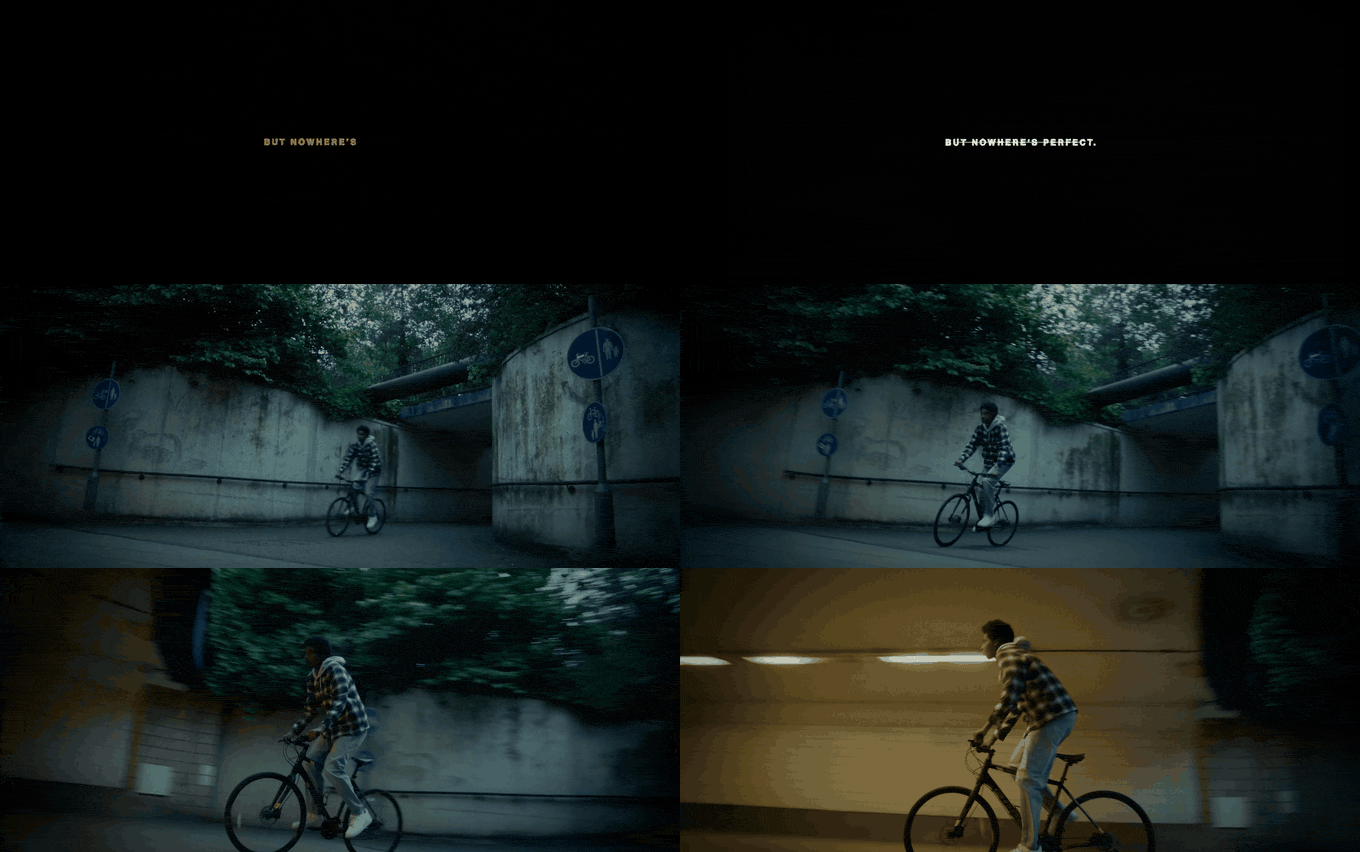
FFmpeg will find the bars for you. Run this on the clip and read the last line it prints:
ffmpeg -ss 10 -t 2 -i reel.mp4 -vf cropdetect -f null -It suggests something like crop=1920:800:0:140. Put that at the start of your GIF filter chain:
ffmpeg -ss 42 -t 4 -i reel.mp4 -vf "crop=1920:800:0:140,fps=15,scale=640:-1:flags=lanczos,split[a][b];[a]palettegen=stats_mode=diff[p];[b][p]paletteuse=dither=bayer:bayer_scale=3" reel.gif-ss 42 is the start time in seconds, -t 4 the length. Not a terminal person? Crop in any editor, export an MP4, and convert that.
Convert it at the right settings
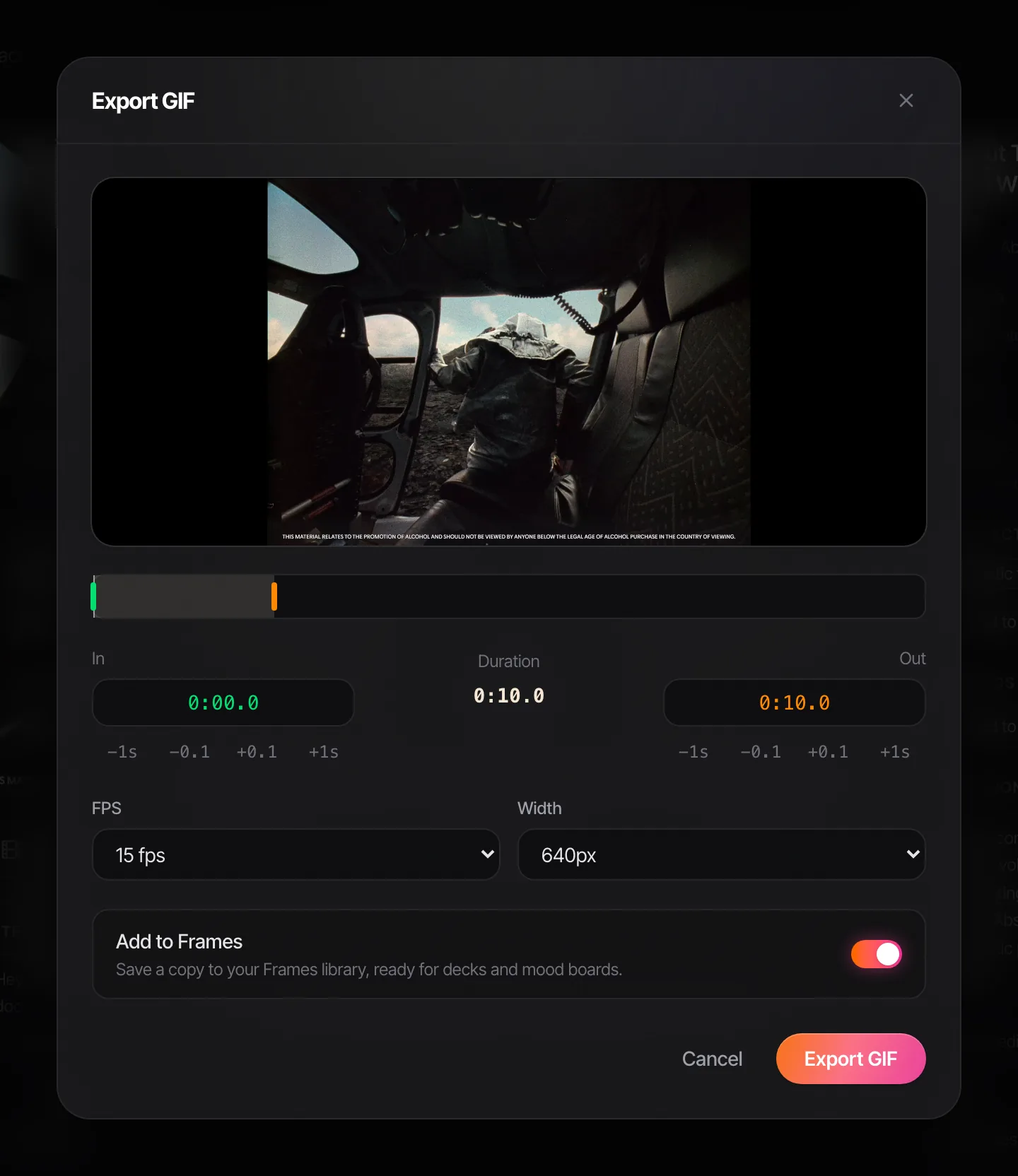
Our GIF maker handles the rest in your browser. Nothing is uploaded, which matters when the clip came from a review link someone trusted you with, and there's no watermark. The in and out points move by single frames, so you can start on the cut rather than a frame after it.
Settings for typical Vimeo footage:
| Setting | What we'd use | Why |
|---|---|---|
| Width | 640 px for a deck, 480 px for Slack or email | Reels are usually seen big; give them room |
| Frame rate | 12 to 15 fps | Slow, graded camera moves hold up well at 12 |
| Length | 3 to 5 seconds | One move, start to finish |
| Quality | Best for skies, smoke and skin; Balanced otherwise | Graded footage bands easily |
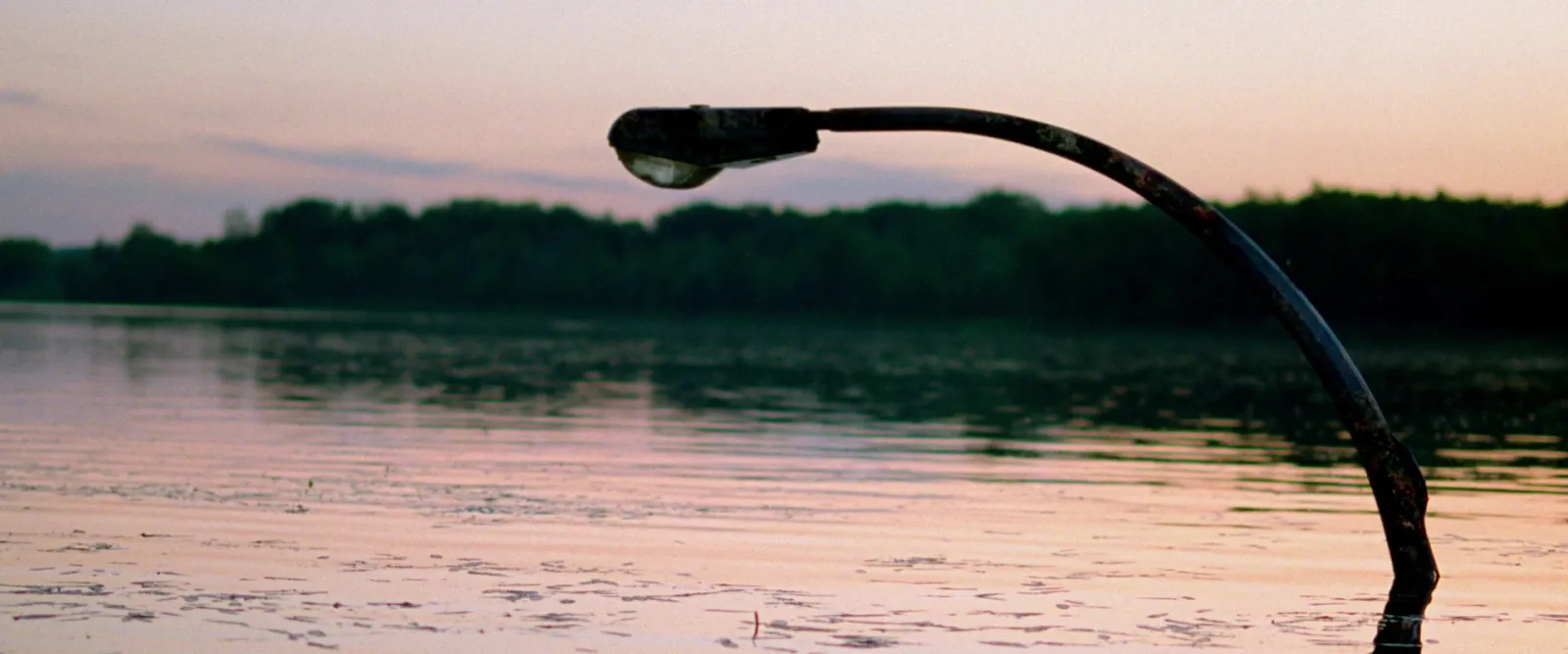
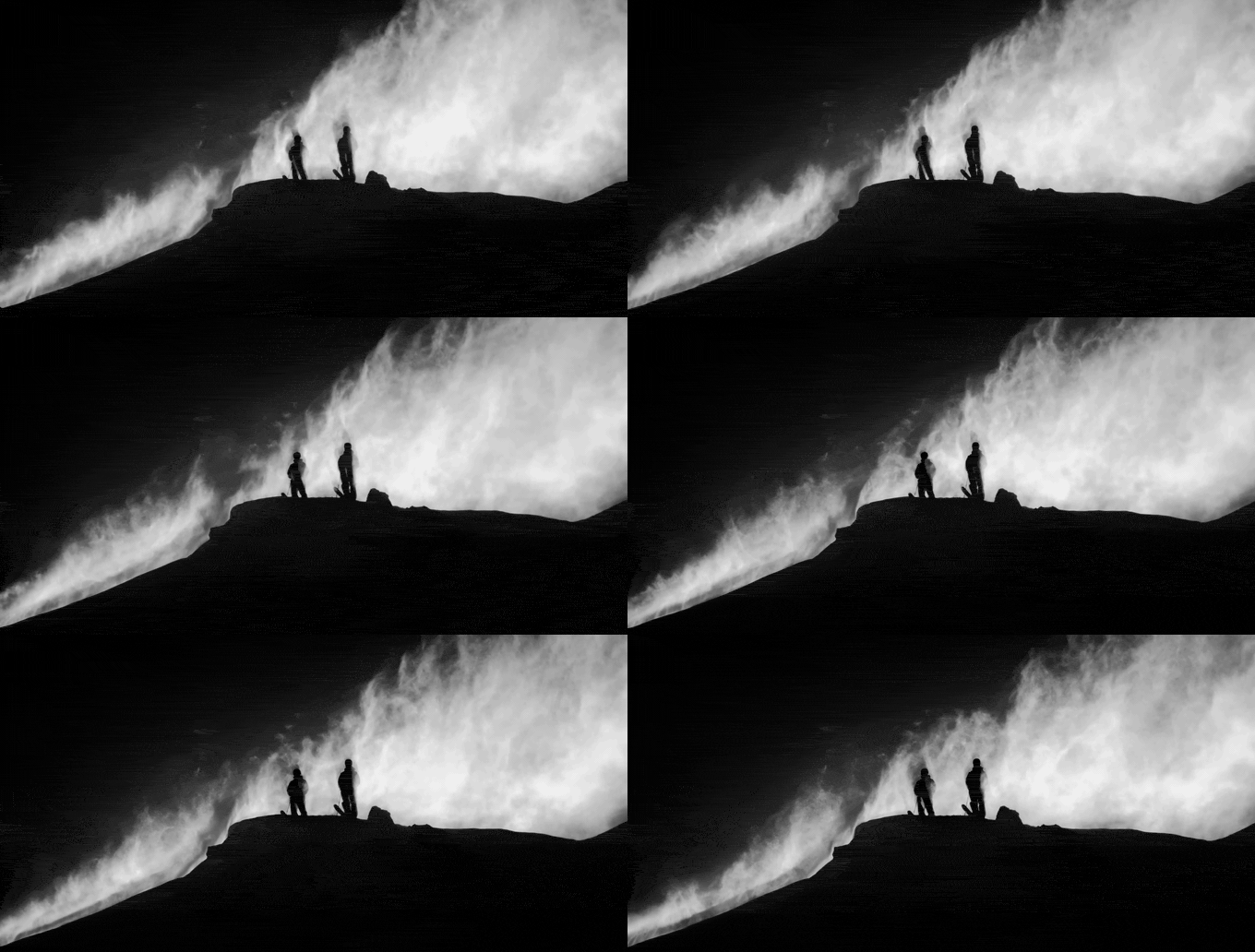
Grain is the thing to watch. Directors love it and GIFs hate it, because grain is a fresh pattern on every frame and nothing compresses. In our tests, adding light film grain to a clip nearly tripled the GIF's size. Our guide to reducing GIF file size has the ffmpeg denoise trick, and if the GIF is already made and too heavy, the free GIF compressor will take it down to a target size.
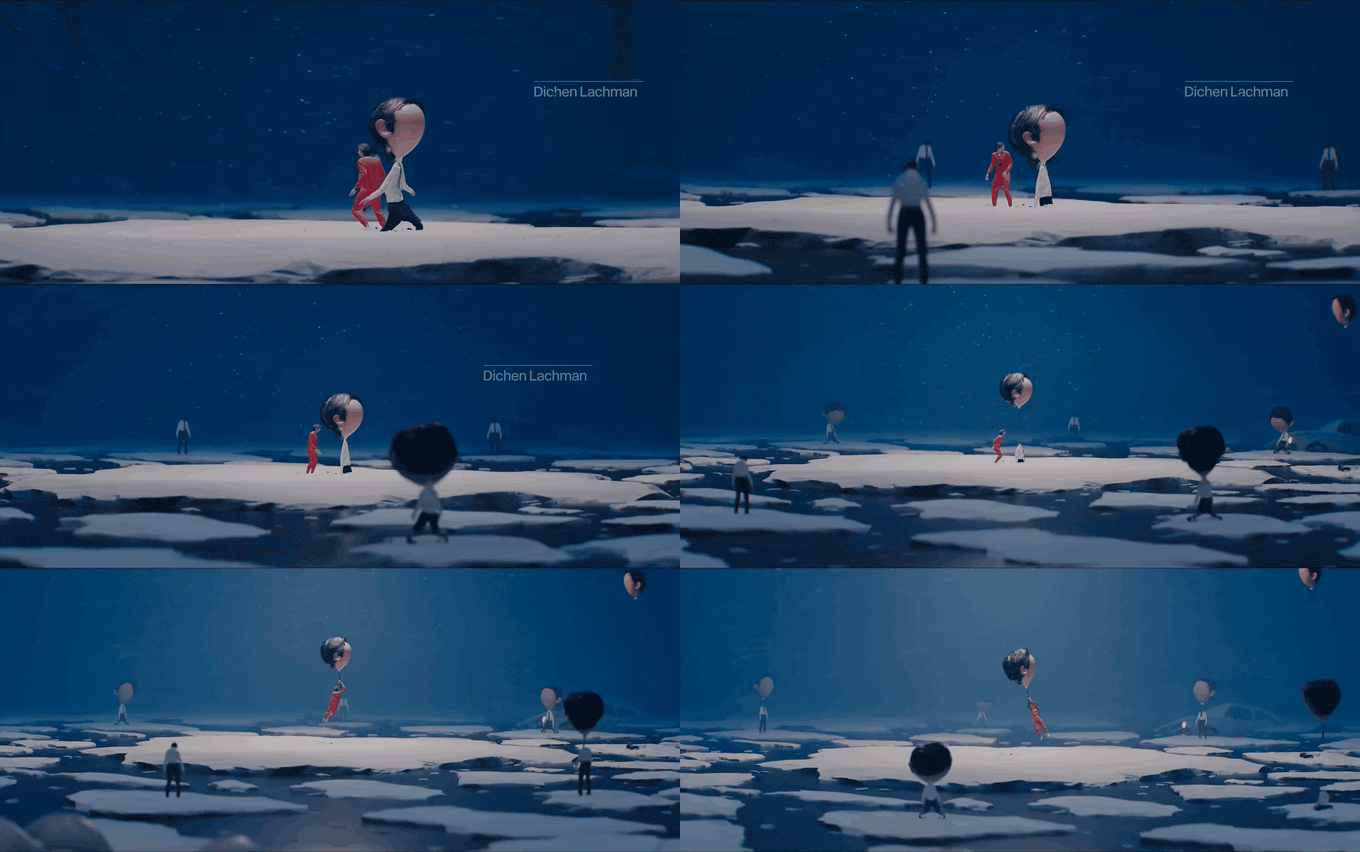
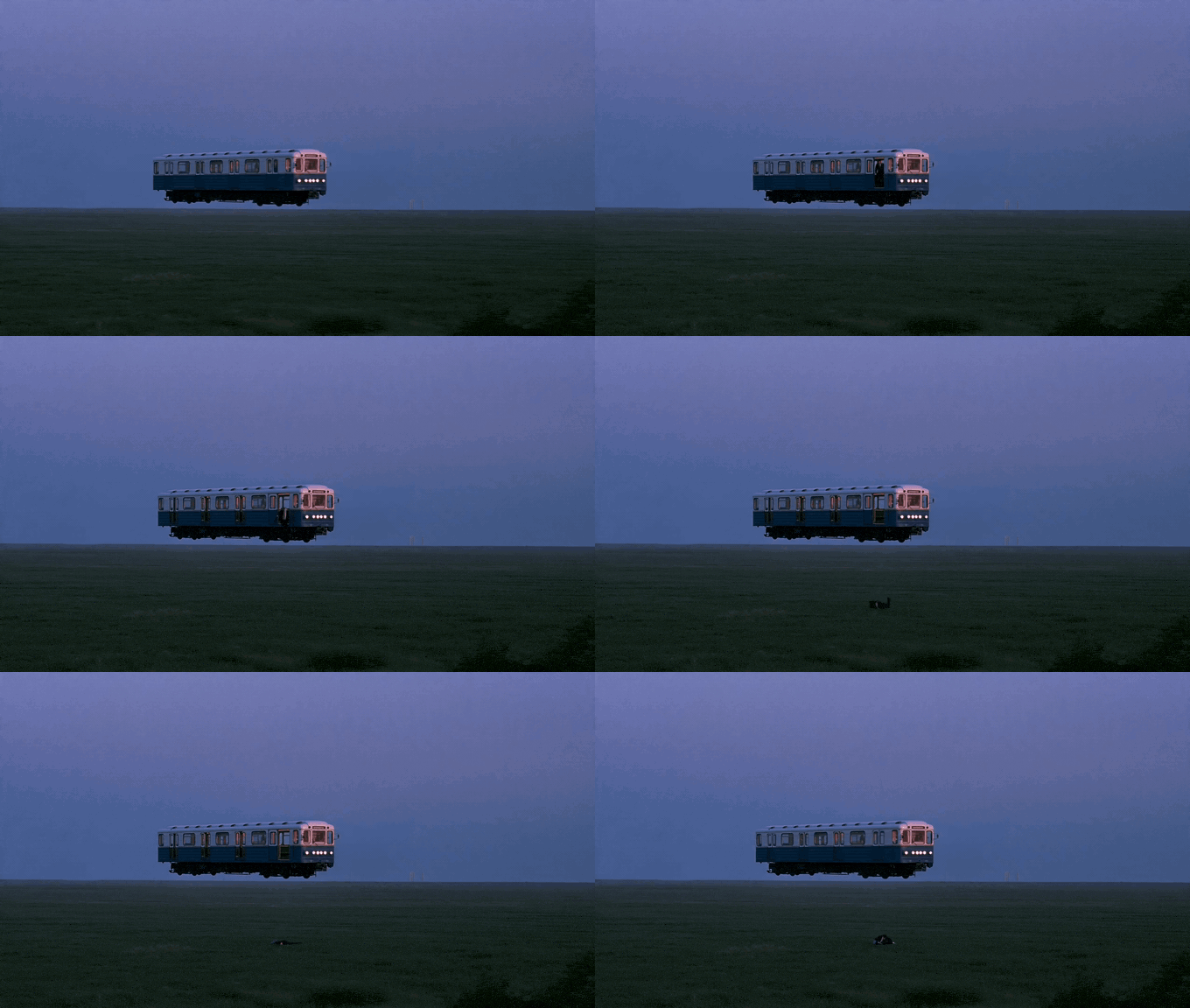
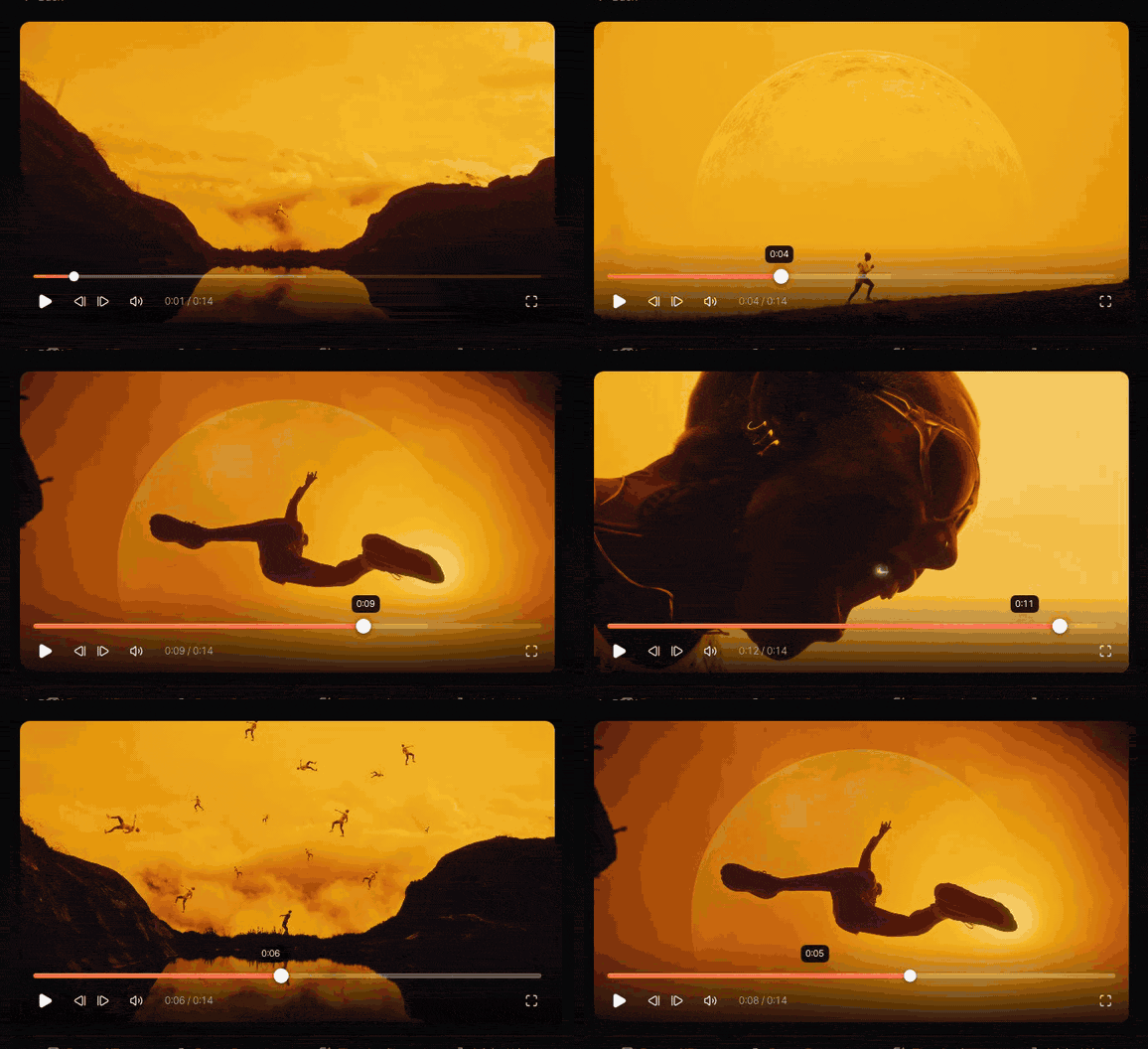
Same width, same length, very different files. The Severance ice field has tiny figures moving across hard texture; the floating metro is a soft purple haze with one object drifting through it. That's the difference you'll see between a director's busy action reel and their quiet mood piece.
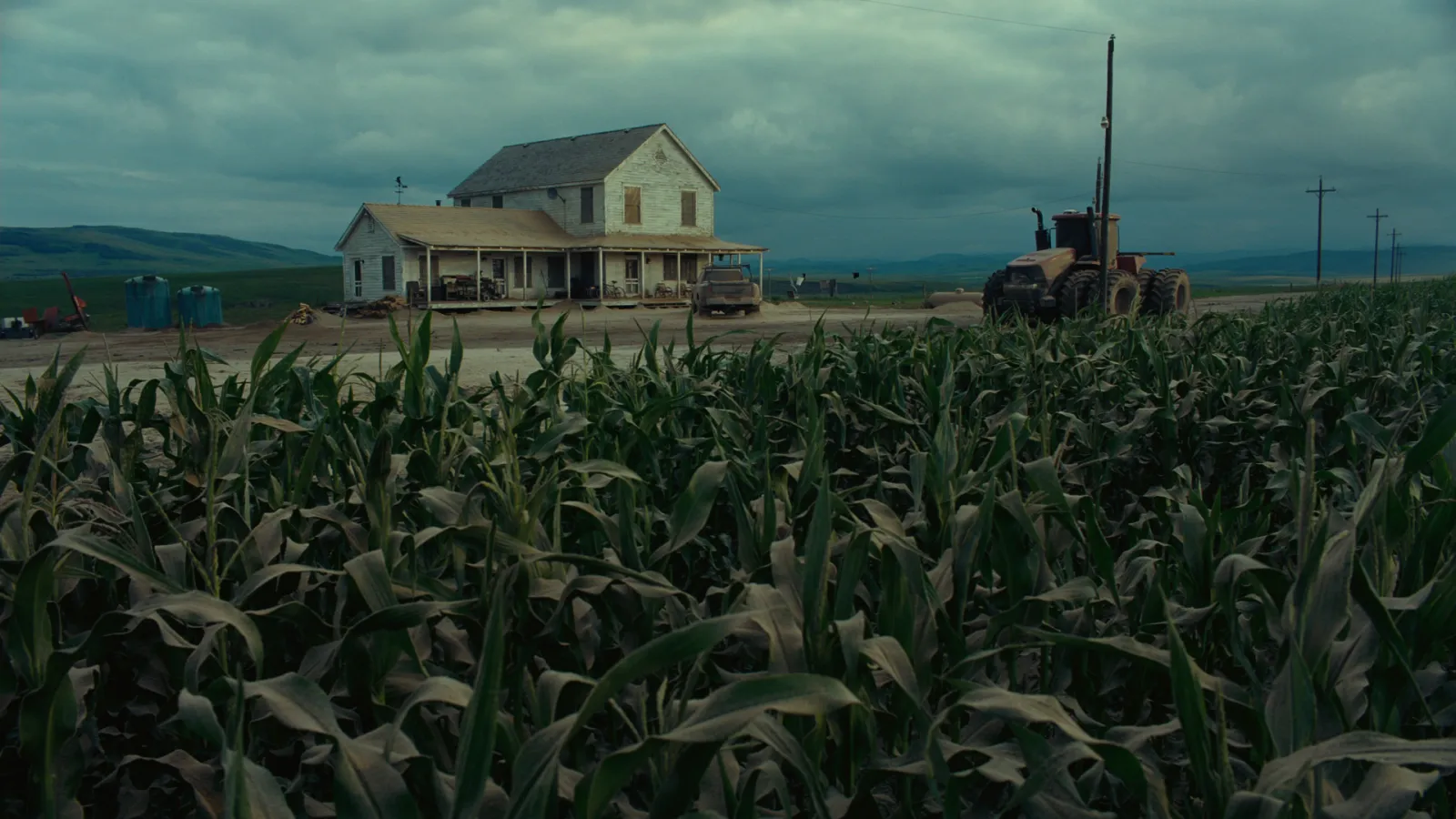
For palettes and dithering in more depth, see turning a video into a GIF without losing quality.
Keep the reel as well
The usual story goes like this. You make the GIF, it goes in the deck, the deck wins or it doesn't, and three months later someone wants "that drone shot from the reel you found". The GIF is in Downloads, the Vimeo link is in a Slack thread, and the director has replaced the reel with a newer one.
In Spark you paste the Vimeo link and the video is saved to your library along with its page URL. On the paid plans Spark also describes the footage and transcribes the audio, so you can find it later by the shot rather than the filename. When you need a GIF, open it and click Export GIF: in and out points, a frame rate from 8 to 24 fps, a width from 320 to 1080 px, and a copy saved to Frames with the rest of the pitch.
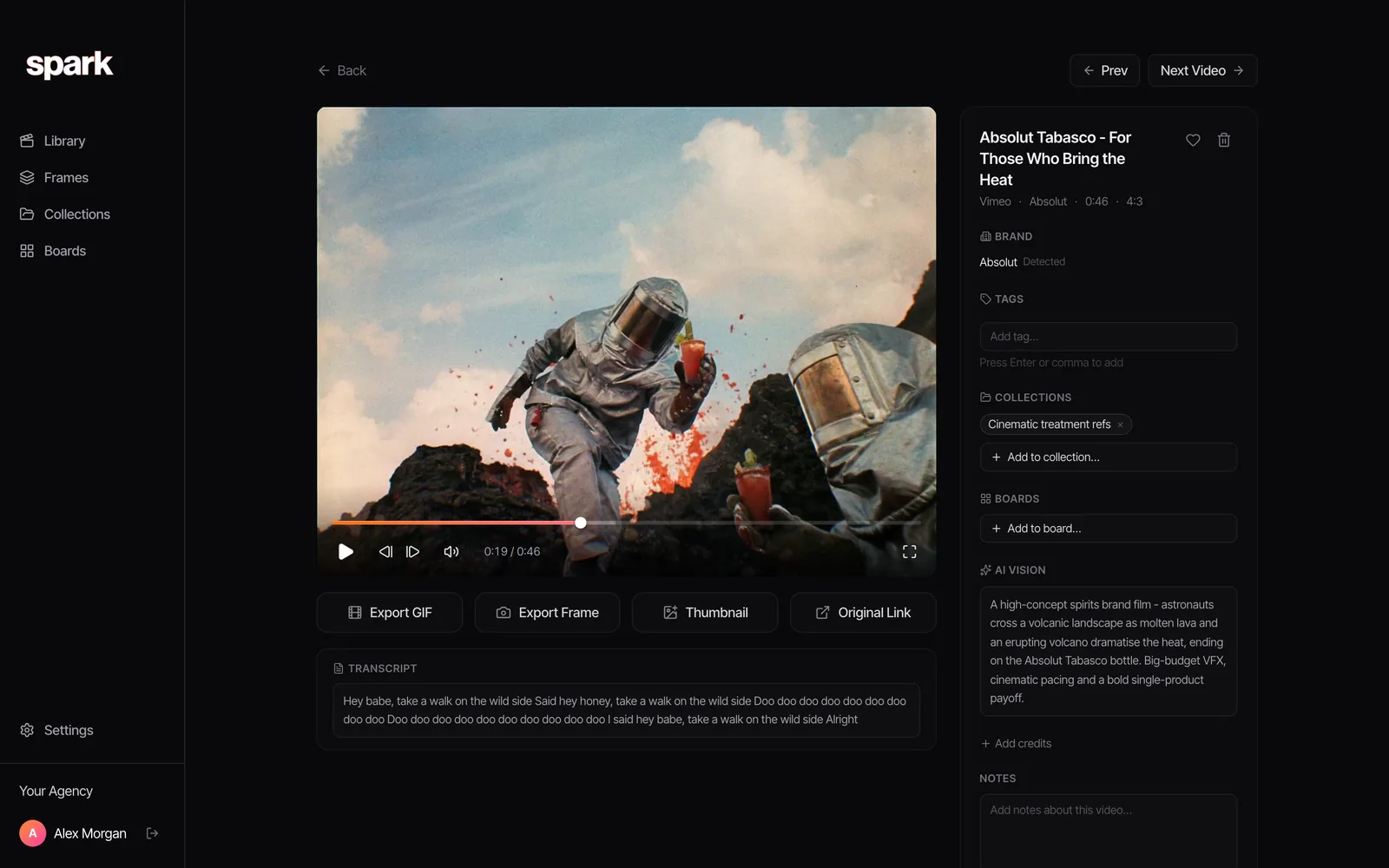
For the ones that won't save (password-protected reels, private review links, anything behind a client portal), Spark's built-in screen recorder captures what's playing into the same library.
Directors update their reels, and a link that worked during the pitch can lead somewhere else by the shoot. Keeping the video itself, with the credit attached, is how the reference survives that.
FAQs
Can you make a GIF from a Vimeo video?
Yes, if it's your video: open it from your Library, click Edit, choose Make a GIF and pick up to six seconds. For someone else's video you need the file first, from the Download button on its vimeo.com page if downloads are allowed, or a screen recording for internal reference. Then convert it with a GIF converter or ffmpeg.
Why is there no download button on a Vimeo video?
The owner has switched downloads off for that video, or you're watching it in an embedded player, which never shows a download button. Open the video's page on vimeo.com to check. If it's still missing, ask the owner for the file.
How long can a Vimeo GIF be?
Vimeo's own GIF maker allows up to six seconds per GIF, and four GIFs per video. If you convert the video yourself there's no hard limit, but anything over five or six seconds gets large fast, and an MP4 is usually the better choice.
Can I make a GIF from a password-protected or private Vimeo link?
You can watch it if you have the password, but you can only download it if the owner allowed downloads. Otherwise, screen record it for internal use and keep the link with the recording. Don't share a GIF from a private link outside the people it was shared with.
Is it legal to make a GIF from someone's Vimeo video?
The video belongs to the person who made it. A short, credited clip in an internal pitch deck is common practice; publishing it or using it commercially needs permission. Directors and production companies are usually happy to help when you ask and explain what it's for.
Why does my Vimeo GIF look grainy or banded?
Graded, cinematic footage is hard for GIF: film grain changes on every frame, and smooth skies and skin tones need more than 256 colours. Use a two-pass palette with Bayer dithering, keep it to 12 to 15 fps, and denoise grainy footage before converting.
Keep reading
All articles
How to Export a GIF from Adobe Premiere Pro
Premiere will export a GIF. It just won't give you much say in how. Here's the direct route, its limits, and the workaround most editors use instead.
How to Export a GIF from After Effects
After Effects lost its GIF export years ago. Here's the quick route through Media Encoder, the better one through a PNG sequence, and what a gradient does to the file size.
How to Convert MP4 to GIF on Windows
The Photos app won't do it, Clipchamp will (just about), and ScreenToGif is better than its name suggests. Every free route on Windows, tested and ranked.