
How to Stop Creative References Getting Lost in Slack
Somebody posted the perfect reference in Slack in March. It now lives behind a 90 day wall, a thread, and the word "this". Here's how to get it back and stop it happening again.
By the Spark team ·

Creative references get lost in Slack for three reasons. On the free plan, anything older than 90 days is hidden, and since August 2024 anything older than a year can be deleted for good. Slack search only finds words, and nobody describes a reference in words: they paste a link, type "this" and add a fire emoji. And the best finds get posted in threads and DMs, where they've scrolled out of sight by lunch.
The fix is one channel where references go, a couple of posting habits that make them searchable, and something that copies every link out of Slack into a proper library before it sinks. But first, the rescue job on what's already buried.
Why Slack is where references go to die
Slack is great at what it's for. Being a reference library isn't it.
The 90 day wall
Slack's free plan lets you see and search the last 90 days of messages and files. Older history isn't deleted straight away, just hidden until you pay. But since 26 August 2024, Slack's help pages say free workspace messages and files older than a year may be deleted on a rolling basis.
For a news desk, fine. For a creative team it's brutal, because the reference you need is always the one from the pitch you lost last spring that suddenly fits a new brief. Lots of small agencies and freelance collectives run on free Slack. Paid plans keep everything (Pro is £7 per user a month, or £5.75 billed yearly, as of October 2026), so this problem is fixable with money. The next two aren't.
Search can't see inside a video
Post a TikTok and Slack unfurls a preview with the creator's caption. Search can only find words in your message and that preview text. The thing that made the reference worth posting (the slow dolly into a fridge, the light in a launderette, the deadpan voiceover) isn't written anywhere Slack can read.
So you search "launderette" and get nothing. You search "lighting" and get 400 messages about a broken ring light.

Threads, DMs and the word "this"
A producer drops the perfect reference in a DM to the director. The director replies in a thread under a different message. Someone reacts with a fire emoji. Three weeks later the team can't remember which of the four places it was, and the only words attached to it are "this but warmer".
How to dig out references already buried
Before building anything new, rescue what's there. Slack's search modifiers go straight into the search bar:
| Type this | What it finds |
|---|---|
in:#refs | Only messages in that channel |
from:@Maya | Only messages from Maya |
has:link | Only messages with links |
during:march | Messages from that month (a year works too) |
after:2026-01-01 | Messages after a date (before: and on: too) |
has::fire: | Messages someone reacted to with that emoji |
is:thread | Only messages in threads |
"brand film" | That exact phrase |
Stack them. in:#refs has:link during:march from:@Maya is how you find "that thing Maya posted around the trainer pitch". Search the domain as a word, too: tiktok.com or vimeo.com narrows a pile of links to one platform.
On the free plan none of this reaches past 90 days. If history is hidden, a month on a paid plan brings it back; export the links you need while you can see them. And if the video itself has since been deleted from Instagram or TikTok, Slack's preview won't save you. Finding a video you saved months ago goes platform by platform for that.

Channel habits that keep references findable
Slack can be a decent place to collect references if the team agrees a few rules. Keep the list short enough that people actually follow it.
One channel. #refs, #inspo, whatever. Every reference goes there, even if it's meant for one person. Post in #refs and @ them instead of DMing.
Top level, never in threads. Threads are for arguing about a reference. One posted as a reply is invisible to anyone scrolling the channel.
One link per message, plus a line of why. Not "this", but "this: cold open on a held wide, VO starts before we see anyone". That line is what search finds in six months, so write the words you'd search for.
Agree your technique words. If the team calls it a crash zoom, don't let half the posts say snap zoom. Pedantic for a week, then it's the reason search works.
Emoji reactions as tags. Slack can search reactions (has::movie_camera: finds everything someone reacted to with the camera), so agree a handful: one for camera movement, one for colour, one for "next pitch". One click, no typing.
Pin sparingly. Pins are for the five references that define a project. More than that and the pinned list is just another channel to scroll.

Even with perfect habits, it's still a chat app holding your library. Videos get deleted at the source, previews go blank, and the team's best thinking lives behind a scroll bar. So the last step is getting the links out.
Getting links out of Slack and into a library
Three ways, from free and fiddly to paid and automatic.
By hand
The most organised junior goes through #refs on a Friday and moves the week's links into a shared doc. It works for about three Fridays. It also only saves the link, so when the creator deletes the post the doc fills up with dead ends.
Into a spreadsheet, automatically
Slack's Workflow Builder, Zapier or Make can copy every message in a channel into Google Sheets or a Notion database. Better than nothing: a searchable list of what was posted and by whom. Still a list of links though. No copy of the video, no preview, no way to search what's in the clip.
A library that watches the channel
This is what Spark's Slack integration does, and it's part of the Studio plan (£23 per user a month). Connect your workspace in Spark's settings, pick the channel Spark should watch, and invite @Spark into it (private channels need the invite too). From then on, every video link posted at the top level of that channel lands in the team's Spark library.
The details that matter in practice:
- Spark replies in a thread under each post ("Got it! This has been added to your Spark library."), so whoever posted knows it worked.
- The text written with the link is kept as a note on the reference, and Spark records who posted it. "This but warmer, from Maya" survives the move.
- One message with three links becomes three references.
- Thread replies aren't picked up, which is one more reason for the top-level habit.
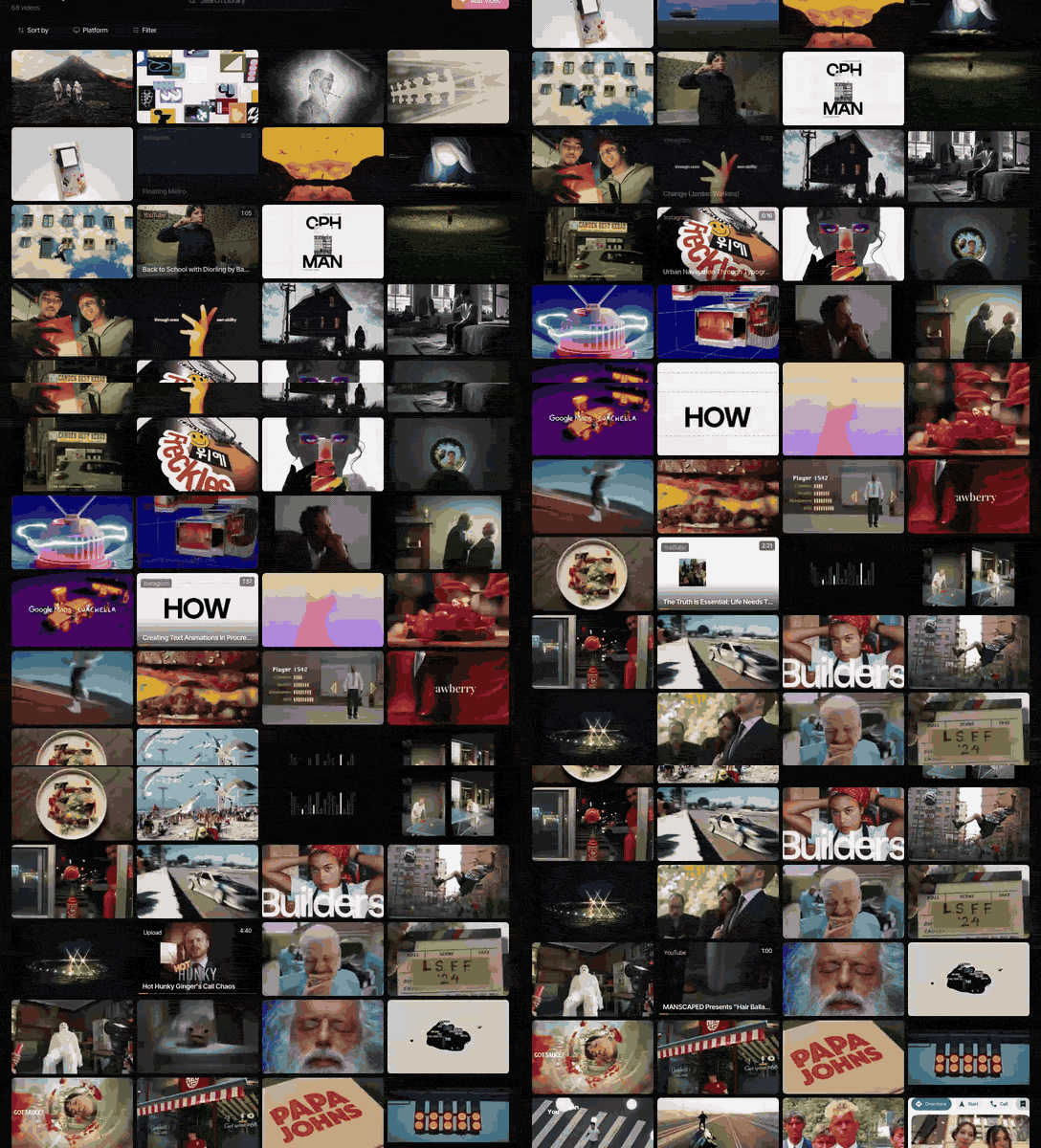
Once it's in, each reference is a saved video with its source attached. Creator and Studio also write an AI description of what's on screen and a transcript of what's said, so the searches that failed in Slack finally have something to find.
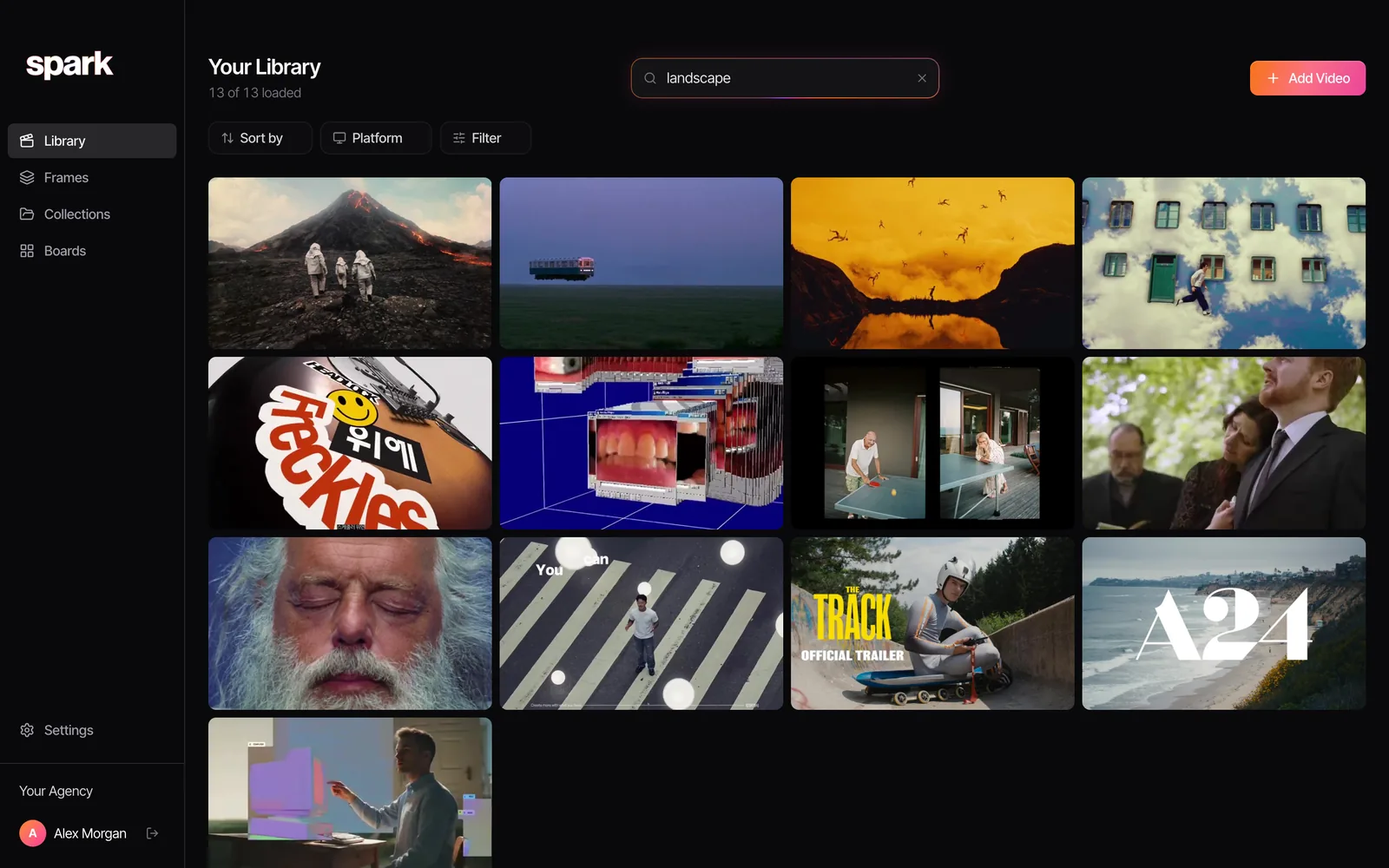
The limits: one watched channel per workspace, only links from platforms Spark supports (the big video and social sites, plus LinkedIn, Pinterest and the Meta Ad Library), and only links posted after you connect. For the backlog, Studio's Bulk import can read your Slack history and let you pick which links to keep, so the last year of #refs doesn't have to be pasted by hand.
Slack isn't the only leaky chat
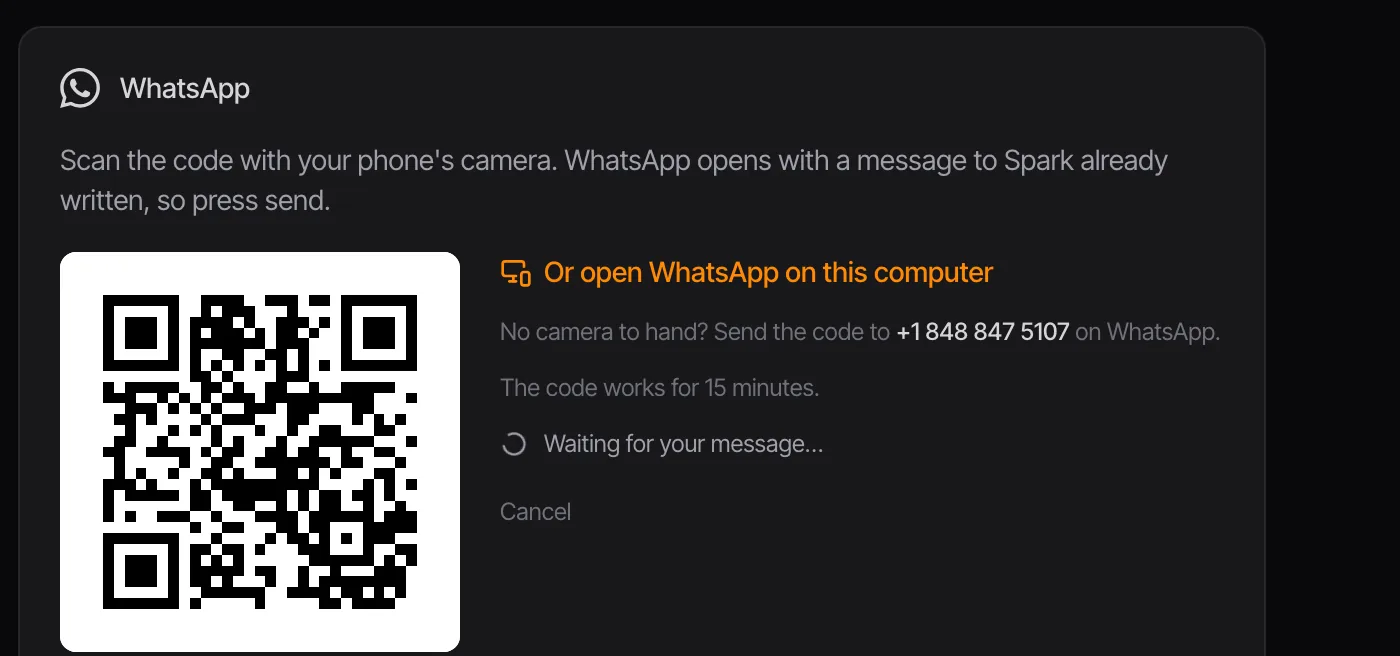
Plenty of references in a production team arrive on WhatsApp, usually from a phone on a recce. Same problem, worse search. Spark connects to WhatsApp as well: scan a code, then send links or videos to Spark from a chat and they land in the library. Unlike Slack, that works on the free plan up to its limits.
What a tool won't fix
Automation saves the links. It doesn't decide which ones matter. Someone still needs to open the library once a week, bin the duds and drop the keepers into a collection for the live pitch. (Who that someone should be, and how to run the session, is in building a shared creative reference library.) Ten minutes on a Friday. It's the ten minutes that turns a pile of links into the thing you open when the brief lands on a Tuesday afternoon.
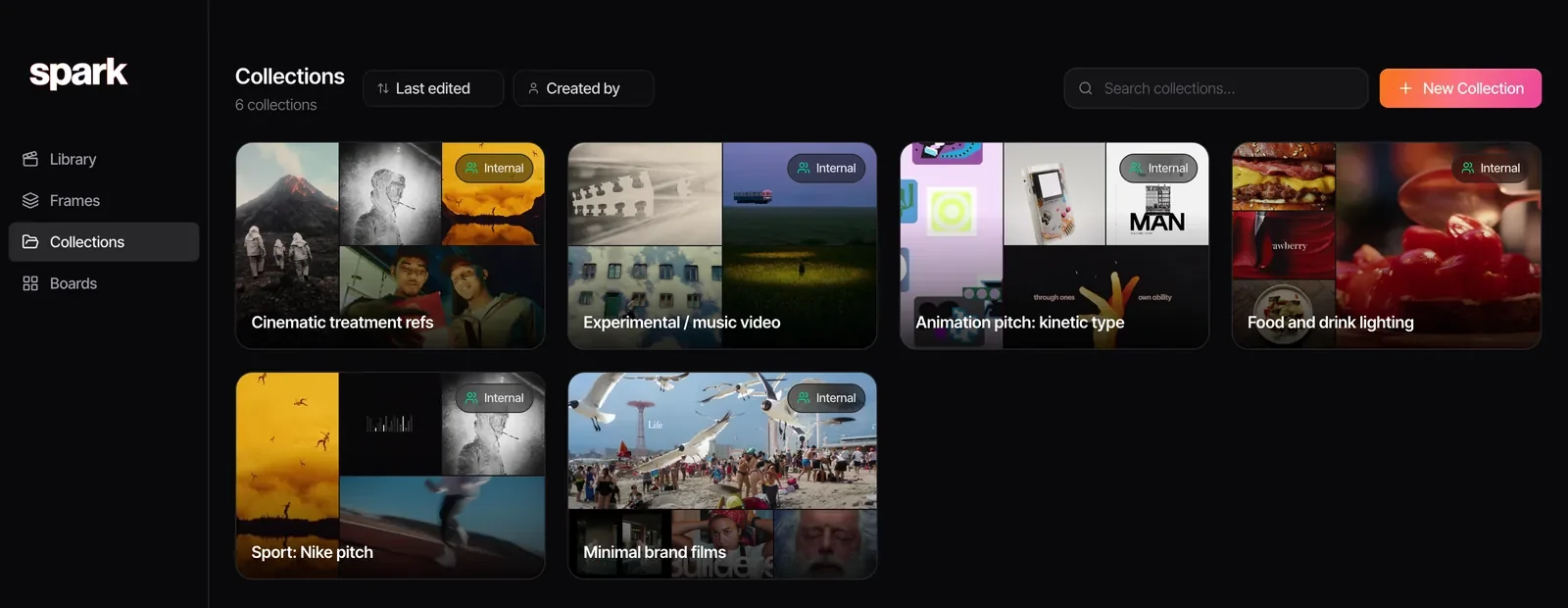
From a collection it's a short hop to a deck. Spark's Create Moodboard lays a collection's frames out as slides, and if you're building one by hand, Moodboard Maker on this site does the layout and exports for PowerPoint, Keynote, Google Slides or Canva. For how to structure the library itself, see capture, tag, retrieve, share.
Keep the conversation in Slack, by the way. It's where people argue about a reference, which is exactly what it's good at. It just shouldn't be the only place the reference lives.
FAQs
Why can't I see old messages in Slack?
On Slack's free plan you can only view and search the last 90 days of messages and files. Older history is hidden rather than deleted at first, and upgrading brings it back. Since August 2024, Slack says free workspace data older than a year may be deleted permanently on a rolling basis.
How do I find a link someone shared in Slack?
Use search modifiers: in:#channel for the channel, from:@name for the person, has:link for messages with links, and during:march or after:2026-01-01 for dates. Combine them and add a word from the link itself, such as tiktok.com. Search only covers what your plan can see.
Does Slack save videos that are shared as links?
No. Slack shows a preview, but the video stays on the platform it came from. If the creator deletes the post or makes it private, the preview stops working and the reference is gone.
What's the best way to organise inspiration in Slack?
One channel for every reference, posted at the top level rather than in threads, each with a line describing what's good about it in words you'd search for later. Agree a few emoji reactions as tags, since Slack can search reactions. Then copy the links out into a library regularly.
Can I automatically save Slack links to a library?
Yes. Workflow Builder, Zapier or Make can copy messages from a channel into a spreadsheet or Notion. Spark's Slack integration (Studio plan) goes further and saves the videos themselves from links posted in a chosen channel into a shared, searchable library.
Does Spark's Slack integration work with private channels?
Yes. Invite @Spark into the private channel, then pick it as the watched channel in Spark's settings. Spark only saves links from the one channel you choose.
Keep reading
All articles
Best Websites for Commercial Film Inspiration in 2026
Every site on this list was checked in October 2026. Some are free, some cost real money, and a couple are only worth it if you know exactly what you're hunting for.
Best Websites for Motion Design Inspiration in 2026
Motion design lists go stale fast. We opened every site on this one in October 2026, and found that one of the most famous places to watch short films no longer opens in the UK at all.

How to Find Examples of Match Cuts and Creative Transitions
The bone and the spacecraft, the match and the sunrise, the scream and the train whistle. The great match cuts by type, who cut them, and how to build your own collection.