
How to Build a Shared Creative Reference Library for Your Team
A team library fails for different reasons than a personal one. Set up ownership, rules, client separation and a ten-minute weekly habit, and it survives past the first month.
By the Spark team ·

Eight people saving into one place sounds like eight times the library. Usually it's eight private libraries sharing a login. A shared reference library only becomes one library after four decisions: a named person who owns it, one set of words everyone tags with, a hard line between clients, and ten minutes together each week looking at what came in. Get those right and a team of eight builds a better library in three months than any one of them would in three years.
Spark's founder learned this the slow way running a production company, which is why Spark exists. This is the team version. If you're setting up a library for yourself first, building a searchable creative library covers the solo method (capture, tags, folders versus tags) and everything below assumes it.
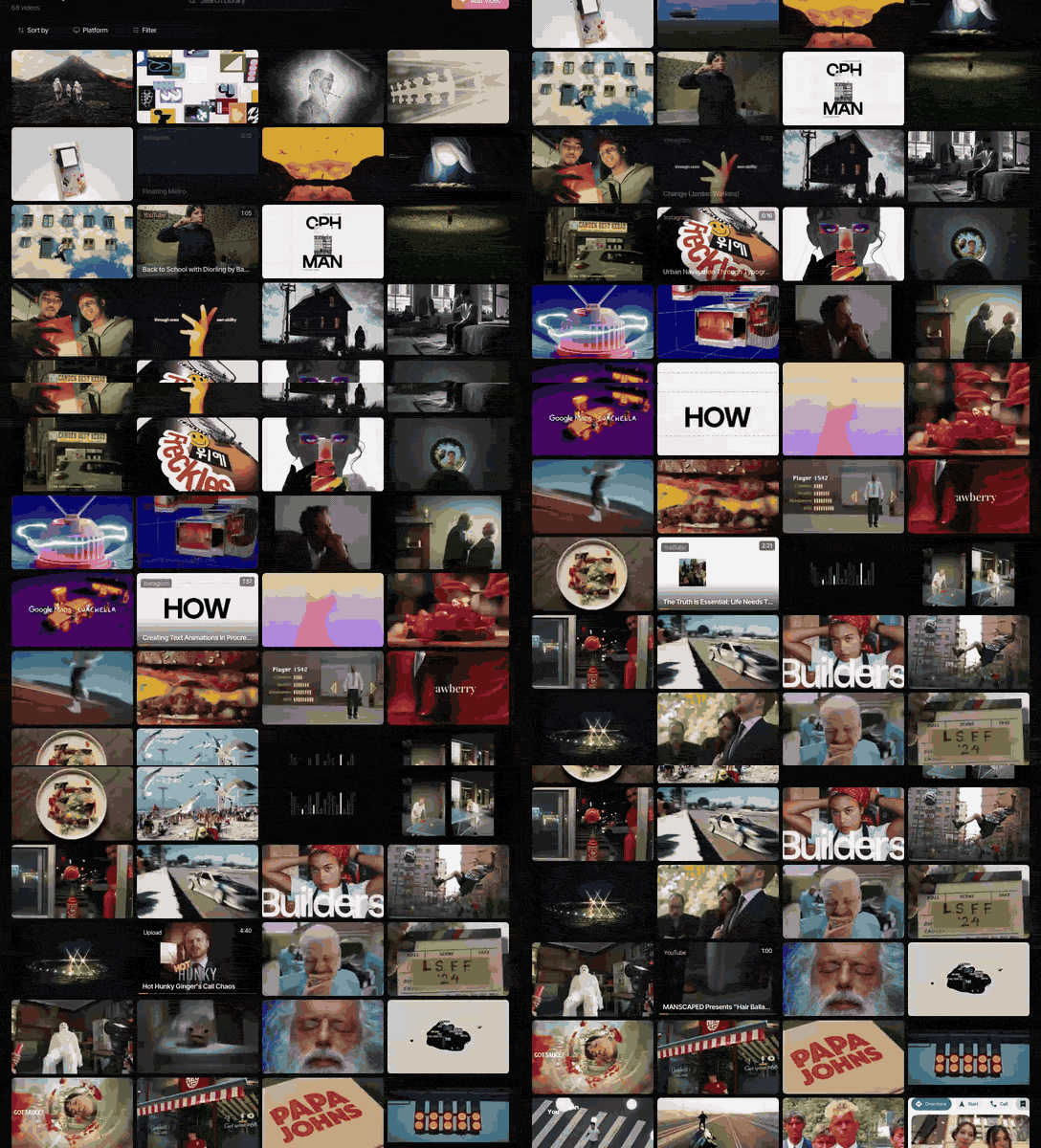
Why team libraries fail differently
A personal library dies of neglect. A team library dies of politeness.
Nobody wants to tell the creative director that "vibey" isn't a tag. No one deletes a reference someone else saved, even when it's the fourth copy of the same Nike spot. And it's never clear whether the pitch work for one drinks brand should sit next to the pitch work for its rival. So everyone saves a bit, tags it their own way, and quietly goes back to keeping the good stuff on their phone.
The fixes are mostly social. A tool helps, and we'll get to tools, but the decisions below matter more than which app you pick.
Give it an owner, and make it a real job
Every library that works has a librarian. Not a committee, not "everyone". One person whose name is on it.
The job is small but real: keep the tag list tidy, merge duplicates, file the unsorted saves, run the weekly round-up. Thirty minutes a week, give or take. Put it in their job description or it won't survive a busy month, and every month is a busy month.
Who? Often a producer or coordinator, because they already know every project and client. A keen junior can be brilliant at it, and it's one of the quickest ways to learn what the senior people like. What doesn't work: the creative director (taste, no time) or a rota (which means no one in particular).

Agree the words once, and write them down
You need a tag list. Start from the solo guide's set (technique, mood, colour, light, movement, format, project) rather than from scratch. Our guide to tagging video references has the fuller film-literate list with a synonym column, which is the part a team most needs on paper. The team-only bit is how you agree it and keep it agreed.
- Draft it in one meeting. Put the people who brief and the people who shoot in a room for 45 minutes. A director says "push-in", a strategist says "slow zoom", a DoP says "dolly in". Pick one and move on.
- Pin the list where people save. A doc that never gets opened doesn't count.
- Only the owner adds tags. Anyone can suggest one. This sounds bureaucratic until you've seen "handheld", "hand-held", "hand held" and "shaky" all in the same library.
- Review it every quarter. Merge the tags that go unused, split what's grown too broad. "Moody" usually needs splitting by month three.
Alongside the tags, agree a naming rule for collections. A good default is Client, Project, Stage, so "Dairy Co, Spring launch, Pitch" and "Dairy Co, Spring launch, Shoot". It sorts cleanly, it's obvious which client owns it, and the moment a pitch becomes a job is easy to see.
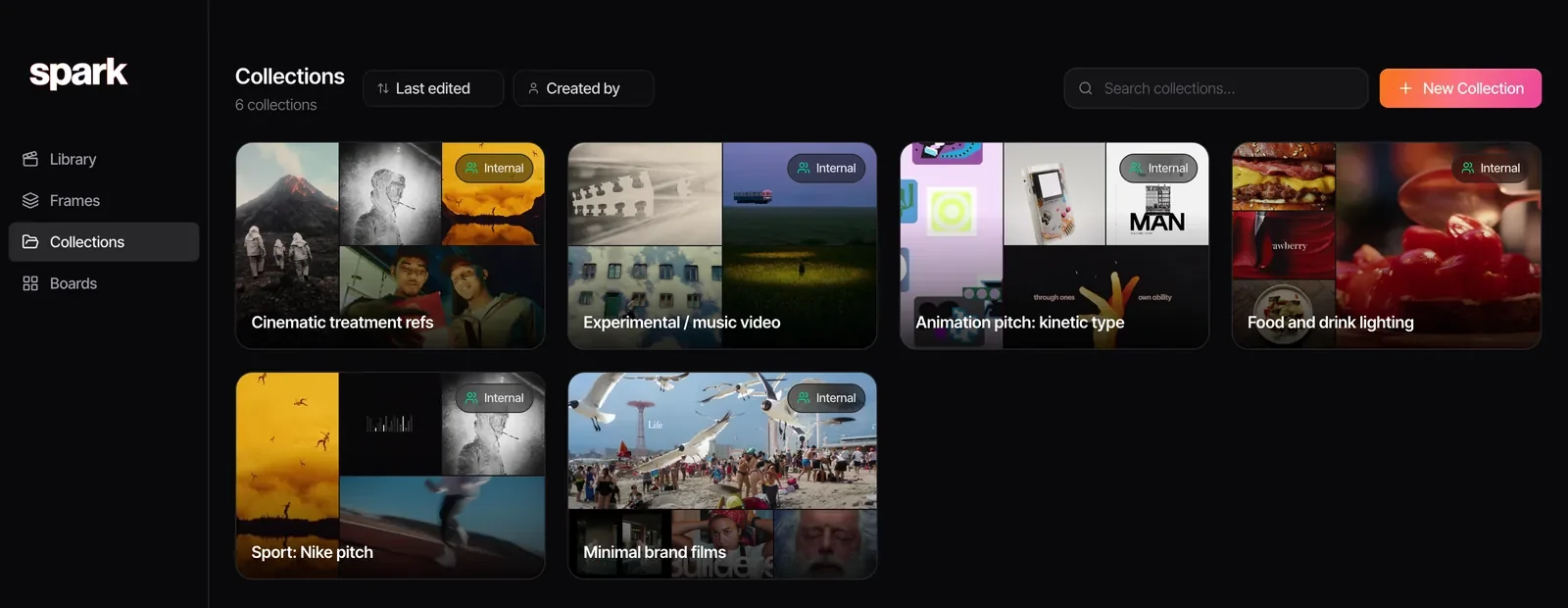
A confession that'll save you a quarter: tags drift no matter how strict you are. That's why we lean on search that reads the video itself. If your colleague tagged a clip "dusk" and you search "landscape", a library that has described the footage still finds it.
Keep clients apart
This can get you into real trouble, so it gets its own section.
Agencies and production companies pitch for competing brands all the time. References gathered for one beer brand's pitch must never turn up, not even as a thumbnail, in a deck or shared link for another. And anything a client sends you (unreleased footage, an internal brand film, rough cuts on a review link) is confidential, often under an NDA.
- Separate the library from client material. Public references (ads, films, social posts) go in the shared library. A client's unreleased material lives in that client's project storage, not where the whole studio can browse it.
- One collection per client project. A reference can sit in two collections. A collection never serves two clients.
- Check before you share. Before a collection link leaves the building, whoever's sending it scrolls through all of it. One minute, and much cheaper than the phone call you'd otherwise be making.
- Freelancers see what they need. A freelance editor on one job gets that job's collection, not the keys to the library.
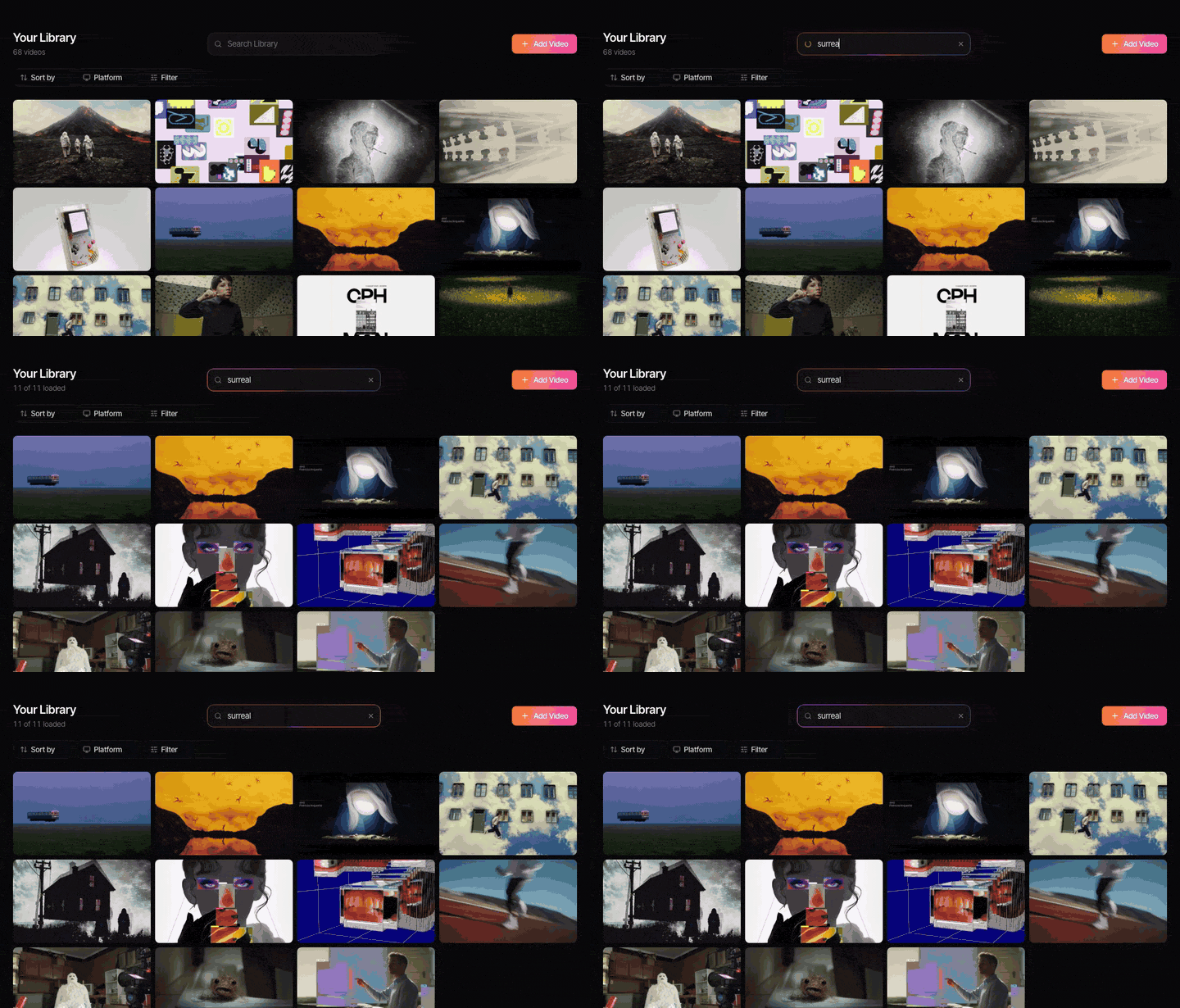
In Spark this maps onto collection visibility. On a Studio workspace, a new collection is internal by default: everyone in the team sees it, no one outside does. Making one public (anyone with the link) is always a deliberate choice, which is exactly where you want the friction.
Decide who can do what
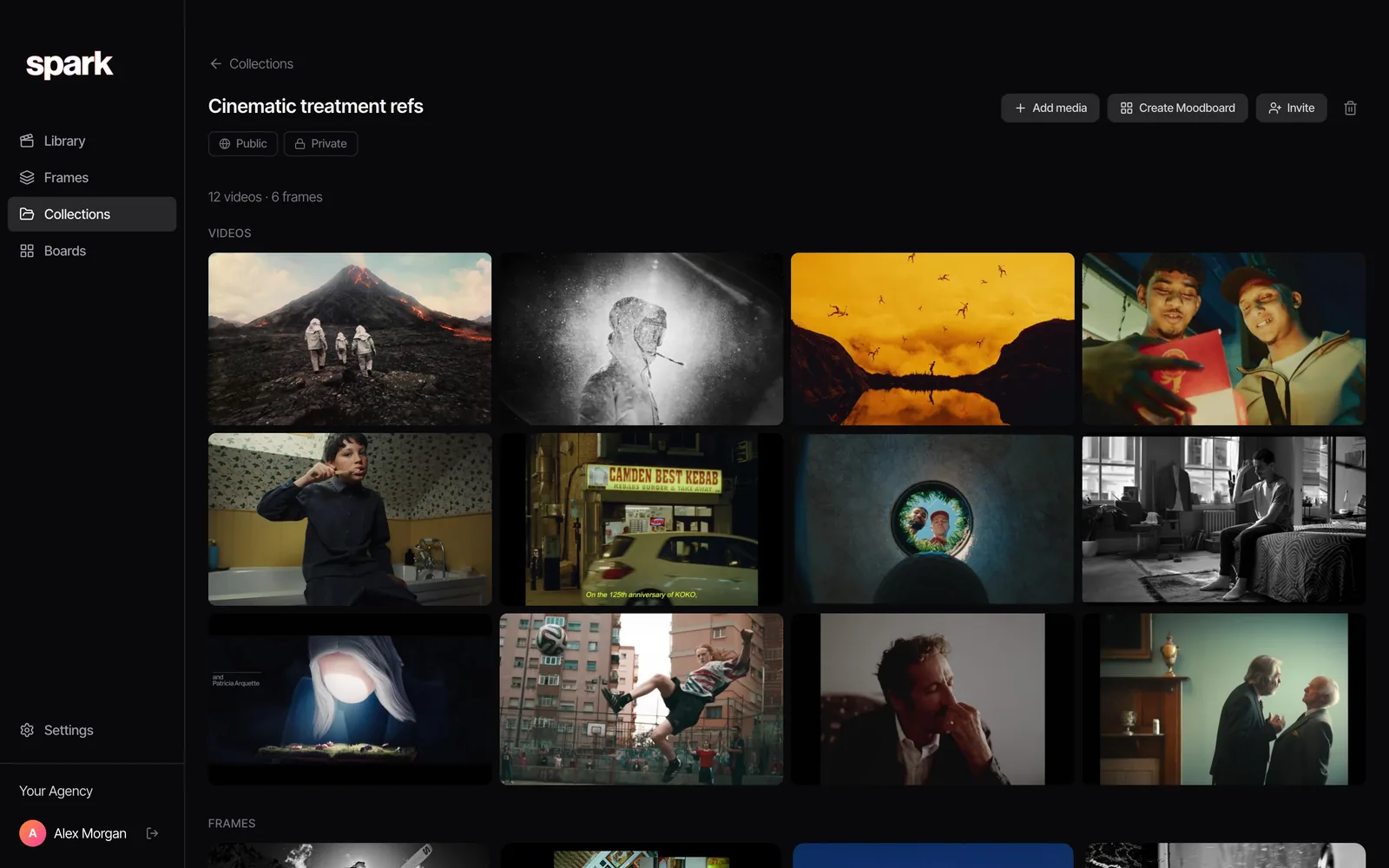
Even small teams should be explicit about three things, written in the same pinned doc as the tags.
Who can save? Everyone. The library lives on volume in its first months, and a seniors-only rule kills it.
Who can delete? Fewer people: the owner and the heads of department. References are cheap to keep, and the clip someone binned at Easter is always the one the next brief needs.
Who can share outside? Whoever runs the project, after the check above.
Make saving easier than not saving
The commonest reason a team library stays empty is that saving to it takes four steps and saving to your phone takes one. So build capture around where references arrive. For most teams we know, that's Slack, WhatsApp and Instagram DMs, in roughly that order.
If your team already shares links in Slack, the cheapest win is one references channel that copies everything posted into the library automatically. Our guide to stopping references getting lost in Slack covers the channel habits and the tools that do the copying.
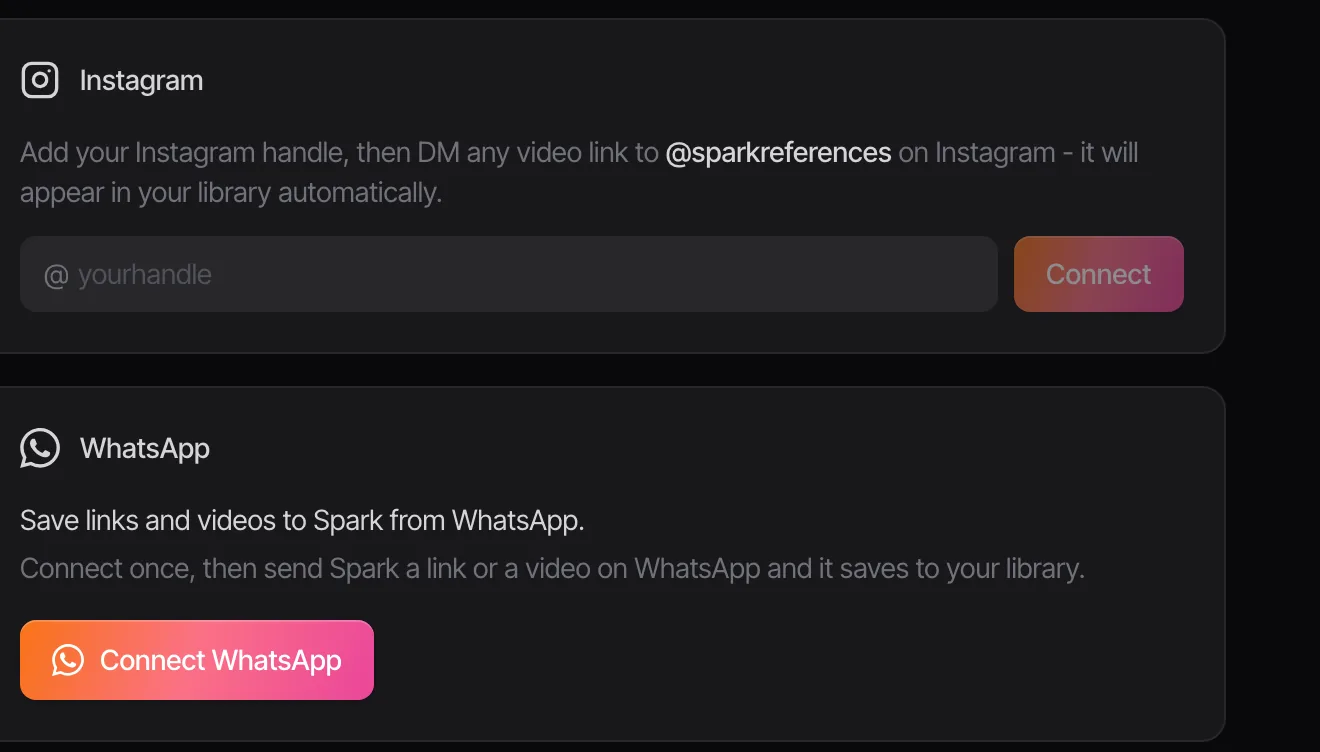
Whatever the route, ask for one line of why with each save. Not "this", but "the pacing of the cut into the title". In a team library that line matters twice as much, because the person who reads it later isn't the person who wrote it.
Onboard every new starter with the library
A team library is the quickest way to teach a new junior your company's taste. Use it. In their first week, three tasks:
- Watch the twenty references the team uses most. The owner keeps a "house favourites" collection for exactly this. It's worth including a film or two of your own, as a reminder of what you sound like when no brief is steering you.
- Find five things. Give them five half-remembered descriptions ("the ad with the dog on the escalator", "that warm kitchen grade from the soup pitch") and ask them to find each one. Wherever they struggle, the tags are failing.
- Tag twenty new saves from the list, and have the owner look them over.

It takes an afternoon. By the end they know the vocabulary, the tool and what "good" looks like here. Compare that with the usual approach: three months of nodding along in meetings.
The weekly ten minutes
This is the ritual that keeps a library alive. Once a week (we do Friday at four, when the week's real work is mostly done) the owner puts the library on the big screen and goes through what came in. Ten minutes, no more.
- Bin the duplicates and the duds.
- Tag anything untagged, out loud, so everyone hears the vocabulary.
- Pull anything relevant into live project collections.
- Let whoever found the best reference of the week say why. A tiny bit of glory does wonders for saving habits.
It sounds trivial. It's the single thing that most often separates libraries still used in year two from the ones that faded out by spring.

Tools for a shared library
Any tool can host a team library if the rules above are in place. What differs is how much of the work it does for you and how it copes with video. The creative reference management tools comparison goes through each in detail; here's the team angle.
| Tool | Team strengths | Team weaknesses | Price (as of October 2026) |
|---|---|---|---|
  Google Drive and Google Sheets | Everyone already has access | No previews in the sheet, manual tags, links rot | Free with a Google account |
| Notion | Great for notes and process | Video lives elsewhere; embeds break when posts go | Free; Plus £8.50 per member a month |
| Are.na | Lovely for shared research channels | Not built around video, no search inside clips | Free for 200 blocks; Premium $7 a month |
| Milanote | Shared boards for planning | A canvas, not a searchable library | Free for 100 items; $9.99 a month billed yearly; team plan from $49 a month |
| Eagle | Superb image library | Built for one machine; sharing means a synced folder | $34.95 once, two computers |
| Spark | Shared video library, Slack channel saving, search inside clips | Desktop app only, no mobile app | Studio £23 per user a month; free plan for one person to try |





Frame.io sometimes gets suggested here because the post team already lives in it (Pro is $15 per member a month as of October 2026). It can hold references at a push, but it's built for reviewing and approving your own cuts. Spark vs Frame.io explains where that line falls.
Teams that mostly save stills and written research will do well with Are.na or Notion. Teams saving reels, TikToks and YouTube links need something that keeps the video and lets people find it by what's in it.
Where Spark fits for a team
We built Spark because this was exactly our problem: a team, references arriving through Slack, WhatsApp and DMs, and the good one impossible to find again.
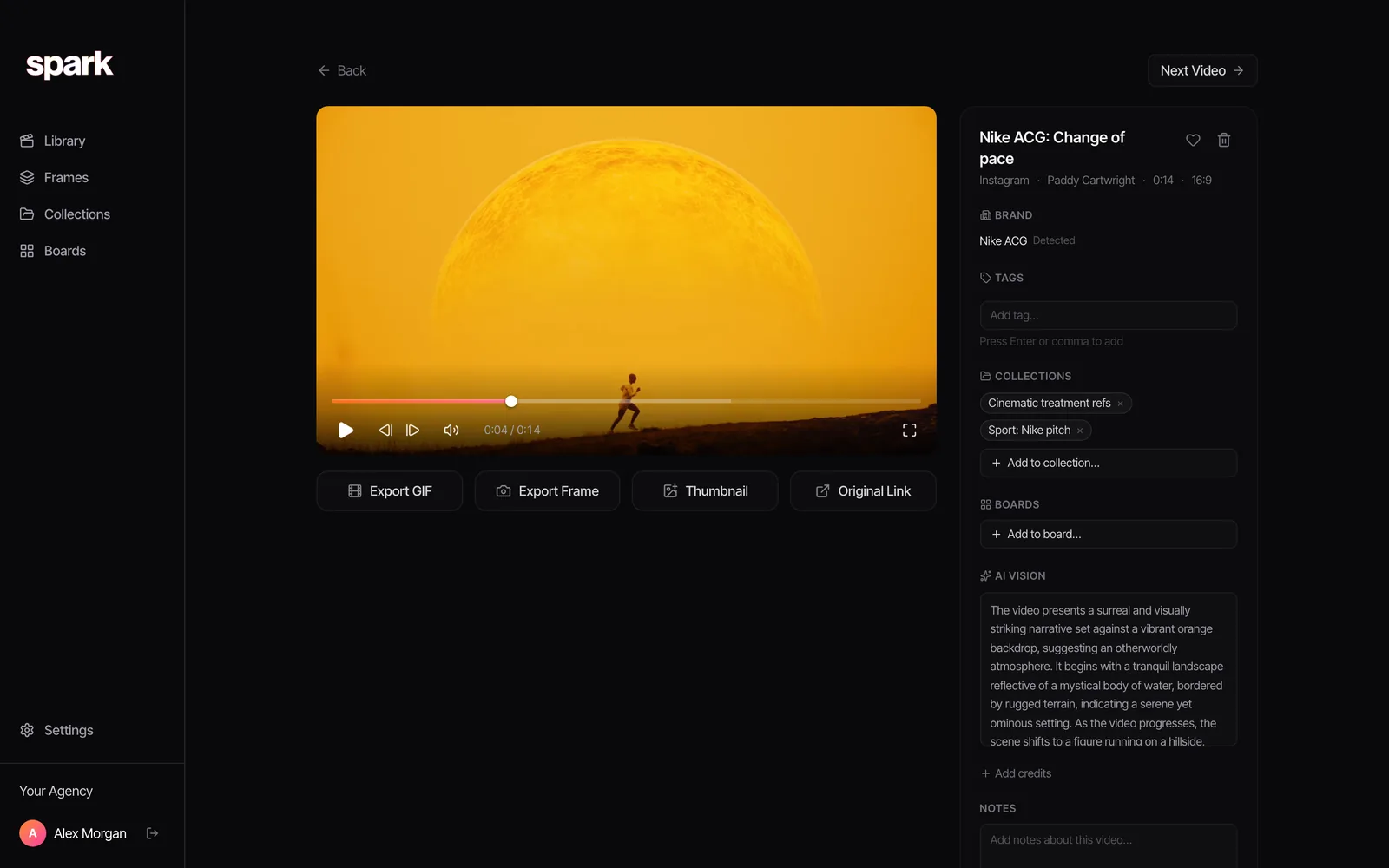
On the Studio plan everyone saves into one workspace. Links posted in your chosen Slack channel go straight into the library. Every video gets an AI description and a transcript, which matters more for a team than for one person: when your tag vocabulary and your colleague's don't quite match, search still finds the clip from what happens in it or what's said.
Each reference has its own page with its tags, collections, boards and the AI's notes, so the "why" travels with it.
Where Spark isn't the right choice: if your library is mostly still images and you'd rather keep files on your own server, a well-kept server folder (or Eagle, for whoever looks after it) fits better. And if the library is mostly written thinking, Notion or Are.na will suit you.
Once the library's working, it feeds everything else: pull loops for a pitch with our GIF maker, and turn a collection into a deck with the moodboard maker.
Give the Friday round-up a month and you'll know whether the rest is working. Either people start saying "it's in the library" when someone asks for a reference, or they carry on asking in Slack whether anyone remembers the one with the dog.
FAQs
What is a shared reference library?
One library of visual and video references that a whole team saves into and searches, instead of everyone keeping their own. A good one has an owner, an agreed tag list, separate collections for each client project and a regular habit of reviewing what's been added.
Who should own a team reference library?
One named person, usually a producer, coordinator or a keen junior who knows every project. Their job is to keep tags consistent, clear duplicates, file unsorted saves and run a short weekly review. Shared ownership tends to mean no ownership.
How do you keep client references separate in a shared library?
Keep public references in the shared library and clients' confidential material in their project storage. Make one collection per client project, never one that serves two clients, and check every collection before you share it outside the team. Freelancers get their project's collection, not the full library.
What's the best tool for a team reference library?
It depends what you collect. Notion and Are.na suit still images and written research. Spark's Studio plan (£23 per user a month as of October 2026) is built for teams whose references are mostly video from social platforms, with a shared workspace, Slack channel saving and search inside clips.
How do you get a team to actually use a shared library?
Make saving quicker than not saving, with capture routes from Slack and messaging apps, and ask for one line of why with each save. Then review the week's saves together for ten minutes every Friday. Habits stick when people see their finds being used.
Should we let everyone delete references?
Usually not. Let everyone save, but limit deleting to the owner and heads of department. Old references are cheap to keep, and a reference somebody deletes is often what a different project needs next year.
Keep reading
All articles
How to Organise YouTube Videos for Creative Research
Watch Later is not a research system. Here's the playlist setup we use for YouTube research, the bits YouTube quietly took away, and when it's time for something better.

How to Save Video References from Websites
That title sequence on a studio's website isn't a lost cause. Find where the embed really lives, download it if you're allowed, and screen record it properly if you're not.

How to Save and Organise TikTok Videos for Future Projects
TikTok's Favourites are fine for recipes. For a pitch due this week you need collections named by technique, links you can share, and a way out of the app.