
ShotDeck vs FILMGRAB vs Frame Set: Which Film Stills Library Is Worth It?
Every stills library looks brilliant on its homepage. They only come apart when you search for a particular light, lens or colour, so that's how we compared them.
By the Spark team ·

The best ShotDeck alternative depends on what you search for. If you build treatments or lighting references every week and need to filter frames by lighting, lens size, framing and colour, ShotDeck is still the one to pay for, at $12.95 a month or $99.95 a year. If you pitch against commercials and music videos, Frame Set suits you better: it has a free plan with limited searching, Pro is $15.99 per member a month, and its Motions show a camera move as a clip. If you already know which film you mean, FILMGRAB is free and holds nearly 4,000 films. Flim is the newer option worth trying if you want plain-language AI search and video cuts, priced in euros.
We're the team behind Spark, and stills libraries are part of how most treatments get built. None of these is ours, and Spark isn't a stills library (where it fits comes at the end). Every price here comes from the vendor's own pricing page, checked in October 2026. ShotDeck, Frame Set and Eyecandy block the tool we use for screenshots, so you'll see their logos but not their pages, and where we couldn't confirm something we say so.
 ShotDeck
 FILMGRAB
 FRAMESET
Five libraries side by side
| Library | Best at | How you search | Moving clips | Price (as of October 2026) |
|---|---|---|---|---|
| ShotDeck | Finding a particular light, lens or framing across film, TV, ads and music videos | Keywords plus hand tagged filters | No, stills | $12.95 a month or $99.95 a year; two week free trial |
| FRAMESET | Pitching against commercials and music videos | Full sentences, the way you'd brief a DoP | Yes, Motions | Free with limited searching and one project; Pro $15.99 per member a month, or $131.88 a year |
| FILMGRAB | Scrolling a whole film you already have in mind | Film, director, cinematographer, designer, aspect ratio, genre, year | No | Free, supported on Patreon |
| Flim | Plain-language AI search and searching by image | Words, a reference image, filters | Yes, video cuts on Pro | Free (one still download a day); Basic €14.90 a month or €155 a year; Pro €34.90 a month or €359 a year |
| Eyecandy | Seeing how a camera technique is done | By technique: dolly zoom, whip pan, speed ramp | Yes, short loops | Free to browse; no paid plan listed |


Flim's prices are in euros and exclude tax. ShotDeck and Frame Set both offer education or team pricing on request.
Three searches every stills library has to handle
A stills library earns its fee when a brief arrives with a look and no film attached. "Two colours fighting, nightclub." "Hard backlight at night." "One tiny figure in a lot of space." Those are three different searches: colour, light and composition. The libraries handle them very differently, so it's worth seeing each one.
Colour: your memory lies
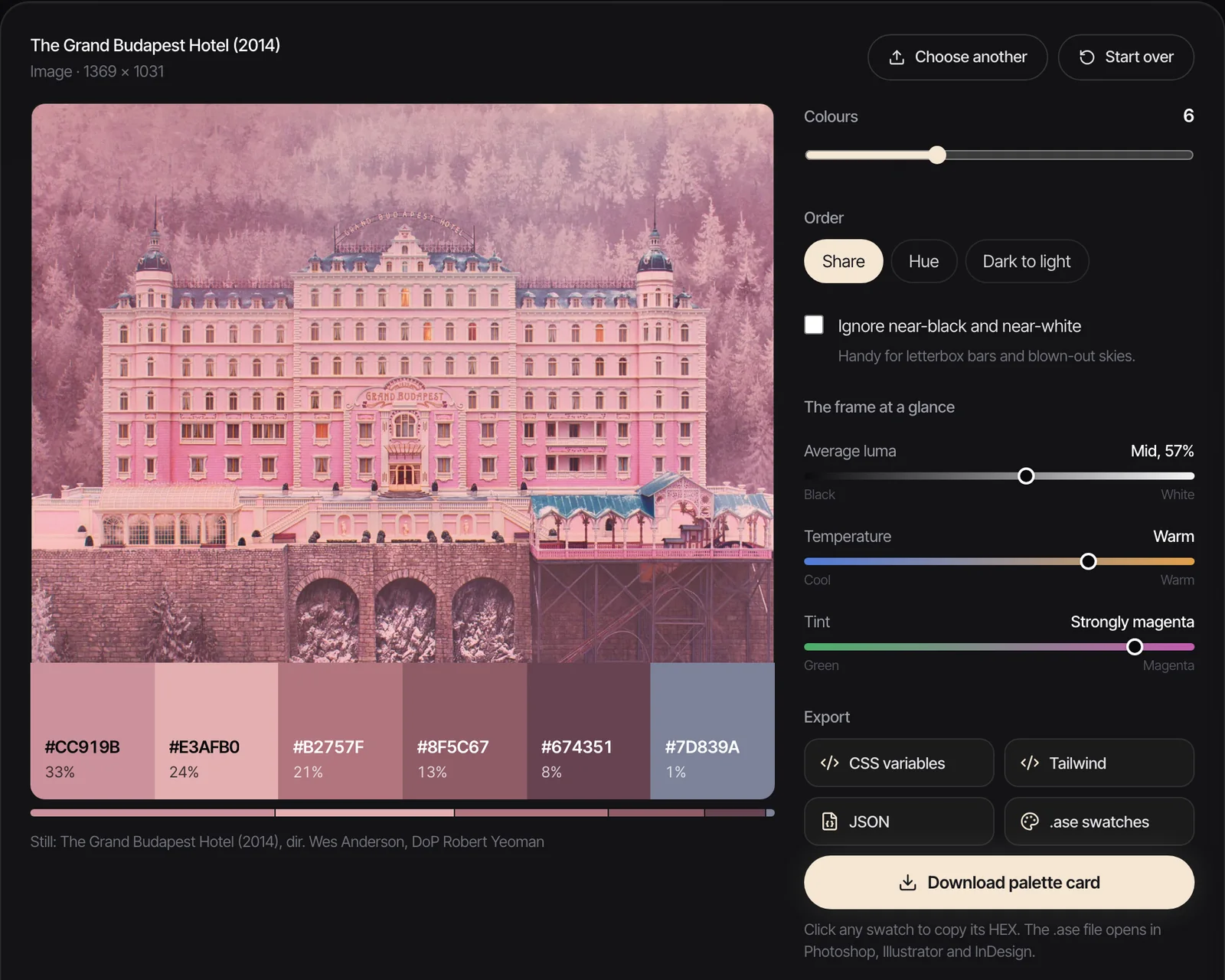
Colour is the hardest of the three, because the colour you remember isn't the colour in the frame. Take the Blade Runner still at the top of this page. The pink neon is what sticks in the memory. Run it through the engine behind our free colour palette extractor, with near black and near white ignored, and the six colours it returns are navy and grey blue (#4A5270, #63778B and #282F50 make up 63% of the frame), a pale mint, a teal (#58A9AB, 12.7%) and a dusty lilac (#A295A1, 9.7%). The pink barely registers: the closest swatch is that lilac.

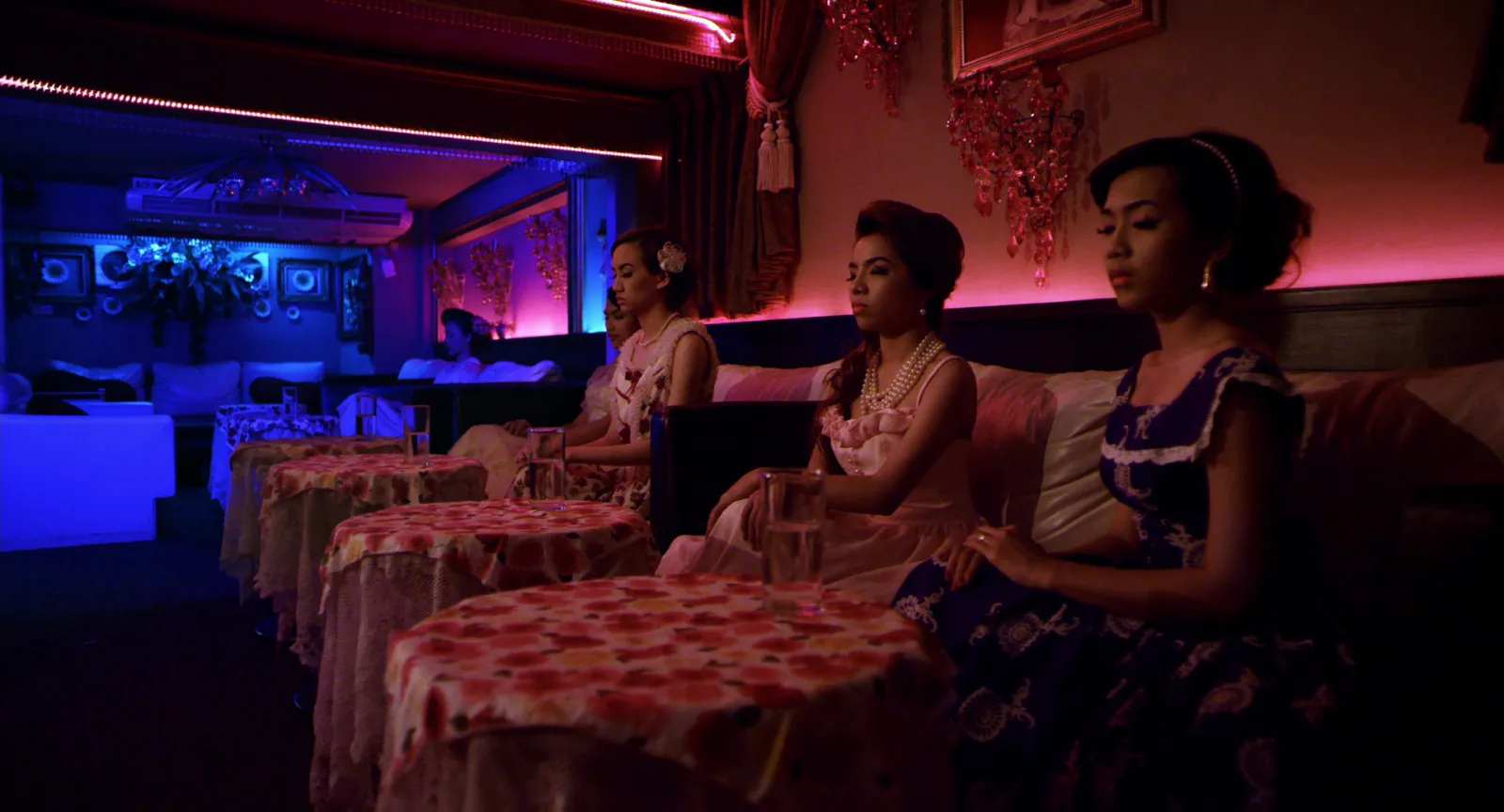
That's why a colour filter beats your memory. ShotDeck lets you filter by colour, and Flim lets you search with a reference image, so a frame with the right palette can find others like it. Frame Set leans on words, so "red and green neon nightclub" is the search, and the more precisely you can describe the frame, the better that works. FILMGRAB has no colour search at all. For more on reading a grade from one frame, see how to find and save colour grading references, and for palettes pulled film by film, our movie colour palettes.
Light: tags beat adjectives
Lighting searches work best on tags a person has applied, because "moody" means something different to everyone who types it. ShotDeck's images are hand tagged, with lighting among the categories, and that's the main thing you're paying for.
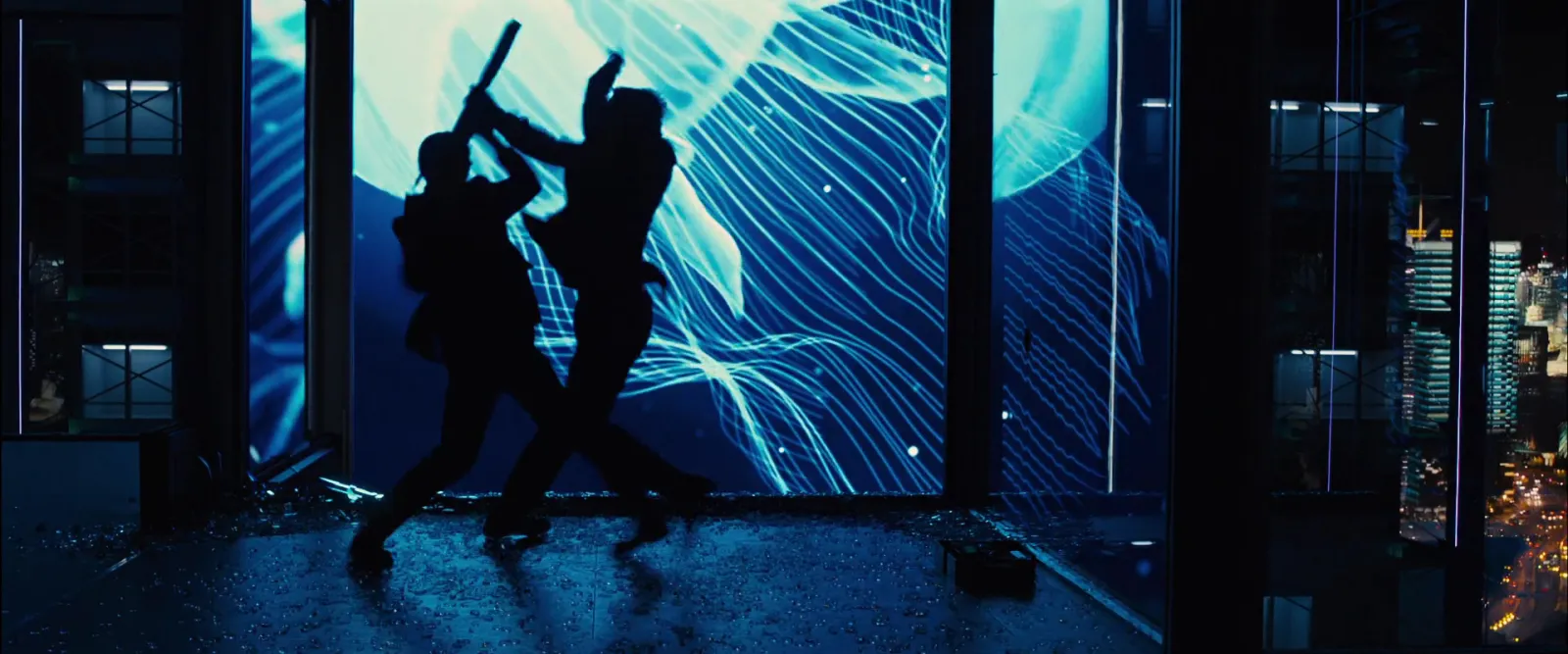
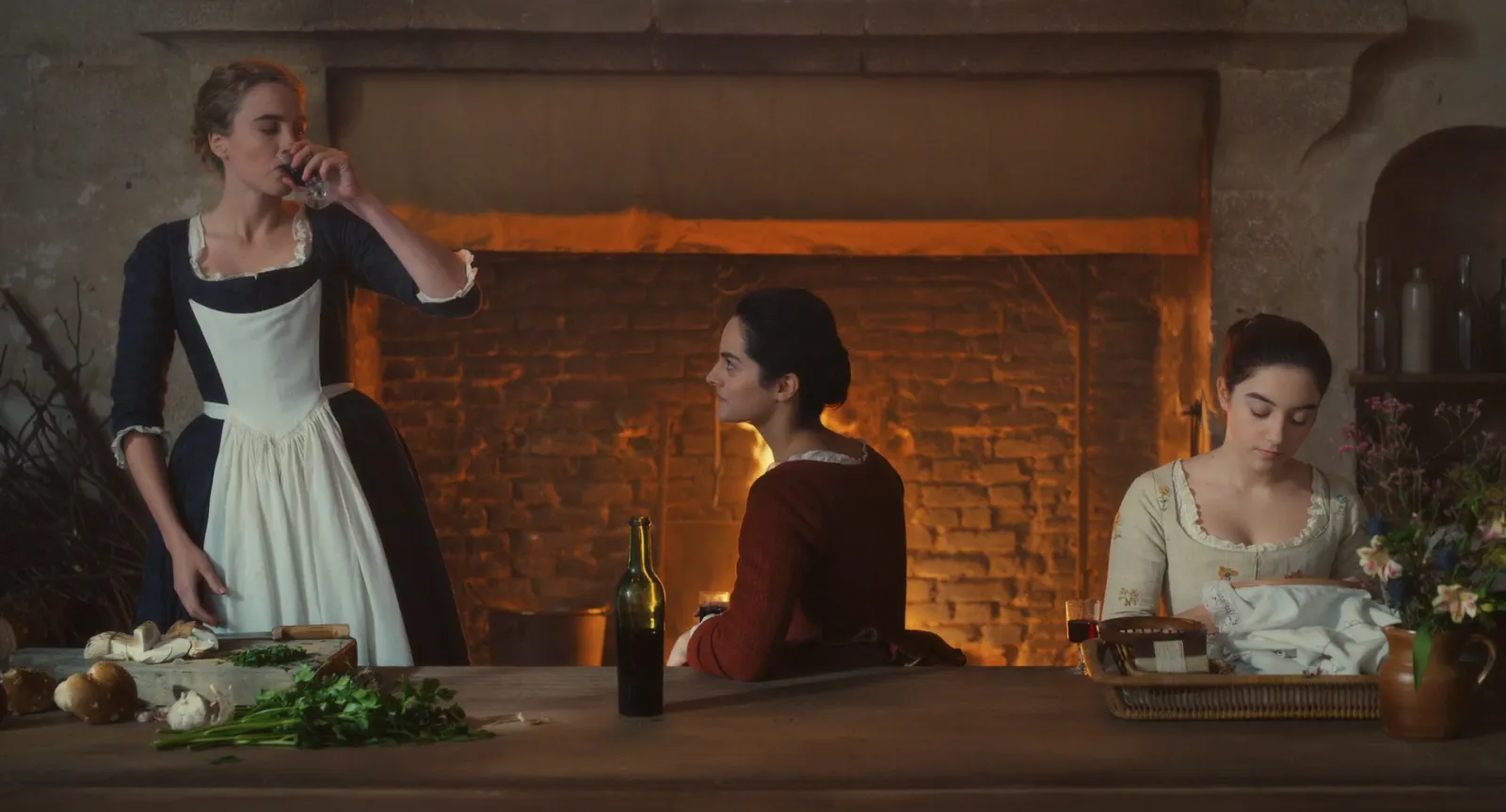
Frame Set handles light through sentences ("warm tungsten interior" is one of its own examples), which is quicker to type and less exact. Flim's AI search will take a sentence too. FILMGRAB, again, makes you know the film first. If you're building this kind of collection for a gaffer, our guide to building a lighting reference library covers how to file light by setup.
Composition and lens: the search people forget
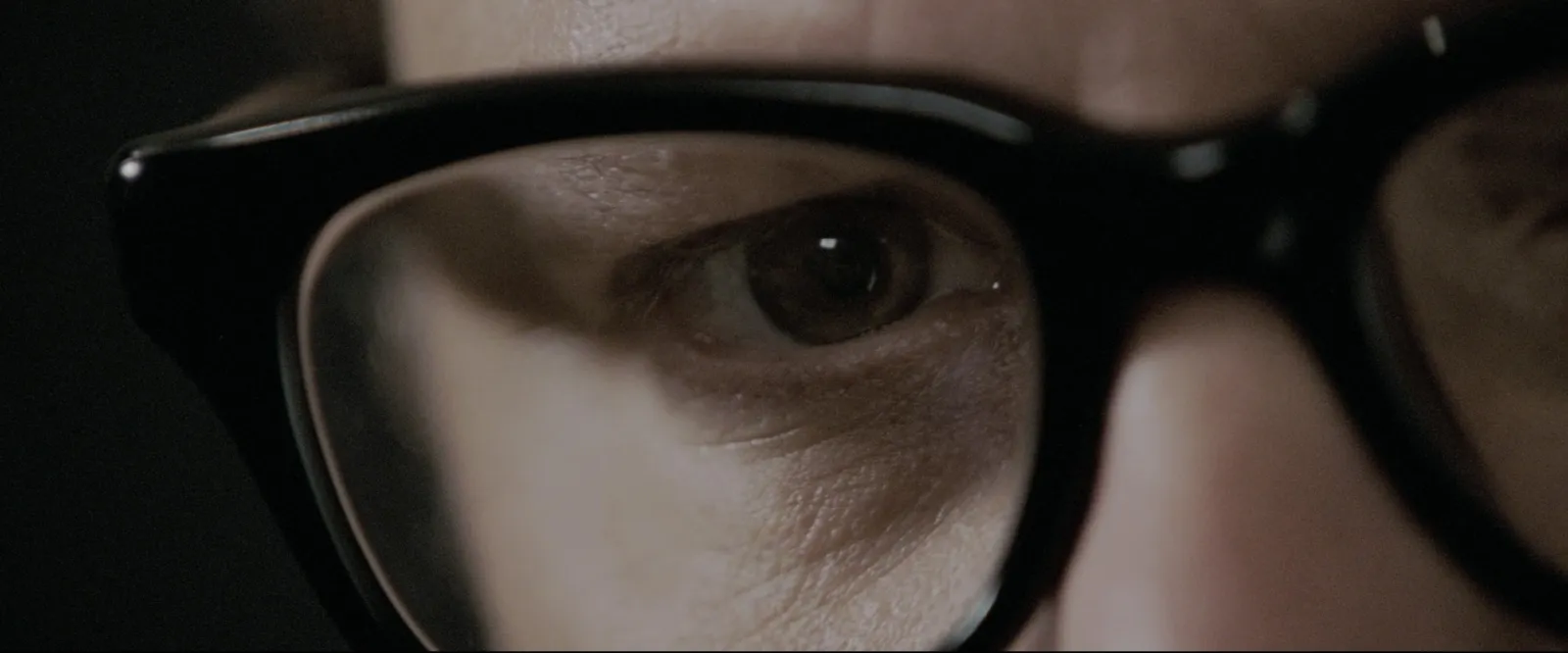
Framing and lens are where ShotDeck pulls furthest ahead. Its own guide lists five lens sizes you can filter by: Ultra Wide or Fisheye, Wide, Medium, Long and Telephoto. Frame size and composition are tagged too.



ShotDeck: the deepest tags, and you pay for them
ShotDeck was founded in 2014 by the cinematographer Lawrence Sher (Joker, The Hangover films), and calls itself the largest fully searchable cinematic image database. It holds HD stills from features, TV, commercials and music videos, and says it adds thousands of new shots every week. The announcement of its Canva integration put it at more than 1.4 million searchable shots, and that integration lets you search ShotDeck and drag frames from your Decks without leaving the Canva editor.
You save frames into Decks, which you can organise, share and export. There's an iOS app, a Canva integration and enterprise plans for studios and agencies. Its pricing page lists $12.95 billed monthly or $99.95 billed yearly ($8.33 a month), with a two week free trial, educational discounts for students and professors, and local pricing for filmmakers in developing nations.
Where it's weak: it's built around stills, so a camera move or a transition is out of reach. Decks live inside ShotDeck unless you export them. And it's a subscription, which only makes sense if you open it most weeks. If you do, it pays its way the first time a brief says "like that, but at night" and the filters do the hunting for you.
Frame Set: commercials, sentences and Motions
Frame Set (styled FRAMESET in its logo) describes its library as hundreds of thousands of Frames and Motions from commercials, music videos and films, with new titles added every week. It's the one we'd open first when the pitch is against other ads, because that's what it collects.
You describe the shot the way you'd say it out loud. Motions are short clips picked for their camera move, and they play on the slide when you present. Sets are shared collections the whole team adds to, and Treatments are built inside Frame Set, with templates and a Present mode.

The free plan covers limited searching and one project, with no card. Pro gives unlimited searching and projects, 4K browsing, film specific filters and high resolution downloads of any Frame or Motion. It's $15.99 per member a month, or $131.88 a year per member (the annual plan saves 32%), with discounts for big workspaces.
Where it's weak: for pure film language (lens, lighting setups, a cinematographer's body of work) ShotDeck's tagging goes deeper. If you'd rather build the treatment in Keynote or InDesign, the built-in Treatment tool is less of a draw.
FILMGRAB: free, and best when you know the film
FILMGRAB is run by one person, free to use and supported through Patreon. Its about page says it holds nearly 4,000 films, and you can browse them A to Z, by director, cinematographer, production designer or costume designer, or by aspect ratio, country, genre and year.
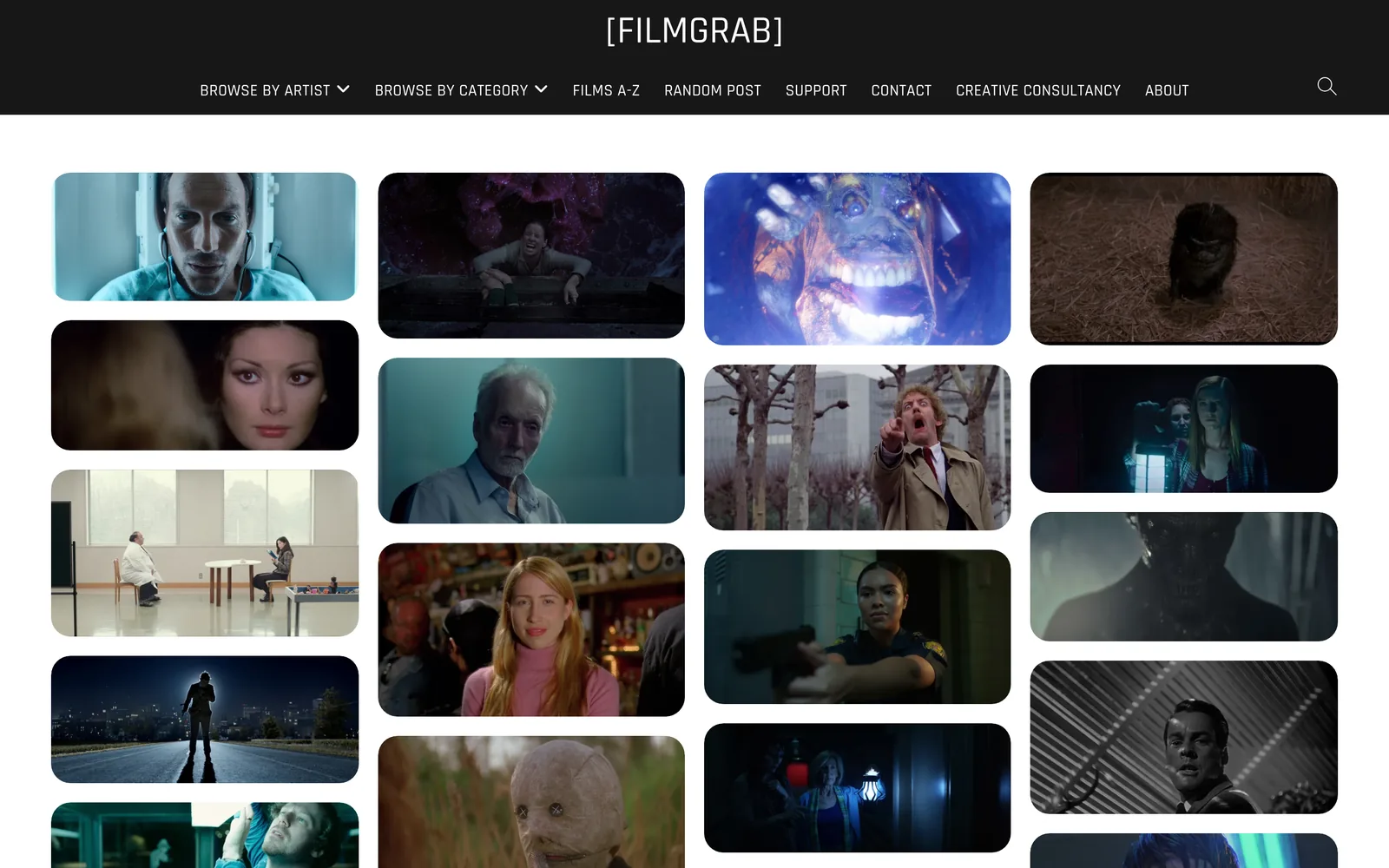
What it can't do is search by look. You can't ask it for "hard backlight at night". What it does better than the paid libraries is show you a whole film, frame after frame, so you see how the light and colour change across the story. When the brief names a film, that's the job.
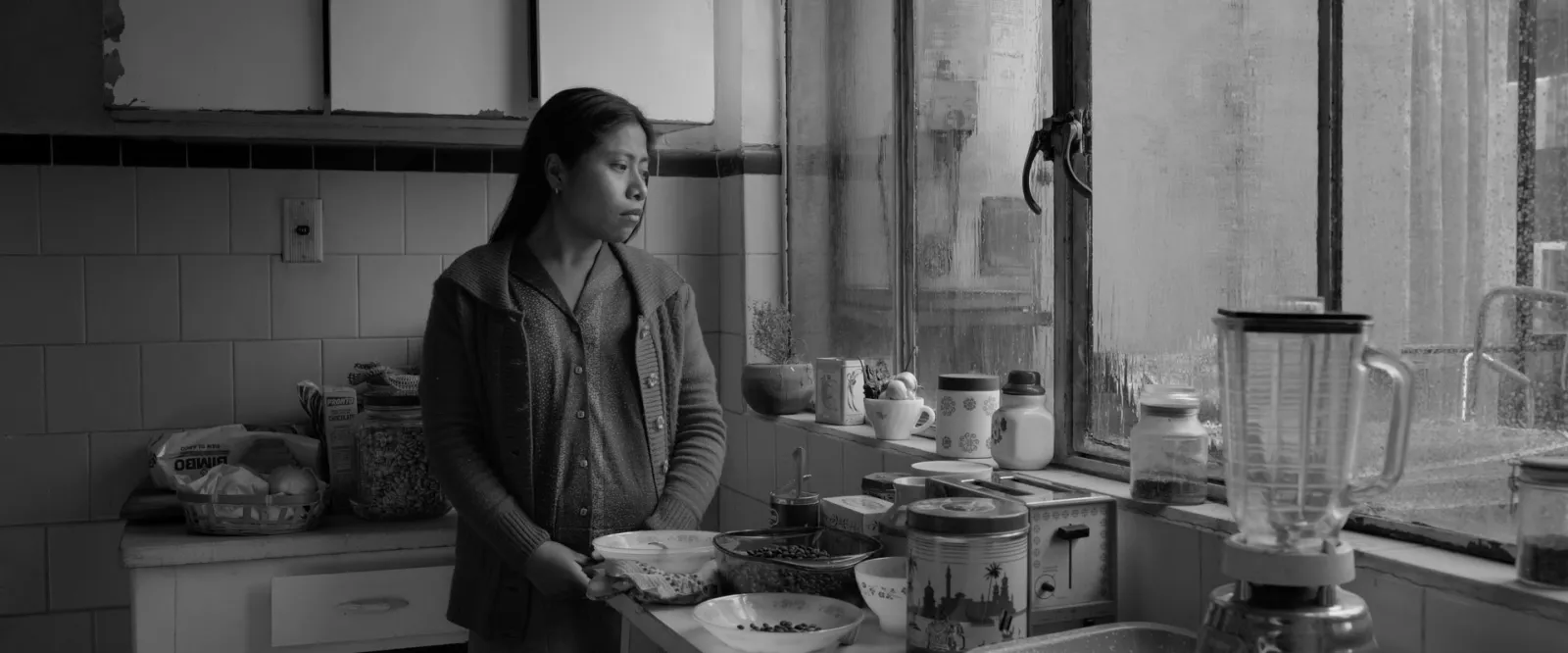
The site is clear that its images are presented under fair use for education and reference, and that it doesn't sell them. Treat everything you take from any of these libraries the same way: internal research and pitching, credited, never published as your own.
Flim: AI search and video cuts
Flim calls itself an AI search engine for film stills and visual references, and its homepage counts 1.5 million stills, 400,000 videos, 5,800 movies, 5,500 music videos, 2,000 TV series and 15,000 ads. You search in plain language or by image, filter the results and collect them into boards you can share.
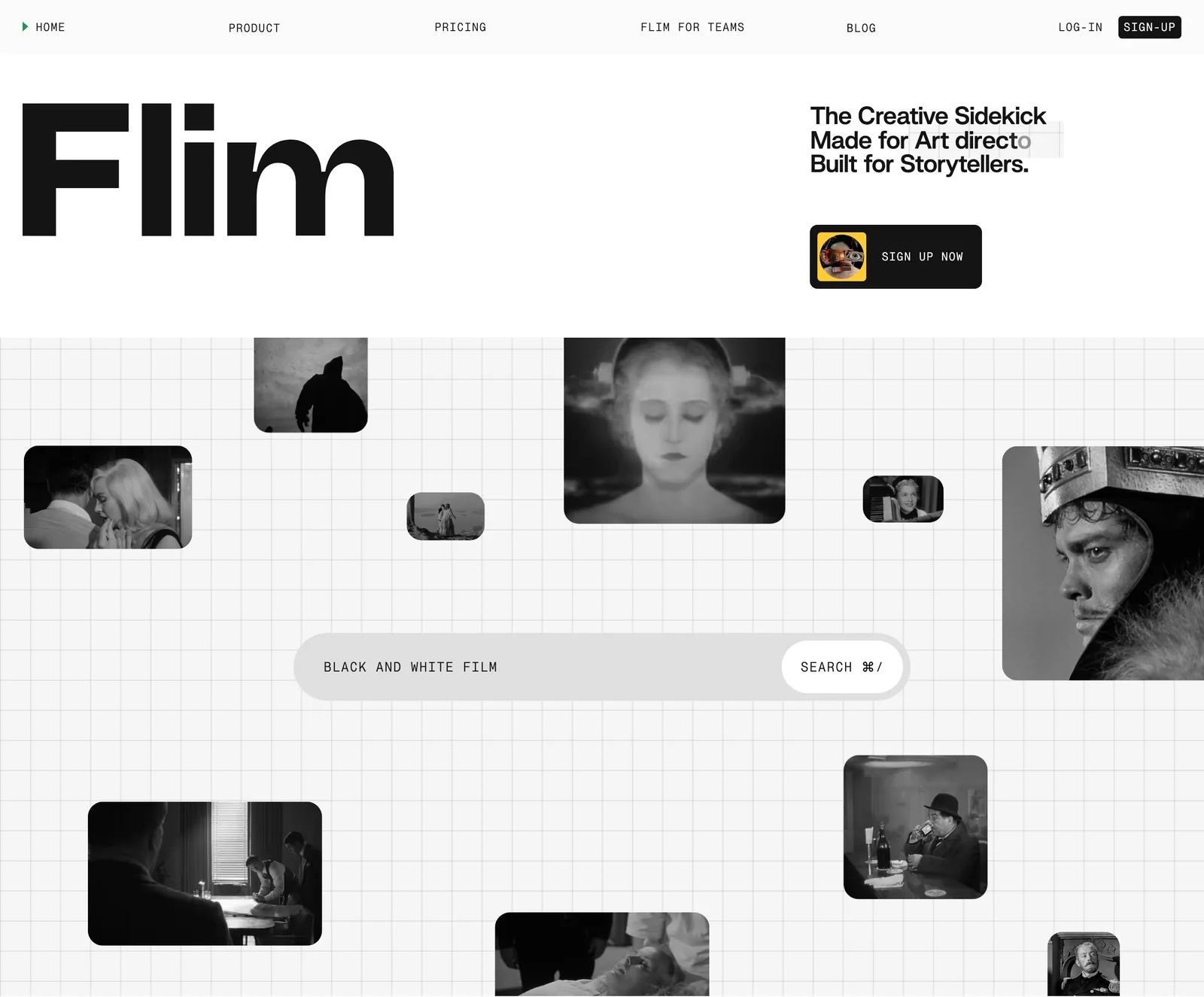
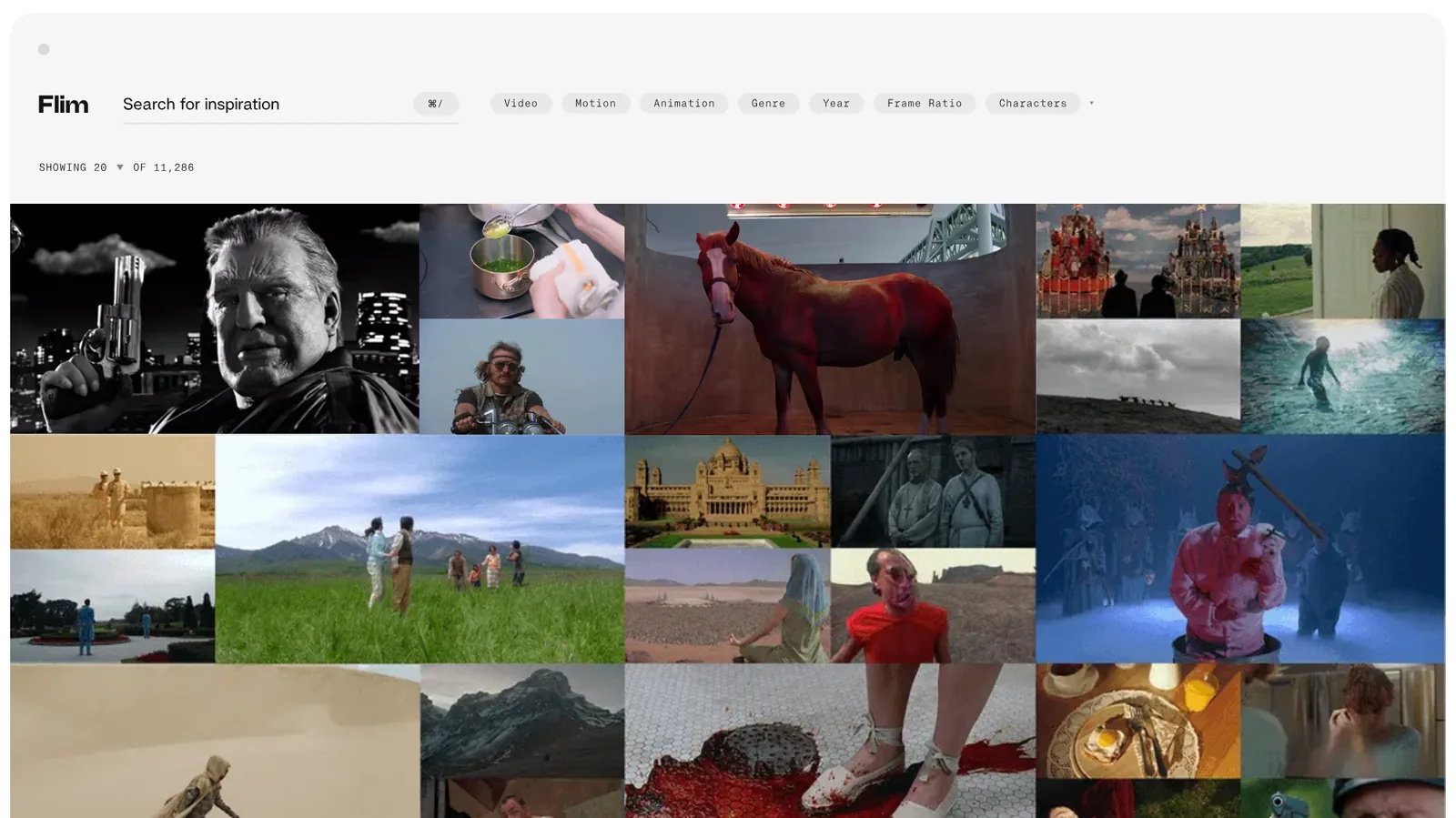
The free plan lets you search without limits, use the filters and reverse image search, and download one still a day. Basic (€14.90 a month, or €155 a year) adds unlimited downloads up to 4K and a Canva integration. Pro (€34.90 a month, or €359 a year) adds more than 575,000 video cuts from commercials and music videos, downloadable as MP4 or GIF, plus AI image and video generation and Magic Boards built from a script or pitch.
Our view on the generation side: we wouldn't put generated frames in a treatment. A commissioner reads a reference as proof that the look exists and can be shot. The search and the video cuts are the reason to use Flim.
Eyecandy, for the move rather than the frame
Eyecandy isn't a stills library at all. It's a library of visual techniques, each shown as a short loop: dolly zoom, whip pan, snorricam, speed ramp, datamosh, bullet time. It answers "what is that move called and what does it look like", which a still can't. It's free to browse, with no paid plan on the site as of October 2026, and it takes submissions from filmmakers.

Free routes, and our own stills
If you don't want another subscription, three free routes cover a lot:
- FILMGRAB, for any film you can name.
- Flim's free plan, for search by words or image, with one download a day.
- Frame Set's free plan, for commercial work, with limited searching and one project.
You'll also see film stills all over this blog. There are 181 of them from 53 films, each credited to its director and cinematographer, and we use them to make a point about colour, light or framing. They're illustrations, not a library: you can't search or download them as a collection. Six are built into the colour palette extractor so you can try it without a file to hand.
Which one we'd pick
| You are | Start with | Add |
|---|---|---|
| A director writing a commercial treatment | Frame Set, for the ads you're up against | ShotDeck, for the look pages |
| A DoP or gaffer building lighting references | ShotDeck | FILMGRAB, to see the light across a whole film |
| A colourist or art director on palette | FILMGRAB plus the palette extractor | ShotDeck's colour filter |
| A student or a one-off pitch | FILMGRAB | Flim's free plan |
| An agency team that wants clips and AI search | Flim Basic or Pro | Frame Set's free plan |
For how the frames turn into pages, see how to build a film treatment and our breakdown of director treatment examples. For where commercials themselves live, see the best websites for commercial film inspiration.
Where the frames go afterwards
Every one of these libraries keeps your saves in its own decks, sets or boards. That's fine for one pitch. It gets awkward when your film stills live in ShotDeck, your ad references in Frame Set and your reels somewhere else entirely.
That's the gap Spark fills, and only that gap. Spark is a reference library for video: reels, TikToks, YouTube and Vimeo links and ads saved into one searchable place. With the Chrome extension you can right-click any image on a website to save it to Frames, so a still you found sits next to the clips. Every frame gets a five-colour palette, and colour words in search match it.
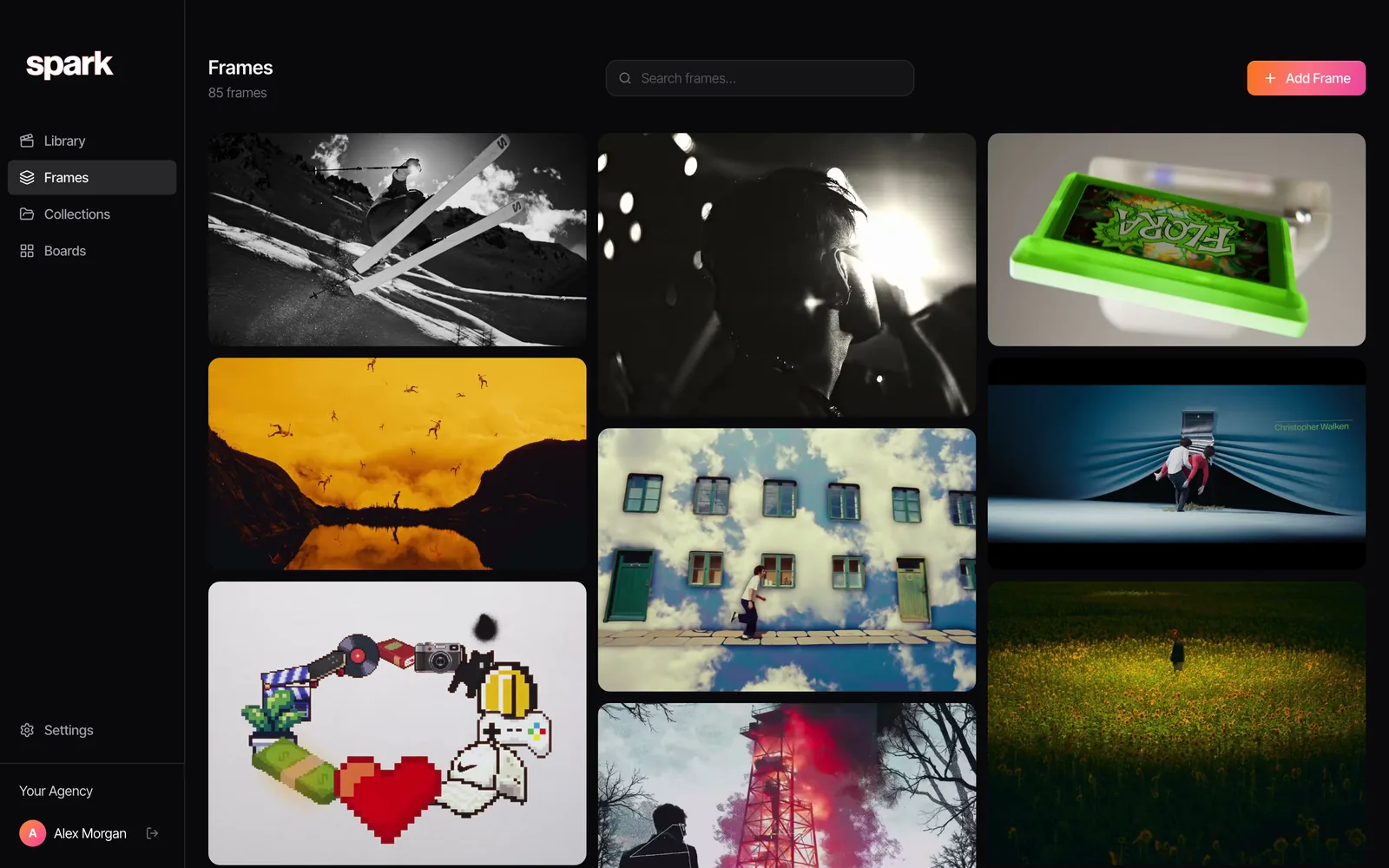
It doesn't replace a stills library. It only knows what you save, and it won't find you a frame you've never seen.
FAQs
Is ShotDeck worth paying for?
If you build treatments, moodboards or lighting references most weeks, usually yes, because its hand tagged filters for lighting, lens size, framing and colour save hours. As of October 2026 it's $12.95 a month or $99.95 a year. If you need the odd frame, FILMGRAB is free, and Flim and Frame Set both have free plans.
What is the best free alternative to ShotDeck?
FILMGRAB is the best free archive if you know which film you want: nearly 4,000 films, browsable by director, cinematographer and genre, but with no search by look. For free search by description or image, Flim's free plan allows unlimited searches and one download a day, and Frame Set's free plan gives limited searches of commercial and music video frames.
Is Frame Set free?
Partly. The free plan includes limited searching and one project, with no card. Pro adds unlimited searching and projects, 4K browsing, film specific filters and high resolution downloads of frames and Motions, at $15.99 per member a month or $131.88 a year (October 2026).
What is the difference between ShotDeck and Frame Set?
ShotDeck is the deeper film library, with hand tagged filters for lighting, lens and framing across film, TV, ads and music videos. Frame Set focuses on commercials and music videos, lets you search in full sentences and includes Motions, short clips of camera moves that play on the slide. If you write treatments often, the two complement each other.
What is Flim?
Flim is an AI search engine for film stills and visual references, with stills, video cuts, ads and music videos you can search by words or by image. The free plan includes unlimited search and one still download a day; Basic is €14.90 a month and Pro, which adds video cuts and AI generation, is €34.90 a month (October 2026, excluding tax).
Can I use film stills in a treatment or pitch deck?
For internal pitches and treatments it's standard practice, and these libraries exist for it. Credit the film, keep the stills out of anything published or public facing, and never present a reference as your own work. FILMGRAB, for one, states its images are shared under fair use for education and reference.
Keep reading
All articles
Best Eagle Alternatives for Designers and Video Teams (2026)
Eagle is still one of the best value apps a designer can buy. People leave it for six reasons, and each reason points to a different tool.
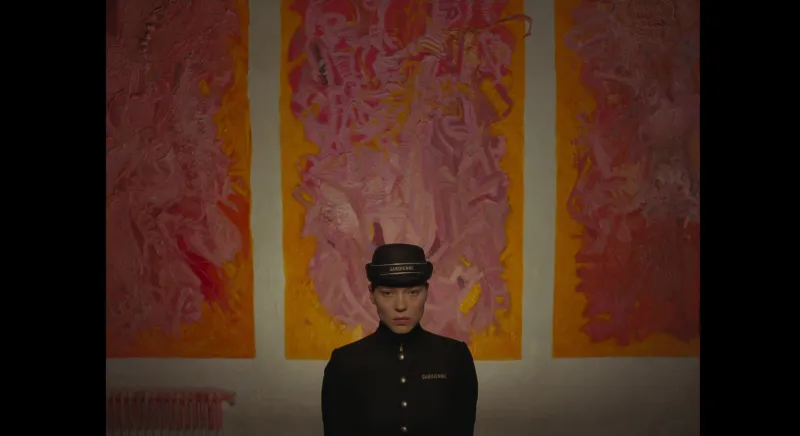
Best PureRef Alternatives for Artists, Editors and Designers
PureRef is still the reference board most artists open first. Here's what to use when it can't do the job in front of you, and when you don't need an alternative at all.
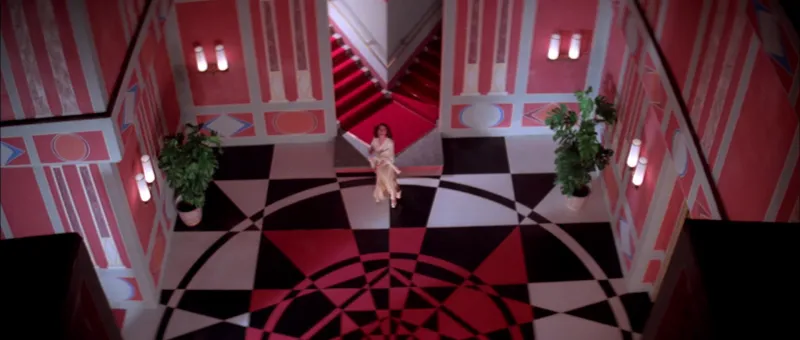
Best Alternatives to Milanote for Video and Film Creatives
People leave Milanote for different reasons. Find yours (the 100-item wall, reels that won't save, a team that wants a bigger canvas) and the right replacement gets obvious.