
Best PureRef Alternatives for Artists, Editors and Designers
PureRef is still the reference board most artists open first. Here's what to use when it can't do the job in front of you, and when you don't need an alternative at all.
By the Spark team ·
The best PureRef alternative for most people is BeeRef: free, open source, on Windows, Mac and Linux, and close enough to PureRef that you'll be working in it within minutes. If you'd rather keep references inside the app you're drawing or modelling in, Procreate, Krita, Blender and Photoshop each have a way. If a team or client needs to see the board, use Milanote, Miro or FigJam. And if your references are video, PureRef can't play them, so you need something built for footage.
Before any of that, check you need to leave at all. PureRef is still pay what you want for personal use, and still updated (version 2.1.3 arrived in June 2026). We're the team behind Spark, so reference boards are part of the day job. This list is for the jobs it doesn't cover.
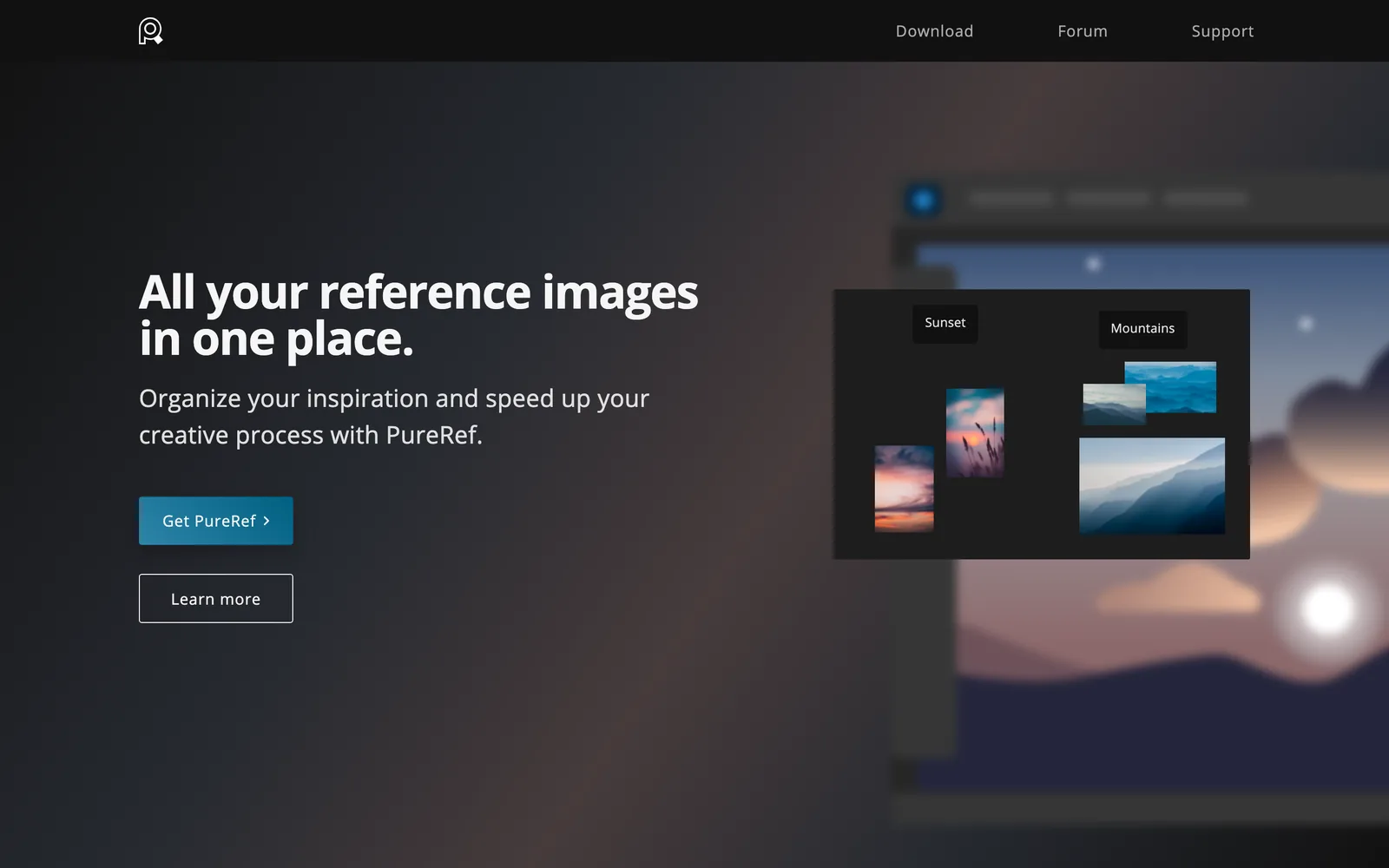
PureRef alternatives in one table
| Tool | Best for | Runs on | Price (as of October 2026) |
|---|---|---|---|
| PureRef | The benchmark: a floating board of stills and GIFs | Windows, Mac, Linux | Pay what you want for personal use; $49 once for a small business (3 seats); $8 per seat a month billed yearly |
| BeeRef | A free, open source swap | Windows, Mac, Linux | Free |
| Kuadro | Each reference in its own window (dormant) | Windows, Mac | Free, commercial use included |
| Procreate | Painting on iPad with one reference beside you | iPad | £12.99 once |
| Krita | Free painting with references pinned to the canvas | Windows, Mac, Linux | Free |
| Blender | Modelling and animating over a reference image | Windows, Mac, Linux | Free |
| Photoshop | References on a layer or in a floating window | Windows, Mac | £21.98 a month on an annual plan |
| Milanote | A board a client can open, with notes and video loops | Browser, desktop, mobile | Free for 100 items; $9.99 a month billed yearly |
| Miro | Workshops on a huge shared canvas | Browser, desktop, mobile | Free for 3 boards; Starter $8 per member a month billed yearly |
| FigJam | Design teams already in Figma | Browser, desktop | Free Starter; Collab seat $3 a month |
| Allusion | A free library to drag references out of | Windows, Mac, Linux | Free (last release February 2023) |
| Eagle | A paid library of images and design files | Mac, Windows | $34.95 once, two computers |
| Spark | References that move: reels, ads, film clips | Mac, Windows | Free for 15 videos; Creator £16 a month |




Prices are from each vendor's own page or App Store listing, checked in October 2026.
Do you need an alternative?
PureRef's pricing is simpler than people assume. On its download page you pick an amount for personal use ($7, $15 or your own figure), and the page says plainly that it understands you might want to try before you buy. Commercial use is where money is expected: a small business licence is $49 once for up to three seats, with free updates for version 2. Bigger studios pay $10 per seat a month, or $8 billed yearly.
What PureRef doesn't do is just as clear. It plays animated GIFs (with frame stepping, since version 2.0 in May 2024) but not video. It has no share link or live collaboration; you send someone the .pur file. It isn't a library, so nothing is searchable once the board is closed. If one of those is your problem, read on. If the problem is the commercial licence, $49 once for a three person studio is hard to beat with anything below.
The closest swap: BeeRef
BeeRef is the one we'd suggest first. It's free and GPL licensed, it runs on Windows, Mac and Linux, and it does the core of what PureRef does: drop images on a canvas, scale, crop, rotate and flip them, line them up in a row or pack them tightly, add text notes, and keep the window on top with the title bar hidden.
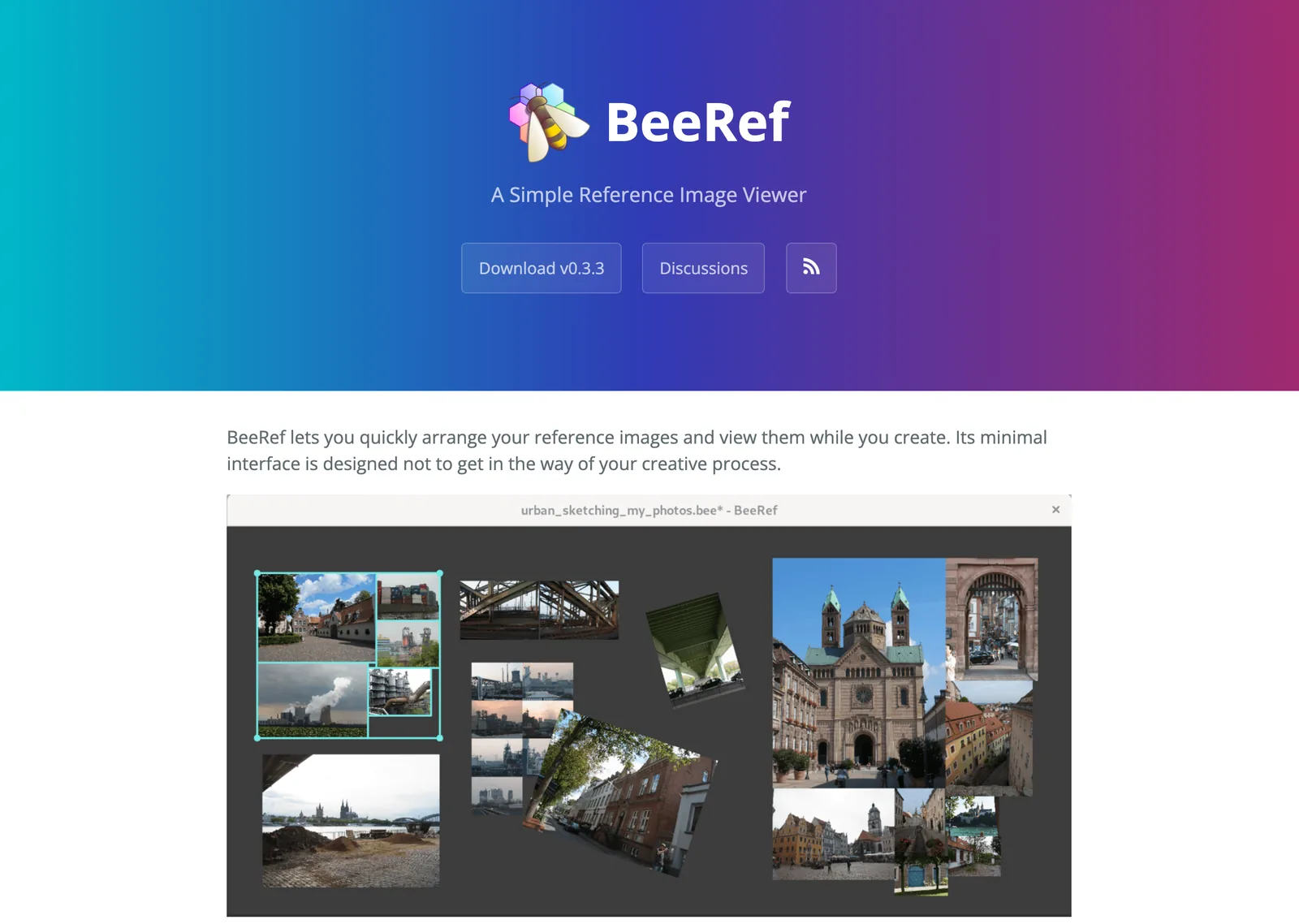
Its file format is a nice touch. A .bee file is an SQLite database with every image embedded inside, so one file is the whole board, and the images can be pulled back out with standard tools if BeeRef ever disappears.
The trade-offs: development is slow (version 0.3.3 dates from May 2024), its early releases labelled the macOS build experimental, and its documentation describes boards of still images stored as PNG or JPEG. If you lean on PureRef 2's GIF playback, test that first.
The one we wouldn't start with now: Kuadro
Kuadro takes a different approach: every reference is its own small window, and you save the arrangement as a layout to reopen later. It's free for any use, commercial included, on Windows and Mac.
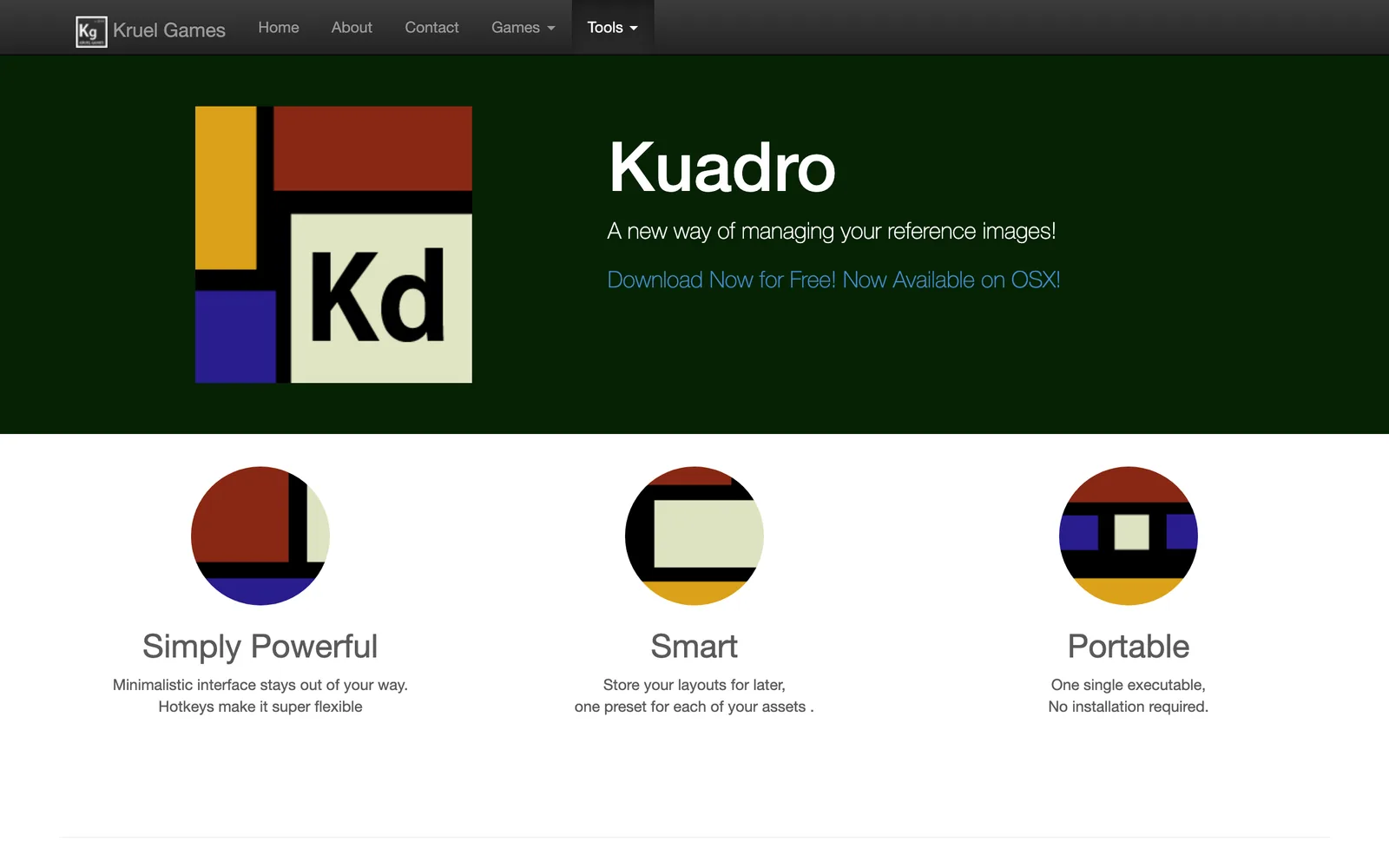
It also looks abandoned. The newest entry in its changelog is version 0.9.5, which updated it for macOS High Sierra (2017). If you already use it happily, fine. If you're choosing today, BeeRef is the safer bet.
For illustrators and concept artists: references inside the canvas
A separate board makes sense on a big desk with two monitors. On an iPad, or on a laptop on a train, the reference is better inside the painting app.
Procreate has a Reference companion. Open a canvas, go to Actions, then Canvas, and switch on Reference. Tap Image, then Import Image, and a photo from your library floats in a window you can resize and move. It shows one image at a time, so it suits a pose or a palette more than a full board. Procreate is £12.99 once on iPad.
Krita is free and open source, and its Reference Images tool pins pictures straight onto the canvas. You can paste from the clipboard, embed references in the .kra file or link to them on disk, and save a set to load into the next painting. For a painter on Linux, this and PureRef cover most needs.
Photoshop has no reference board as such, but the old habits still work: a locked, hidden reference group at the top of the layer stack, or a second document floated in its own window (Window, Arrange, Float All in Windows). It's £21.98 a month in the UK on an annual plan, so nobody should subscribe for this alone.
For 3D artists: the reference in the viewport
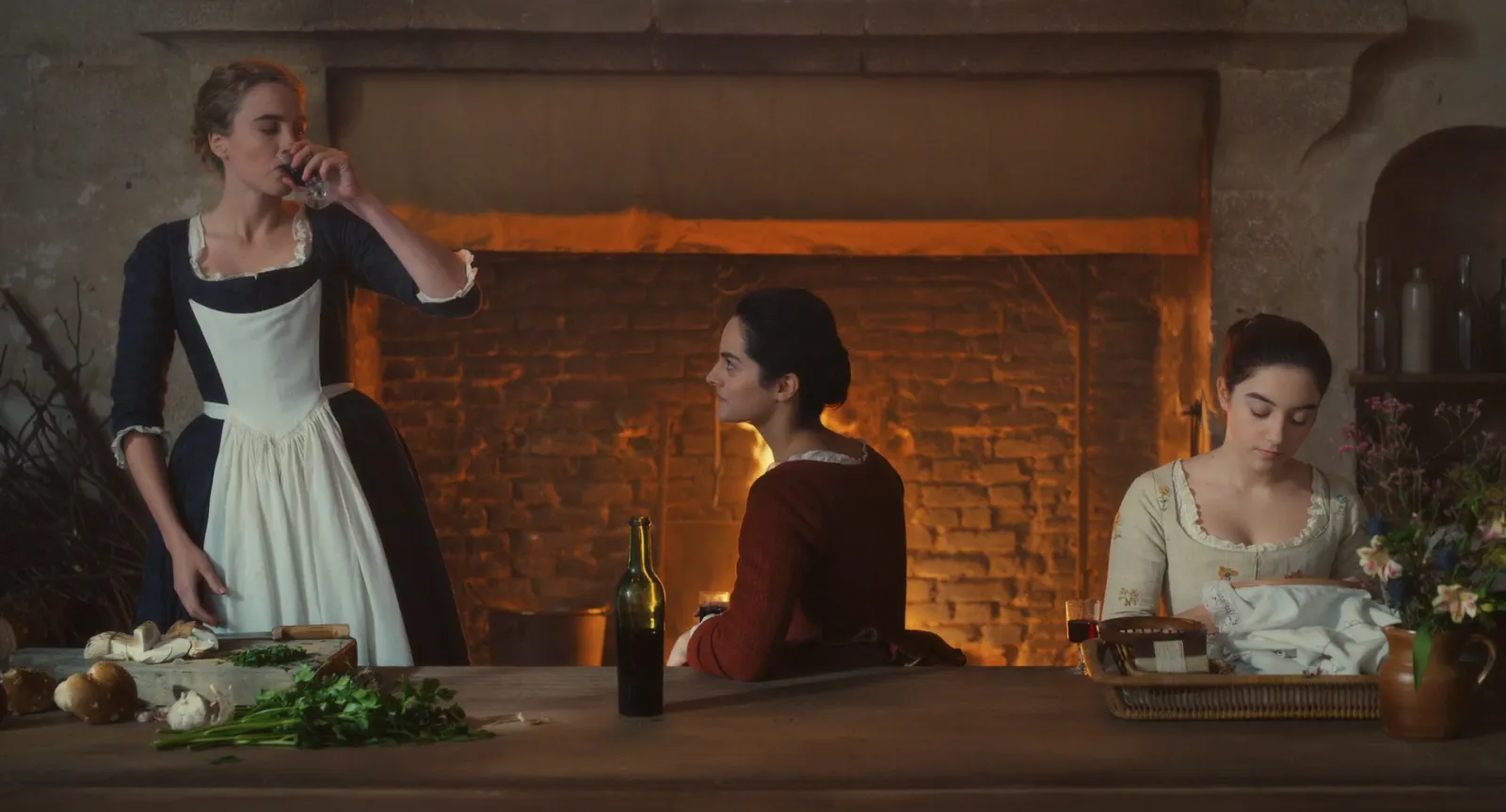
In Blender, Add, then Image puts a picture into the 3D viewport as an image empty, which Blender's own manual describes as an aid for modelling and animating. For front and side orthographic references that's better than any floating board, because the image sits in the scene and lines up with the model.
For everything else (materials, lighting, the feel of a product) a board on the second monitor still wins, and PureRef or BeeRef is the usual pick.
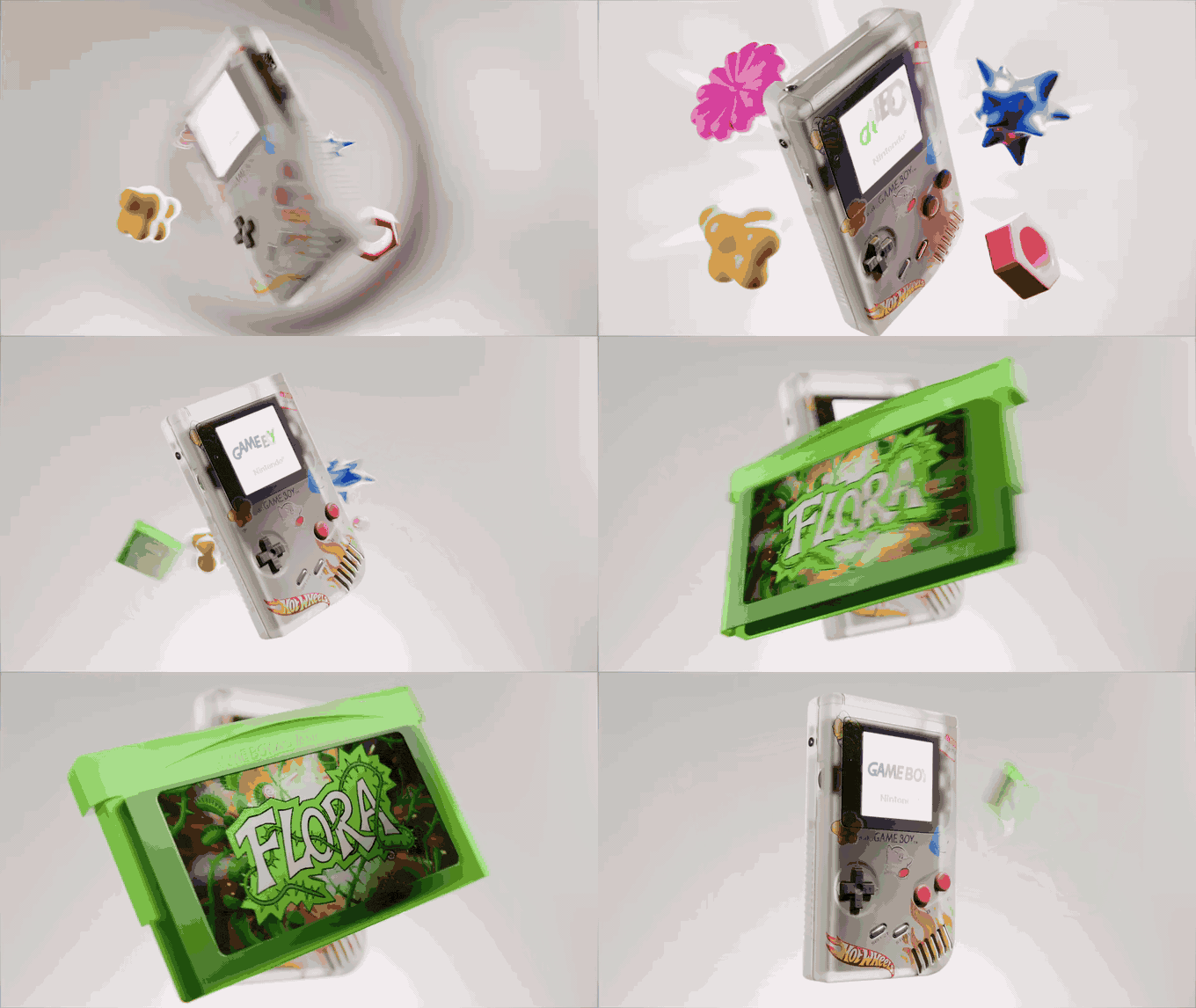
The catch, again, is motion. A product turning on a plinth, a cloth simulation, a camera move: those references are clips, and a board of stills only gets you halfway. Our guide to building an animation reference library covers keeping them.
For editors and motion designers: when the references move
This is the gap PureRef was never designed to fill. Editors and motion designers think in timing, and timing doesn't survive as a still.
There are two workarounds. The quick one: turn the moment into a GIF and drop it on your PureRef board, since version 2 plays GIFs and lets you step through them frame by frame. Our free video to GIF converter trims a clip to the exact frame in your browser, with nothing uploaded. The second: put clips on a Milanote board, where uploaded videos can autoplay and loop when the board opens.
If moving references are most of what you keep, though, you want a library built for them. That's why we built Spark. Paste a link from Instagram, TikTok, YouTube or Vimeo and the video itself is saved; drop it on a board and it plays in place, next to frames, notes and GIFs.
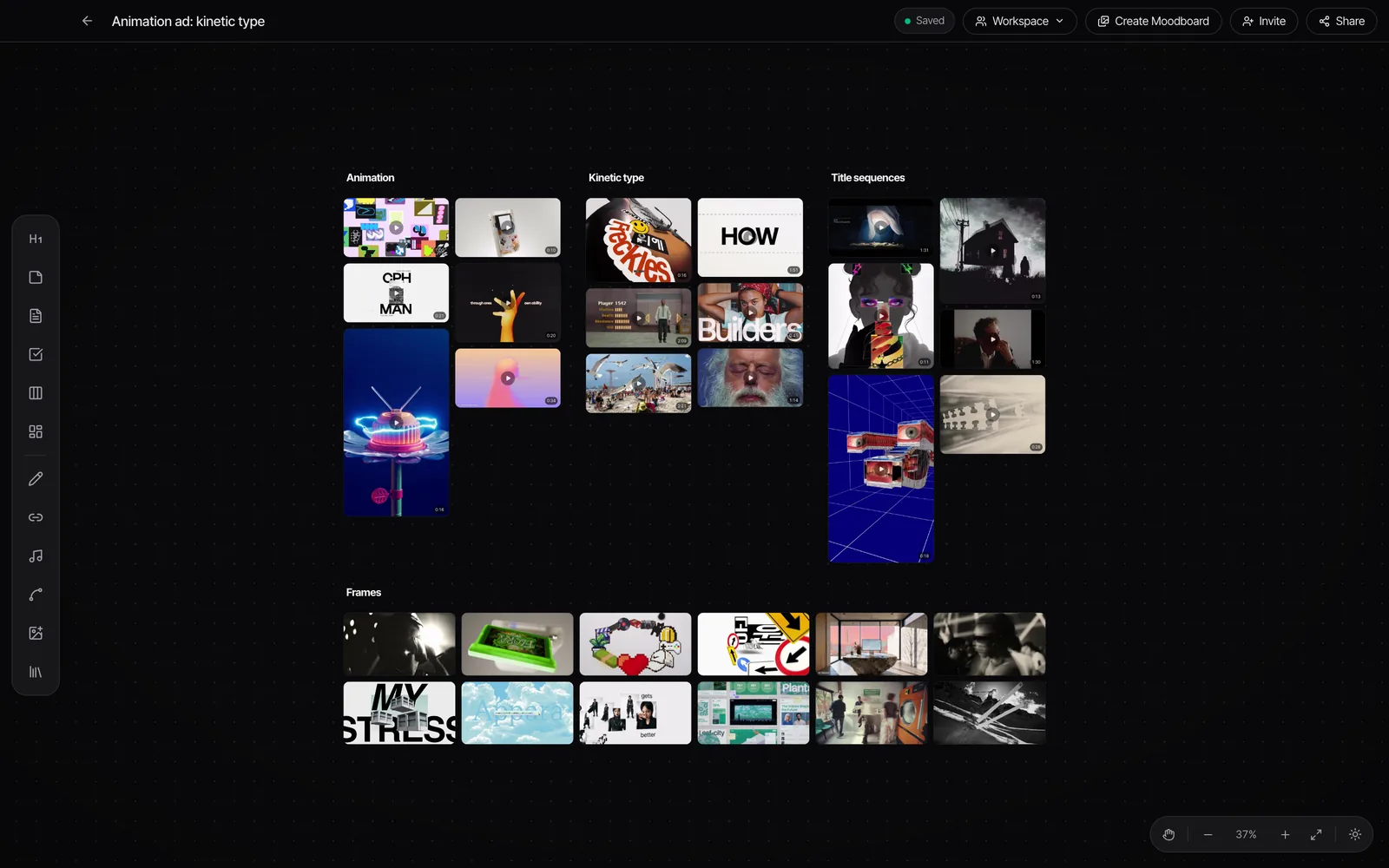
The player is built for studying a reference: arrow keys jump 5 seconds, J, K and L shuttle, and comma and full stop step one frame. On Creator and Studio, Export GIF trims a moment straight to Frames, so the GIF for your PureRef board comes from the same place as the clip.
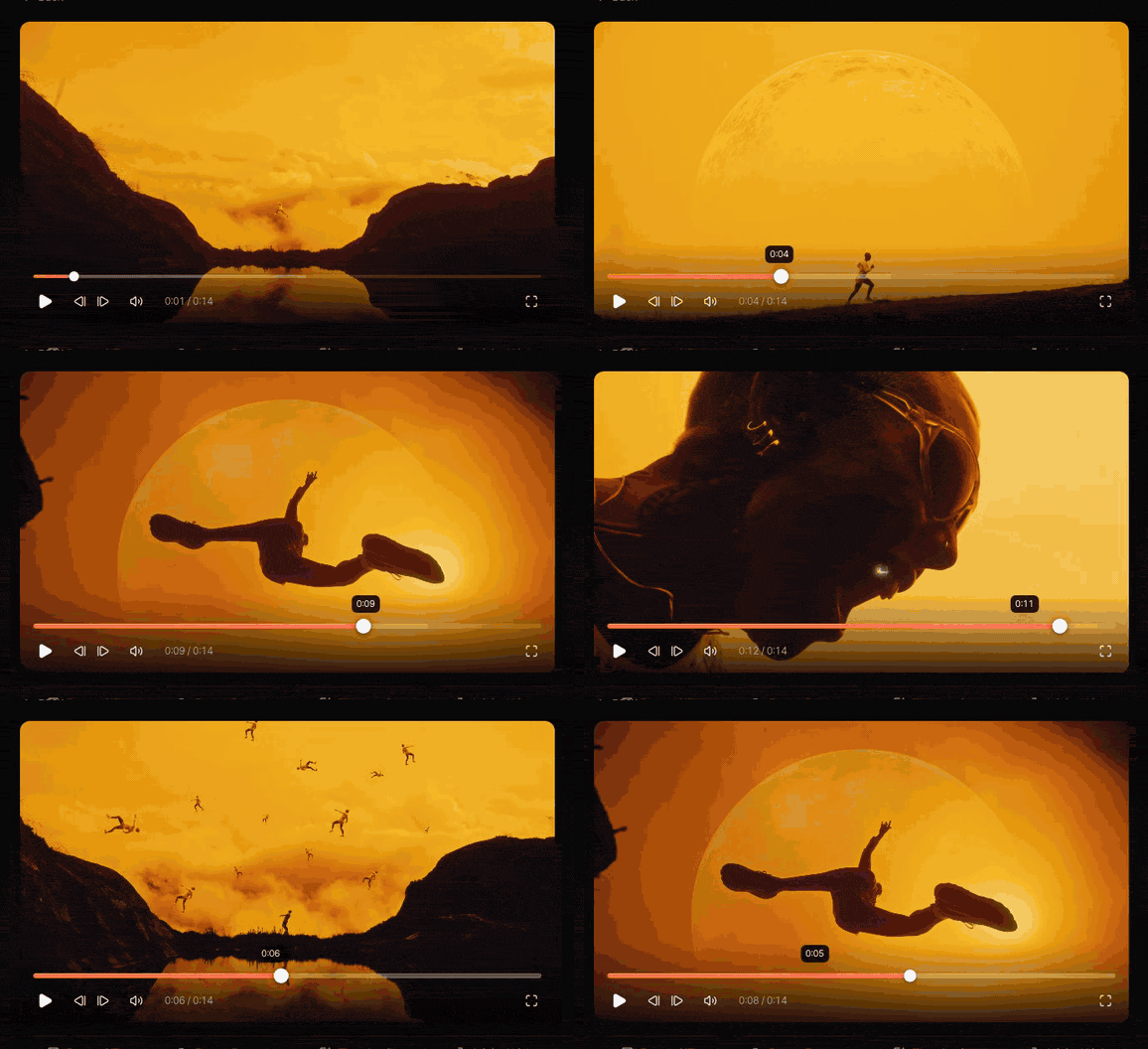
Spark isn't a floating board. It won't sit on top of After Effects in a frameless window. For that, PureRef and a few good GIFs is still the setup. More on boards that move in how to create a video moodboard.
For designers and teams: a board other people can open
PureRef boards live on one computer. When a client, a producer or a whole design team needs to see and comment, you need a browser.
Milanote is the most natural home for a creative board: images, notes, colour swatches, to-do lists and uploaded video loops on a free canvas, shared by link. Free for 100 notes, images or links and 10 uploads; then $9.99 a month billed yearly ($12.50 monthly), or $49 a month for a team.
Miro is a huge whiteboard built for workshops: sticky notes, voting, timers and templates. It's free for 3 editable boards, and Starter is $8 per member a month billed yearly. FigJam is the obvious pick if your team already lives in Figma; a Collab seat with full FigJam access is $3 a month.
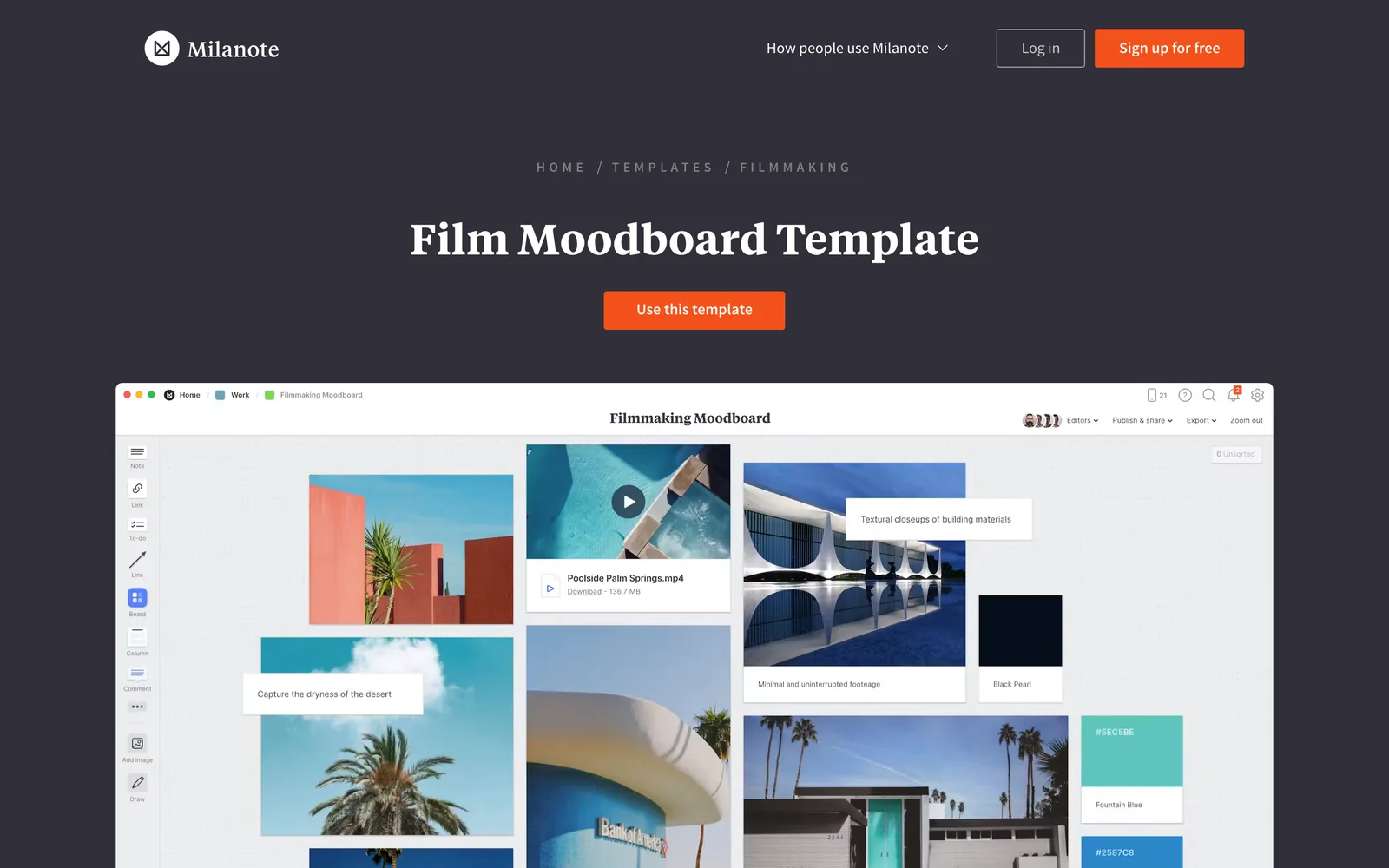
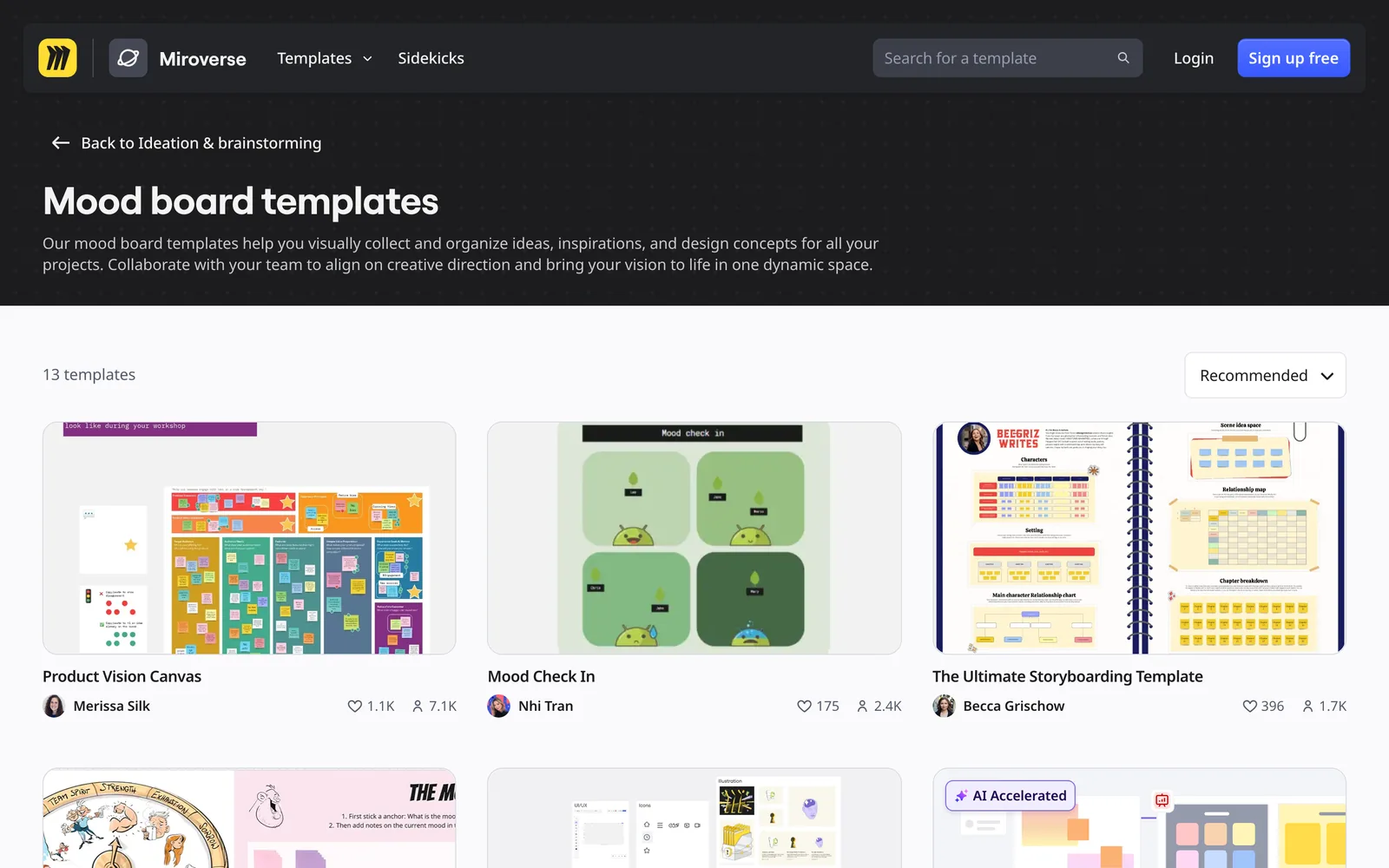
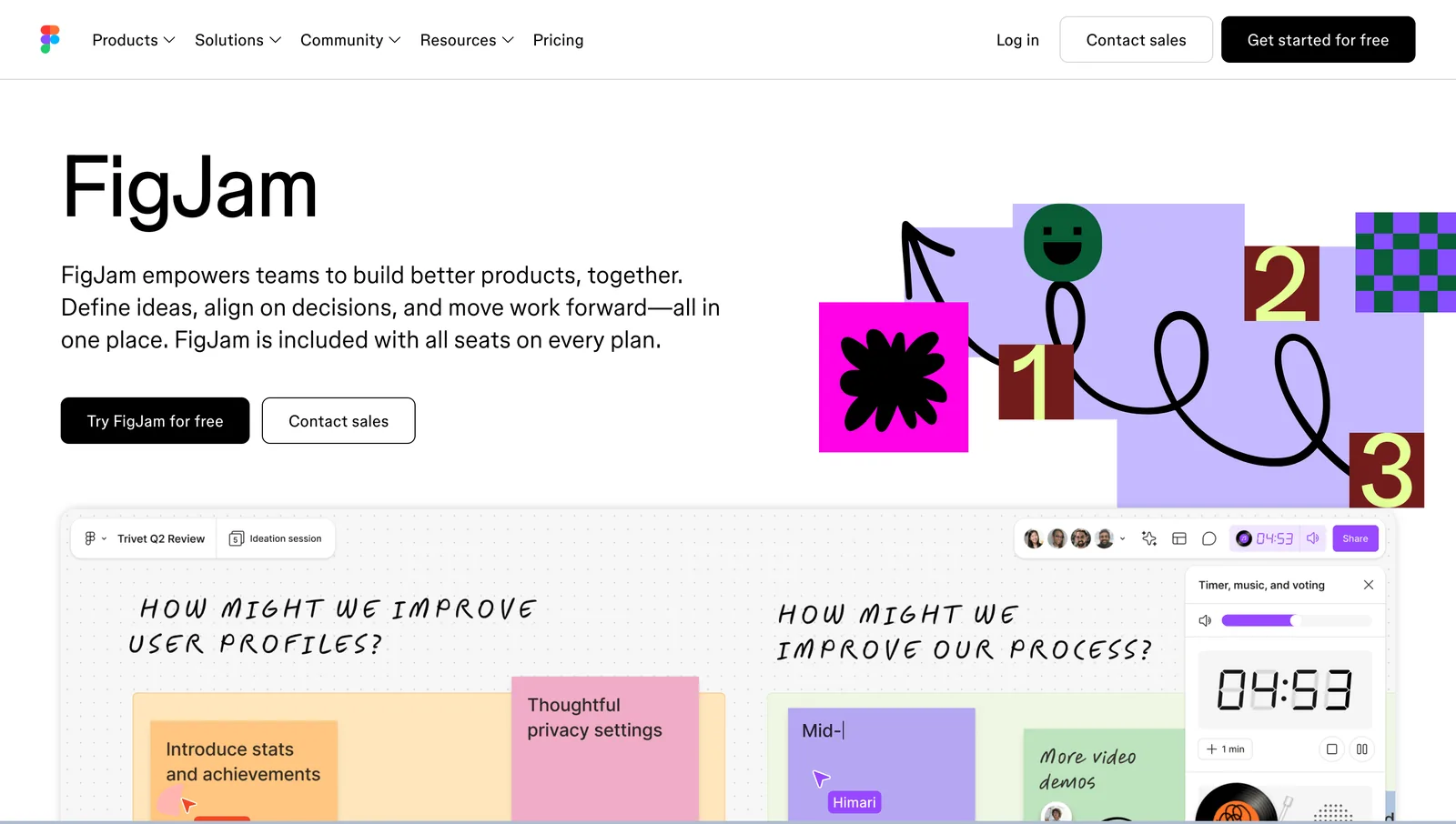
All three are slower than PureRef for the quick, private job of keeping twenty images in view while you work. They're for the stage after, when the board has to persuade somebody. For our longer take on that stage, see moodboard tools for creative directors.
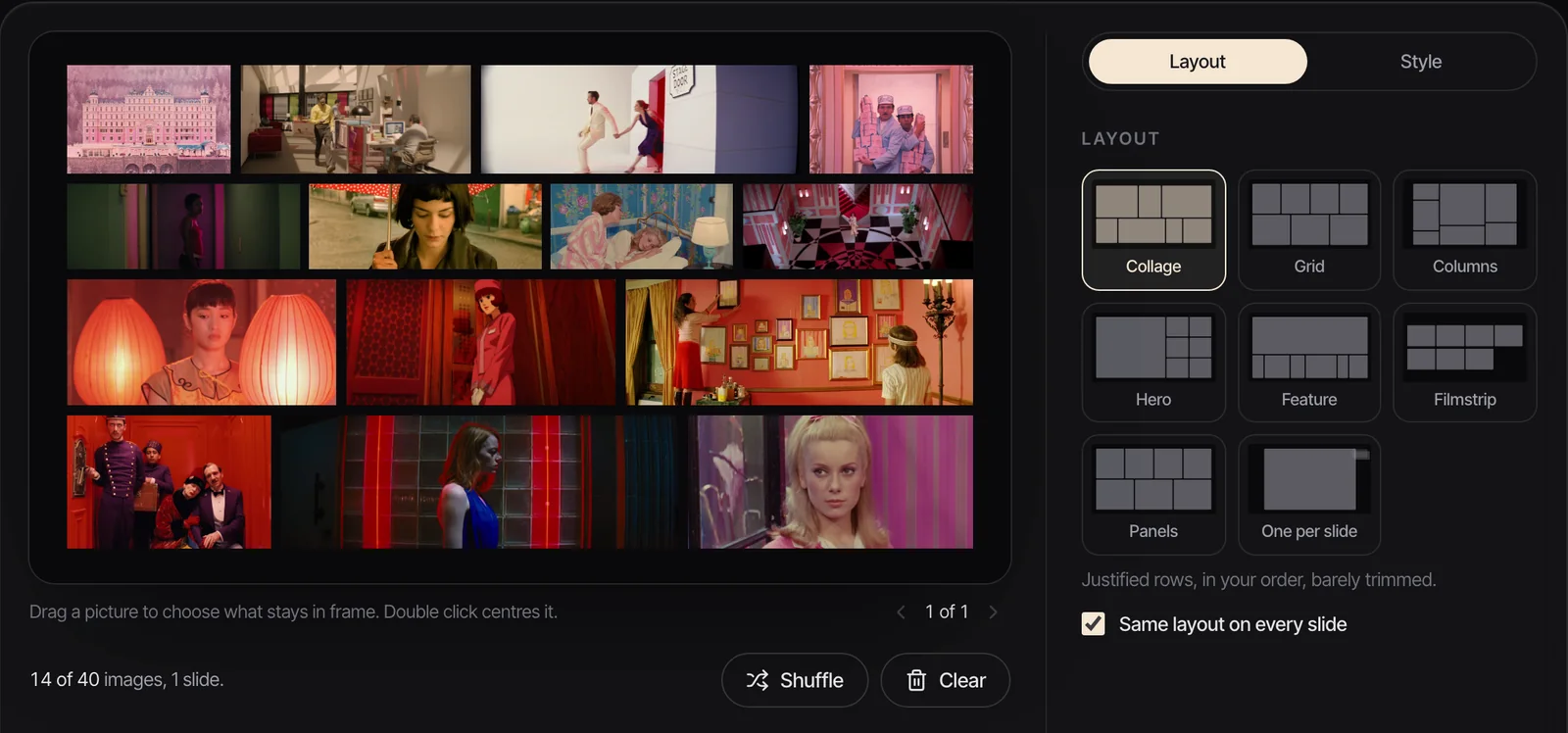
When the board has to become a deck, our free moodboard maker takes up to 40 images (GIFs included), lays them out in eight layouts and exports a .pptx for PowerPoint, Keynote, Google Slides or Canva, with the GIFs still playing.
For anyone who needs a library behind the board
A board is for today's job. A library is for every job. It's worth keeping one behind the board and dragging each day's references out of it.
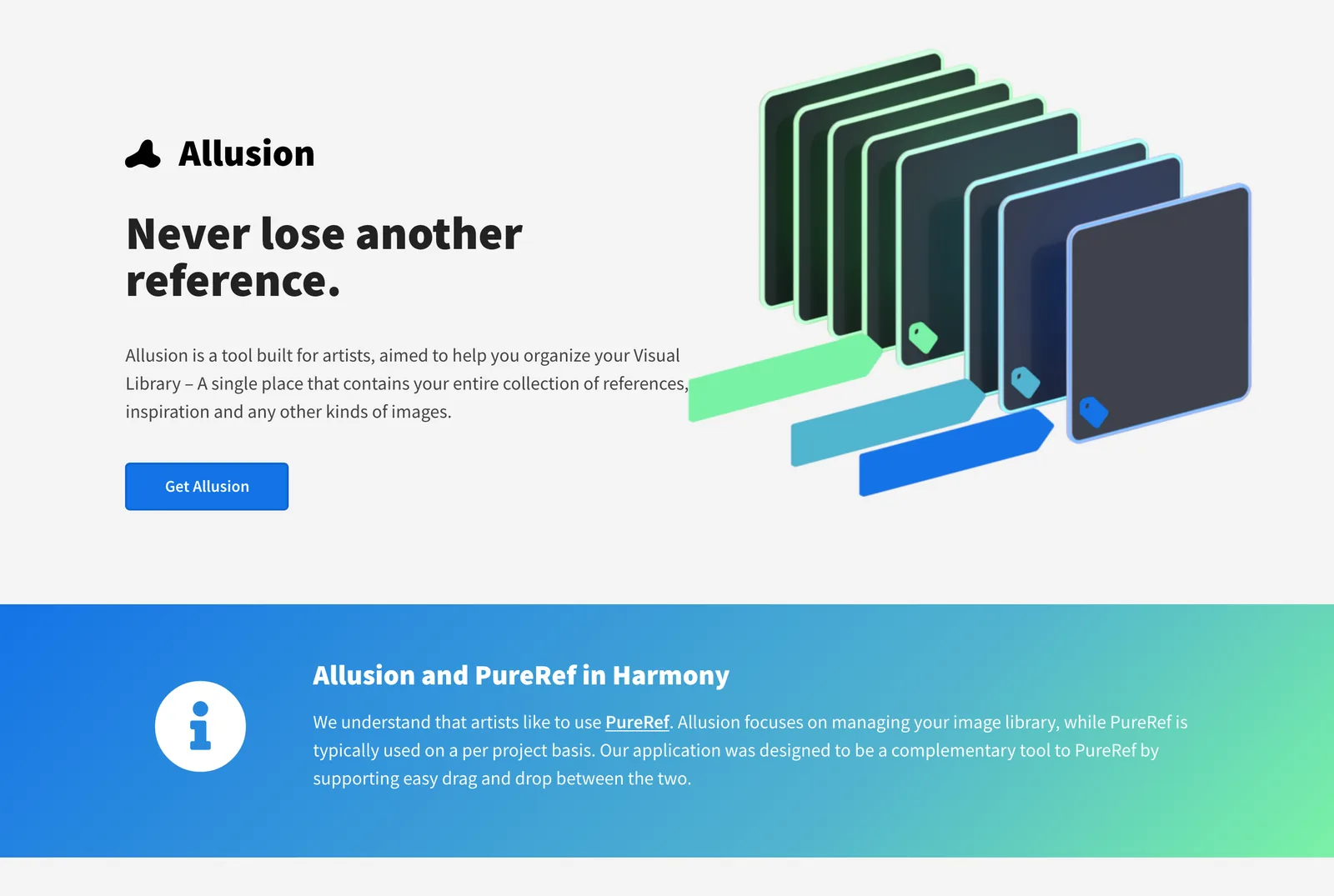
Allusion was built for exactly that: its homepage says it's meant to work alongside PureRef, with drag and drop between the two. It's free and open source, watches your folders and adds nested tags. It handles images only, and its last release was in February 2023. Eagle is the paid, polished version, $34.95 once, and opens almost any file. We compare the field in the best Eagle alternatives, and lighting specialists will find a filing method in how to build a lighting reference library.
What we'd use
- Same job, free and open source: BeeRef.
- Painting on iPad: Procreate's Reference companion, plus a board on a second screen when you can.
- Painting on a computer, free: Krita's Reference Images tool.
- Modelling: image empties in Blender for orthographic views, PureRef for everything else.
- Editing and motion: PureRef with GIFs for the board, and a video library for the clips themselves.
- Showing a client: Milanote, then a deck.
For the bigger picture of where references live, our creative reference management roundup compares libraries, boards and discovery apps side by side.
FAQs
Is PureRef free?
PureRef is pay what you want for personal use: its download page offers $7, $15 or a custom amount, and says it understands people want to try before they buy. Commercial use needs a licence, $49 once for a small business of up to three seats, or $10 per seat a month ($8 billed yearly) for larger studios, as of October 2026.
What is the best free alternative to PureRef?
BeeRef. It's free, open source under the GPL, runs on Windows, Mac and Linux, and covers the core of PureRef: a canvas of images you can scale, crop and arrange, with text notes and an always on top window. Its last release was in May 2024, so expect fewer updates than PureRef.
Can PureRef play videos?
No. PureRef 2 plays animated GIFs and lets you step through them frame by frame, but it doesn't play video files. The common workaround is to turn the moment you need into a GIF and drop that on the board, or to keep video references in a tool built for them.
Does PureRef work on iPad?
No. PureRef runs on Windows, Mac and Linux. On an iPad, Procreate's Reference companion (Actions, Canvas, Reference) shows one imported image beside your painting, which covers a lot of the same need.
Can I share a PureRef board with my team?
Only by sending the .pur file; there's no share link or live collaboration as of October 2026. If several people need to see and comment on a board, Milanote, Miro and FigJam all work in a browser.
Is Kuadro still being developed?
It doesn't appear to be. Kuadro is still free to download from Kruel Games for Windows and Mac, but the newest update listed on its page is version 0.9.5, made for macOS High Sierra. BeeRef is the more current free choice.
Keep reading
All articles
Best Eagle Alternatives for Designers and Video Teams (2026)
Eagle is still one of the best value apps a designer can buy. People leave it for six reasons, and each reason points to a different tool.

ShotDeck vs FILMGRAB vs Frame Set: Which Film Stills Library Is Worth It?
Every stills library looks brilliant on its homepage. They only come apart when you search for a particular light, lens or colour, so that's how we compared them.
Best Alternatives to Milanote for Video and Film Creatives
People leave Milanote for different reasons. Find yours (the 100-item wall, reels that won't save, a team that wants a bigger canvas) and the right replacement gets obvious.