
Best Eagle Alternatives for Designers and Video Teams (2026)
Eagle is still one of the best value apps a designer can buy. People leave it for six reasons, and each reason points to a different tool.
By the Spark team ·

The best Eagle alternative depends on what Eagle stopped doing for you. If a team needs to share the library and most of what you save is video from Instagram, TikTok or YouTube, use Spark. If you want free and open source, try Allusion for images on your own disk, or TagSpaces if you want tags written into the files and a Linux build. If you only need references floating on screen while you work, PureRef or BeeRef. If you want the collection in the cloud and on your phone, Raindrop.io, mymind or Are.na. On a Mac and after something smaller, Inboard.
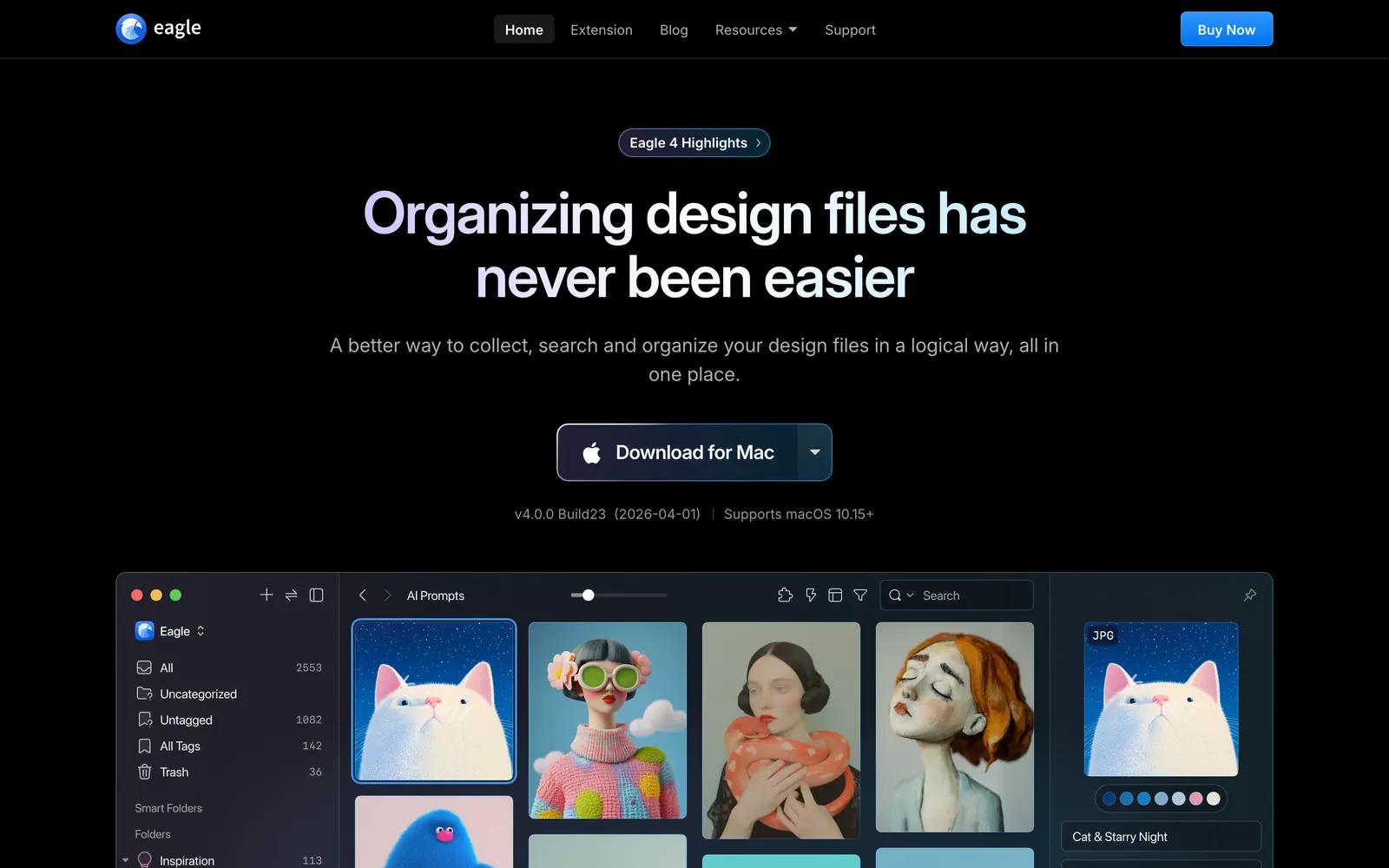
Eagle itself is still very good. $34.95 once buys a licence for two computers, the library lives on your own drive, and it opens almost any file you throw at it. We make Spark, which does some of the same jobs, so we know both its strengths and the places it runs out. The straight head to head is in Spark vs Eagle. This post covers everything else, sorted by the reason you're looking.
Eagle alternatives at a glance
| Tool | Pick it if you're leaving Eagle because | Runs on | Price (as of October 2026) |
|---|---|---|---|
| Spark | Your team saves video from social platforms and needs to search it | Mac, Windows | Free for 15 videos and 30 frames; Creator £16 a month; Studio £23 per user a month |
| Are.na | You want shared, slow research in the cloud | Web, iPhone, Android | Free for 200 blocks; Premium $7 a month or $70 a year |
| Raindrop.io | Most of what you keep is links, and you want them on every device | Web, Mac, Windows, iPhone, Android | Free; Pro price shown at checkout |
| mymind | You want a private memory that sorts itself | iPhone, Android, Mac, browser | From $4.99 a month; $79 or $129 a year |
| Allusion | You want free, open source and local | Windows, Mac, Linux | Free (last release February 2023) |
| TagSpaces | You want tags that live in the files, and Linux | Windows, Mac, Linux, phones, web | Lite free; Pro is a yearly licence per user |
| Billfish | You want an Eagle lookalike for free | Windows, Mac | Free; paid cloud library |
| Adobe Bridge | You already live in Adobe apps | Windows, Mac | Free |
| Inboard | You want something smaller and Mac native | Mac (macOS 14.6 or later) | £19.99 once (Mac App Store) |
| PureRef | You only ever needed a board | Windows, Mac, Linux | Pay what you want for personal use; $49 small business |
| BeeRef | You want a free, open source board | Windows, Mac, Linux | Free |
| Eagle | For comparison | Mac, Windows | $34.95 once, two computers |









Prices come from each vendor's own page or App Store listing, checked in October 2026. Raindrop and TagSpaces only show the Pro figure at checkout, so we haven't guessed it.
Eagle's own pages set out its edges. It runs on Mac and Windows, with no Linux build and no official phone app. Its support pages say it doesn't manage teams or permissions. And video from social platforms comes in as a bookmark or through a community plugin. The six sections below follow those edges.
1. Your team needs to share one library
Eagle's answer to teams is a shared folder: put the library in Dropbox or on a NAS and agree not to edit the same item at the same time. That holds up for two people at neighbouring desks. With five people, a freelancer and a client, it starts to creak.
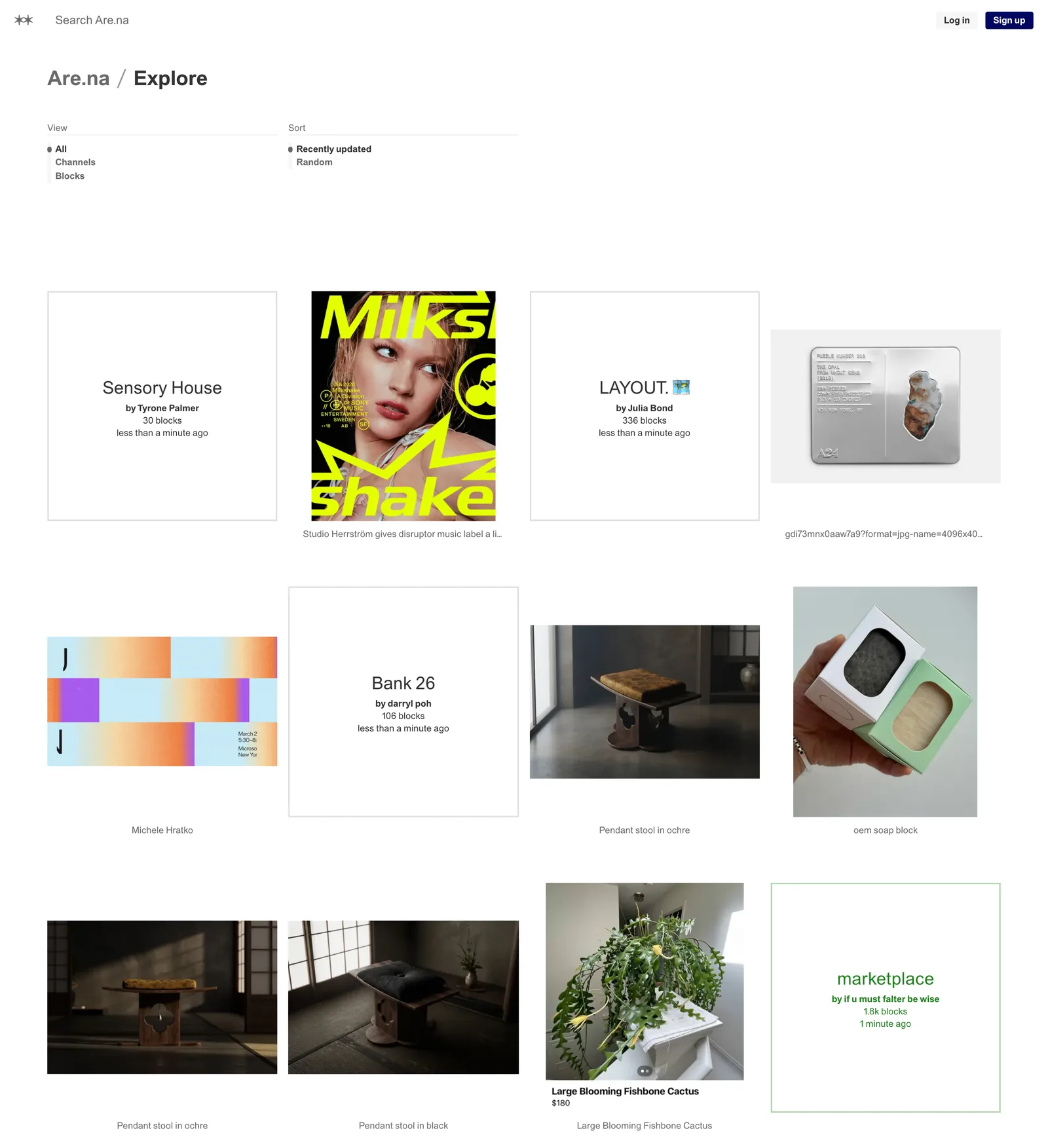
Are.na is the calm option. Any channel can be collaborative on every plan, groups get their own feed and profile, and the whole thing runs in a browser and on iPhone and Android. It suits a studio whose references are research: essays, images, typefaces, links to other people's channels. Video is the weak spot, since most of it arrives as a link or an embed that depends on the original post.
Billfish sells a cloud library on top of its free app, with backups, access from several devices and share links you can lock with a password and an expiry date. It's a sensible add-on if you already use Billfish, though the whole thing is in Chinese.
Raindrop.io has shared collections, which work well for a team's links and articles.
If the thing your team shares is mostly video, that's the next section.
2. Your references are videos on Instagram, TikTok and YouTube
This is the reason most production people give. Eagle's support pages say YouTube and Vimeo links save as bookmarks (a thumbnail and a link, with the video left online), Instagram needs a right-click workaround, and TikTok means a third-party plugin. When the post goes private, the reference goes with it. We go through the detail in Spark vs Eagle, so here's the short version.
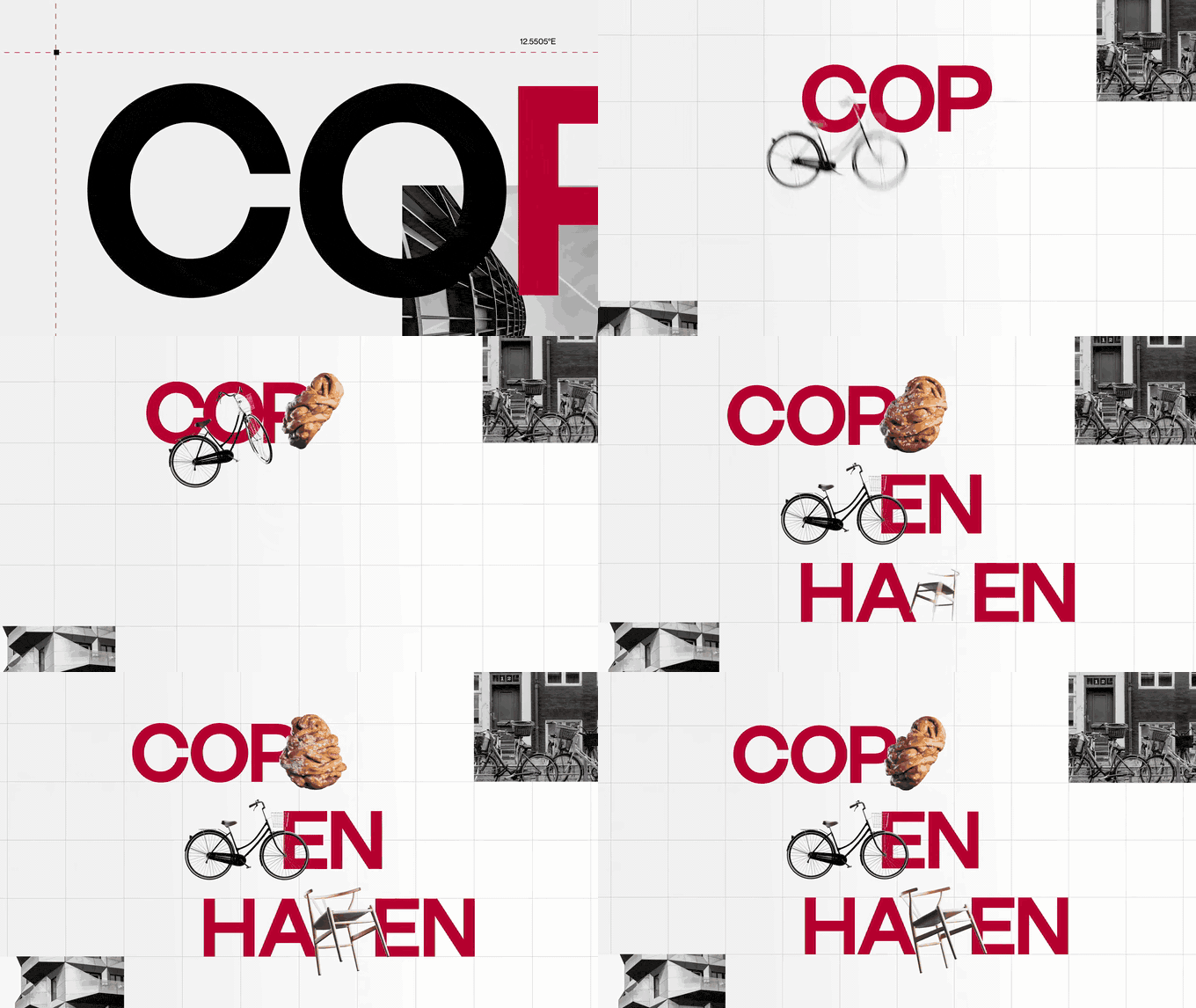
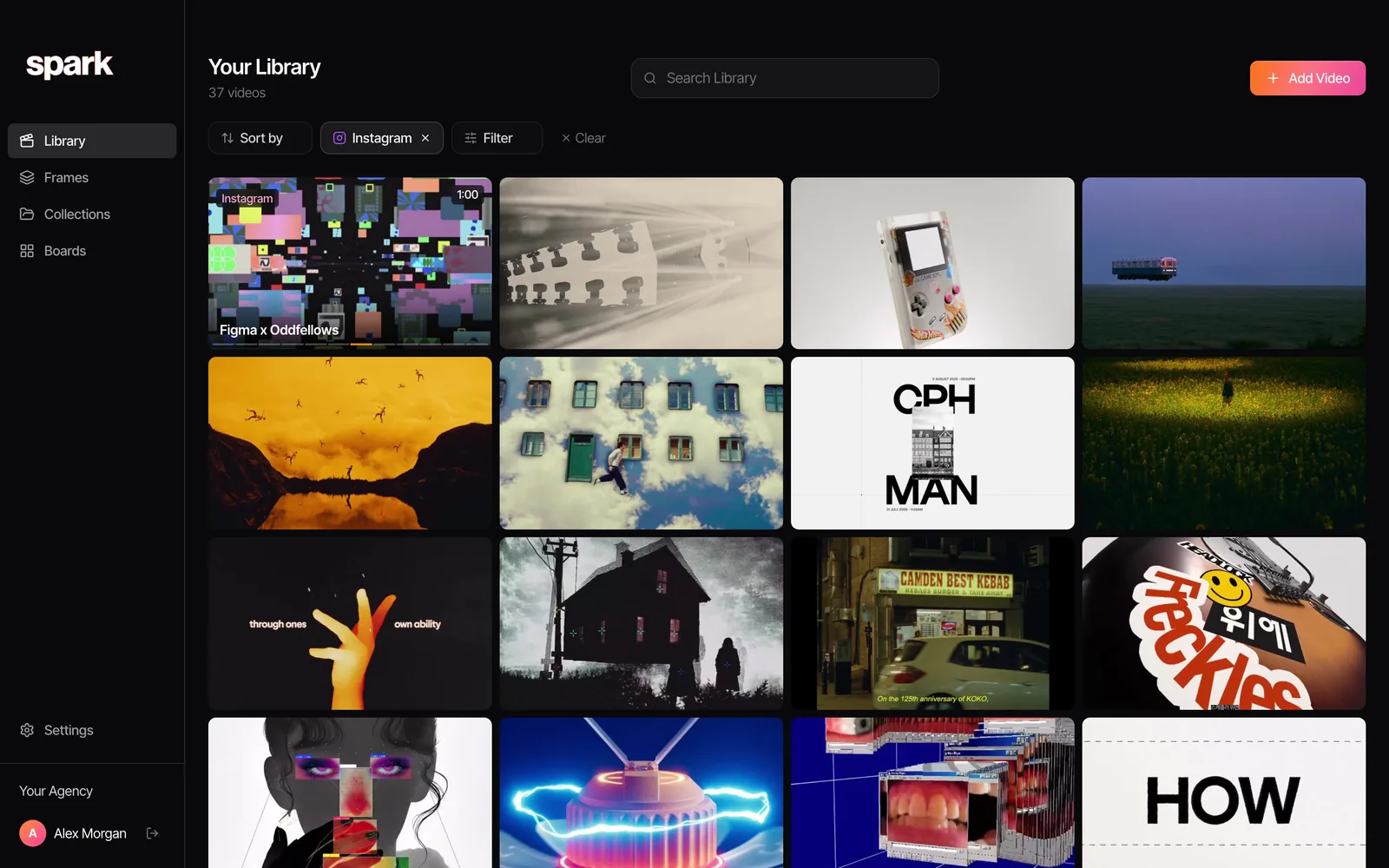
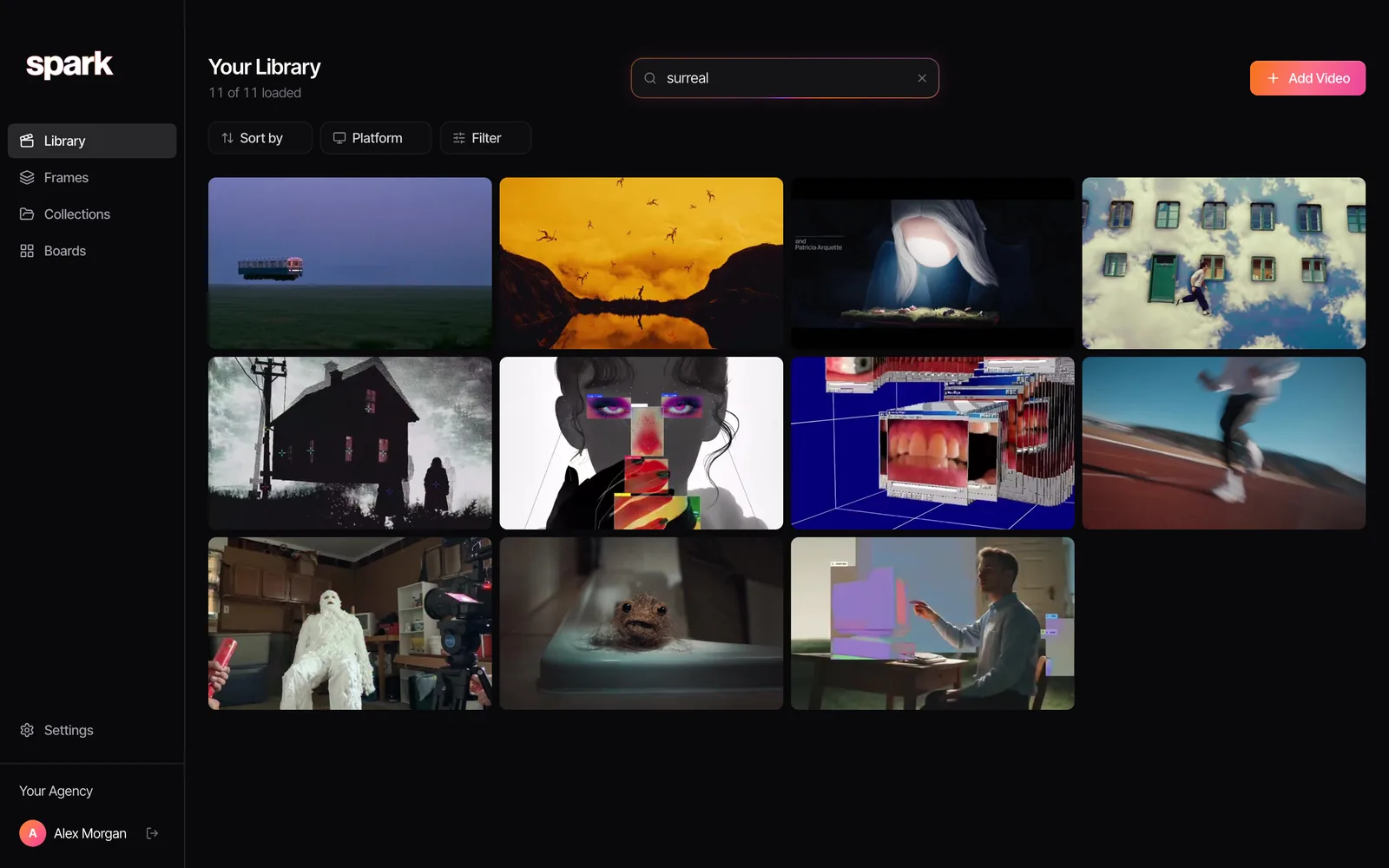
Spark keeps the video. Paste a link from Instagram, TikTok, YouTube, Vimeo, Facebook, LinkedIn or Pinterest, save ads from the Meta Ad Library and TikTok Creative Center, DM a reel to @sparkreferences on Instagram, send links on WhatsApp or use the Chrome extension. On Creator and Studio, each video gets an AI description of what's in it and a transcript of what's said, so you can search for "kinetic type" or a half remembered line of voiceover and find it, whether or not anyone added a tag.
On Studio the team shares one workspace, links posted in a connected Slack channel save straight in, and bulk import pulls in playlists, boards and lists of links. Teammates on the same board see each other's changes within seconds, and a client gets a view-only link.
It's honest to say where Spark is the wrong pick. It's a subscription, not a one-off. It runs on Mac and Windows only, with no Linux build and no phone app (you can still save from your phone by DM or WhatsApp). Storage is capped at 20 GB on Creator and 35 GB per user on Studio. It doesn't preview PSDs, fonts or 3D files. For a big library of still images and design files, Eagle is better value, and plenty of studios run both.
A word on rights: saved references are for internal research and pitching. Credit the makers, respect each platform's terms, and ask before using anything publicly.
3. You want it in the cloud, and on your phone
Eagle is a desktop app. The library is a folder, so you can sync it with iCloud Drive or Dropbox, but there's no official iPhone or Android app to browse it on the train.
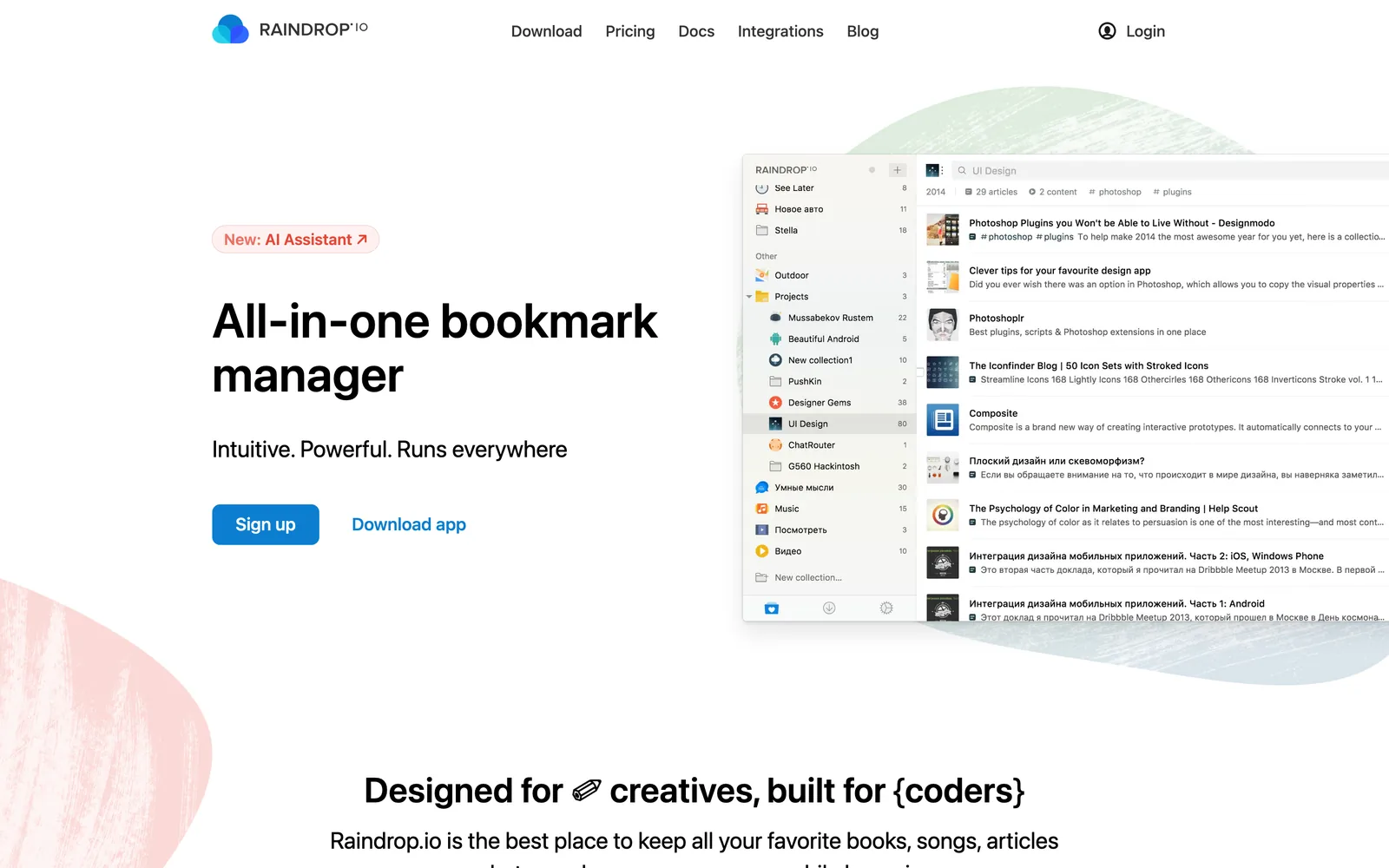
Raindrop.io is the most complete answer if your references are pages more than files. It has apps for Mac, Windows, iPhone, iPad and Android, plus extensions for Chrome, Edge, Safari and Firefox. The free plan gives unlimited bookmarks, collections and devices. Pro adds full-text search, permanent copies of pages and, by Raindrop's account, search through every spoken word of saved YouTube videos.
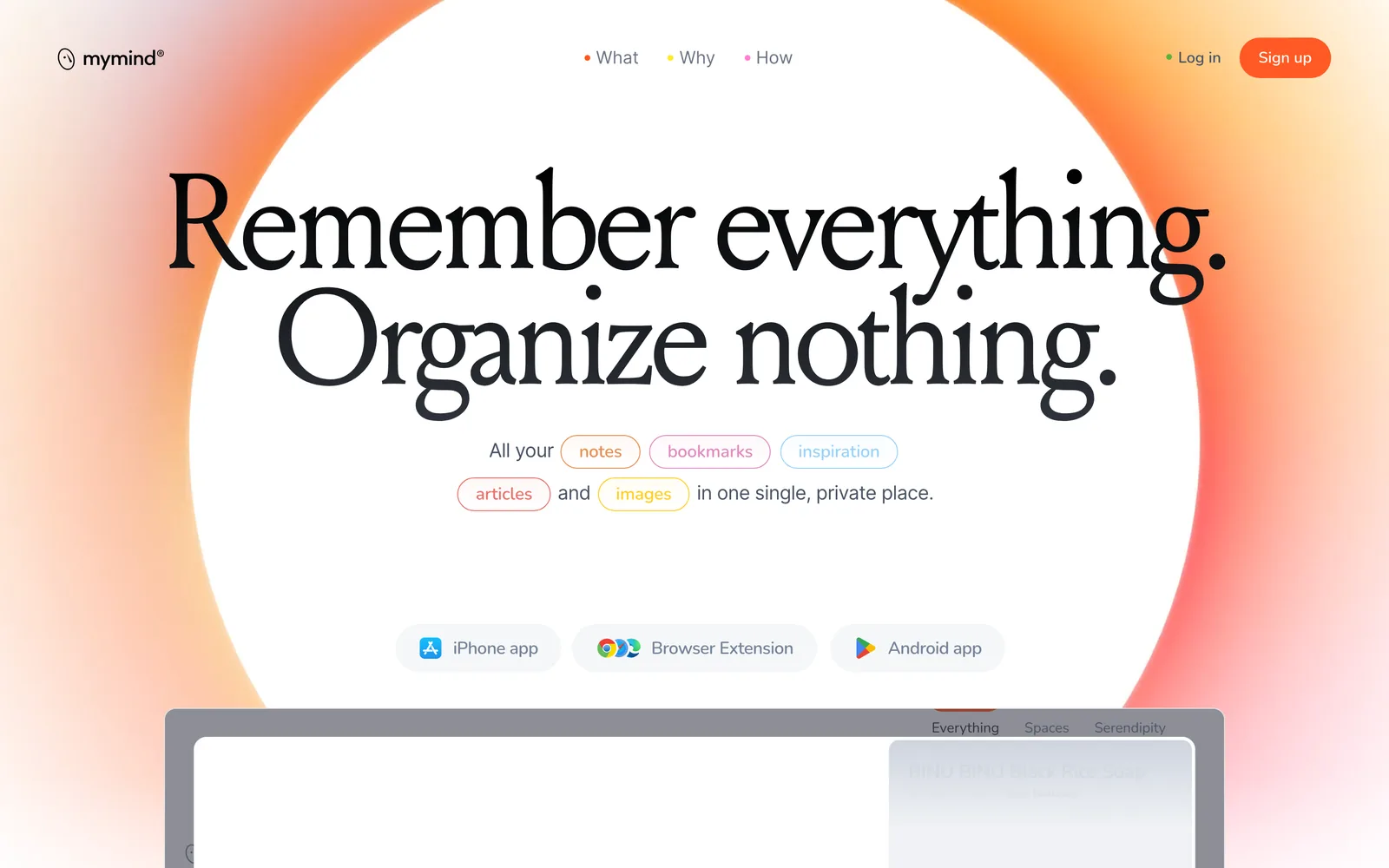
mymind is for people who never wanted folders in the first place. Save an image, a note or a link and it sorts and searches for you, privately. Plans start at $4.99 a month (The Bookmarker); Student of Life is $7.99 a month or $79 a year, and Mastermind ($12.99 a month or $129 a year) adds video uploads up to 500 MB per file. It's built for one person, and there's no team plan.
Are.na also belongs here: free for 200 blocks, then $7 a month. If your Eagle library was mostly a link pile with pictures attached, our guide to bookmark managers for designers goes further into this corner.
4. You want free, and ideally open source
Four options, and they're quite different.
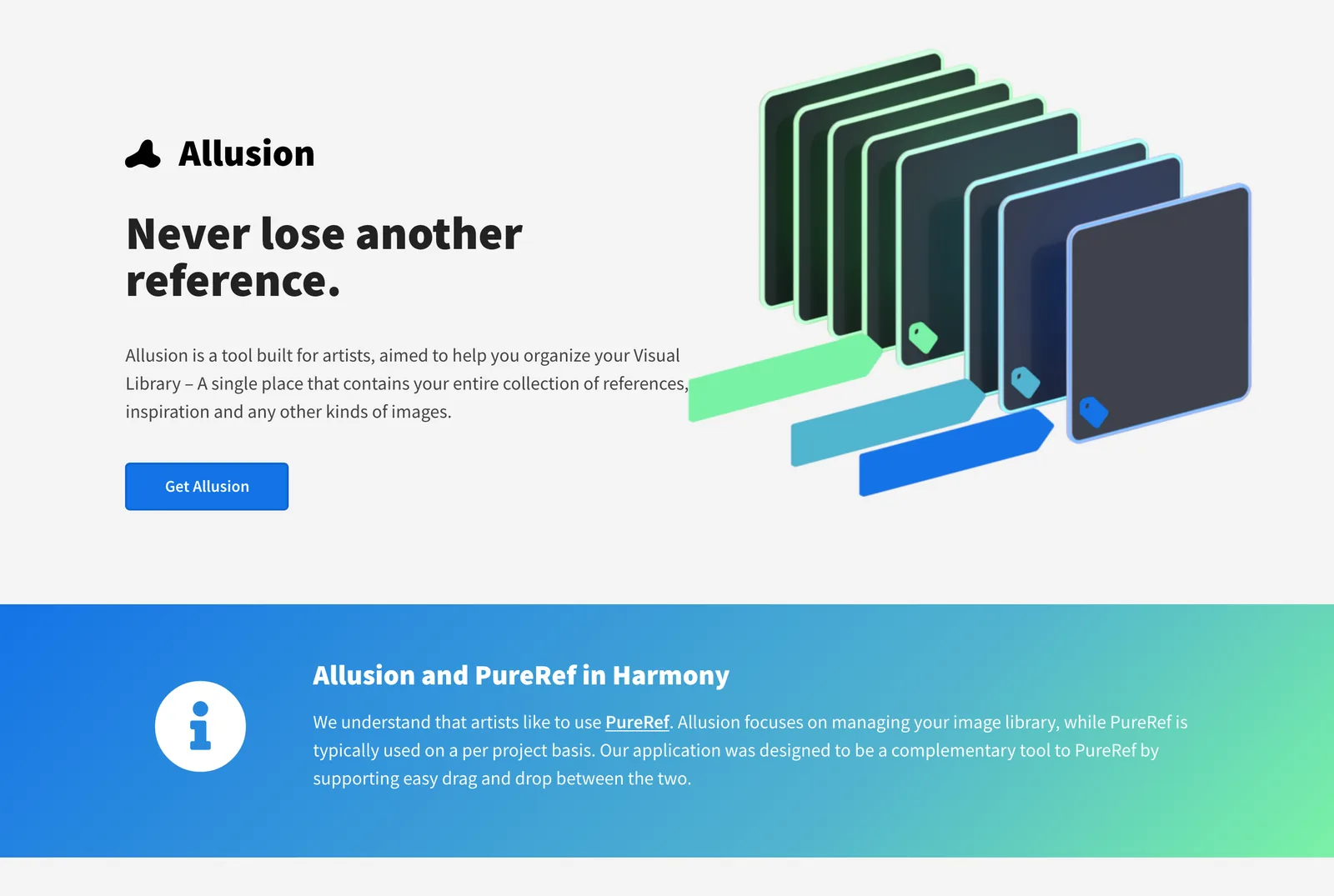
Allusion is the closest thing to a free, open source Eagle. It watches folders you pick, so your images stay where they are, and it adds nested tags and an advanced search on top. It's GPL licensed and runs on Windows, Mac and Linux. Two caveats. It handles images only: its source code lists GIF, PNG, JPEG, WebP, TIFF, PSD, Krita and EXR, and no video formats. And development has stopped: the last release is 1.0.0 rc10 from February 2023, and the last code change was in May 2023. It works, but treat it as finished software rather than a product with a roadmap.
TagSpaces is the actively maintained one (version 6.14.3 came out in October 2026). The free Lite edition is open source under the AGPL. Instead of a database, it writes tags into the file names, or into hidden sidecar files if you prefer, so your tags survive even if you stop using the app. It previews images and video, and runs on Windows, Mac, Linux, Android, iPhone and the web. It feels more like a file manager than a moodboard, which is either the appeal or the problem.
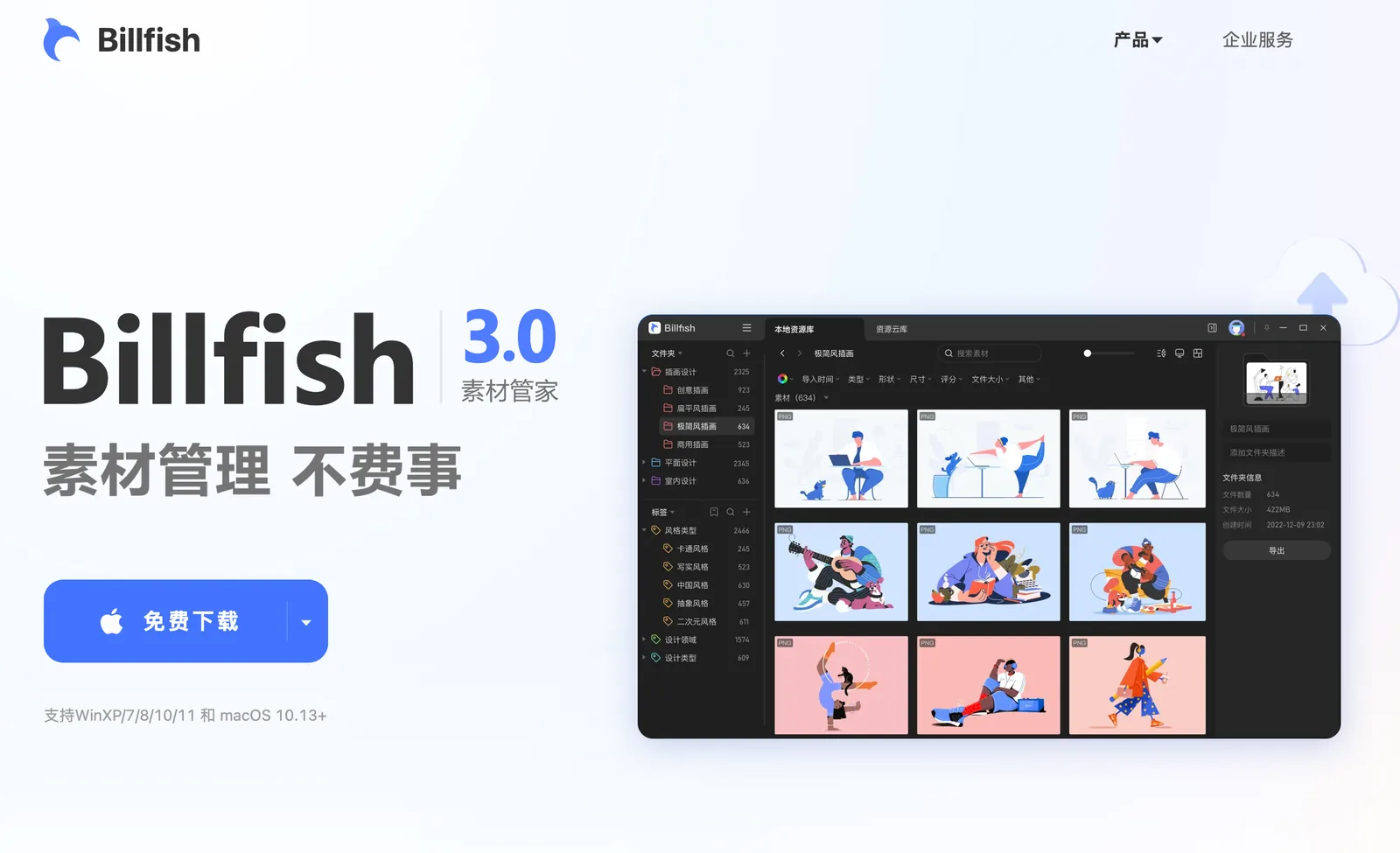
Billfish is the one that looks most like Eagle: folders, tags, search by colour, search by image and a browser extension for grabbing pictures, on Windows and Mac. Billfish 3.0 is free to download. The catch is language. There's no English website, and the app and support are aimed at Chinese users.
Adobe Bridge is free from Adobe on Windows and Mac. It's a powerful file browser with keywords, metadata, collections and batch rename, and it makes sense if your references sit next to Photoshop and Premiere projects. It isn't open source, and it isn't a moodboard.
5. You work on Linux
Eagle has no Linux version, and neither does Spark. On Linux, the realistic local options are Allusion (an AppImage), TagSpaces, PureRef (.deb, .rpm or a portable build) and BeeRef (an AppImage). If you'd rather keep the library online, Raindrop.io and Are.na work in any browser, and Are.na's channels are as useful on Linux as anywhere else.
Our Linux pick is TagSpaces for the library and PureRef for the board. TagSpaces is maintained and keeps your tags in the files, so nothing is locked in. Allusion is the nicer browsing experience, but nobody is fixing its bugs.
6. You only needed a board, not a library
Plenty of people bought Eagle and used it mostly as a place to pin today's references while they paint, model, storyboard or grade. If that's you, a board is lighter, faster and cheaper.
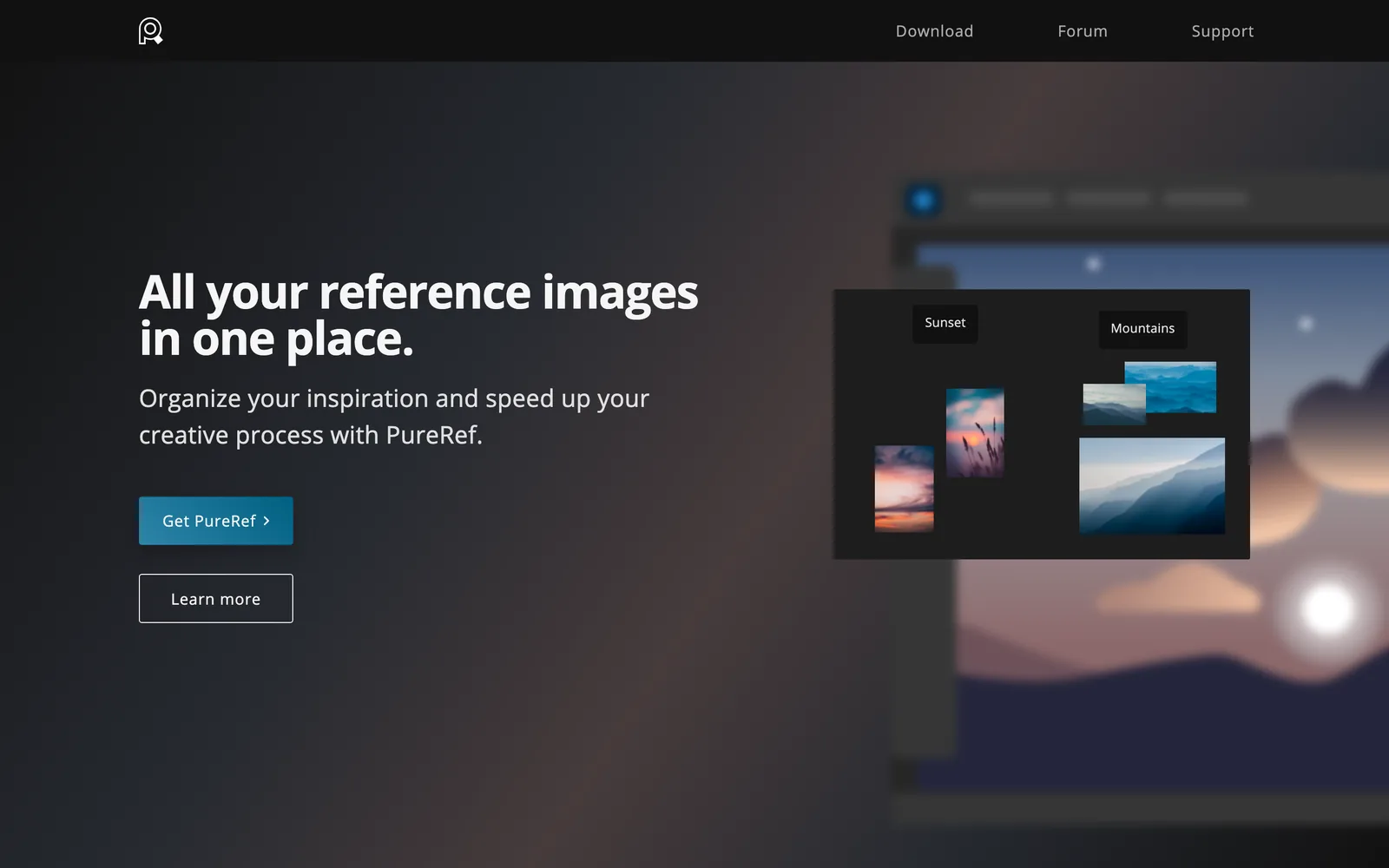
PureRef is the standard. Version 2.1.3 (June 2026) runs on Windows, Mac and Linux, plays animated GIFs with frame stepping, and keeps a canvas of images on top of your other windows. It doesn't play video. Personal use is pay what you want ($7, $15 or your own figure, and they say they understand if you'd like to try before you buy). A small business licence is $49 once for up to three seats; bigger studios pay $10 per seat a month, or $8 billed yearly.
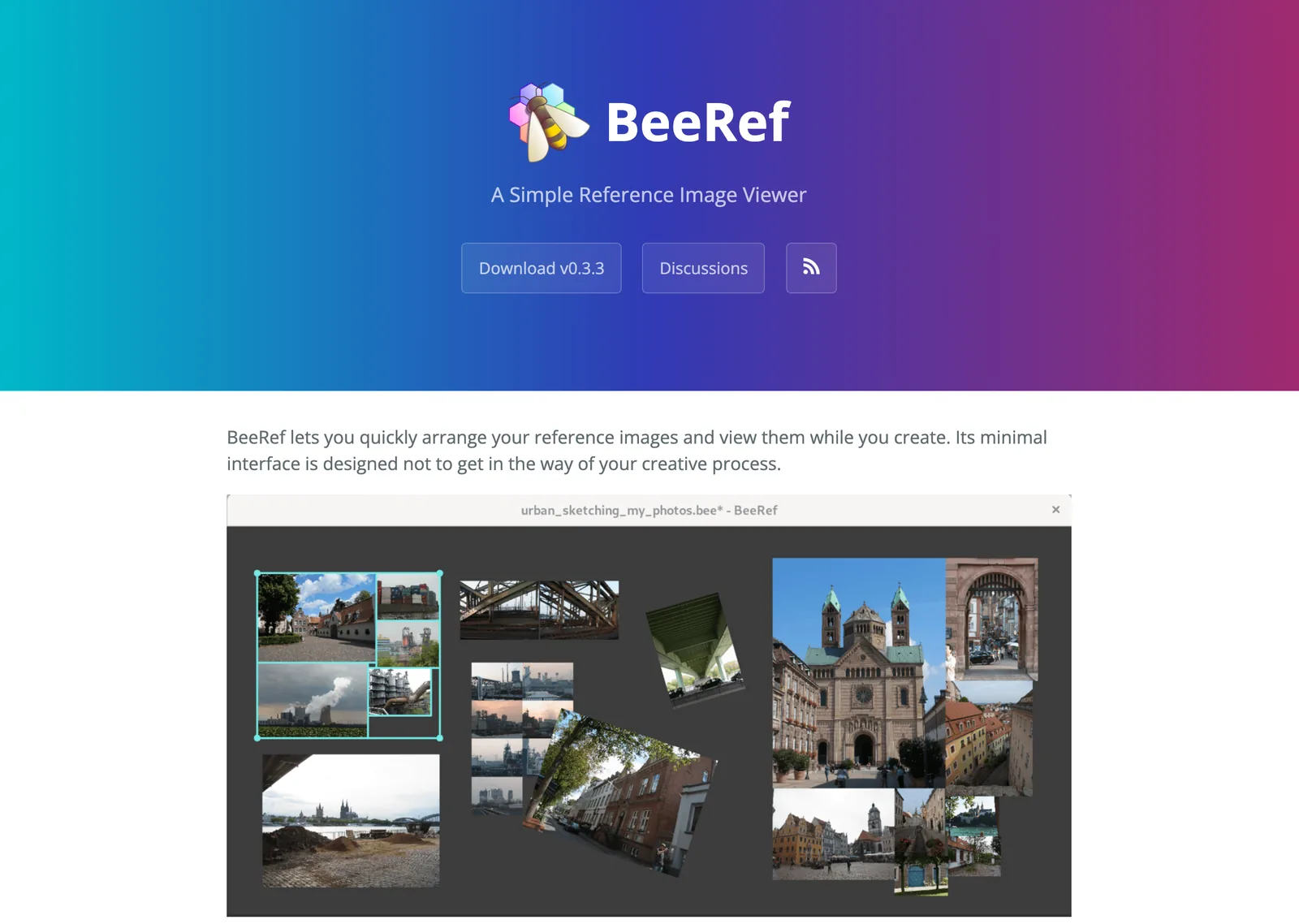
BeeRef is free and GPL licensed, on Windows, Mac and Linux. It does the essentials: scale, crop, rotate and arrange images, add text notes, and keep the window on top. A .bee file is an SQLite database with your images embedded inside, so one file holds the whole board. The latest version, 0.3.3, is from May 2024. For more boards, see our PureRef alternatives.
Also worth a look on a Mac: Inboard
Inboard is a small, native Mac app that does the Pinterest style grid well. It's £19.99 once on the Mac App Store, needs macOS 14.6 or later, and was last updated in October 2025 to fix compatibility with macOS Sequoia and Tahoe. Its store listing names images (PNG, JPEG, GIF, PSD, AI, PDF, EPS, TIFF) and video files (MP4, MOV, M4V). Browser extensions capture full page screenshots with the page title and address, and it can pull in your Dribbble shots.
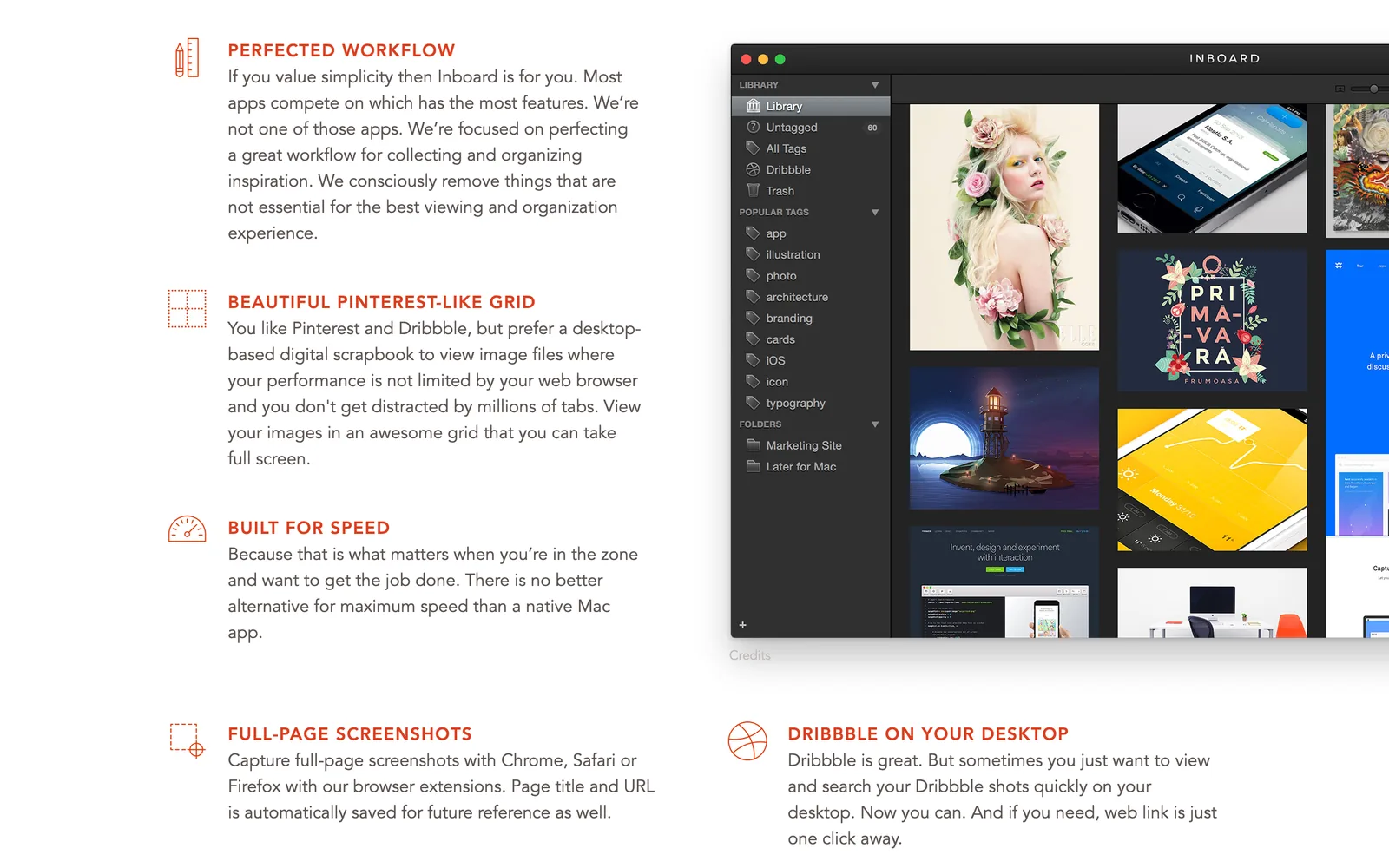
It's a one-person tool with no team features and no Windows version. If Eagle feels like too much software for a few hundred images, it's a pleasant step down.
What you give up when you leave Eagle
Be clear about this before you migrate a library of thousands.
- The one-off price. Most alternatives are either subscriptions or free and no longer maintained. Eagle is neither.
- File formats. Eagle previews PSD, Illustrator, Sketch and Affinity files, fonts and 3D. Nothing else on this list matches that breadth.
- Plugins and AI search. Eagle's AI search (visual, semantic and across sources) and its plugin centre have no equal in the free tools.
- The colour filter. Eagle reads the pixels, so you can pick a dusty pink and see every image that has it. Few alternatives do the same, so it's worth writing the colours down while you move things over.

Our free colour palette extractor takes an image or a frame from a video, gives you up to 12 colours with their HEX codes, and exports them as CSS, Tailwind, JSON or an .ase swatch file. Paste the codes into a tag or a note field in whichever tool you move to.
Which one we'd pick, by reason for leaving
- Solo, mostly images, happy with Eagle: stay. Add PureRef if you want a board.
- A team saving reels, TikToks and ads: Spark for the video, Eagle (or a shared drive) for design files.
- Free, open source, built to last: TagSpaces. Allusion if you want a nicer visual library and accept that nobody updates it.
- Linux: TagSpaces and PureRef.
- Phone first: Raindrop.io for links, mymind for everything else.
- Mac, small library, no subscription: Inboard.
Whichever you pick, the habits matter more than the app. Our guide to building a searchable creative library works in all of them, and the wider roundup of reference tools adds discovery apps like Cosmos and Savee. If you're leaving Pinterest too, the Pinterest alternatives pair well with anything here.

FAQs
Is there a free alternative to Eagle?
Yes. Allusion, TagSpaces Lite, BeeRef, Billfish and Adobe Bridge are all free as of October 2026. Allusion is the closest in spirit (a local, tag based image library) but hasn't been updated since 2023, Billfish is the closest in looks but is Chinese only, and TagSpaces is the best maintained.
Is there an open source Eagle alternative?
Allusion (GPL) and TagSpaces Lite (AGPL) are the two open source libraries, and BeeRef (GPL) is an open source reference board. Allusion handles images only and its last release was in February 2023. TagSpaces is updated regularly and stores tags in file names or sidecar files, so nothing is locked in.
Does Eagle work on Linux?
No. Eagle is available for Mac and Windows only. On Linux, use TagSpaces or Allusion for a library, and PureRef or BeeRef for a reference board, or keep your collection online in Raindrop.io or Are.na.
Does Eagle have a mobile app?
There's no official iPhone or Android app as of October 2026; Eagle runs on Mac and Windows. If you need your references on a phone, Raindrop.io, mymind and Are.na all have mobile apps and sync through the cloud.
What is the best Eagle alternative for video references?
For video saved from Instagram, TikTok, YouTube or ads, Spark is built for it: it keeps the video itself and, on the paid plans, makes it searchable by an AI description and a transcript. Inboard and TagSpaces can preview video files you already have on disk, but they don't save from social links.
Is Billfish available in English?
Not officially. Billfish's website, app and support are in Chinese, and there's no English site. It's free and looks a lot like Eagle, so some designers use it anyway, but expect to work through translations.
Keep reading
All articles
Best PureRef Alternatives for Artists, Editors and Designers
PureRef is still the reference board most artists open first. Here's what to use when it can't do the job in front of you, and when you don't need an alternative at all.

ShotDeck vs FILMGRAB vs Frame Set: Which Film Stills Library Is Worth It?
Every stills library looks brilliant on its homepage. They only come apart when you search for a particular light, lens or colour, so that's how we compared them.
Best Alternatives to Milanote for Video and Film Creatives
People leave Milanote for different reasons. Find yours (the 100-item wall, reels that won't save, a team that wants a bigger canvas) and the right replacement gets obvious.