
Best Alternatives to Milanote for Video and Film Creatives
People leave Milanote for different reasons. Find yours (the 100-item wall, reels that won't save, a team that wants a bigger canvas) and the right replacement gets obvious.
By the Spark team ·
The best Milanote alternative depends on why you're leaving, and almost nobody leaves for the same reason. Ran out of free items? Are.na, Miro's free plan or plain Keynote. Your references are reels that turn into dead link cards? That's the one we built Spark for. Team wants a huge live canvas? Miro or FigJam. Want the board sitting next to the schedule? Notion. Want files on your own drive, paid for once? Eagle or PureRef. Need it to look gorgeous for a client by lunch? Canva or Keynote.
And for some people the right answer is to stay put and pay the $9.99. We'll get to that too.
The short version, with prices
Everything here was checked on the vendors' own pricing pages in October 2026. Prices drift, so look again before you commit a team to anything.
| Tool | Pick it if you're leaving because... | Price (as of October 2026) |
|---|---|---|
| Milanote | (for reference) | Free for 100 notes, images or links; then $9.99 a month billed yearly, $12.50 monthly |
| Spark | Your references are reels, TikToks and ads | Free for 15 videos and 30 frames; Creator £16 a month; Studio £23 per user a month |
| Are.na | You hit the free limit and you mostly research | Free for 200 blocks; Premium $7 a month or $70 a year |
| Miro | Your team wants a big canvas and live workshops | Free for 3 editable boards; Starter $8 per member a month billed yearly |
| FigJam | Your designers already live in Figma | Free Starter plan; Collab seat $3 a month on Figma Professional |
| Notion | You want boards next to docs and schedules | Free; Plus £8.50 per member a month |
| Eagle | You want files local, offline, paid once | $34.95 once, for two computers |
| PureRef | You only ever used a private pinboard | Pay what you want for personal use; $49 small business licence |
| Canva | The board has to look polished for a client | Free; Pro £100 a year |
| Keynote | You just want a board, free, today | Free on every Mac |




"I hit the 100-item limit"
The commonest reason by a mile. Milanote's free plan gives you 100 notes, images or links in total, plus 10 file uploads, and one decent moodboard for a perfume spot can eat that before lunch.
So ask yourself the awkward question first: do you actually like Milanote? If you do, $9.99 a month is less than a round in Soho, and migrating boards by hand is a weekend you won't get back. If the limit was just your cue to look around, the free options are decent.
Are.na gives you 200 blocks free and suits research more than layout (more below). Miro is free for three editable boards with unlimited members. FigJam has a free Starter plan inside Figma. And then there's the unglamorous one: Keynote or Google Slides. Free, unlimited, and where the board ends up anyway. A slide each for tone, colour, light, framing, movement and wardrobe is a perfectly respectable moodboard.
If that last option appeals, the moodboard maker on this site lays images and GIFs out across eight layouts and exports a deck for PowerPoint, Keynote, Google Slides or Canva. No account, nothing uploaded.
"My references are mostly video, and they don't save properly"
Read this bit knowing we make Spark. Milanote handles uploaded video nicely (it loops) and embeds YouTube and Vimeo. But Instagram and TikTok aren't among its embed sources, so a pasted reel becomes a link card. When the creator deletes the post, the card goes blank. And Milanote's search only covers the words you typed, not what's happening inside a clip.
That's a real problem for anyone pitching on moving image. Take the volcano in Absolut Tabasco's launch film. The reason it's on a board is the lava running down the slopes in slow motion. A link card with a thumbnail misses it entirely.

Spark, which runs on Mac and Windows, saves the video itself. Paste an Instagram, TikTok or YouTube link, message reels to @sparkreferences, save ads from the Meta Ad Library, or record your screen for anything behind a login. Each video gets an AI description and a transcript (on paid plans), so you can search "lava" or a line from the voiceover and get the clip back.
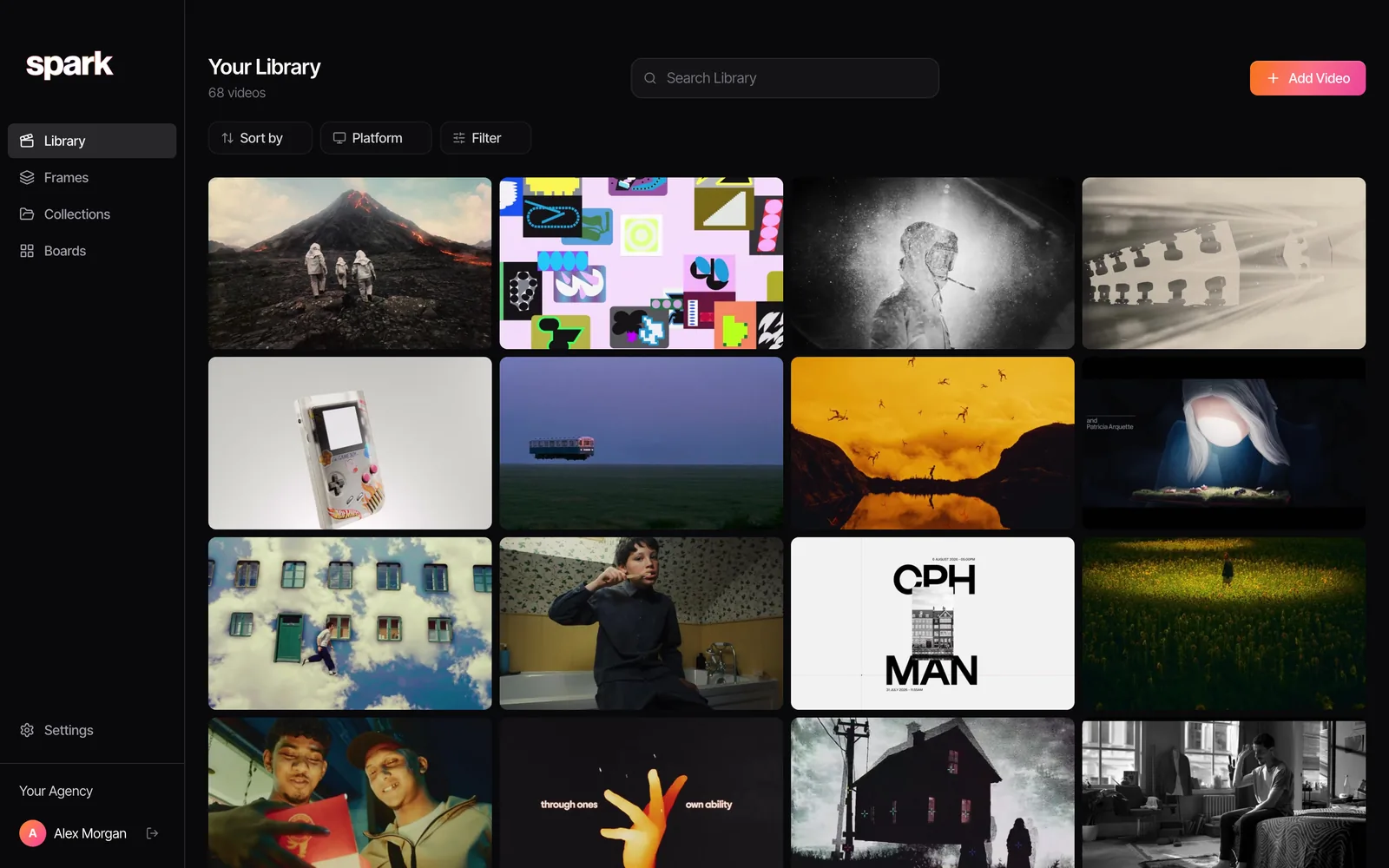
Then you export a GIF or a frame of the exact moment, lay references out on a board, and use Create Moodboard to send the lot to Google Slides, Canva, PowerPoint, Keynote or PDF. We've done the full head to head in Spark vs Milanote.
What Spark won't do: Milanote's writing half. It doesn't run in a browser, and boards have no comments. If you used Milanote to draft treatments, Spark replaces the reference shelf, not the notebook. Plenty of teams run both.
"My team wants a bigger canvas and live workshops"
Milanote is lovely for one or two people arranging a board. Put eight people in a workshop with sticky notes, a timer and dot voting and it starts to feel like a small flat.
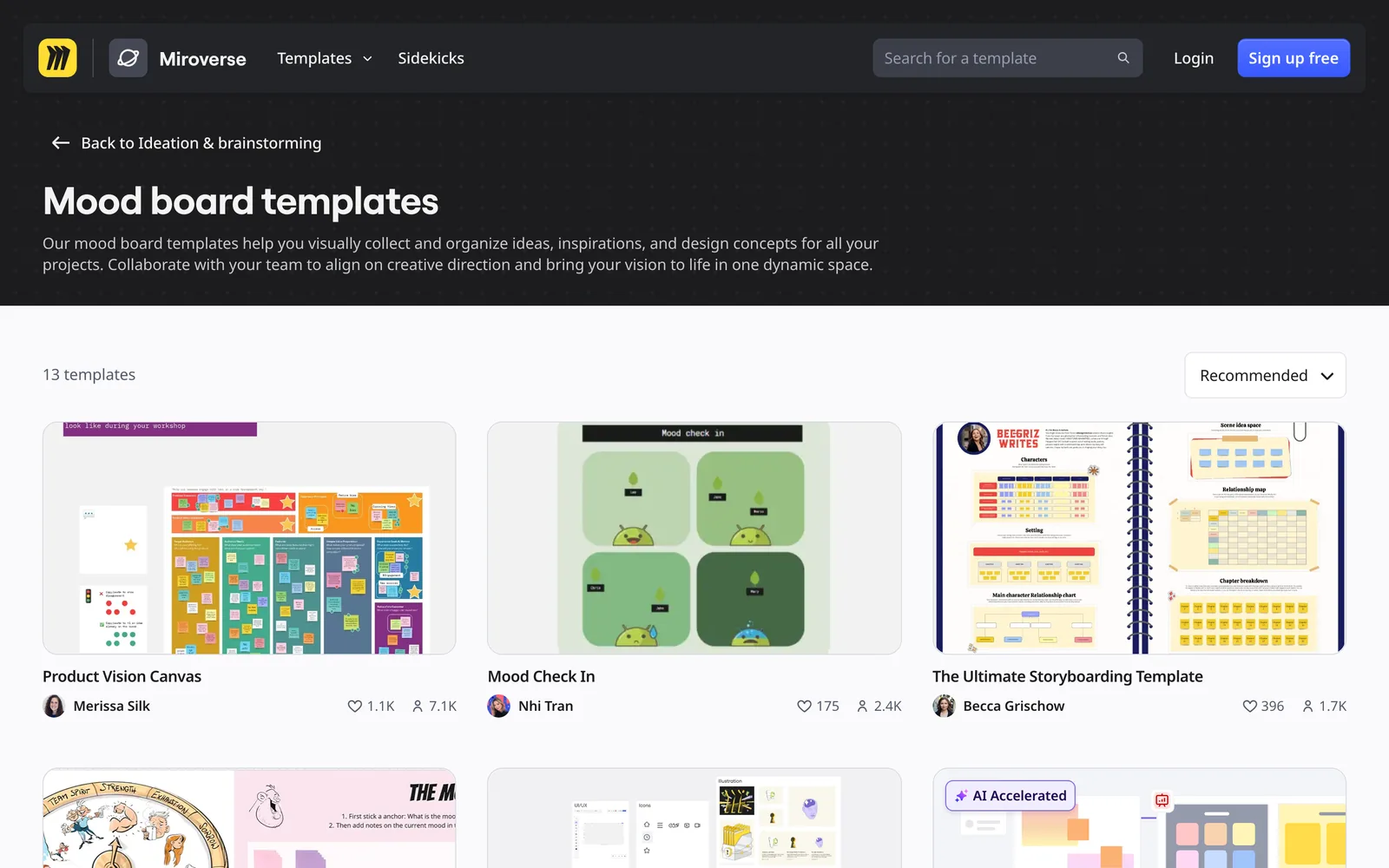
Miro is the default here. Infinite canvas, a template for everything, live cursors, and a client can join from a browser without installing a thing. Video uploads and private boards need a paid seat. It's brilliant for a strategy session and a bit of a fairground for a quiet moodboard.
FigJam is Figma's friendlier whiteboard. If your designers already work in Figma, the board sits next to the actual design files and Collab seats cost $3 a month. Clients who've never opened Figma can find it fiddly, so test it on one before you commit.
"I want the board next to the docs and the schedule"
If Milanote was secretly half your project management, Notion is the obvious move. One page per job holds the brief, the treatment draft, the schedule, the call sheet and a gallery database of references with properties for technique, mood and client.
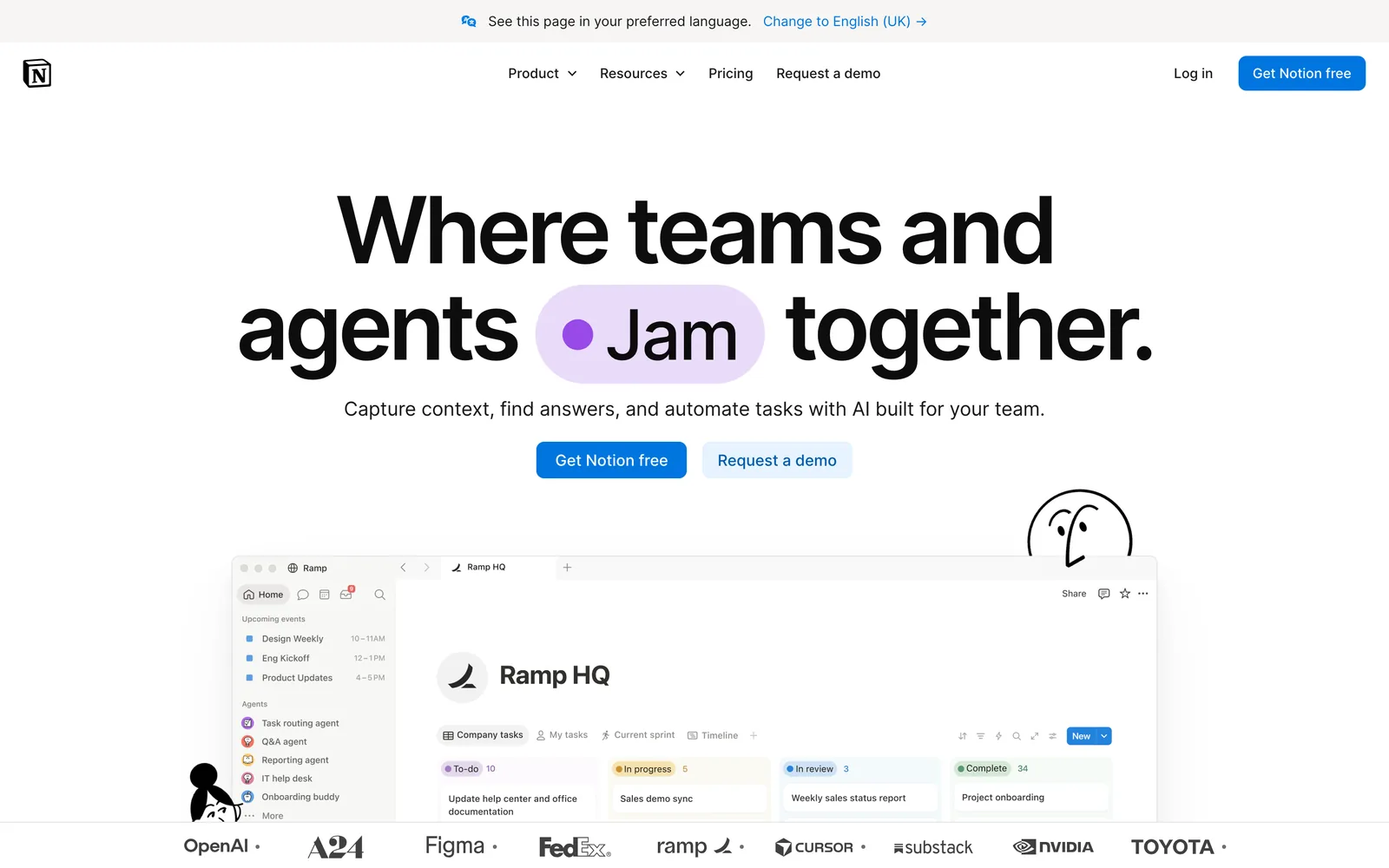
The catch is media. Free uploads are capped at 5 MB a file, which is a few seconds of 1080p, and an embedded reel dies with the original post. Our take, after seeing a lot of team setups: run the log in Notion and keep the actual clips somewhere that holds video.
"I want my files on my own computer, paid for once"
Milanote lives in the cloud on a subscription. If that's the itch, two desktop apps scratch it.
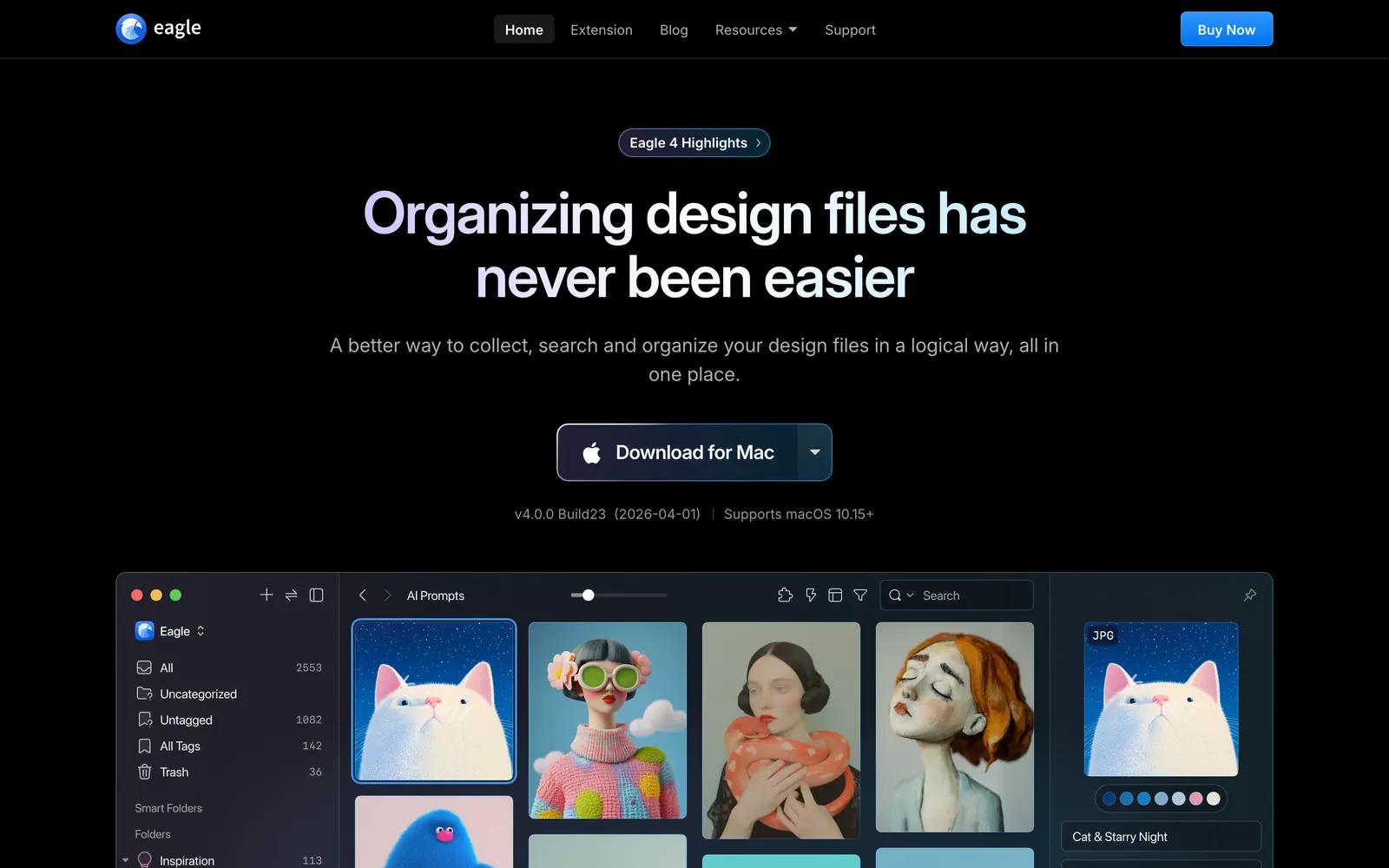
Eagle is a quick local library for images and files, with tags, smart folders and AI search in newer versions. It's a library without a canvas, so it replaces Milanote's collecting and leaves the arranging to you. Great for big image hoards, weaker on video from social platforms. We've set it against Spark, fairly, in Spark vs Eagle.
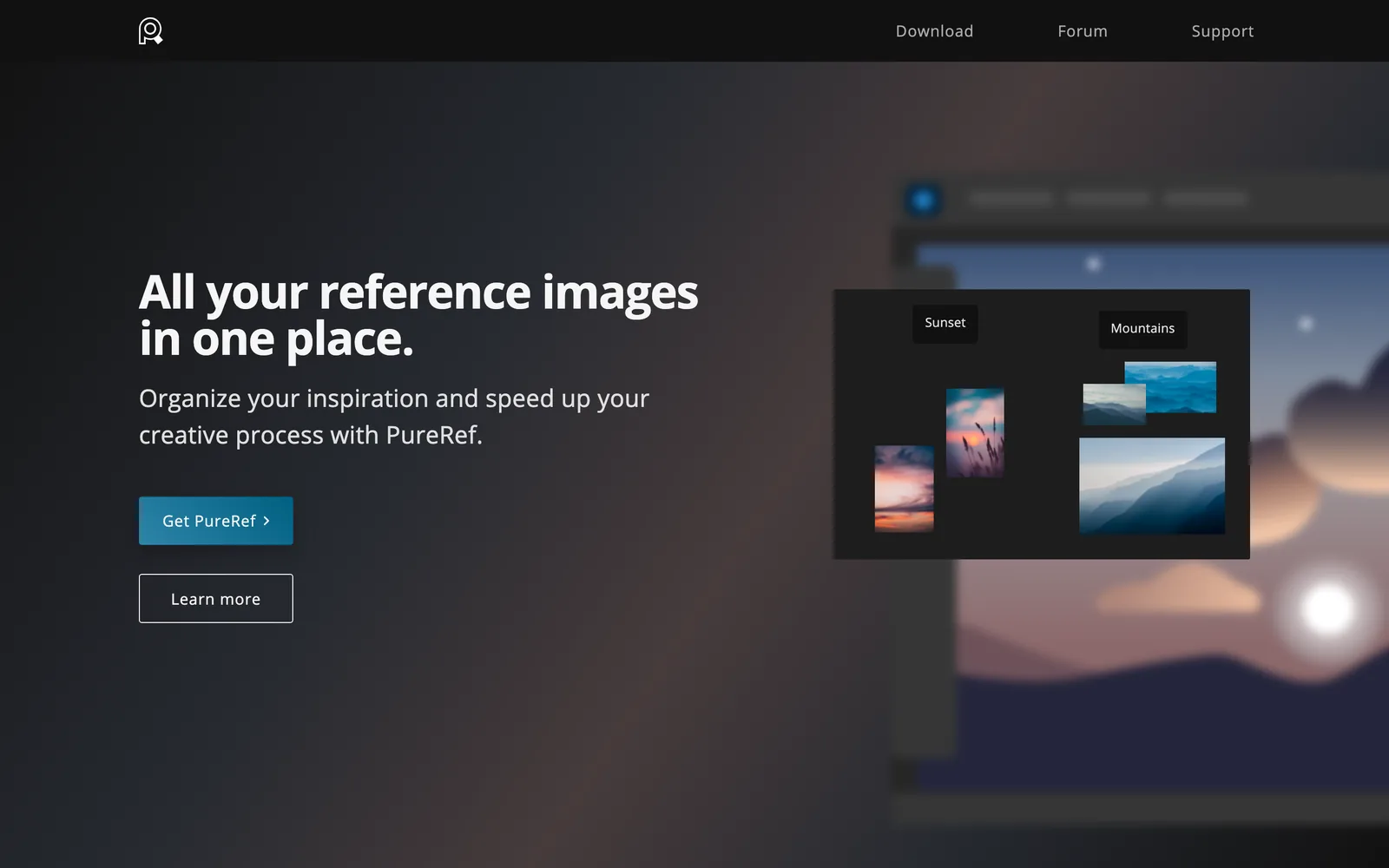
PureRef is the one concept artists and animators swear by: an offline, infinite board you keep beside your work. It plays GIFs and has grids and notes. No collaboration at all, so it only replaces Milanote if Milanote was your private pinboard.
"I want slower research and a bit of community"
Are.na is less a board tool than a research habit. You save images, links, text and files as blocks in channels, and one block can live in many channels, so ideas join up across projects over years. It's member-funded, with no ads, no likes and no algorithm shouting at you.
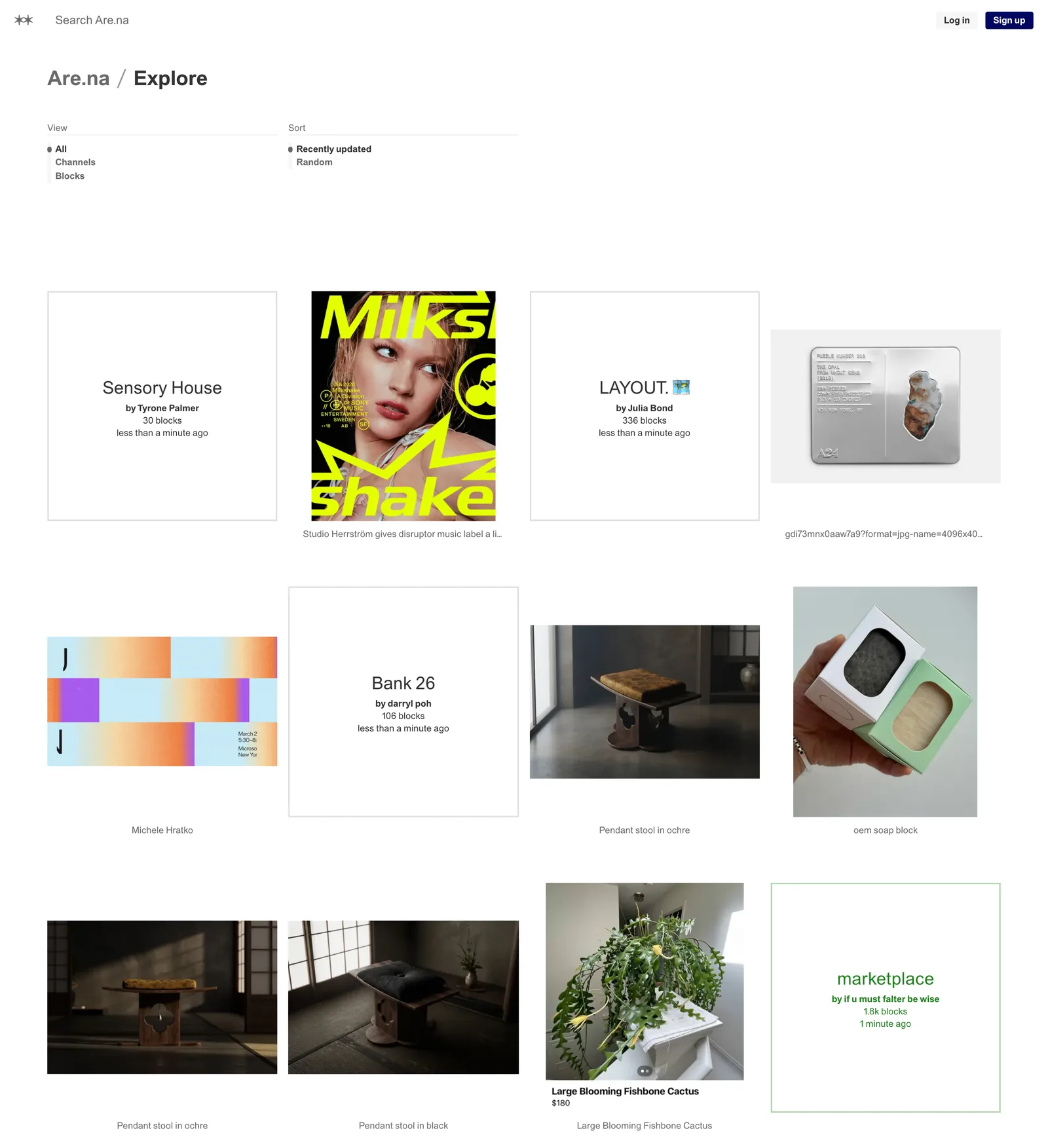
You lose Milanote's freeform layout, though, and video is mostly links and embeds. We compared it with Spark in Spark vs Are.na.
"It has to look polished for the client"
Milanote boards look tidy, but they look like Milanote. When the board is the thing you're presenting, two tools do it better.
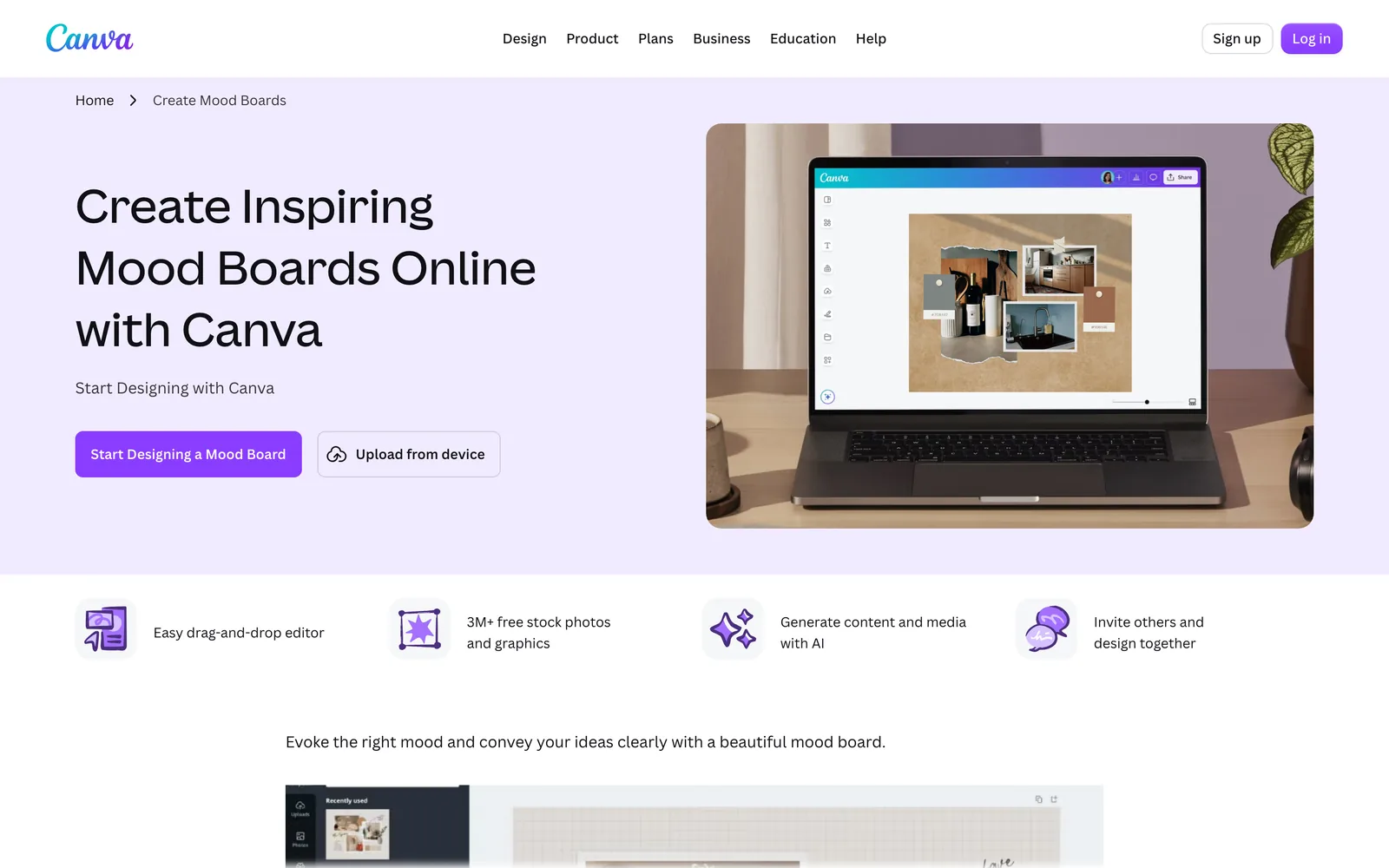
Canva gets you a good-looking board quickly, with templates, brand kits and video uploads. Keynote is free on every Mac, gives you real control over type and loops movies and GIFs without a fuss. Neither is good at gathering, so you'll be pulling references in from elsewhere. For a moving board, use GIFs instead of stills. Three loops side by side read as a film's tone in a way a grid of screenshots never does:



That's Salomon's Sentry Pro ridge, the Severance title sequence and Paddy Cartwright's Nike ACG: Change of pace. Our video moodboard guide goes through building one, and Video to GIF cuts the loops in your browser.
What about Kive?
Kive used to come up as an AI reference library. In 2026 it became an AI product photography tool for e-commerce brands, so it's no longer a Milanote alternative for film people. Spark vs Kive explains what changed.
Who should stay on Milanote
Plenty of people. Stay if your boards are as much words as pictures (treatment drafts, scripts, shot lists and to-dos next to the images). Stay if you capture on your phone in a taxi and arrange later on a laptop. Stay if clients need to open and edit a board in a browser without installing anything. And stay if you mostly save images, articles and YouTube or Vimeo links, which Milanote handles well.
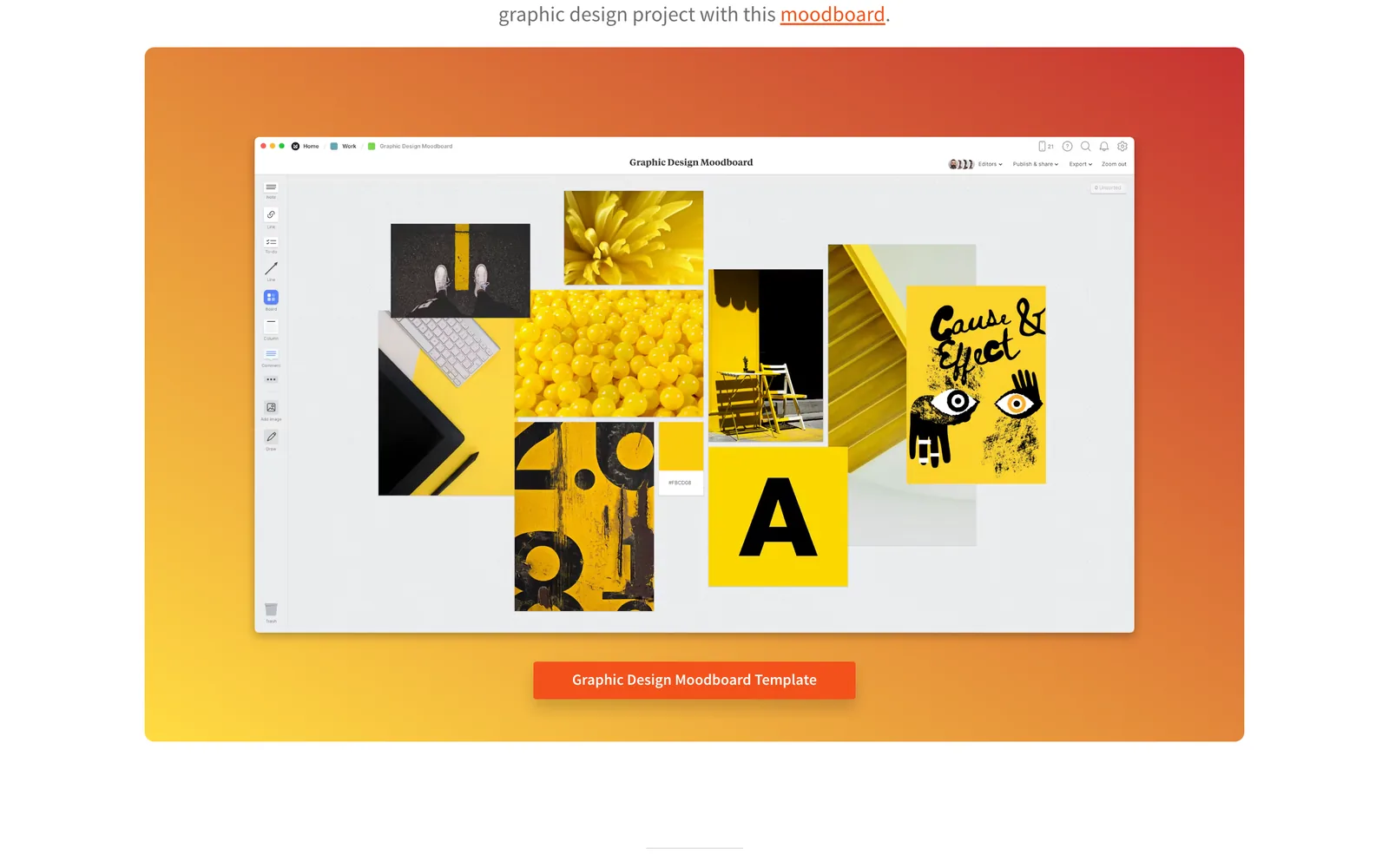
If that's you, the problem is the 100-item limit, and paying is cheaper than moving.
If Milanote's fine for planning but your video references keep vanishing, you don't have to choose. Plan in Milanote, keep the footage in a library that holds a copy, and carry GIFs and frames across when you need them. For the wider field, from Eagle to Raindrop, see our creative reference management tools roundup. Start with the reel that's already a blank card on your board, and the ones next to it that are about to be.
FAQs
What is the best free alternative to Milanote?
It depends what you need. Are.na is free for 200 blocks and suits research. Miro is free for three editable boards and suits team workshops. FigJam has a free Starter plan inside Figma. Keynote and Google Slides are free and unlimited for presentation-style moodboards, and Spark's free moodboard maker turns images and GIFs into a deck without an account.
Is Miro better than Milanote?
For live workshops with lots of people on one canvas, yes. Miro is built for real-time collaboration at scale. For a calm, personal or small-team moodboard with notes and images, many people find Milanote cleaner and quicker to work in.
Is there a Milanote alternative that works offline?
Yes. Eagle and PureRef are desktop apps that keep your files on your own computer and work without a connection. As of October 2026 Eagle is $34.95 once for two computers, and PureRef is pay what you want for personal use with a $49 small business licence.
What is the best Milanote alternative for video references?
For reels, TikToks, ads and film clips, Spark is the purpose-built option: it saves the video itself from a link, describes and transcribes it on paid plans, and exports GIFs, frames and moodboards. If you also want Milanote's notes and planning, use both.
How much does Milanote cost?
As of October 2026 Milanote's free plan gives you 100 notes, images or links and 10 file uploads. The paid plan is $9.99 a month billed yearly or $12.50 billed monthly, and there's a team plan from $49 a month billed yearly.
Can I export my boards from Milanote?
Yes. Milanote exports boards as a PDF or PNG, the writing as Word, Markdown or plain text, and your uploads as a ZIP. Moving references to another tool is manual, but manageable.
Keep reading
All articles
Best Eagle Alternatives for Designers and Video Teams (2026)
Eagle is still one of the best value apps a designer can buy. People leave it for six reasons, and each reason points to a different tool.
Best PureRef Alternatives for Artists, Editors and Designers
PureRef is still the reference board most artists open first. Here's what to use when it can't do the job in front of you, and when you don't need an alternative at all.

ShotDeck vs FILMGRAB vs Frame Set: Which Film Stills Library Is Worth It?
Every stills library looks brilliant on its homepage. They only come apart when you search for a particular light, lens or colour, so that's how we compared them.