
Spark vs Frame.io: Creative Research vs Video Review
People ask us whether Spark replaces Frame.io. It doesn't, and Frame.io doesn't replace Spark. They sit at opposite ends of a production, and plenty of teams should use both.
By the Spark team ·
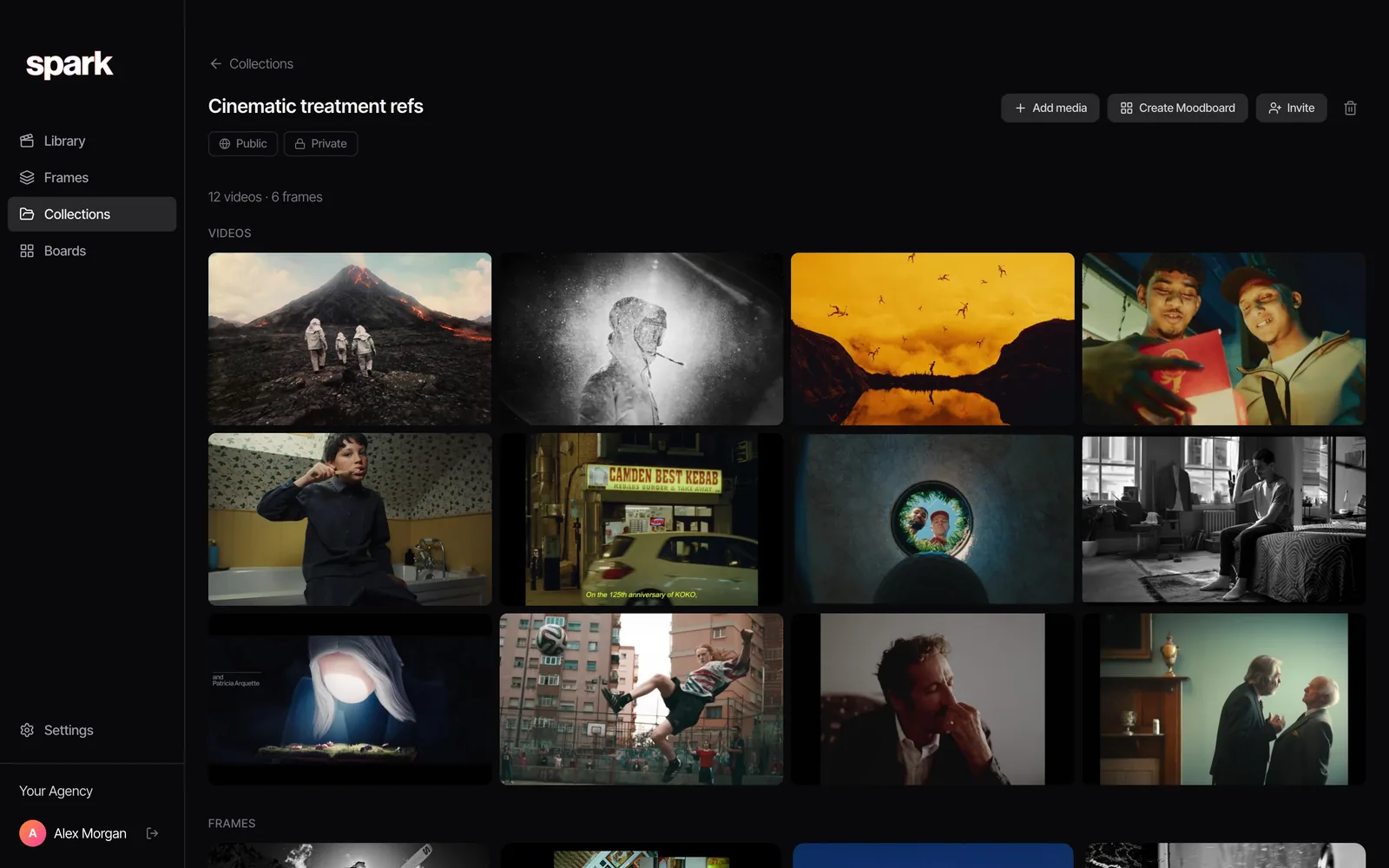
Put Spark and Frame.io on a production timeline and they barely touch, which is why Spark vs Frame.io isn't really a fight. Frame.io, owned by Adobe, is for reviewing and approving your own footage: upload the cut, the client leaves frame-accurate notes, you fix it, they sign it off. Spark is for the weeks before that: saving the reels, ads and film references that shape the idea, finding them again, and turning them into GIFs, frames and moodboards for the treatment. One sits at the end of a job, the other at the start. If you make films for clients, you may well want both.
We make Spark, so we've got skin in this, and we're not about to pretend a reference library can get a cut approved.
 Frame.io
 Spark
The two tools on one page
| Frame.io | Spark | |
|---|---|---|
| What it's for | Review, approval and sharing of your own media | Saving, searching and reusing references |
| When you use it | Shoot, edit, grade and delivery | Brief, pitch, treatment and prep |
| What goes in | Your rushes, cuts, stills, PDFs, design files | Reels, TikToks, YouTube and Vimeo links, ads, Frame.io share links, uploads |
| Comments | Frame-accurate, pinned to a point in the frame, ranges, drawings | None. It isn't a review tool |
| Search | Metadata fields, Collections, transcripts | AI descriptions of what's in each video, transcripts, colour words |
| Camera to Cloud | Yes | No |
| GIFs, frames, moodboards | No | Export GIF, Export Frame, Create Moodboard to Slides, Canva, PowerPoint, Keynote or PDF |
| Where it runs | Web, iPhone and iPad, inside Adobe's apps | Mac and Windows app |
| Price (as of October 2026) | Free for 2 members, 2 GB and 2 projects; Pro from $15 per member per month; Team $25 per member per month | Free for 15 videos and 30 frames; Creator from £16 per month; Studio £23 per user per month |
Frame.io prices in dollars, Spark in pounds ($24 and $34 in the US). Both checked on the vendors' own pages in October 2026.
Two ends of the same job
Picture a typical commercial. The brief lands on a Monday. The director spends the week pulling references: an old Nike spot, three TikToks with the right energy, a music video from the noughties, a reel the DoP sent at 1am. That becomes the treatment and the moodboard. The job's awarded. Recce, shoot, edit, then three rounds of client notes and a delivery schedule with twelve cut-downs.
Spark lives in the first half of that. Frame.io lives in the second. They touch twice: around the treatment, when you might share a reference reel with the client, and at the grade, when a reference frame settles an argument about what "warmer" means.

What Frame.io actually does in 2026
Adobe bought Frame.io in 2021, and the current version, V4, was a ground-up rebuild launched in 2024. If you last used it a few years ago, it has moved on.
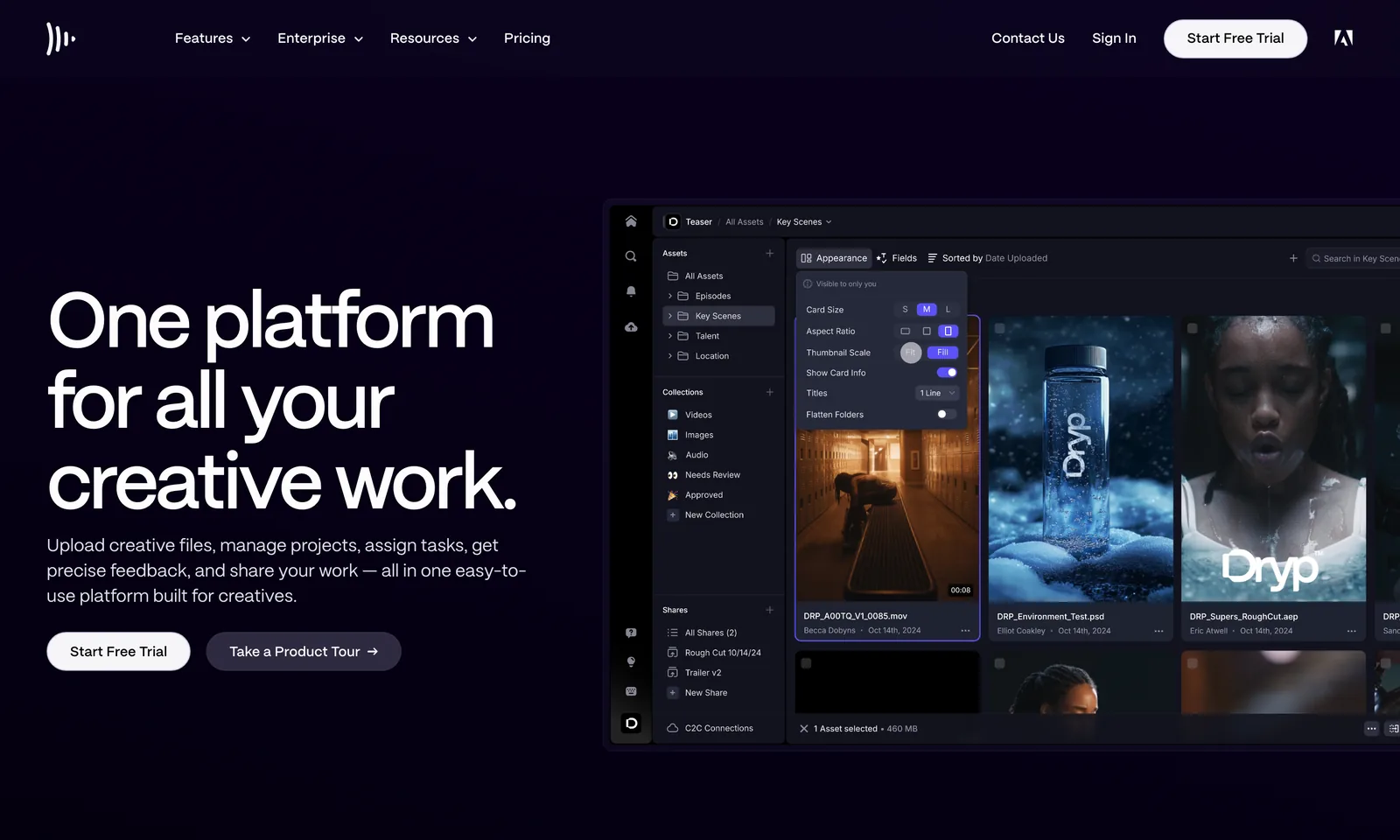
Review and approval is the core. You upload a cut and share it; reviewers open it in a browser without a paid seat and leave comments pinned to an exact frame, a range, or a point in the picture. They can draw on the frame and attach files. Versions stack, so v3 sits beside v4 and you can see which notes got done. It handles stills, PDFs and design files too. Paid plans add branded share links with passwords and expiry dates.
Organising your own media got serious in V4: built-in and custom metadata fields (status, rating, assignee, keywords) and Collections, which are live, saved views filtered by that metadata. Transcription and captions are on every plan, the free one included.
Camera to Cloud sends proxies (and on some setups, originals) from set straight into Frame.io, so an editor in London can start cutting while the crew is still shooting somewhere else. It works through certified devices and some cameras that support it natively.
Inside Adobe's apps, Frame.io comments land on the timeline in Premiere Pro and After Effects. Creative Cloud Pro, Premiere and After Effects subscriptions include a small Frame.io allowance (two users, five projects and 100 GB as of October 2026). And Adobe has been rolling out Frame.io Drive in phases through 2026, which mounts projects in Finder or Windows Explorer so apps like Premiere, DaVinci Resolve and Photoshop can read files without a full download.
What Spark does
Spark is a reference library. Its job is getting other people's work, the stuff that inspires yours, into one searchable place.
Instagram reels can go to @sparkreferences by DM (free, up to the plan's limits). You can also paste links from Instagram, TikTok, YouTube, Vimeo, Pinterest, Facebook, LinkedIn or X, save ads from the Meta Ad Library and TikTok Creative Center, use the Chrome extension, send links on WhatsApp, upload files or pull from Google Drive. A built-in screen recorder catches anything that won't save. And yes, Spark takes a Frame.io share link too, so when an agency sends a reference reel as an f.io link, it goes in the library like anything else.
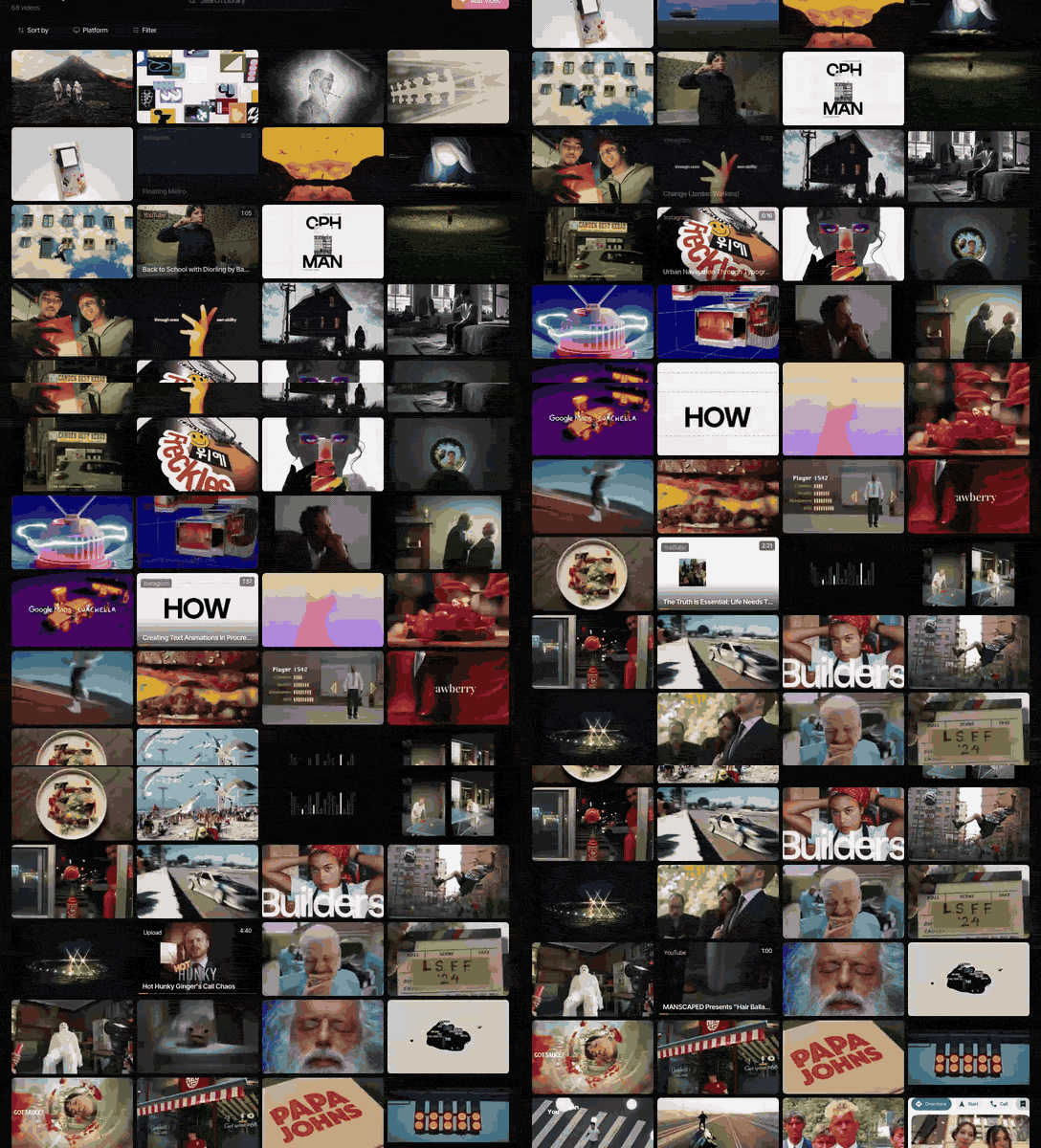
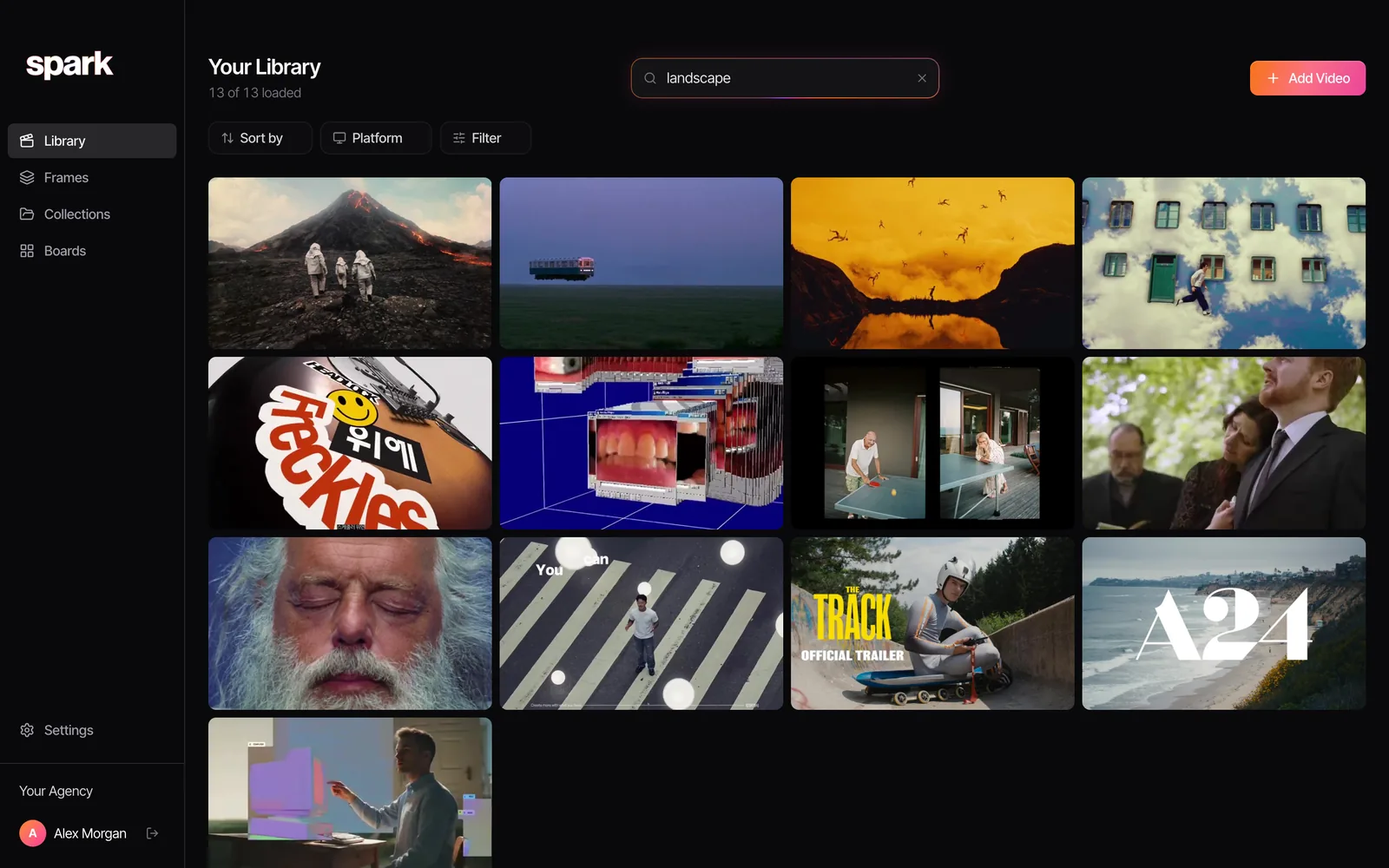
Each video gets a thumbnail, and on Creator and Studio an AI description of the footage plus a transcript of what's said. So you can search for "drone over a motorway at dusk" or a line of voiceover and get the clip back. Collections group a pitch's videos and frames, boards lay them out, and you can invite a client to a collection.
Could you use Frame.io as a reference library?
Sort of. Make a project called References, upload clips, tag them with V4's metadata and build Collections by mood or technique. Some post houses do exactly that, and it isn't daft if the whole team already lives in Frame.io.
The friction is at the front door. Frame.io expects files. It won't fetch a reel from an Instagram link or a TikTok from a share URL, so every reference means downloading it first, which most people give up on by about week two. The metadata is whatever you type, so nothing describes the footage for you. And it's priced and sized for camera originals: a 2 TB review platform holding a few hundred twenty-second reels.
Could you use Spark for review?
No. Please don't try. Spark has no frame-accurate comments, no approval status, no version stacking and no review links for your cuts. Its boards and collections are built for references, not for getting v7 of an edit signed off. For that, use Frame.io or one of its rivals.
Using both, on one job
On a typical commercial, the two fit together like this:
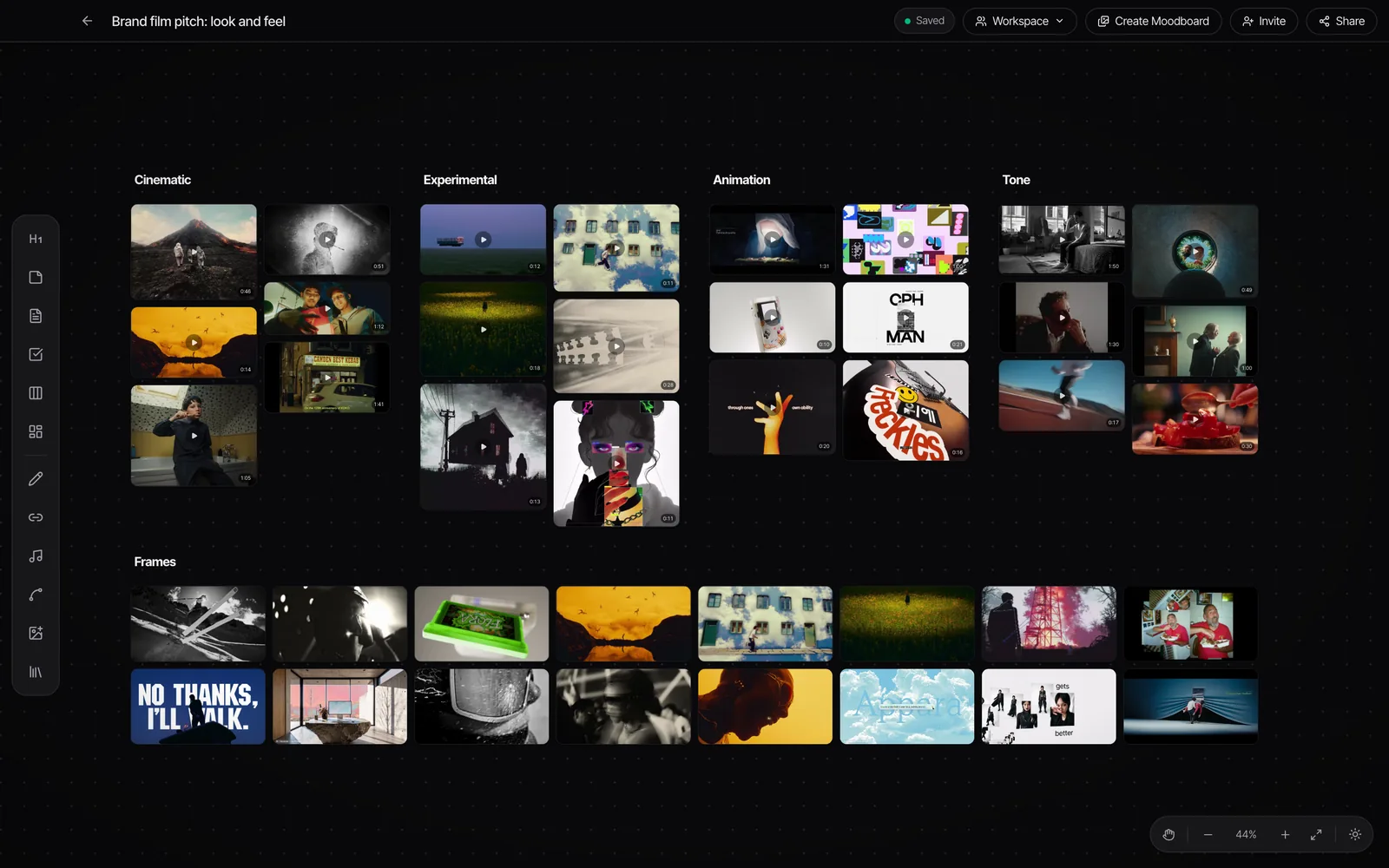
- Pitch. Save references into Spark as they arrive. Search the library for anything from past jobs that fits. Build a collection for the pitch.
- Treatment. Export GIFs and frames of the exact moments you mean, then use Create Moodboard to send a board to Keynote, Google Slides, PowerPoint, Canva or PDF.
- Prep. Invite the DoP and the colourist to the collection, so everyone works from the same references.
- Shoot and edit. Rushes go into Frame.io, by Camera to Cloud if you're set up for it.
- Review. Cuts go to the client in Frame.io. When a note is about look, export the frame from Spark and attach it to the Frame.io comment, so nobody is guessing. Comment attachments are a paid-plan feature as of October 2026.
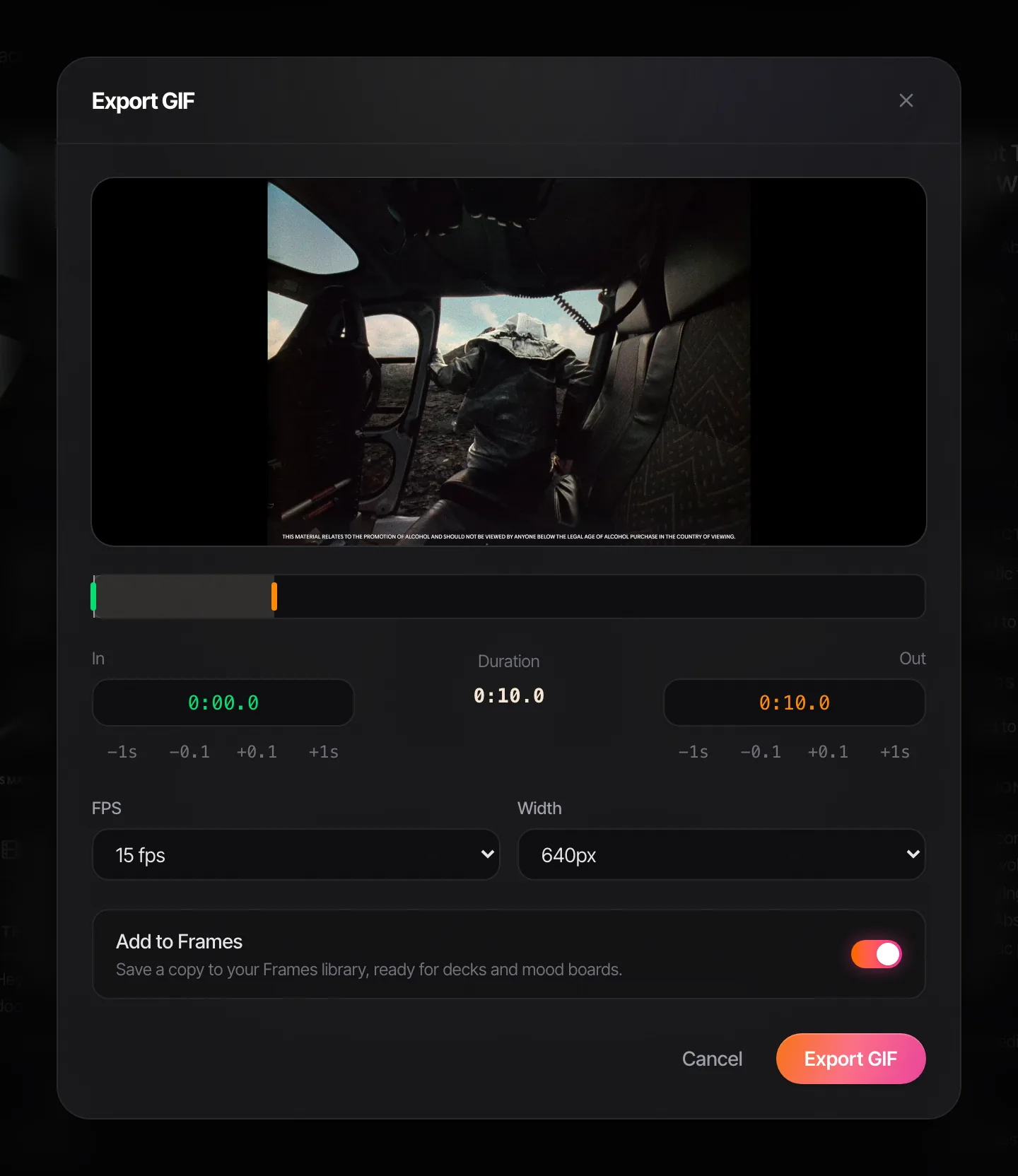
Step 5 is the one we'd push hardest. A grade note that says "more like this" with Salomon's black and white ridge attached gets acted on. A paragraph about contrast gets three emails.

No Spark yet? The converter on this site will cut a reference clip into a GIF in the browser, frame-accurate, without uploading anything.
Price, compared fairly
Frame.io's free plan covers two members, 2 GB and two projects, with Camera to Cloud and transcription. Pro is $15 per member a month for up to five members, with terabytes of storage. Team is $25 per member a month for up to fifteen, with more storage and restricted projects. Annual billing takes 13% off. Enterprise is custom. Reviewers who only comment don't need a paid seat.
Spark's free plan holds 15 videos, 30 frames and 1 GB. Creator is £16 a month for one person with 20 GB, AI descriptions, transcription and GIF export. Studio is £23 per user a month with 35 GB per user pooled, team workspaces, Slack and TV mode for the office screen.
The storage numbers tell you what each is for. Frame.io is sized for camera originals and masters. Spark is sized for a library of short references.
Who needs which
- A production company or agency making films for clients: both. Spark for pitching and prep, Frame.io for review and delivery.
- A post house or freelance editor: Frame.io (or a rival) first. Add Spark if you pitch ideas or keep references for directors. Freelance? The version stack is also your evidence when round three becomes round seven, so write the number of rounds into the quote. Our day rate guide covers that, and the free UK freelance day rate calculator does the sums.
- A director, creative director or strategist who mostly pitches: Spark. You might never upload a cut yourself.
- A brand's in-house team: Frame.io for approving agency work; Spark if you're building a library of competitor ads and inspiration.
For the team side of the reference half (who owns the library, naming, keeping clients apart), see building a shared creative reference library. For the wider field of reference tools, from Eagle to Are.na, our roundup of creative reference management tools has it.
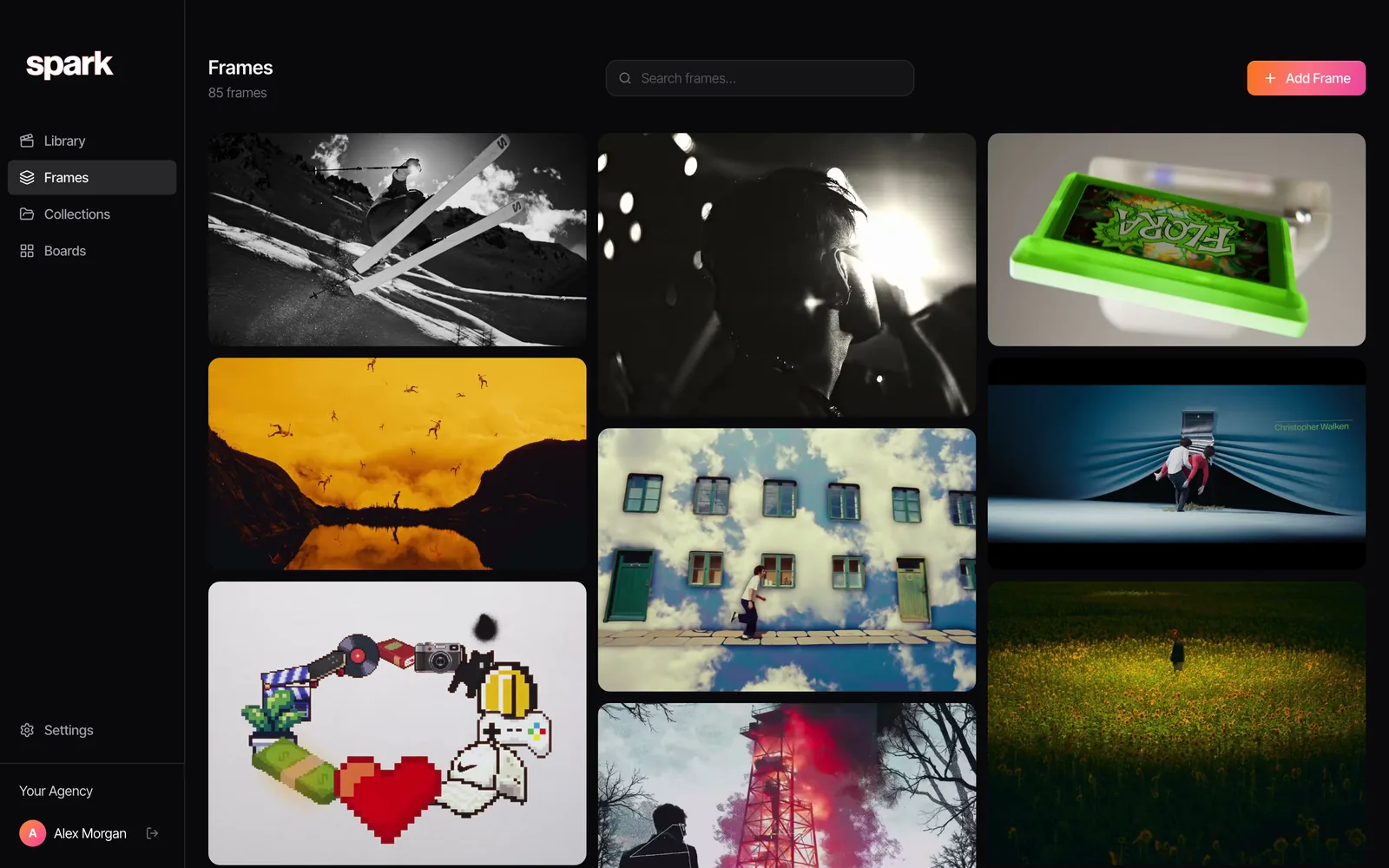
If the cut-approval side of your life is sorted and the chaos is all at the start (reels in DMs, TikToks in favourites, that Vimeo link from the agency that's now password protected), that's the half Spark was made for.
FAQs
Is Spark a Frame.io alternative?
No. Frame.io is for reviewing and approving your own footage and cuts, with frame-accurate comments and versions. Spark is a library for saving and searching references from other people's work. They do different jobs, and plenty of production teams use both.
Can Frame.io be used for moodboards?
You can upload reference images and clips to a Frame.io project and organise them with V4's metadata and Collections. But it doesn't save videos from Instagram or TikTok links, doesn't describe what's in a shot for you, and doesn't export GIFs or moodboard decks, so it's an awkward fit for early creative research.
How much does Frame.io cost in 2026?
As of October 2026, Frame.io has a free plan (2 members, 2 GB, 2 projects), Pro at $15 per member a month, Team at $25 per member a month and custom Enterprise pricing. Annual billing saves 13%. Creative Cloud Pro includes a small allowance of two users, five projects and 100 GB.
Is Frame.io included with Adobe Creative Cloud?
Partly. Creative Cloud Pro, Premiere and After Effects subscriptions include Frame.io for up to two users, five projects and 100 GB of storage as of October 2026. More users or storage needs a paid Frame.io plan.
Can Spark save a Frame.io link?
Yes. Paste a Frame.io share link into Spark and it saves the video to your library like any other reference. That's for references someone sends you; your own cuts and their review notes belong in Frame.io.
Can I share Spark references with a client the way I share a Frame.io link?
You can invite clients and collaborators to a collection, so they see the references you've chosen. It's for showing references, not for collecting frame-accurate approval notes on a cut. For that, use Frame.io.
Keep reading
All articles
Best Eagle Alternatives for Designers and Video Teams (2026)
Eagle is still one of the best value apps a designer can buy. People leave it for six reasons, and each reason points to a different tool.
Best PureRef Alternatives for Artists, Editors and Designers
PureRef is still the reference board most artists open first. Here's what to use when it can't do the job in front of you, and when you don't need an alternative at all.
ShotDeck vs FILMGRAB vs Frame Set: Which Film Stills Library Is Worth It?
Every stills library looks brilliant on its homepage. They only come apart when you search for a particular light, lens or colour, so that's how we compared them.