
How to Create a Shot List from Video References
A folder of reference clips isn't a plan. Here's how to turn one into a numbered shot list with a frame and a timecode for every shot, plus a template to copy.
By the Spark team ·
Write "MS, push in, 35mm" on a shot list and the DoP will picture one shot while you picture another. Building a shot list from references fixes that. Break the script into beats, find one reference moment for each, and describe it in shot language: size, angle, movement and lens feel. Then give every numbered shot a still frame from the reference and a timecoded link to the clip, so the movement is one click away. Put it in a table (there's a template below) and take it to your DoP as a starting point, not a list of orders.
The frame and the timecode are what most shot lists are missing. They're also what settles the argument before the recce instead of on it, when the light's going and twelve people are waiting.
Shot list, storyboard, moodboard: what's the difference?
Quickly, because people use the words loosely and it causes real confusion in prep.
A moodboard sets the feel of the whole film: palette, light, tone, world. It answers "what does this look like?" (our guide to making a moodboard for a video project covers it). A storyboard draws each shot in order, and on commercials it's often what the client signs off. A shot list is the working document: every shot numbered, described in a few technical words, with notes for camera, lighting and the AD. It's what gets scheduled.
A reference-led shot list sits between the last two. It has the precision of a shot list and borrows the visual certainty of a storyboard from frames you already have, which is a lifesaver when there's no time or budget for a storyboard artist. On most commercial jobs, there isn't.
Step 1: Break the script into beats
Don't start with the references. Start with the script or the treatment, and split it into beats: each moment that has to land for the film to work. A 30-second commercial usually has six to twelve. A three-minute brand film might have thirty.
Write each beat as a plain line of what we see. "She laces up in the dark." "She's tiny against the quarry wall." "Close on her face, breathing." No camera language yet. Add it now and you'll lock yourself into the first idea you had, which is rarely the best one.
Step 2: Find a reference for each beat, not for the vibe
This is where a shot list parts company with a moodboard. A moodboard collects references for the overall feel. A shot list needs one for each specific beat: a moment in a real film, ad or video where a camera did more or less what you want yours to do.
Go through your saved references with the beat list next to you. One moment per beat, two at most. If you can't find one, that tells you something. Either it's a fresh idea (great) or it's something nobody shoots because it doesn't work (find out which before the shoot, not during).
Mixed sources are fine. A feature for the composition, a music video for the camera move, a TikTok for the speed ramp. The shot list says which bit of each reference matters.
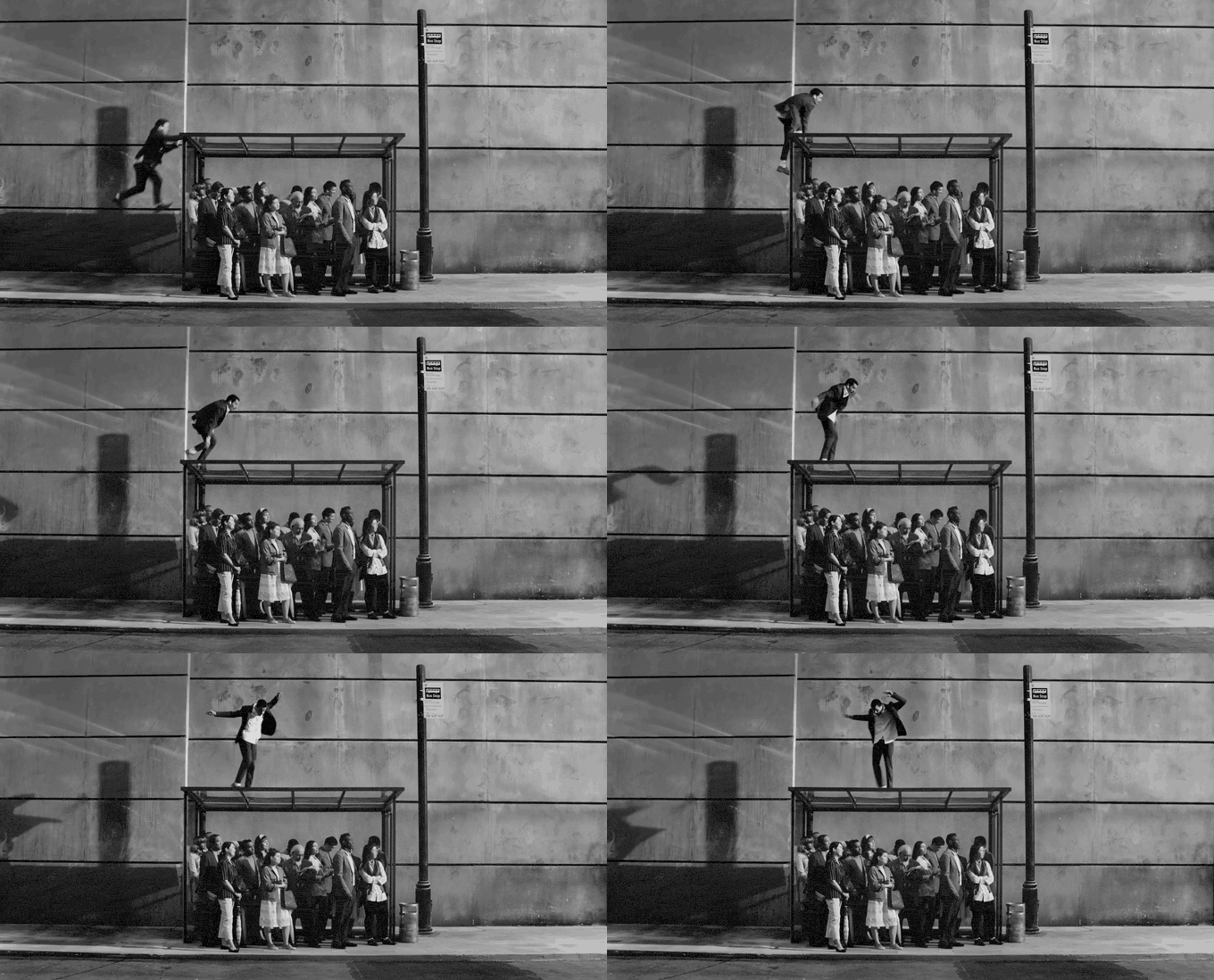
If two beats are joined by a match cut, give them neighbouring rows and reference the pair together, because the framing has to be planned on both sides of the cut. Our guide to match cuts and creative transitions explains what has to line up.
Step 3: Watch each reference like a camera operator
Most people watch a reference for how it feels. To write a shot list you have to watch for how it was made. Sound off. Watch the moment three times. Then answer these:
- How big is the subject in frame? Head and shoulders, waist up, full body, tiny?
- Where's the camera? Eye level, low, high, overhead?
- Does the camera move, and how? Push in, pull out, track alongside, handheld drift, locked off?
- Does the lens feel wide or long? Do the walls bend and the background fall away (wide), or is the background squashed up behind the subject (long)?
- How long is the shot? Count it. Everyone guesses too long.
- Is it slow motion? Watch hair, water, dust and fabric.
- Where's the light coming from? One sentence is enough.
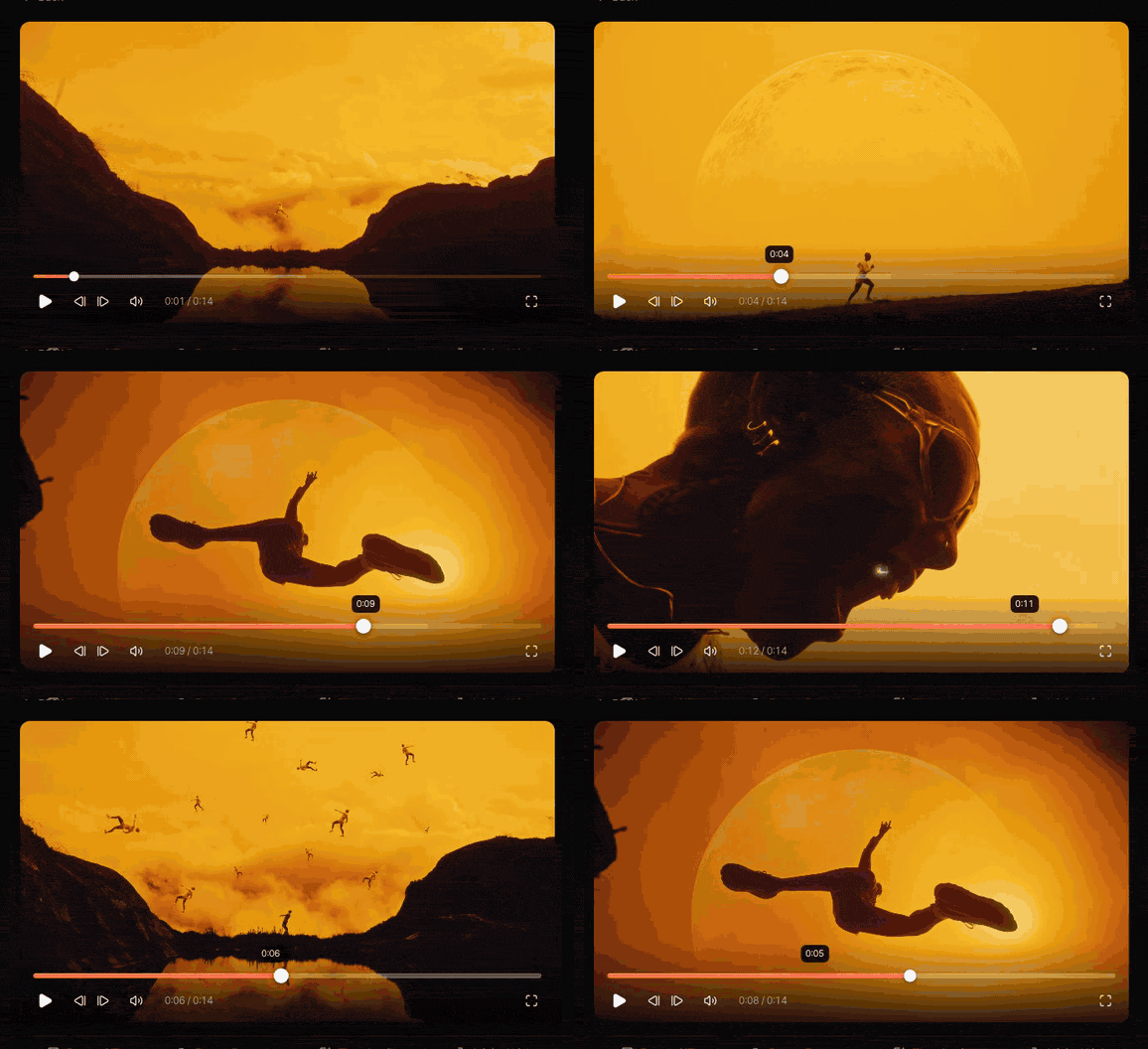
Write the answers down as you go. Ten minutes per reference saves an hour of "no, the other kind of push in" on set. Question 7 tends to grow: if light is what makes a shot, our guide to building a lighting reference library has the six things a gaffer will ask.
Step 4: Translate it into shot language
Now turn those answers into the shorthand camera departments use. You don't need every term in the book. Just enough that the list reads fast.
| Abbreviation | Shot size | What's in frame |
|---|---|---|
| EWS | Extreme wide | The world, with the person small in it |
| WS | Wide | Full body with plenty of space around |
| MWS | Medium wide | Roughly knees up |
| MS | Mid | Waist up |
| MCU | Medium close-up | Chest up |
| CU | Close-up | Face |
| ECU | Extreme close-up | Eyes, hands, a detail |
| INSERT | Insert | An object or action, often product |
For movement, keep to plain words: static (or locked off), pan, tilt, push in, pull out, track (alongside, leading or following), crane or jib, handheld, Steadicam or gimbal, drone. Add the speed in a word: slow push, fast whip pan.
For lens, write the feel rather than a millimetre figure: wide, normal or long. The focal length that gets you there depends on the sensor and the DoP, and that's their call. If a reference makes a particular lens obvious (bending walls, say), mention it in the notes.
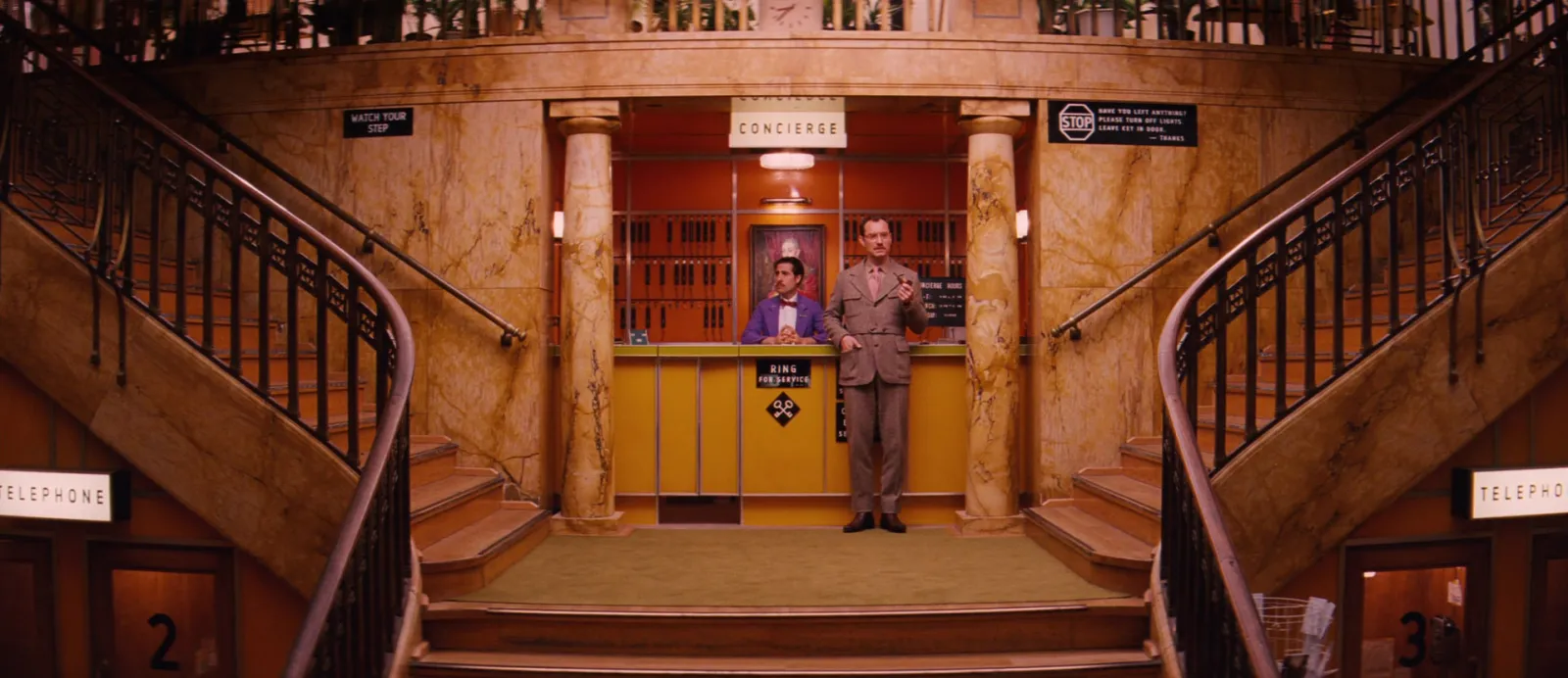
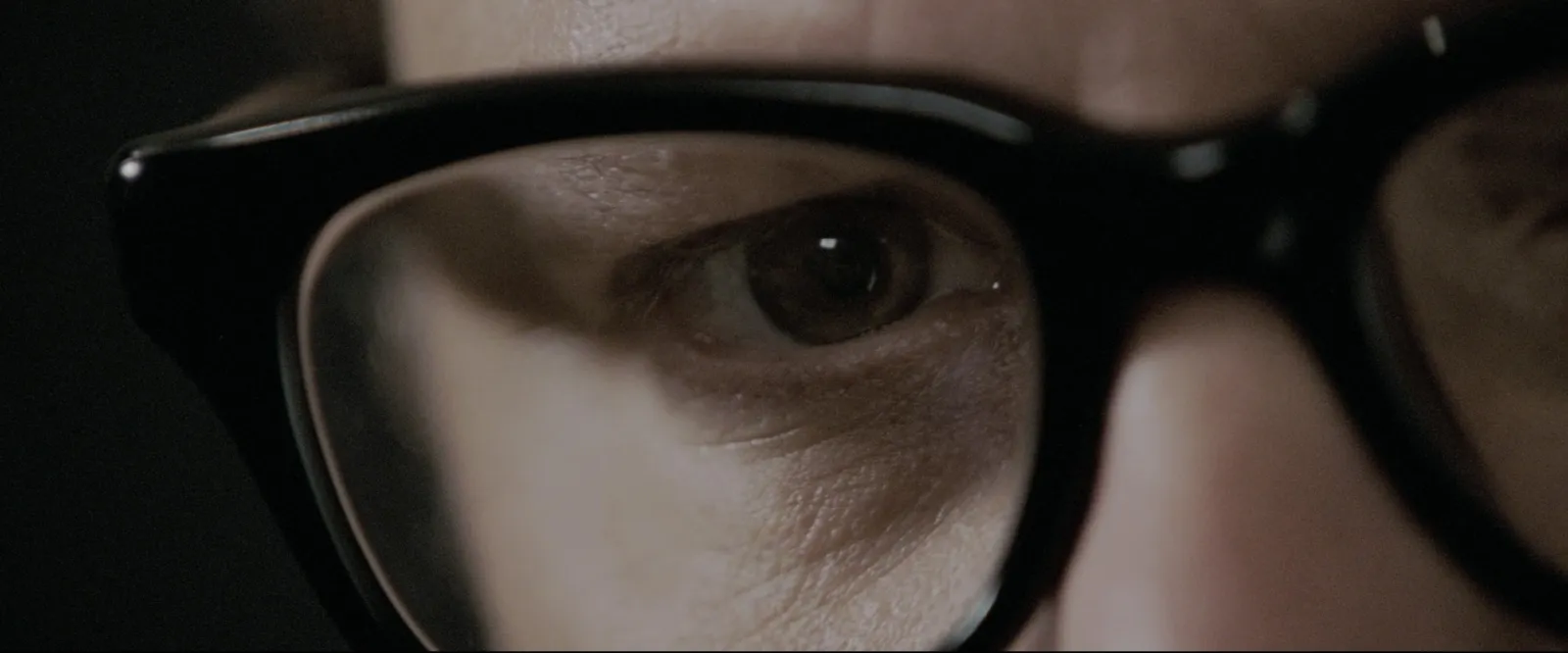
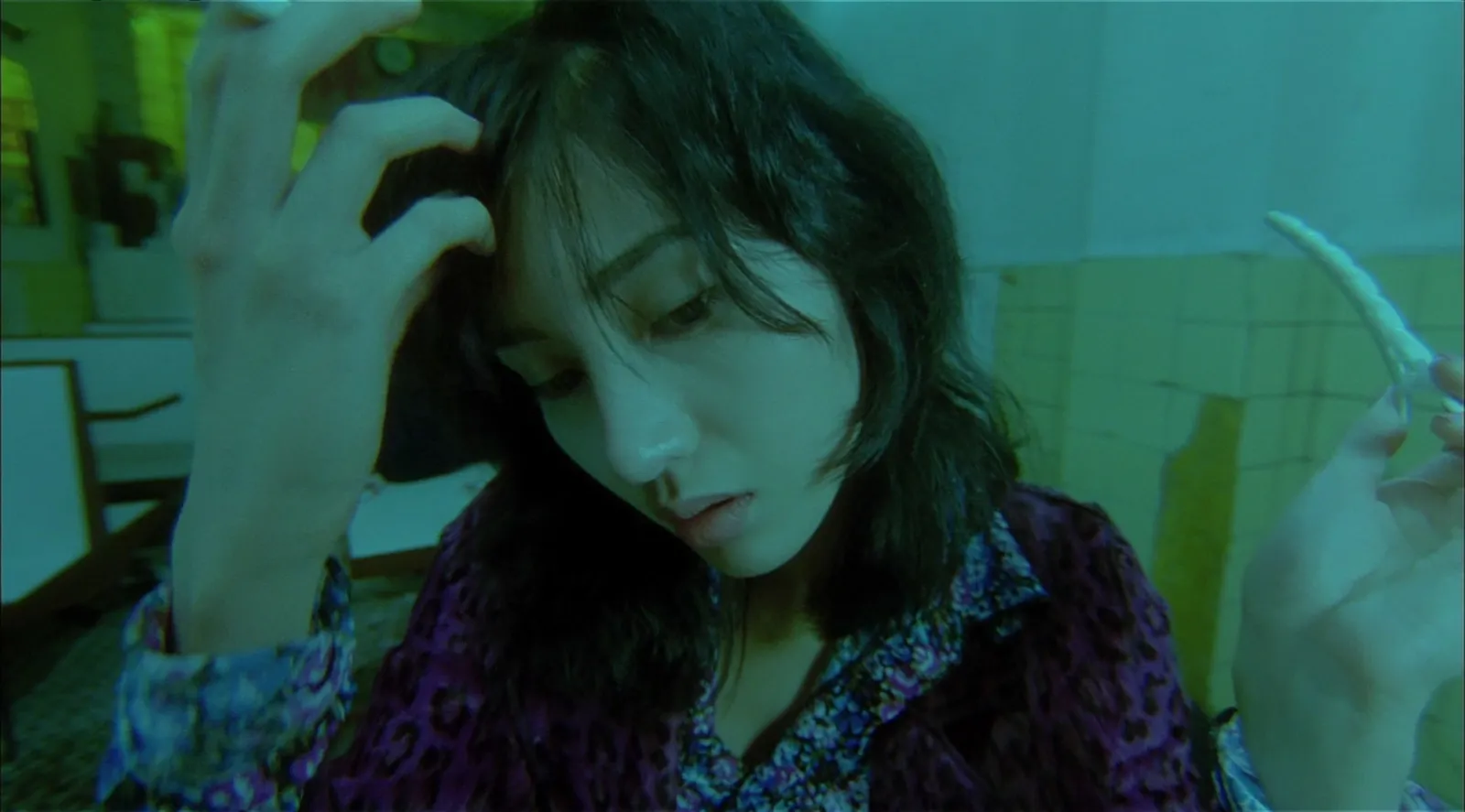
Step 5: Grab a frame and a timecode for every shot
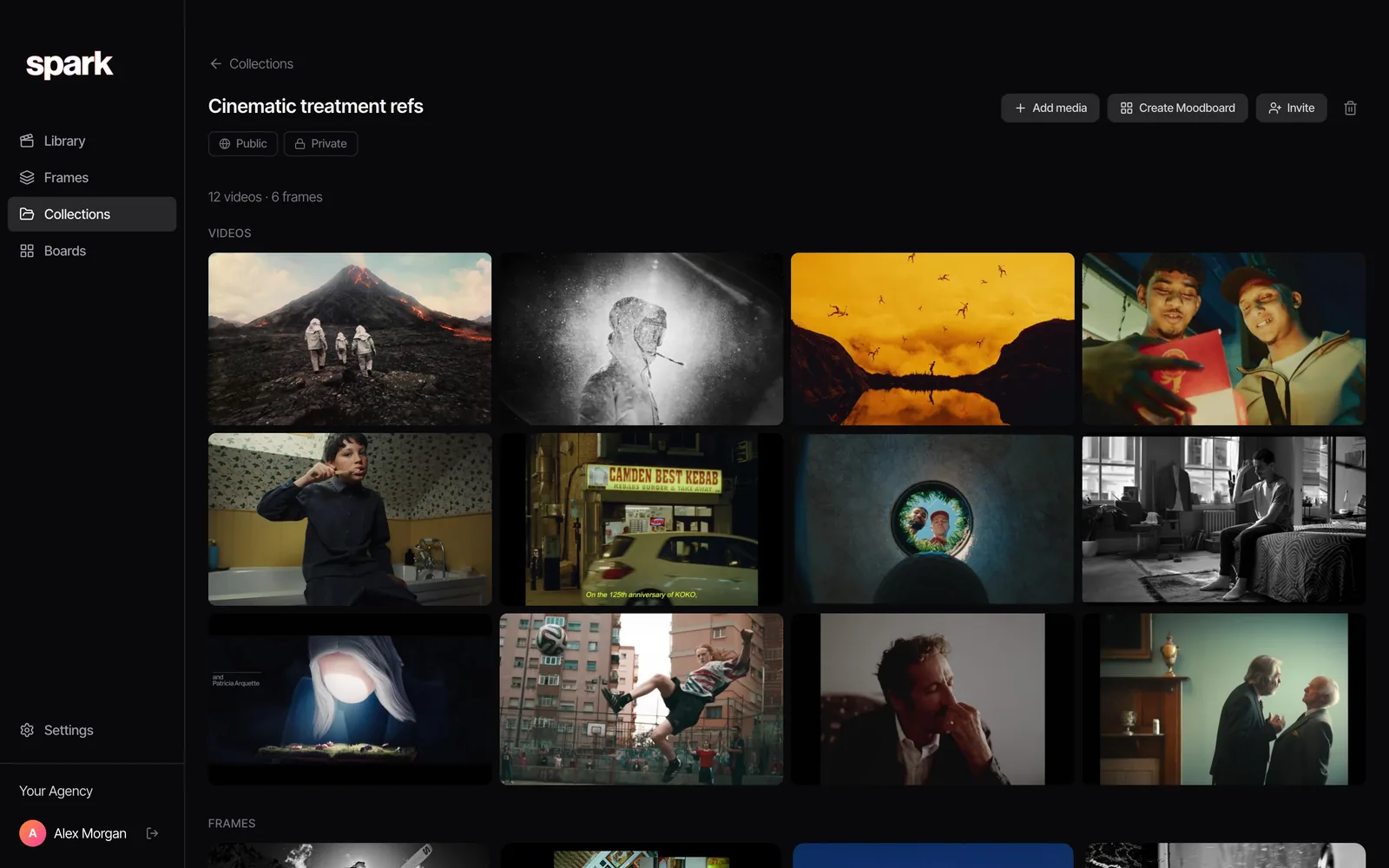
Every shot gets two references: a still for composition and light, and a link to the moving clip at the right moment for movement and timing. A still can't tell you how fast a push in is. A clip can't be printed on a call sheet. You need both.
Getting the timecode link:
- YouTube: pause on the moment, click Share and tick Start at, or right-click the video and choose Copy video URL at current time.
- Vimeo: add
#t=and the time to the end of the link, for example#t=1m05s. - Instagram and TikTok: there's no timecode link, so write the time in the notes ("0:07").
Getting the frame: a clean screenshot at full screen size is fine for a working document. Pause on a sharp frame, not one mid-blur. That's harder than it sounds on a fast whip pan, which is where frame stepping earns its keep.
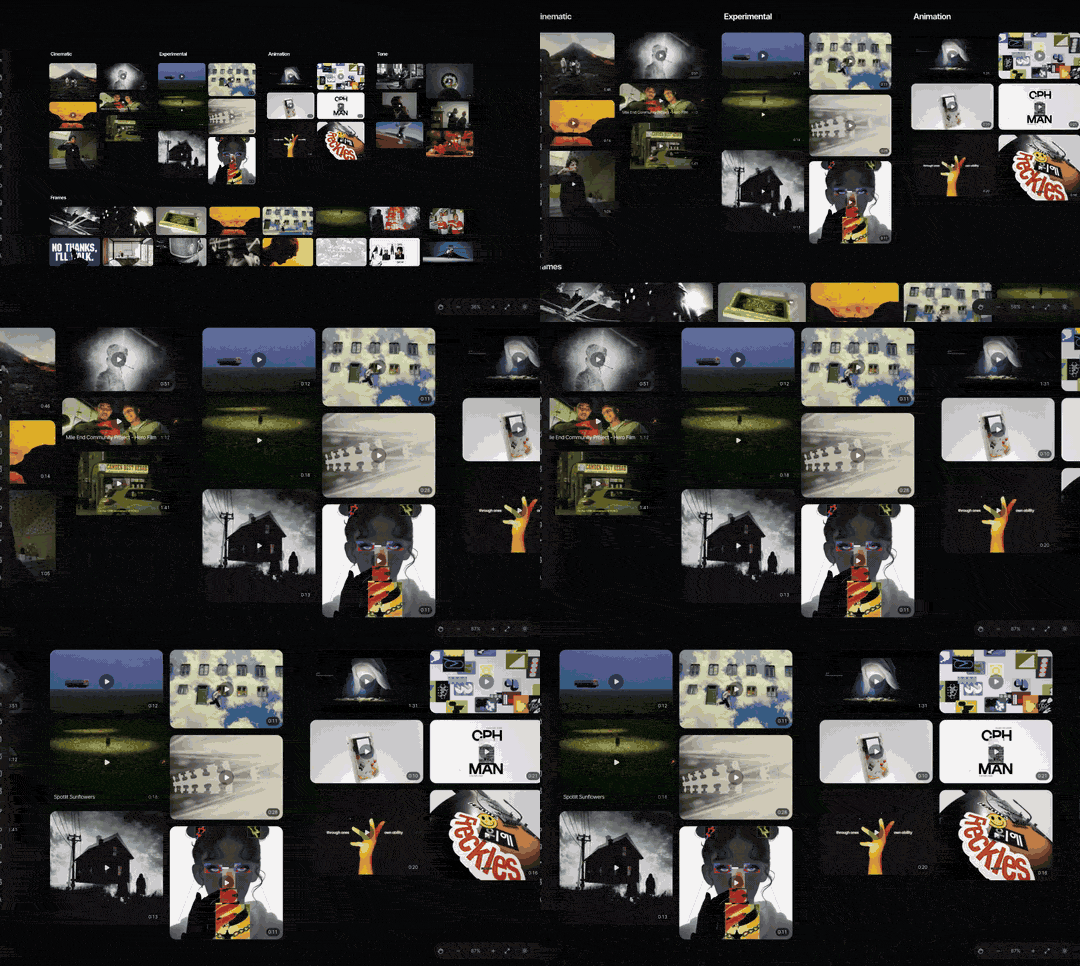
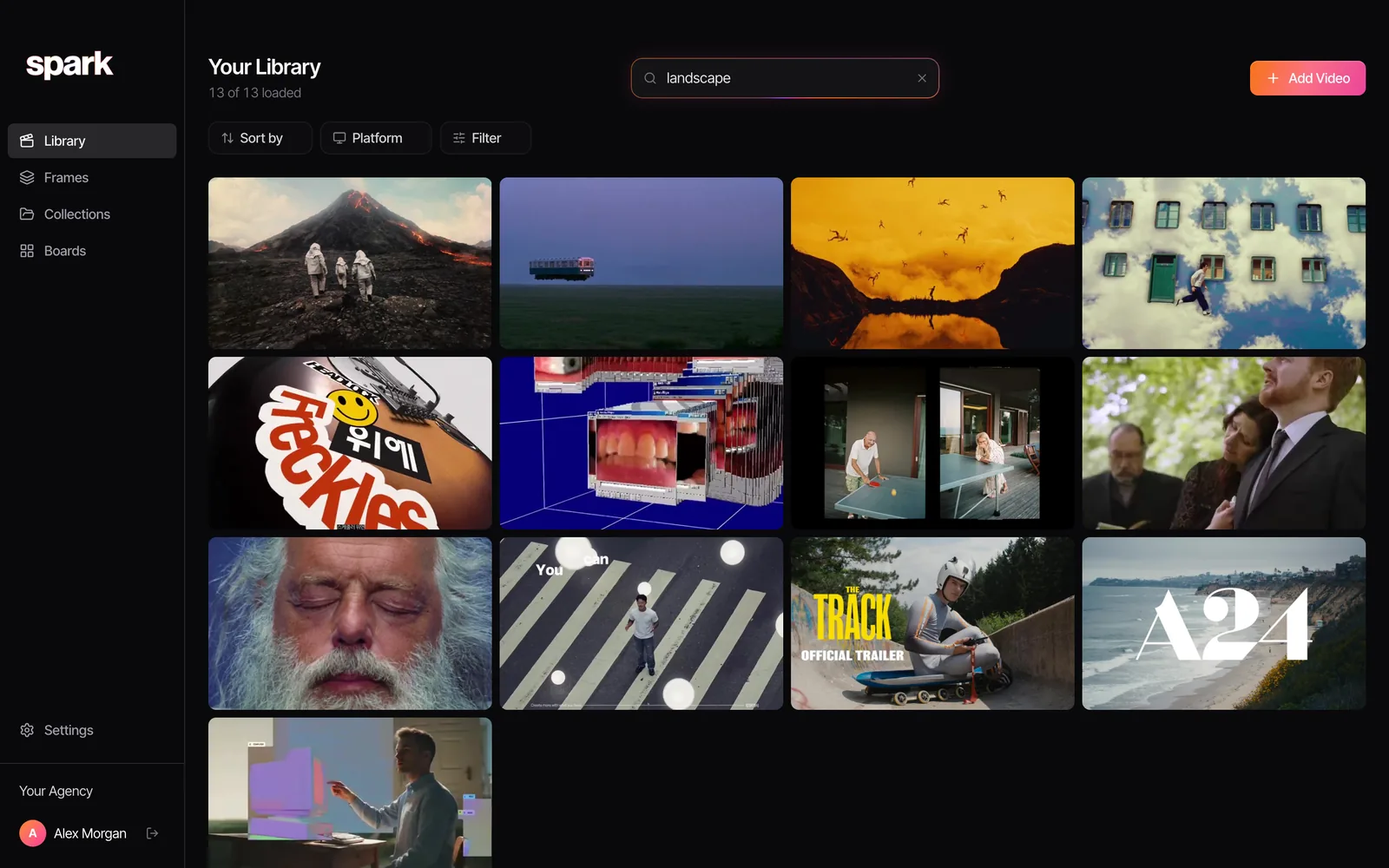
If your references are already in Spark, it's quicker: open the saved video, step to the moment and hit Export Frame. The still lands in your Frames library and the clip stays saved and linked to the original.
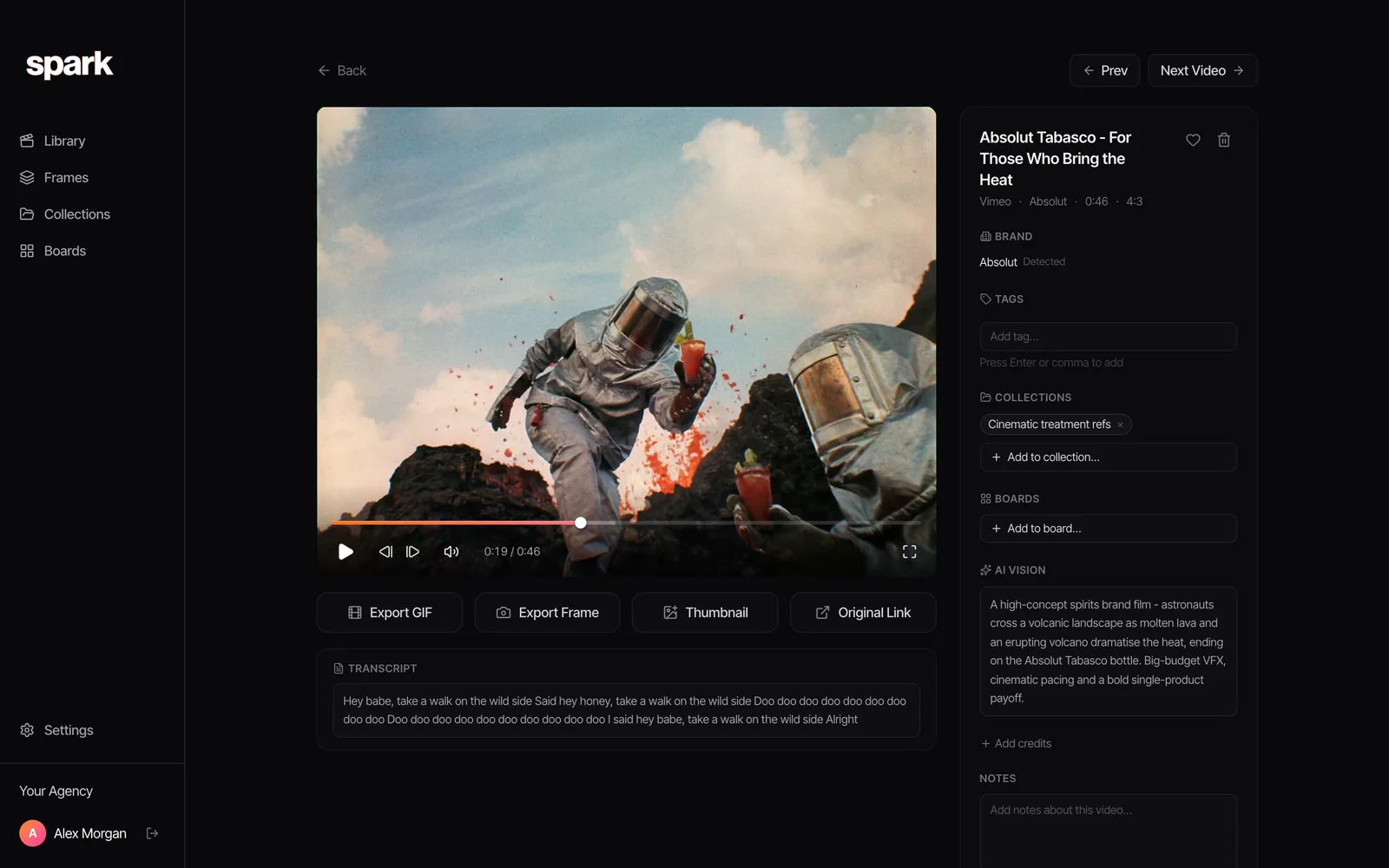
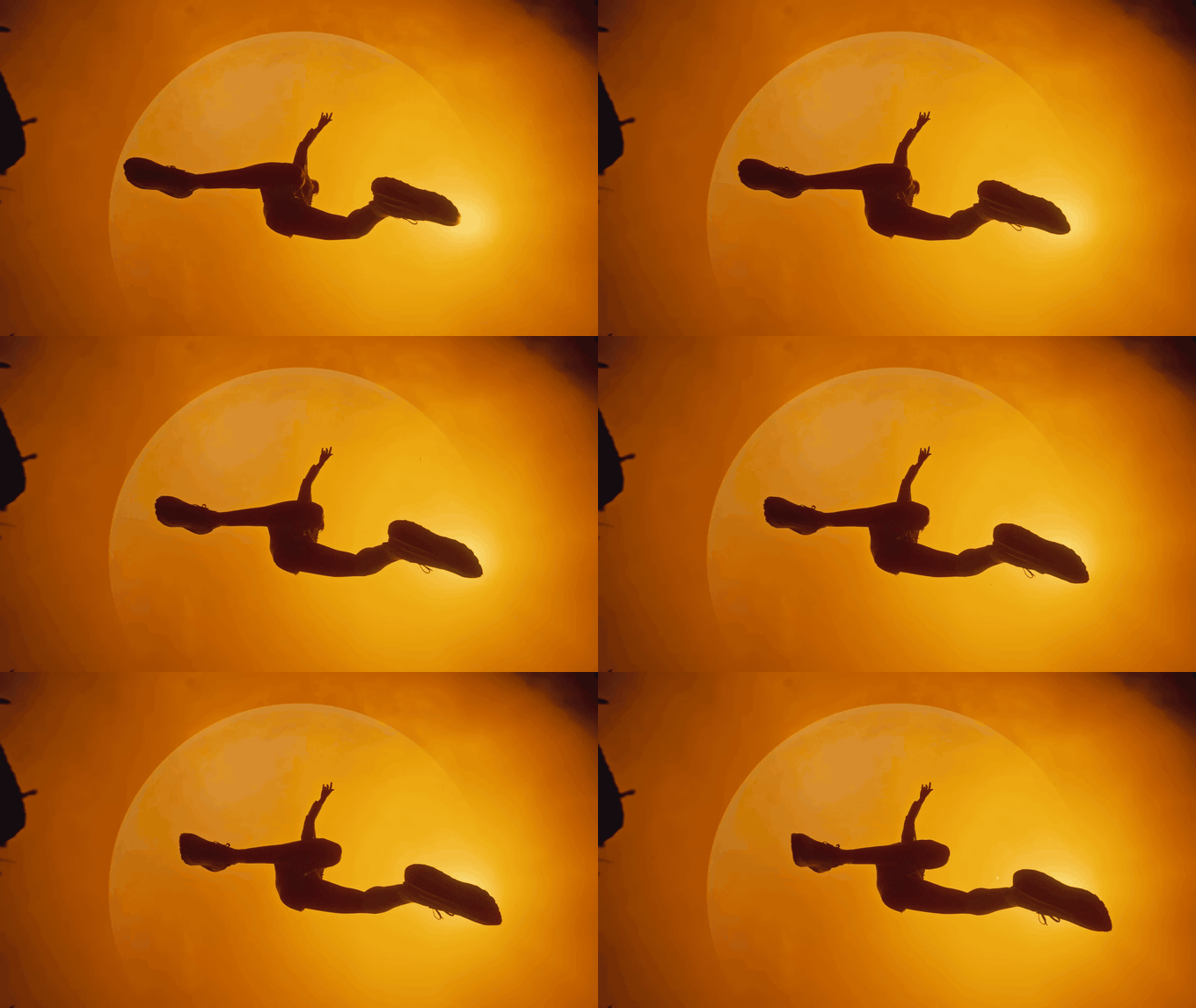
Some DoPs would rather watch a loop than click a link. For those, cut the move into a short GIF right in the browser. You can step the in and out points frame by frame, and nothing gets uploaded.
The shot list template
Copy this into Google Sheets, Excel, Numbers or Airtable if your production lives there. One row per shot.
| Shot | Beat | Description | Size | Angle | Movement | Lens feel | Ref frame | Ref clip and time | Notes | Priority |
|---|---|---|---|---|---|---|---|---|---|---|
| 1 | ||||||||||
| 2 | ||||||||||
| 3 |
What goes where:
- Shot is a number that never changes, even when you reorder. Cut shot 4 and there is no shot 4. Add one between 4 and 5 and it's 4A.
- Beat is the line from Step 1.
- Description is one sentence of action, in the present tense.
- Ref frame is the still pasted into the cell (in Google Sheets, Insert, then Image, then Insert image in cell), or a filename if your sheet can't.
- Ref clip and time is the link with the timecode built in.
- Notes is for light, speed (slow motion, frame rate), sound and anything the reference gets wrong.
- Priority is Must, Want or Bonus. Every shoot runs out of time. This column decides what goes first.
If you'd rather not build it yourself, StudioBinder and Milanote both have shot list templates. We still use a spreadsheet, mostly because the first AD can open it on anything.
A worked example: a 30-second running ad
Say the brief is a 30-second spot for a trail running shoe. One runner, a vast pale quarry, out before dawn and home after dusk. Six beats, and the reference frames we'd attach.
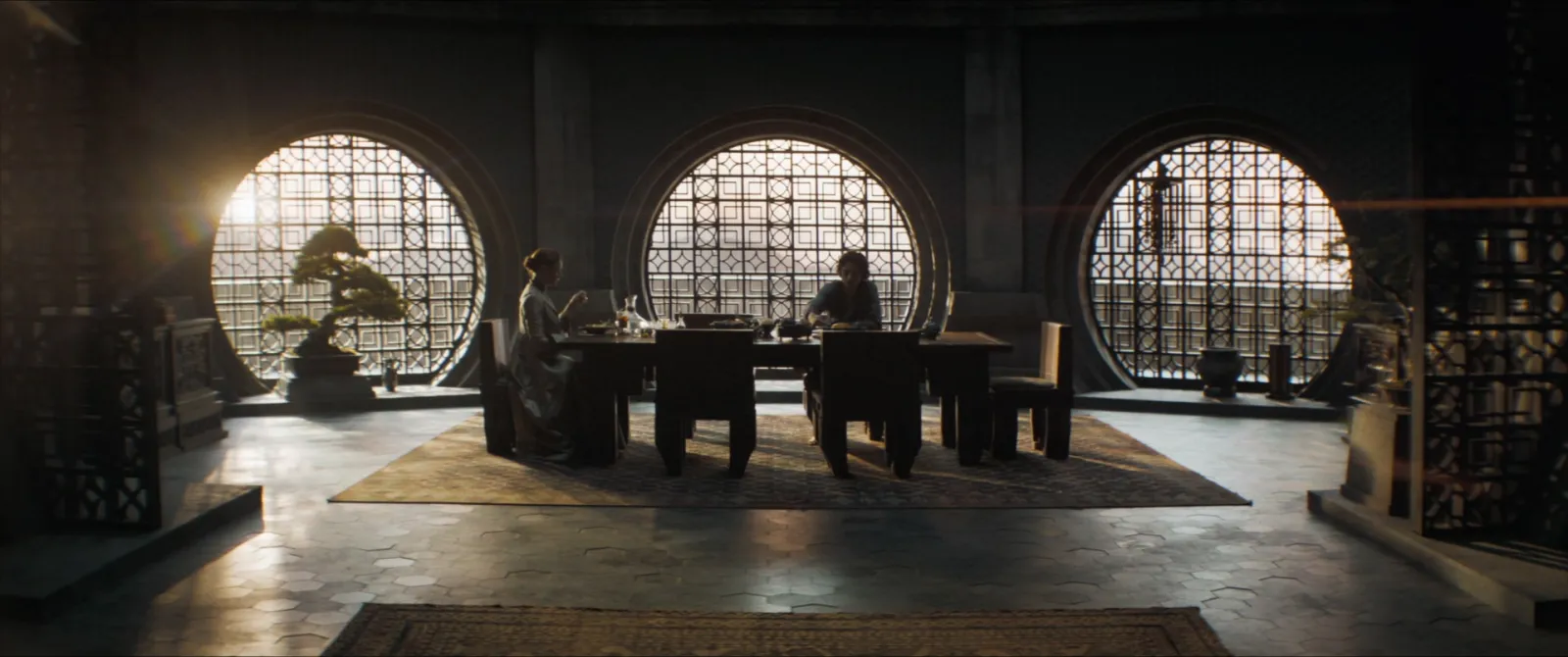
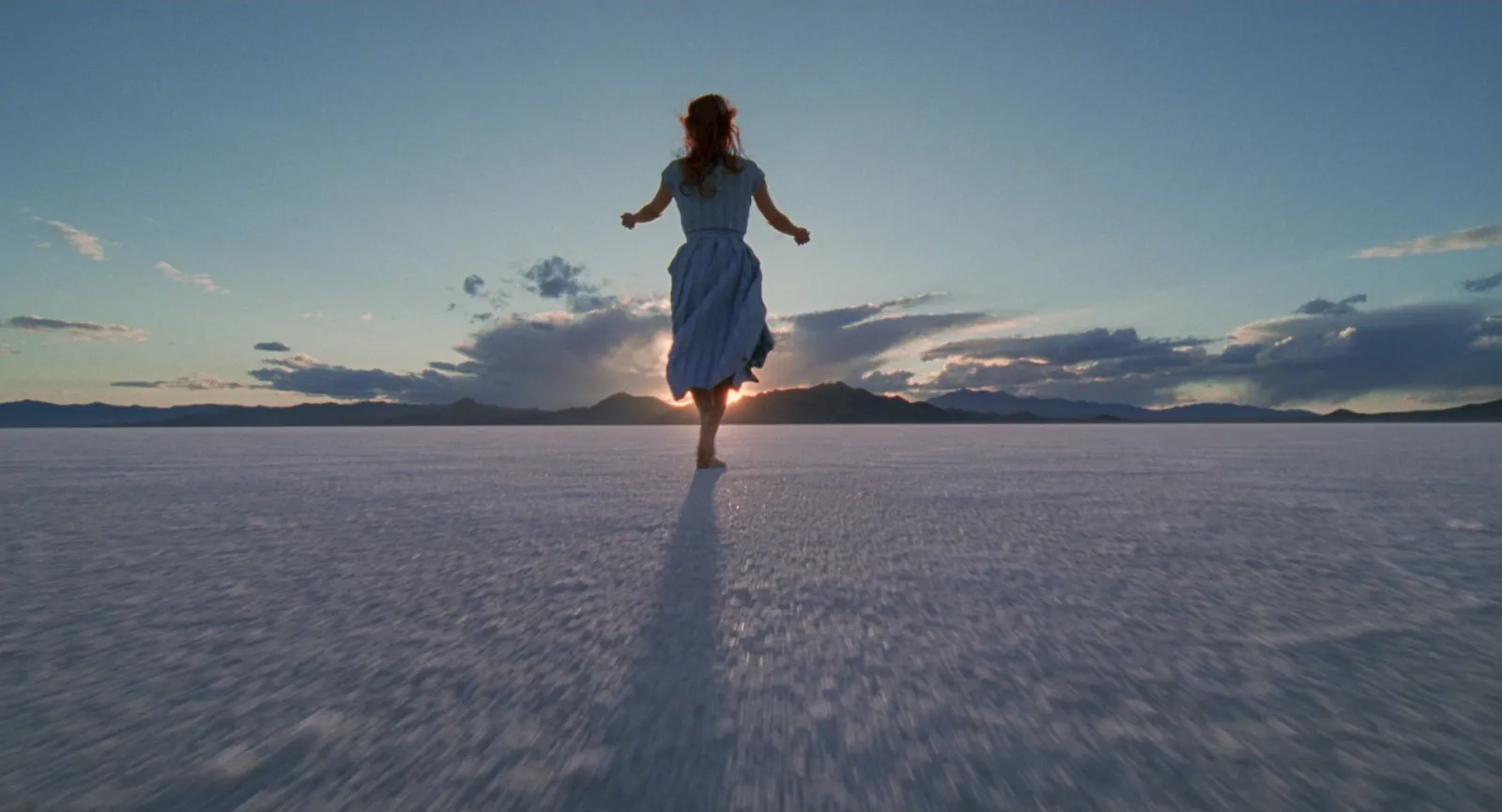
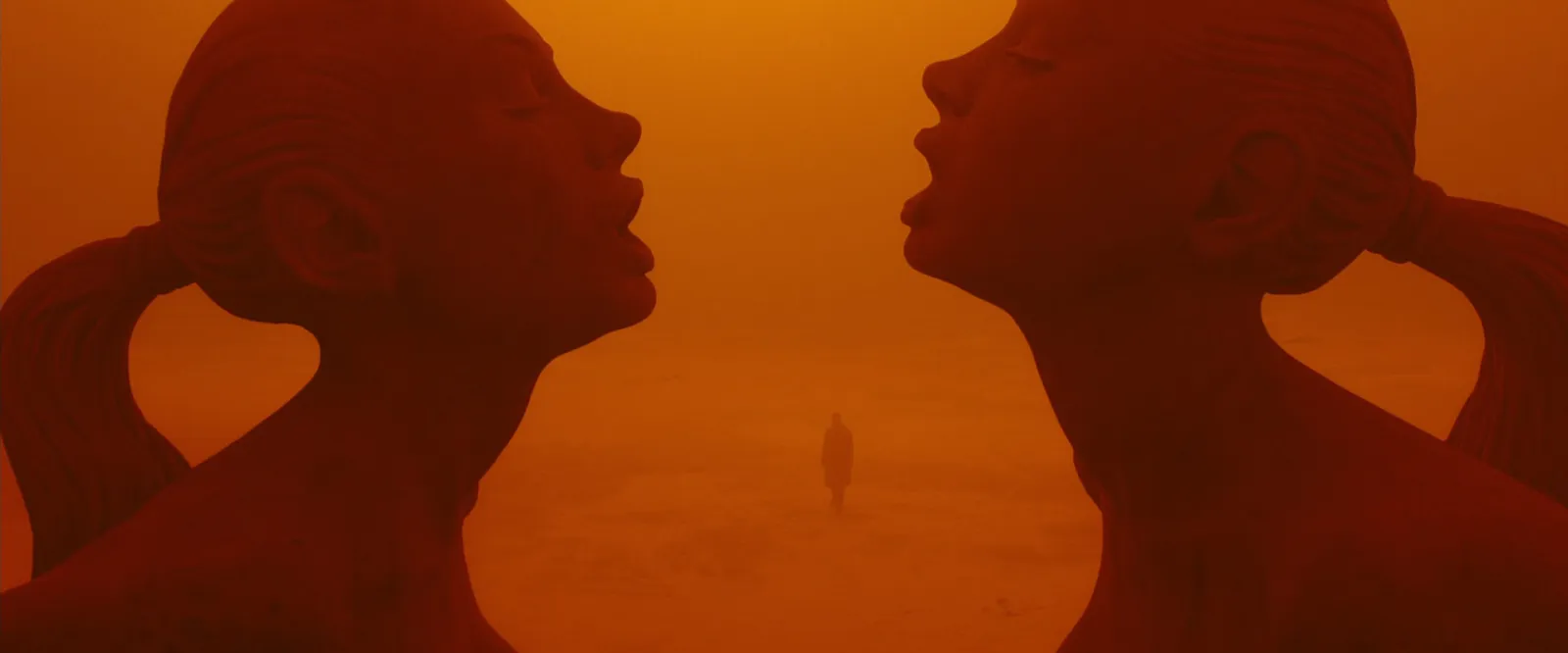
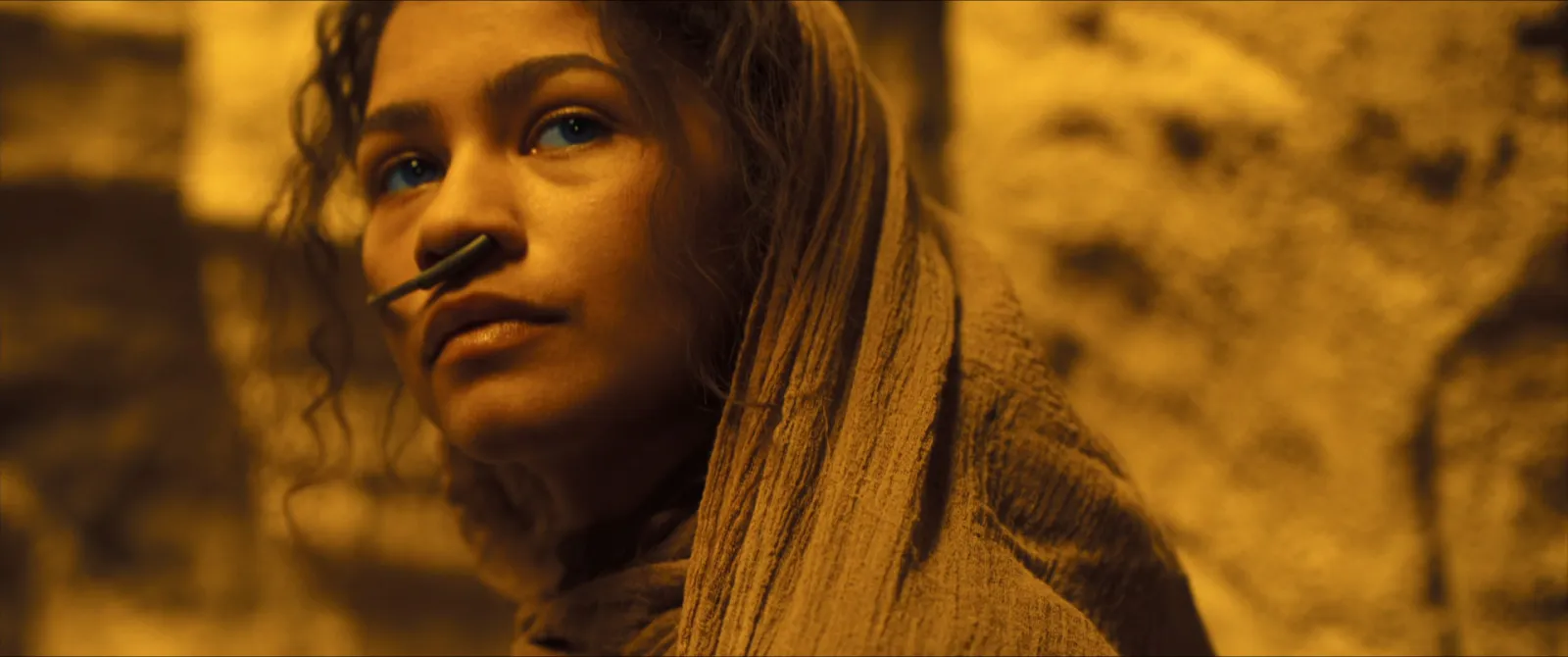
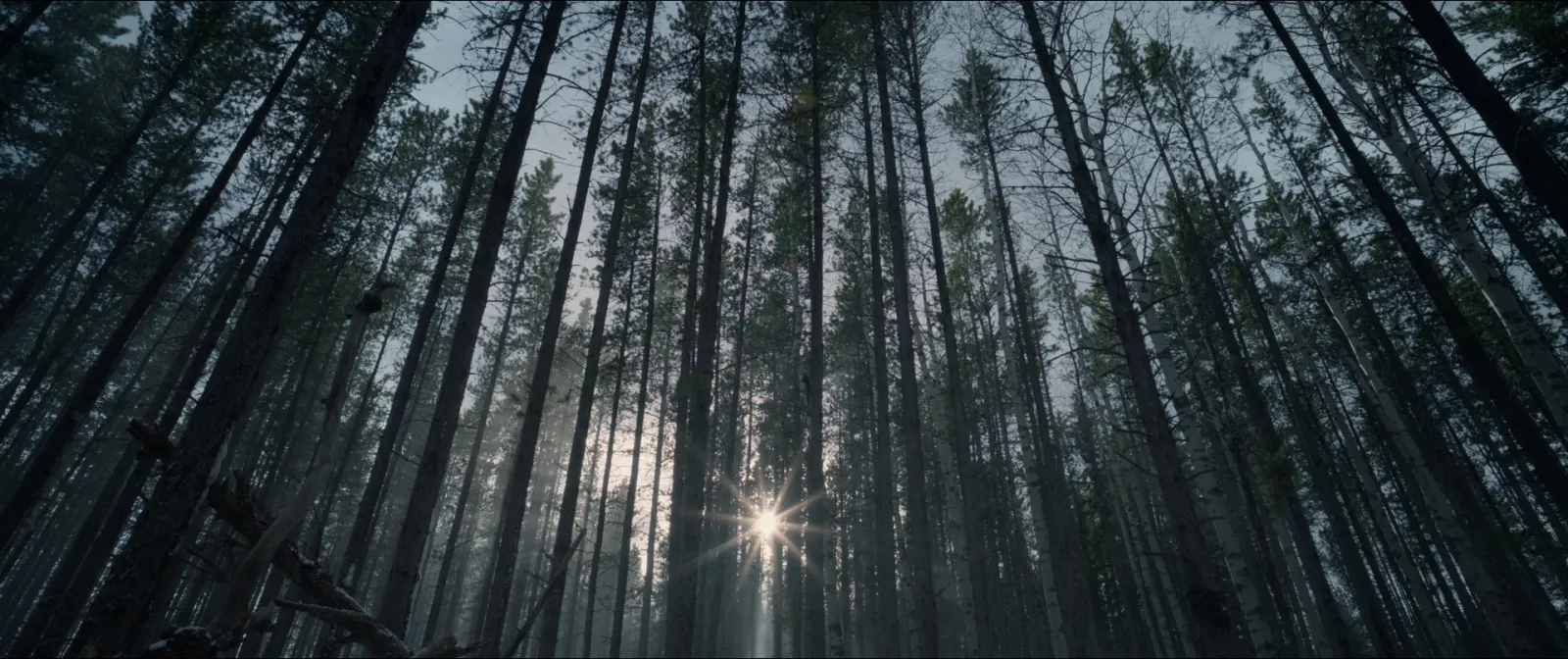
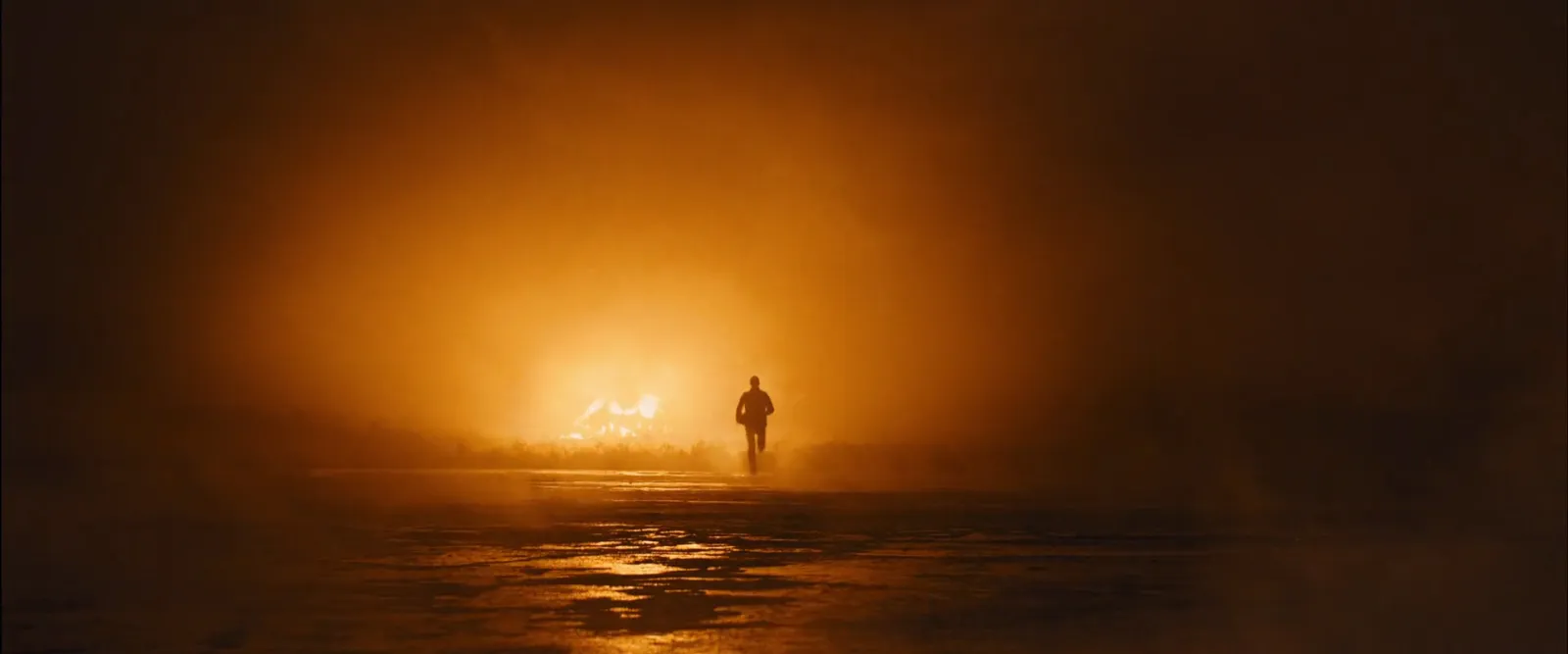
And the shot list those frames turn into:
| Shot | Description | Size | Movement | Lens feel | Ref | Notes | Priority |
|---|---|---|---|---|---|---|---|
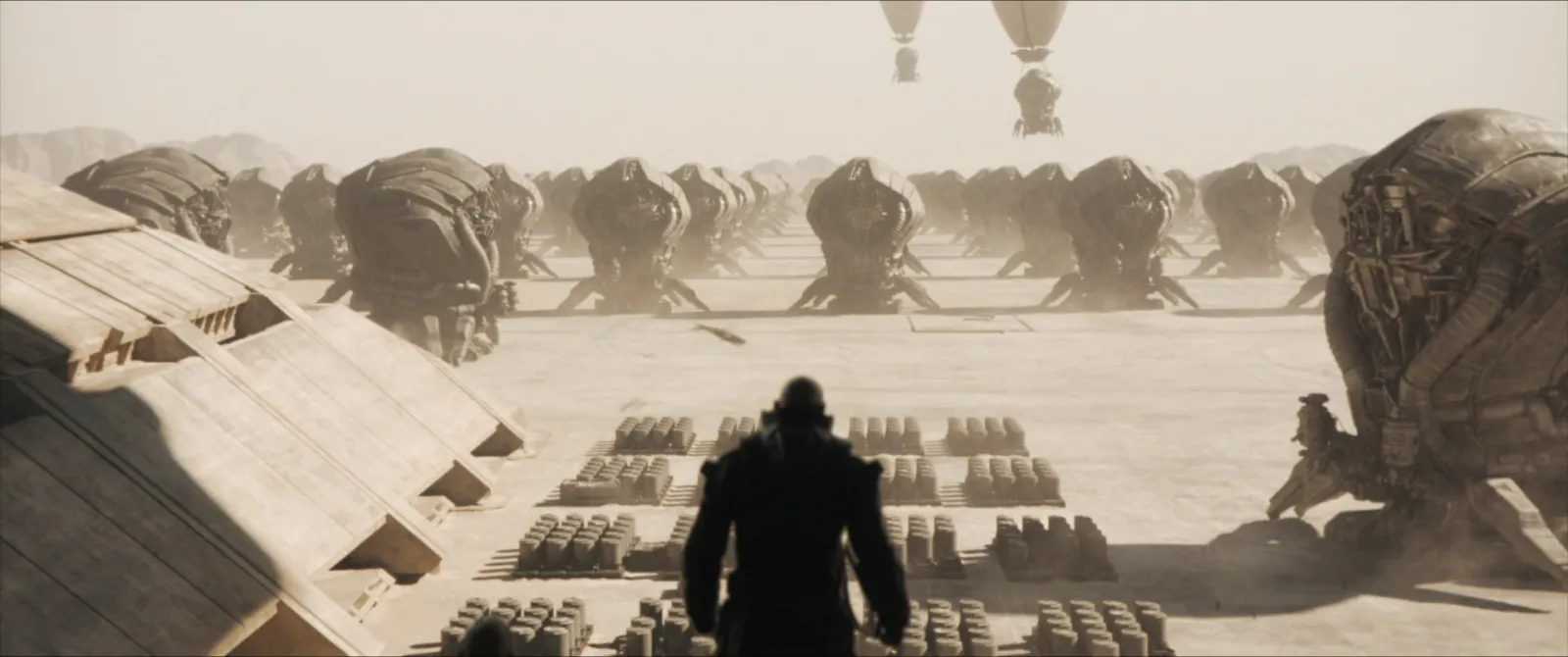
| 1 | She laces up in a dark hut, light through round windows | WS | Static | Normal | Dune, frame A | Hard light through the windows only, no fill | Must |
| 2 | She sets off across the quarry floor, tiny in frame | EWS | Static, long hold | Long | The Tree of Life | Shoot at blue hour; hold for 5 seconds minimum | Must |
| 3 | She runs between huge rock faces, haze in the air | EWS | Slow drone push | Wide | Blade Runner 2049 | Haze machine if the morning won't give us any | Want |
| 4 | Close on her face as she breathes, dust in the light | CU | Handheld, slight drift | Long | Dune, frame B | Backlit, sun just over her shoulder | Must |
| 5 | She runs through the trees at the top of the quarry | MWS | Track alongside | Normal | The Revenant | Clip ref for speed of the track; gimbal on a vehicle | Want |
| 6 | Dusk: she stops, silhouetted against the last light | WS | Slow push in | Long | Skyfall, plus the Nike ACG clip | Product moment: the shoe readable in silhouette | Must |
Six shots, three Musts. If the sun goes early on the day, you know exactly what to shoot first.
Notice what the frames do and don't do. They settle composition and light in a glance. They say nothing about the speed of the track in shot 5, or how long the hold in shot 2 should feel. That's why the clip sits in the same row.
Taking it to the DoP
The shot list you've made is a proposal. Treat it like one.
Send it to the DoP before the first meeting, with the clips, and ask them to mark it up. A good DoP will tell you shot 3 wants a different time of day, that shots 4 and 6 can share a setup, and that your "slow push in" on a long lens needs track and a dolly you haven't budgeted for. That conversation is what you want. You're making sure you're both picturing the same film.
After that, the first AD turns your story-order list into a shoot-order schedule, grouped by location, setup and light. Keep your shot numbers so everyone can cross-reference. And if you're still pitching, carry the frames into the treatment: a page of numbered frames is a very persuasive way to show a client you know exactly what you're shooting.
If colour matters as much as composition (it usually does), add a grade reference to the notes for each scene. Our guide to finding colour grading references explains how to read and save one.
A shot list built from references takes an hour or two longer than one written from scratch, and pays it back many times over on the recce and the shoot. If you're freelance, that's billable prep: count it when you work out your day rate. Everyone looks at the same frame, plays the same clip, and argues about the real decisions instead of the vocabulary. In Spark, each job's frames, clips and links sit in one collection you can hand to the DoP.
FAQs
What should a shot list include?
At minimum a shot number, a short description, the shot size, camera angle, movement and lens feel, plus notes for light and sound. A reference-led shot list adds a still frame and a timecoded link to the reference clip for every shot, and a priority so you know what to shoot first if time runs out.
How do you write a shot list from a script?
Break the script into beats, the moments that have to land, and write each as one line of what we see. Then decide how each beat is shot: size, angle, movement and lens. Number every shot and keep the numbers fixed even when the order changes.
Is there a free shot list template?
Yes. The table above works in Google Sheets, Excel or Numbers: shot, beat, description, size, angle, movement, lens feel, reference frame, reference clip and time, notes and priority. Milanote and StudioBinder also offer templates.
What's the difference between a shot list and a storyboard?
A storyboard draws each shot in sequence, and on commercials it's often what the client approves. A shot list describes each shot in a few technical words and is what the crew schedules from. Adding reference frames to a shot list gives you much of a storyboard's clarity without the drawing.
Should I use film stills in a shot list?
Yes, it's standard practice for internal production documents, and stills from films, ads and music videos are the quickest way to agree a composition. Keep them internal, credit the source, and pair each still with a clip link because a frame can't show camera movement or timing.
How many shots are in a 30-second commercial?
There's no fixed number. A fast-cut spot might have 25 or more, while a single-take idea might have one. Many 30-second ads land somewhere between 8 and 15 shots, but let the script decide.
Keep reading
All articles
Best Websites for Commercial Film Inspiration in 2026
Every site on this list was checked in October 2026. Some are free, some cost real money, and a couple are only worth it if you know exactly what you're hunting for.
Best Websites for Motion Design Inspiration in 2026
Motion design lists go stale fast. We opened every site on this one in October 2026, and found that one of the most famous places to watch short films no longer opens in the UK at all.
How to Find Examples of Match Cuts and Creative Transitions
The bone and the spacecraft, the match and the sunrise, the scream and the train whistle. The great match cuts by type, who cut them, and how to build your own collection.