
How to Tag Video References So You Can Actually Find Them
"Moody", "moody" and "dark moody" are three tags and zero findable references. Here's a film-literate tag vocabulary to copy, and the rules that keep it clean.
By the Spark team ·
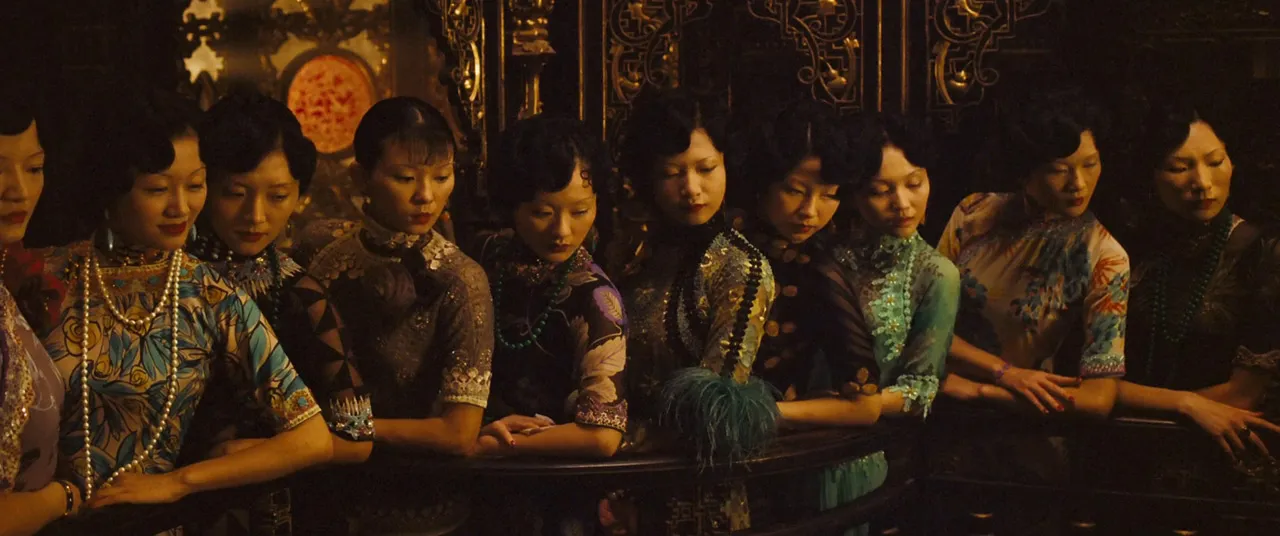
How to tag video references, in one paragraph: use a short, fixed list of words, grouped by the questions people ask on a job. What size is the shot, what's the camera doing, where's the light coming from, what colour is it, how is it cut, what does it sound like, and can we show it to a client. One word per idea, with its synonyms written down so a second one never creeps in. Three to six tags per reference, lower case, hyphenated, and only for what the piece is built on. Then a five-word note saying why you saved it.
The rest of this page is the vocabulary itself, which is where most tagging systems quietly die. The list below is the result of a few rebuilds. If you're still deciding where your library lives, start with building a searchable creative library and come back for the words.
Every tag is a bet on a future search
Before adding a tag, ask: would I, or the producer who inherits this library, ever type this word?
"Inspiring" fails. It never gets searched. "Backlit" passes, because a DoP will ask for backlit references the week before a shoot. "Nice grade" fails. "Teal-and-orange" passes, and so does "bleach-bypass", even if you use it twice a year, because when you need it you really need it.
So the vocabulary should come from how people brief. Directors talk in shot sizes and moves. DoPs talk about light. Editors talk about cuts and pace. Clients talk about mood and "that ad with the dog". A good tag list speaks all four and translates between them.
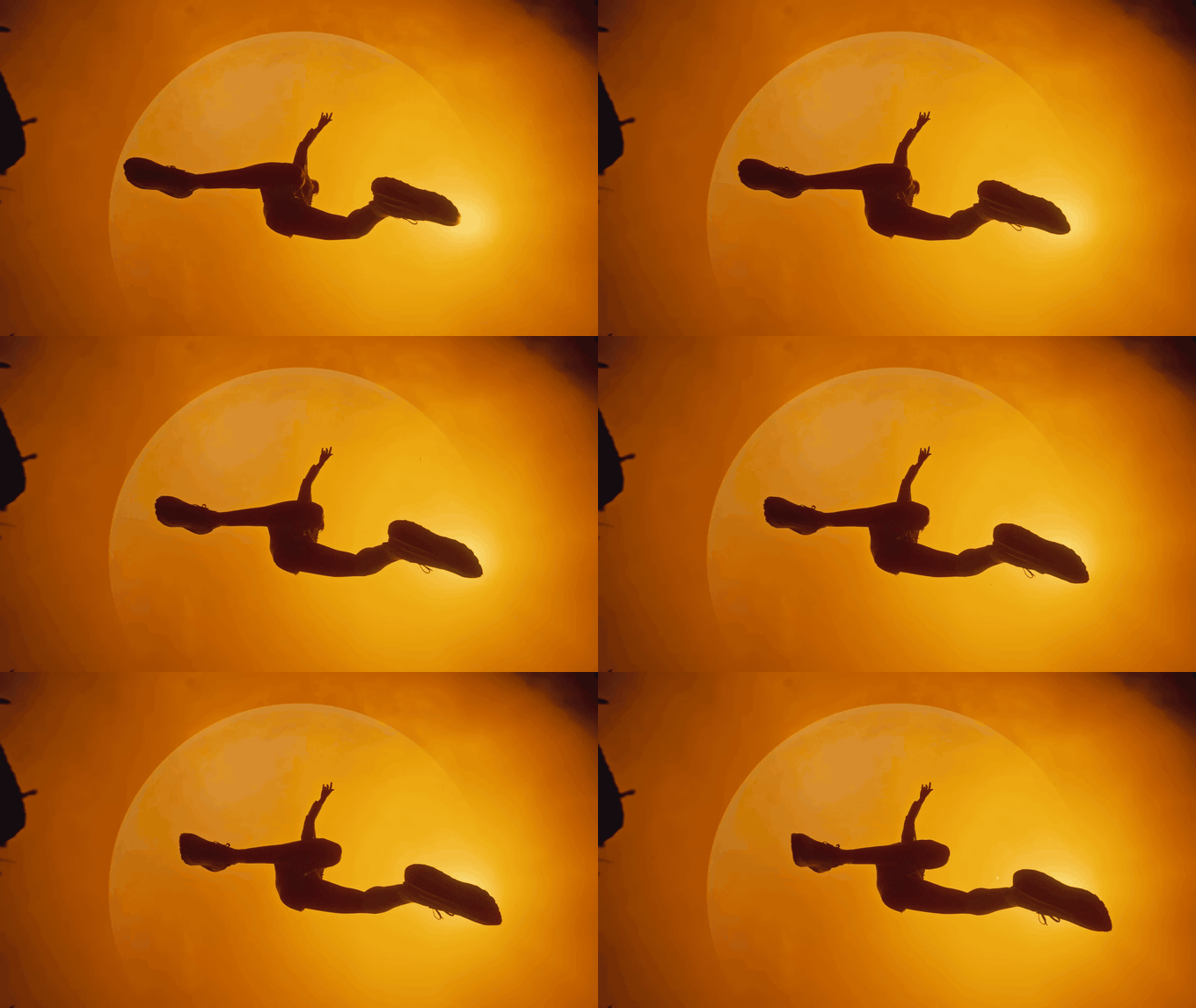
The starter vocabulary, facet by facet
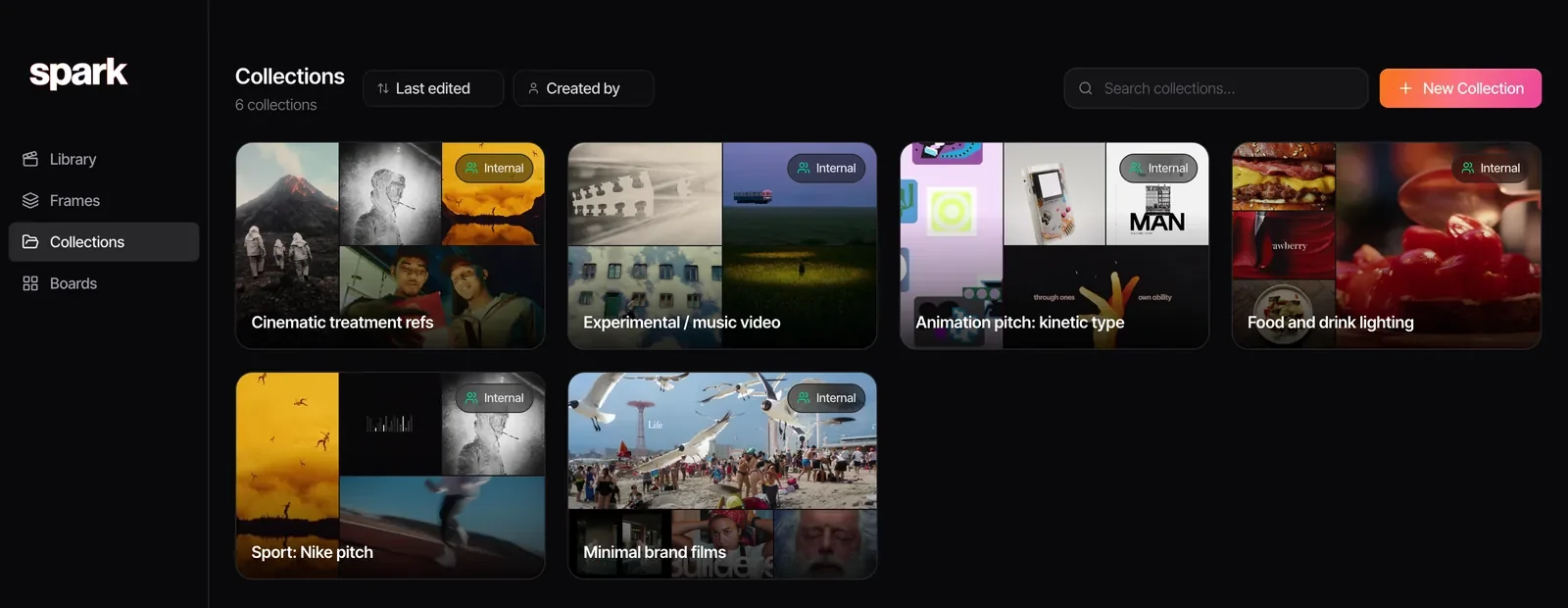
Grouped into facets, the question each tag answers. It's short on purpose. You'll add to it, but every addition should be deliberate.
| Facet | Starter tags | The trap |
|---|---|---|
| Shot size | extreme-wide, wide, medium-wide, medium, medium-close-up, close-up, extreme-close-up, insert | Tagging every size in a 60 second edit. Tag the one the piece lives in. |
| Angle | low-angle, high-angle, overhead, dutch-angle, pov, over-the-shoulder, aerial | Eye level is true of nearly everything, so it finds nothing. Leave it out. |
| Camera move | static, push-in, pull-back, pan, tilt, whip-pan, tracking, crane, handheld, gimbal, orbit, crash-zoom, dolly-zoom | Zoom and push-in are different things (below). |
| Lens and focus | wide-angle, telephoto, anamorphic, macro, shallow-focus, deep-focus, rack-focus, split-diopter | Guessing the lens. Tag what the image looks like. |
| Light | hard-light, soft-light, backlit, silhouette, side-lit, practicals, high-key, low-key, golden-hour, blue-hour, night-exterior, neon, haze | Tagging the grade as the light. Sunset light goes here; a warm grade goes under colour. |
| Colour | warm, cool, teal-and-orange, desaturated, saturated, monochrome, pastel, single-accent, black-and-white | Naming hues ("red") when the useful thing is the scheme ("single-accent"). |
| Time and edit | slow-motion, speed-ramp, timelapse, hyperlapse, jump-cut, match-cut, smash-cut, montage, one-take, split-screen | Calling any fast edit a montage. |
| Pace | slow, medium, fast, frenetic | Pick exactly one. Always. |
| Sound | voiceover-led, dialogue, needle-drop, score-led, silence, sound-design-led, asmr | Forgetting sound exists. Half the brief is often "the way the music drops". |
| Format | commercial, music-video, title-sequence, fashion-film, documentary, social, 9x16, 16x9 | Mixing what it is with where you found it. "Instagram" is where you found it, so it doesn't belong in this row. |
| Usage | own-work, client-safe, internal-only, credit-needed, licensed | Leaving it blank and finding out in a client meeting. |
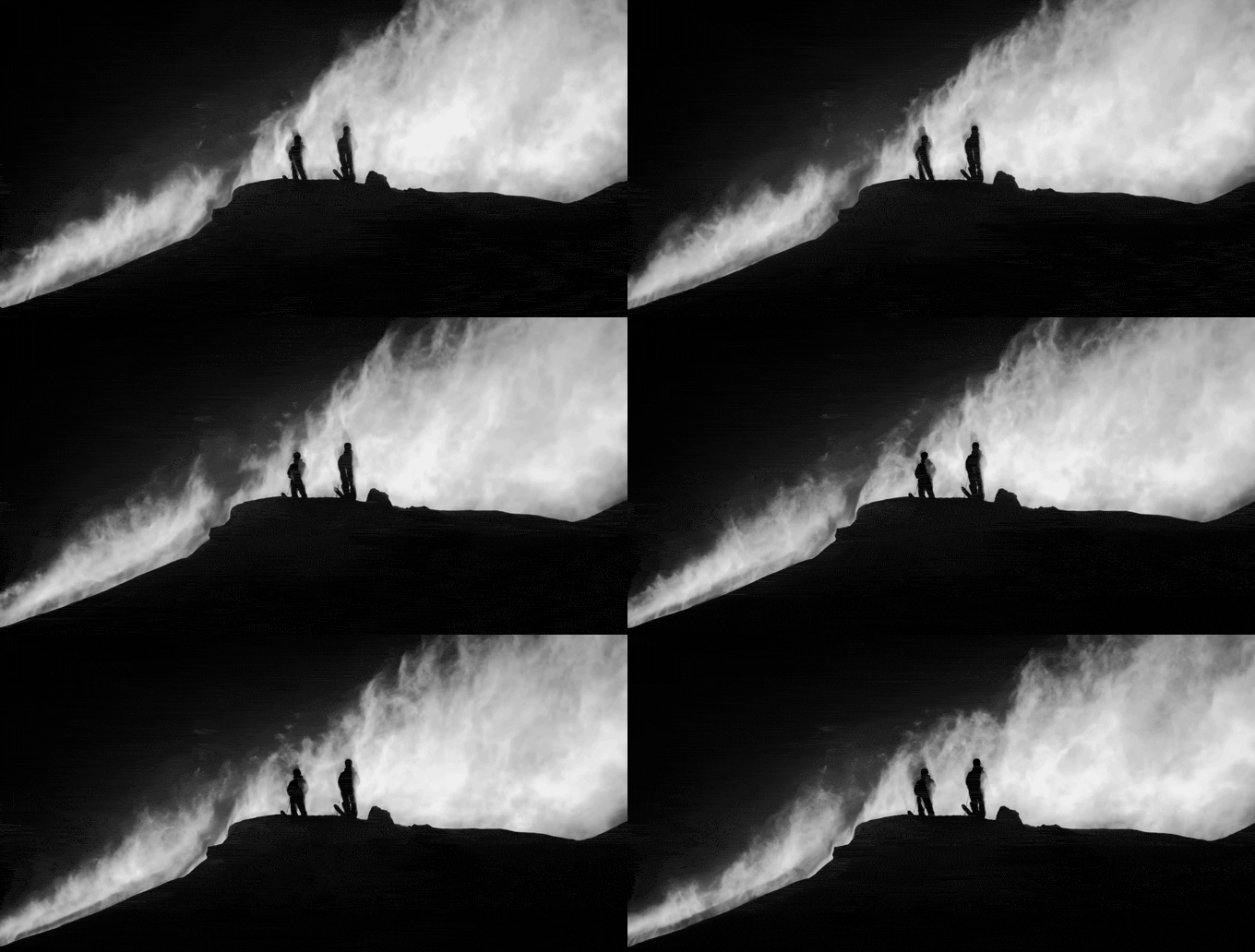
Some rows deserve a closer look, because they're where references get mis-filed.
Camera moves: the words people mix up
A push-in moves the camera towards the subject. A zoom changes focal length while the camera stays put, so perspective flattens instead of the space opening up. A director who asks for a slow push will not thank you for a zoom reference.
A pan swings sideways, a tilt swings up or down, so "pan up" is a tilt however often it's said on set. Tracking travels with something, near objects sliding past far ones. Handheld is a body behind the camera; gimbal is the floating, smoothed version. Orbit circles a subject, and gets requested far more than you'd guess.
If transitions are your thing, finding match cuts and creative transitions adds tags for what's doing the matching: shape, action, sound or idea.
Light and colour live in separate facets
Light is the physical setup: where it comes from, how hard it is, whether you can see the source. Colour is the palette and the grade. That room in Days of Being Wild is the classic test.
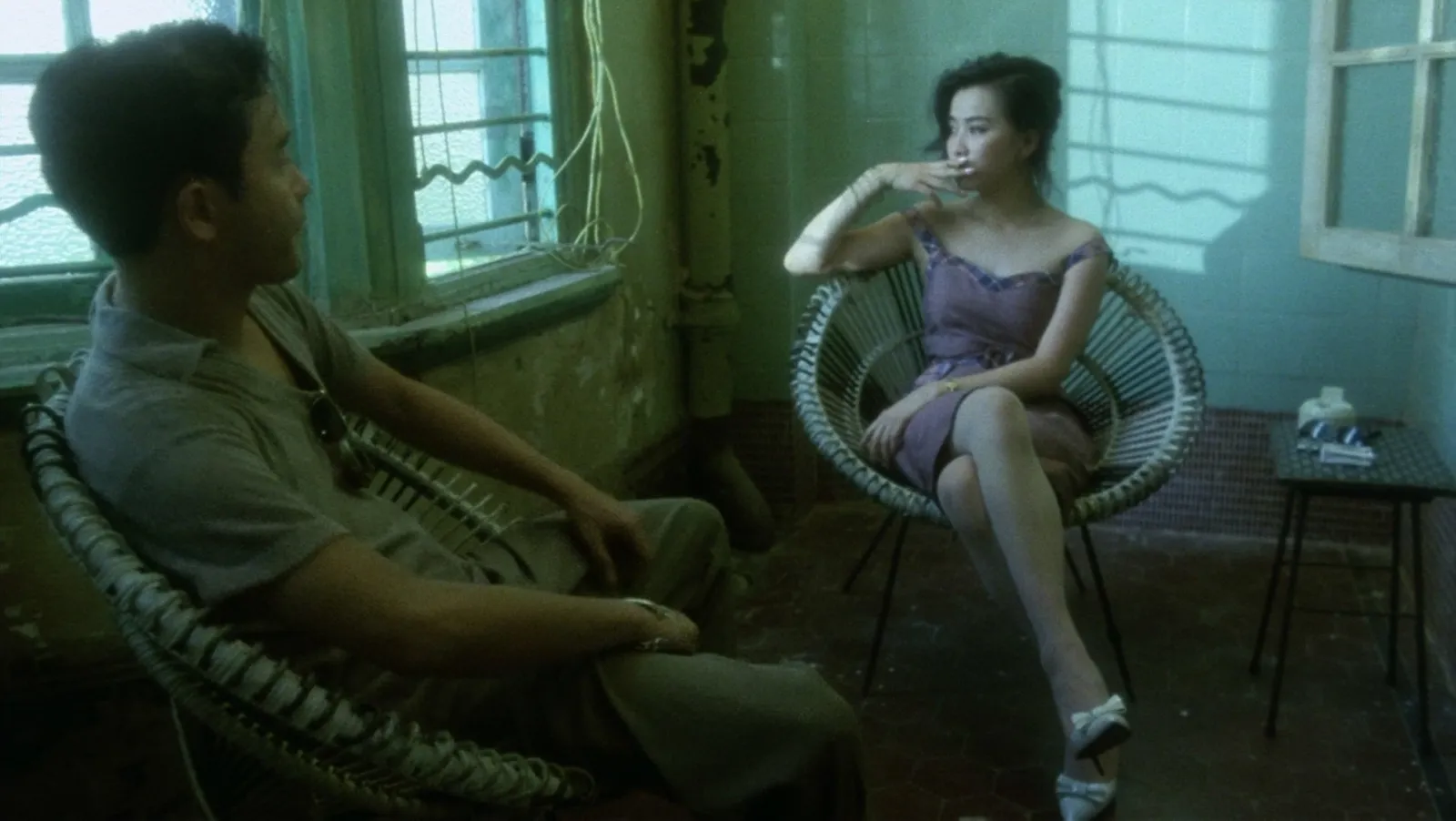
Tag it soft-light under light and cool plus desaturated under colour, and both the gaffer's search and the grader's search find it. Lump it under "green moody" and neither does.
Colour is also where people disagree most. One person's magenta is another's pink. If you want to settle it with numbers, drop a frame into our palette tool and you'll get the HEX codes, which end the argument quickly.
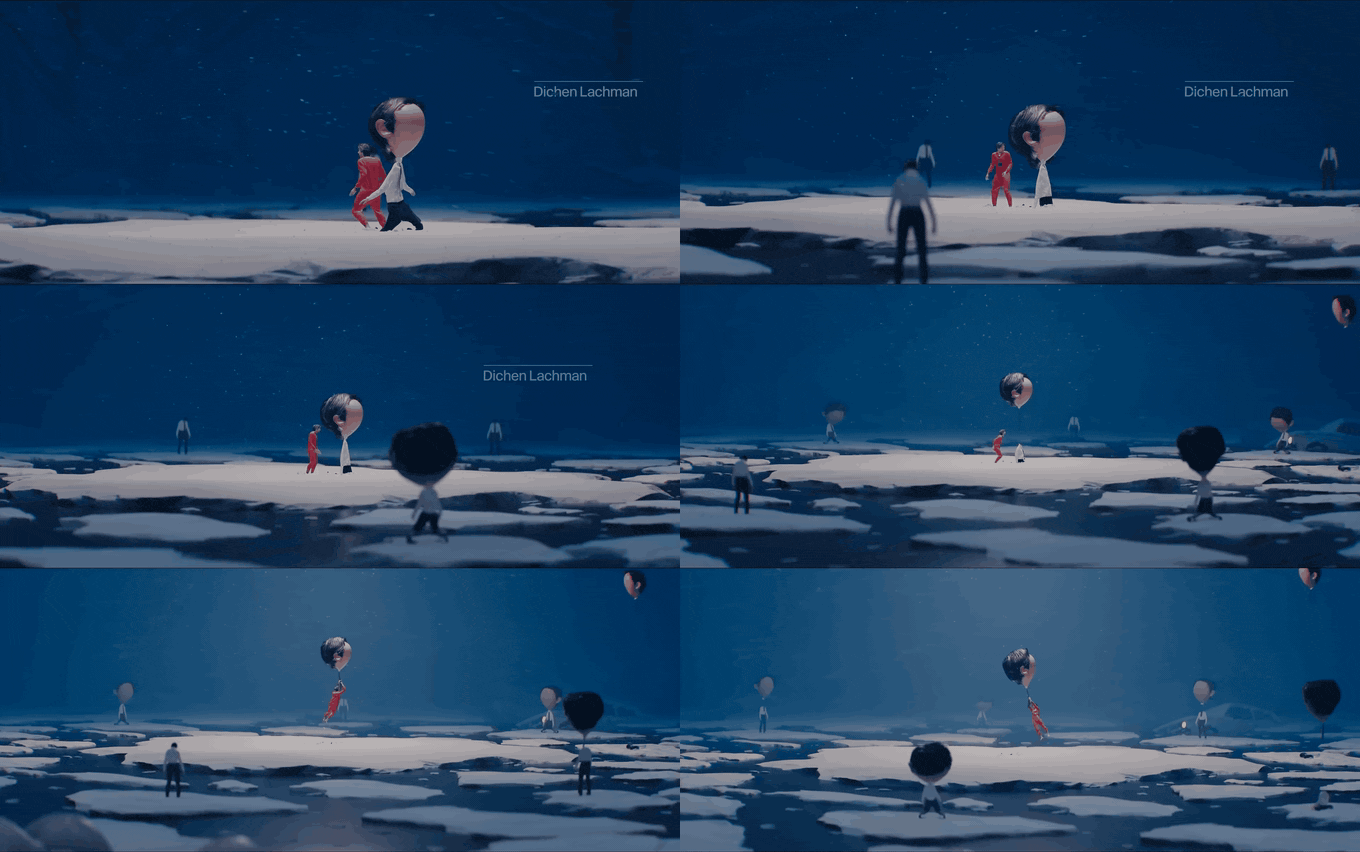
Pace has a definition
Pace is the only facet where you pick exactly one tag. Define it by counting cuts. Our rule: fewer than one cut every three seconds is slow. Roughly one every one to three seconds is medium. More than one a second is fast. Cuts at least twice a second all the way through is frenetic. Now "slow" means the same thing when the junior tags it as when the editor does.

Usage tags save awkward meetings
Nothing to do with craft, everything to do with not embarrassing yourself. Client-safe can go in front of a client without a conversation. Internal-only stays out of the deck. Credit-needed carries the director's or brand's name whenever it's shown. Own-work is your own stuff, which you'd be amazed how often gets lost among everyone else's. Most references never need a usage tag. The one that does usually ends up on slide 4 of a pitch.

One word per idea, and write down the synonyms
The single biggest killer of a library is synonyms. "Handheld", "hand-held", "shaky cam", "run and gun", "verite" and "doc style" are six tags for one idea, and searching any one of them finds a sixth of what you saved.
Keep a two-column list: the tag, and the words that mean the same. Before anyone reaches for a new word, they check it.
| Use this tag | Not these |
|---|---|
| handheld | hand-held, shaky cam, run and gun, verite, doc style |
| golden-hour | magic hour, sunset light, late light |
| extreme-close-up | ECU, BCU, big close-up |
| over-the-shoulder | OTS, over the shoulder, o/s |
| one-take | oner, single take, no cuts |
| tilt | pan up, pan down |
Then four formatting rules, agreed once:
- Lower case, hyphens between words. "teal-and-orange", never "Teal & Orange".
- Singular unless the plural is the term of art. "close-up", not "close-ups", but "practicals" stays plural because that's what everyone on set says.
- No project names. "Dairy pitch" belongs in a collection. Mix them in and your vocabulary grows a word every job and never shrinks.
- Ratios use an x. "9x16" rather than "9:16", because some tools treat the colon as special in search.
How many tags, and which ones
Three to six, and only for what the piece is characterised by. The test: if you wouldn't use the word describing it to a director in one line, don't tag it. A 30 second spot with one crane shot isn't a crane reference. A spot that's one long crane move is.
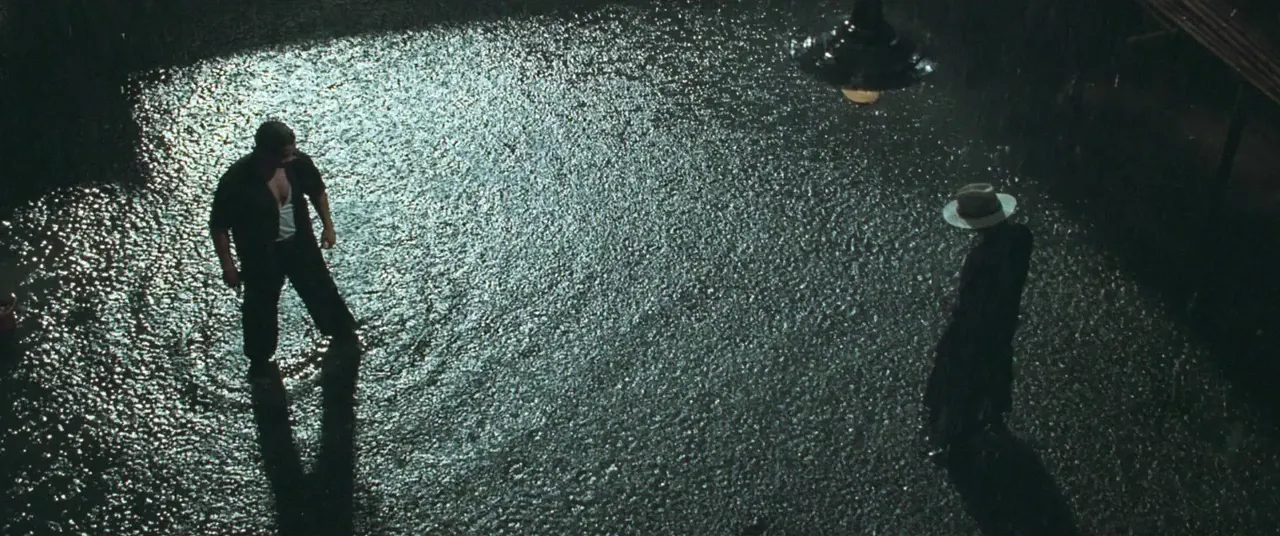
That frame could earn a dozen tags. Rain, fight, period, cobbles, teal, single source. Four carry it. The rest are better caught by a note ("face-off in the wet, one source") or by a search that reads what's in the picture.
Movement, pace and edit tags only come from watching the thing. A still tells you the palette and the light; it can't tell you a film plays as one continuous shot. So tag movement and edit at the moment you save, while you're watching. You won't remember later, and the thumbnail won't tell you.
Who tags, and when
Tag when you save, because that's when you know why. Tidy in a batch, because that's when you can be consistent. Whoever saves adds the five-word note and a tag or two that explain the save. Whoever owns the library does a weekly pass: missing facets, stray synonyms, typos. How that ownership works across a team is in building a shared creative reference library.
It doesn't much matter where the tags live. Eagle, Airtable, Notion and Spark all take a tag field. What matters is that the list is written down and everyone uses it.
What AI does better than you, and what it can't
AI has got good at the facets you can see and hear: shot size, setting, light, palette, whether there are people in it, and what's being said. That's why an untagged reference can still turn up in search.
What it can't know is why you saved it. It doesn't know this is the spot the client loved in the chemistry meeting, that the reason it's here is the cut at 0:14, or that it's internal-only. So split the work. Let the machine describe. You supply the intent: the note, the usage tag, and the one or two craft tags that are the real reason it's in the library.
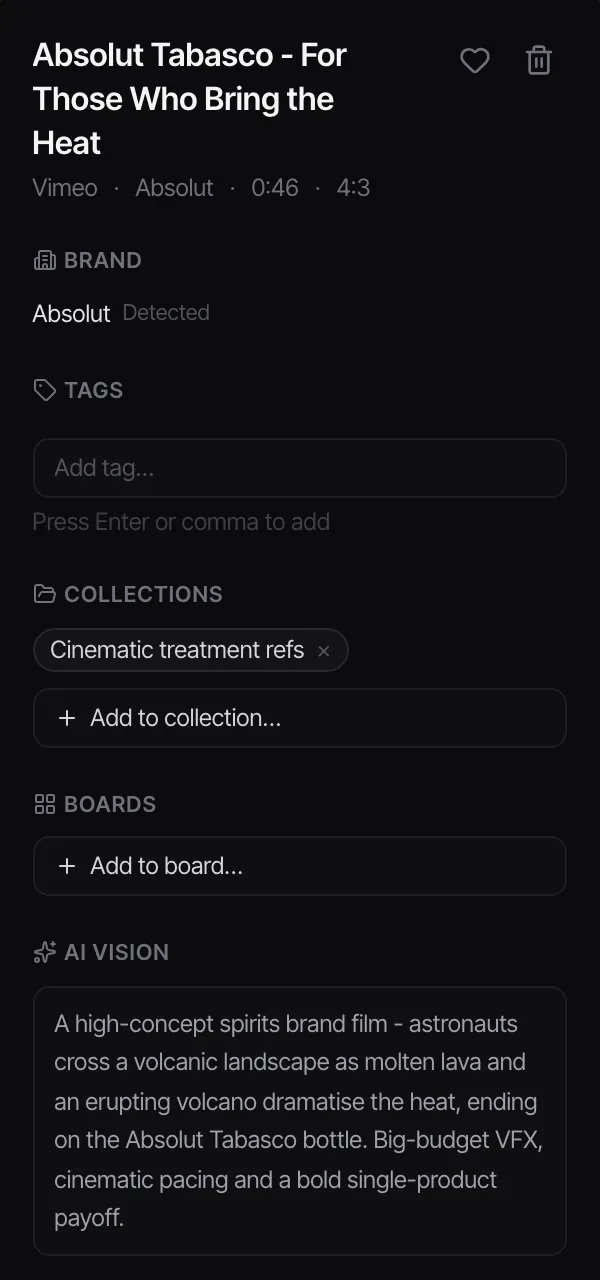
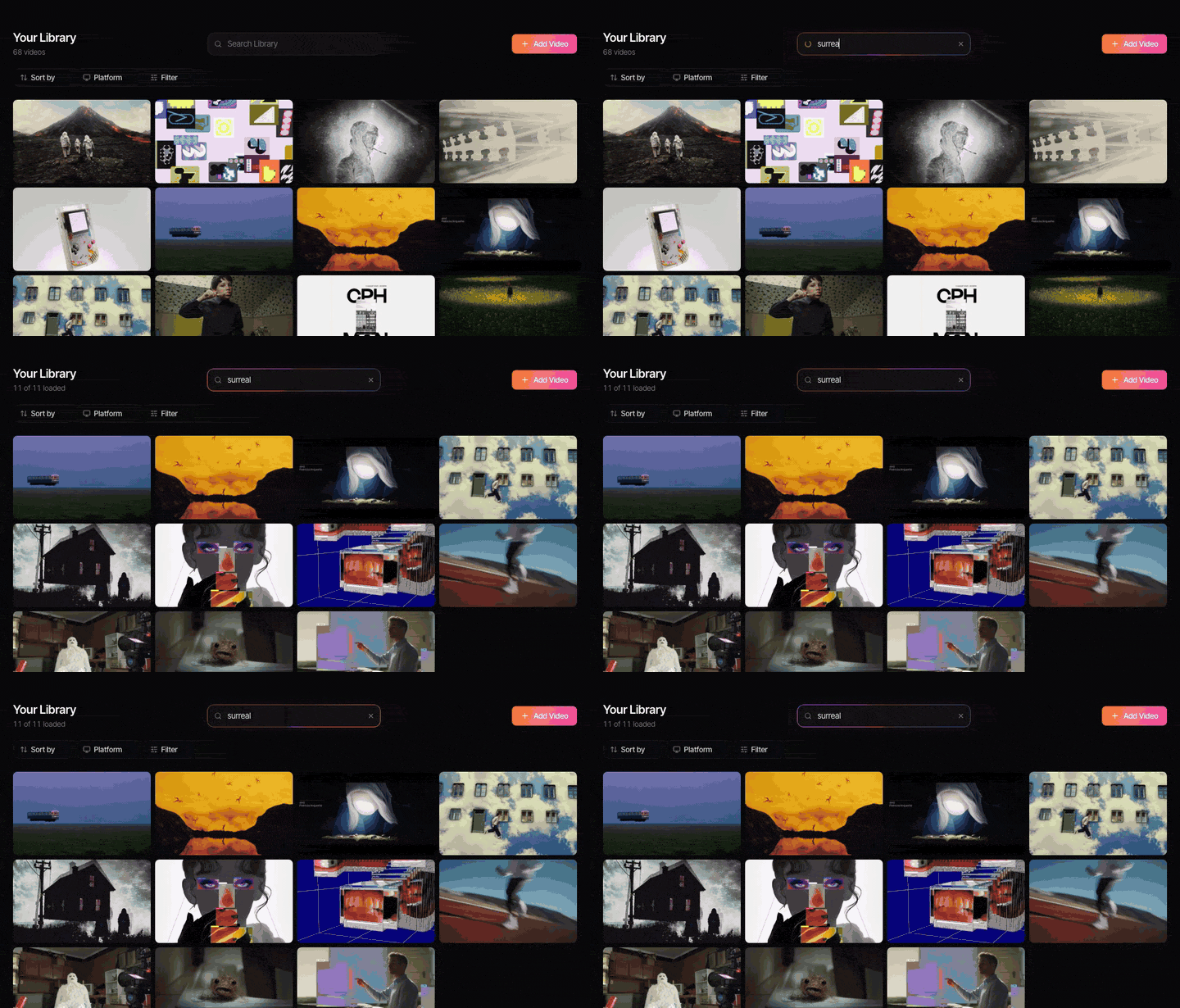
That's how Spark splits it. The Tags field is yours: Spark never fills it in. What Spark does, on Creator and Studio, is write an AI description of each video, transcribe its audio and detect the brand, then map those descriptions to a filmmaking search vocabulary (pace, mood, shot size, camera movement, lighting, look) much like the table above. Search understands the shorthand people type, so "shaky cam" finds handheld, "magic hour" finds golden-hour and "pan up" finds a tilt. Colour words match each frame's five-colour palette, too.
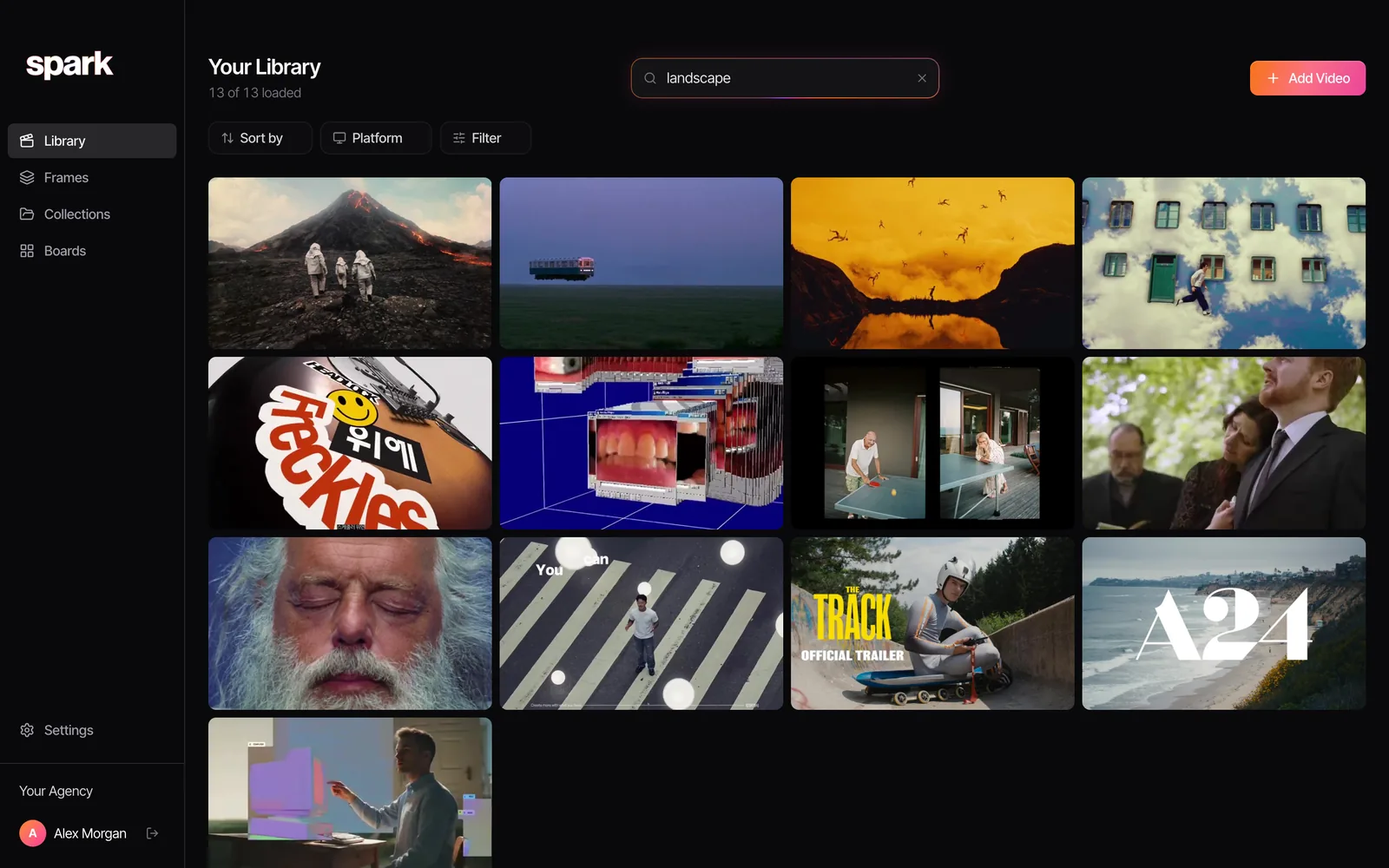
Which leaves you a much shorter list to keep tidy: the craft words your team uses and the usage tags that keep you out of trouble.
If you've got an untagged library and need one thing out of it today, finding a video you saved months ago has the rescue steps. If what you remember is a line someone says, searching by dialogue and transcript is quicker.
A tag audit in twenty minutes
If your tags are already a mess, don't start again. Export or list every tag, sort alphabetically, and do three passes:
- Merge the twins: plurals, hyphens, capitals, typos.
- Map the synonyms, pick a winner, move the losers into the "not these" column.
- Delete what nobody would ever type: "cool vibe", "good one", "ref".
Pin the cleaned list wherever people save.
FAQs
Should I tag every shot in a long video?
No. Tag the qualities the whole piece is built on, so a 30 second spot with one crane shot isn't a crane reference. If one moment in a long film is the reason you saved it, put the timestamp in the note ("whip-pan at 1:12"), or clip that moment into a GIF and tag the GIF.
What tags should I use for film and video references?
Group them by facet: shot size, angle, camera move, lens and focus, light, colour, time and edit, pace, sound, format and usage. Within each, use the words people brief in, like push-in, backlit, teal-and-orange or match-cut, and keep one word per idea.
Is AI tagging good enough for a reference library?
For what's visible and audible it's now very good: shot size, setting, light, palette, people on screen and what's said. It can't know why you saved something, whether a client has seen it, or whether it's safe to show, so keep a human note and usage tags on top.
Does Spark tag my videos for me?
No. The Tags field in Spark is only what you type. Spark writes an AI description and a transcript for each video (on paid plans) and search reads those, so you can find things you never tagged.
How do I stop my team creating duplicate tags?
Keep a written list with a synonym column ("handheld, not shaky cam or hand-held"), pin it where people save, and let one person own additions. A monthly five-minute merge of stray tags stops the list drifting.
Keep reading
All articles
How to Build a Shared Creative Reference Library for Your Team
A team library fails for different reasons than a personal one. Set up ownership, rules, client separation and a ten-minute weekly habit, and it survives past the first month.

How to Organise YouTube Videos for Creative Research
Watch Later is not a research system. Here's the playlist setup we use for YouTube research, the bits YouTube quietly took away, and when it's time for something better.
How to Save Video References from Websites
That title sequence on a studio's website isn't a lost cause. Find where the embed really lives, download it if you're allowed, and screen record it properly if you're not.