
GIF vs MP4: Which Format Is Better for Creative Presentations?
MP4 was 2 to 8 times smaller than our leanest GIFs and looked better. GIF still wins in a few places, and they're not the ones you'd guess. App by app, with our numbers.
By the Spark team ·
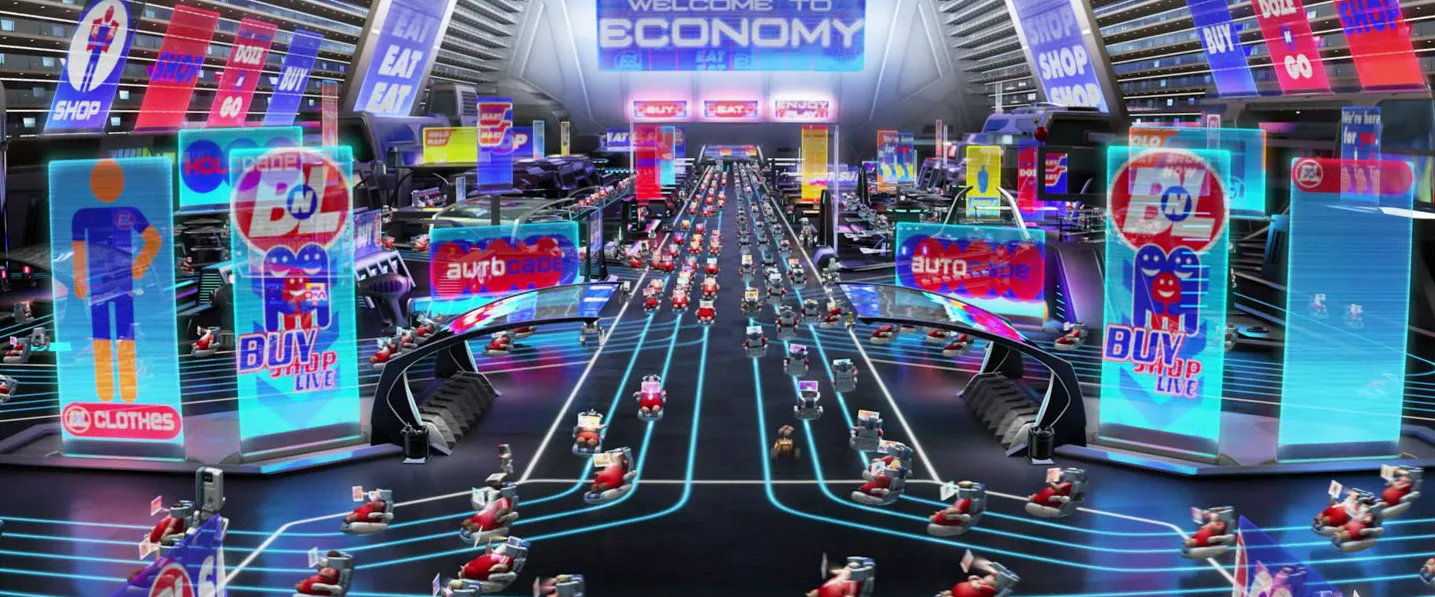
GIF vs MP4, for a deck you present from your own laptop in Keynote, PowerPoint or Canva: use MP4. It's smaller, it looks like the footage rather than a poster of it, and you can set it to autoplay and loop. Use a GIF when the moving image has to play somewhere you don't control: an email, a Slack thread, a Notion page, or a Google Slides deck where you want a clip to loop. And when the deck travels as a PDF, neither will move, so pick the frame that tells the story.
That's the short answer, and it's what we do on our own pitches. The longer one depends on what's in the clip, because a GIF of a screen recording and a GIF of handheld action are completely different files. We measured both.
We tested three kinds of footage
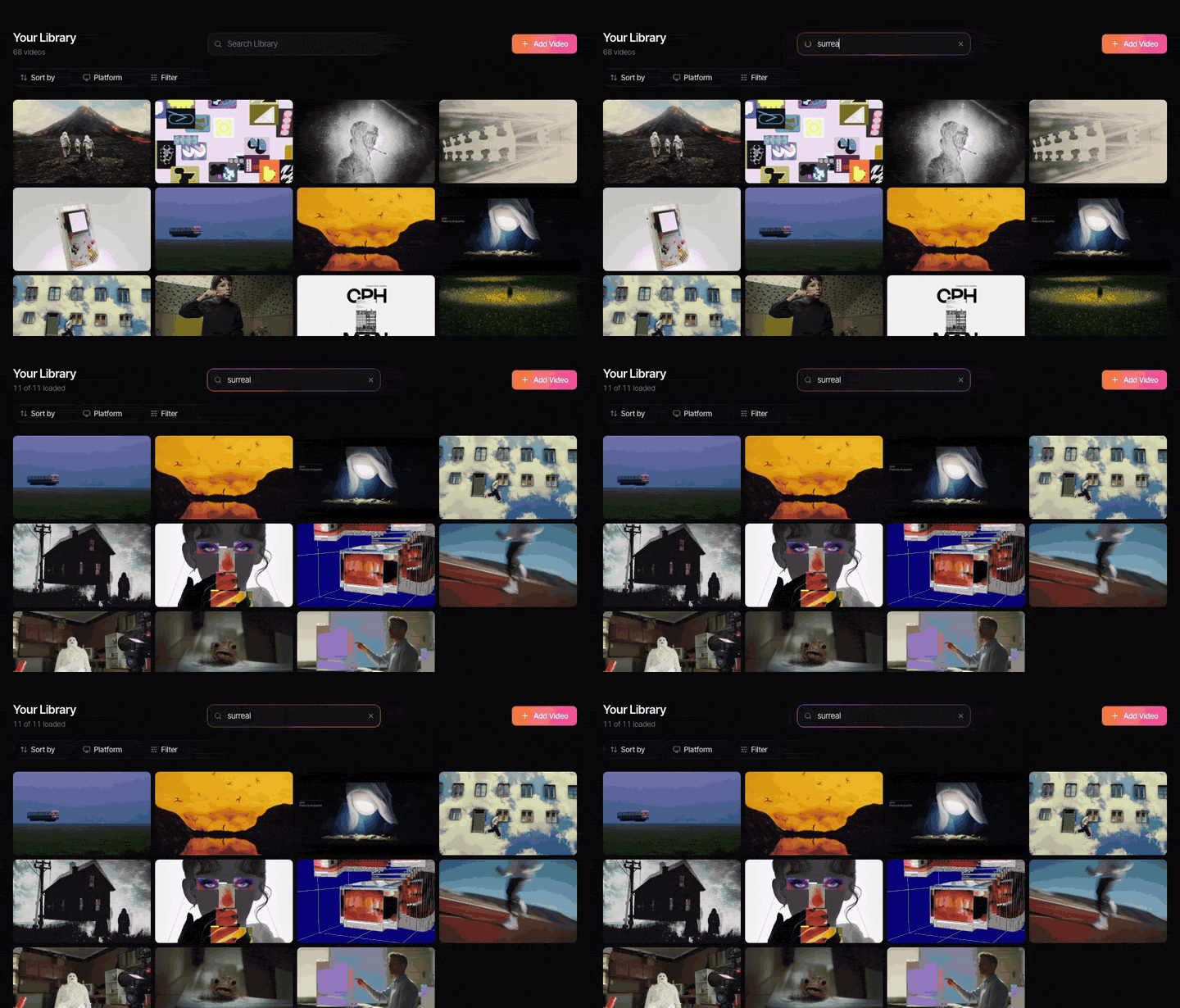
We cut six seconds from three real clips at 720p: a motion graphics section from our own launch film (gradients, glowing cards), a vertical action trailer (an off-road truck on grass, the camera panning hard to follow it), and a screen recording of Spark's interface. Each was saved as an H.264 MP4 at CRF 23 with no audio, a sensible everyday setting, and as GIFs made with ffmpeg's two-pass palette.
| Clip (6 seconds) | MP4, full 720p, full frame rate | GIF, 480 px, 12 fps, Bayer dither | GIF, 480 px, 12 fps, Sierra dither | GIF, full 720p, 12 fps |
|---|---|---|---|---|
| Motion graphics, 1280 x 720 | 1.51 MB | 3.12 MB | 4.14 MB | 17.80 MB |
| Action, vertical 720 x 1280 | 1.45 MB | 12.00 MB | 14.32 MB | 24.71 MB |
| Screen recording, 968 x 720 | 0.13 MB | 0.36 MB | 0.32 MB | 1.08 MB |
Read across the rows. The full size, full frame rate MP4 beat a smaller GIF with half the frames every time: by 2 to 3 times on the motion graphics and the screen recording, and by 8 times on the action. Match them like for like (both 480 px and 12 fps) and the MP4s were 0.31, 0.71 and 0.04 MB, so the GIFs were 8 to 17 times bigger. Google's web.dev team puts the usual range at 5 to 20 times. We landed right in it.
Two more things from that table:
- Screen recordings are GIF's happy place. Big flat areas that don't change between frames compress beautifully. At 0.36 MB, a six second UI demo is small enough for anything, email included.
- Movement plus detail is GIF's nightmare. A pan over grass changes nearly every pixel on every frame, and GIF has almost nothing to reuse. Twelve megabytes for six seconds is not something you want to attach to anything.


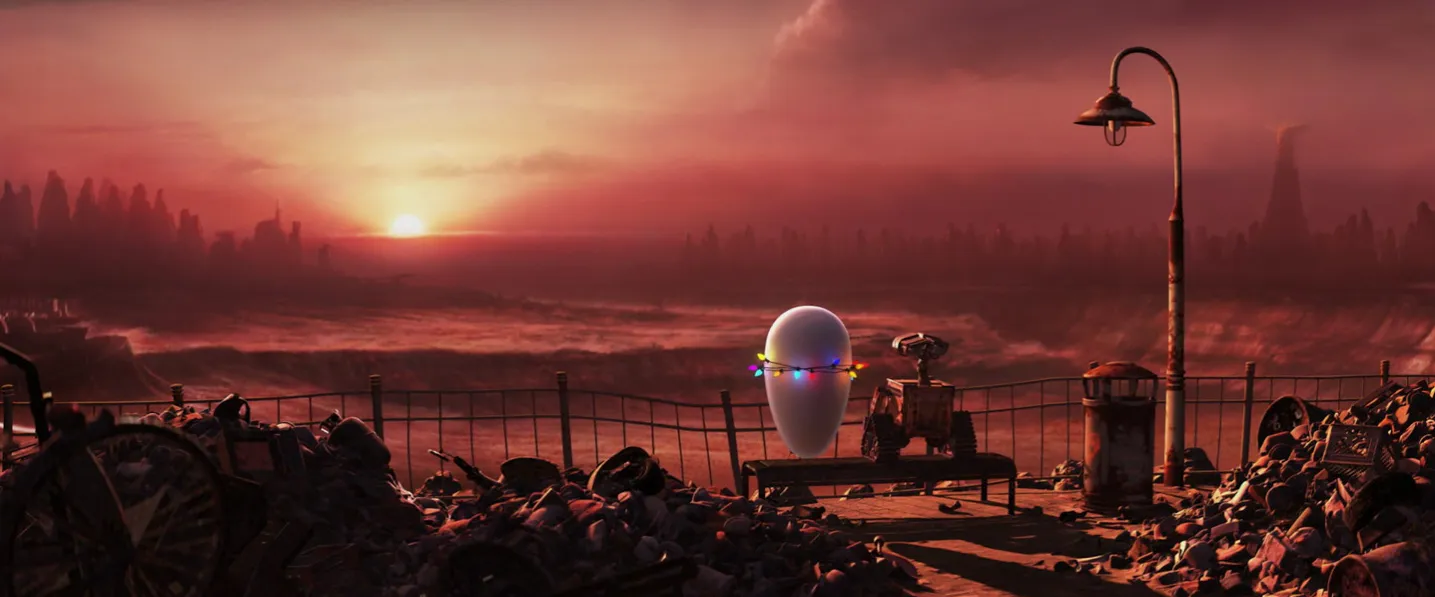
Those are two loops cut from references in our own library, both made for this blog under the same 1.5 MB budget. The silhouette used a third of it. The burger, less than a second longer, nearly hit the ceiling.
What GIF does to the picture
A GIF frame holds 256 colours. A frame of graded footage holds tens of thousands. The encoder chooses a palette and fakes everything else with dithering (a fine pattern of dots), so smooth gradients turn grainy or stripy, and skin tones go slightly plasticky. MP4 has no colour limit, so a sunset looks like a sunset.

If a GIF has to look as good as it possibly can, our guide to turning a video into a GIF without losing quality goes through palettes, dithering and the settings that matter.
App by app: which format to use
| Where it's shown | GIF | MP4 | Our pick |
|---|---|---|---|
| Keynote | Plays in the slideshow | Plays, with Loop and autoplay settings | MP4 |
| PowerPoint desktop | Plays; loops as the file says | Plays, with Start Automatically and Loop until Stopped | MP4 |
| PowerPoint for the web | Unreliable in Slide Show | Plays | Present from the desktop app |
| Google Slides | Plays and loops, inserted as an image | Only from YouTube or Drive; autoplay but no dependable loop | GIF for loops, MP4 for longer clips |
| Canva | Plays | Plays, with Play automatically and Play on repeat | MP4 |
| First frame only | Doesn't play | A still and a link | |
| Gmail Email (, Outlook, Apple Mail) | Plays in most mail apps (some Outlook versions show frame one) | Plays in Apple Mail, not Gmail or Outlook | GIF, under 1 MB |
| Slack | Plays inline, no click | Needs a click to play | GIF for a quick look, MP4 to watch in full |
| Notion | Plays in an image block | Needs a click to play | GIF, kept small |






The ones that catch people out:
Keynote. Select the video, open the Movie tab in the Format sidebar, set Repeat to Loop, and untick Start movie on click so it plays as soon as the slide appears. That's a GIF's behaviour with none of its downsides.
PowerPoint. Insert the MP4 with Insert > Video, then on the Playback tab set Start to Automatically, tick Loop until Stopped and mute it. If a GIF on your slide sits frozen, that's a separate set of problems, all in our guide to inserting GIFs into PowerPoint.
Google Slides. The odd one out. Slides can't insert a video from your computer, only from YouTube or Google Drive. You can make it play automatically under Format options > Video playback, but there's no reliable loop. For a reference that should cycle quietly while you talk, a GIF is the better tool here.
Canva. Select the video, click Edit, scroll to Playback, and switch on Play automatically and Play on repeat. Canva takes GIF uploads too, but an MP4 will look better for the same file size.
Email. Gmail and Outlook don't play video in the message, so it's a GIF or a still with a link. Keep the GIF under about 1 MB and make sure the first frame works on its own, because some desktop versions of Outlook show only that.
Autoplay, looping and sound
This is often the real decider, more than file size.
A GIF always autoplays and always loops (unless the file says otherwise). It never has sound. There's nothing to set up and nothing to forget, which is exactly why people reach for it.
An MP4 does whatever you tell it to, which is a strength right up until you forget to tell it. Every app hides its autoplay and loop settings in a different menu, and a video left on "play on click" sits there with a play button over the shot you were most excited about. If you use MP4s, click through every slide in presentation mode before the meeting. And mute them. A reference clip that suddenly plays its soundtrack over your voiceover is a memorable way to lose the room.
When the deck travels
Decks rarely stay on your laptop. The client forwards it, opens it on a phone, prints it, or exports it to PDF for procurement. That changes the maths.
Embedded size adds up. Ten GIFs at 3 MB each is a 30 MB deck before a single still. Ten MP4s at the same quality would be a fraction of that.
PDF kills all motion. Every GIF becomes its first frame and every video becomes a poster frame, or a blank. If the deck will be sent as a PDF, choose the frame that does the work, and put a short link to the clip under it.
Phones are the worst case. A client flicking through in a taxi sees GIFs play slowly as they download. Videos may not autoplay at all.
Our habit when a pitch has to go out before the meeting: two files. The emailed version is a PDF with the best frame of each clip and a short link under it. The version we present from is a .key with muted, looping MP4s. Each does the job it's good at, and nobody watches a GIF buffer on a phone.
If it has to be a GIF, make it a small one
Most of a GIF's size comes from its width, its length and its frame rate, roughly in that order. A clip shown in a box on a slide rarely needs more than 480 px wide, 12 fps and three or four seconds. Our guide to reducing GIF file size ranks every lever by what it saved in our tests.
Making one from scratch? Our converter takes an MP4 or MOV, lets you set the width, frame rate and quality, and never uploads the file. Already got a GIF that's too big? The free GIF compressor resizes it, drops frames, cuts colours or aims for a target size, all in your browser.
Where Spark fits
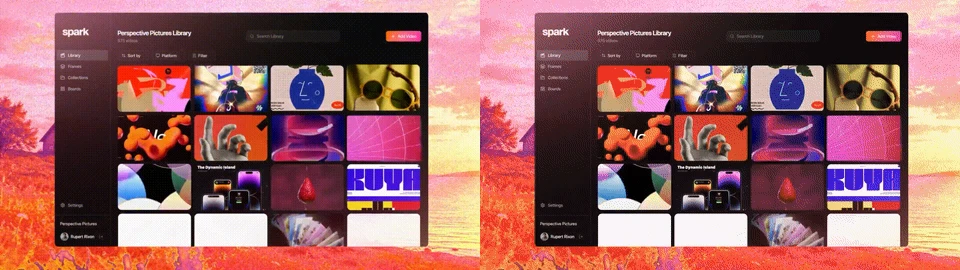
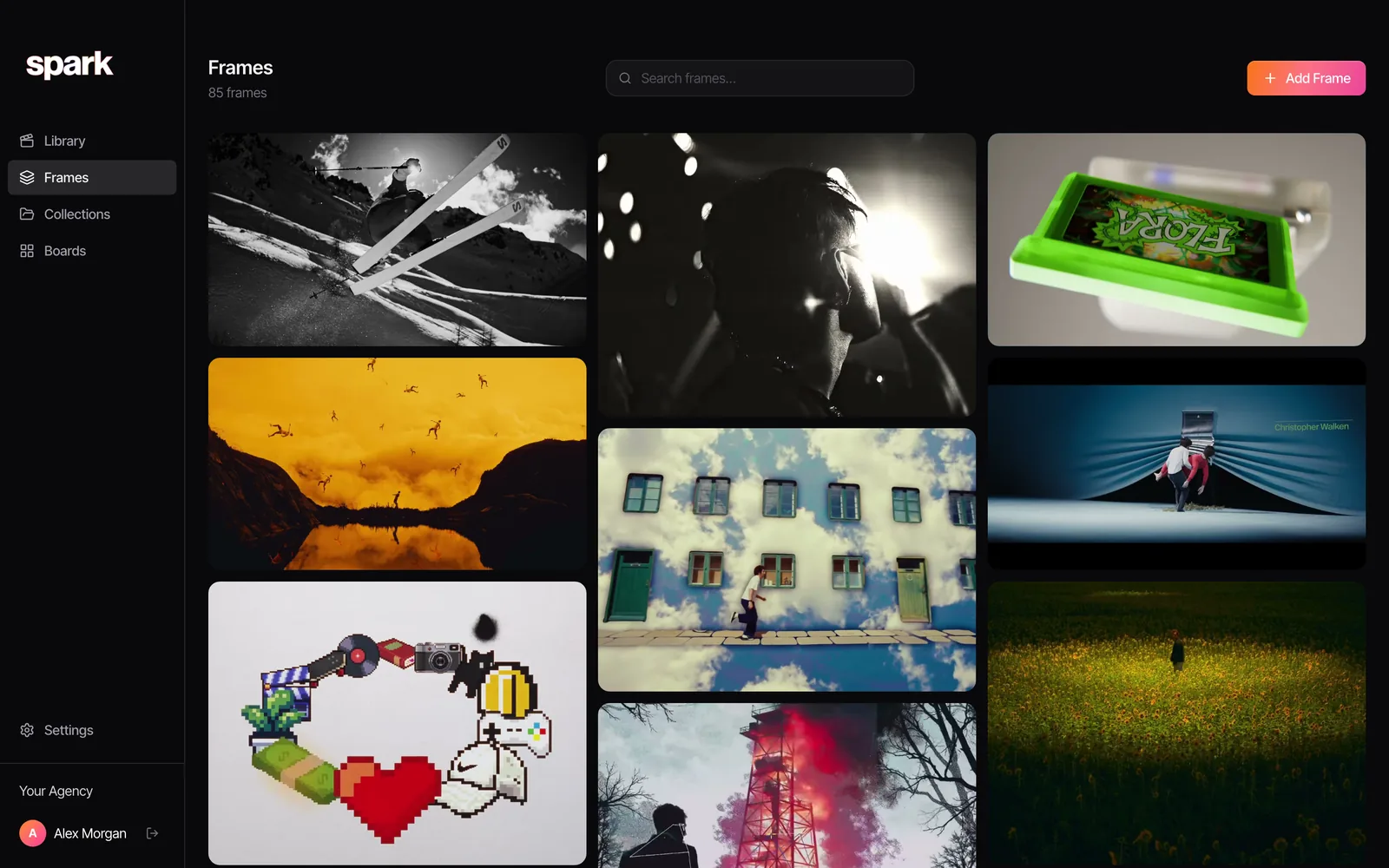
Most moving references in a deck start as someone else's video: a reel, an ad, a music video. In Spark you save that video once, from whichever platform it's on, and export a GIF from it when a destination needs one: pick the seconds, 8 to 24 fps, 320 to 1080 px wide. The original is kept, so you can make a 480 px GIF for the email and go back to the full video for the room.
Boards in Spark play video references right on the canvas, so you can lay out a moving moodboard without converting anything.
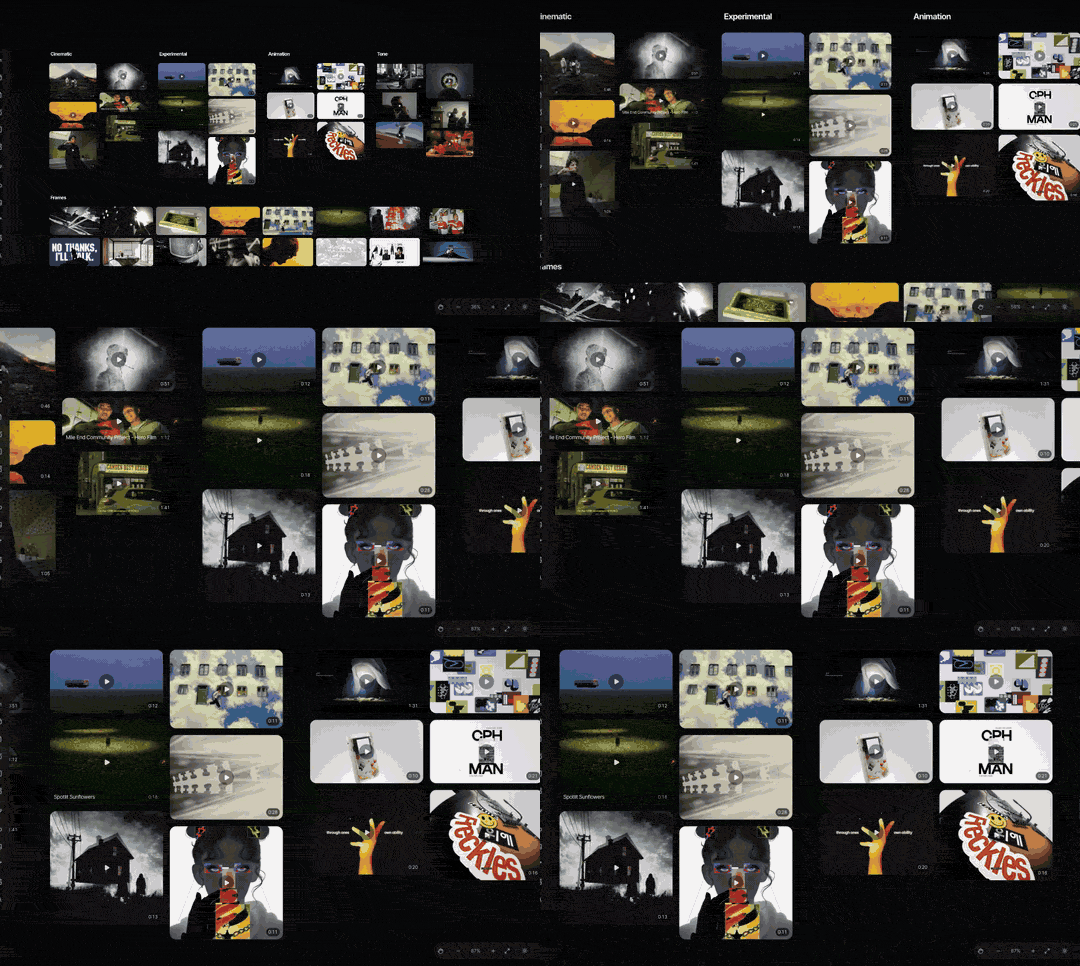
When the board has to become a deck, Create Moodboard exports it to PowerPoint, Keynote (.pptx), Google Slides, Canva or PDF. GIFs on the board keep moving in the Slides, PowerPoint, Keynote and Canva versions; only the PDF flattens them to a first frame. A clip that needs sound still goes in as an MP4 afterwards, using the settings above.
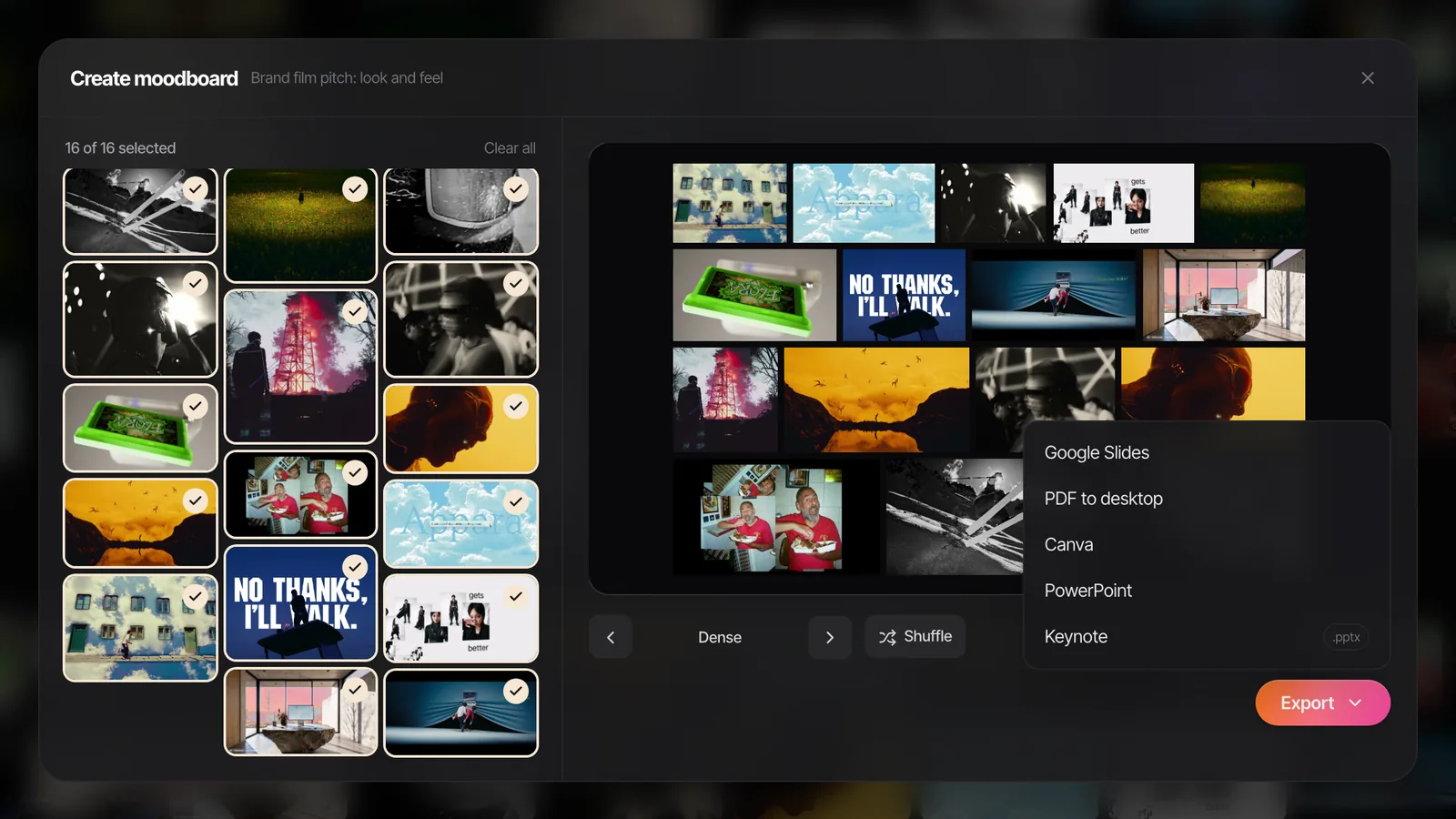
Not using Spark? The free moodboard maker builds a deck from your own images and GIFs in the browser and exports a .pptx that keeps them animated.
The format question gets much easier when you aren't working from a GIF someone sent you three weeks ago. Start from the original video and you can make whichever file the next destination wants.
FAQs
Is MP4 better quality than GIF?
Yes. MP4 keeps the full range of colour, while a GIF is limited to 256 colours per frame and has to fake the rest with dithering. In our test, a full 720p MP4 was also 2 to 8 times smaller than a 480 px GIF of the same six seconds.
Should I use a GIF or a video in PowerPoint?
For anything larger than a small box on a slide, use an MP4 and set it to start automatically, loop until stopped and play muted. GIFs are fine for small loops, but they're bigger and lower quality. Either way, present from the desktop app rather than PowerPoint for the web.
Do GIFs or videos work better in Google Slides?
GIFs, for short loops. Slides can only insert video from YouTube or Google Drive and doesn't offer a dependable loop, while a GIF inserted as an image plays and loops on its own. For a longer clip with sound, use a Drive video.
Why is my GIF so much bigger than the MP4?
GIF is a 1980s image format that compresses each frame on its own terms and reuses very little between frames, while H.264 was built for moving footage. Busy, moving footage shows the gap most: our handheld action clip was 12 MB as a 480 px GIF and 1.45 MB as a full 720p MP4.
Will GIFs or videos play in a PDF?
No. A PDF shows a GIF's first frame and won't play a video. If your deck goes out as a PDF, choose the frame that matters most and add a link to the clip.
Is GIF or MP4 better for email?
GIF. Gmail and Outlook don't play video inside an email, but most mail apps play GIFs. Keep it under about 1 MB and put the most important moment in the first frame, because some desktop versions of Outlook show only that.
Keep reading
All articles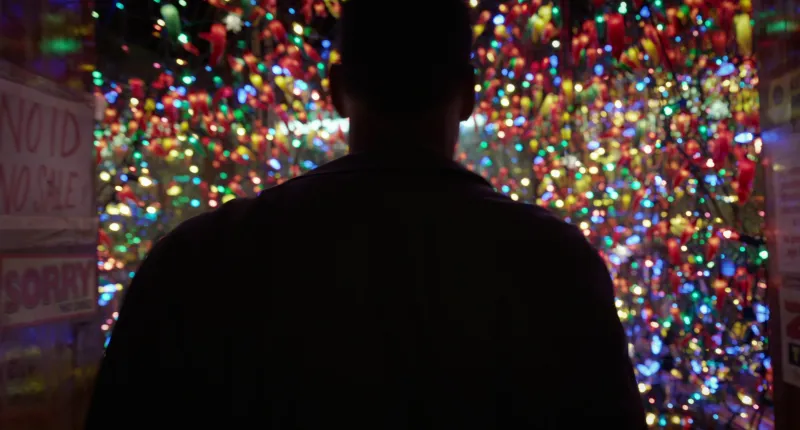
How to Export a GIF from Adobe Premiere Pro
Premiere will export a GIF. It just won't give you much say in how. Here's the direct route, its limits, and the workaround most editors use instead.
How to Export a GIF from After Effects
After Effects lost its GIF export years ago. Here's the quick route through Media Encoder, the better one through a PNG sequence, and what a gradient does to the file size.
How to Make a GIF from a Vimeo Video
Vimeo has a GIF maker, but only for your own videos. For the director's reel you actually want to reference, here's how to get the moment out cleanly, without the black bars.