
How to Make a Ripomatic (or Mood Film) for a Pitch
A good ripomatic lets a room feel the film before it exists. A careless one turns up online with other people's footage and your client's logo on it.
By the Spark team ·
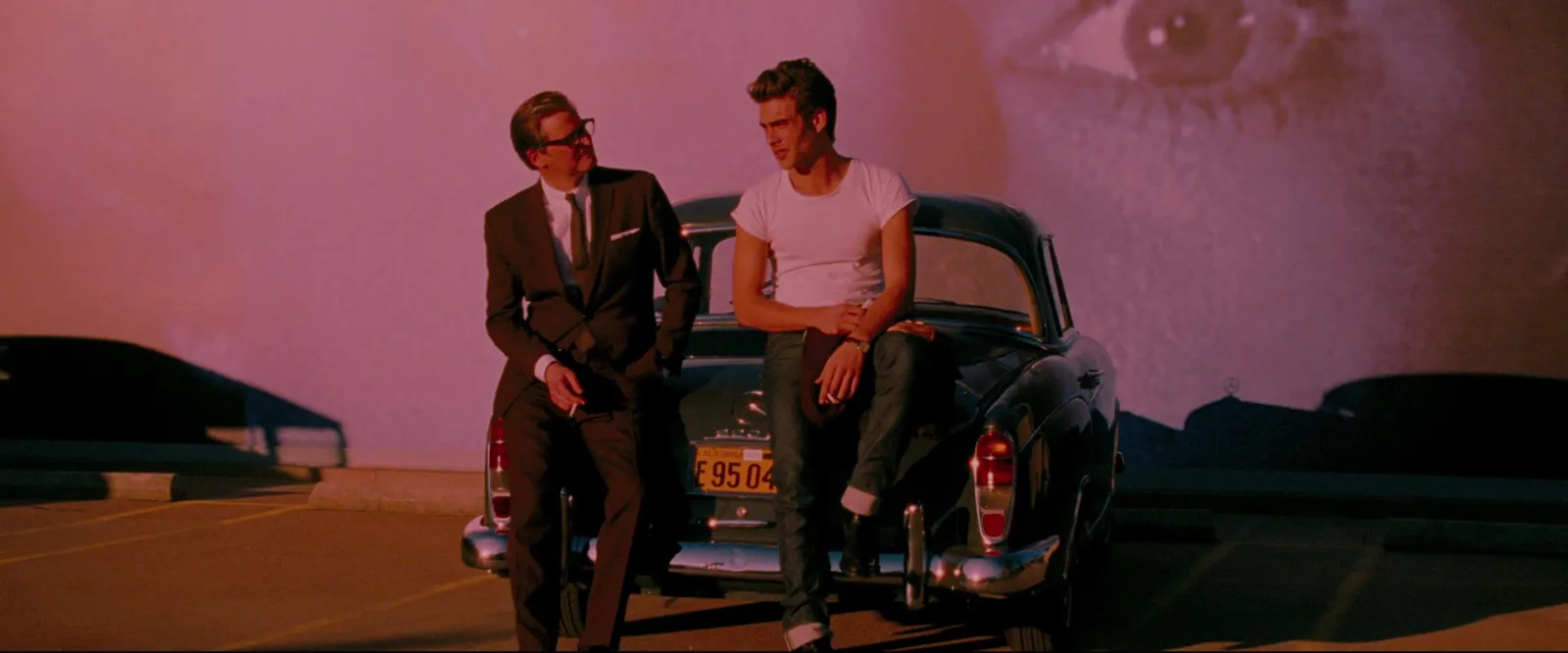
A ripomatic (also rip-o-matic, mood film or stealomatic) is a rough film cut from existing footage, other people's ads, films and music videos, to show what a commercial will feel like before it's shot. To make one, write the idea in one line, pick a temp track, gather three times as many clips as you'll use, cut to the length of the final film with one idea per clip, and finish on a title card and a credits card. Then keep it in the room: there's no UK copyright exception for commercial pitches, so a ripomatic is for internal pitching only, never for broadcast or the internet.
We make Spark, a reference library where the clips for a ripomatic often start. So this guide is practical about the cutting and straight about the grey area, because both decide whether a ripomatic helps you or comes back to bite.
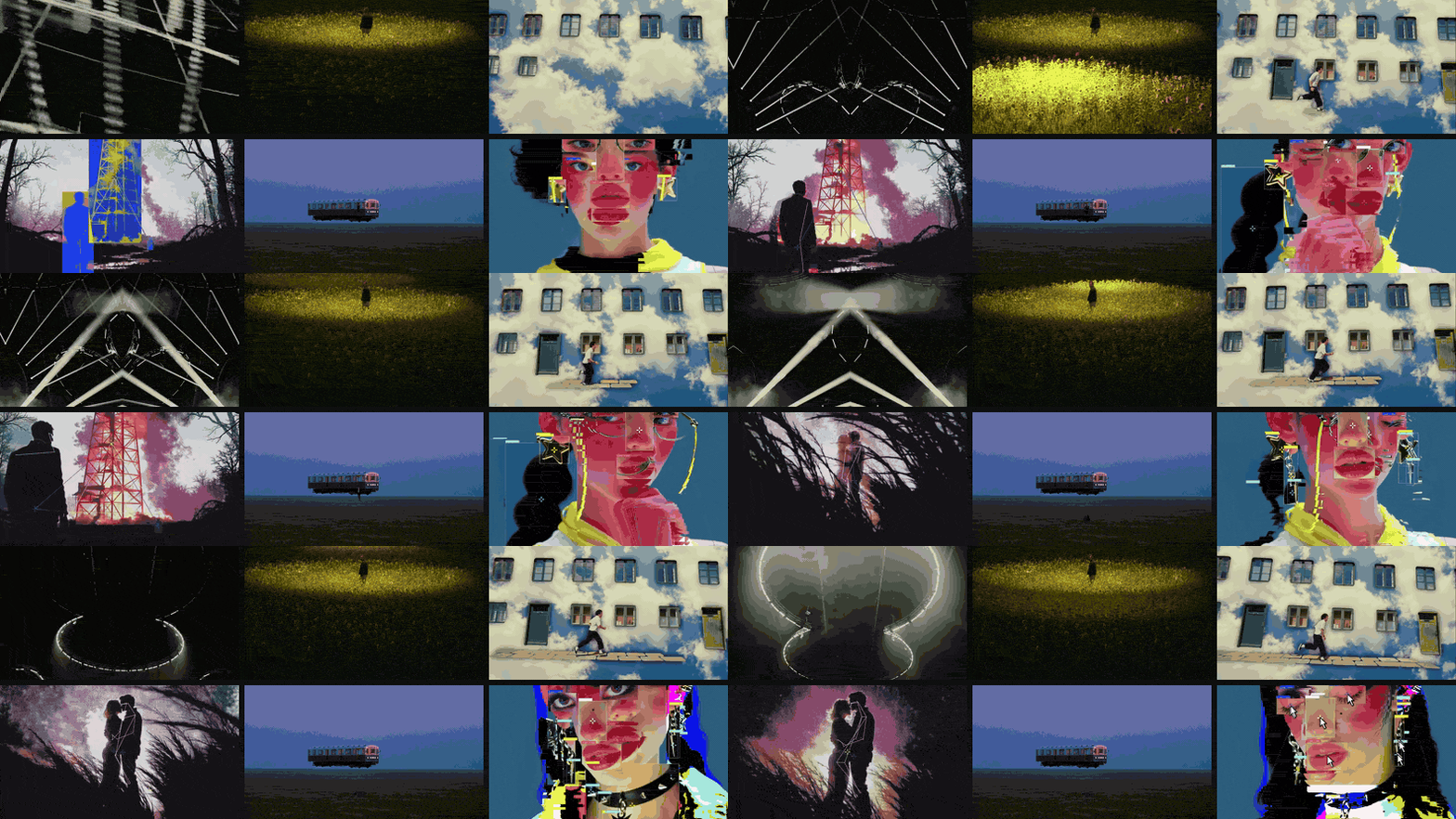
Ripomatic, mood film, stealomatic: what's the difference?
Mostly the name and who's making it. Agencies tend to say ripomatic or stealomatic when the cut follows a script shot by shot, close to the finished ad. Directors tend to say mood film or mood reel when it sells a tone alongside a treatment. All of them are built from footage that already exists.
The cousins are made from your own material. A boardomatic is drawn storyboard frames cut to a timeline, an animatic adds simple movement to those drawings, and a photomatic does the same with photographs. Animatic Media's guide sets the formats side by side if you need to explain them to a client. The difference matters for one reason: a boardomatic is yours, and a ripomatic is mostly other people's work.
When to make one, and when not to
A ripomatic earns its keep when the idea lives in tone, pace or music, and words or boards can't carry it. The usual moments:
- An agency selling a script to a client before a director is attached, so everyone agrees what "energetic but warm" means.
- A director's pitch, where the mood film sits beside the treatment and does in 60 seconds what ten pages of writing can't. Our director treatment examples show where it usually goes.
- A music video pitch, where the track is the artist's own and the mood film shows the world around it. The music video treatment template covers the written half.
- Getting a client's team aligned when half of them can't read storyboards.
Skip it when the idea depends on something no existing footage shows. A ripomatic of near misses makes a new idea look derivative, and a boardomatic or animatic sells it better. Skip it too when the references are so close to what you'll shoot that the client falls for someone else's film and asks for that exact shot. And think twice when it will travel beyond a small group, which we come back to below.
Step 1: Write the idea in one line, and pick a length
Before any footage, write one sentence the film has to make the room feel. "A city that wakes up slowly, then all at once." Every clip you consider gets judged against that line, which is the only reliable way to stop a ripomatic turning into a reel of your favourite things.
Then fix the length. Match the finished film where you can: a 30 second spot gets a 30 second ripomatic, because pace is half of what you're selling. A mood film for a director's treatment can run 60 to 90 seconds. Beyond two minutes, attention drops and you start showing variations on the same idea, so cut it down.
Step 2: Choose the temp track before the clips
Music drives the edit, so choose it first. A ripomatic cut to silence and then scored rarely feels as tight as one cut to the track from the start. Pick something with the tempo and shape you want: where it builds, where it drops, where it lands.
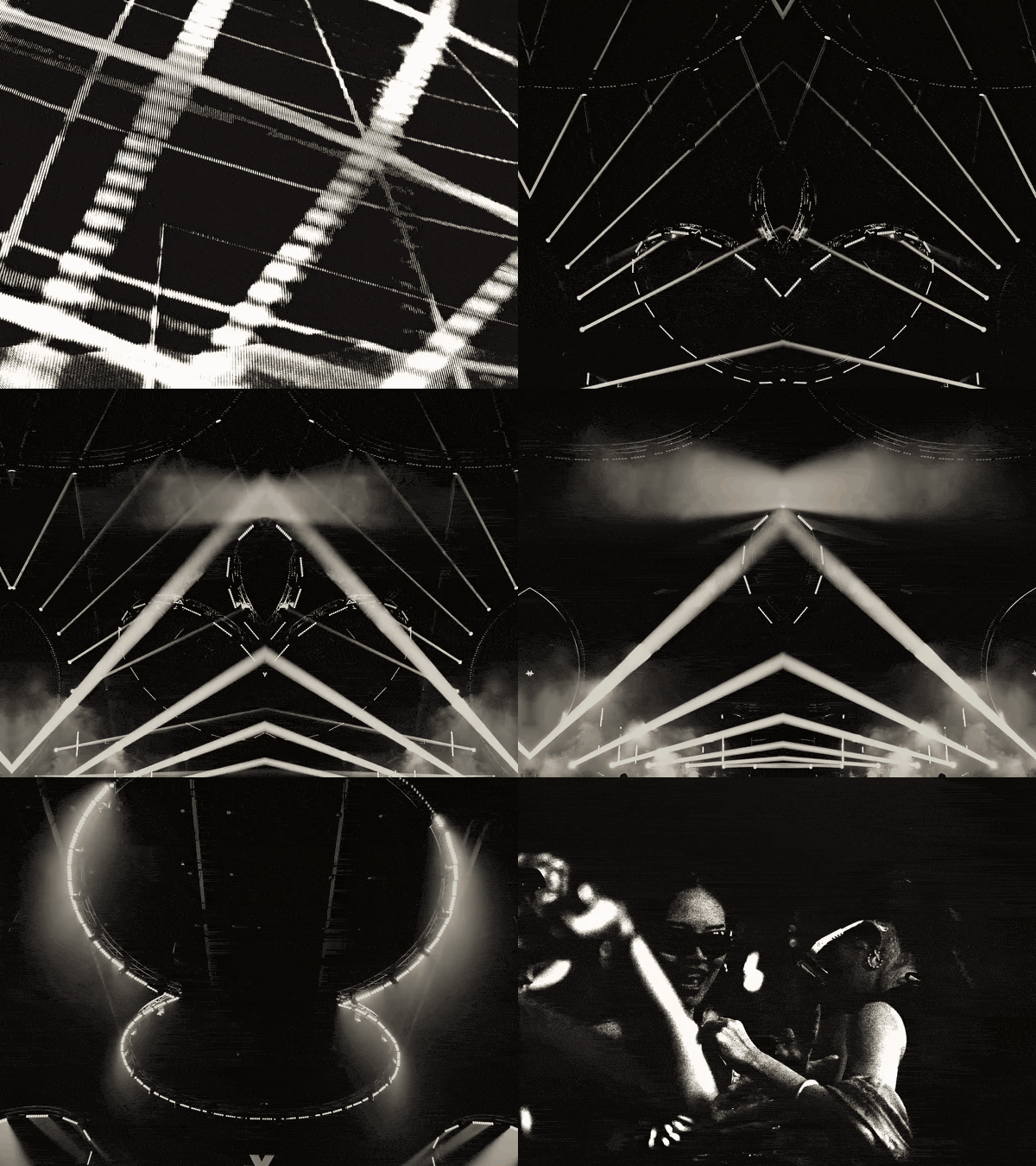
Be careful with famous tracks. If the client falls in love with a song the budget can't stretch to, the finished ad will feel like a downgrade before it's even shot. Choose temp music in the same world as music you could realistically clear, and say in the room that it's temp. Licensing for the ripomatic itself is in the legal section below.
Step 3: Gather three times the clips you'll use
A 60 second ripomatic might hold 20 to 30 shots, so collect 60 to 90 candidates. You'll lose most of them to pace, colour or a logo in the corner. Start in your own reference library, because those are clips you already chose for a reason, and widen out from there.
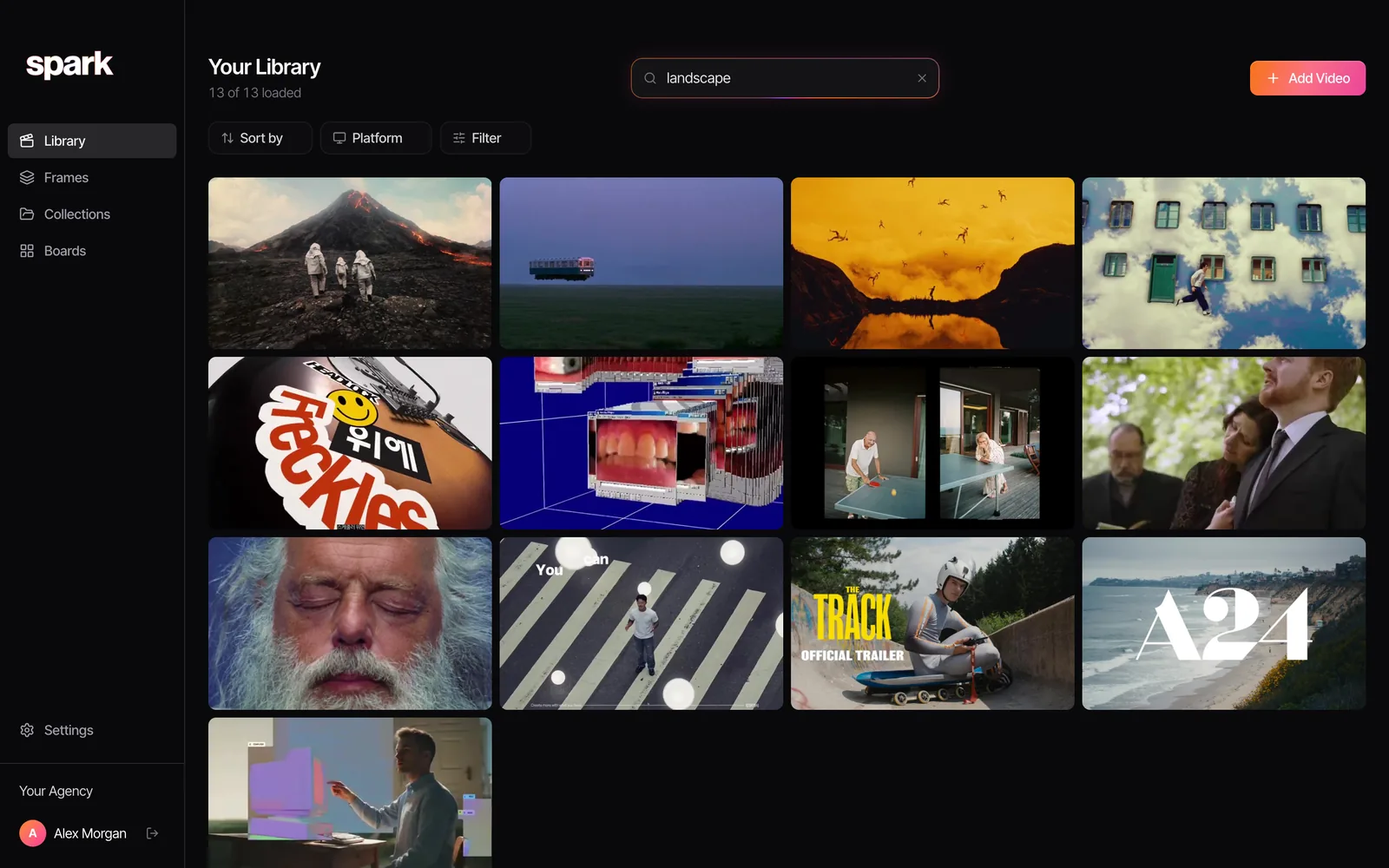
Search by what happens in the shot, not by where you saw it. In Spark, Creator and Studio libraries have an AI description and a transcript for every video, so "slow push in on a face at night" or a line of dialogue you half remember both work. Our guide to searching videos by dialogue and transcript covers the same trick in other tools.
For each keeper, log five things: the title, the maker, the link, the in and out timecodes, and the clip's job in the edit. Spark's player helps with the timecodes: the arrow keys jump 5 seconds to skim, and comma and full stop step one frame back or forward so you can land on the exact frame a move starts. Group the keepers in a collection for the pitch, so the director and editor see the same shortlist.
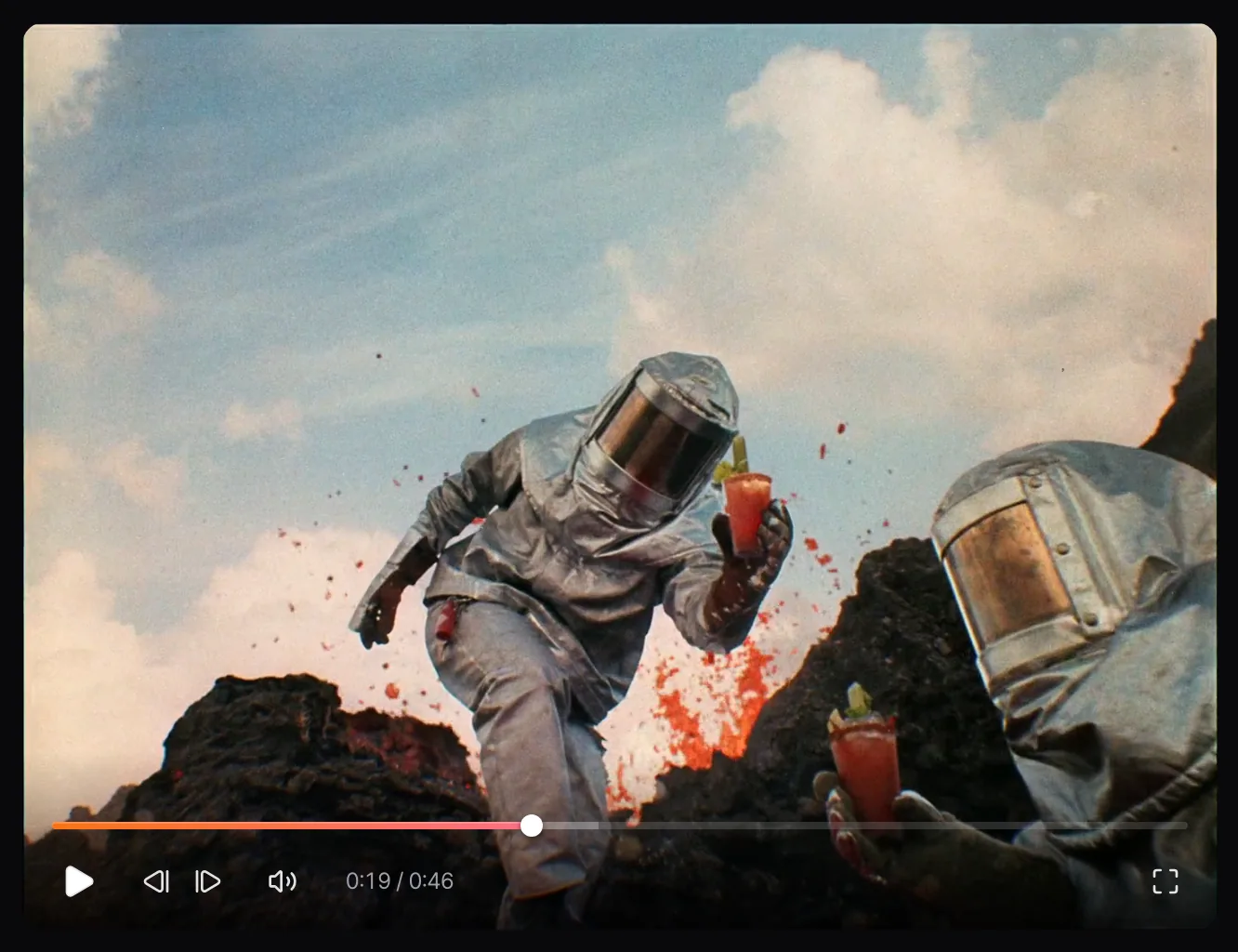
Where the footage for the edit comes from
Here's the bit most guides skip. Spark helps you find and choose clips, but it doesn't hand out copies of other people's videos; download links are only for media you supplied yourself. Your editor still needs footage to cut, and the cleaner sources, roughly from safest down, are:
- Your own work and your company's past films.
- The client's own ads and brand footage, which they can clear for you.
- Licensed stock from libraries like Artgrid, cleared for commercial use.
- The rights holder's permission. It costs an email to ask a production company or director for pitch use, and the worst answer is no.
- Platform downloads the owner switched on, such as Vimeo's Download button.
Step 4: Lay it out before you cut
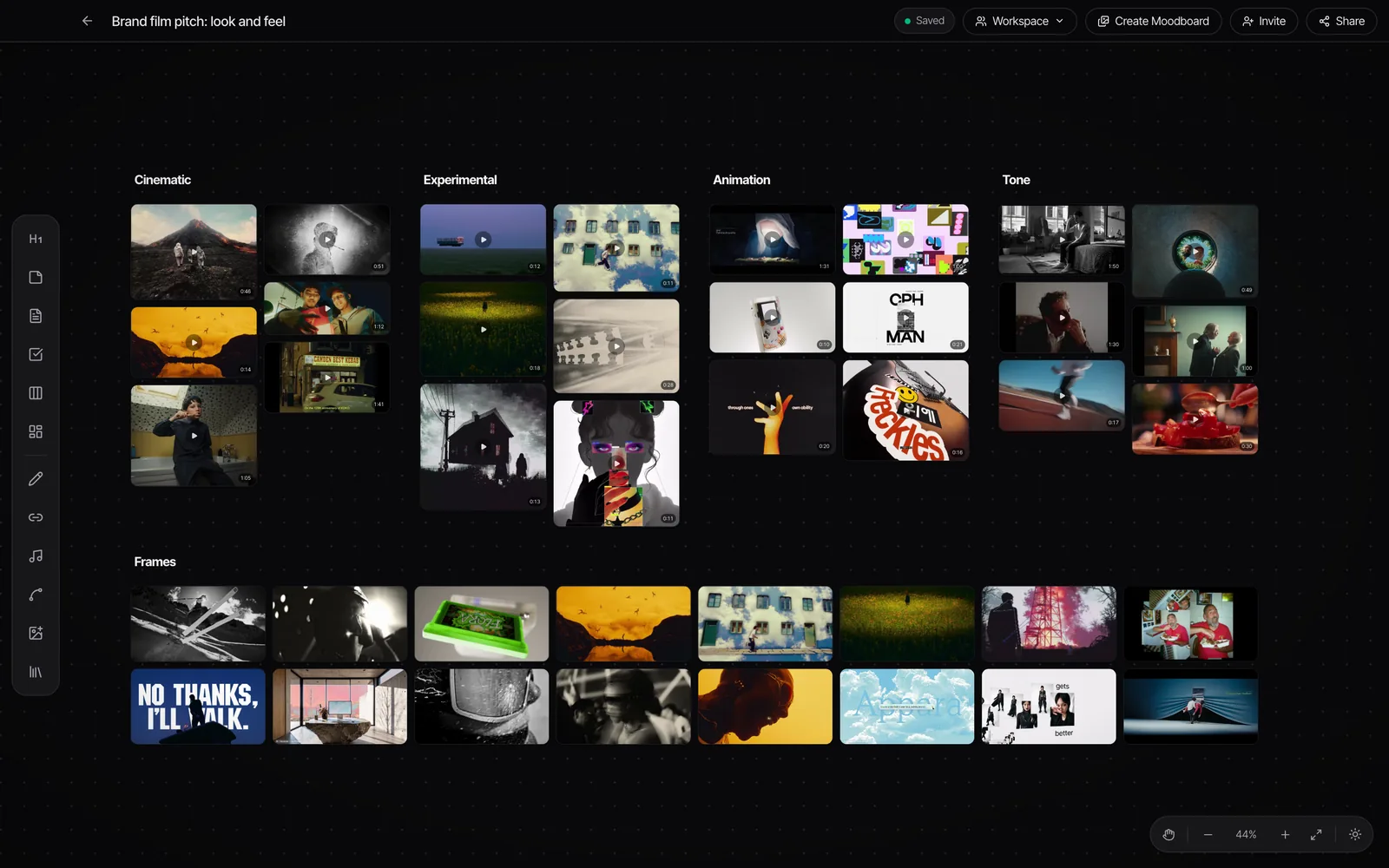
Put the shortlist in order before anyone opens an edit. A board works well for this: drop the clips in sequence, one row per section of the film, with a note under each saying why it's there. In Spark every saved video plays in place on a board, so the director can watch the run of references in order and move them around, and a view-only share link lets the client team look without an account.
Then turn the board into a cut list the editor can work from. A simple table does it:
| Shot | Source and maker | Link | In | Out | Job in the edit |
|---|---|---|---|---|---|
| 1 | Film title, director, production company | Original page | Timecode | Timecode | Opening image, sets the world |
| 2 | Film title, director, production company | Original page | Timecode | Timecode | First build shot, on the beat |
| and so on |
The source column becomes your credits card later, so fill it in properly now.
Step 5: Cut it to a shape
A ripomatic needs an arc, like the film it stands in for. This is the shape we start from for 60 seconds, then bend to the idea.
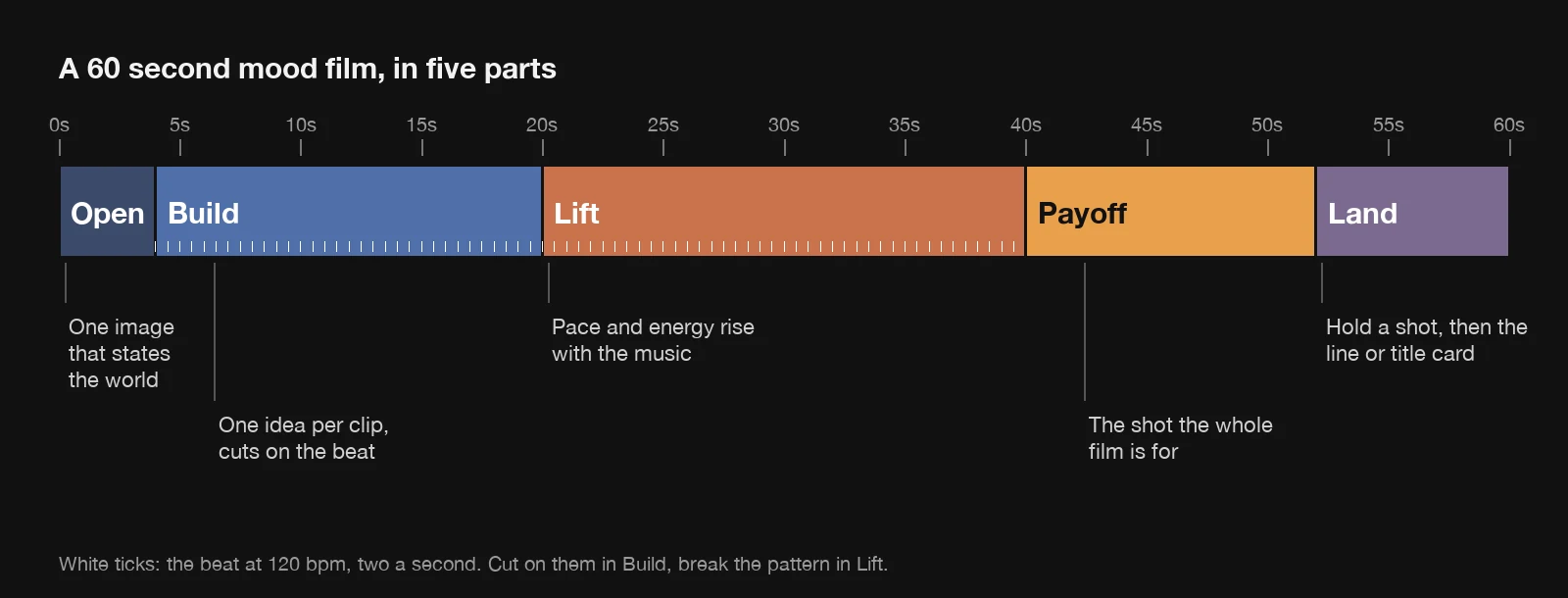
A few rules that make borrowed footage feel like one film:
- One idea per clip. If a shot needs two seconds to explain itself, it's the wrong shot.
- Cut on the beat in the build, then break the pattern when the music lifts, so the change lands.
- Carry movement across cuts. A move left to right into another left to right feels like one camera. Our guide to match cuts and transitions has the vocabulary.
- Unify the colour with a light grade over everything, so clips from five sources don't look like five sources.
- Lose other brands. Avoid clips with a visible logo or end super, or crop them out. A competitor's logo in your client's ripomatic is the first thing anyone notices.

Step 6: Finish with a title card and a credits card
End on the one line from Step 1, or the client's endline if there is one. Then add a credits card listing every source from the cut list: film, director, production company. It shows respect for the people whose work you borrowed, and it tells the client plainly that none of this footage is theirs to use.
Put a small, permanent label in a corner of the frame: for internal pitch use only, not for broadcast or distribution. It won't stop a determined forwarder, but it removes any doubt about what the film is.
The legal part, straight
There's no tidy answer here, so here's the honest one. In the UK, the government's guidance on exceptions to copyright has no exception for commercial pitches. The research exception covers non-commercial work only, and the quotation exception needs fair dealing and acknowledgement, which a montage of whole shots for a sales pitch would struggle to meet. In the US people point to fair use, but that's a defence argued after a complaint, not a permission you get in advance.
So ripomatics are an industry habit that relies on discretion: they stay out of trouble by staying in small rooms. Our rules:
- Show it to the people deciding, not the whole company. Share it by a password protected, expiring link, never as a public upload.
- Never post it, never put it in your reel, never let it near a broadcast or a paid placement.
- If the client wants to show it to consumers in research, raise it with their legal team and consider rebuilding it from licensed stock.
- Respect platform terms when you source footage. YouTube's terms forbid downloading content unless the service offers a download, YouTube and the rights holders agree in writing, or the law allows it. Downloader sites exist, but we don't recommend them: they break those terms and ask you to trust an unknown site with files you'll open on a work machine.
Music follows the same logic. An unlicensed track is the same issue as an unlicensed clip. If the ripomatic will travel, use music cleared for that use: production libraries sell licences that cover advertising, though plans differ (Epidemic Sound, for example, says ad campaigns need its Pro or Enterprise plan). None of this is legal advice; for anything beyond a closed pitch, ask a lawyer.
What Spark does for a ripomatic, and what it won't
Spark is the finding and choosing half. It keeps the references you've saved from Instagram, TikTok, YouTube, Vimeo and the Meta Ad Library, searches them by what happens and what's said, and lets you step frame by frame to log exact timecodes. Collections and boards hold the shortlist and the running order for the director and editor. It won't give you other people's footage to cut, and we'd rather say that plainly.
For the treatment that travels with the ripomatic, turn the key moments into GIFs with Spark or our free video to GIF converter. Export GIF in Spark (Creator and Studio) trims a saved reference into a loop that lands in Frames, ready for the deck. For your own finished ripomatic file, or anything else you're allowed to use, our free converter does the same in the browser, with in and out points you can nudge a frame at a time.
FAQs
What is a ripomatic?
A ripomatic, or rip-o-matic, is a rough edit made from existing footage, such as other ads, films and music videos, cut to music to show what a planned commercial or film will feel like. Agencies and directors use them to sell an idea before anything is shot. They're also called mood films, mood reels or stealomatics.
What's the difference between a ripomatic and an animatic?
A ripomatic is built from other people's footage. An animatic is built from your own storyboard drawings, cut to time and given simple movement. Animatics show your actual shots; ripomatics show the tone, pace and feeling.
Is it legal to make a ripomatic?
In the UK there's no copyright exception for commercial pitches, so using other people's footage without permission is a risk even internally. In practice they're an industry habit that relies on staying in a small pitch room, credited and unpublished. Never broadcast or post one, and use your own, the client's or licensed footage when a film needs to travel. This isn't legal advice.
How long should a ripomatic be?
Match the length of the finished film where you can, so a 30 second ad gets a 30 second ripomatic, because pace is part of what you're selling. We'd keep a mood film for a director's treatment to 60 to 90 seconds. Past two minutes, cut it down.
What music can I use in a mood film?
For a closed pitch, people often use temp music, but an unlicensed track carries the same risk as an unlicensed clip. If the film will be shared beyond the decision makers or tested with consumers, use music licensed for that use, such as a production library plan that covers advertising. Pick temp music the client could realistically afford.
Can I put a ripomatic in my showreel?
No. A showreel is public and promotes you, and a ripomatic is mostly other people's work, so it's the clearest way to turn a tolerated internal habit into infringement. Show the finished film if it got made. Our guide to making a showreel covers what to put in instead.
Keep reading
All articles
How to Build a Video Ad Swipe File That Your Team Actually Uses
Saving an ad takes ten seconds. The swipe files that get used are the ones where someone can find the right opening months later, without remembering who made it.
How to Use ChatGPT and Claude for Creative Research (and With Your Reference Library)
An AI chat is a brilliant vocabulary partner and an unreliable librarian. Use it for the first job and it saves hours. Trust it with the second and you'll be hunting for films that were never made.

How to Make a Showreel: Editors, Motion Designers and Directors
Assume whoever's hiring stops watching after the first few seconds unless you give them a reason not to. Here's how to cut for that, from the opening shot to the loops on your portfolio page.