
How to Use ChatGPT and Claude for Creative Research (and With Your Reference Library)
An AI chat is a brilliant vocabulary partner and an unreliable librarian. Use it for the first job and it saves hours. Trust it with the second and you'll be hunting for films that were never made.
By the Spark team ·
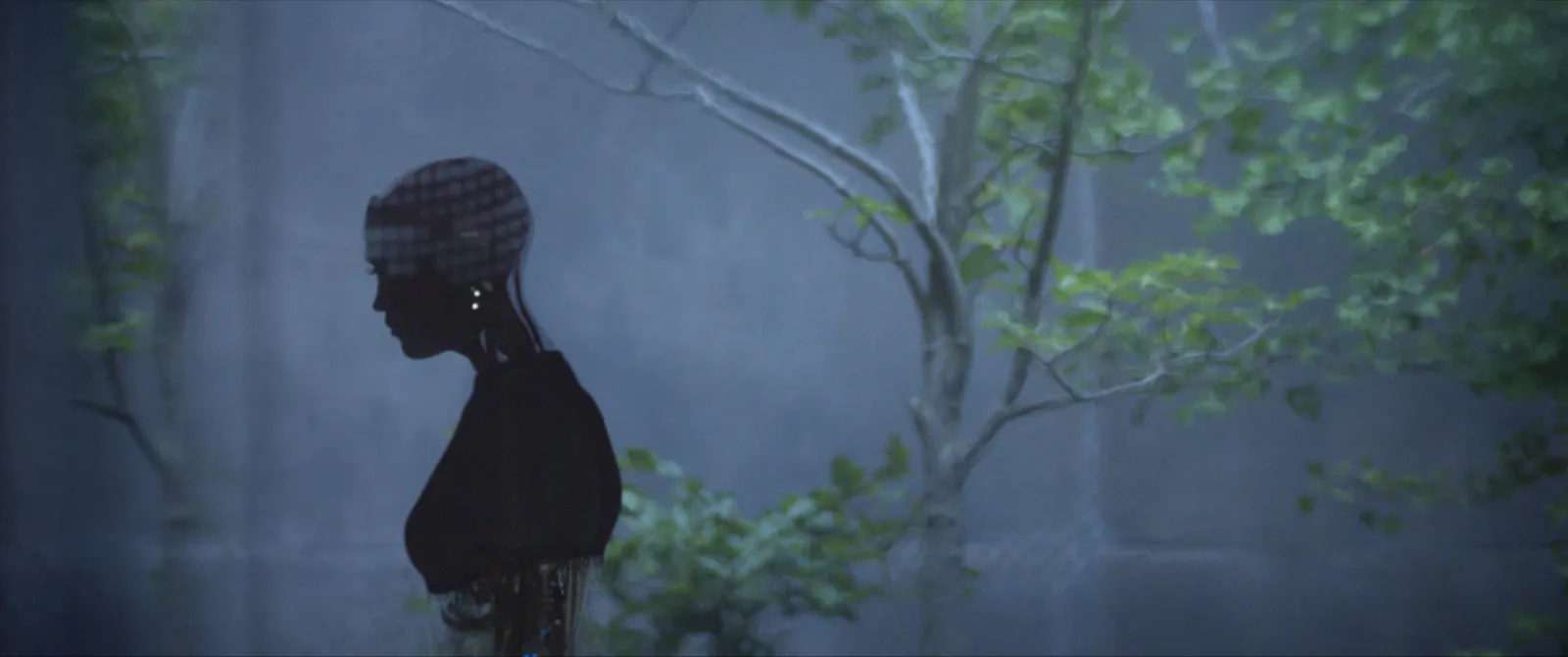
Use ChatGPT or Claude for the language around creative research: turning a brief into search terms, describing a reference precisely enough that someone else can find it, and naming a look you can see but can't put into words. Don't treat either as a source of references unless you check every one, because both can produce films, ads and links that sound real and aren't. The bigger step is connecting the chat to your own library, so it searches what your team has already saved instead of guessing at the internet.
We make Spark, a video reference library, and we built its Claude and ChatGPT connector, so this covers both halves: what a chat does well on its own, and what changes once it can see your references.
Part one: what a chat is good for on its own
No setup, no connector. Just ChatGPT or Claude in a browser. Three jobs it does well.
Turn a brief into search terms
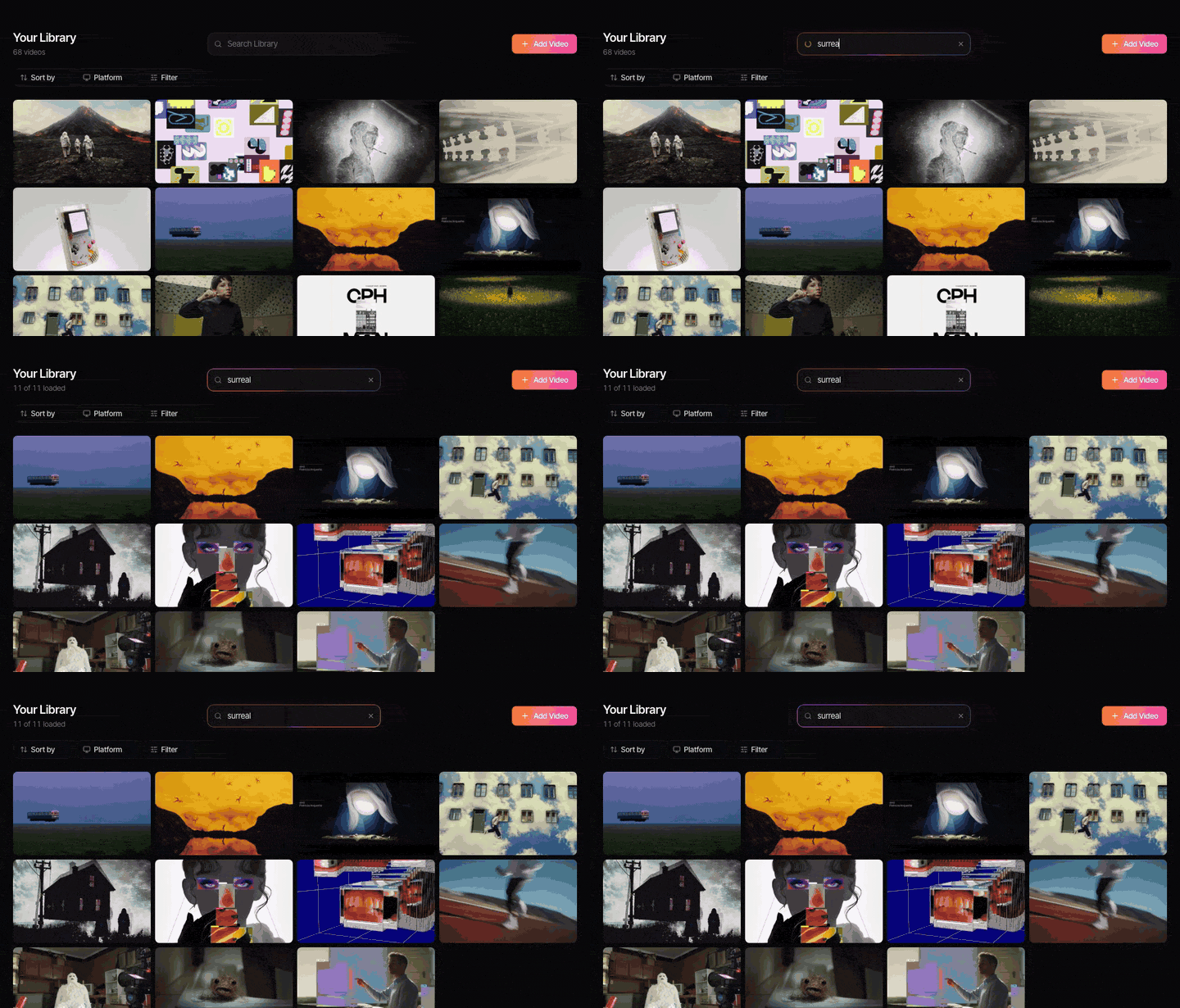
Brief language is useless in a search box. "Premium but approachable, real people, energy" finds nothing on Vimeo and less in the Meta Ad Library. A chat is very good at translating mood words into things a camera can do, which are things you can search for.
Here's a brief: [paste it]. Give me 15 search phrases I could
type into Vimeo, the Meta Ad Library or my reference library.
Make them concrete: camera moves, lighting setups, locations,
formats, kinds of edit. No words like premium or authentic.
What comes back is a list of starting points: "handheld following shot through a crowd", "practical light only at night", "talking head to camera in a kitchen", "fast match cuts on a gesture". Delete the ones that miss, keep the rest, and you have a search plan instead of a blank page.
The same trick works for ad research. Ask for phrases that appear in ad copy (POV, honest review, day in the life, we asked) and you have a keyword list for the Meta Ad Library, which searches the words in ads. Our guide to building an ad swipe file picks up from there. If you'd rather pay for an ad-only tool, we've priced the best ad swipe file tools.
Describe a reference precisely
Both ChatGPT and Claude can look at a still you upload. Ask them to describe it the way a crew would: shot size, lens feel, camera height, where the light comes from, colour temperature, what's in the background. Then edit what comes back, because the first draft is often right about the obvious and vague about the useful.
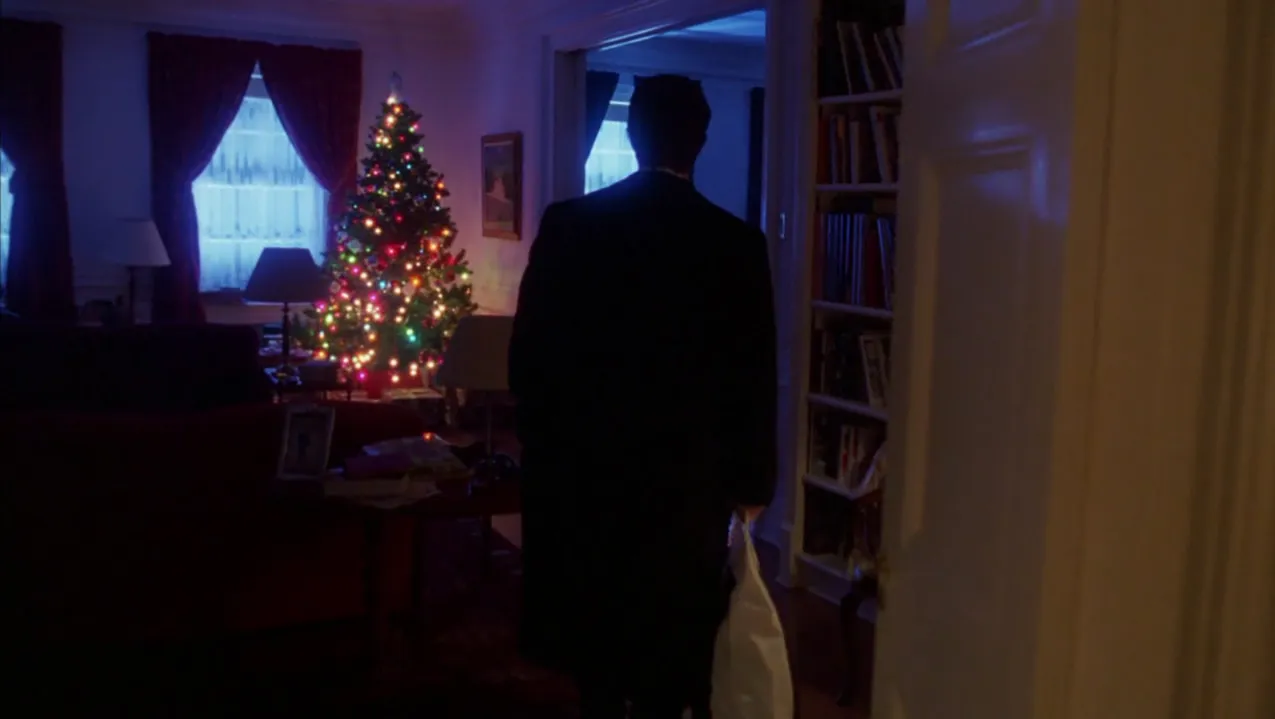
This is where a chat earns its keep on a treatment. A director knows what they mean by a reference; the producer, the DoP and the client each see something different. A paragraph that says "low key, warm practicals in frame, cold fill from the windows, wide lens, camera at eye height" gets everyone looking at the same thing. Ask for the description in your own tag vocabulary and it can go straight onto the reference too.
Find the words for a look
Sometimes you can see the look and can't name it. That's the best use of all, because once you have the name you can search for more of it.


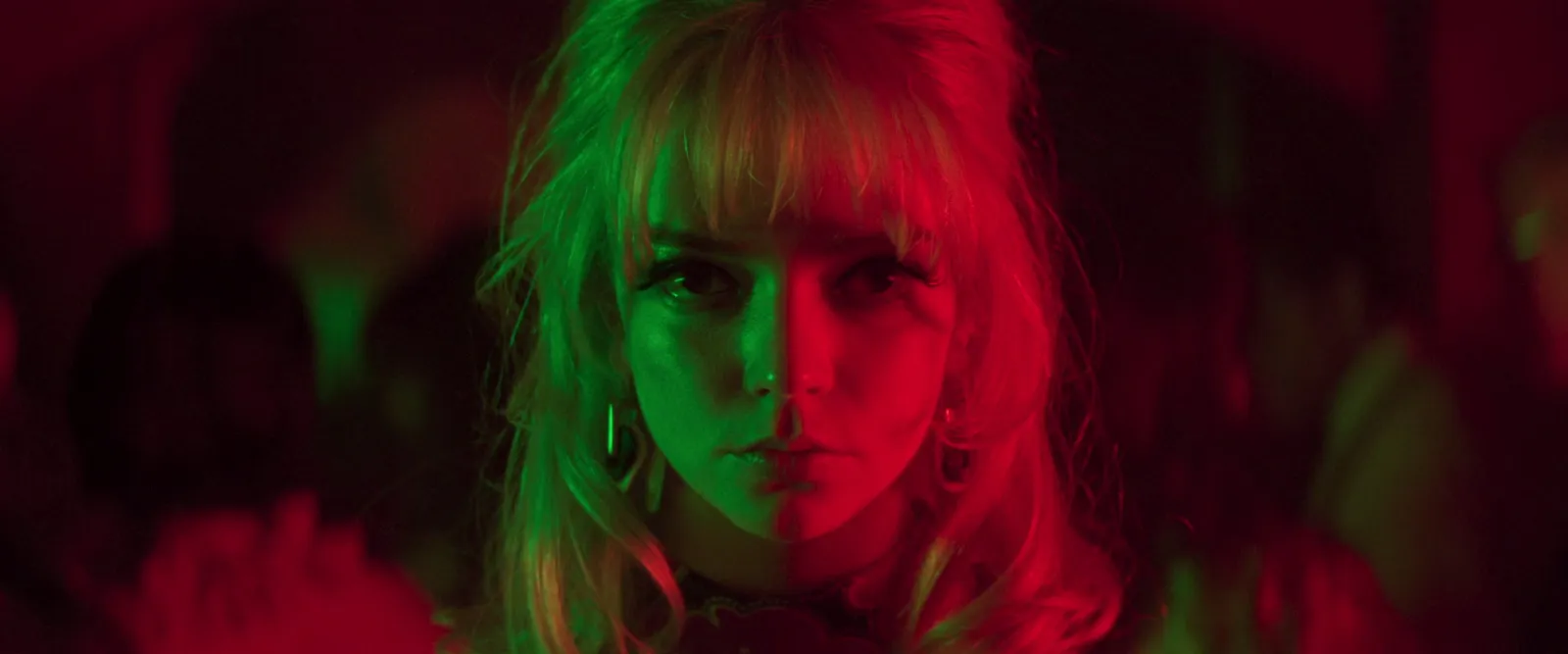
The chat gives you the term. You still go and look. For the colours themselves, measure them: our free colour palette extractor pulls HEX codes from a still or a video frame, and finding colour grading references covers what to do with them.
Where AI chats go wrong: references that don't exist
Here's the catch, and it's a big one. Ask a chat for references and it will give you some. Some will be real. Some will be a real director attached to an ad they didn't make, a film that sounds right and was never shot, or a Vimeo link that goes nowhere. They're written in the same confident tone as the real ones, so you can't tell by reading.
Our rules:
- Treat a suggested reference as a search lead. It's a title to look up, not a reference you have.
- Open every link before it goes anywhere. If it doesn't load, it doesn't exist as far as your deck is concerned.
- Check credits at the source. The production company's site, the director's site, the platform's own credits. Not the chat.
- Don't assume it watched anything. Pasting a video link doesn't mean the chat has seen the video. Ask it what it can see, and check the moment yourself.
- Never paste an AI reference list into a deck unchecked. A client who goes looking for a film that doesn't exist won't trust the rest of the deck.
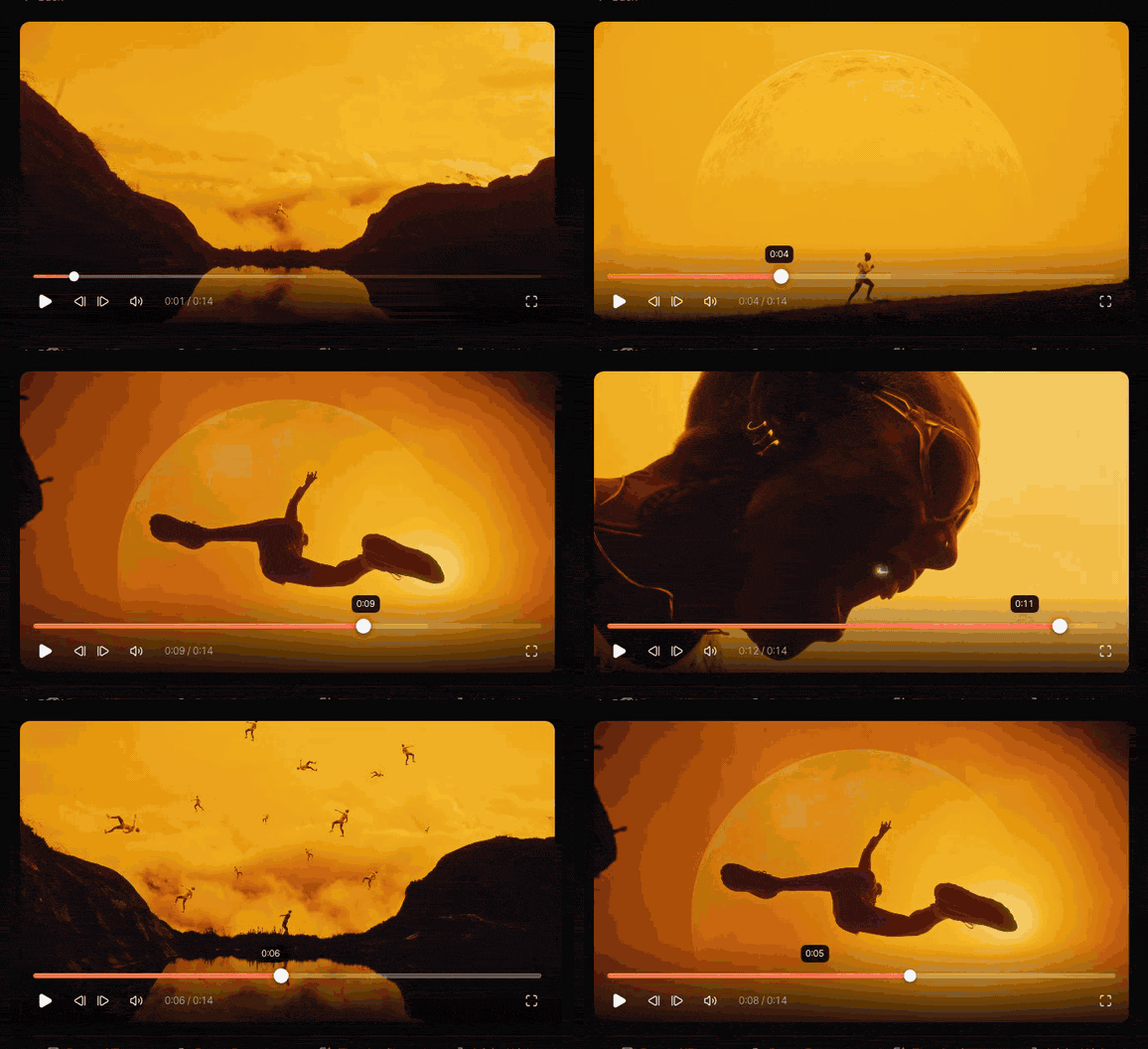
There's a second limit, quieter than the first. A chat knows the public internet up to its training date. It has never seen the reels, ads and films your team saved last month, which are usually the references that matter. That's what part two fixes.
Before you paste a client brief anywhere
If the work is under NDA, check how the chat treats what you type. On personal plans, both companies may use chats to improve their models unless you switch it off:
- Claude: Settings, Privacy, then turn off Help improve Claude.
- ChatGPT: Settings, Data controls, then turn off Improve the model for everyone.
Business plans are different. Anthropic says it doesn't train on data from its commercial products, Claude for Work included, and OpenAI says the same for ChatGPT Business and Enterprise by default. For client work under NDA, use a business plan or turn training off, and read your client contract, which may say more.
Part two: connect the chat to your own library
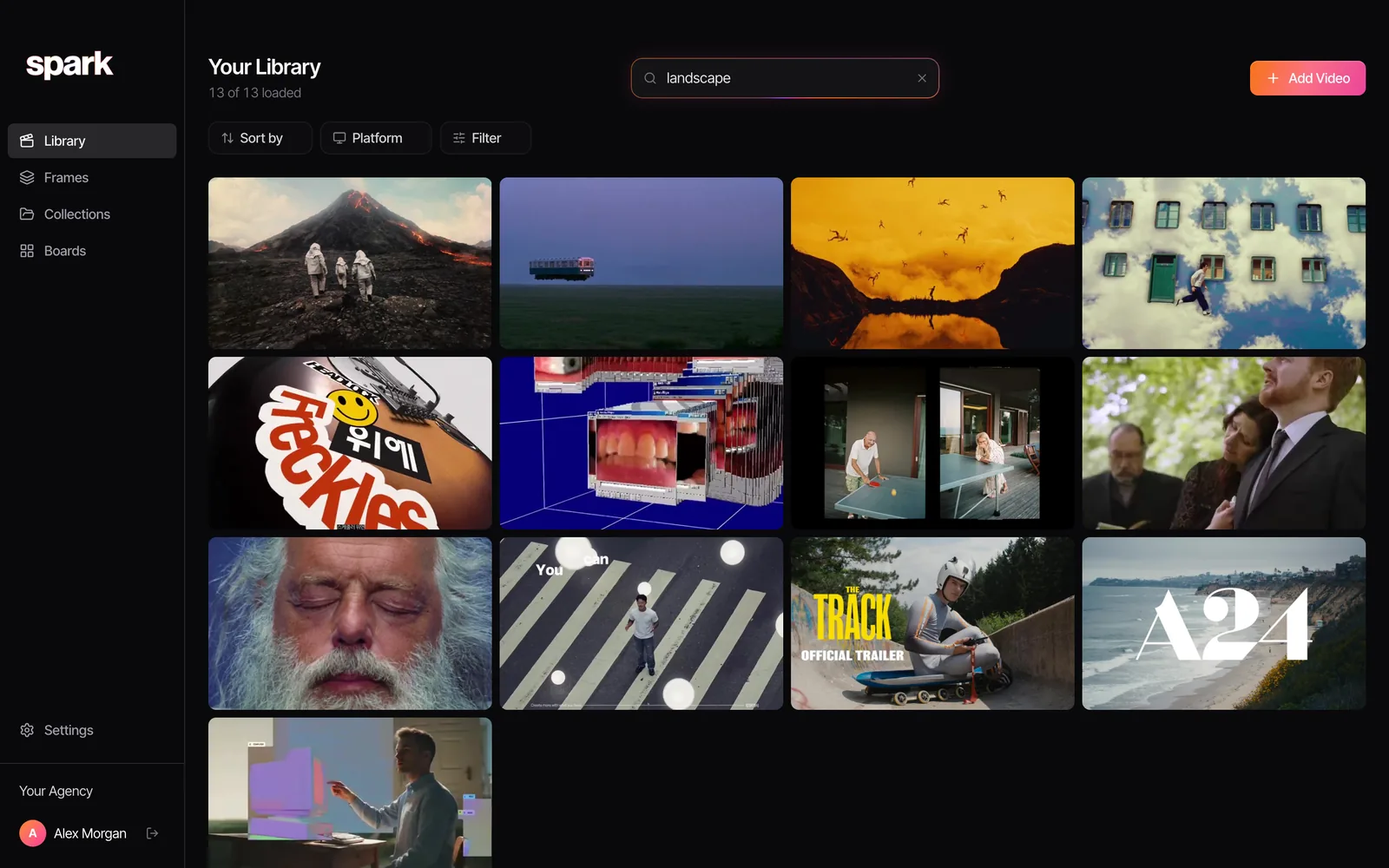
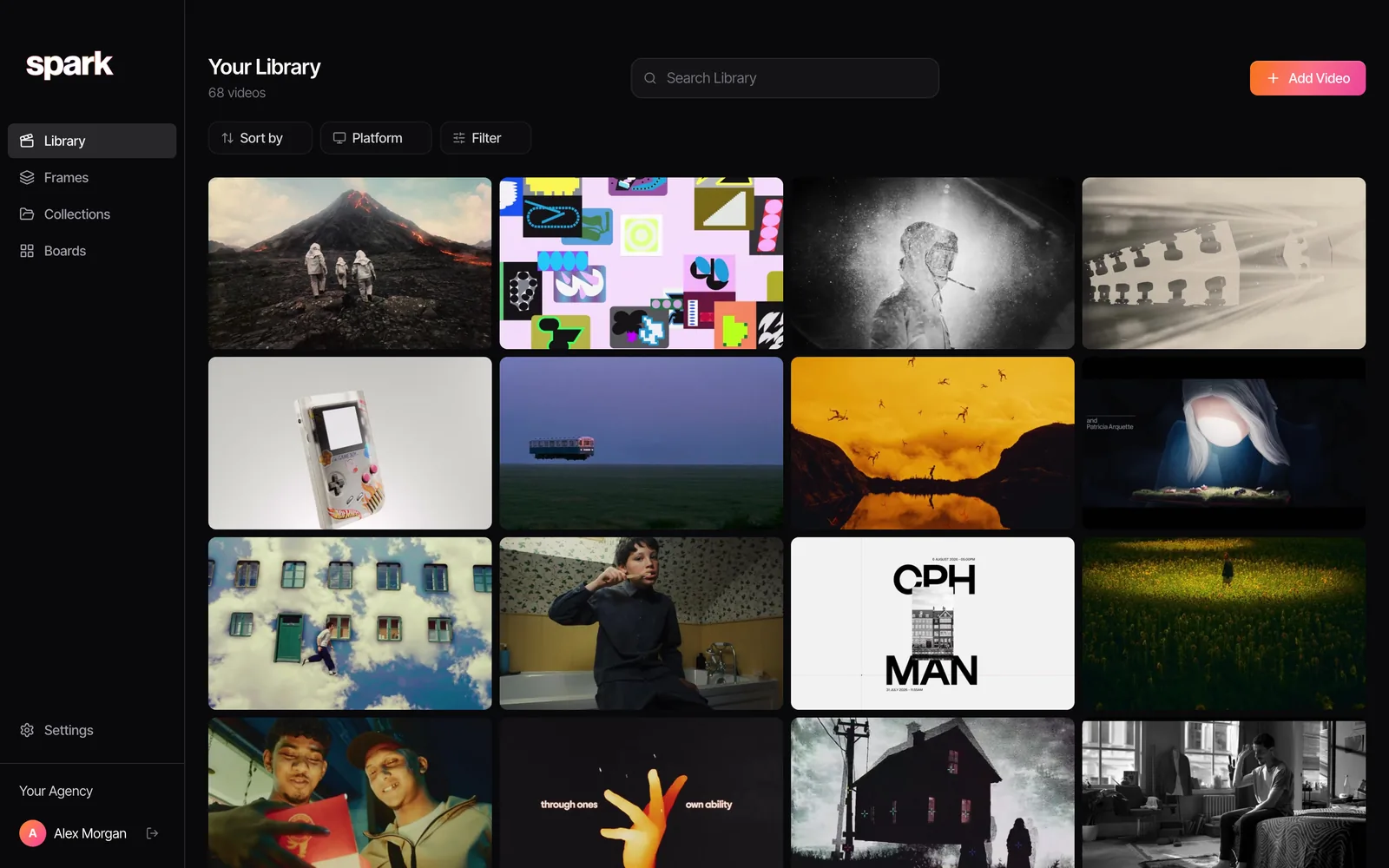
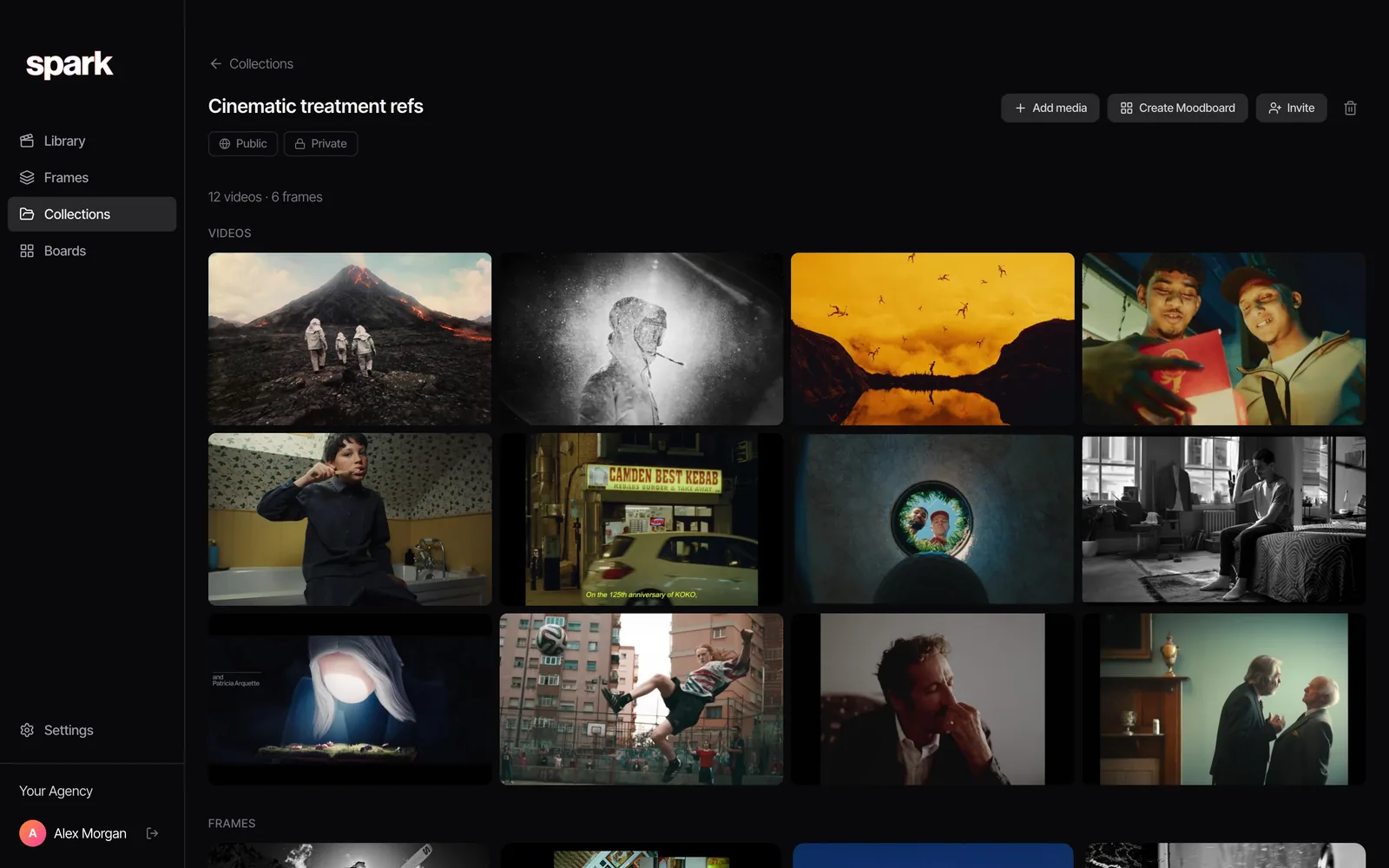
A connector lets a chat reach into another app. Spark is an MCP connector (MCP, the Model Context Protocol, is the standard way Claude and ChatGPT plug into other apps), so once it's added you can ask a chat about your Spark library: find references by idea, read what's said in a video, look through a board, add a list of links, or gather references onto a board or into a collection. It's part of Spark's Studio plan, and the help page at get-spark.io/connectors has the buttons.
The difference from part one is the source. When the chat searches your library, it's working from references that exist, because someone on your team saved them.
Step 1: An admin switches it on
A workspace admin turns it on once in the Spark app, under Settings, Claude and ChatGPT. Then everyone in the workspace can connect their own Claude or ChatGPT. You need to have signed in to the Spark app on your computer at least once.
Step 2: Add Spark to Claude
On the help page, click Add to Claude. It opens Claude's add connector box with Spark's name and address already filled in. Click Continue until you see Add, keeping the suggested settings. Click Add, then Connect, and sign in to Spark.
On Claude Team or Enterprise, only an owner can add Spark for the whole organisation; everyone else then clicks Connect next to Spark in Claude's Connectors. On Claude's free plan, Spark uses your one custom connector.
Step 3: Or add Spark to ChatGPT
Do this on a computer, in your browser. On the help page, click Open ChatGPT, then:
- Click Add, then Add custom MCP server.
- Name it Spark, paste the address (https://get-spark.io/mcp) and choose OAuth if asked.
- Tick I understand, then click Create as a plugin.
- Install it, click Connect and sign in to Spark.
In a chat, type @Spark. If your company manages ChatGPT, an admin may need to add Spark for you. The connector is built for the Claude and ChatGPT apps; Claude Code isn't a supported client.
What to ask once it's connected
The help page suggests five prompts, and they map neatly onto the jobs.
| Ask | What it's doing |
|---|---|
| Find our references with handheld night shots. | Searching your library by idea, not by title |
| What does the narrator say in the Nike film we saved last week? | Reading the transcript of a saved video |
| Summarise the Tyre brief board. | Looking through a board and summing it up |
| Add these 12 Instagram links to a collection called Summer pitch. | Adding links to your library and filing them |
| Make a board called Nike ads with all the Nike ads in my library. | Gathering references you already have onto a new board |
The first two are the ones that change how research feels. A director can ask for "the one with the long lens on the cyclist at dusk" without remembering the brand, the platform or who saved it. If you've read our guide to searching videos by dialogue, the transcript question is that, asked in a sentence.
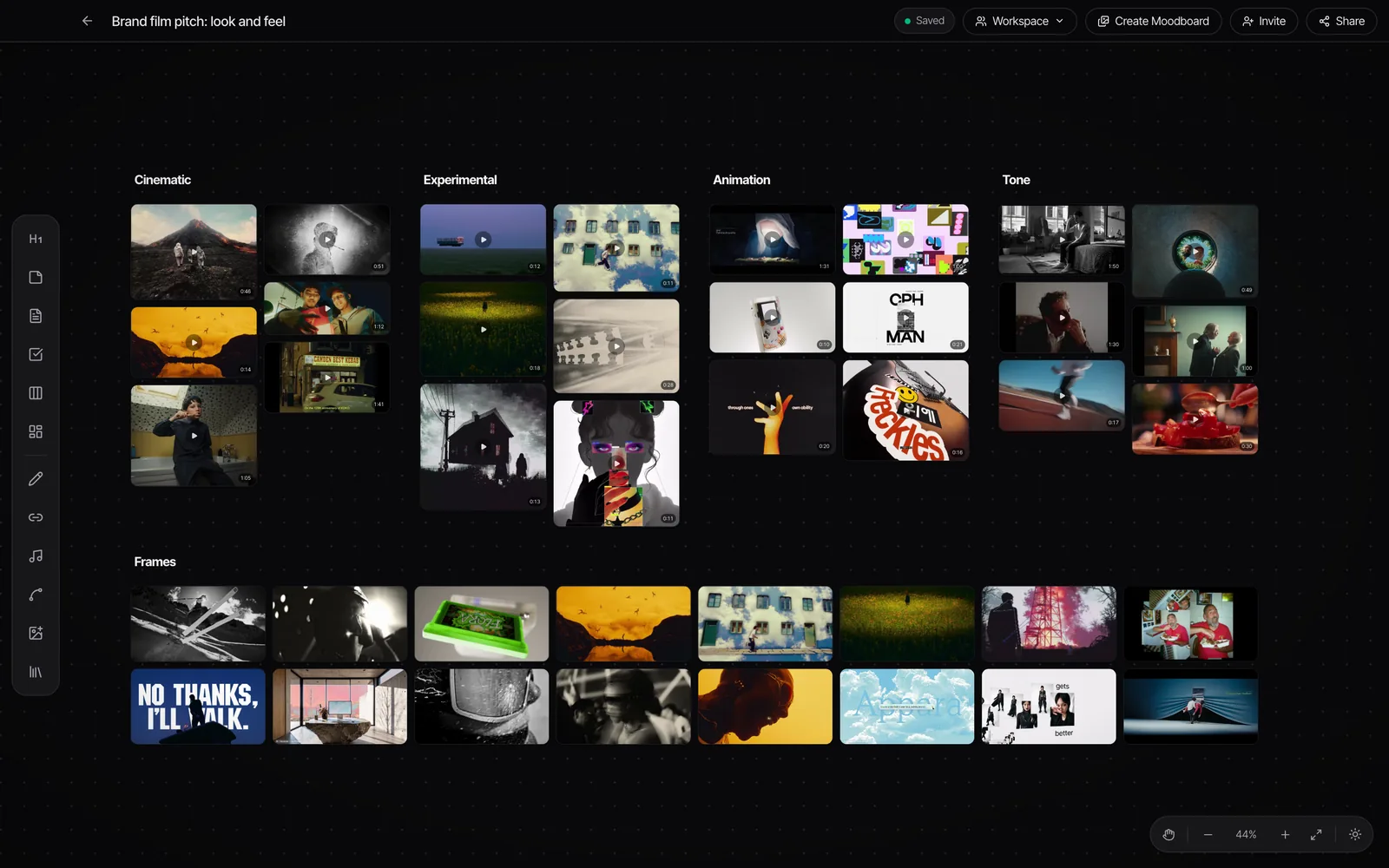
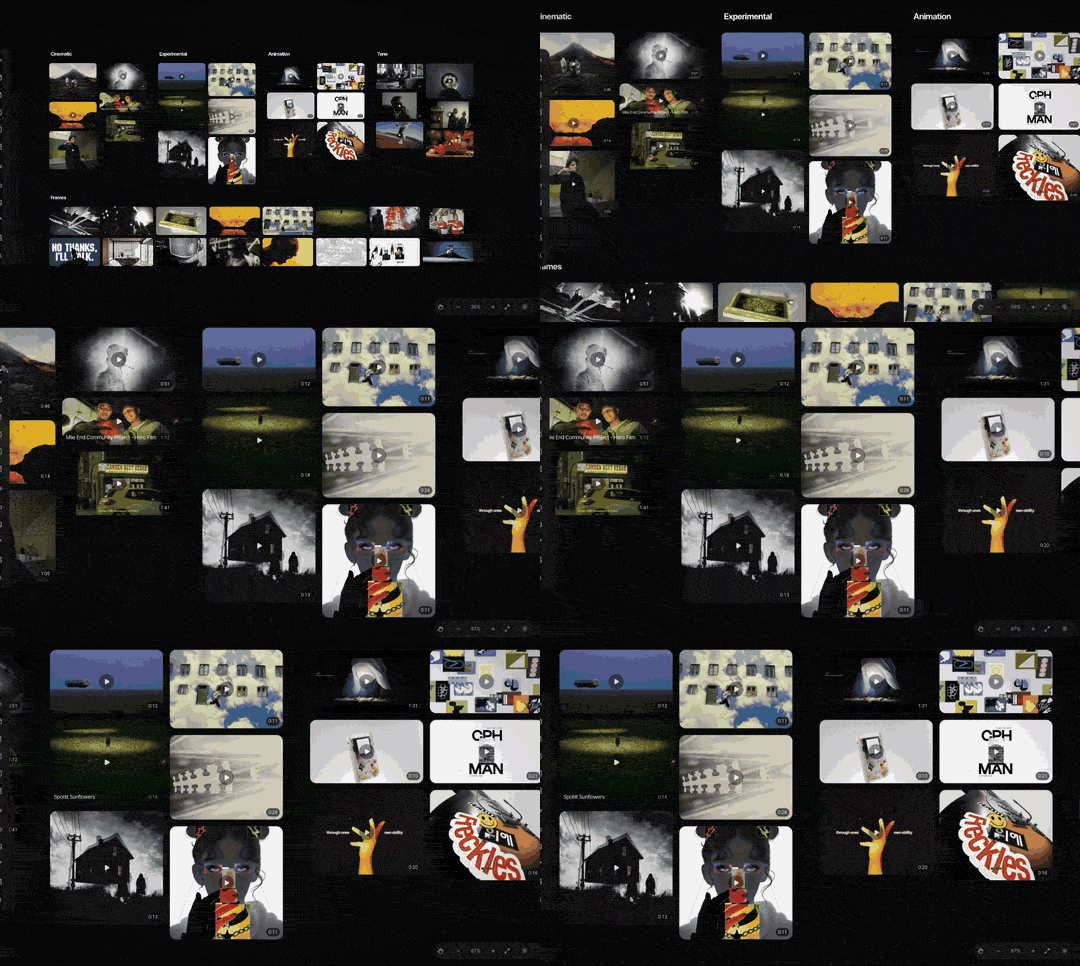
The last two build things. When a chat makes a board or a collection, it asks first unless you've set it to always allow, and afterwards it tells you what it added, with links. A new board can be seen by everyone in the workspace, like one made in the app, and a new collection is private to you. Cards go in a tidy grid below whatever is already on a board, and nothing already there is moved or removed. If you're looking at the board in Spark at the time, the new cards appear within a few seconds; if not, they're there when you next open it.
Adding links has limits, on purpose
Links you add from a chat are saved through the Spark app on a computer in your workspace, a few a minute, so keep Spark open; it pauses while Spark is closed and carries on when it's back. Each batch shows up in the app under Settings, Bulk import, where you can pause or cancel it. Up to 50 links go in at a time and 200 a day per workspace, of which 50 can be Instagram links. Claude and ChatGPT ask before adding links: check the list each time, and don't set Add links to Spark to always allow.
What the chat can and can't see
Only the workspace you chose when you connected, and only what you can see in Spark: references, frames, boards and collections. Private boards and collections stay private to the person who made them. Private Vimeo and Frame.io review links are never shared, but links to unlisted YouTube videos are shared as they are.
What Claude or ChatGPT reads is kept under that account's own data and training settings, so the NDA advice above applies here too. To remove Spark, disconnect it in Claude or ChatGPT; a workspace admin can switch it off for everyone in the Spark app.
A research session that uses both halves
- Paste the brief into a chat (training off, or a business plan) and ask for 15 concrete search phrases.
- With Spark connected, ask it to find references in your library for the best five, and gather the hits onto a new board.
- Fill the gaps from outside: search the remaining phrases on Vimeo or the ad libraries and save what you find into Spark.
- Open the board in Spark, cut the key moments as GIFs, and use Create Moodboard to send it to Google Slides, Canva, PowerPoint, Keynote or PDF.
If what you've got is a folder of stills and GIFs, not a Spark board, our free moodboard maker lays them out as slides in the browser. And if you're weighing up where references should live in the first place, we've compared reference libraries and DAMs, and the searchable library method works whichever tool you choose. The same research is what fills the look pages of a film treatment.
FAQs
Can ChatGPT or Claude find references for a moodboard?
They can suggest search terms and possible references, but treat every suggestion as a lead to check, because both can invent films, ads and links. They're most reliable at describing references you already have and naming techniques. Connected to your own library, they can search references your team has saved.
Why does ChatGPT make up film references?
AI chats generate text that sounds plausible, and a plausible title, director and link can be wrong. The answer reads with the same confidence either way. Open every link and check credits on the maker's or platform's own site before a reference goes in a deck.
Is it safe to paste a client brief into ChatGPT or Claude?
On personal plans, turn off model training first: in Claude it's Settings, Privacy, Help improve Claude; in ChatGPT it's Settings, Data controls, Improve the model for everyone. Business plans from both companies don't train on your data by default. For work under NDA, use a business plan or turn training off, and check your client contract.
How do I connect Claude or ChatGPT to my reference library?
You need a library with a connector. For Spark, a workspace admin on Studio switches it on under Settings, Claude and ChatGPT, then each person adds Spark from get-spark.io/connectors: one button for Claude, or four steps in ChatGPT on the web. After signing in to Spark, you can ask the chat to search, read and organise your references.
Which Spark plan includes the Claude and ChatGPT connector?
Studio, at £23 per user a month as of October 2026. A workspace admin switches it on once and everyone in the workspace connects their own Claude or ChatGPT. The free and Creator plans don't include it.
Does the Spark connector work with Claude Code?
No. The connector is built for the Claude and ChatGPT apps, and Claude Code isn't a supported client. Add it in Claude on the web or desktop, or in ChatGPT on the web.
Keep reading
All articles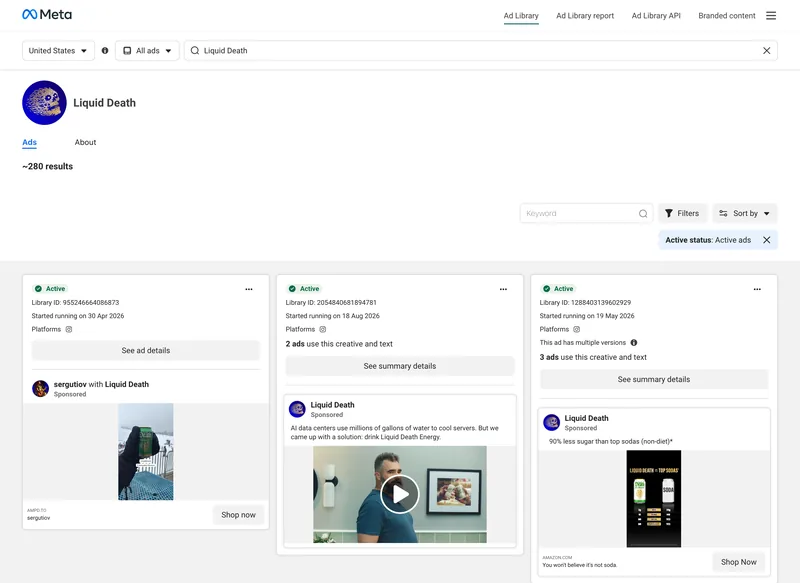
How to Build a Video Ad Swipe File That Your Team Actually Uses
Saving an ad takes ten seconds. The swipe files that get used are the ones where someone can find the right opening months later, without remembering who made it.

How to Make a Ripomatic (or Mood Film) for a Pitch
A good ripomatic lets a room feel the film before it exists. A careless one turns up online with other people's footage and your client's logo on it.

How to Make a Showreel: Editors, Motion Designers and Directors
Assume whoever's hiring stops watching after the first few seconds unless you give them a reason not to. Here's how to cut for that, from the opening shot to the loops on your portfolio page.