
How to Make a Showreel: Editors, Motion Designers and Directors
Assume whoever's hiring stops watching after the first few seconds unless you give them a reason not to. Here's how to cut for that, from the opening shot to the loops on your portfolio page.
By the Spark team ·
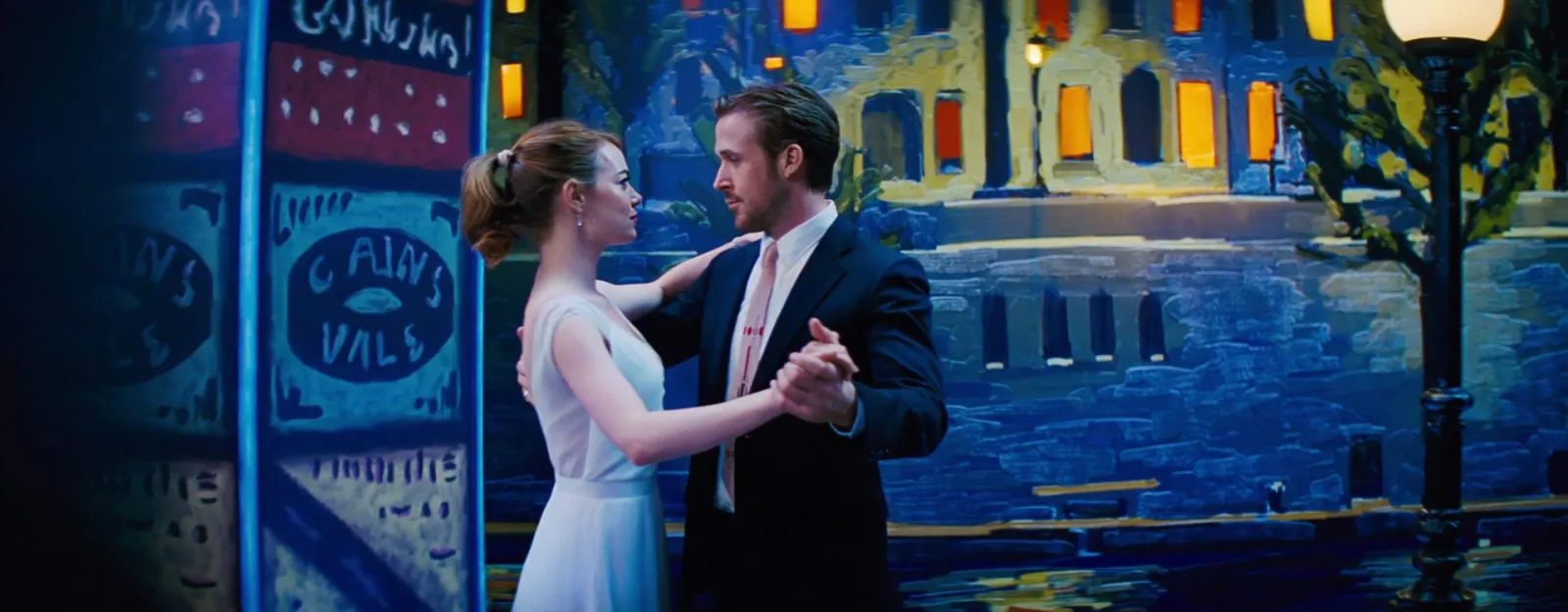
To make a showreel, cut 60 to 90 seconds of your best work, open on your strongest shot, cut to a licensed track, credit every project, and end on your name, role and email. Editors and motion designers should cut a montage. Directors should lead with whole films and treat a short reel as the trailer. Host it on Vimeo or YouTube, put it at the top of your site, turn the best moments into short loops for project pages and social, and update it when your best work changes.
Those numbers are our opinion, not a rule. Spark's founder spent more than ten years running a London production company, watching reels to hire editors and motion designers, so this is written from the side of the table that presses play. Where we quote a fact, we link it; where it's taste, we say so.


How long should a showreel be?
Short enough that people watch to the end. For most editors and motion designers that's 60 to 90 seconds. Under a minute is fine if every shot is strong. Over two minutes, you're asking a busy person for a favour. If you have more to show, put it on your site as separate projects, where people can choose what to watch.
| Role | Length (our view) | Lead with | What a hirer looks for |
|---|---|---|---|
| Editor | 60 to 90 seconds, plus full pieces on your site | Your best sequence, not your best shot | Rhythm, structure, how you handle a cut |
| Motion designer | 45 to 90 seconds | A finished piece in your strongest style | Design, timing, range of styles you can do well |
| Director | A short teaser of 60 seconds or less, then whole films | Your best whole film | A point of view across several briefs |
Directors are the exception. A montage of other people's camera work tells a commissioner little about how you'd handle a story, so the work itself leads. A director's site should work like a production company's director page: whole spots, one per tile. Our list of commercial film inspiration sites points to a few worth studying.
The first ten seconds
Open on the shot you'd want them to remember if they stopped watching after it. No logo sting, no title card with your name, no slow fade in from black. Your name goes at the end, and in the video title and the page around it.
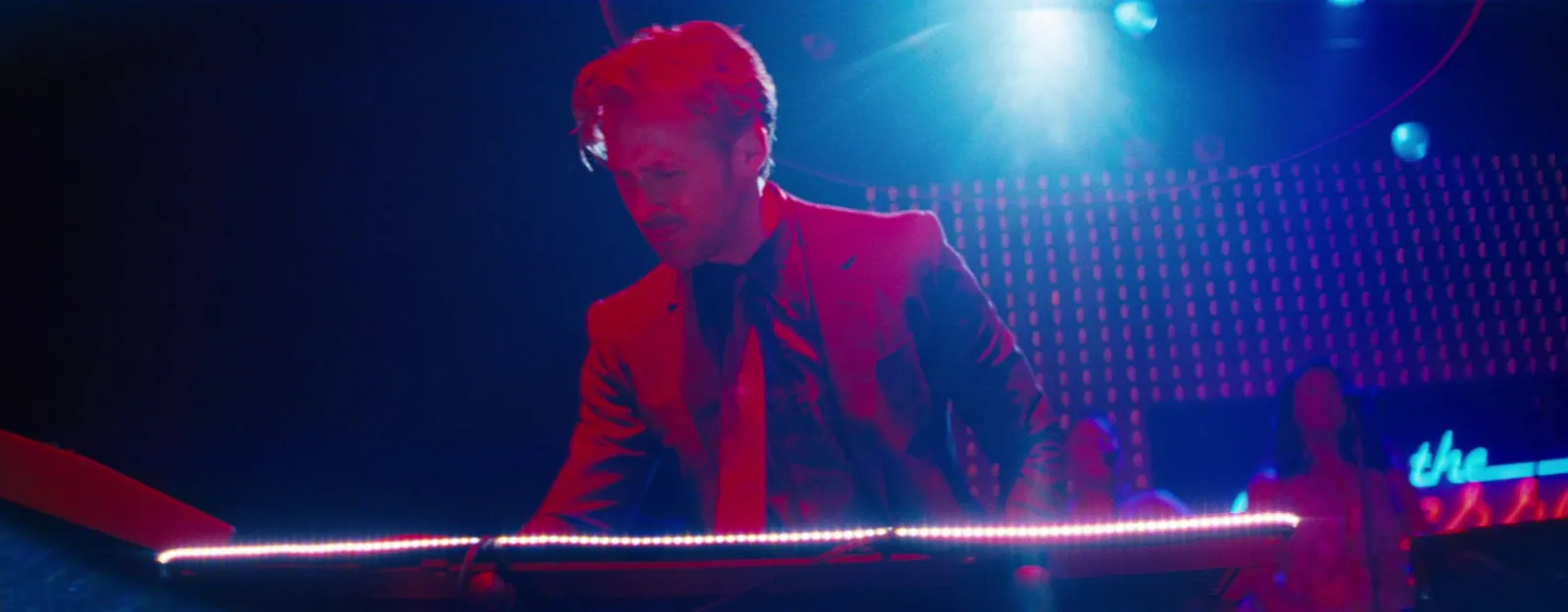
The first ten seconds should also tell the viewer what you do. An editor's opening should show a cut that only works because of where you put it. A motion designer's should show finished design moving, not a logo build. If the first thing someone sees is a stock drone shot, they'll assume the rest is too.
Order: rhythm over chronology
Don't order by date or by client. Order by energy. Open strong, let it breathe in the middle, then build to a second high point before the end card. Put your two strongest pieces first and last, and the work you're less sure of in the middle, or nowhere. If a shot needs the client's name next to it to impress, it probably doesn't belong.
Show range, but only range you'd want to be hired for. A motion designer who loves 2D character work and tolerates explainer infographics should cut a reel that brings in more character work.
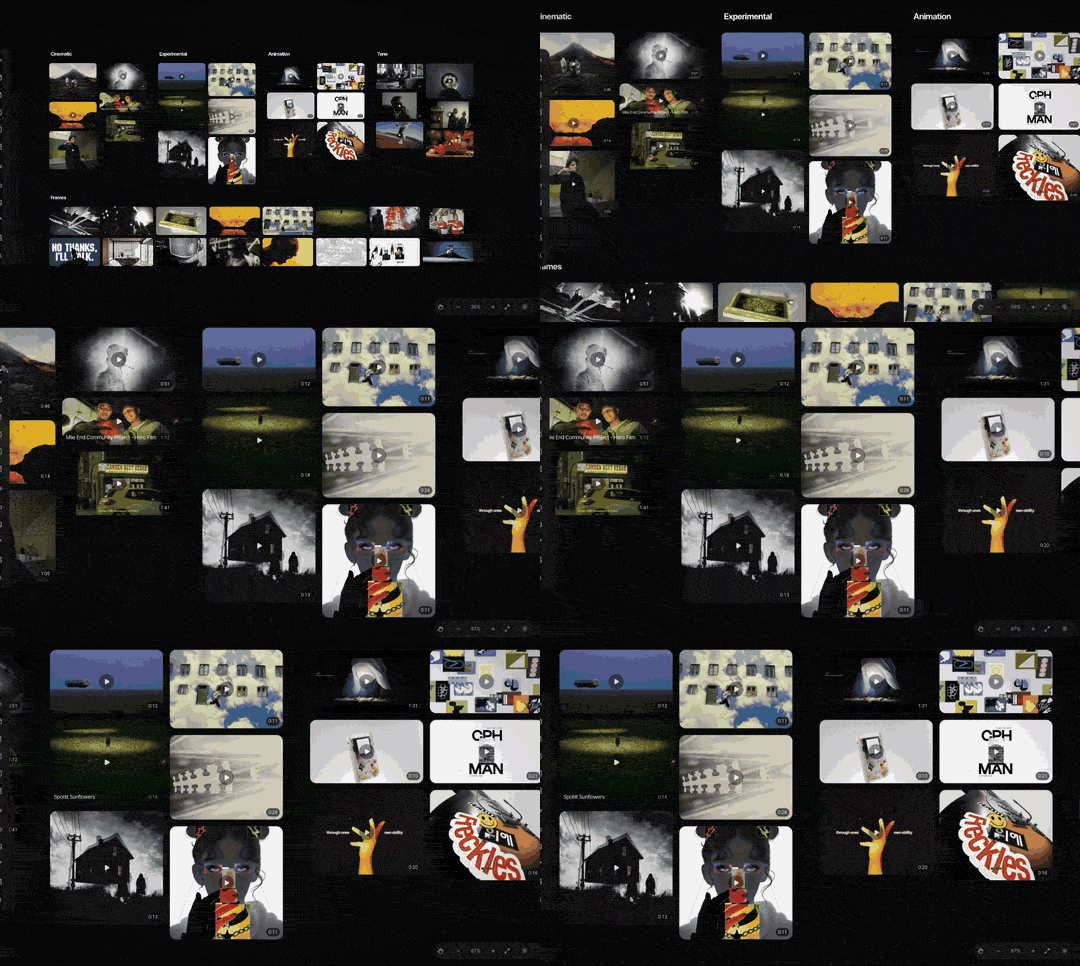
We plan the order before cutting. Drop your finished pieces onto a board (in Spark, every saved video and upload plays in place), arrange them in rows, and watch the sequence. Moving a tile is quicker than re-cutting a timeline, and you'll spot two similar shots next to each other straight away.
Music: licensed, and chosen first
Pick the track before you cut, because the music sets the length, the structure and the cut points. Pick something that suits the work you want more of, not just what you like listening to.
Use licensed music. A commercial song you don't have the rights to is the fastest way to get a reel muted, blocked or taken down. On YouTube, Content ID lets copyright owners block a matching video, run ads on it or track its views, and the action can vary by country, so your reel might play in London and not in New York. Use a track from a production music library on a plan that covers it, music a composer has cleared for you, or the music from one of your own projects if the licence allows it.

Cutting to the beat
Cut on the beat, change idea on the phrase. At 120 beats a minute a bar of four beats lasts two seconds, so a four bar phrase is eight seconds: a useful length for one section of a reel. Cut shots on beats inside a phrase and move to a new kind of work when the phrase changes, so the music tells the viewer a new idea has started.
Don't cut on every beat for 90 seconds. It flattens everything into the same rhythm, and an editor's reel especially should show you know when to hold. Let one shot run long against the music somewhere in the middle. It's the edit equivalent of a pause, and it makes the next fast run hit harder. If you want ideas for linking pieces together, our guide to match cuts and creative transitions has plenty.
Credits and permissions
Credit the work properly. On the end card, your name, role, email and website. In the video description and on your site, a line per project: client, agency, production company, director and your role. "Editor" and "assistant editor" are different jobs, and the people hiring you will check.

Ask before you show work that isn't released yet, and check your contracts. Some clients don't allow work in reels until launch, some never do, and an NDA means it stays out. When in doubt, ask the producer. Asking costs nothing; an unreleased spot turning up online can cost you the client.
Where to host it: Vimeo, YouTube or your own site
Use both a host and your own site. The host plays the video. Your site is where people land.
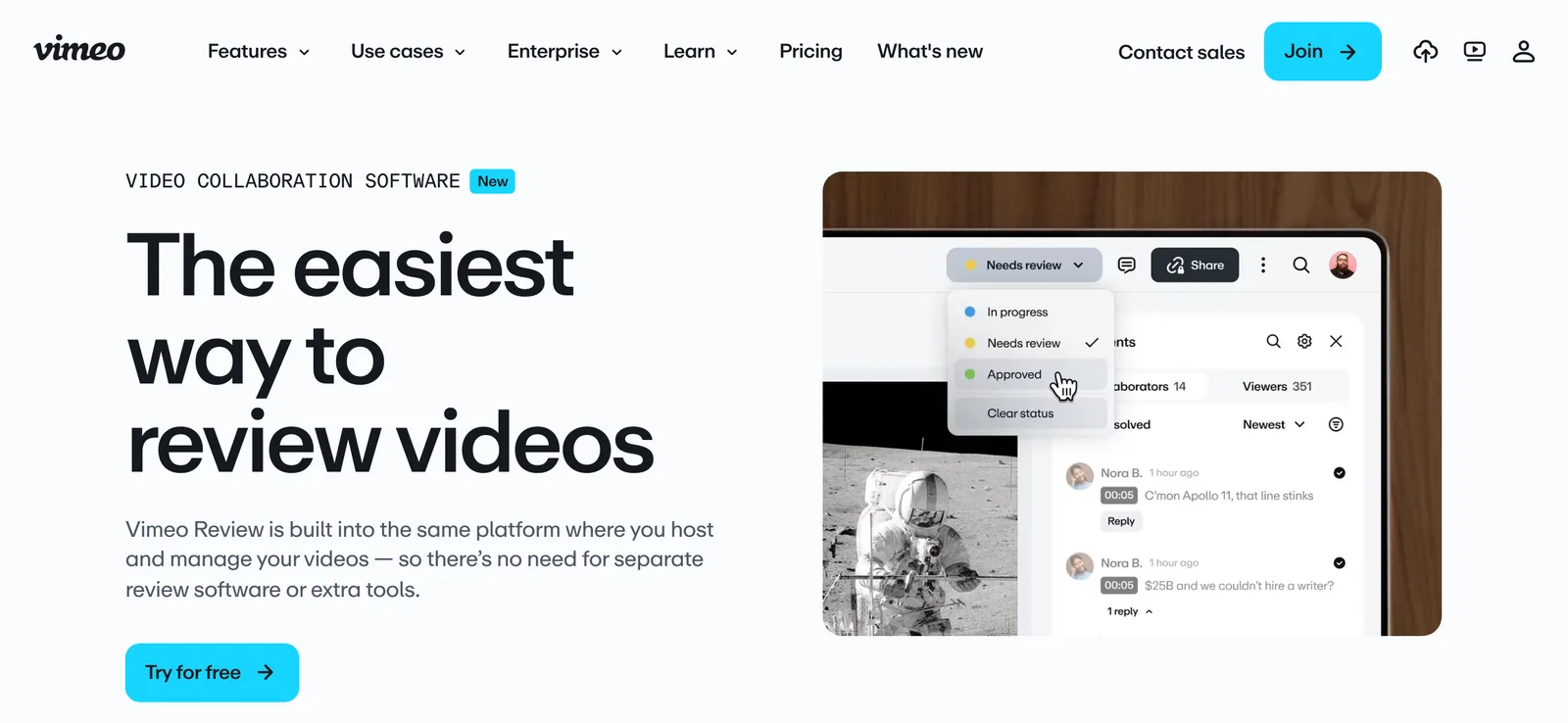
Vimeo is the default for film and motion people. Vimeo says it never puts ads before, during or after videos, even on its free plan. Paid plans start with Starter at £10.80 a month billed yearly, or £18 monthly, as of October 2026 on Vimeo's pricing page, which adds password privacy, unlisted links and a customisable player. One catch for UK and EU users: Vimeo stopped showing curated pages like Staff Picks there in late 2024, so treat it as a player, not a place people find you. More on that in our motion design inspiration list.
YouTube is free, searchable and familiar to clients outside the industry. The trade off is less control over what plays around your video. If you use it, set a clean thumbnail and put the credits in the description.
Your own site does the selling. Put the reel at the top, then a grid of individual projects with a credit line each, then contact details. Embed the Vimeo or YouTube player so you're not serving video yourself. When you're saving other people's reels as references, saving Vimeo videos covers what the download button depends on.
GIFs for portfolio pages and social
Project pages work best when they move before anyone presses play. A three second loop of the best moment, autoplaying in the grid, tells a visitor what's inside faster than a still thumbnail. GIFs also go where video can't, like email signatures and some portfolio builders.
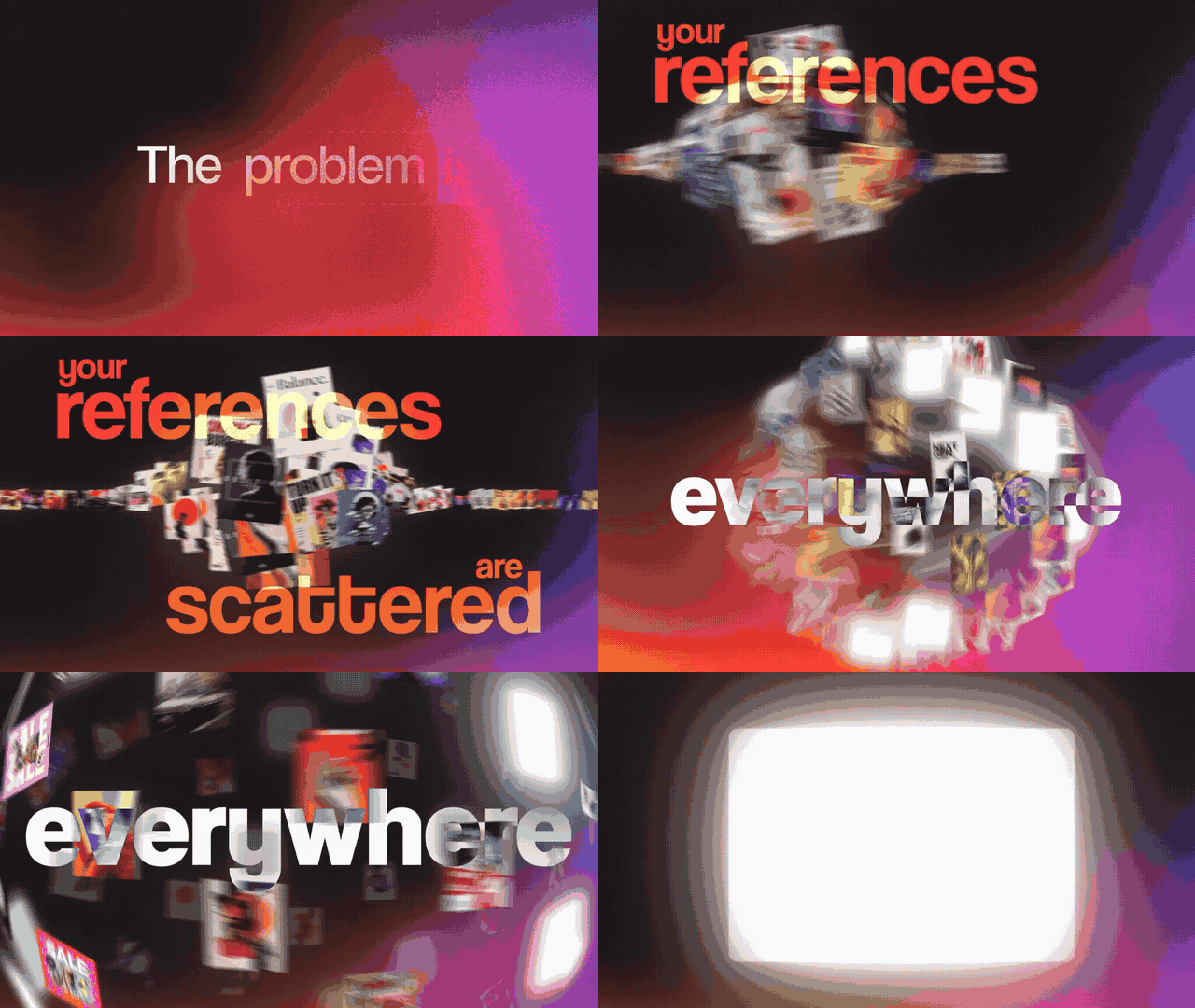
Busy motion design makes heavy GIFs, so we measured. Same 2.24 second moment from Spark's launch film, exported several ways:
| Version | Size |
|---|---|
| GIF, 640 px, 15 fps, full palette | 3.41 MB |
| GIF, 480 px, 12 fps, full palette | 1.60 MB |
| GIF, 640 px, 12 fps, 64 colours, Bayer dither | 1.26 MB |
| GIF, 480 px, 12 fps, 64 colours, Bayer dither | 0.79 MB |
| MP4 (H.264), 640 px, 25 fps | 0.35 MB |
Two lessons. Cutting colours to 64 with an ordered dither saved more than dropping the width, and an MP4 loop is a fraction of any GIF. So use a muted, looping MP4 on your own site where you can, and a GIF where video won't play. Our guide to GIFs without losing quality explains every setting.
For your own films, the free video to GIF converter does this in the browser with no upload and no watermark: set the in and out points, nudge them a frame at a time, and pick the width and frame rate.
A vertical cut for social
Your 16:9 reel will be watched on a phone. Cut a 9:16 version of 15 to 30 seconds for Instagram and TikTok, reframed shot by shot, not just letterboxed. Keep text and your name away from the bottom of the frame, where the platforms put captions and buttons.

Keep it current
Update the reel when your best work changes, not on a calendar. The moment a new project would go in your top three, recut. Keep each version with a date in the file name, and if your host lets you replace the file behind the same link, do that, so old emails and CVs still work.
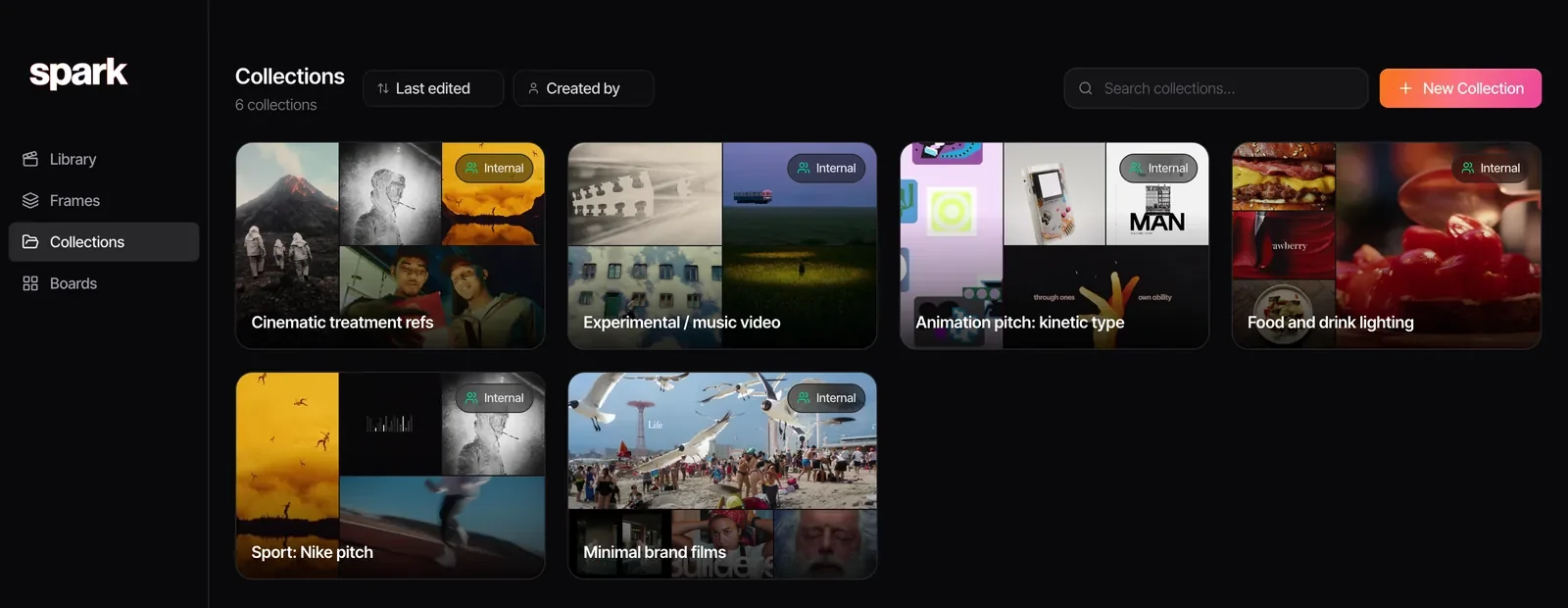
Between recuts, keep a running library of your own finished work and the moments you'd use, with notes on the best few seconds of each. That's where Spark helps. Upload your own films, and they're yours to download and share again whenever you need them. Step through a piece frame by frame with comma and full stop to find the exact in and out of a moment, and on Creator and Studio, Export GIF turns it into a loop in Frames for your site. A collection per reel version keeps the shortlist together.
A reel is also part of your rate. If you're pricing yourself after the recut, our guide to working out your freelance day rate starts from what you want to take home, and our guides to motion designer day rates and videographer day rates cover the UK market.
FAQs
How long should a showreel be?
Our view: 60 to 90 seconds for editors and motion designers, and shorter is fine if every shot is strong. Past two minutes, you're asking a lot of a busy viewer. Directors should lead with whole films and keep any montage reel to about a minute.
What should be at the start of a showreel?
Your single strongest shot or sequence, straight away. Leave your name and title card for the end, since in our experience the opening seconds decide whether someone keeps watching. The opening should also make clear what you do, whether that's editing, design or directing.
Can I use any song in my showreel?
Not safely. Unlicensed music can get your reel muted, blocked or taken down; on YouTube, Content ID lets copyright owners block a matching video or run ads on it. Use music from a production library plan that covers it, music cleared by a composer, or a track from your own project if its licence allows.
Should I host my showreel on Vimeo or YouTube?
Vimeo suits film and motion people: no ads on any plan, and paid plans from £10.80 a month billed yearly add password privacy and a customisable player. YouTube is free and searchable, with less control over what plays around your video. Either way, embed it at the top of your own site.
How often should I update my showreel?
Whenever a new project would make your top three, not on a fixed schedule. Keep dated versions, and replace the file behind the same link if your host allows it, so links you've already sent keep working.
Should a director have a showreel?
A short one helps as a teaser, but directors are hired on whole films. Lead your site with complete pieces, one per project with credits, and keep any montage to about a minute.
Keep reading
All articles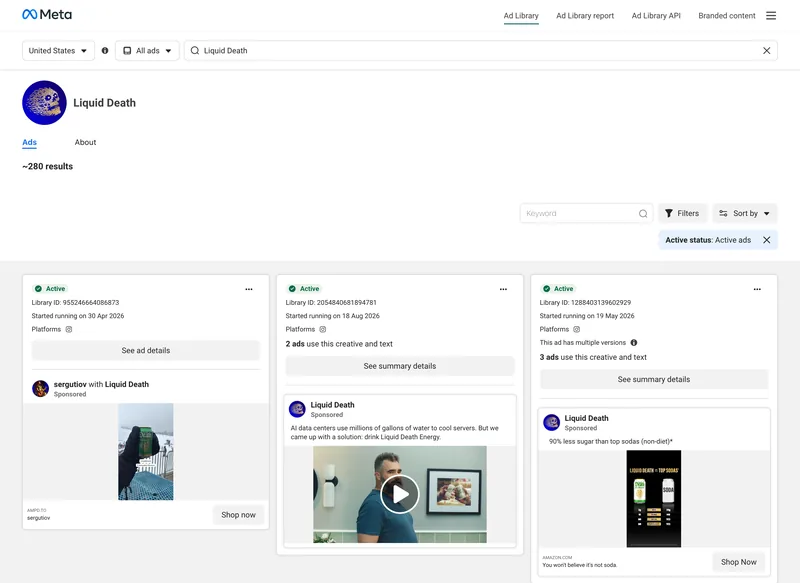
How to Build a Video Ad Swipe File That Your Team Actually Uses
Saving an ad takes ten seconds. The swipe files that get used are the ones where someone can find the right opening months later, without remembering who made it.
How to Use ChatGPT and Claude for Creative Research (and With Your Reference Library)
An AI chat is a brilliant vocabulary partner and an unreliable librarian. Use it for the first job and it saves hours. Trust it with the second and you'll be hunting for films that were never made.
How to Make a Ripomatic (or Mood Film) for a Pitch
A good ripomatic lets a room feel the film before it exists. A careless one turns up online with other people's footage and your client's logo on it.