
Do Creative Teams Need a DAM? Reference Library vs Digital Asset Management
Agencies shopping for a DAM are often trying to solve two problems with one tool. One is about assets you own. The other is about work you admire. They need different homes.
By the Spark team ·
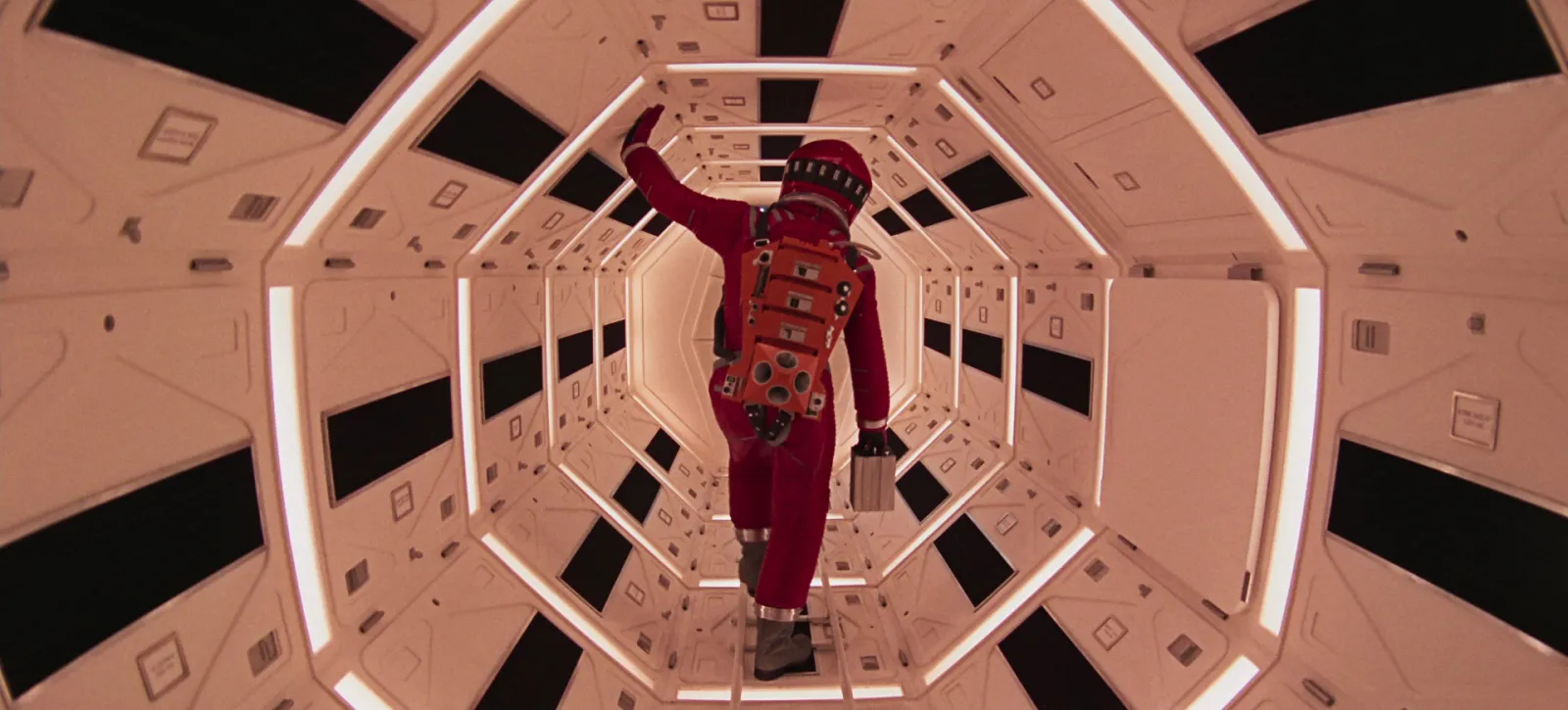
Most creative agencies need two different things, and only one of them is a DAM. A digital asset management system (Bynder, Canto, Frontify, Brandfolder or Air) is for your own approved assets: logos, fonts, product photography, finished films, with rights, versions and approvals attached. A reference library is for other people's work you learn from: reels, ads, film clips and stills that feed pitches and treatments. Mix them and you either pay enterprise prices to store work you have no right to distribute, or lose the approvals and permissions your clients expect.
For plenty of small studios, the honest answer is no DAM at all yet: a well-run Google Drive or Dropbox for your own files, and a reference library for everything you didn't make.
We make Spark, which is a reference library. We don't sell a DAM, which makes it easier to say when you need one.
What lives where
This is the table we'd pin up before buying anything.
| What it is | Where it belongs | Why |
|---|---|---|
| Client logos, fonts, brand guidelines | DAM, or a locked folder on a shared drive | Approved, versioned, and someone must control who uses them |
| Product photography and finished campaign films | DAM | Usage rights and expiry dates travel with each file |
| Rushes, project files and exports | Shared drive or NAS | Big, working files that change daily |
| Cuts waiting for client feedback | A review tool such as Frame.io | Timestamped comments and approvals on your own work |
| Reels, ads and films made by other people | Reference library | Not yours to distribute; kept for research and pitching |
| Film stills for a treatment or mood | Reference library | Same reason, and you want to search them by look and feel |
| Moodboards and treatments you wrote | Shared drive, with links to the references | They're your documents; the references inside them aren't |
The rule underneath it: if you made it or the client approved it, it's an asset. If someone else made it and you're learning from it, it's a reference.
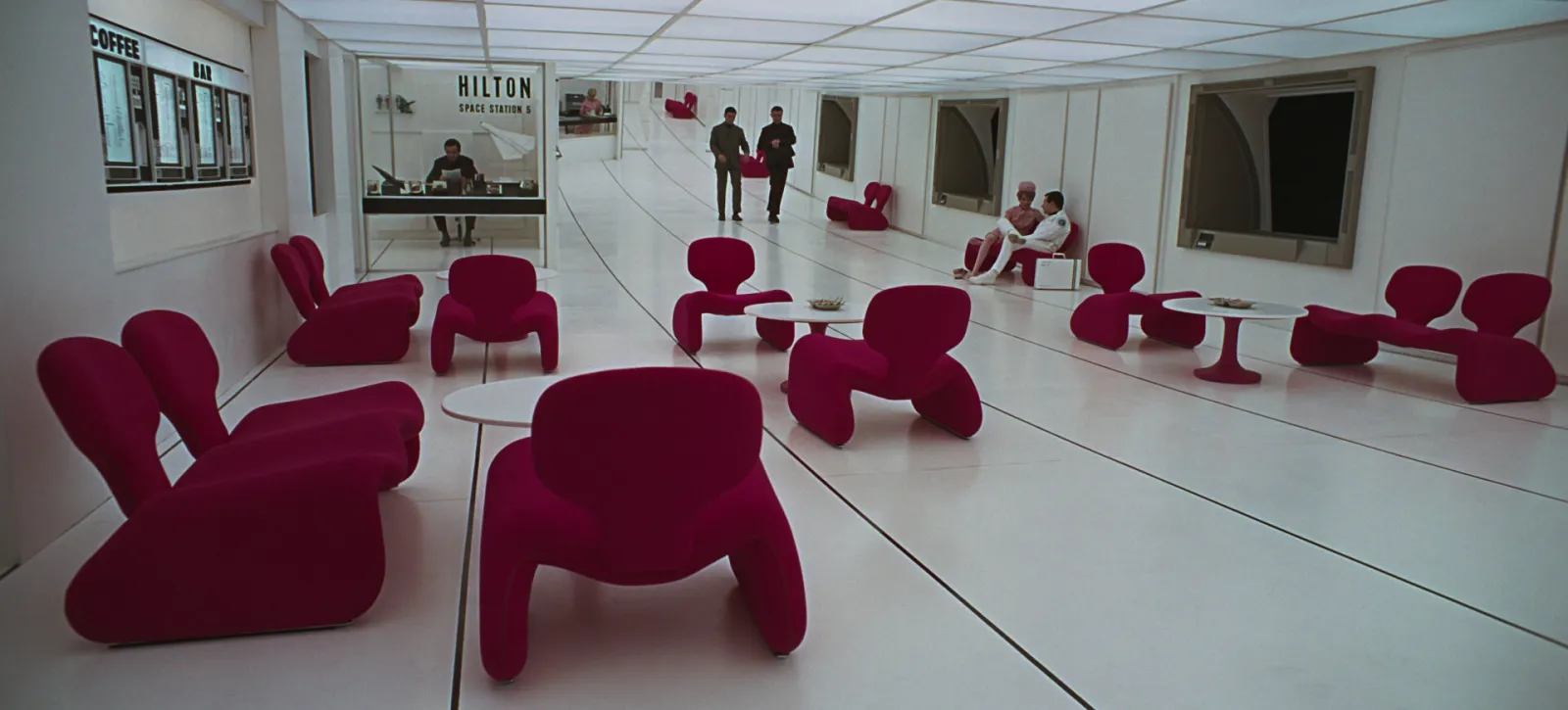
What a DAM is for
A DAM is a single, controlled home for the files a brand or agency owns. The selling points are consistent across vendors: one source of truth for approved assets, metadata and search, usage rights and expiry dates, permissions for internal teams and outside partners, brand portals, review and approval workflows, and delivery into other tools.
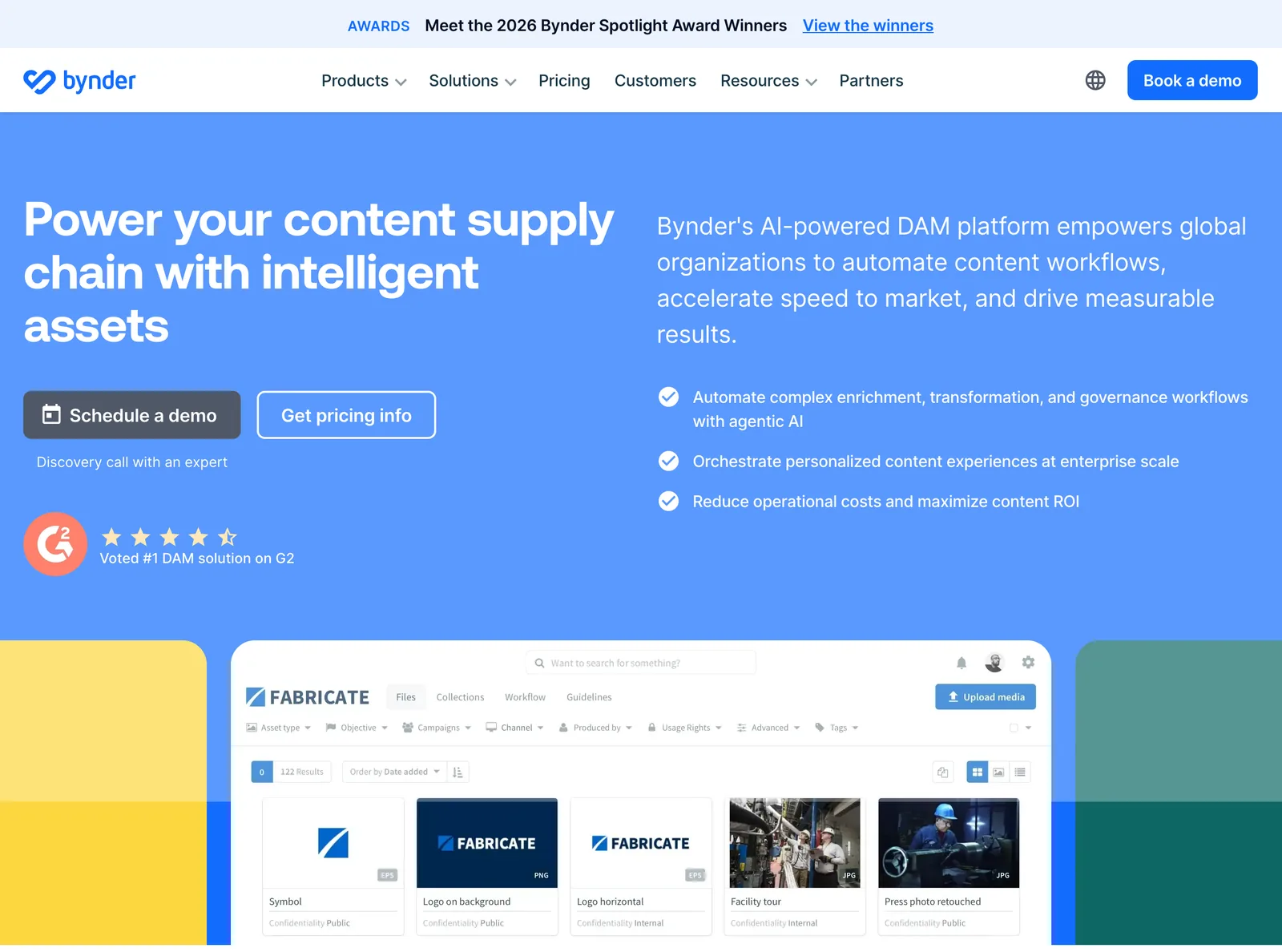
Look at the filters in a DAM screenshot and you see what it's for. Usage rights. Confidentiality. Rights cleared. Those fields exist because the files are going out into the world, on a client's site or in a paid campaign, and someone is accountable if the wrong version or an expired photo goes live.
You probably need one when several of these are true:
- You manage a client's asset library as part of the service, not just their campaigns.
- You hold thousands of approved files with licences that expire.
- Outside partners (other agencies, retailers, press) need to help themselves to approved assets.
- Brand guidelines need to live somewhere better than a PDF.
- Version mistakes have already cost you money or a client's trust.
If none of those are true, a DAM is mostly an expensive folder.
The DAMs agencies shortlist, and what they cost
Prices first, because they're the first surprise: most DAM vendors don't publish them.
| Tool | What it's built for | Price (as of October 2026) |
|---|---|---|
| Bynder | Enterprise DAM with add-on modules for workflow, video and analytics | Quote only; packages vary with users, storage and modules |
| Canto | DAM with brand portals and AI search | Quote only ("Get pricing"); scales with team size and storage |
| Frontify | Brand guidelines, DAM and templates in one platform | Quote only; priced by monthly active users |
| Brandfolder | DAM with video AI and analytics, owned by Smartsheet | Quote only (Premium and Enterprise, book a demo) |
| Air | Creative asset platform, now led by an AI agent | Free (120 credits a month); Starter $25 a month; Business $900 a month; unlimited seats |
| Dropbox | Shared storage for files you own | Free for 2 GB; Standard £12 per user a month billed yearly (from 3 TB for the team) |
| Google Drive | Shared storage inside Google Workspace | Free for 15 GB; Business Starter £5.90 per user a month on an annual plan |
| Spark | Reference library for video and image references | Free for 15 videos and 30 frames; Creator £16 a month; Studio £23 per user a month |






Checked on each vendor's own pricing page in October 2026. Quote only means no public price: you book a call.
Bynder, Canto, Frontify and Brandfolder
Bynder sells a core DAM plus modules: AI search by image, text or speech, briefing and approval workflows, a Studio module for branded images, videos and GIFs, channel resizing and more than 160 integrations. Rights management and single sign-on come with every package. It's built for global brands, and priced by conversation.
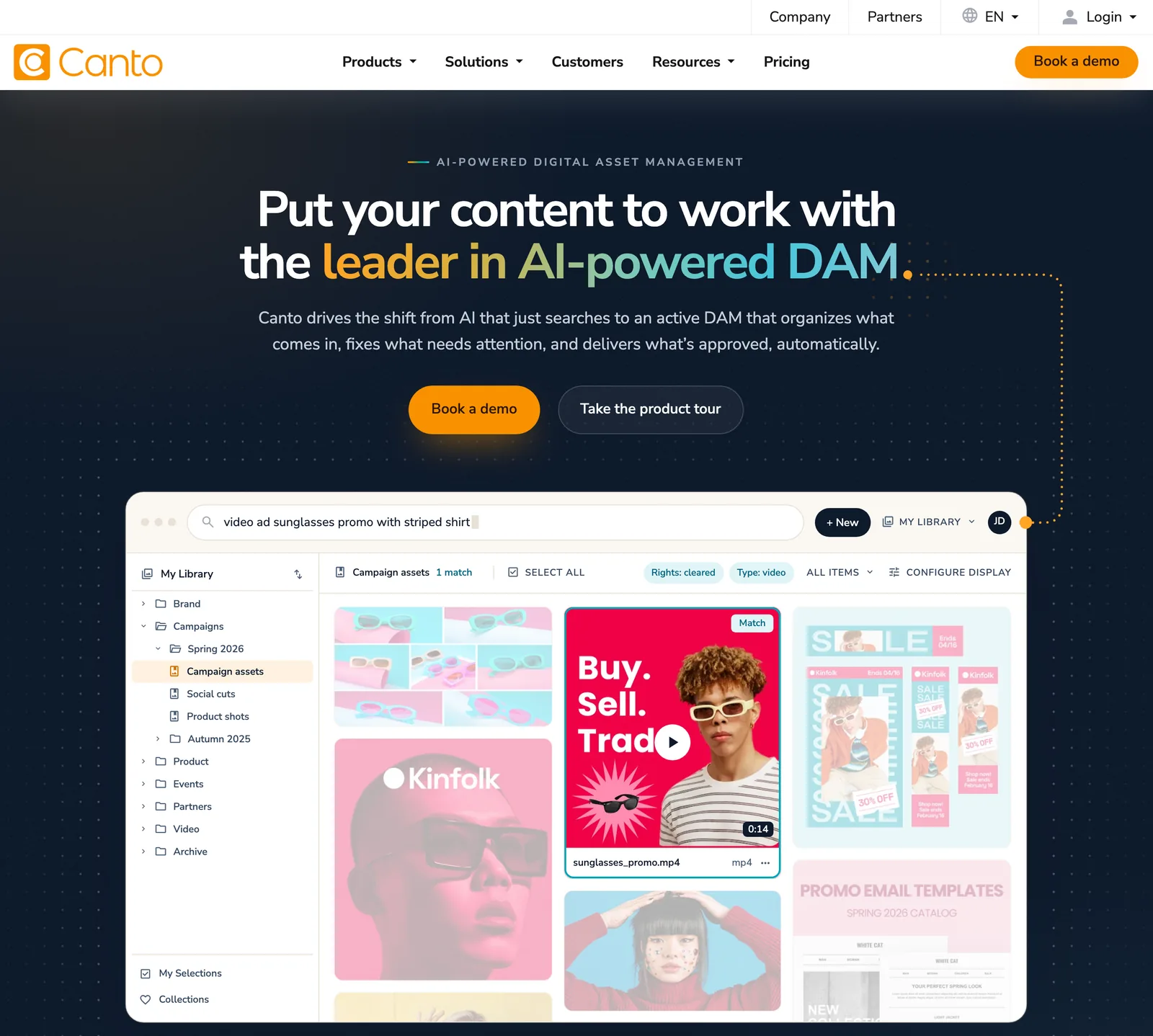
Canto offers four packages, from Core Essentials up to Advanced, with brand portals for internal teams and outside partners from its Enhanced Collaboration package up. Its own homepage demo is a good picture of DAM search: a library filtered to rights cleared and video, searched for a sunglasses promo.
Frontify starts from brand guidelines and adds a DAM, templates and portals around them. It prices by monthly active users, which it defines as anyone who logs in at least once a month, external partners included.
Brandfolder, sold by Smartsheet, lists Premium and Enterprise plans. Premium includes video AI that detects scenes, transcribes speech and pulls out on-screen text, plus publish and expiry dates on assets.
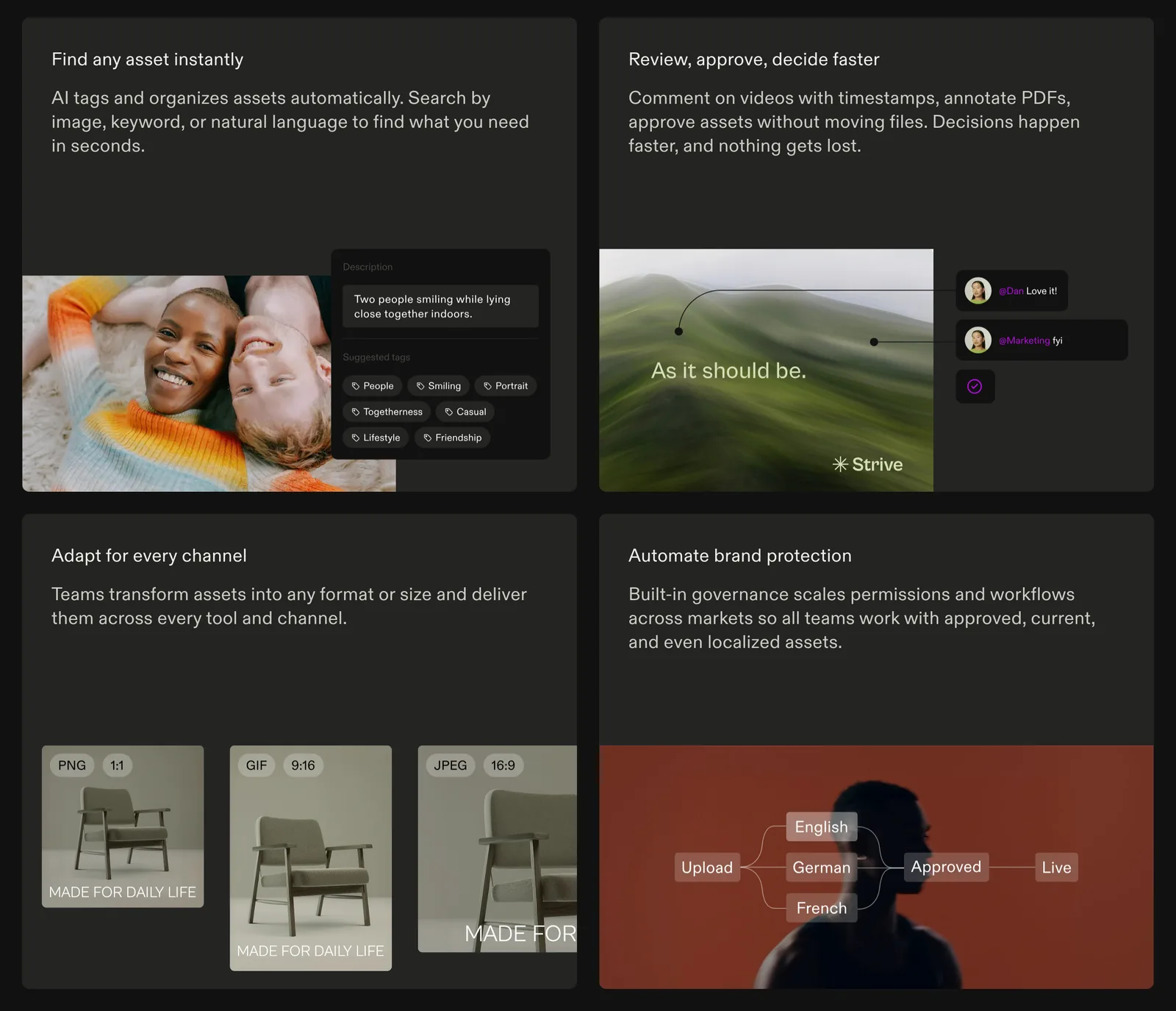
All four are serious products. All four assume the files you put in are yours, or your client's, and approved for use.
Air: check what you're buying
Air built its name as a DAM for creative teams. Its homepage now calls it an agent for creative tasks, leading with AI that learns your brand, conversational search and AI design and editing. The DAM is still there: its storing and sharing pages describe one home for creative assets, and its pricing page says it does everything a DAM does and adds collaboration, approvals and its Canvas editor.
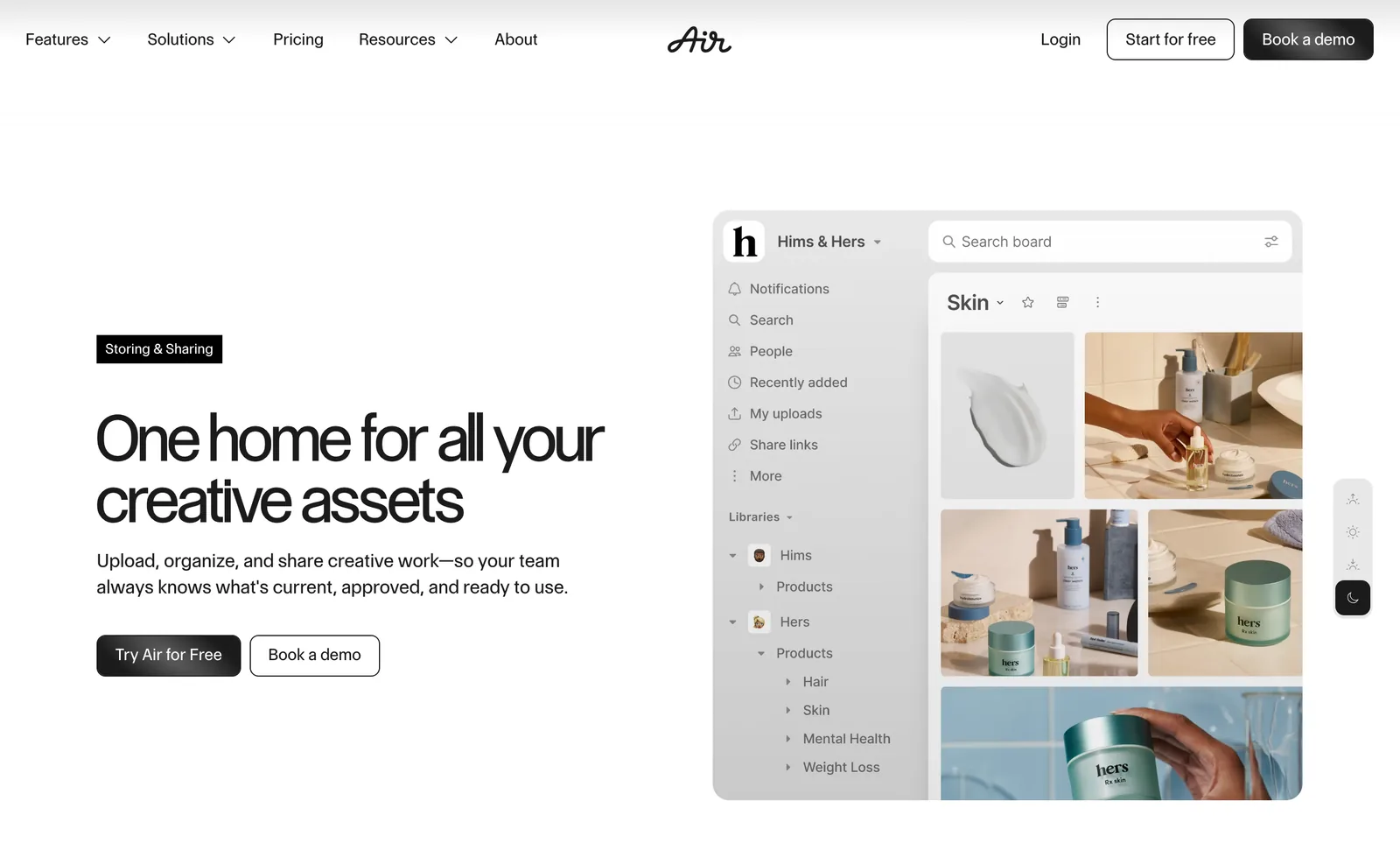
It's also the one with public prices. Free gives 120 credits a month, Starter is $25 a month, Business $900 a month, and every plan includes unlimited seats. Credits cover storage and AI use together, so read the credit maths before you commit.
Dropbox and Google Drive: the DAM most small studios already have
A shared drive with strict folder rules does a lot of what a small agency needs. Dropbox Standard is £12 per user a month billed yearly (£14.50 monthly) and starts at 3 TB for the team. Google Workspace Business Starter is £5.90 per user a month on an annual plan, with 30 GB per user pooled; Standard (£11.80) raises that to 2 TB. Both do permissions, version history and share links. What they lack is rights metadata, expiry dates and brand portals. If you don't need those yet, you don't need a DAM yet.
What a reference library is for
A reference library is for work you didn't make: the ad a client keeps mentioning, a DoP's reel, the title sequence that set the tone for a pitch. It has a different job from a DAM, so it needs different features.
- Saving from where references live. Most references arrive as links: Instagram, TikTok, YouTube, Vimeo, an ad library. DAMs take uploads of files you own. A reference library saves from the link.
- Searching by look and feel. You search references by what happens in them: a slow push-in, a red car at night, a line of voiceover. Not by SKU, campaign code or licence date.
- Getting it into a deck. References end up in moodboards and treatments, so frames, GIFs and boards matter more than CDN delivery.
- Staying internal. References are for research and pitching. Credit the makers, respect each platform's terms, and ask before using anything publicly.
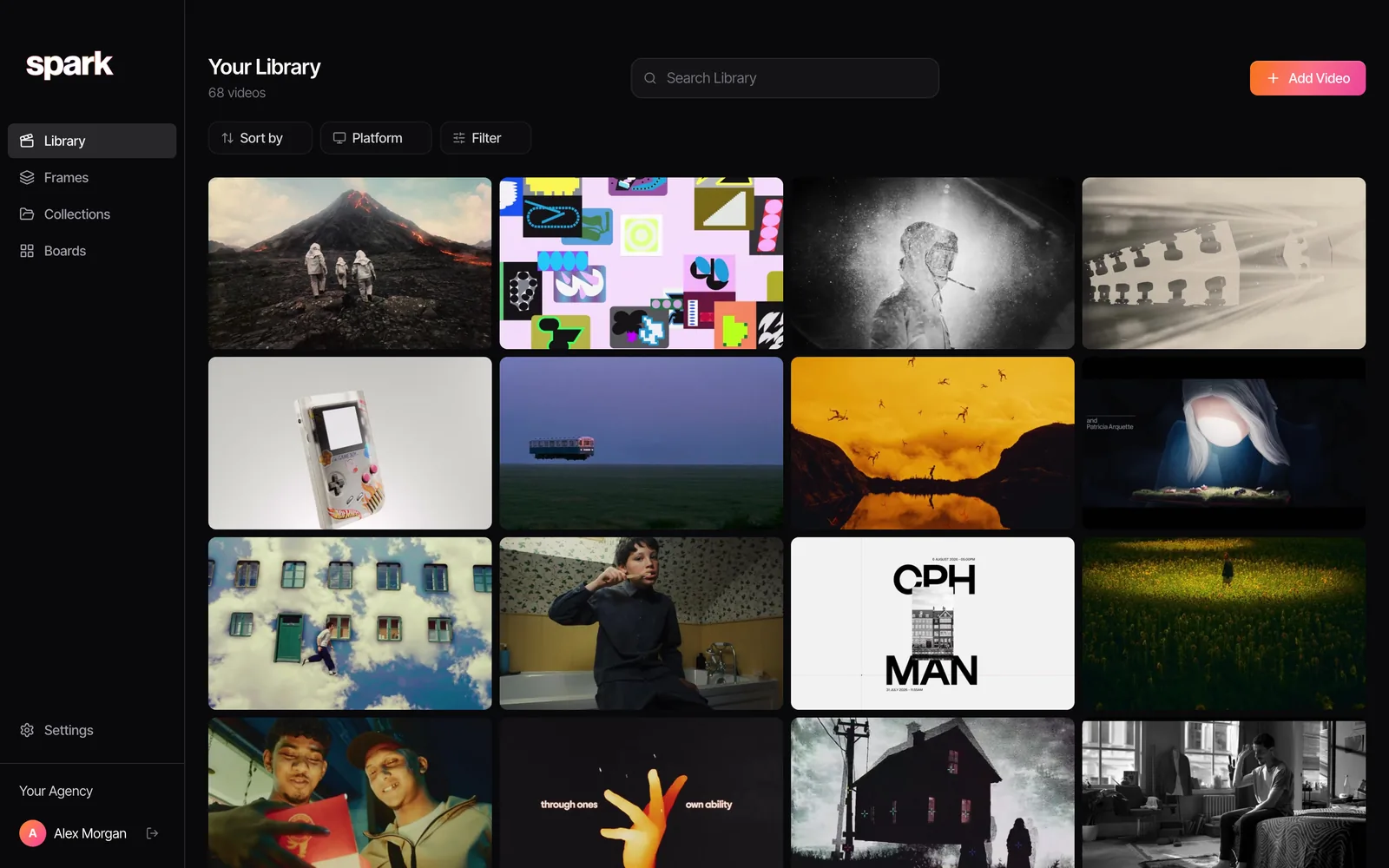
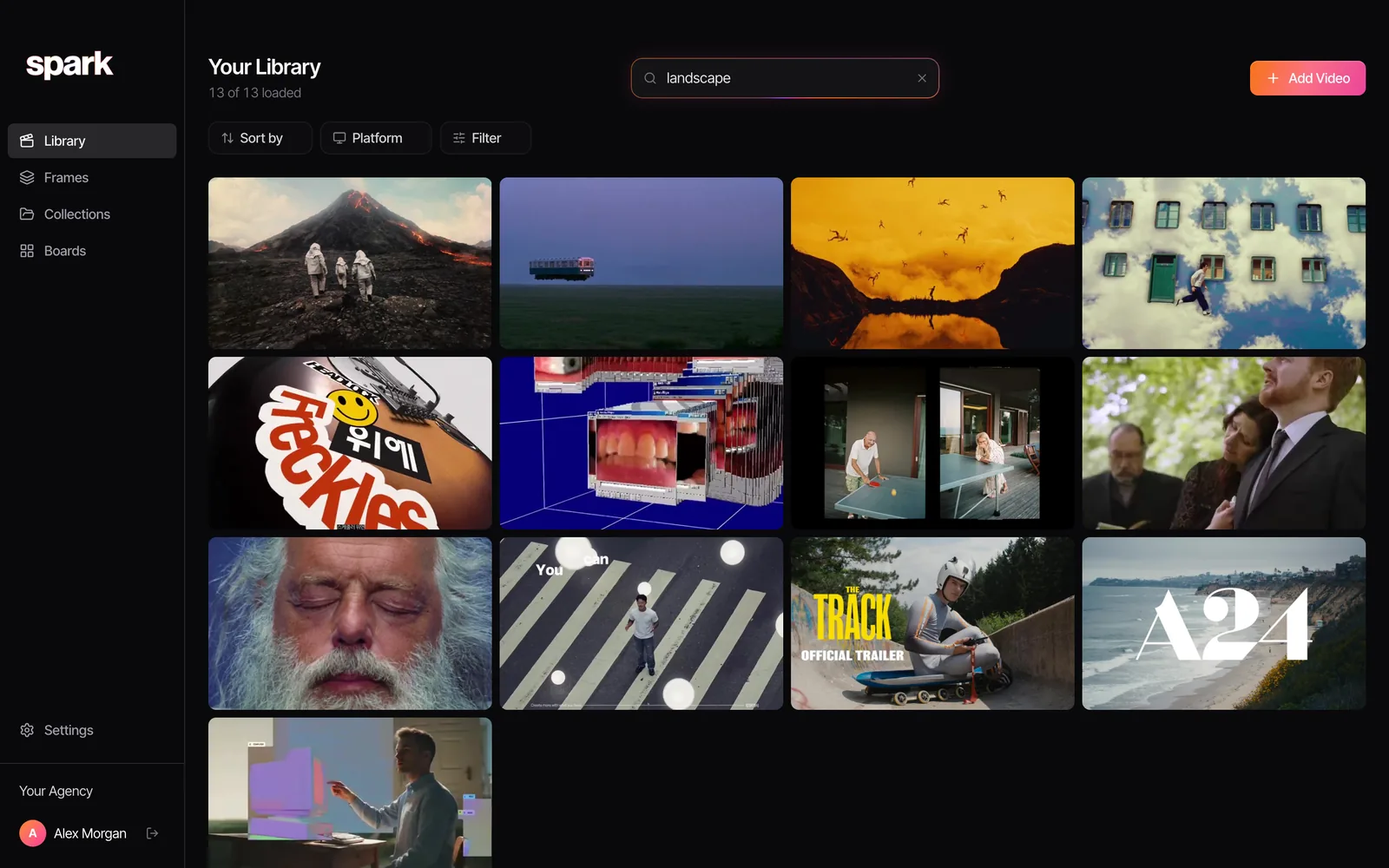
In Spark, for example, you paste a link from Instagram, TikTok, YouTube, Vimeo, Facebook, LinkedIn or Pinterest, or save ads from the Meta Ad Library, and the video itself is kept. On Creator and Studio each video gets an AI description and a transcript, so a search for something you half remember finds it.

Why references don't belong in a DAM
Agencies try it, because the DAM is already paid for. Four things go wrong.
- Rights. A DAM's whole promise is that what's inside is approved for use. Put a competitor's ad next to your client's approved films and that promise is broken, and a brand portal can hand it to a partner as if it were cleared.
- Cost. DAMs are priced by users, storage or monthly active users. Paying that for research, from people who just need to browse ideas, is the expensive way to do it.
- Getting things in. DAMs expect a file you own. Most references are a link to someone else's post, so they arrive as screenshots, or not at all.
- The wrong metadata. DAM fields are built for rights, campaigns and channels. Reference search is about mood, movement, light and dialogue. Our guide to tagging video references shows how different that vocabulary is.
Why brand assets don't belong in a reference library
The reverse is just as true, and we'd say it about our own product. Spark has no approval workflow, no usage rights or expiry dates, and no brand portal. Storage is capped (35 GB per user on Studio), and boards and collections are shared through view-only links built for showing ideas, not for distributing approved masters. Spark also doesn't hand out copies of other people's videos: download and share links only exist for media you supplied yourself. That's the right behaviour for a reference library, and the wrong one for a DAM. Your client's logo pack and approved masters belong on a drive or in a DAM.
How to set up the split
- Write the rule down. Made by us or approved by the client: asset. Made by someone else: reference. Put it in the onboarding doc.
- Keep clients apart in both places. Separate folders or libraries per client for assets, separate collections per pitch for references. Building a shared reference library covers owners, naming and permissions.
- Give references a home before they hit Slack. Links shared in chat vanish fast. Stopping references getting lost in Slack has the channel habits, and Spark's Studio plan saves links posted in a connected channel straight into the library.
- Keep review separate too. Cuts for client feedback go in a review tool. Spark vs Frame.io draws that line, and the best Frame.io alternatives covers the options.
- Keep pages and articles somewhere light. Interviews, breakdowns and case studies sit well in a bookmark manager; see bookmark managers for designers.
Colours: brand palette or reference palette?
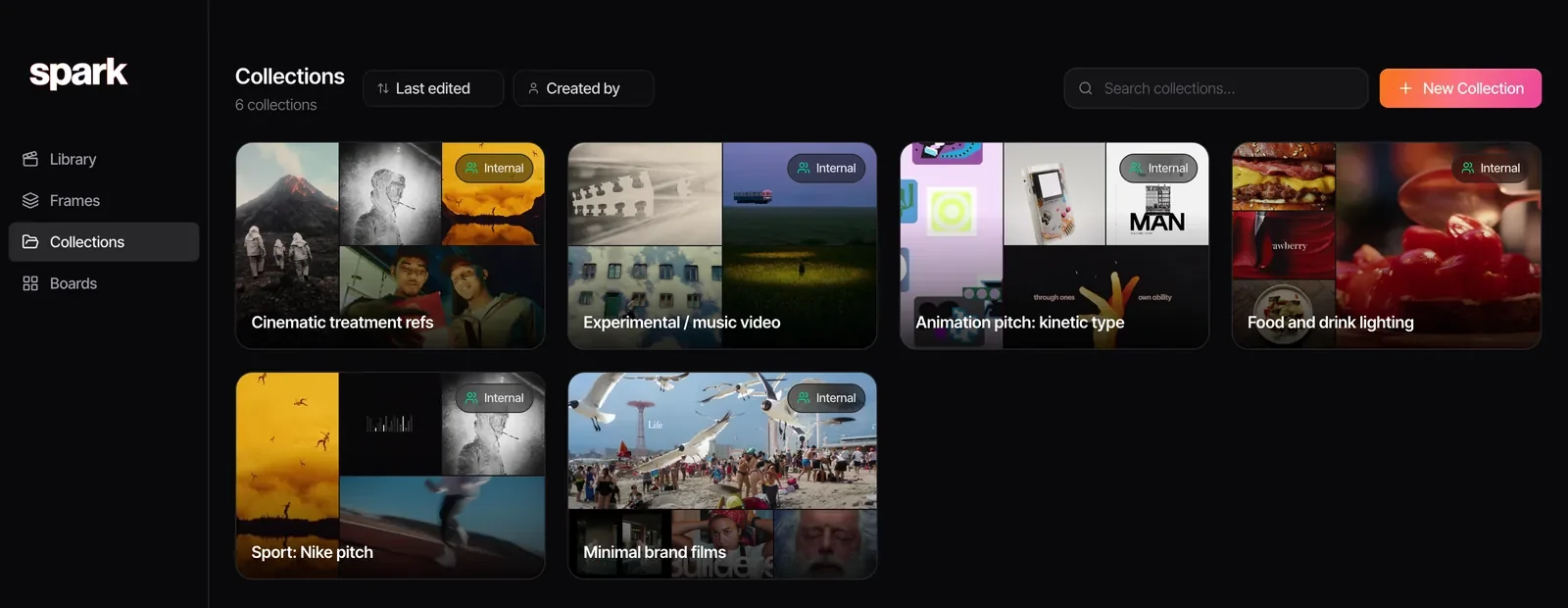
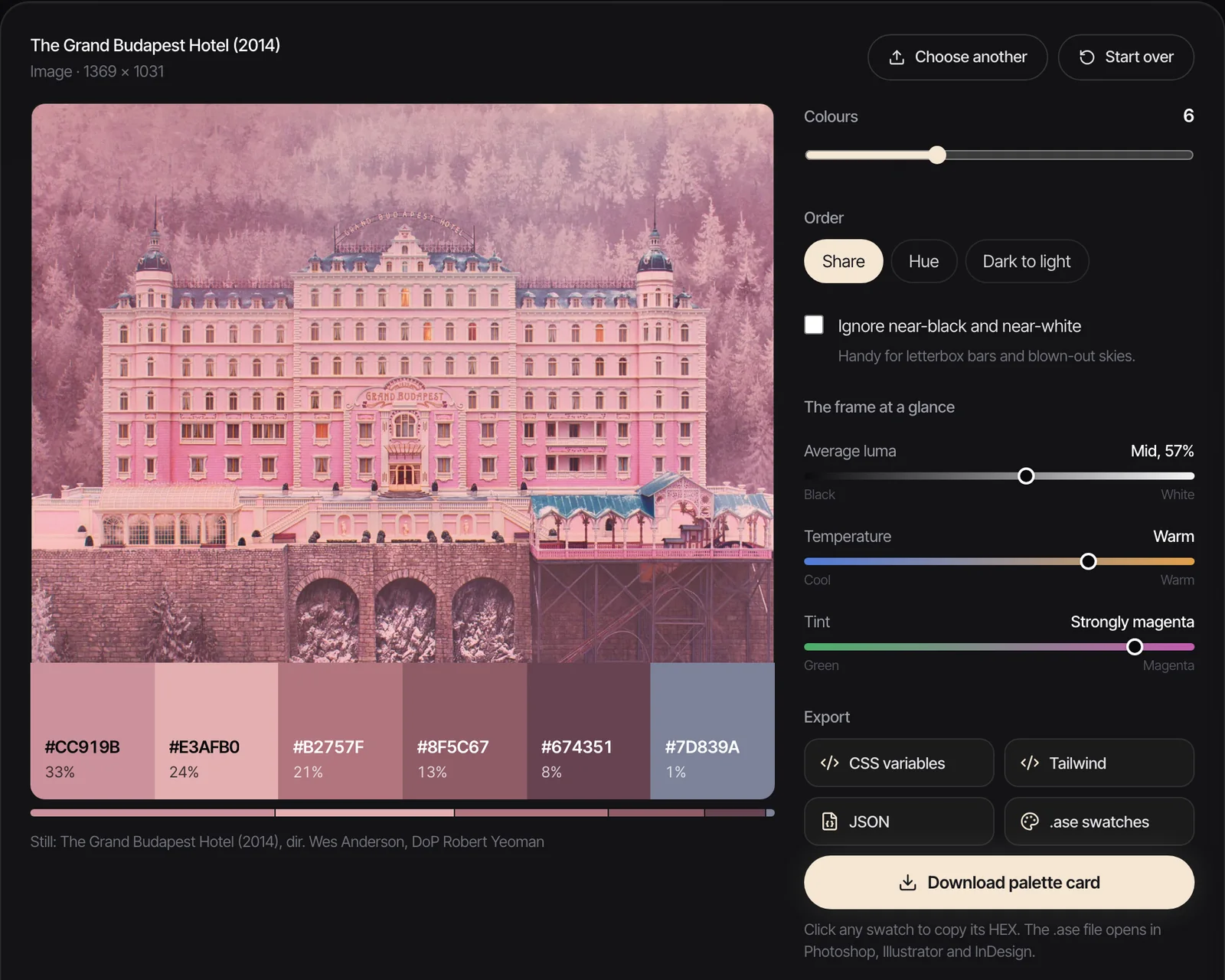
One place the two worlds meet is colour. A client's brand colours are assets: they live in the guidelines, in the DAM or on the drive, and nobody changes them. A palette pulled from a reference frame is an idea: it belongs in the moodboard, with the reference it came from.
Our free colour palette extractor pulls up to 12 colours from an image or a video frame and exports them as HEX, CSS variables, Tailwind, JSON or an .ase swatch file. Use it to show a client how a reference's palette sits against their brand colours, not to replace them.
Our answer, by team size
- A few people, a handful of clients: no DAM. A tidy shared drive for your own files, a reference library for everyone else's.
- A growing studio with a retained brand client: consider Air's public plans or a quote from Canto or Frontify when the client's asset library becomes your job.
- An agency managing global brand assets: a DAM, properly scoped (Bynder, Canto, Frontify or Brandfolder), plus a reference library so research doesn't leak into it.
FAQs
Do creative agencies need a DAM?
Not always. A DAM earns its cost when you manage thousands of approved assets with usage rights and expiry dates, or when outside partners need to help themselves to a client's files. Smaller studios usually manage with a well-organised Google Drive or Dropbox for their own files and a separate reference library for other people's work.
What is the difference between a DAM and a reference library?
A DAM stores assets you own or your client has approved, with rights, versions, permissions and approvals. A reference library stores other people's work you learn from, such as ads, reels and film clips, saved for internal research and pitching. They need different features, so most teams that have both keep them apart.
How much does a DAM cost?
Most enterprise DAMs, including Bynder, Canto, Frontify and Brandfolder, don't publish prices as of October 2026; you request a quote, and pricing depends on users, storage and modules. Air is an exception, with a free plan, Starter at $25 a month and Business at $900 a month.
Can Google Drive or Dropbox work as a DAM?
For a small team, often yes. Both handle permissions, version history and share links, and Dropbox Standard is £12 per user a month billed yearly, Google Workspace Business Starter £5.90. They lack rights metadata, expiry dates and brand portals, which is the point at which a real DAM starts to make sense.
Is Air a DAM?
Partly. As of October 2026, Air's homepage describes it as an agent for creative tasks, but it still stores, organises and shares creative assets with approvals, and its pricing page says it does everything a DAM does. Check the current feature list against your needs before buying it as a DAM.
Can we keep competitor ads and references in our DAM?
You can, but it's a bad idea. A DAM signals that what's inside is approved for use, so other people's work can end up in a portal or a campaign by mistake. Keep references in a separate library for internal research, and credit the makers.
Keep reading
All articles
How to Build a Shared Creative Reference Library for Your Team
A team library fails for different reasons than a personal one. Set up ownership, rules, client separation and a ten-minute weekly habit, and it survives past the first month.

How to Organise YouTube Videos for Creative Research
Watch Later is not a research system. Here's the playlist setup we use for YouTube research, the bits YouTube quietly took away, and when it's time for something better.
How to Save Video References from Websites
That title sequence on a studio's website isn't a lost cause. Find where the embed really lives, download it if you're allowed, and screen record it properly if you're not.