
Best Bookmark Managers for Designers and Creatives (Raindrop Alternatives)
Raindrop.io is still the bookmark manager we'd hand most designers. The alternatives win on specific jobs, and none of them keeps the videos you save from Instagram.
By the Spark team ·

For most designers, Raindrop.io is still the best bookmark manager: unlimited bookmarks free, apps on every device, and visual previews that suit people who think in pictures. The Raindrop alternatives worth switching to each win one job. mymind if you want a private, no-folders memory for images as much as links. Are.na for slow research that connects. Readwise Reader or Instapaper if you mostly save things to read. Karakeep if you want open source and your own server. Anybox or GoodLinks if you only use Apple devices. Plain browser bookmarks if a list is all you need.
None of them keeps the videos you save from Instagram or TikTok, because a bookmark manager stores the link, not the film. That's a separate job, and we come back to it near the end.
If you landed here because Pocket closed: Mozilla shut it down on 8 July 2025, exports ran until 8 October 2025, and anything not exported was then permanently deleted. Instapaper and Readwise Reader are the closest replacements.
We make Spark, a video reference library, so we're not neutral about video. But a bookmark manager is still the right home for everything else.
Bookmark managers compared
| Tool | Best for | Runs on | Price (as of October 2026) |
|---|---|---|---|
| Raindrop.io | Visual bookmarks on every device | Web, Mac, Windows, iPhone, Android | Free; Pro price shown at checkout |
| mymind | A private memory for images, links and notes | iPhone, Android, Mac, browser | From $4.99 a month; $79 or $129 a year |
| Are.na | Research that connects to other people's | Web, iPhone, Android | Free for 200 blocks; Premium $7 a month or $70 a year |
| Readwise Reader | Reading and highlighting everything you save | Web, iPhone, Android, desktop | Reader $7.99 a month billed yearly; 30 days free |
| Instapaper | A simple read later list, Pocket style | Web, iPhone, Android | Free; Premium $5.99 a month or $59.99 a year |
| Karakeep | Open source, on your own server | Web, iPhone, Android, browser | Free to self-host; Cloud Pro $4 a month or $40 a year |
| Anybox | A Mac native bookmark library | Mac, iPhone, iPad | Free for 50 links; Pro $14.99 a year or $39.99 lifetime |
| GoodLinks | Reading later on Apple devices, bought once | Mac, iPhone, iPad | £9.99 once (App Store) |
  Browser bookmarks | A list you already have | Every browser | Free |



Prices from each vendor's own page or App Store listing, checked in October 2026. Raindrop doesn't print its Pro price on the page, so we haven't guessed it.
What a designer needs from a bookmark manager
Most bookmark managers are built for readers. Designers save differently: a type foundry's specimen page, a studio's case study, a palette someone posted, a product page for its photography. So we judged them on five things.
- Does it look like what you saved? A grid of previews beats a list of titles when you remember things visually.
- Does it keep a copy? Pages change and disappear. A permanent copy protects the reference.
- Can you search inside the page? Full-text search finds the article where you only remember a phrase.
- Can you save from your phone? Plenty of good references turn up away from a desk.
- Can you share a collection? With a team, a client or a freelancer.
Raindrop.io: still the one to beat
Raindrop.io passes all five. It has apps for Mac, Windows, iPhone, iPad and Android, extensions for Chrome, Edge, Safari and Firefox, and a free plan with unlimited bookmarks, collections and devices. Collections can show as a grid of large previews, which is what makes it feel built for visual people, and they can be shared with others.
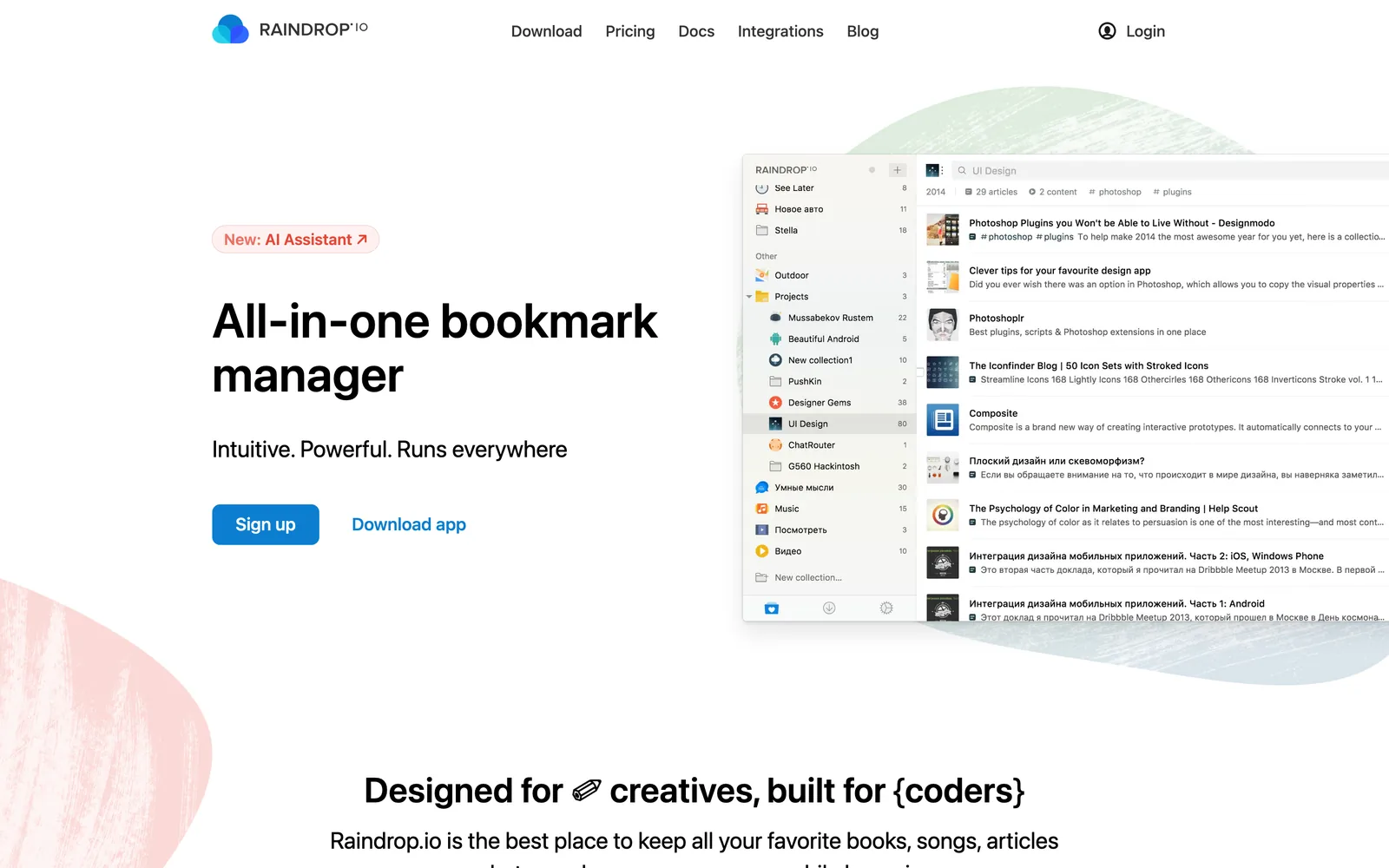
Pro adds full-text search, permanent copies of saved pages, more space for uploads and cloud backups. By Raindrop's account, Pro search also reaches every spoken word in saved YouTube videos, which is handy if you save talks and breakdowns. Raindrop says yearly billing is usually about 20% cheaper than monthly; the Pro figure itself only appears at checkout.
Where it falls short for creative teams: Instagram and TikTok saves are links with a preview, so they break when the post goes. And it knows what a page says, not what an image shows.
mymind: for images as much as links
mymind refuses to make you organise anything. Save an image, a quote, a page or a product, and it sorts and searches for you. There are no folders and no social features, and it's private by design.
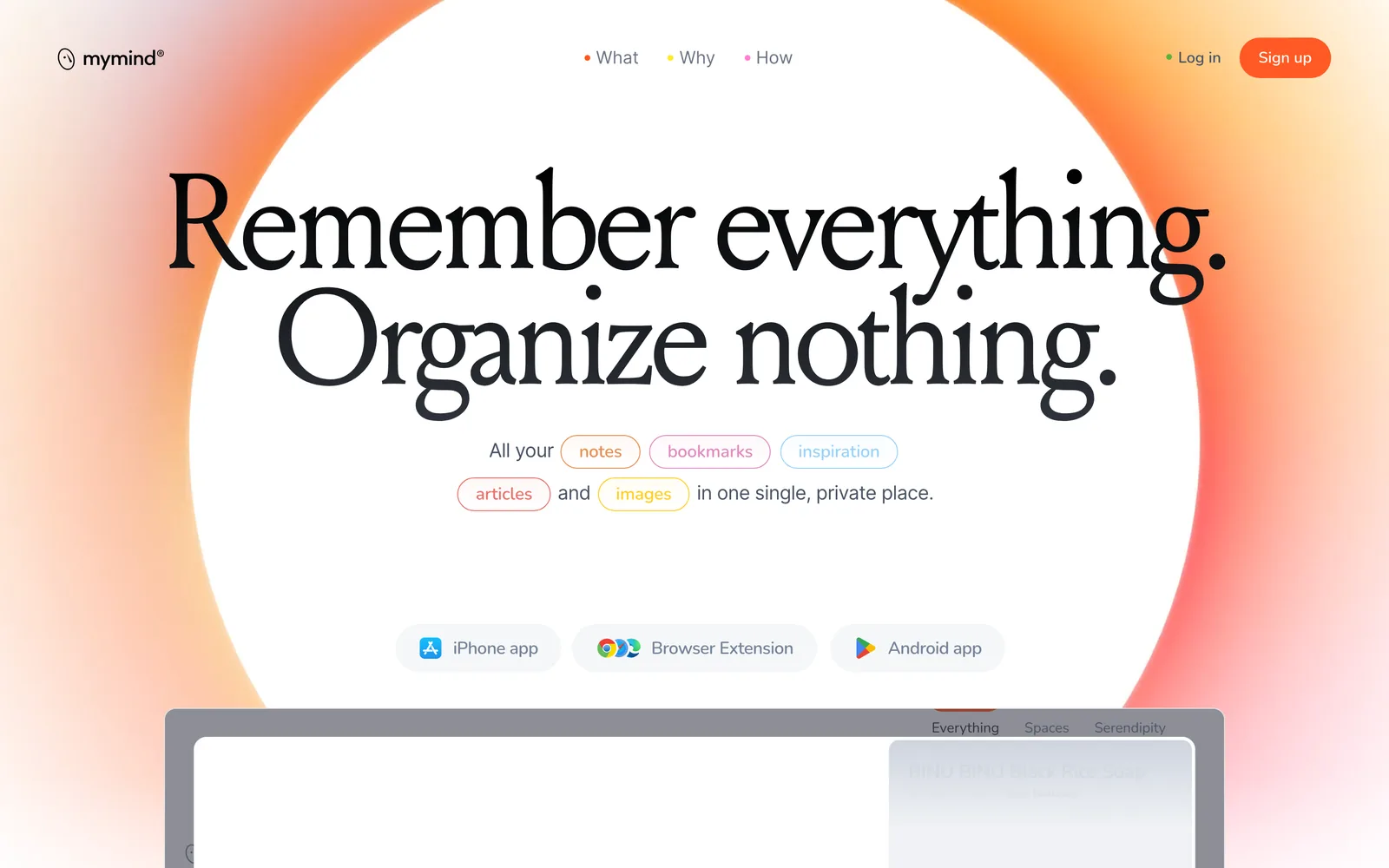
It suits designers whose bookmarks are more visual than textual, because an image card is as much at home as a link. Plans start at $4.99 a month (The Bookmarker); Student of Life is $7.99 a month or $79 a year; Mastermind is $12.99 a month or $129 a year and adds video uploads of up to 500 MB per file. There's no free plan listed, and no team plan.
Are.na: for research that connects
Are.na is less a bookmark manager than a place to think. You save links, images, text and files as blocks inside channels, and channels connect to other people's channels, so research turns into a web instead of a list. Channels can be collaborative on every plan. If what you want is a calmer place to discover images, rather than a place to file links, Cosmos vs Savee compares the two apps designers mention most.
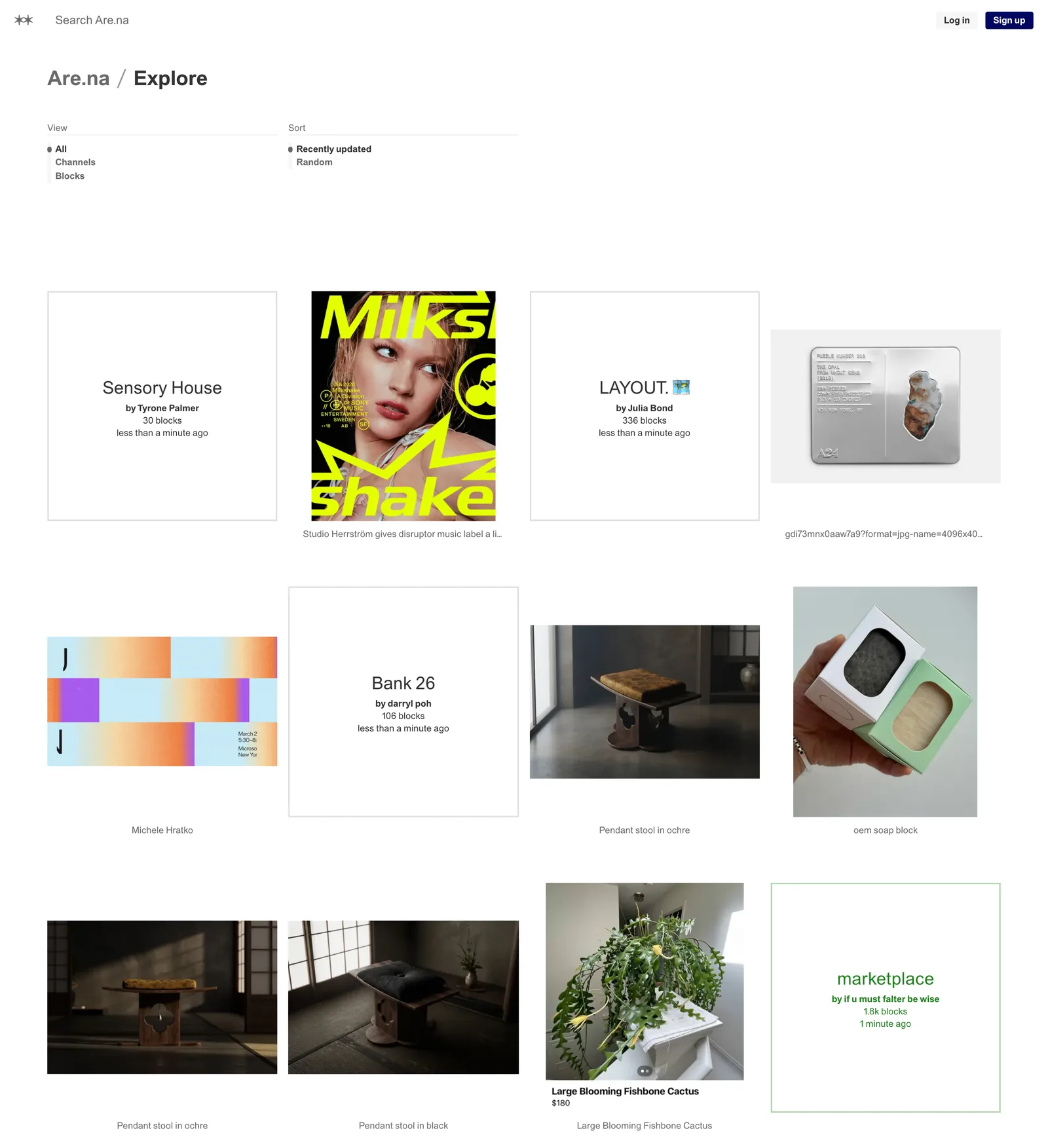
It's free for 200 blocks, then $7 a month or $70 a year. It's slower than Raindrop for quick saving, and that's the point. Our Spark vs Are.na comparison goes into where it shines and where it stops.
Readwise Reader and Instapaper: when you mostly read
If your bookmarks are really a reading list (essays, interviews, long reviews), a read later app is the better tool.
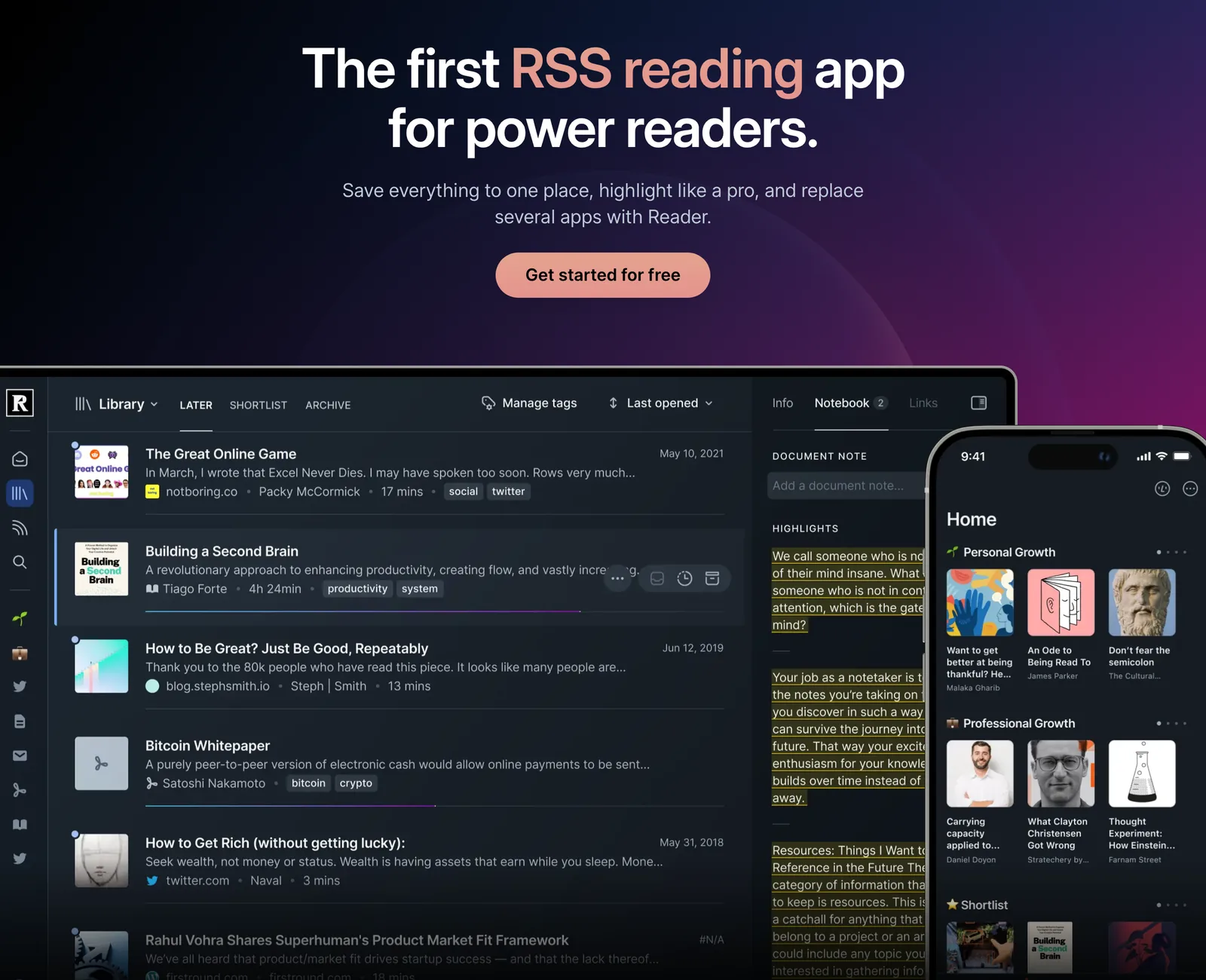
Readwise Reader saves articles, PDFs, EPUBs, emails, YouTube videos, RSS feeds and X threads into one library, with highlighting throughout. Reader on its own is $7.99 a month billed yearly; full Readwise, which also gathers your highlights from Kindle and elsewhere, is $9.99. The first 30 days are free.
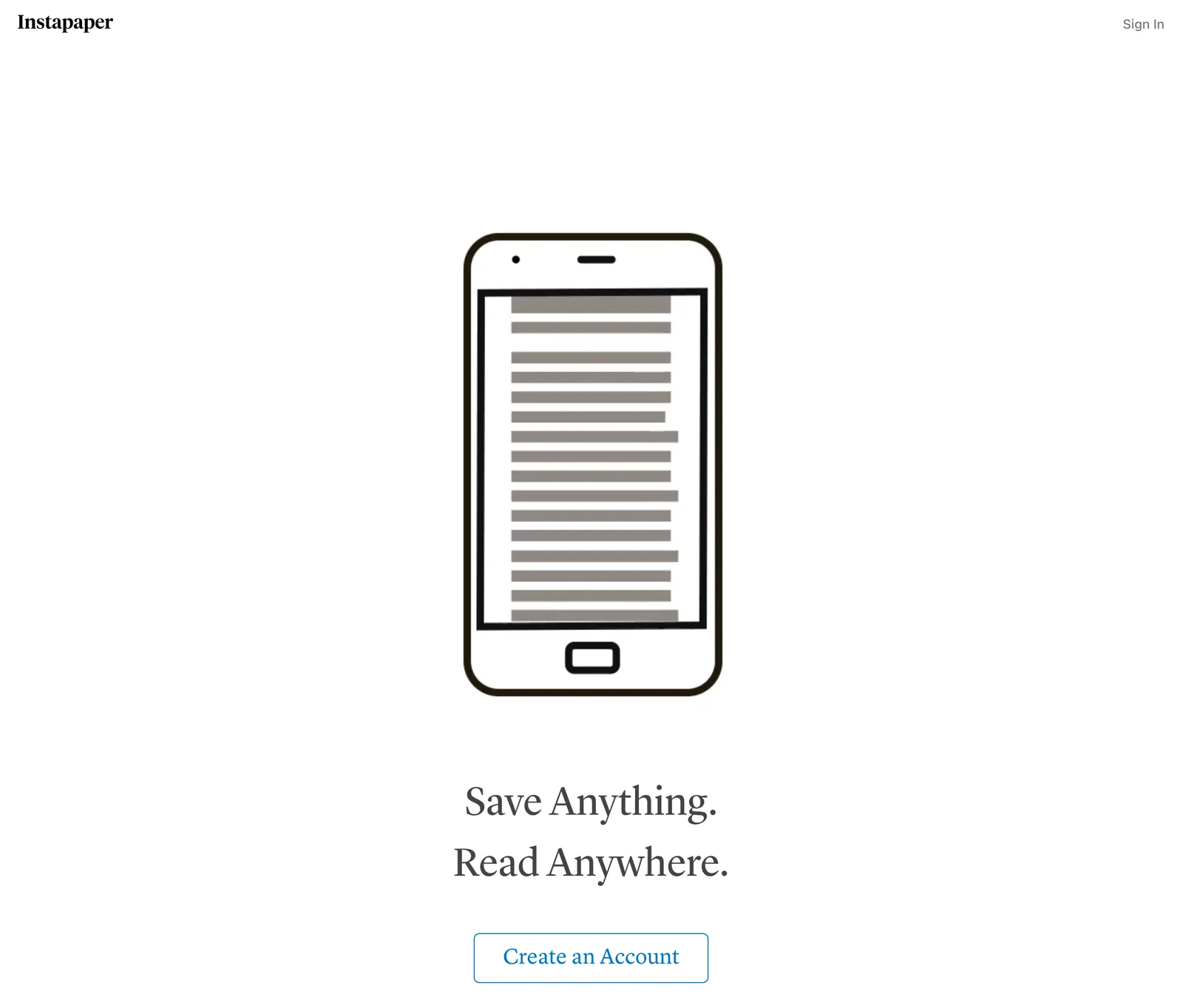
Instapaper is the simplest: save anything, read it later in a clean view on the web, iPhone, iPad or Android. The free plan has unlimited saves and folders. Premium ($5.99 a month or $59.99 a year) adds full-text search, a permanent archive, a PDF reader, unlimited notes, Kindle sending and text to speech.
Neither is visual. A design reference saved here becomes an article to read, not a picture to scan.
Karakeep: open source, on your own server
Karakeep, previously called Hoarder, is the open source pick (AGPL licensed and busy: version 0.34.1 came out in October 2026). It saves links, notes, images and PDFs, uses AI to tag them and write summaries, reads text inside images with OCR, keeps full page archives against link rot, and lets you share lists with other people. There are apps for iPhone and Android and extensions for Chrome, Firefox and Safari.
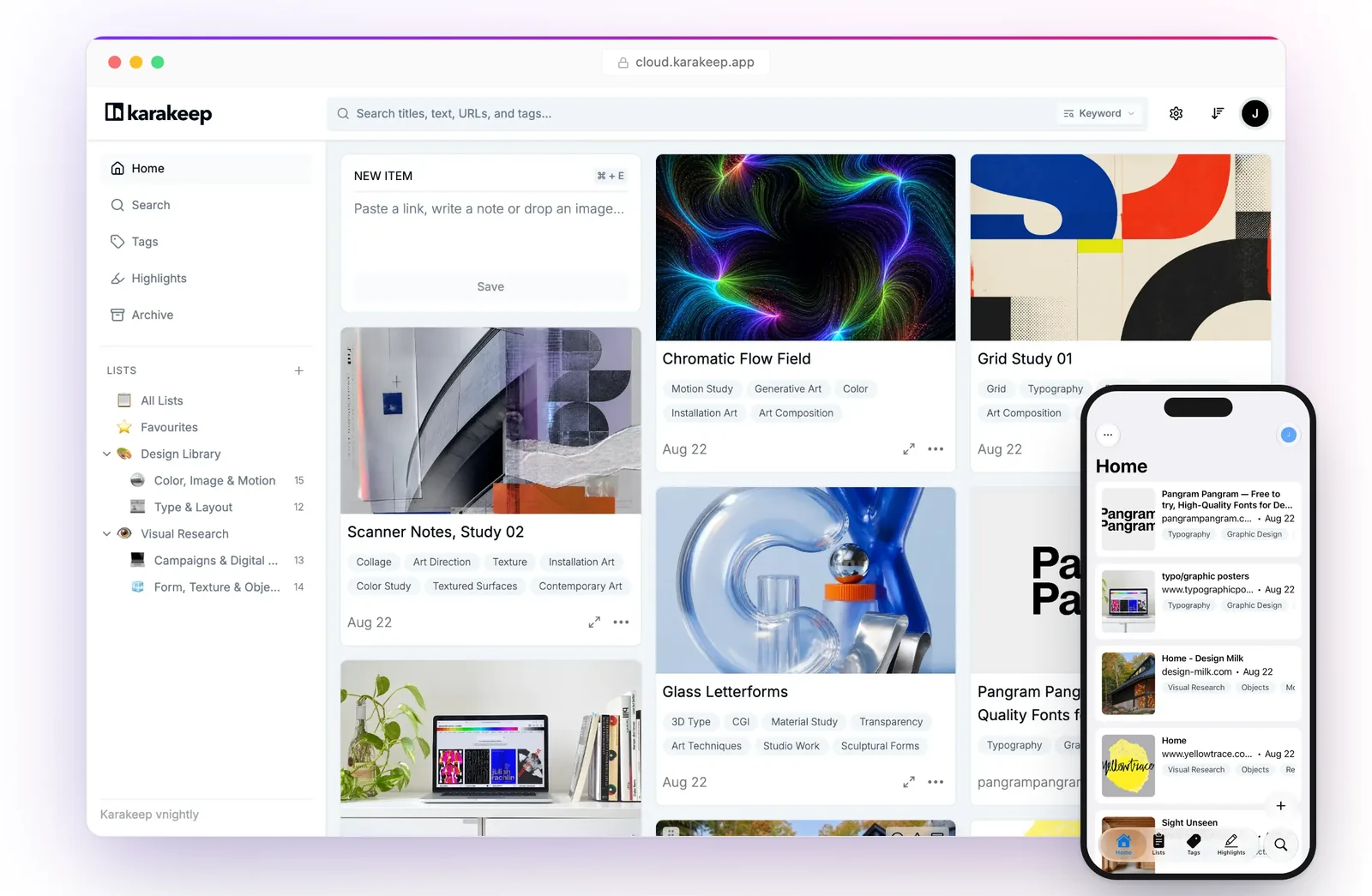
Self-hosting is free and unrestricted if you're happy running Docker. Karakeep Cloud is free for 50 bookmarks, or $4 a month ($40 a year) for 50,000. Its README also lists automatic video archiving through yt-dlp on your own server. That's the nearest any bookmark manager here gets to keeping video, though it's a tinkerer's setup, and the usual rule applies: keep copies of other people's work for private research only, and respect each platform's terms.
Anybox and GoodLinks: if you only use Apple devices
Two small, native apps that sync through iCloud and need no separate account.
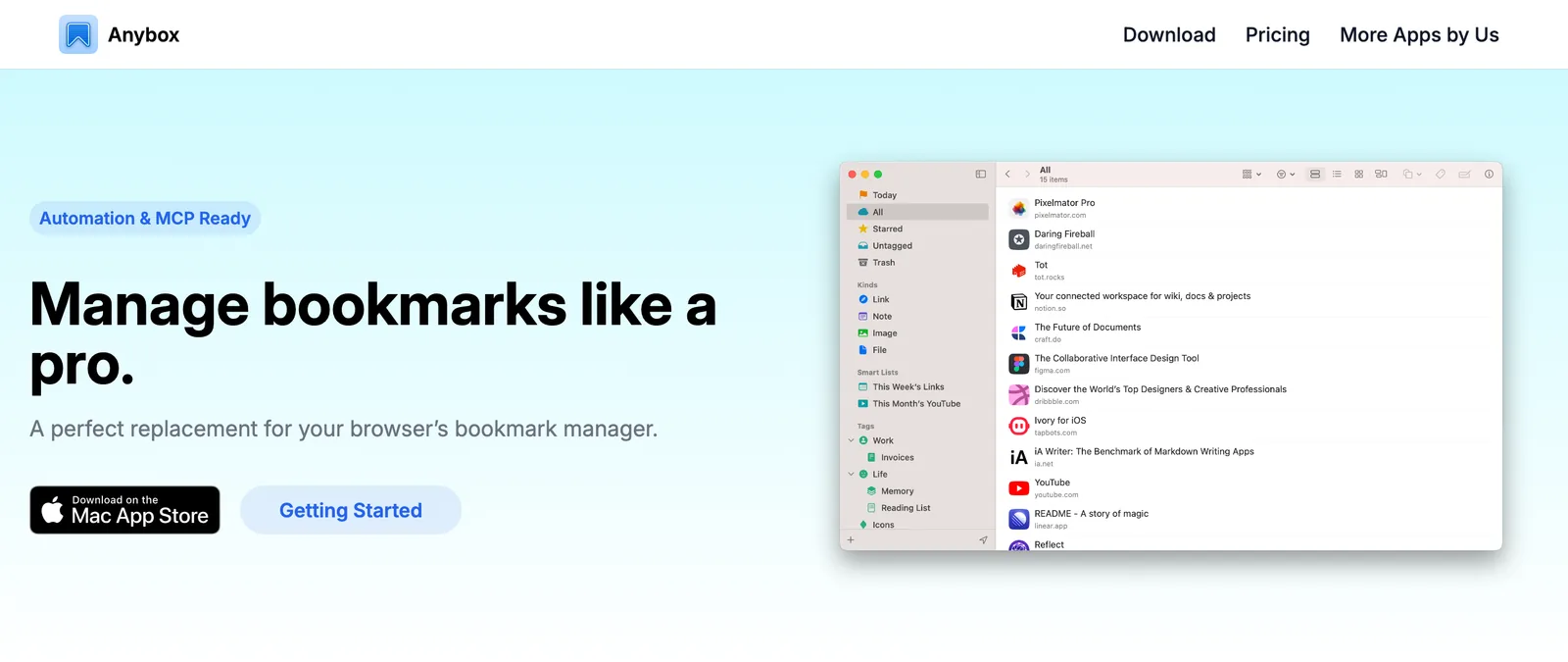
Anybox is a bookmark library for Mac, iPhone and iPad, with nested tags, folders, smart lists that sort by address or date, and room for images, files and notes as well as links. A floating dock keeps your most used links one click away. Free for 50 links; Pro is $1.99 a month, $14.99 a year or $39.99 once.
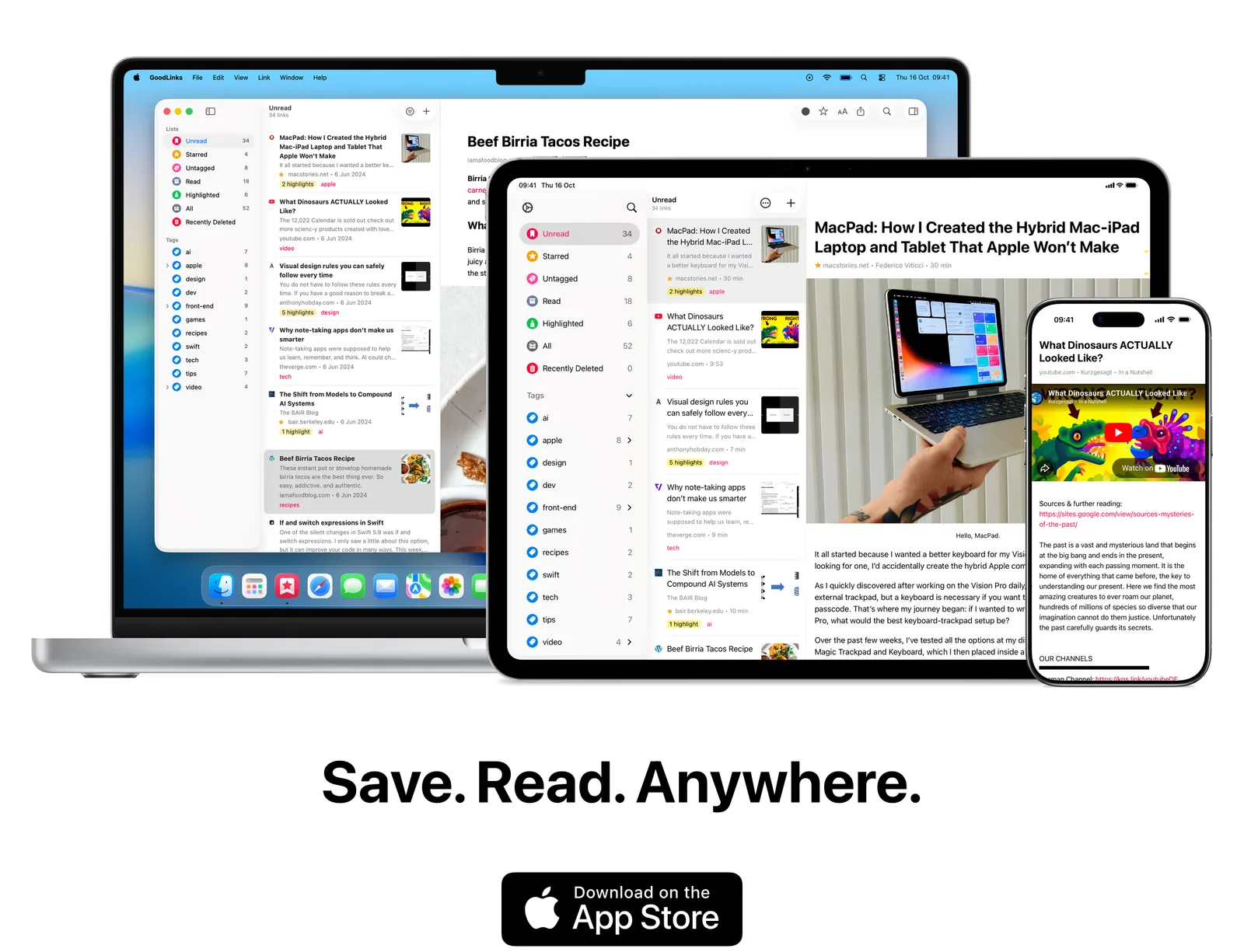
GoodLinks is a read later app first: it strips pages down to a clean reading view, with tags, coloured highlights, notes and a Markdown export. It's £9.99 once on the App Store, with an optional £4.99 a year for new features. It runs on iPhone, iPad, Mac and Vision Pro.
Browser bookmarks: free, and enough for some
Chrome's bookmarks sync through your Google account, Safari's through iCloud, and both have a reading list. If you save a handful of links a week and find them again by title, there's no need for anything else. The trouble starts when you have hundreds: no previews, no search inside pages, no copies, and every browser keeps its own list.
The video half: why Spark isn't on this list
A bookmark manager keeps the address of a thing. For an article, that's usually fine. For a reel, a TikTok or an ad, the address is all you have, and when the post is deleted or the account goes private, the reference goes with it. You also can't search what happens in the video or what's said in it.

That's the job we built Spark for, and it's a different one. Spark isn't a bookmark manager and won't replace Raindrop for your articles. It's a desktop app for Mac and Windows that saves the video itself from Instagram, TikTok, YouTube, Vimeo, Facebook, LinkedIn and Pinterest, plus ads from the Meta Ad Library. On the paid plans it writes an AI description and a transcript for each video, so you can search by what happens or what's said.
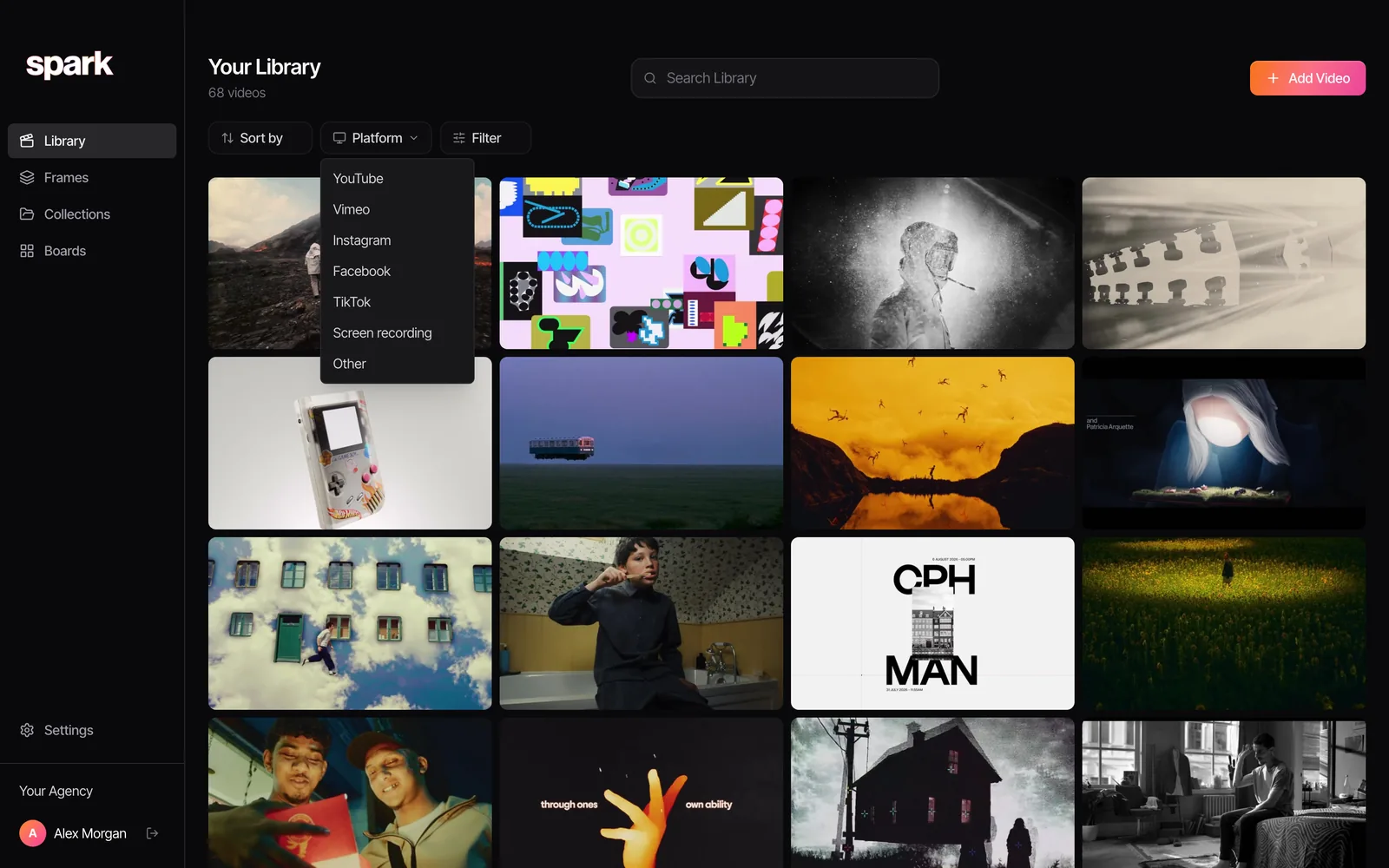
Our setup is boring on purpose: Raindrop for pages and articles, Spark for anything that moves. If you save from YouTube, our YouTube organising guide covers playlists and timestamps first, and saving video references from websites covers embeds and screen recording. For the full picture of where references can live, see the best creative reference management tools.
Keep the colours with the link
Designers bookmark a lot of pages for their colour, then forget which colour it was. A useful trick: run the image or the frame through a palette extractor and paste the HEX codes into the bookmark's note, so a search for the code finds it later.

Our free colour palette extractor works on an image or a video frame, gives 3 to 12 colours, and copies them as HEX, CSS variables, Tailwind or JSON. Nothing is uploaded.
How to choose
- Visual bookmarks on every device: Raindrop.io.
- Images and links, no folders, just for you: mymind.
- Research that builds over years: Are.na.
- Mostly reading: Readwise Reader if you highlight, Instapaper if you don't.
- Open source: Karakeep.
- Apple only: Anybox for a library, GoodLinks for reading.
- A handful of links a week: your browser.
If your team is drowning in files as well as links, our piece on reference libraries versus DAMs sorts out what belongs where, and the best Eagle alternatives covers local image libraries.
FAQs
What is the best alternative to Raindrop.io?
It depends on the job. mymind suits a private, visual collection with no folders; Are.na suits connected research; Readwise Reader and Instapaper suit reading; Karakeep is the open source, self-hosted option; Anybox and GoodLinks suit people who only use Apple devices. For general visual bookmarking across every platform, Raindrop.io is still hard to beat.
Is Raindrop.io free?
Yes. The free plan includes unlimited bookmarks, collections and devices. Pro adds full-text search, permanent copies of pages, more upload space and backups; its price is shown at checkout, and yearly billing is usually about 20% cheaper than monthly, according to Raindrop.
What happened to Pocket?
Mozilla shut Pocket down on 8 July 2025. Users could export their saves until 8 October 2025, after which the data was permanently deleted. Instapaper and Readwise Reader are the closest replacements for a read later app.
What is the best free bookmark manager?
Raindrop.io's free plan is the most generous for most people, with unlimited bookmarks on every device. If you can run your own server, Karakeep is free and open source with no limits. Instapaper's free plan is the best free option for reading later.
Can a bookmark manager save Instagram or TikTok videos?
Mostly no. Raindrop.io, Are.na, Instapaper and the rest save the link and a preview, so the reference breaks if the post is removed. Self-hosted Karakeep can archive some video with yt-dlp. A video reference library like Spark saves the video itself, for internal research.
Is there an open source bookmark manager?
Karakeep, previously called Hoarder, is open source under the AGPL and can be self-hosted for free. It saves links, notes, images and PDFs, keeps full page archives and has apps for iPhone and Android. A hosted version, Karakeep Cloud, starts free for 50 bookmarks.
Keep reading
All articles
Best Frame.io Alternatives for Video Review in 2026
Most of these tools do the same core job as Frame.io. What separates them is how they charge, who they're built for and what happens when a client opens the link.

Best Storyboard Software for Directors and Agencies in 2026
The right storyboard tool depends less on how well you draw and more on who has to sign the boards off. Here's what each one is for, and what it costs.
Cosmos vs Savee: Which Inspiration App Should Designers Use?
They're the two apps designers name when they say they've left Pinterest. Here's how they differ in practice, what each costs, and the job neither of them does.