
Best Frame.io Alternatives for Video Review in 2026
Most of these tools do the same core job as Frame.io. What separates them is how they charge, who they're built for and what happens when a client opens the link.
By the Spark team ·

The best Frame.io alternative for most small production teams is Wipster or Krock.io: both do frame-accurate comments on a cut, both let clients review without paying for a seat, and both cost less per person. If you already pay for Vimeo, its Starter plan now includes video review with time-coded notes. If your files live in Dropbox, Dropbox Replay is an add-on away, and if moving big files around a remote team is half the problem, Shade puts the storage and the review in one tool. Agencies approving print, social and video together should look at Filestage or Ziflow, animation and VFX teams at SyncSketch or ftrack Review, and anyone running live sessions with a director in another city at Evercast. On a budget of zero, Google Drive added timestamped comments on videos in August 2026.
Getting cuts approved by clients is a weekly job for most production companies and agencies, and it's the job every tool here is built for. We make Spark, which isn't a review tool and isn't on this list as one; there's a short note on where it fits near the end. Every price below was checked on the vendor's own pricing page in October 2026.
Eleven alternatives at a glance
| Tool | Best for | Price (as of October 2026) |
|---|---|---|
| Frame.io | The benchmark: review, approval and Camera to Cloud inside Adobe's world | Free for 2 members, 2 GB, 2 projects; Pro $15 per member a month; Team $25 (13% off yearly) |
| Vimeo | Teams that already host and share on Vimeo | Starter $12 per seat a month billed yearly, $20 monthly |
| Wipster | A straight swap for a small team | Light $9.95 a month billed yearly; Team $19.95 per user billed yearly, $25 monthly |
| Krock.io | The cheapest per seat, with storyboards built in | Free for 1 user and 2 GB; Pro $10 per user a month |
| Dropbox Replay | Teams whose footage already lives in Dropbox | Add-on £8 per user a month billed yearly, £10 monthly, on Plus or higher |
| Shade | Remote teams that want storage, review and search in one tool | Growth $35 per seat a month, $29.75 billed yearly; up to 15 seats and 150 guests |
| Filestage | Agencies approving video, design and documents together | Free (1 active project); Starter €199 a month for 10 team members |
| Ziflow | Marketing teams with formal approval workflows | Free for 2 users; Standard $199 a month billed yearly for 15 users |
| SyncSketch | Animation drawovers and 3D review | Free Light plan; Indie $9 per user a month billed yearly; Team $19 |
| ftrack Review | VFX and post houses that review in sync | $10 per user a month billed yearly; clients free |
| Evercast | Live, real-time sessions in the edit or grade | Rooms from $599 a month on contract, $899 month to month |
| Google Drive | One round of notes for nothing | Free with 15 GB; timestamped comments on the web |










Prices are in the currency each vendor showed us. Per seat means the people on your team; most of these let clients comment without a paid seat.
What a review tool has to get right
Strip Frame.io down and it does six things a production needs. Comments pinned to an exact frame. Drawing on the frame, so "move that" has an arrow. Versions stacked, so the client compares cut two with cut three. A status (needs review, approved). Clients who can open a link without signing up for anything. And a way back into the edit, so notes appear in Premiere or Resolve.
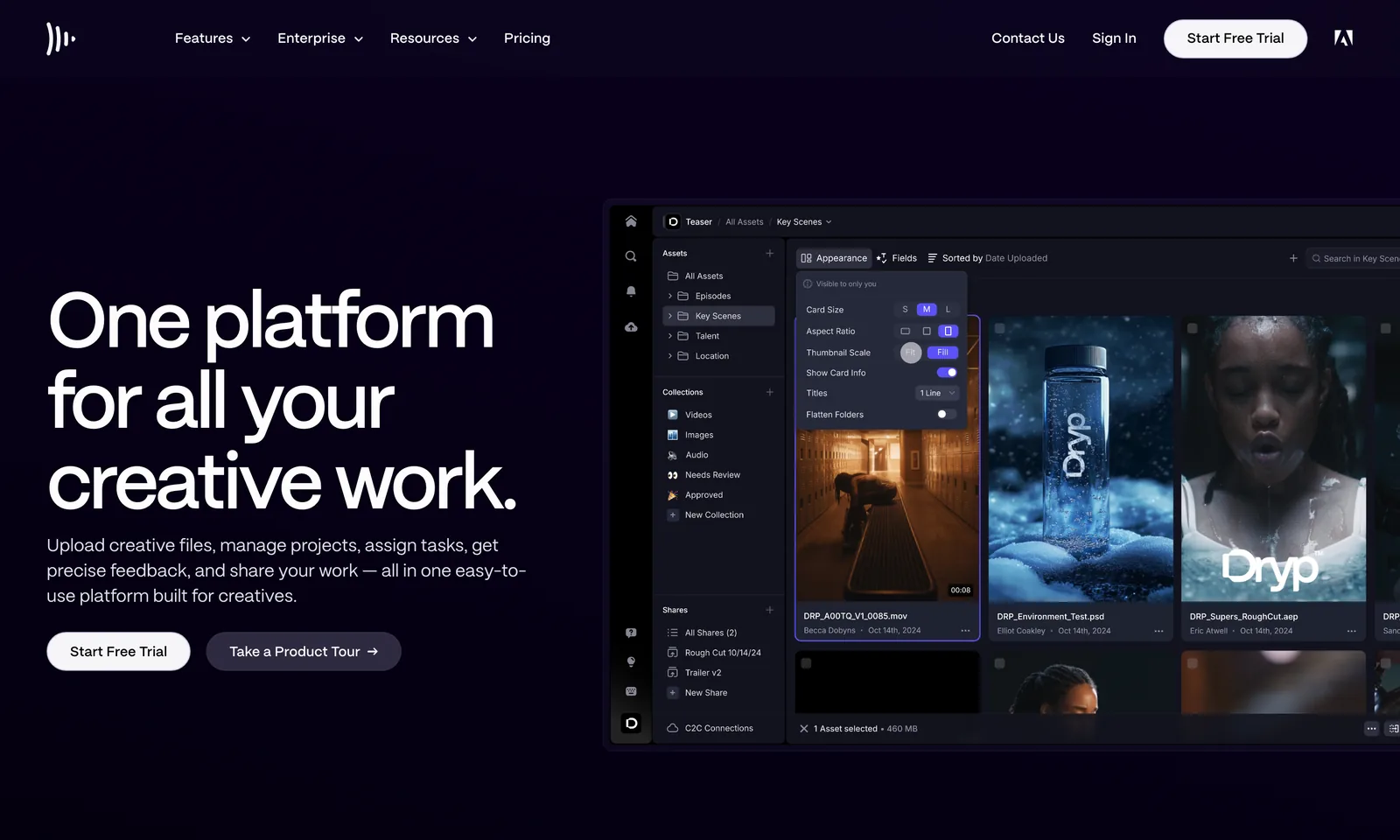
Frame.io itself is a good tool, and it's Adobe's now, built into Premiere and After Effects. If you're looking elsewhere, it's probably for one of three reasons: the per member price as the team grows, the 2 GB free plan, or wanting something built for their kind of work (agency approvals, animation, live sessions). Everything below answers one of those. For the difference between reviewing your cut and collecting references, see Spark vs Frame.io.
The like for like swaps
Wipster
Wipster is the closest in spirit to early Frame.io: upload, share a link, collect timestamped comments. The Light plan is for one person or occasional use: 50 GB, unlimited projects and sharing, $9.95 a month billed yearly or $11.95 monthly. Team is $19.95 per user a month billed yearly ($25 monthly), starts at 250 GB, and adds custom branding, team only comments and closed captions, with no user limit.
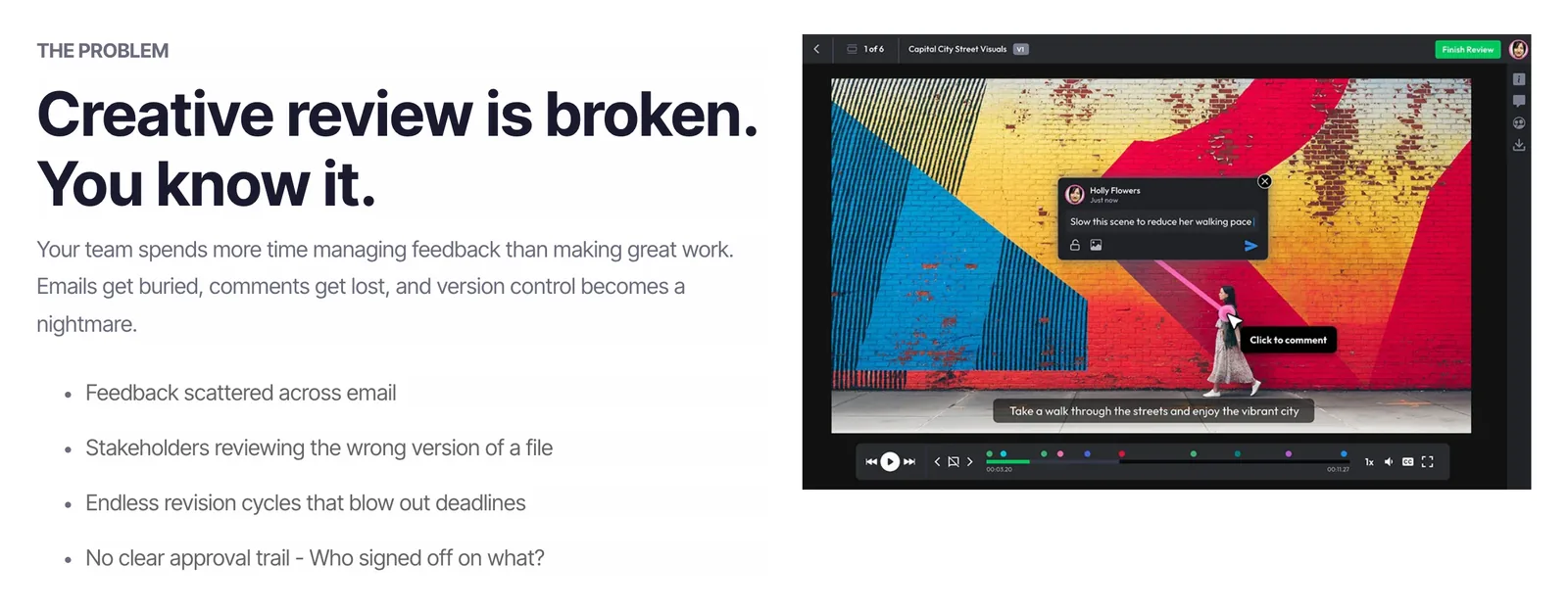
Pick it if you want a cheaper, simpler Frame.io for a small team and your clients just need to click and comment.
Krock.io
Krock.io is the cheapest per seat here and has a few production extras. Every plan has unlimited reviewers. Free gives one user, 2 GB, one workspace and two projects. Pro is $10 per user a month with unlimited projects, 4K playback, custom branding and storage from 2 TB, and the Unlimited plan starts at $400 for 100 users. Its feature list includes version comparison, an Adobe CC extension and password protected or expiring share links.
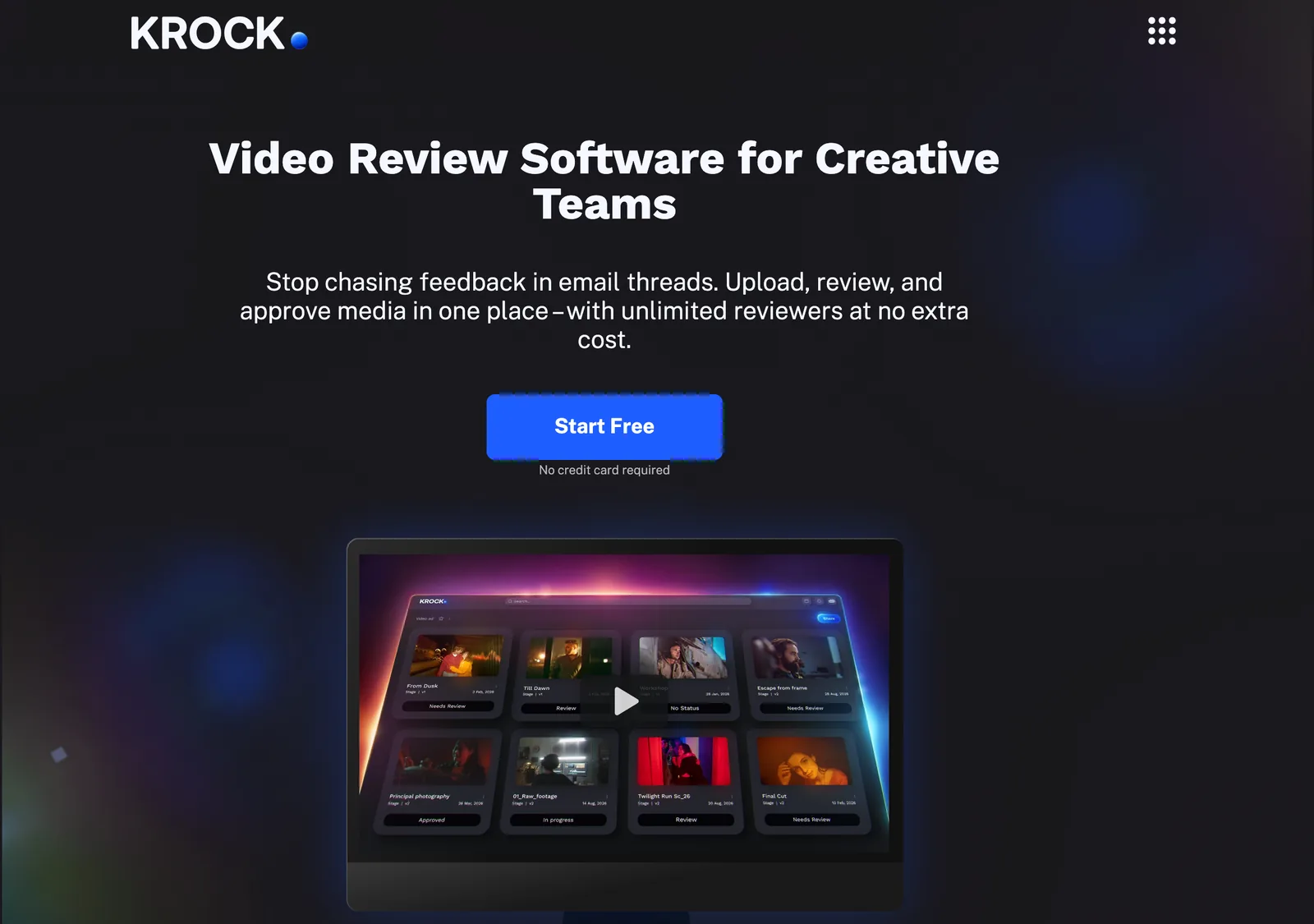
What sets it apart is the storyboard and animatic tooling: boards export as PDF or CSV and animatics export too, so one tool covers the pitch frames and the cut. We cover that side in our round up of the best storyboard software.
Pick it if cost per head matters most, or your work starts as boards and ends as cuts.
Vimeo
If you already host on Vimeo, check your plan before buying anything. Vimeo's pricing page lists video review, configurable review links, version history and downloadable review comments on every paid plan, from Starter up, alongside integrations with Premiere Pro and Slack. Keeping other people's Vimeo films for reference is a different job, covered in saving Vimeo videos.
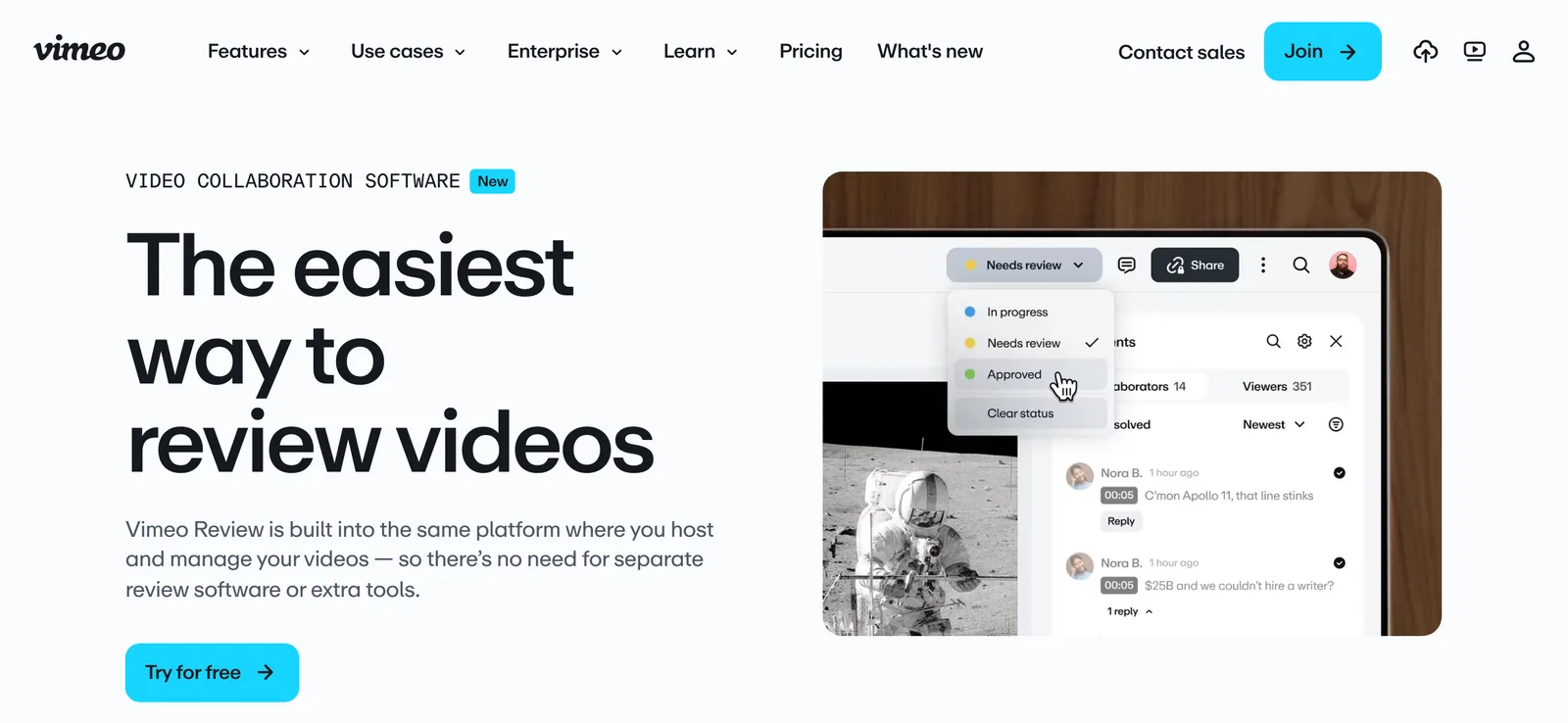
Starter is $12 per seat a month billed yearly, or $20 monthly, for one user with 2 TB of storage. The catch: Starter allows 60 videos per seat per year, which a busy edit can burn through. Standard is $25 per seat billed yearly ($41 monthly) for up to five users.
Pick it if your finished films end up on Vimeo anyway and you want review and hosting in one bill.
Dropbox Replay
Replay is Dropbox's review tool for video, audio, images, PSDs and PDFs. You can host a live review where everyone watches together, and view feedback, resolve comments and upload a new cut from inside Premiere Pro, After Effects, Final Cut Pro, DaVinci Resolve or Pro Tools. Uploads go up to 150 GB and 12 hours long. Files already in Dropbox don't count against your storage twice.
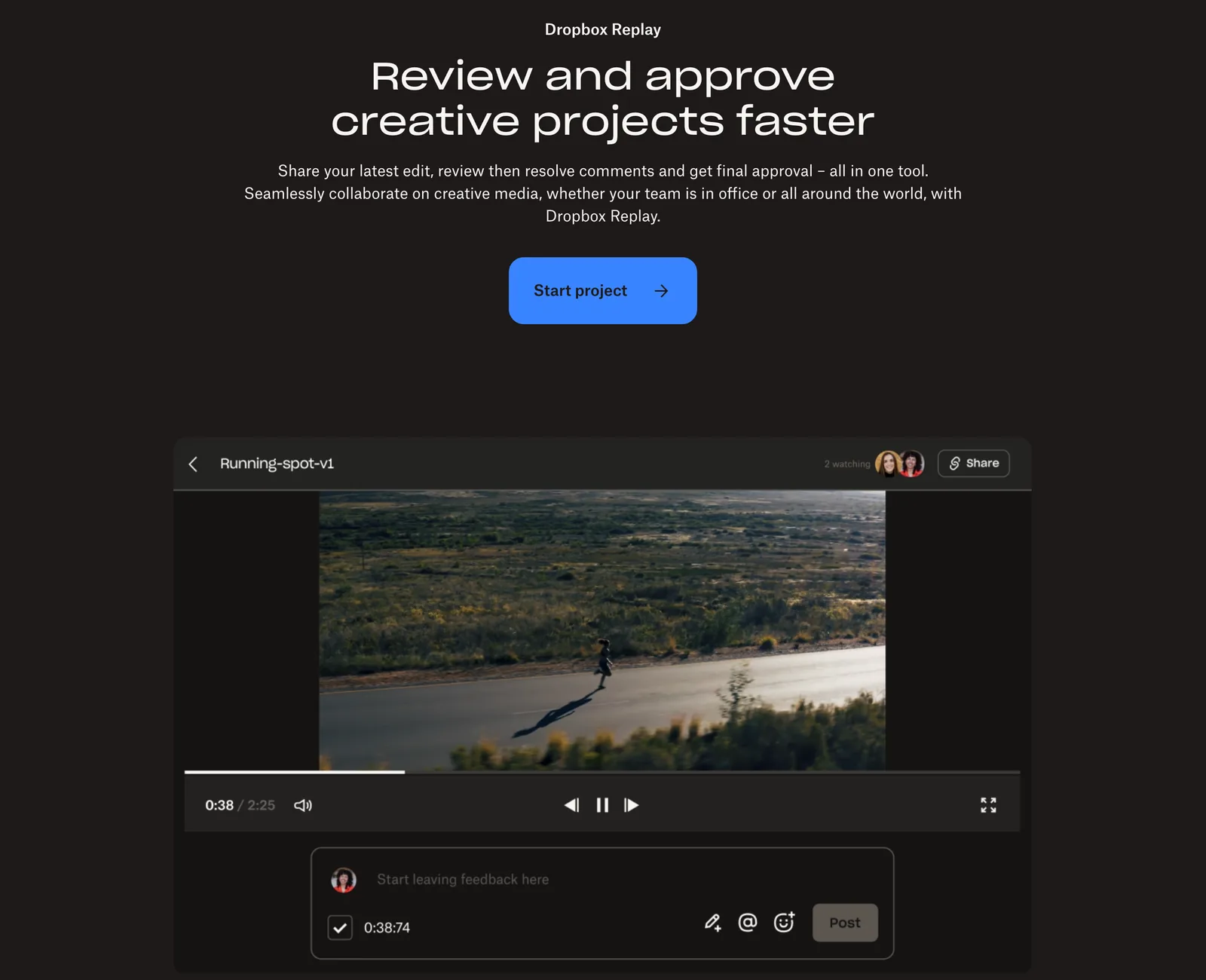
The add-on is £8 per user a month billed yearly (£96) or £10 monthly, and you need Dropbox Plus or higher to buy it. Dropbox Basic gets Replay with limited features.
Pick it if your team already lives in Dropbox and you'd rather not move terabytes somewhere else to review them.
Shade
Shade comes at review from the storage side. It mounts your cloud storage on the desktop like a local drive, so an editor can drag footage straight into Premiere Pro or Resolve, and it sells itself as one tool in place of LucidLink, Frame.io and Iconik. The review half is all there: timestamped and range comments, annotations on the frame, version stacking, share links with their own permissions, guest access and a Premiere Pro panel that puts the comments on the timeline as markers. On top of that, it searches your footage with AI, by plain description, transcript or face.
Growth is $35 per seat a month, or $29.75 billed yearly, for up to 15 seats and 150 guests, with 500 GB of active storage per seat and a free trial (checked on Shade's pricing page in November 2026). Enterprise is priced on request.
Pick it if moving big files around a remote team is the real problem, and review is the part you'd rather stop paying for separately.
For agencies approving more than video
Agencies approve a social cut, a key visual, a banner set and a PDF in the same week. These two treat video as one file type among many and put the weight on approval workflow.
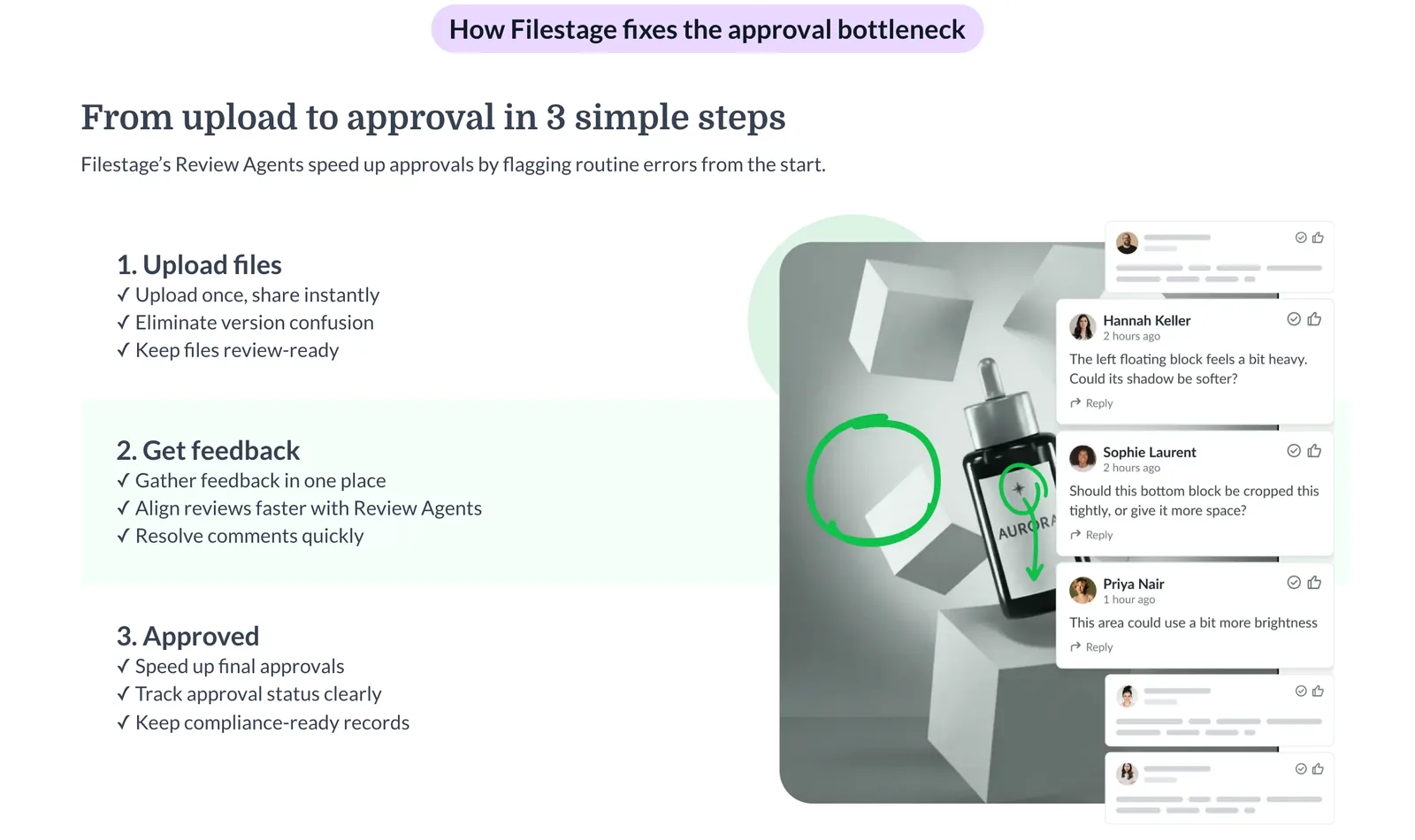
Filestage's free plan covers ten team members, one active project, five new files a month and 2 GB, with unlimited reviewers and approvals. Starter is €199 a month for ten team members and 1 TB, adding due dates and reminders, version comparison, team only comments and password protected review links. Business (€329) adds automations, review checklists and reports. Yearly plans include two months free. See Filestage.
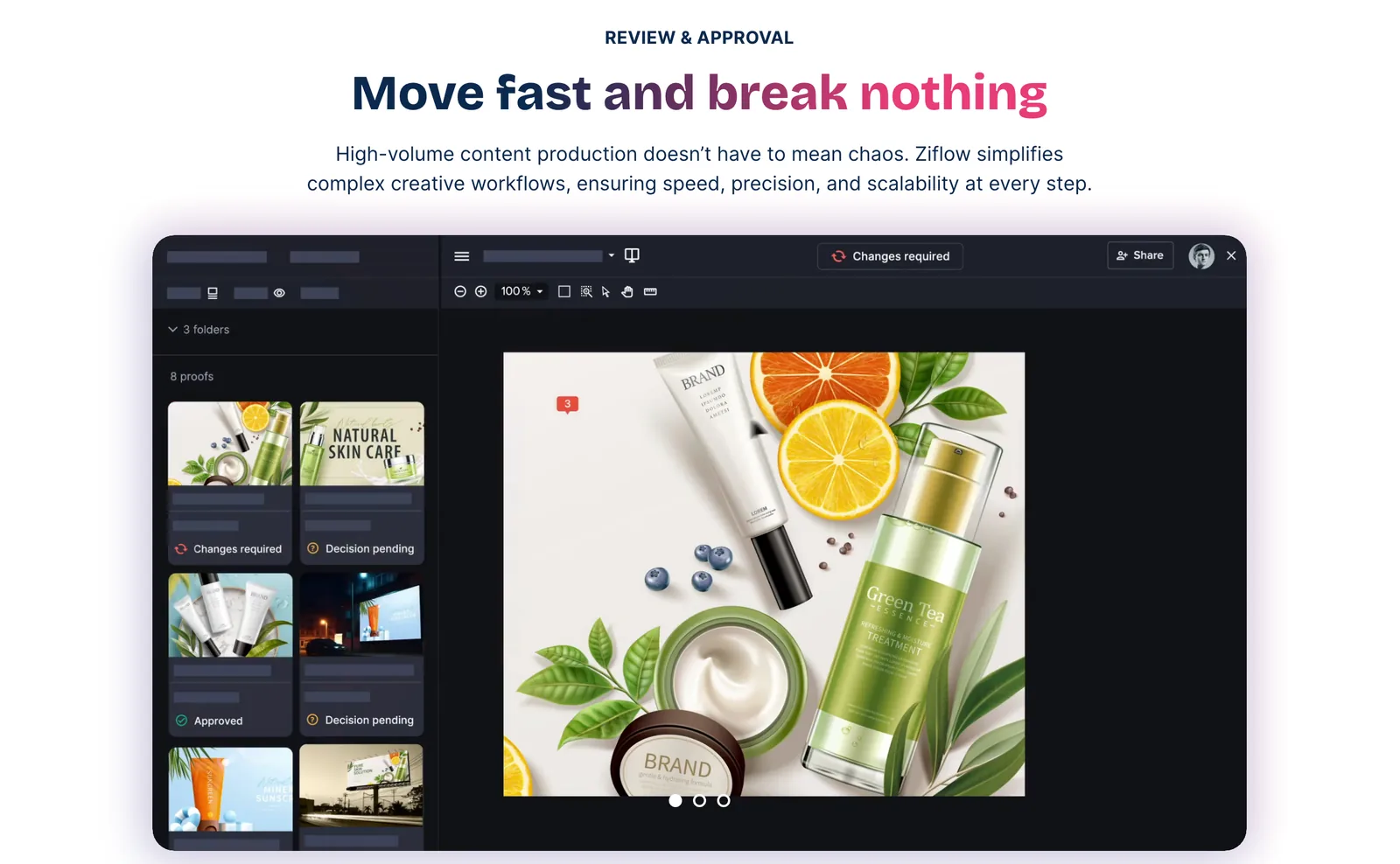
Ziflow is free for two users with 2 GB and 60 days of review history. Standard is $199 a month billed yearly for 15 users and 1 TB; Pro is $329 a month for 20 users and 2 TB. Its video review has frame precise markup and playback from 0.25x to 2x. See Ziflow.
Both have free plans, but the paid ones are priced for a team, not a freelancer. For a production company reviewing its own cuts, they're more process than you need. For an in-house brand team with legal sign-off, that process is the point.
For animation and VFX
SyncSketch
SyncSketch is built for drawover reviews: an animation lead scrubs a shot, draws over the pose and the note travels with the frame. It does side by side and A/B comparisons, a presentation mode where one person drives the review, PDF summaries with every annotation, a whiteboard, and review from a phone or tablet.
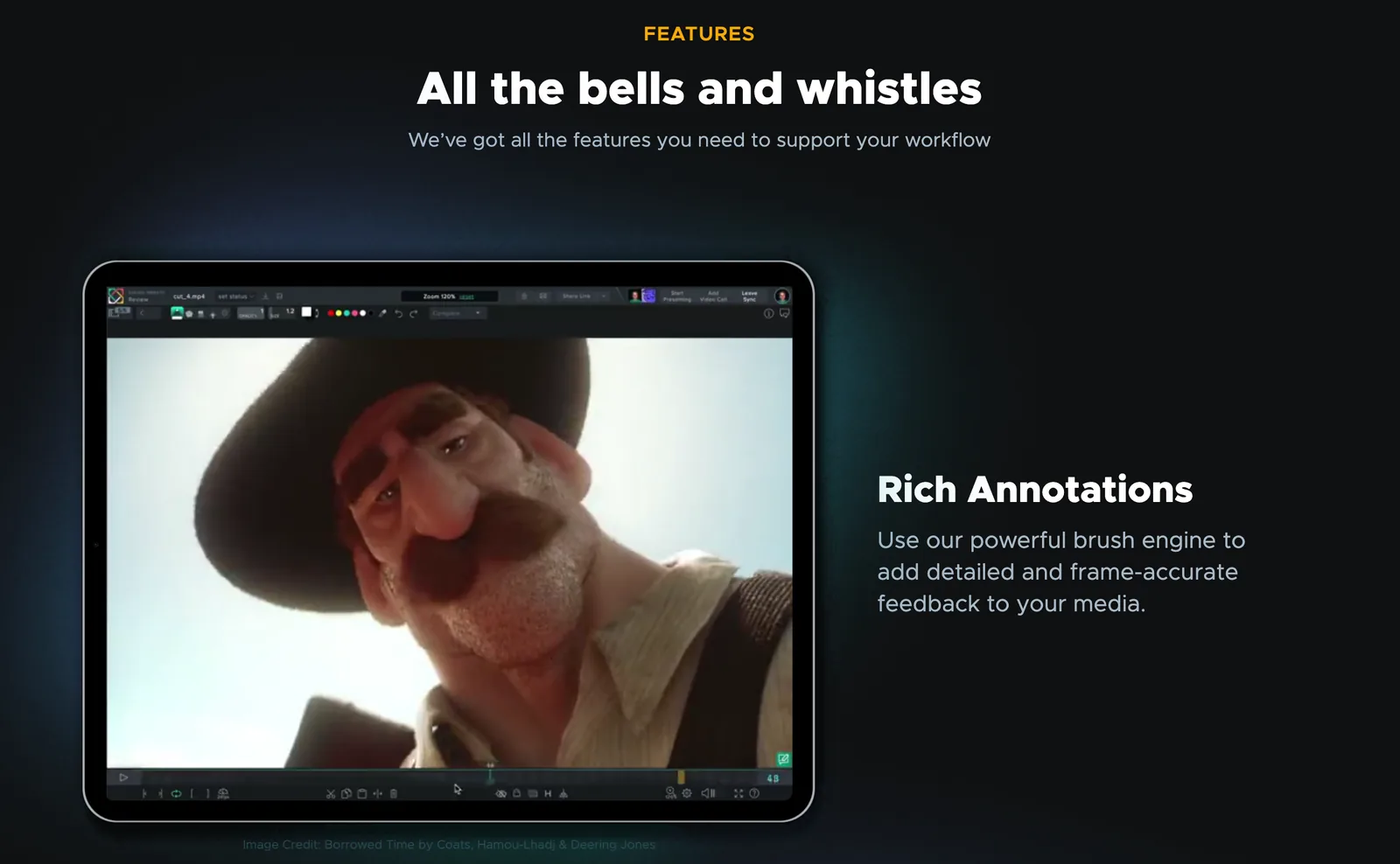
Light is free for under 1 GB of storage and 2 GB of uploads a month. Indie is $9 per user a month billed yearly (up to 15 users, 50 GB), Team is $19 with 3D model support and no user cap, and Enterprise is $36. There's academic pricing and a 14 day trial.
ftrack Review
ftrack Review is the standalone, browser based review tool from the ftrack production tracking family. In a synced session everyone sees the same frame at the same time, wherever they are. Annotations are frame accurate, and ghosting carries a drawing across several frames to show motion or timing. There's a compare mode and PDF summaries.
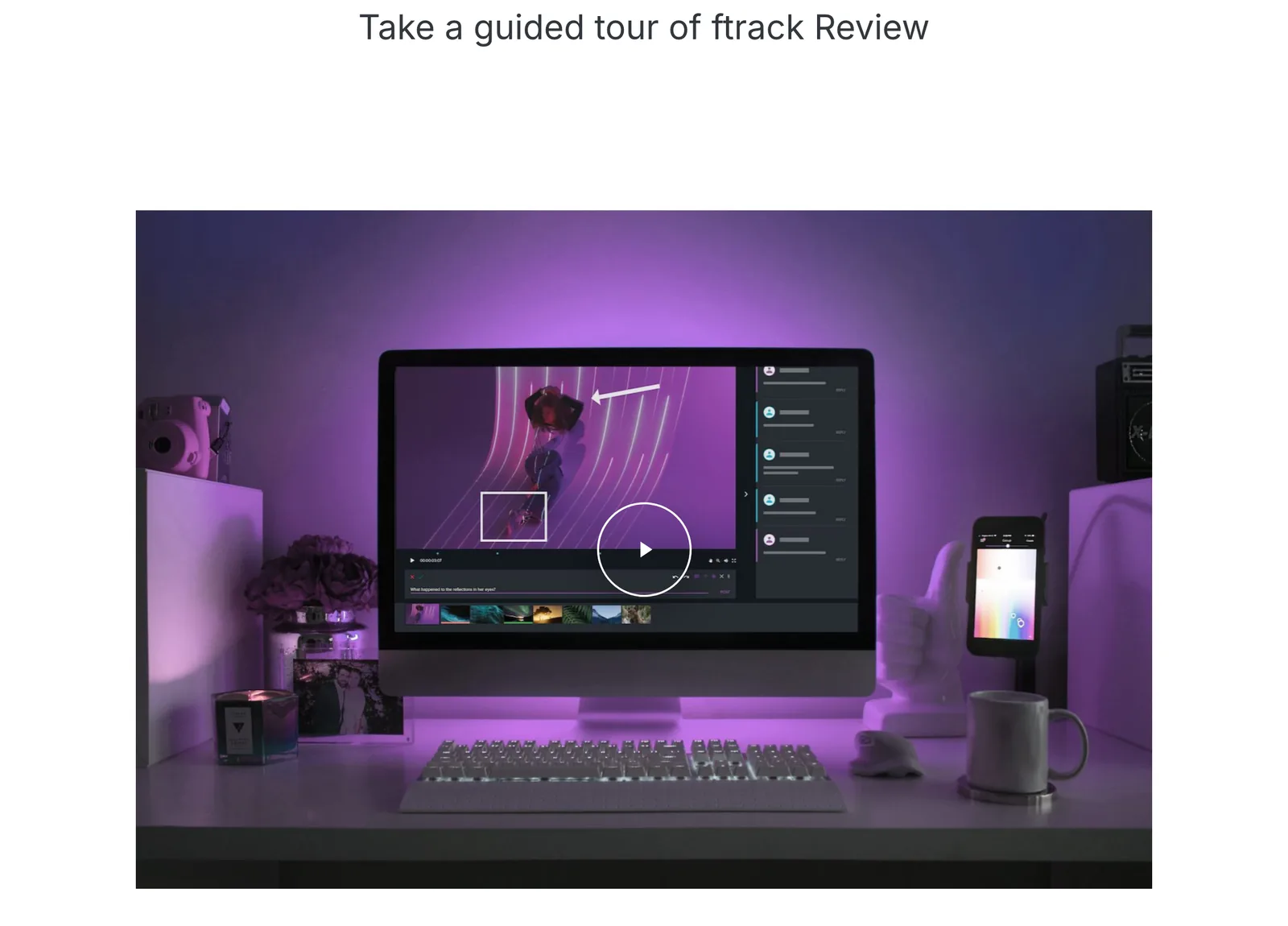
It's $10 per user a month billed yearly, with 250 GB, unlimited projects and reviews, and a seven day free trial. Clients don't count as seats. The Review Pro add-on ($120 a month per workspace) adds ten people in a synced review, 4K playback and watermarking.
For live sessions: Evercast
Evercast isn't a comments tool. It's a live room: you stream the edit or grade timeline at under 100 milliseconds of latency, in 4K with 10 bit 4:4:4 colour and 7.1 audio, while everyone talks on video and draws on the picture. It streams from Premiere Pro, Resolve and Avid, and sessions can be recorded.
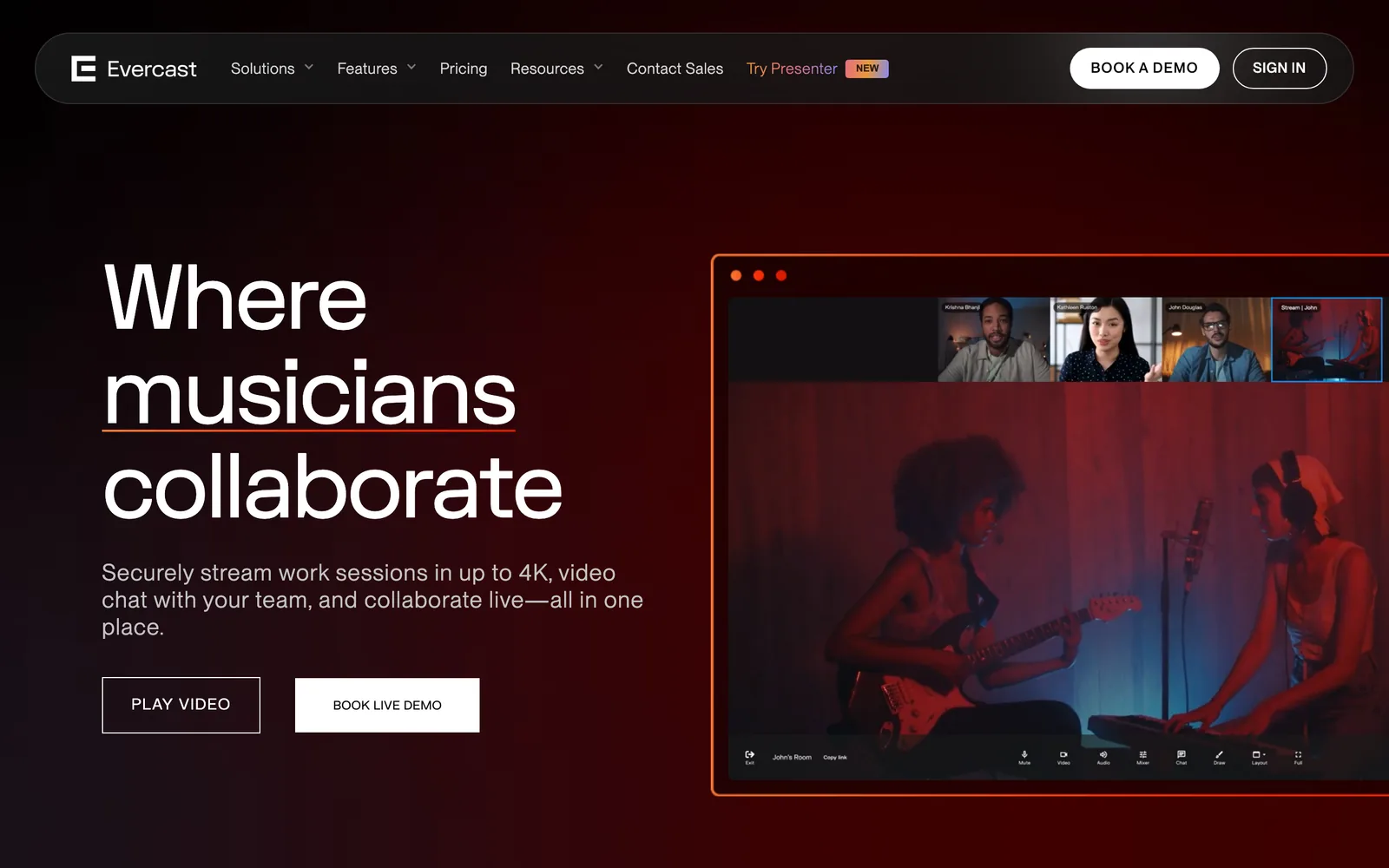
It's priced like a facility. A room for up to 20 people starts at $599 a month on a contract, or $899 month to month; the Premium Suite is $1,299 a month for up to 100. For a feature or a big campaign with remote decision makers, it can replace travel. For a weekly social cut it's overkill.
The free option: Google Drive's timestamped comments
Since an August 2026 update, anyone commenting on a video in Google Drive on the web can pin the comment to a moment. A marker appears on the timeline, and clicking it jumps to that point. It works on personal Google accounts as well as Workspace, and every account gets 15 GB free.

The limits: comments can only be pinned to a time on the web (on phones they show as ordinary file comments), and there's none of the rest of a review tool: drawing on the frame, comparing cuts side by side, or a status to approve. For one quick round with one client, it works. For three rounds with four stakeholders, pay for a proper tool.
How they charge
| Tool | You pay for | What the client needs |
|---|---|---|
| Frame.io Frame.io | Each team member, capped at 5 on Pro and 15 on Team | A share link |
| Wipster Krock.io Wipster and Krock.io | Each team member; Wipster also has a one person plan | A link; Krock lists unlimited reviewers, Wipster unlimited sharing |
| Vimeo Vimeo | Each seat, with an upload allowance on Starter | A review link |
| Dropbox Replay Dropbox Replay | A Dropbox plan plus the add-on per user | A review link |
| Shade | Each seat, with storage included | A share link, or a guest invite |
| Filestage Ziflow Filestage and Ziflow | A team price that includes 10 to 20 users | A link; reviewers are unlimited |
| SyncSketch ftrack Review SyncSketch and ftrack Review | Each user | A link; ftrack says clients never take a seat |
| Evercast Evercast | A room, by the month | An invite to the session |
The per seat tools get expensive as the team grows. The team priced ones are expensive from day one and cheap per head later. Work out which side of that line you're on before you trial anything.
Before the first cut: where references fit
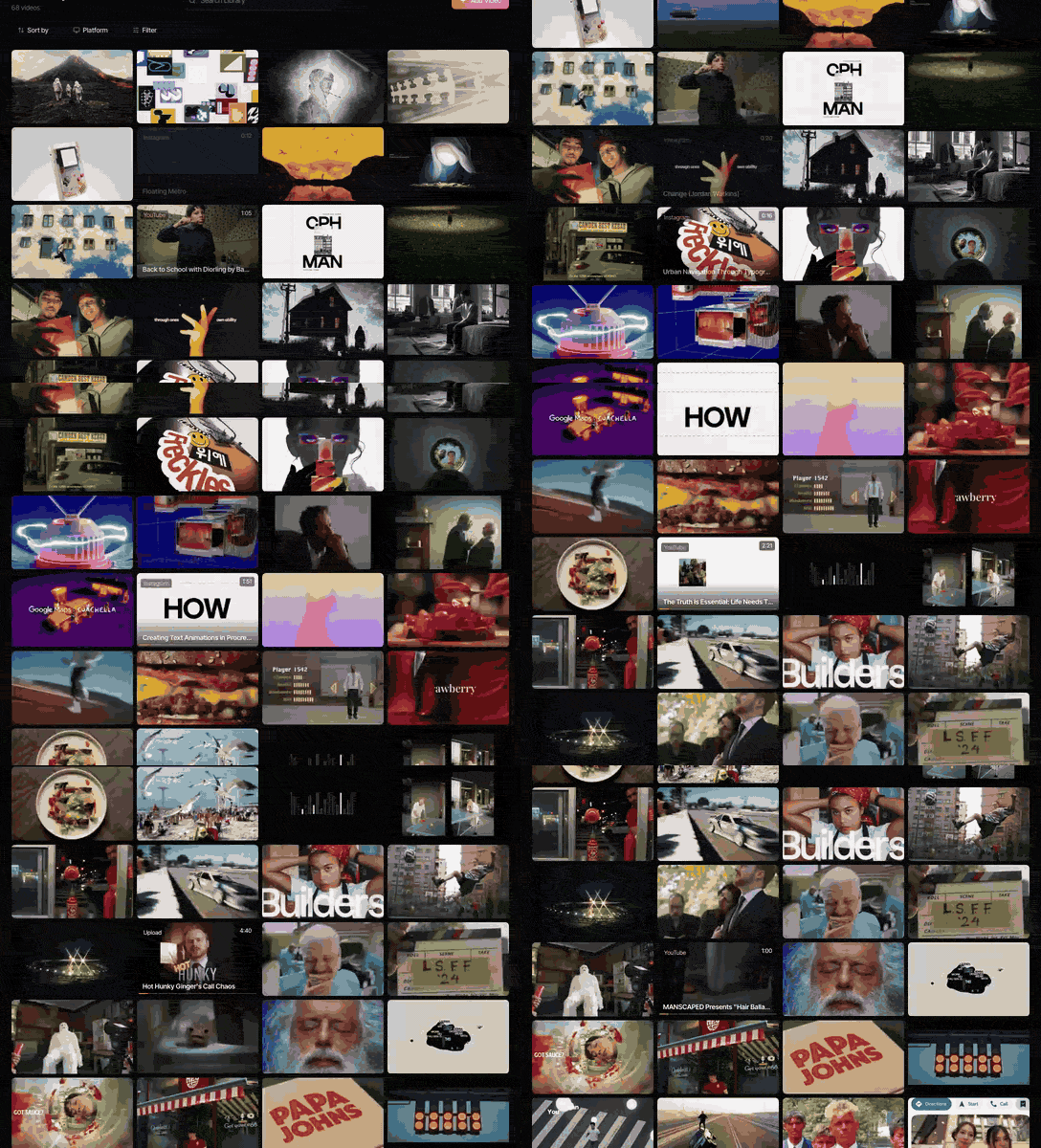
Review tools are for your own footage. The weeks before that, when the director is collecting reels, ads and film clips to set the look, are a different job, and a review tool is a clumsy place to do it. That's what we built Spark for: a library on Mac and Windows where saved references are searchable by AI descriptions and transcripts (on paid plans), with boards and moodboards for the treatment. It isn't built for reviewing or approving your own cuts, so it won't replace anything on this list.
If your team's references are scattered across Slack and DMs, see how to stop creative references getting lost in Slack and how to build a shared creative reference library. For the line between a reference library and a DAM, see reference library vs DAM, and for getting references out of clients in the first place, how to collect references from clients.
One small trick that helps in review too: when a note is about one moment, a short GIF of it in an email lands faster than "at 0:38". Our free video to GIF converter trims to the exact frame in your browser, with no upload and no watermark.
Picking a review tool for your team
- Two to five people, mostly client cuts: Wipster or Krock.io. Trial both with a real job and a real client.
- Already on Vimeo: check Starter's 60 videos a year against your output first, then use what you pay for.
- Footage lives in Dropbox: Replay, because moving terabytes to review them is the expensive part.
- Remote team moving big files, with review on top: Shade, which replaces the storage tool as well.
- In-house brand or agency team with formal sign-off: Filestage or Ziflow.
- Animation or VFX: SyncSketch for drawovers, ftrack Review if you also track production in ftrack.
- Remote director in the grade: Evercast, for the sessions that matter.
- One client, one round, no budget: Google Drive.
And if Frame.io's price is the only problem, check whether a yearly plan (13% off) or a smaller team fixes it before moving everyone's habits. Our wider list of creative reference management tools covers the other end of the job.
FAQs
What is the best free alternative to Frame.io?
For one person, Krock.io's free plan (one user, 2 GB, two projects, unlimited reviewers) is the closest to Frame.io's own free tier. For a team, Filestage's free plan allows ten members on one active project. Google Drive now pins comments to a moment in a video on the web, which covers a single round of notes for nothing.
Is Frame.io free?
Frame.io has a free plan for up to two members with 2 GB of storage and two projects. Pro is $15 per member a month and Team $25, with 13% off for paying yearly, as of October 2026.
What is cheaper than Frame.io for video review?
Krock.io Pro is $10 per user a month, ftrack Review is $10 per user a month billed yearly, SyncSketch Indie is $9 per user a month billed yearly, and Wipster's Light plan is $9.95 a month billed yearly. All of them let clients review without a paid seat.
Does Vimeo have video review?
Yes. Vimeo's paid plans, from Starter at $12 per seat a month billed yearly, include video review with time coded notes, review links, version history and downloadable comments. Starter allows 60 videos per seat per year, so check that against your output.
Can you leave timestamped comments on Google Drive videos?
Yes, since August 2026. On the web, you can pin a comment to a moment in a video and it shows as a marker on the timeline. It works on personal and Workspace accounts, but on the mobile apps those comments appear as ordinary file comments.
Is Dropbox Replay free?
Dropbox Basic users get Replay with limited features. The full version is an add-on at £8 per user a month billed yearly, or £10 monthly, and you need Dropbox Plus or a higher plan to buy it (October 2026). It isn't available on the Family plan.
Keep reading
All articles
Best Storyboard Software for Directors and Agencies in 2026
The right storyboard tool depends less on how well you draw and more on who has to sign the boards off. Here's what each one is for, and what it costs.

Best Bookmark Managers for Designers and Creatives (Raindrop Alternatives)
Raindrop.io is still the bookmark manager we'd hand most designers. The alternatives win on specific jobs, and none of them keeps the videos you save from Instagram.

Cosmos vs Savee: Which Inspiration App Should Designers Use?
They're the two apps designers name when they say they've left Pinterest. Here's how they differ in practice, what each costs, and the job neither of them does.