
Spark vs Kive: What Happened to Kive, and Where to Keep Your References Now
If you're searching for Kive because you remember an AI-powered moodboard library, it has become something else. Here's what Kive is now, and where its old users can go.
By the Spark team ·
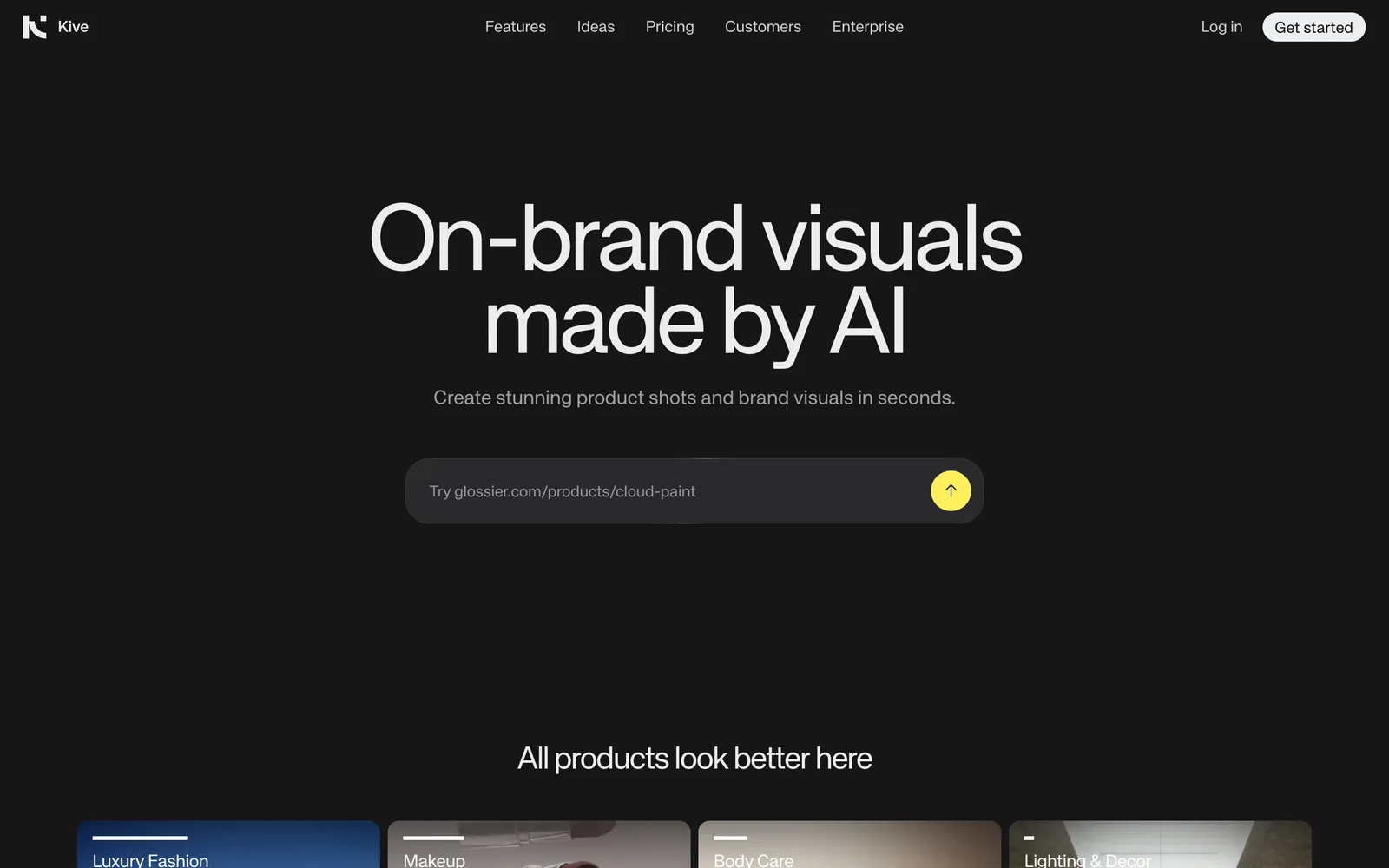
A couple of years ago, Spark vs Kive was a proper head-to-head. Not any more. The Kive a lot of creatives remember was an AI-searchable library for visual references: save images, let the AI tag them by lighting, colour and mood, search the whole team's collection. In 2026, Kive describes itself as an AI product photography and campaign content workspace for e-commerce brands. It still exists, it's still AI, and it still has a library, but the library now feeds a generator. So if you came looking for a reference library, the useful question is where to go instead.
We make Spark, so read the Spark section knowing that. For a lot of former Kive users the right answer is Eagle, and we'll say so when we get there.
 Kive
 Spark
What Kive used to be
Kive started in Stockholm in 2018 and raised a seed round from EQT Ventures and Creandum in 2020. For several years its pitch was a smarter visual library for creative teams. You saved images with a Chrome extension, the AI tagged them on the way in (objects, lighting, colours, emotions, shot types), and one search bar covered the workspace. It could pull key frames out of a video, YouTube and Vimeo links included, so film references became searchable frame by frame.
For art directors and agency teams that was really useful. It's why Kive still turns up in moodboard and reference library roundups written a couple of years ago, and probably why you're here.
What Kive is now
Open kive.ai today and you're sold something else.
You build a product model from a few photos of an item, save Studios that hold a visual direction (lighting, camera, props, background), and generate product shots, lifestyle scenes, campaign images and short product videos from them, in bulk if your catalogue is big. There's a Shopify connection, editing tools (background swap, upscaling, retouching), boards, an asset library and a public gallery of styles to remix.
Pricing is credit-based, checked on Kive's pricing page in October 2026:
| Kive plan | Price (as of October 2026) | What you get |
|---|---|---|
| Free | $0 | 40 credits on sign-up, 5 boards |
| Basic | $40 per month, or $30 per month billed yearly | 2,000 credits a month, 2 users, 10,000 library items |
| Pro | From $100 per month, or $75 per month billed yearly | From 5,000 credits a month, 10 users, 50,000 library items |
| Enterprise | Custom | 150,000+ credits, SSO, custom limits |
Kive puts an image at about 10 credits, a five-second video at about 100 and a finished ad at about 200.
None of this is a criticism. Making good product imagery at scale is a real problem for e-commerce teams, and a focused product is often a better product. It just isn't the same tool.

Spark vs Kive today, side by side
| Kive | Spark | |
|---|---|---|
| What it's for | Generating product photos, campaign images and short product videos | Saving, searching and reusing video and image references |
| Who it's for | E-commerce brands, DTC and Shopify sellers | Production companies, agencies, creative teams |
| Where it runs | Web app | Mac and Windows app |
| Saves references from Instagram, TikTok, YouTube | Not something it describes | Yes, the video itself |
| AI search | Over your Kive library and generated assets | AI descriptions of each video, transcripts, colour words |
| Generates images or video | Yes, that's the point | No |
| GIF and frame export | Not described | Yes |
| Price (as of October 2026) | Free with 40 credits; Basic from $30 per month billed yearly ($40 monthly) | Free for 15 videos and 30 frames; Creator from £16 per month; Studio £23 per user per month |
Spark's US prices are $24 and $34.
Put plainly: if you sell products online and need a hundred lifestyle shots by Friday, Kive can help and Spark can't. If you need to keep the reel a director sent you and find it again in six months, Kive no longer pitches itself for that, and Spark was built for it.
If you used Kive as a reference library, where to go
It depends on what you kept in it.
Mostly still images, and you want AI search: Eagle
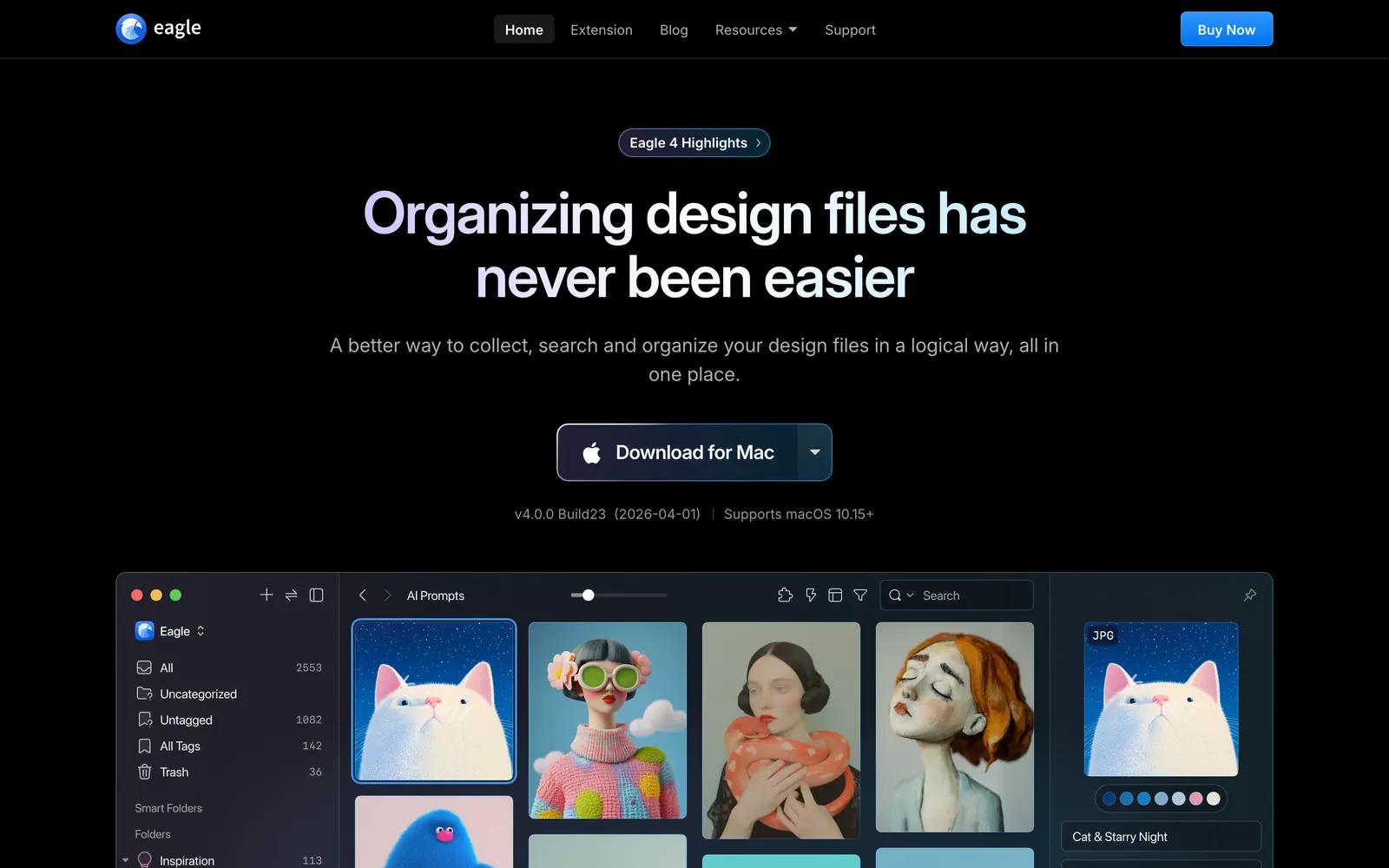
If your Kive library was mostly images and screenshots, Eagle is the closest thing to what you had, and cheaper. It's a local library for Mac and Windows, US$34.95 once as of October 2026, quick with enormous image collections, and it now offers AI search (visual and semantic). The trade-offs: files live on your own drive rather than a shared cloud workspace, sharing with a team means a synced folder, and getting reels and TikToks in needs plugins or manual downloads. We compare the two in detail in Spark vs Eagle.
Mostly video, or a team that shares references: Spark
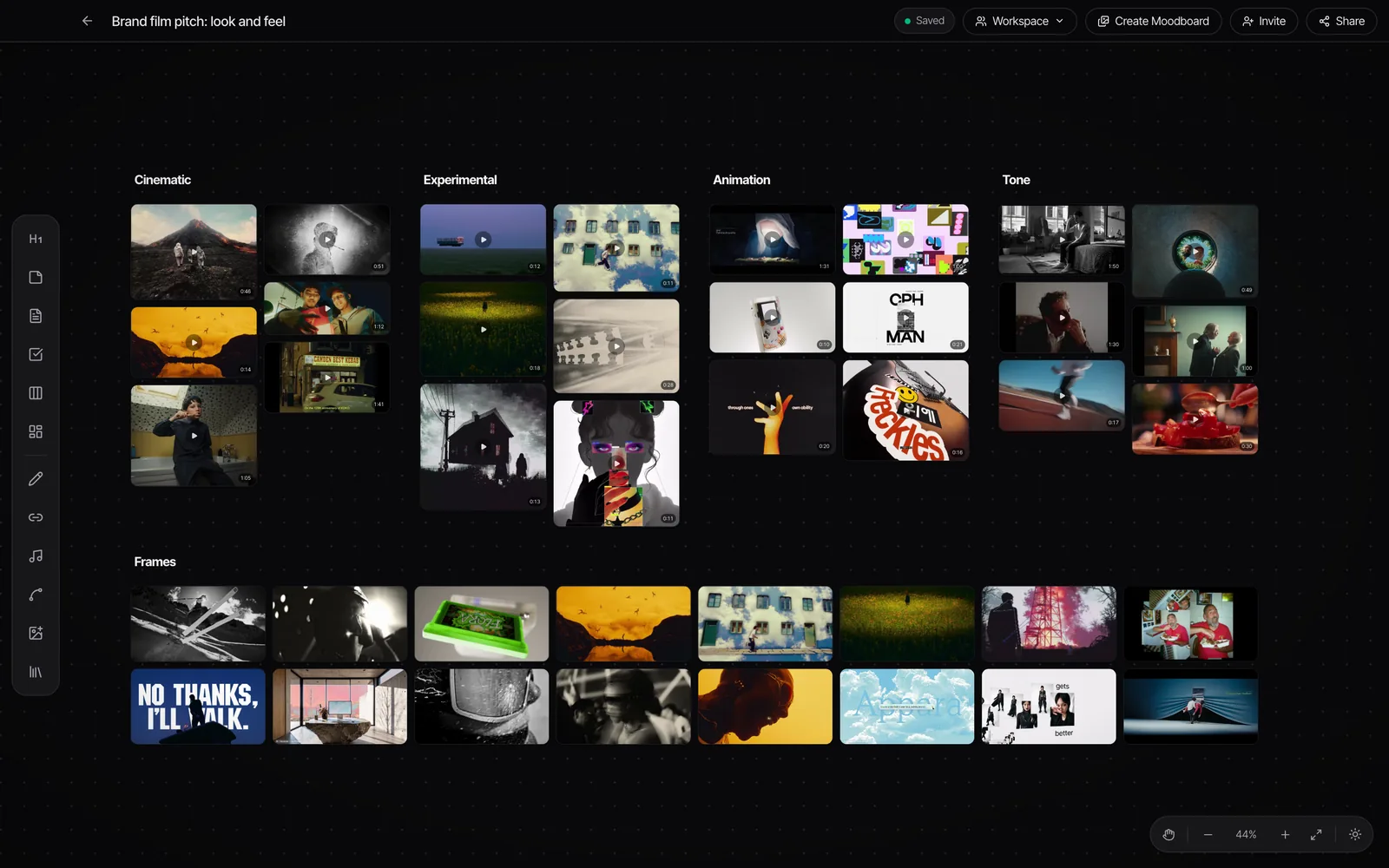
This is where Spark fits. Kive's old trick was tagging images and pulling frames from video. Spark is built around the video itself. Paste a link from Instagram, TikTok, YouTube, Vimeo, Pinterest, Facebook, LinkedIn or X, message a reel to @sparkreferences on Instagram, send a link on WhatsApp, or save ads from the Meta Ad Library and TikTok Creative Center. Spark keeps a copy. On Creator and Studio it also writes a description and transcribes the audio.
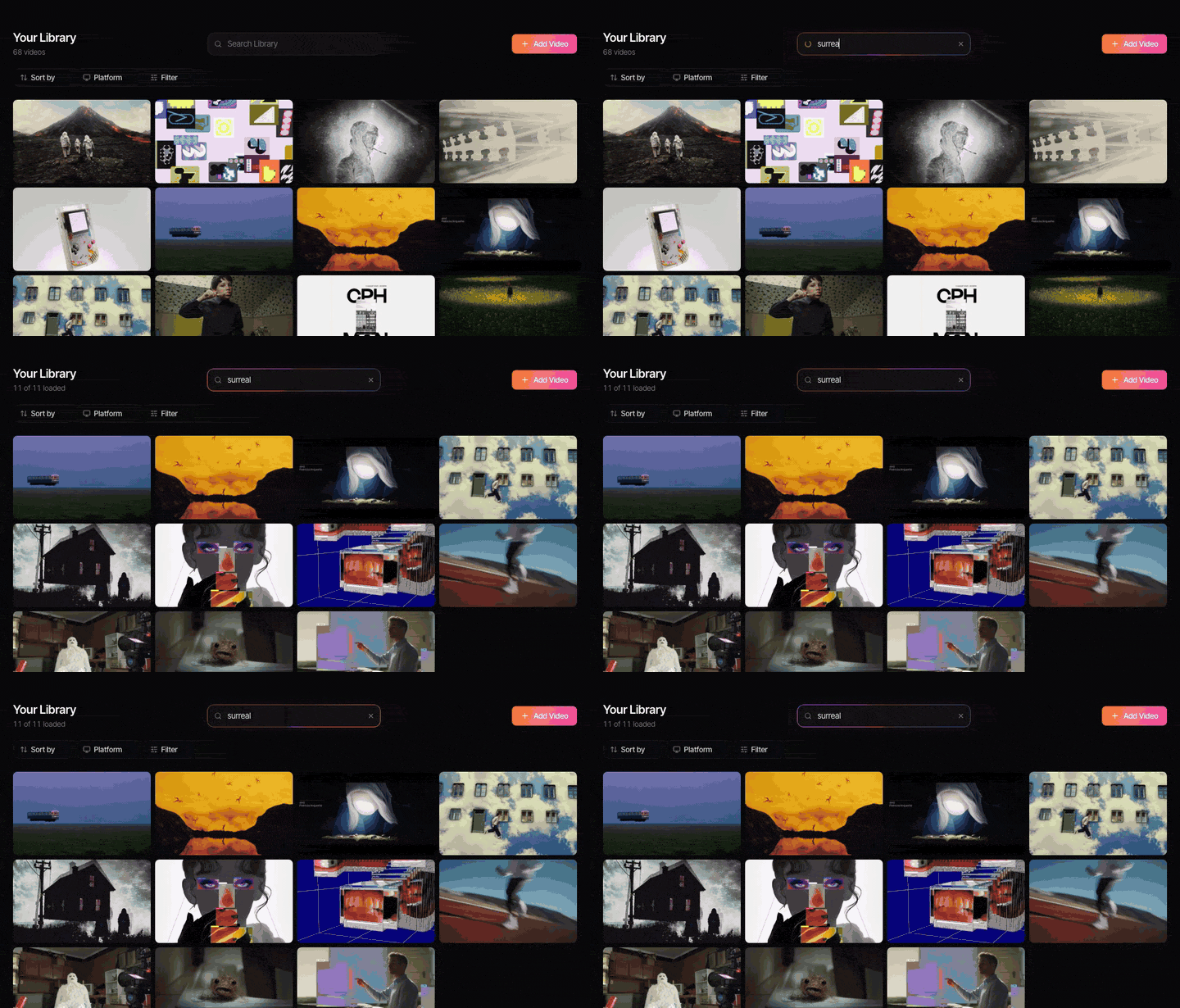
The transcript is the real difference from an image-tagging library. You can find a clip by a line someone says as well as by how it looks. Our guide to searching videos by dialogue and transcript walks through why that matters once a library gets big.
Kive's colour search has an equivalent too. Every frame you keep in Spark gets a five-colour palette, and colour words in search match it. So amber is how you'd look for a frame like Nike ACG's giant golden moon, and teal for the concrete underpass in Mile End Community Project.


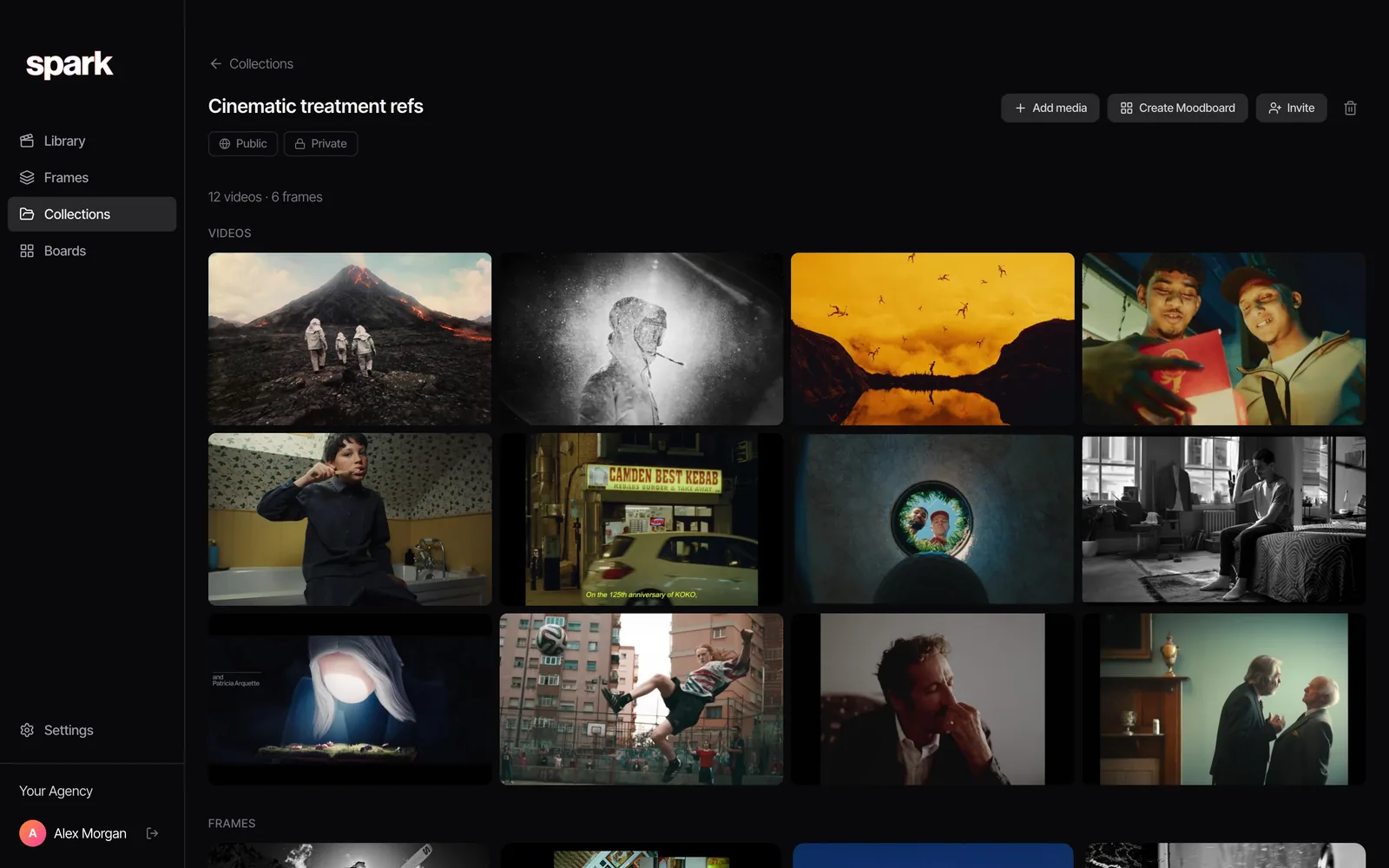
From any saved video you can export a GIF or a still, and the Studio plan gives a team one shared workspace plus a Slack integration that saves links posted in a chosen channel.
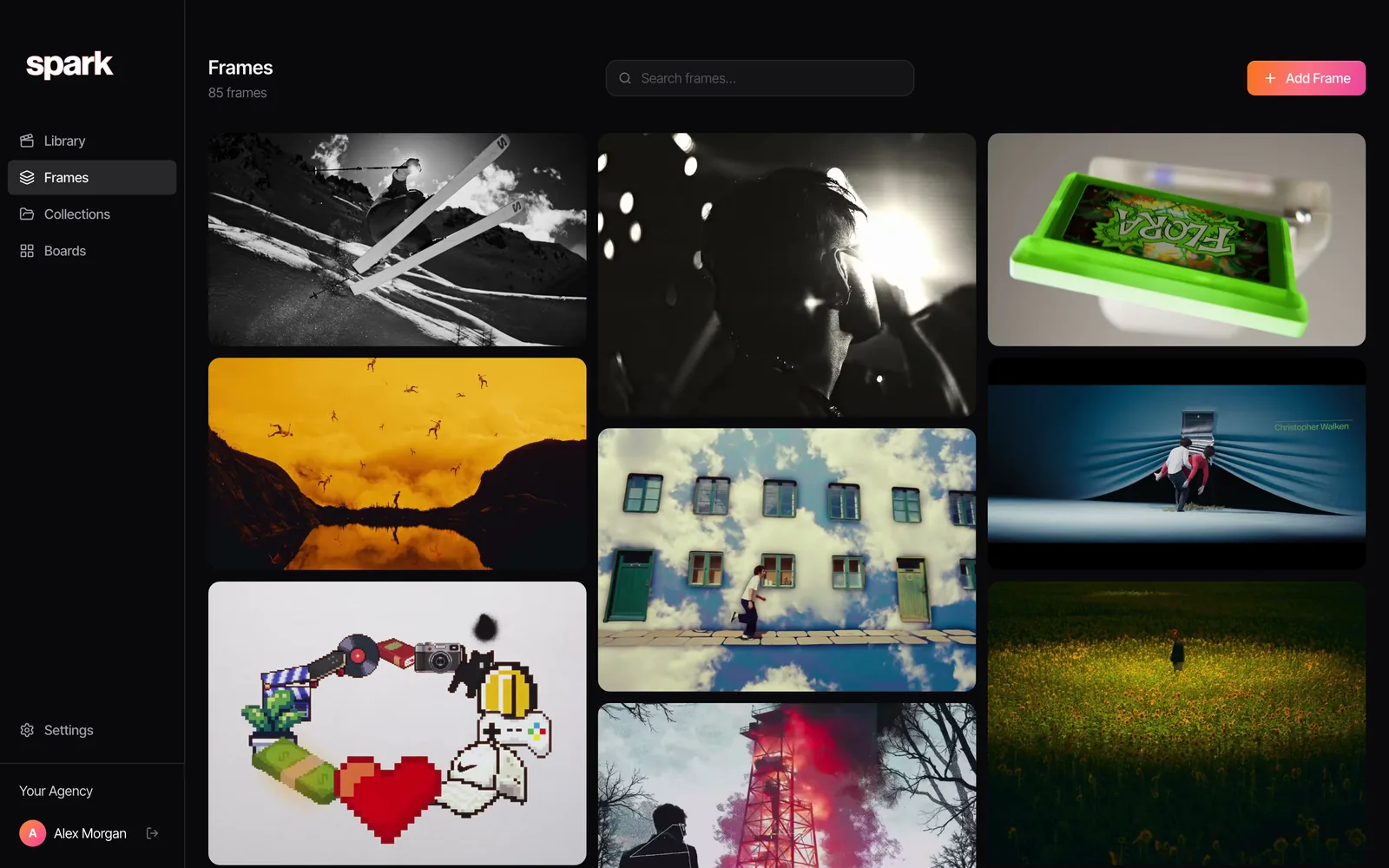
Where Spark falls short for ex-Kive users: it doesn't generate anything, it has no discovery feed, and it's a desktop app with no web version. If your library is all stills, Eagle is better value.
Research and discovery: Are.na or Cosmos
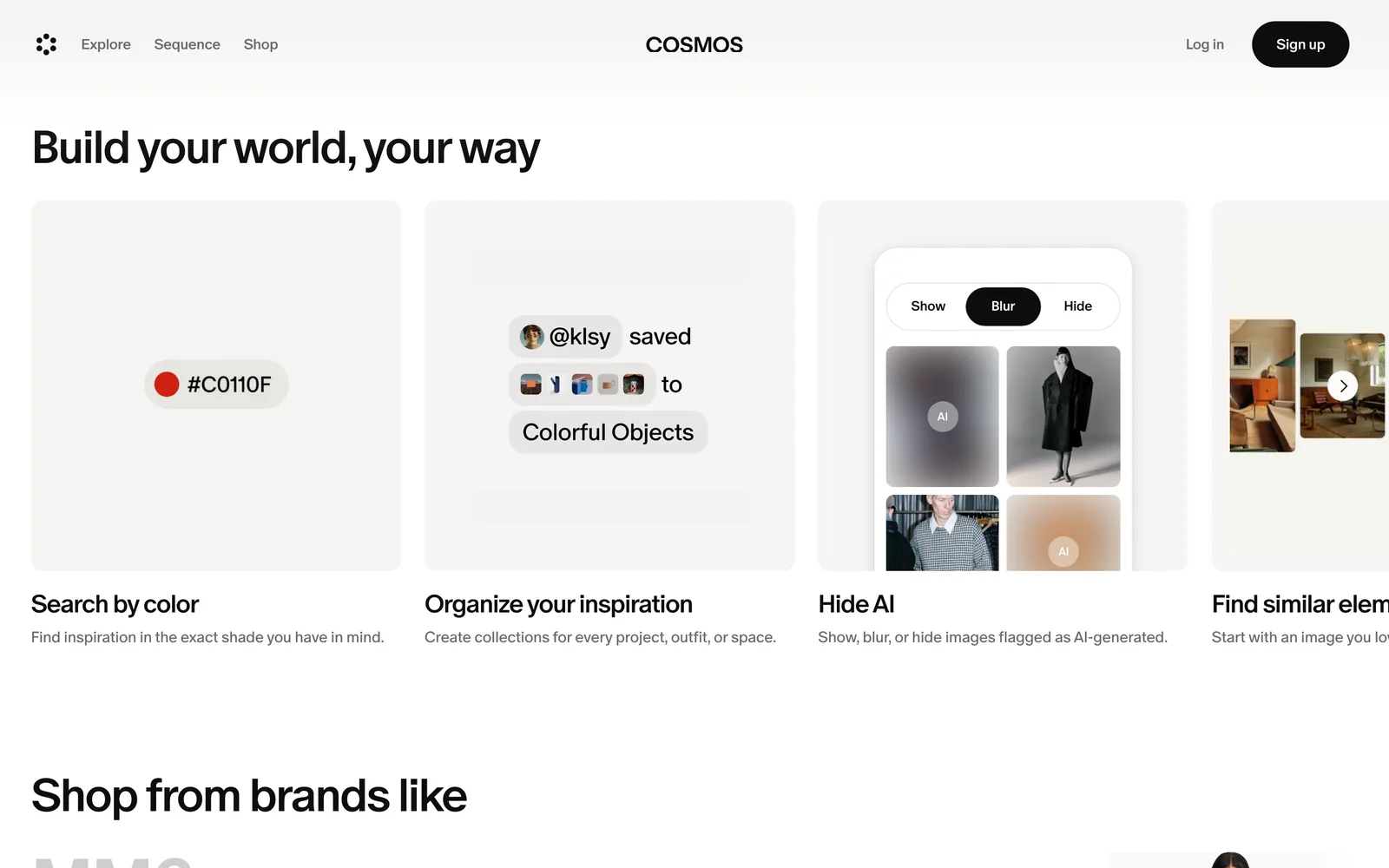
If you mostly used Kive's library to collect and browse ideas, Are.na is a slower, more thoughtful home: member-funded, no ads, channels that connect to each other, free up to 200 blocks. We've compared it with Spark in Spark vs Are.na. Cosmos is a cleaner, image-led place to discover and save, with search by colour and keyword.
Film stills on demand: ShotDeck, Frameset or FILMGRAB
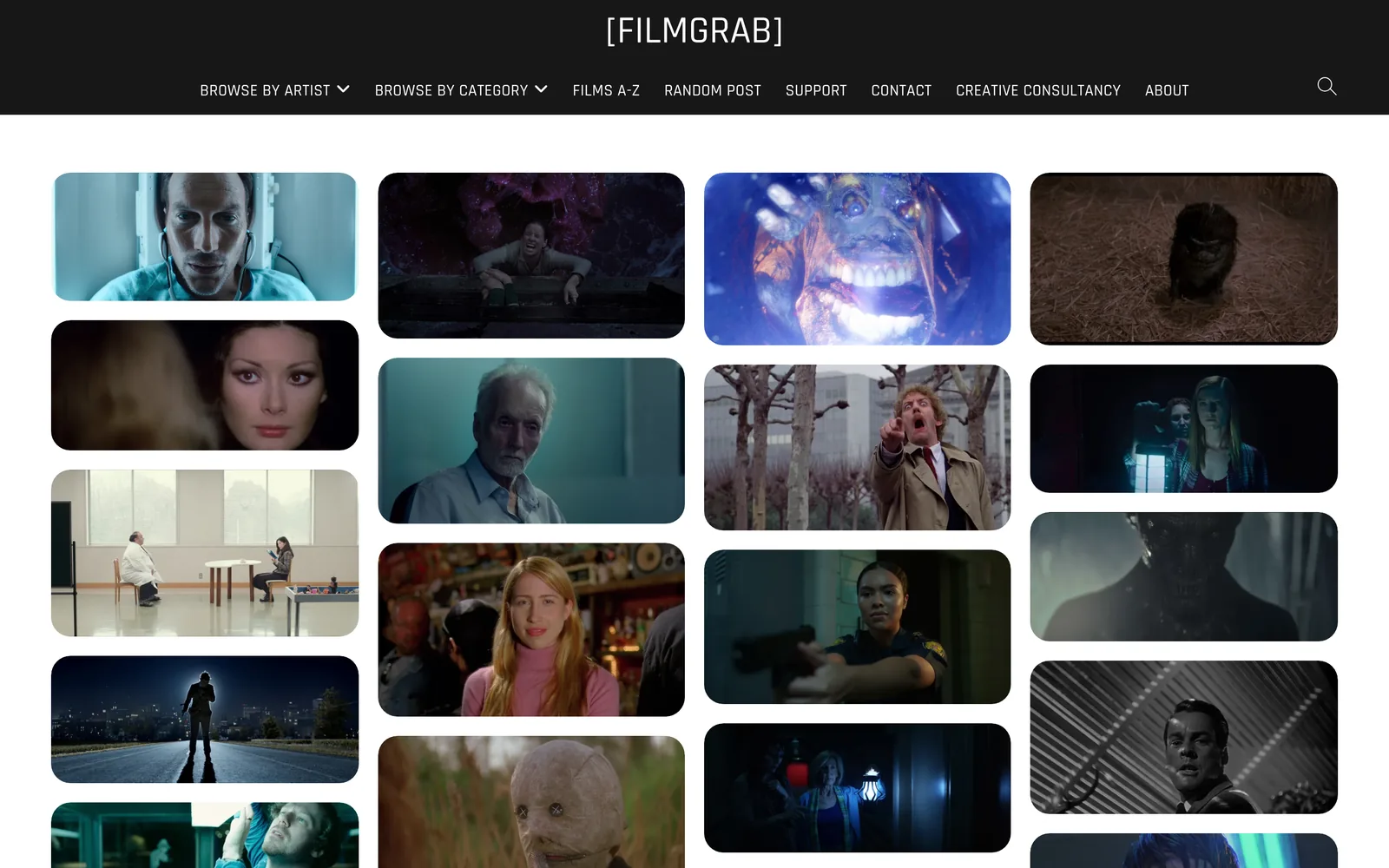
If what you really loved was searching film frames by lighting or colour, the stills libraries do that with graded, high-resolution frames you didn't have to collect yourself. ShotDeck and Frameset are subscriptions; Frameset also has short motion clips. FILMGRAB is free and a joy to get lost in.
Moving your old Kive library
If you still have a Kive login, check your workspace before you assume it's gone, and download anything you need while you can. We couldn't find documentation for a bulk export of an old reference library in Kive's current docs, so it may mean downloading boards or files by hand.
Once you've got the files, any of the tools above will take them. In Spark you can upload files directly or pull them from Google Drive, and they become searchable like everything else. For anything you first saved from a link, re-adding the link is usually better than uploading the file, because Spark then stores the source URL alongside the video. Studio teams with a long list can drop a spreadsheet of links into Bulk import instead of pasting them one by one.
What AI search actually means, so you can compare tools
Plenty of tools promise AI search now, Kive included. It helps to know what's under the bonnet:
- Image tagging. The AI looks at a picture and writes tags or a caption. Kive did this; Eagle and Cosmos do versions of it. Good for stills.
- Visual similarity. Search with an image to find ones that look like it. Handy for colour and composition.
- Video understanding. Describing what happens across a clip, not one frame. This is what makes a library of reels searchable.
- Transcripts. Speech turned into searchable text, so a line of voiceover finds the ad it came from.
For a mostly-image library, the first two are plenty. For a production company whose references mostly move, the last two are the ones that save an afternoon. Our roundup of creative reference management tools tests each tool against that list.
Who should choose what
- Kive if you're an e-commerce brand that needs lots of on-brand product imagery and short product videos. That's what it's for now.
- Eagle if you used Kive for still images and want to own your files for a one-off price.
- Spark if your references move and a team needs to find them by the picture or the dialogue.
- Are.na or Cosmos if collecting and discovering matters more than finding a specific clip on deadline.
If you were a Kive fan for the searchable library, the bit you probably miss most is typing a description and getting the frame back. Spark does that for video, with what's said thrown in. Try it on the folder of reels you can never find anything in, and you'll know in ten minutes whether it fills the gap. And if you need a moodboard out of whatever you rescue, the moodboard tool on our site builds one in the browser.
FAQs
Is Kive still available?
Yes. As of October 2026 Kive describes itself as an AI product photography and campaign content workspace for e-commerce brands, rather than the visual reference library it used to be known as.
What happened to Kive's reference library?
Kive's focus moved to generating product photos, campaign images and short videos for online brands. It still has a library, boards and AI search, but they now serve that generation work.
What is the best Kive alternative for a reference library?
For still images on your own computer, Eagle is the closest match and costs US$34.95 once as of October 2026. For video references and teams, Spark saves videos from social links and makes them searchable by AI descriptions and transcripts. For slower research and discovery, Are.na or Cosmos.
How much does Kive cost now?
As of October 2026 Kive has a free plan with 40 credits and 5 boards, Basic at $40 a month or $30 a month billed yearly, and Pro from $100 a month or $75 billed yearly. An image costs about 10 credits and a five-second video about 100.
Does Spark generate images like Kive?
No. Spark doesn't generate images or video. It saves, describes, transcribes and organises references you collect, and lets you export GIFs, frames and moodboards from them.
Can Spark search references by colour or lighting like Kive did?
Yes for colour, mostly for lighting. Every frame you save gets a five-colour palette, so a colour word like amber or teal finds the frames that carry it, and the AI descriptions cover what's in each video, so a search like "neon street at night" works. If you specifically need graded film stills by lighting, a stills library like ShotDeck or Frameset is built for that.
Keep reading
All articles
Best Eagle Alternatives for Designers and Video Teams (2026)
Eagle is still one of the best value apps a designer can buy. People leave it for six reasons, and each reason points to a different tool.

Best PureRef Alternatives for Artists, Editors and Designers
PureRef is still the reference board most artists open first. Here's what to use when it can't do the job in front of you, and when you don't need an alternative at all.

ShotDeck vs FILMGRAB vs Frame Set: Which Film Stills Library Is Worth It?
Every stills library looks brilliant on its homepage. They only come apart when you search for a particular light, lens or colour, so that's how we compared them.