
Best Storyboard Software for Directors and Agencies in 2026
The right storyboard tool depends less on how well you draw and more on who has to sign the boards off. Here's what each one is for, and what it costs.
By the Spark team ·
For agency and commercial work, Boords is the storyboard software to beat: it turns a script into frames, builds animatics, and lets clients review and approve without making an account. It's free for five storyboards, then $39 a month (or $26 billed yearly). If you already plan the shoot in StudioBinder, its storyboards come with the production suite. Toon Boom Storyboard Pro is built for animation and TV studios. Directors who want to block shots with real lenses and camera heights should look at FrameForge. If the budget is zero, Storyboarder is free and still downloads, though it hasn't had a full release since 2020. And if you draw on an iPad, Procreate at £12.99 once is all you need.
We make Spark, which is not a storyboard tool. It's the step before boarding: the library of reference clips and frames that the boards get drawn from. More on that near the end. Every price below was checked on the vendor's own site in October 2026.
Storyboard software at a glance
| Tool | Best for | Price (as of October 2026) |
|---|---|---|
| Boords | Agencies and production companies boarding for clients | Free for 5 storyboards; Solo $39 a month or $26 billed yearly; Pro $75 (up to 5 users) |
| StudioBinder | Teams who want boards, shot lists and call sheets in one place | Free plan; Starter $29 a month; Indie $49; Professional $99 (15% off yearly) |
| Toon Boom Storyboard Pro | Animation, TV and studio story artists | £72 a month or £619 a year |
| FrameForge | 3D previs with real lenses, rigs and sets | Core $498 once or $12.99 a month billed yearly; Pro $799 once or $24.99 a month |
| Storyboarder | Fast, free sketching and animatics | Free and open source; last release September 2020 |
| Procreate | Drawing boards by hand on an iPad | £12.99 once, no subscription |
| Canva | Photo boards and quick pitch frames | Free; Pro £100 a year |
| Milanote | Boards that sit beside the script and moodboard | Free for 100 items; $9.99 a month billed yearly |
| LTX Studio | AI generated storyboards and pitch decks | Free credits; AI Storyboards from £21 a month billed yearly |



Prices are shown in the currency each vendor shows. LTX Studio has no logo in our set yet, so it's named plainly.
What storyboard software has to do
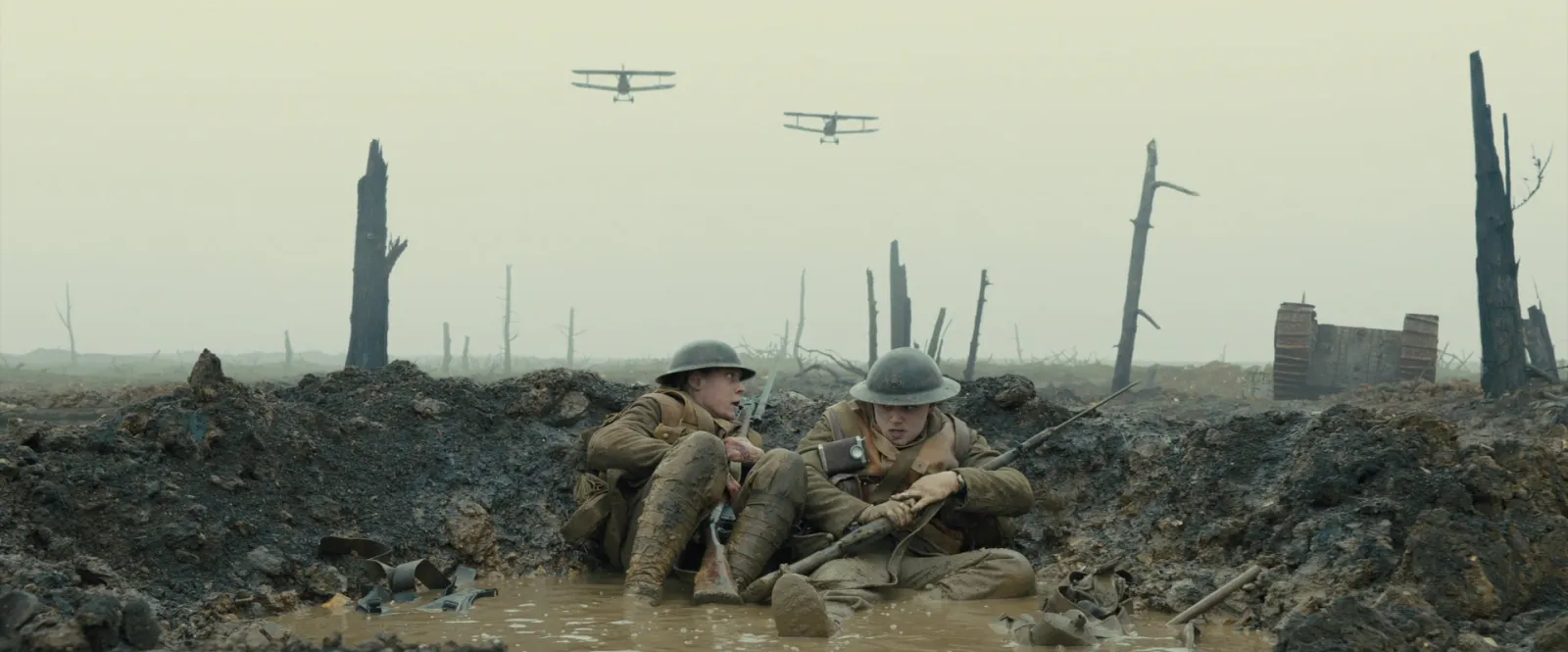
A storyboard answers one question per frame: what does the camera see? Shot size, angle, who's in it, what moves. Everything else in a storyboard tool is about getting that agreed by the people who pay for the shoot.
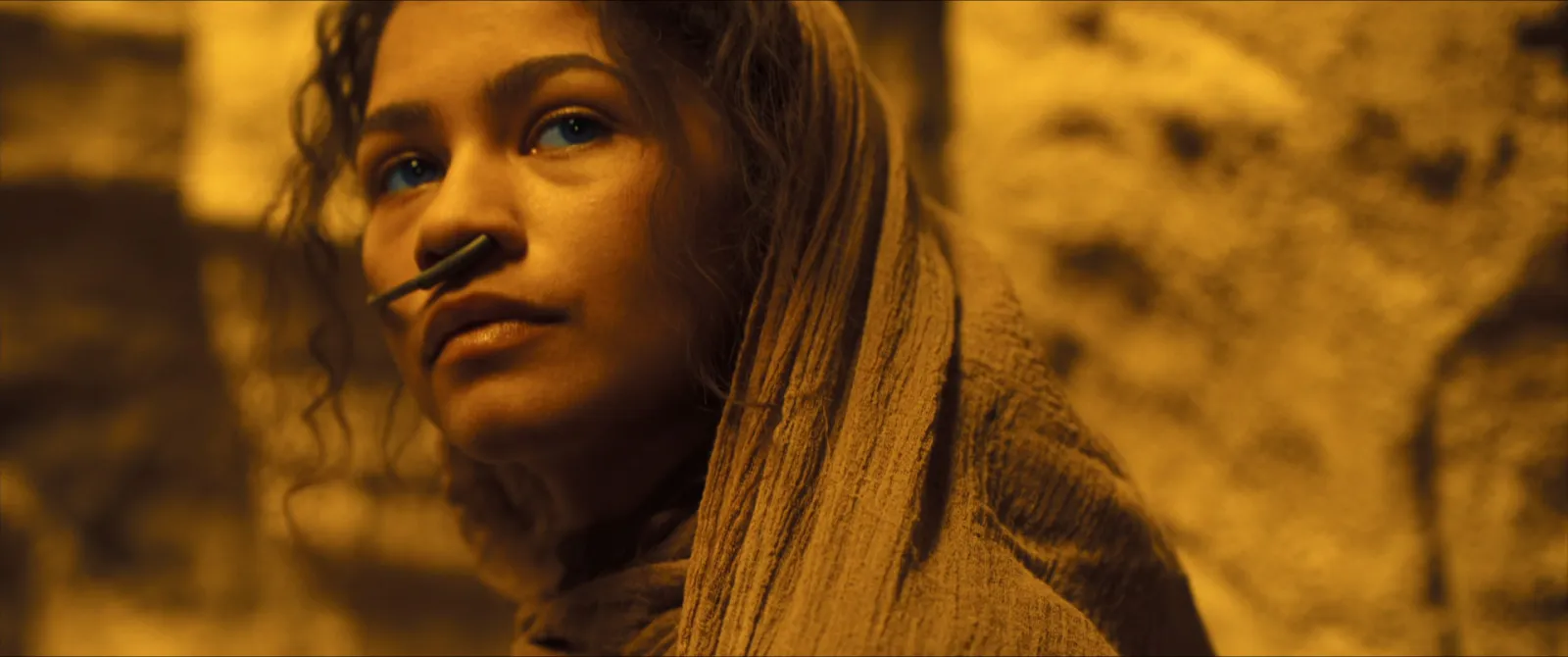
So the useful questions about any tool are practical. Can it start from the script, so frames stay in order when the script changes? Can it time the frames into an animatic? Can a client open and comment without signing up? Does it export a clean PDF? And how fast is it to draw, or not draw, a frame? Different tools answer those very differently, which is why the list splits by who you are.
Boords: the agency standard
Boords is built around the client sign off. You write or paste the script and its Convert Script to Storyboard tool turns it into frames; you upload or generate the pictures (there's a stock image library too), add shot notes in custom fields, then share a link. Clients review and comment without an account on every plan, and version history keeps track of each round. The animatic editor times frames against voiceover, and the two column AV script editor will suit anyone who writes for ads.
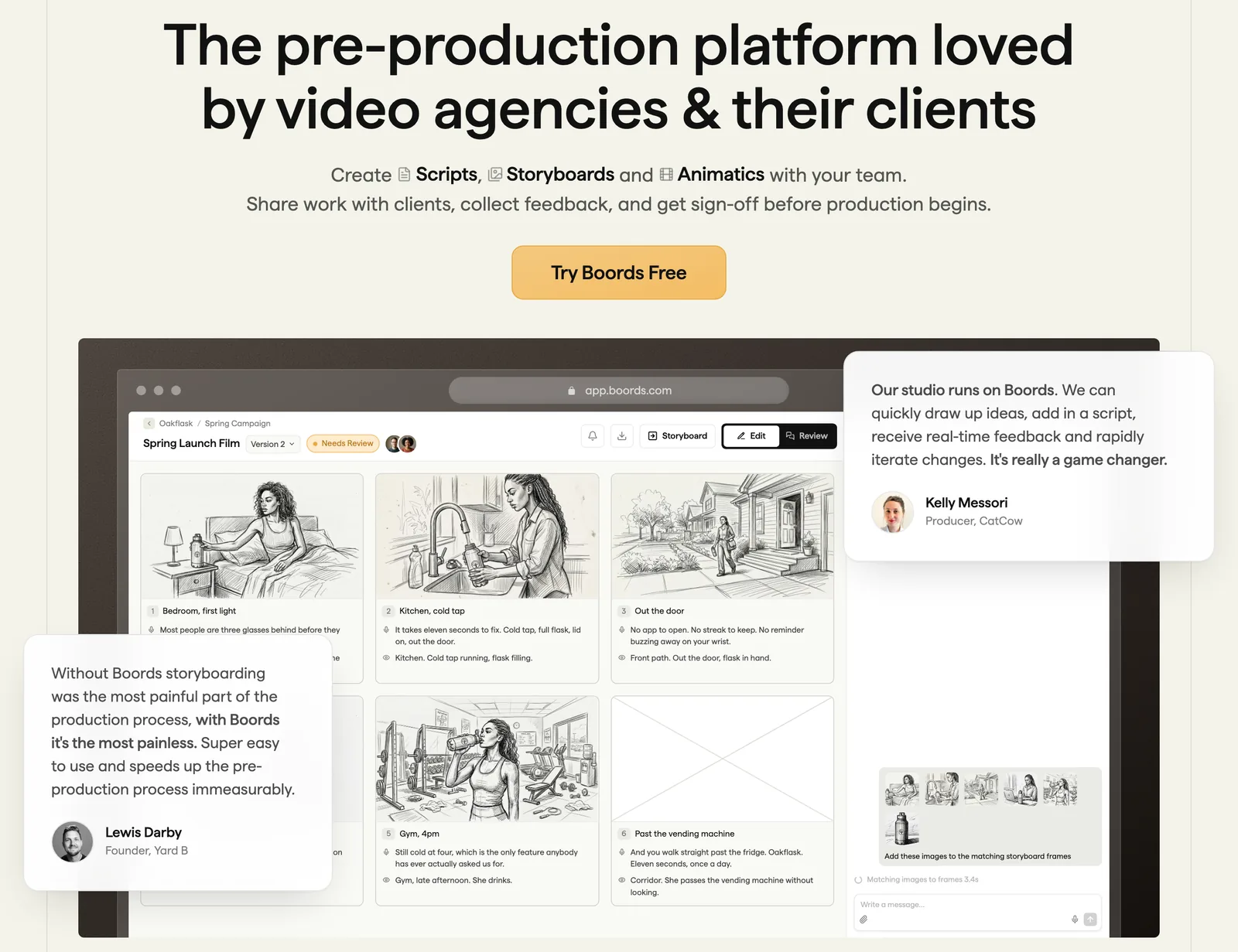
The AI side is image generation: Solo includes 250 AI images a month, Pro 1,000 and Team 2,000, and the free plan gives eight sample credits. Boords also connects to Claude and ChatGPT now.
Free covers five active storyboards and three scripts. Solo is $39 a month for one user ($26 billed yearly), Pro $75 for up to five users ($50 yearly), Team $125 for ten ($85 yearly) and Agency $250 for thirty, also about a third cheaper billed yearly.
Pick it if you board for clients regularly and approvals are where the time goes.
StudioBinder: storyboards as part of the production
StudioBinder is a production management suite, and storyboards are one module beside screenplays, AV scripts, shot lists, lookbooks, breakdowns, stripboards and call sheets. The advantage is that a frame on the storyboard is the same shot on the shot list and the schedule, so nothing gets typed twice.
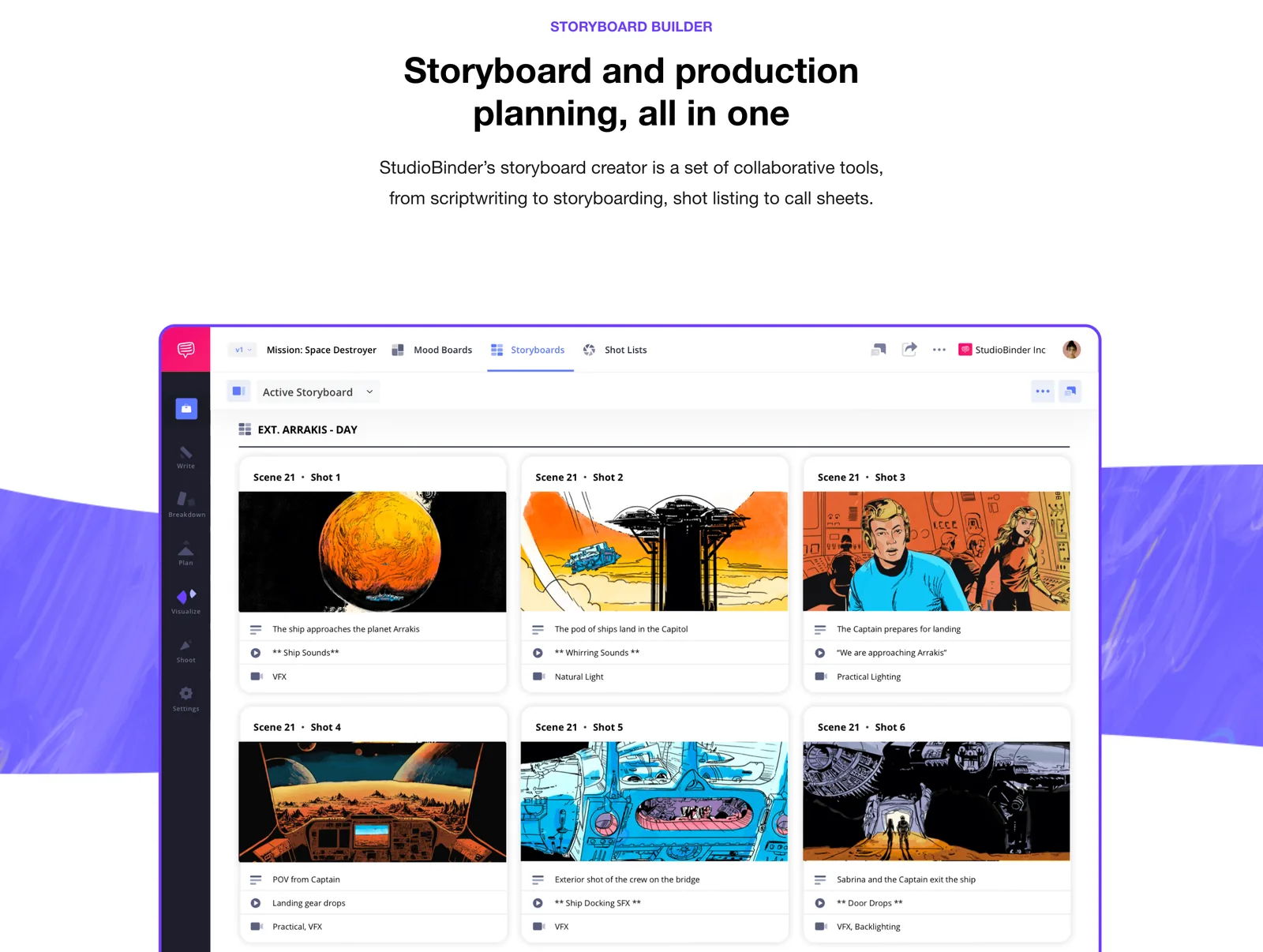
There's a free plan. Starter is $29 a month for one user with 50 GB, Indie $49 for two users with advanced storyboards, and Professional $99 for four; paying yearly saves 15%. Collaborators such as crew and clients don't need an account to see what you share.
Pick it if the same person boards, schedules and writes the call sheet. If you only need boards, it's more software than you'll use.
Toon Boom Storyboard Pro: for animation and TV
Storyboard Pro is the professional story artist's tool: full drawing tools, panels on a timeline with camera moves, sound and timing, and Photoshop import that keeps layers, clipping masks and blending modes. The newest version adds a Panel Timer, where you tap along while performing dialogue and it sets each panel's length.
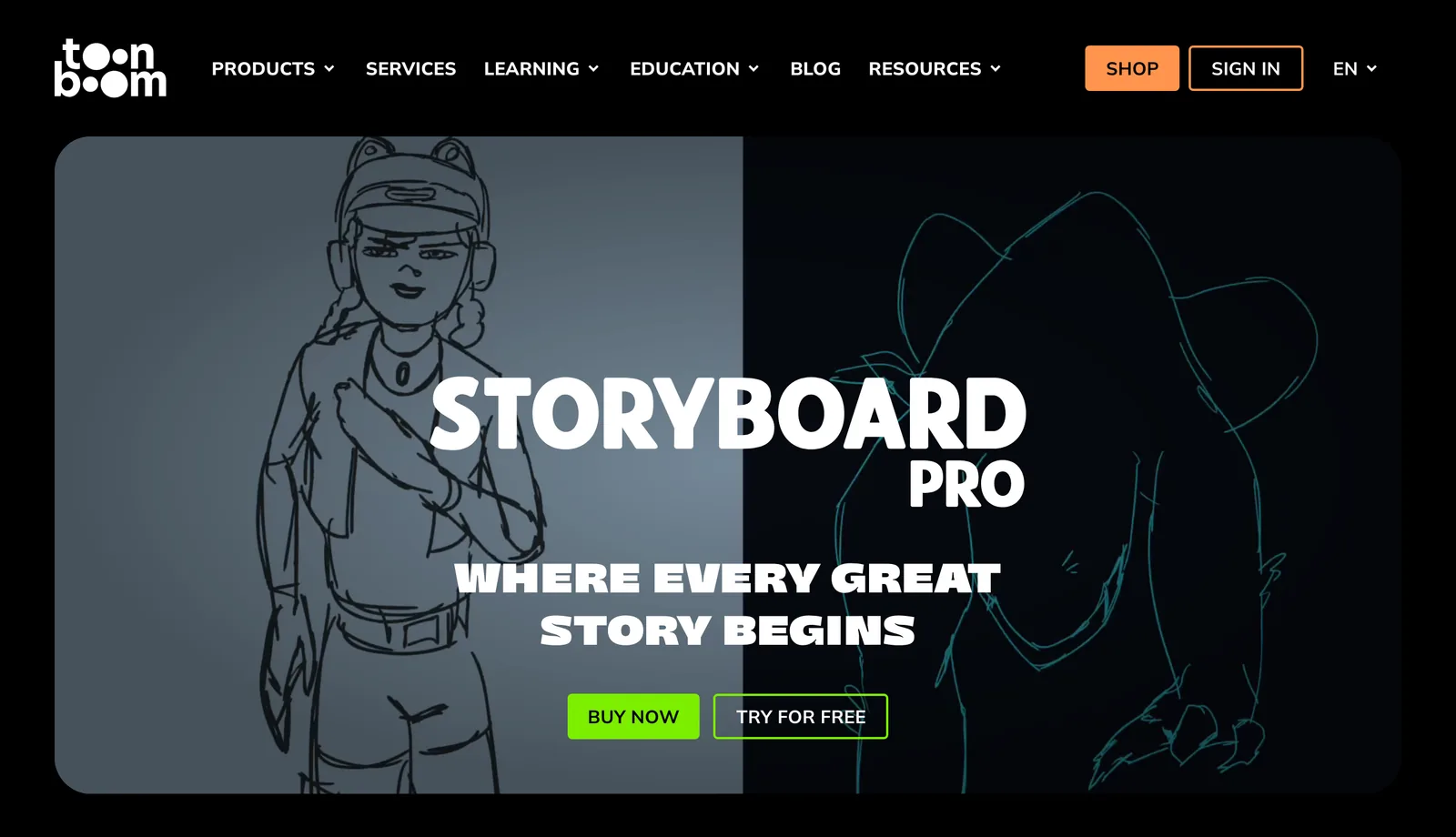
It's £72 a month or £619 a year, with a free trial. Toon Boom also sells Ember, an opt-in set of AI tools, as an add-on. If you work in animation or with story artists who already use it, it's the default. For a live action commercial, Boords gets you to an approved board faster.
FrameForge: 3D previs for directors who don't draw
FrameForge, now at storyboardsmarter.com, skips drawing altogether. You build the set in 3D, place actors and objects that know how to interact (drag an actor to a chair and they sit), then frame each shot with a virtual camera that matches real lenses. The Pro Edition adds physical camera kit (cranes, dollies, tracks, heads) and works out the sun's position for a real location, date and time.
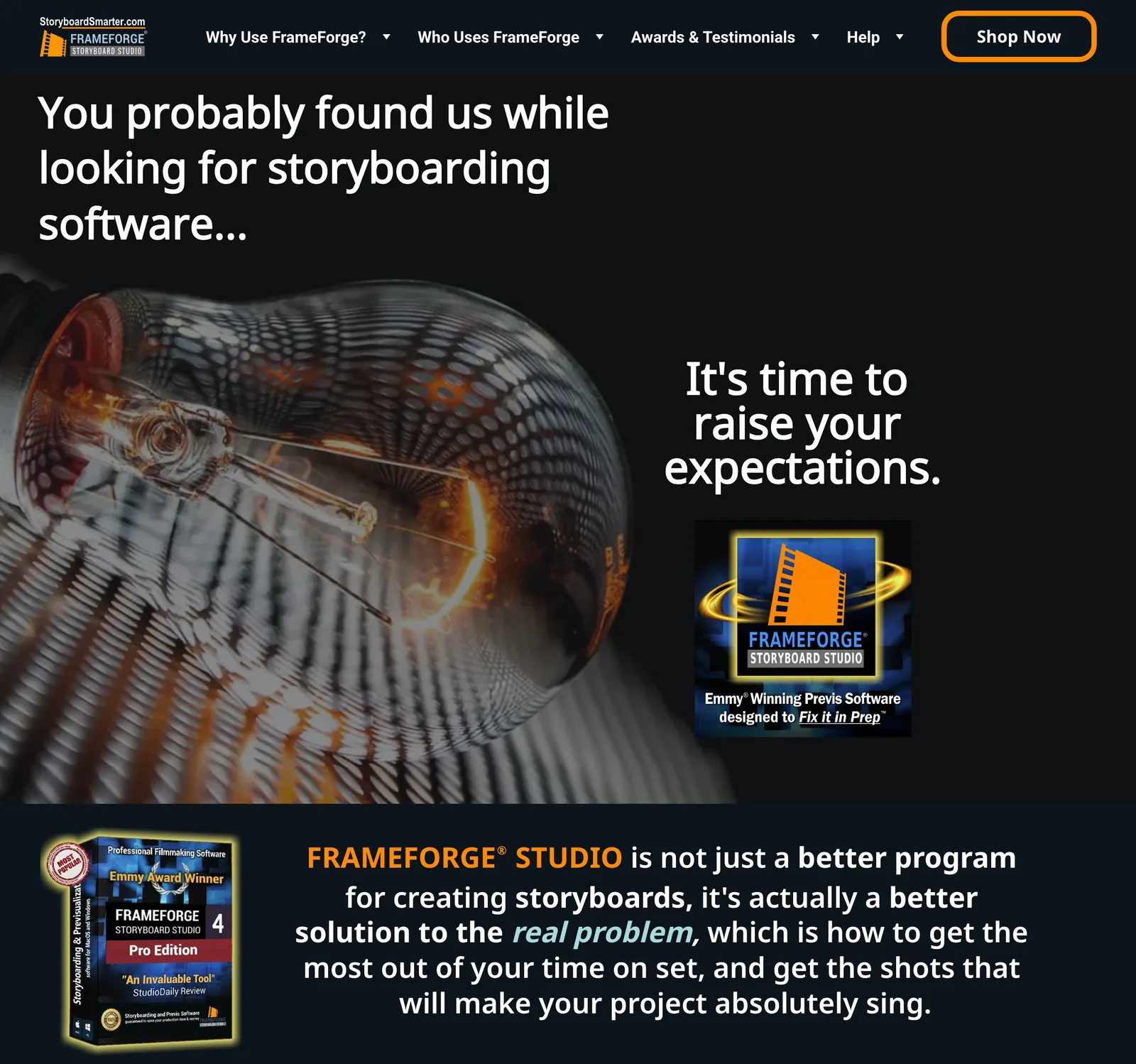
Every frame can export with its camera data: position on set, focal length and height. That's gold for a DoP and a grip, and less useful for a client who wants to see the mood.
Core is $498 once or $12.99 a month ($155.88 billed yearly). Pro is $799 once, $24.99 a month billed yearly, or $34.99 a month on a three month plan. Both include seven expansion packs and need internet only to register.
Storyboarder: free, open source and frozen
Storyboarder from Wonder Unit is the best free option, with one caveat. It's simple and quick: four brush types, onion skin, a reference layer, open in Photoshop and round trip, start from a Fountain screenplay, then export to Premiere, Final Cut, Avid, PDF or an animated GIF. Printed worksheets let you sketch on paper too.
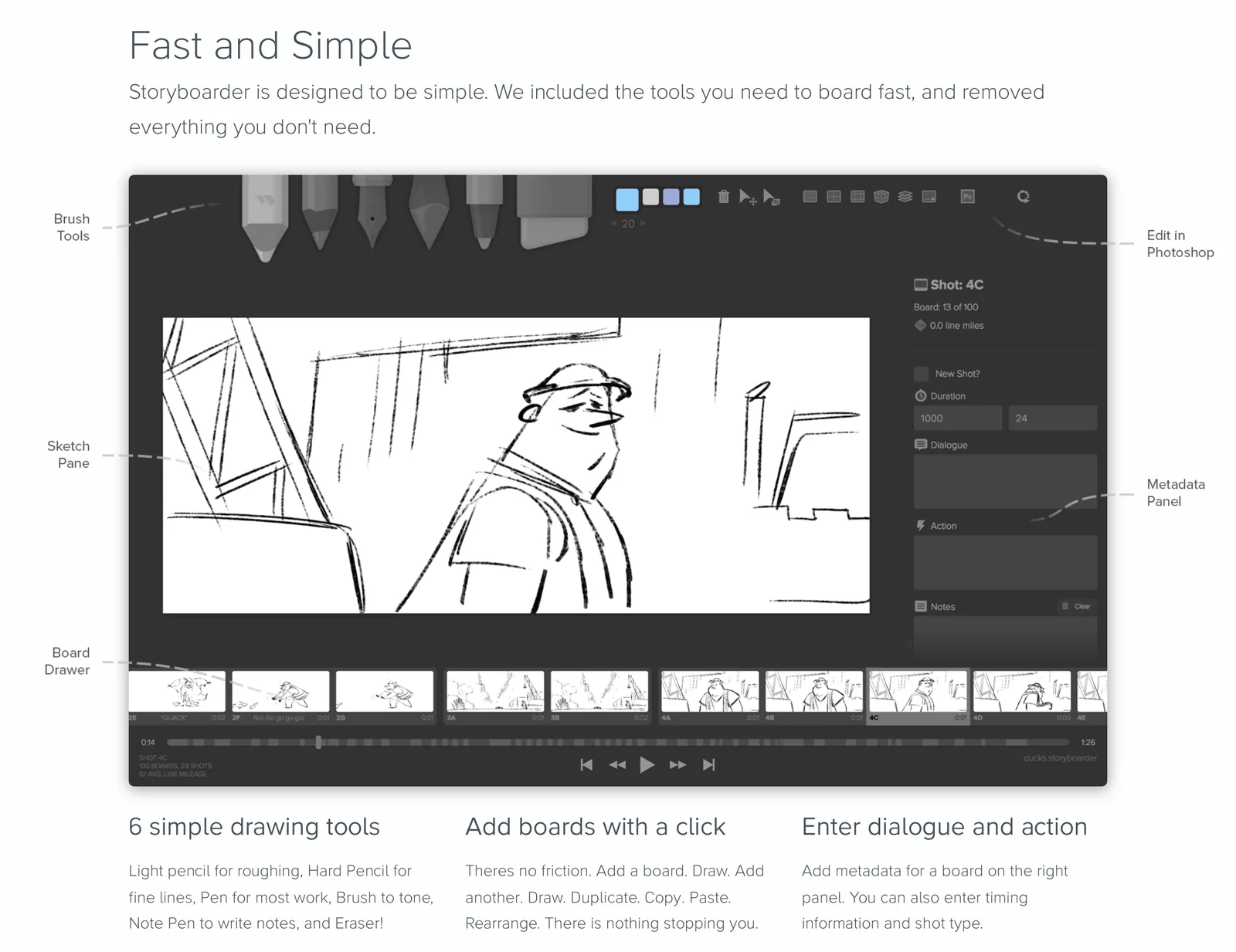
The caveat: the last full release, 2.1.0, came out in September 2020, and a 3.0.0 pre-release followed in February 2021. We checked on GitHub in October 2026 that the 2.1.0 Mac and Windows installers still download. It works, but no bug fixes are coming, so treat it as a sketchpad and keep your own backups.
Pick it if you're a student, an indie director or anyone who wants rough boards and an animatic for nothing.
Procreate: drawing by hand on an iPad
If you can draw and own an iPad, Procreate is £12.99 once, with no subscription. It isn't storyboard software, but draw each frame on its own canvas (or use a template with panels) and you're most of the way there. Its Animation Assist adds onion skinning, instant playback and a timeline, which is enough for a rough animatic.

What you give up is the workflow: no script link, no shot notes per frame, no client review. Export the frames and lay them out somewhere else.
Canva and Milanote: boards made from photos
Not every commercial board is drawn. They're photo boards: a frame from a reference, a shot from a recce or a stock image per shot, with a line of description underneath. Canva (free, or £100 a year for Pro) and Milanote (free for 100 items, $9.99 a month billed yearly) both have storyboard templates for this (Canva's storyboard creator and Milanote's 12 storyboard templates, including one for TV ads), and both put the board next to the rest of the pitch. If you're choosing a board tool for the wider planning, Milanote vs Miro puts the two side by side.
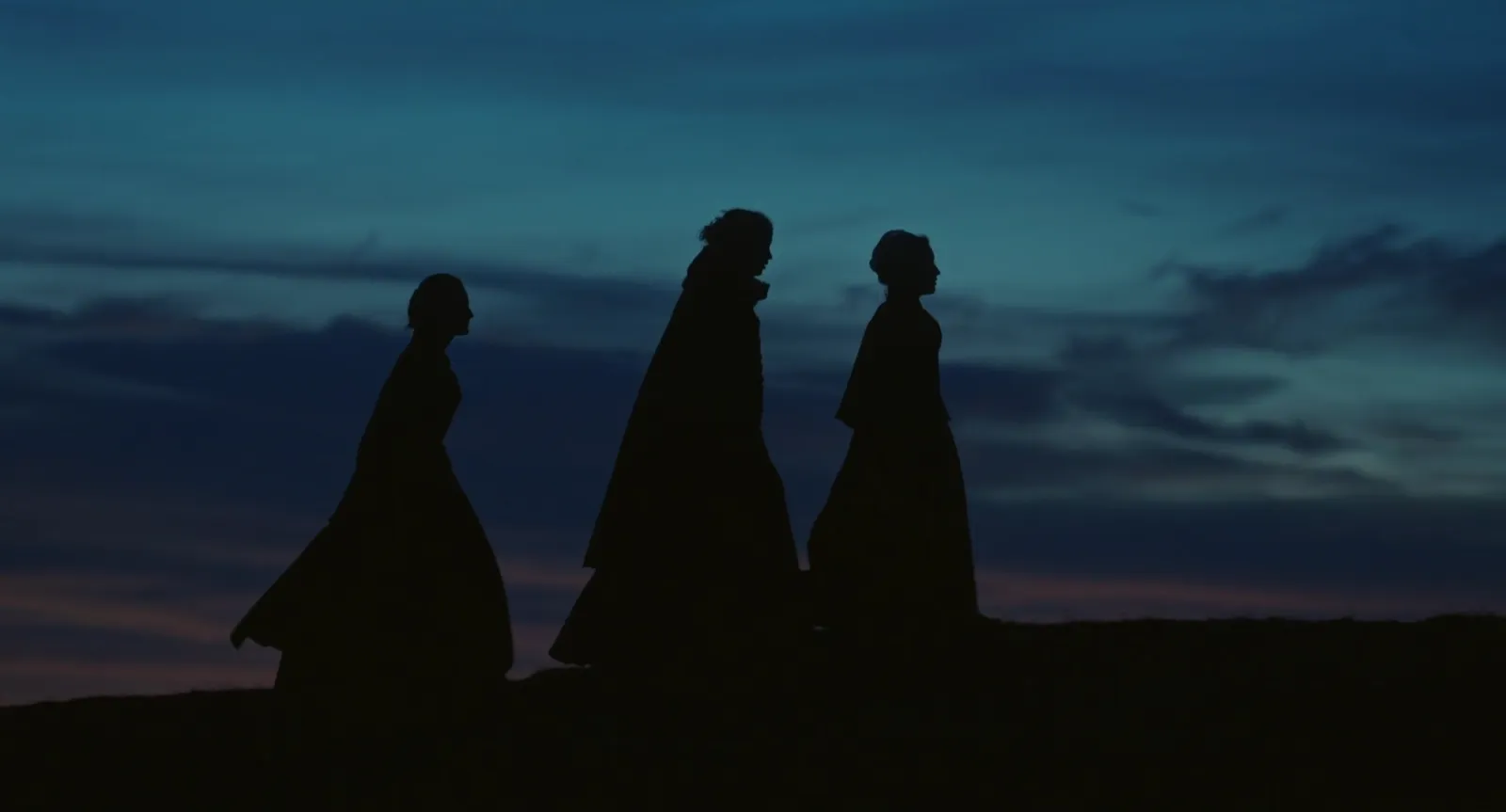
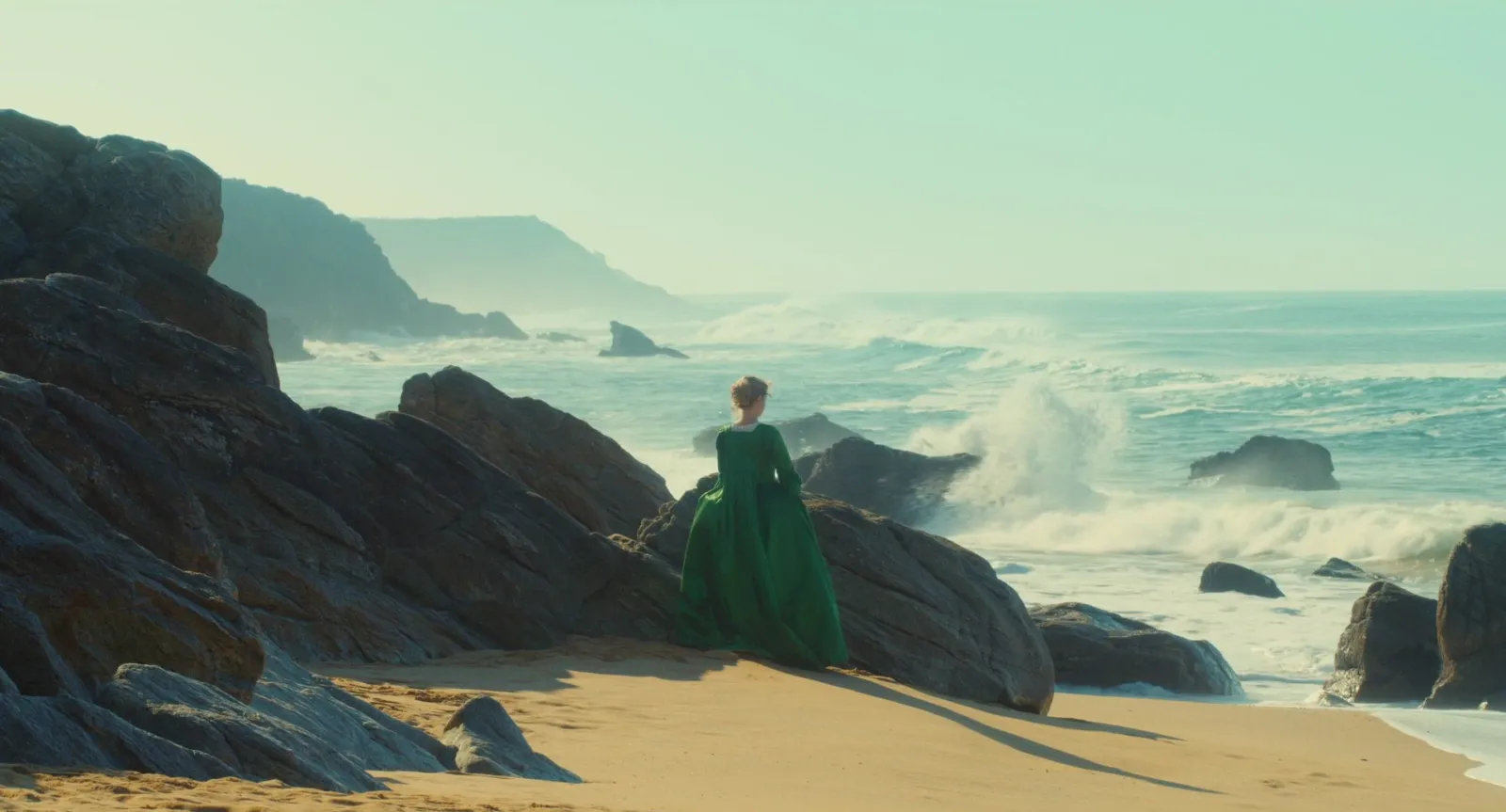
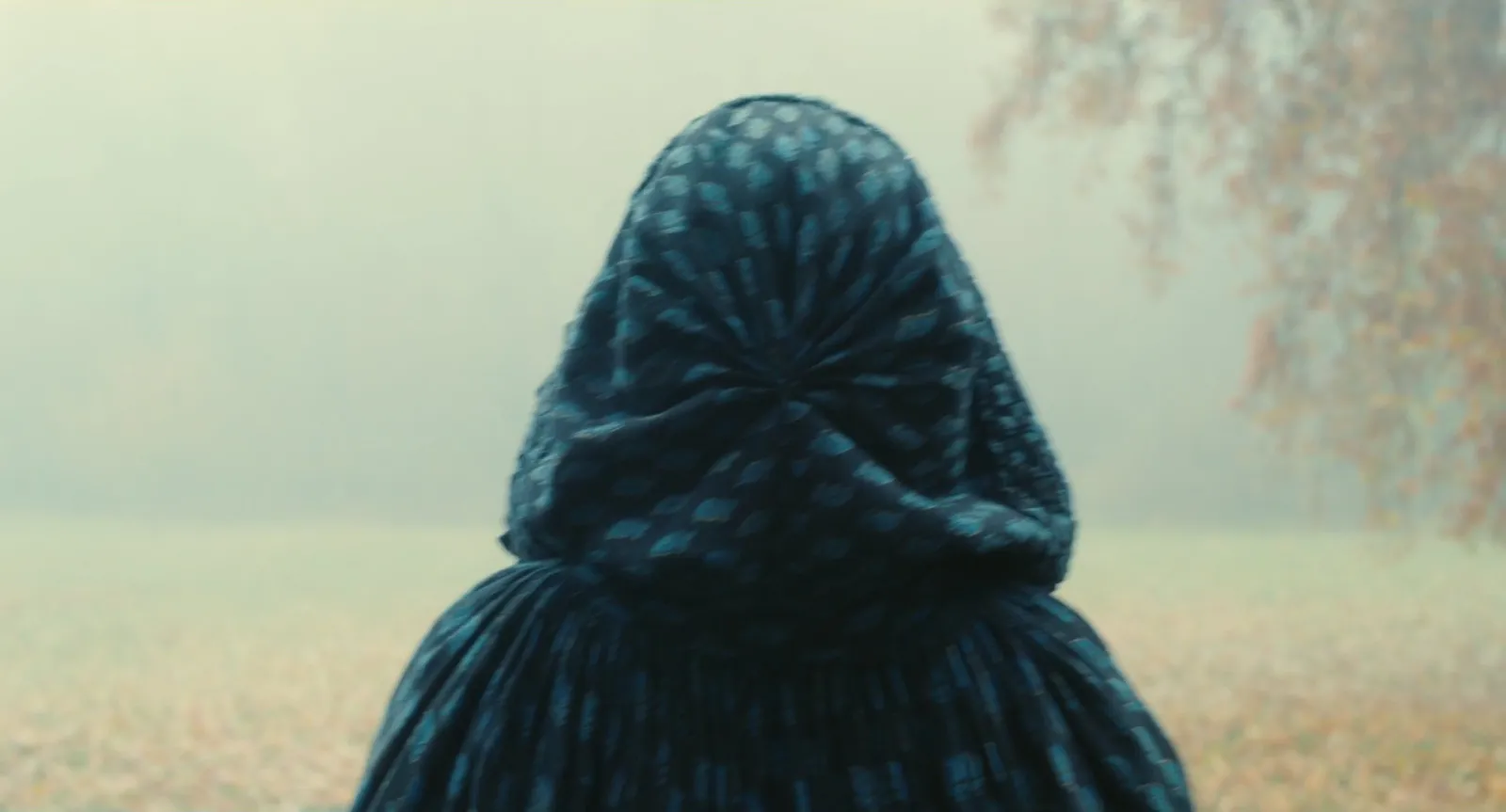
A photo board is honest about the look, which drawn frames often aren't. The risk is the opposite one: a client sees a finished film still and assumes that's the shot. Label reference frames as reference.
AI storyboard tools
Two kinds of AI help are real and current. Boords generates images inside frames on every paid plan, which is handy for blocking and timing. LTX Studio goes further: from a script or idea it builds AI Storyboards and pitch decks with generated shots. Its free plan gives 800 one-off credits and blank storyboards; AI Storyboards and pitch decks start on Standard at £28 a month, or £21 billed yearly, which also adds a commercial use licence. See LTX Studio's pricing.
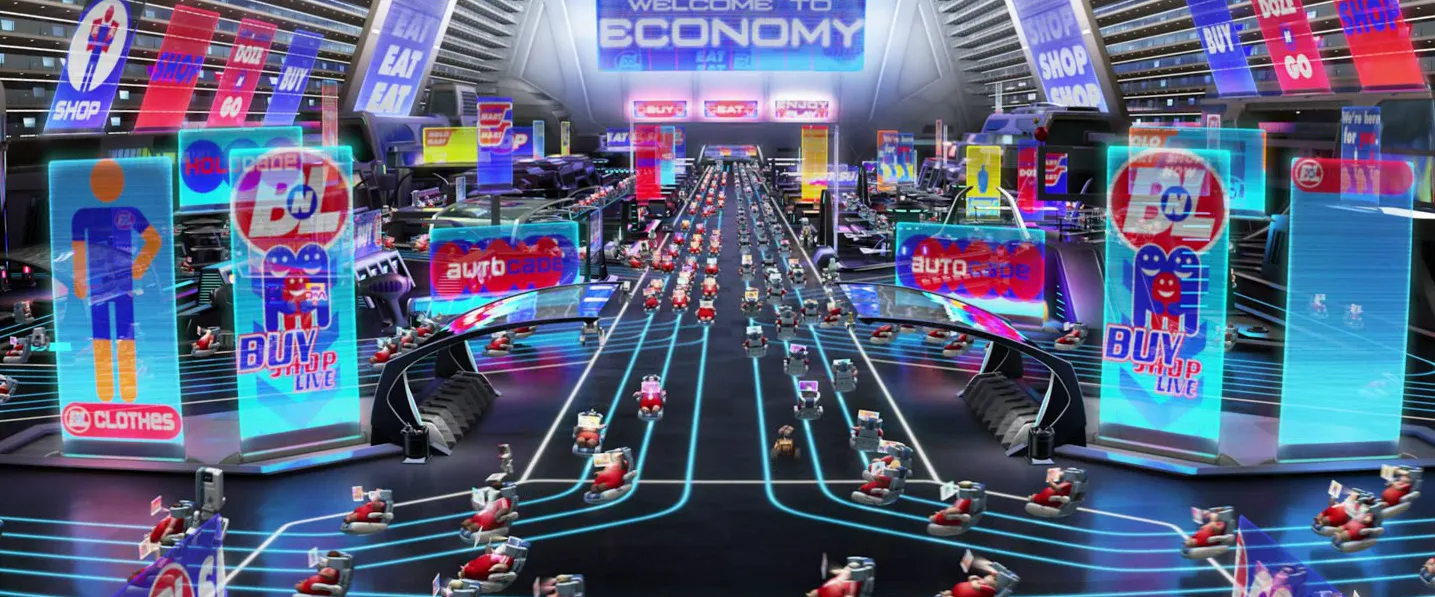
Our view: AI boards are good for timing an animatic and testing coverage. They're risky in front of a client, because a generated frame looks like a decision about wardrobe, location and light that nobody has made. If you use them, say so on the page.
Krock.io, the review tool, also has storyboard and animatic features built in; it's in our round up of Frame.io alternatives.
Before you board: the references
Every storyboard is built from references, whether the artist admits it or not. A director says "this angle, this light, this move", and the board artist needs to see it. That's the step Spark covers: save the reels, ads and film clips that shape the job into one library on Mac or Windows, find the exact moment, and pull it out.
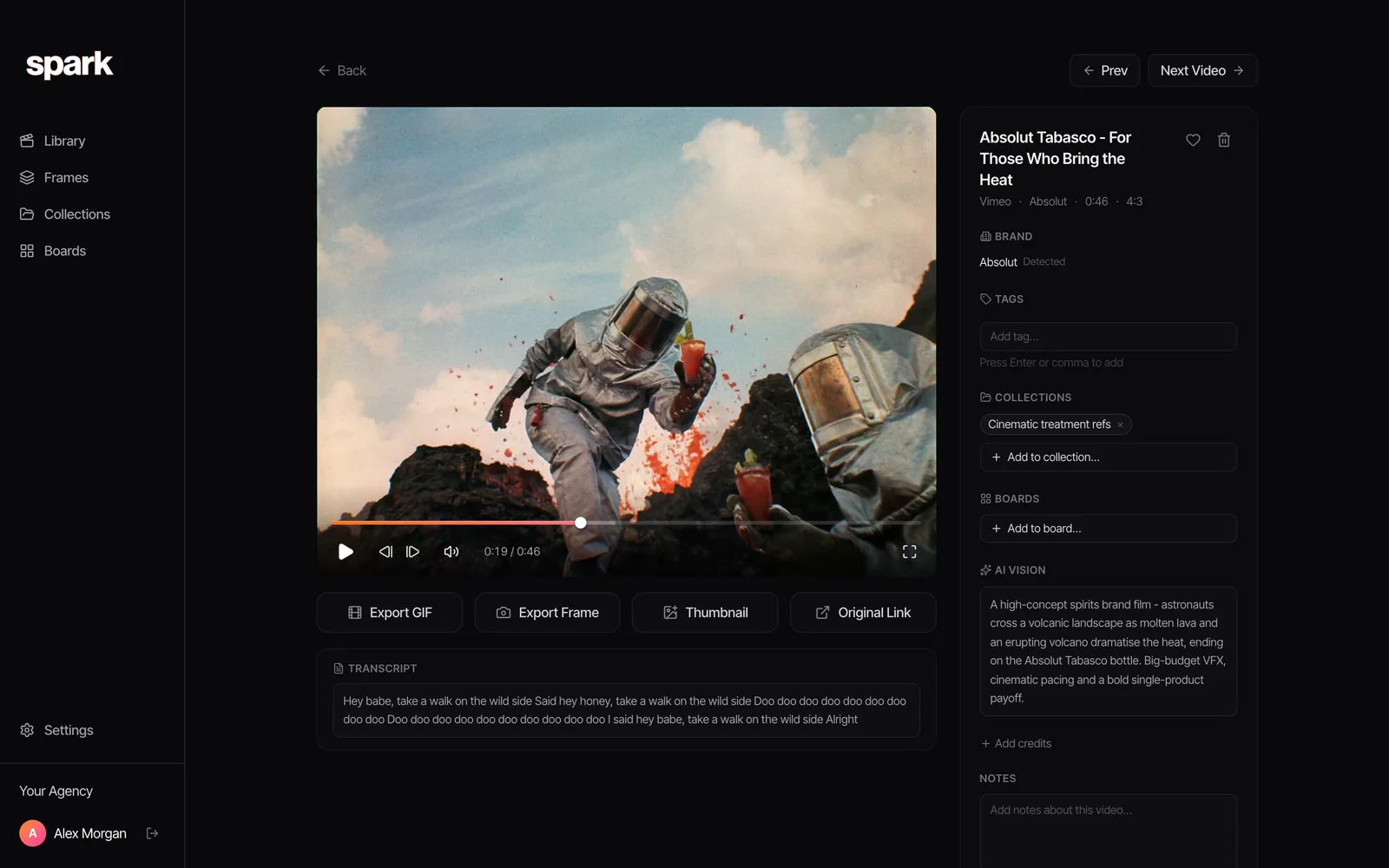
Spark's player steps one frame at a time with the comma and full stop keys, so you land on the frame you mean, then Export Frame saves it to Frames. Export GIF (on paid plans) does the same for a move the artist needs to see in motion.
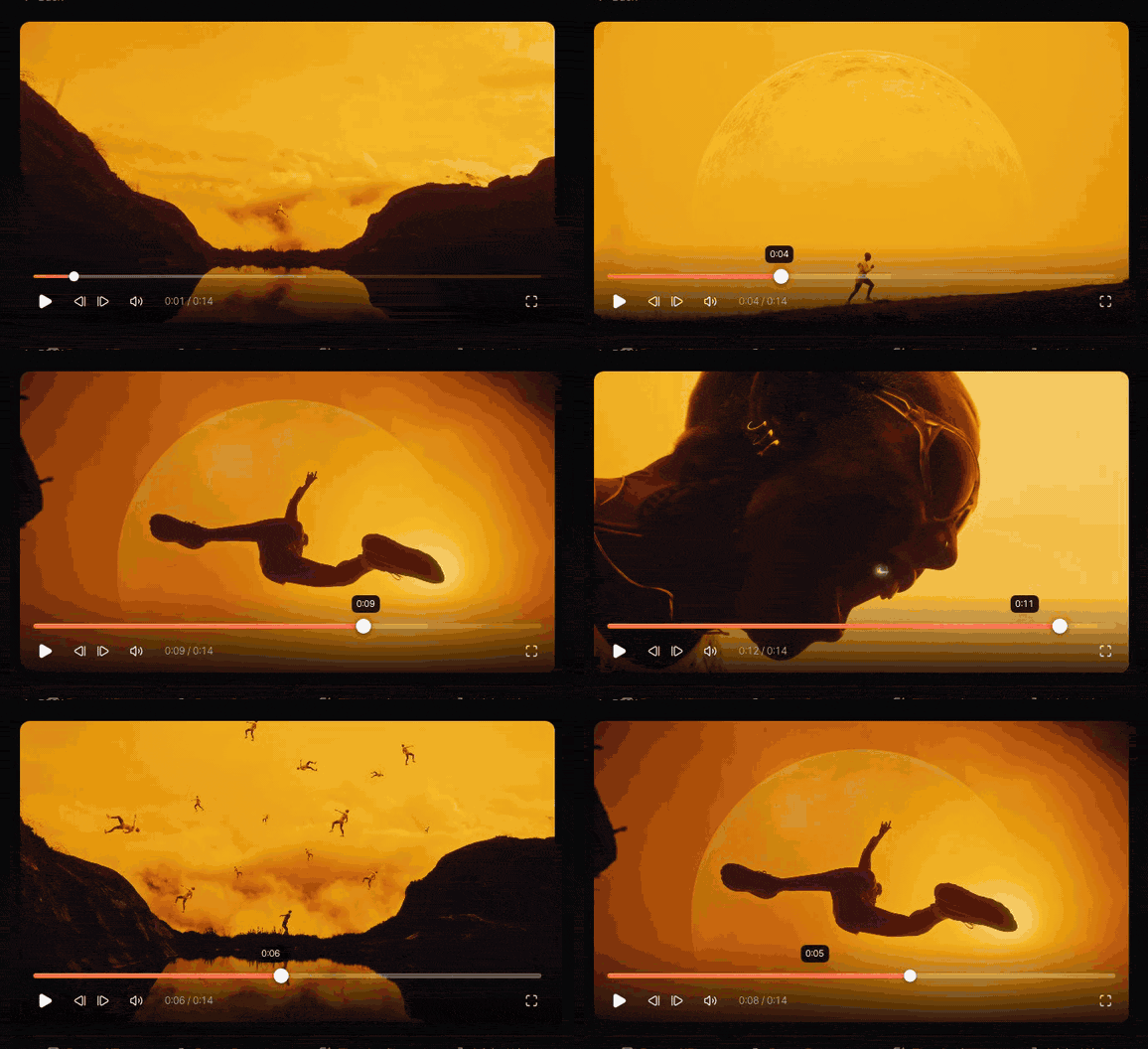
From there, a shot list is the bridge to the boards: see how to create a shot list from video references and our shot list template. If you're unsure which document you need, moodboard vs storyboard sets out what each one answers. For the bigger pitch document the boards live in, see how to build a film treatment, and for the look pages that come first, how to make a moodboard for a video project.
If you want a quick photo board without opening any of the tools above, our free moodboard maker lays up to 40 frames out in a Filmstrip or One per slide layout and exports a .pptx, a PDF or PNGs.
Which storyboard tool for which job
- Boarding for clients every week: Boords. The approval flow is the reason.
- Scheduling the shoot in the same tool: StudioBinder.
- Animation, series or a story team: Toon Boom Storyboard Pro.
- A director who wants to know every board is shootable: FrameForge.
- No budget: Storyboarder, or Procreate if you already own an iPad.
- A fast photo board for a pitch: Canva, Milanote or the free moodboard maker.
- Testing coverage before anyone draws: an AI tool, labelled as such.
For a wider view of pitch tools, see the best moodboard tools for creative directors.
FAQs
What is the best free storyboard software?
Storyboarder from Wonder Unit is free, open source and still downloads for Mac and Windows, though its last full release was in September 2020. Boords has a free plan for five active storyboards, StudioBinder has a free plan, and Canva and Milanote have free storyboard templates for photo boards.
What storyboard software do professionals use?
It depends on the work. Boords is built for agency and commercial approvals, Toon Boom Storyboard Pro for animation and TV story teams, and FrameForge for 3D previs with real lens data. Board artists who draw by hand can work in Procreate or Photoshop and lay the frames out afterwards.
How much does Boords cost?
Boords is free for five active storyboards and three scripts. Solo is $39 a month or $26 a month billed yearly, Pro is $75 a month for up to five users ($50 yearly), and Team is $125 for up to ten ($85 yearly), as of October 2026.
Is Storyboarder still available?
Yes. Wonder Unit's Storyboarder is still free to download, and the 2.1.0 installers for Mac and Windows on GitHub worked when we checked in October 2026. There have been no updates since a 3.0.0 pre-release in February 2021, so expect no bug fixes.
Can AI make a storyboard?
Yes. Boords generates images inside storyboard frames on its paid plans, and LTX Studio builds AI storyboards and pitch decks from a script, from £21 a month billed yearly. They're useful for timing and coverage, but label generated frames clearly, because clients read a polished frame as a decision about the final look.
What is the difference between a storyboard and a shot list?
A storyboard shows each shot as a picture, so people agree on what the camera sees. A shot list is the written version for the shoot: shot size, lens, movement and setup, in shooting order. On a commercial you'll usually want both; see our shot list template.
Keep reading
All articles
Best Frame.io Alternatives for Video Review in 2026
Most of these tools do the same core job as Frame.io. What separates them is how they charge, who they're built for and what happens when a client opens the link.

Best Bookmark Managers for Designers and Creatives (Raindrop Alternatives)
Raindrop.io is still the bookmark manager we'd hand most designers. The alternatives win on specific jobs, and none of them keeps the videos you save from Instagram.
Cosmos vs Savee: Which Inspiration App Should Designers Use?
They're the two apps designers name when they say they've left Pinterest. Here's how they differ in practice, what each costs, and the job neither of them does.