
Cosmos vs Savee: Which Inspiration App Should Designers Use?
They're the two apps designers name when they say they've left Pinterest. Here's how they differ in practice, what each costs, and the job neither of them does.
By the Spark team ·

Cosmos vs Savee comes down to what you design and who you work with. Cosmos is broader and calmer: fashion, interiors, art, photography, cinema and motion, with search by colour (down to a HEX code), a switch that hides AI images, imports from Pinterest and Are.na, and every core feature free. Savee is sharper for graphic design, type and branding, searches by word, colour, image or tag, has a Figma plugin and a proper Team plan, and expects you to pay once you're serious: Pro is $9 a month billed yearly.
Both are built around still images. Neither is where we'd keep video references, and we'll come to that.
We're the team behind Spark, a reference library for video. Both apps are at their best for finding things rather than keeping them, which shapes the verdict below. Every feature and price here was checked on the apps' own sites and App Store listings in October 2026.
 Cosmos
 Savee
Cosmos and Savee side by side
| Cosmos | Savee | |
|---|---|---|
| What it is | A visual inspiration platform with collections and discovery | An inspiration library curated by designers, sorted into boards |
| Strongest for | Fashion, interiors, art, photography, cinema | Graphic design, type, branding, layout |
| Search | Keyword, colour (including HEX codes) and similar images | Word, colour, image or tag |
| AI images | Show, blur or hide images flagged as AI | No filter mentioned; no ads and no algorithm |
| Getting things in | Chrome and Safari extensions; import from Pinterest, Are.na and Tumblr | Chrome, Safari, Firefox and Edge extensions; right click saving from anywhere on Pro |
| Apps | Web, iPhone and iPad, Android | Web, iPhone and iPad, Android, Figma plugin |
| Working together | Collaborative collections, free | Collaborative boards for up to 4 people on Pro; Team plan for a whole studio |
| Video | Listed among what you can save; image first in practice | Listed among what you can save; image first in practice |
| Price (as of October 2026) | Free; Premium $8 a month (£8 a month or £69 a year in the UK App Store) | Free to join; Pro $9 a month billed yearly or $12 monthly; Team $12 per seat a month billed yearly |
Cosmos prices from its site and the UK App Store; Savee prices from savee.com/pricing. Both checked October 2026.
What Cosmos is like
Cosmos feels like Pinterest with the noise turned off. You browse an Explore page sorted into categories (Fashion, Interiors, Graphic Design, Art, Branding, Typography, Architecture, Cinema, Motion and more), save what you like into collections, and follow people whose taste you trust. There's an editorial strand, Sequence, and a Shop tab, so it isn't entirely free of commerce. If you stay on Pinterest for video, saving Pinterest videos explains what a video pin will and won't let you keep.
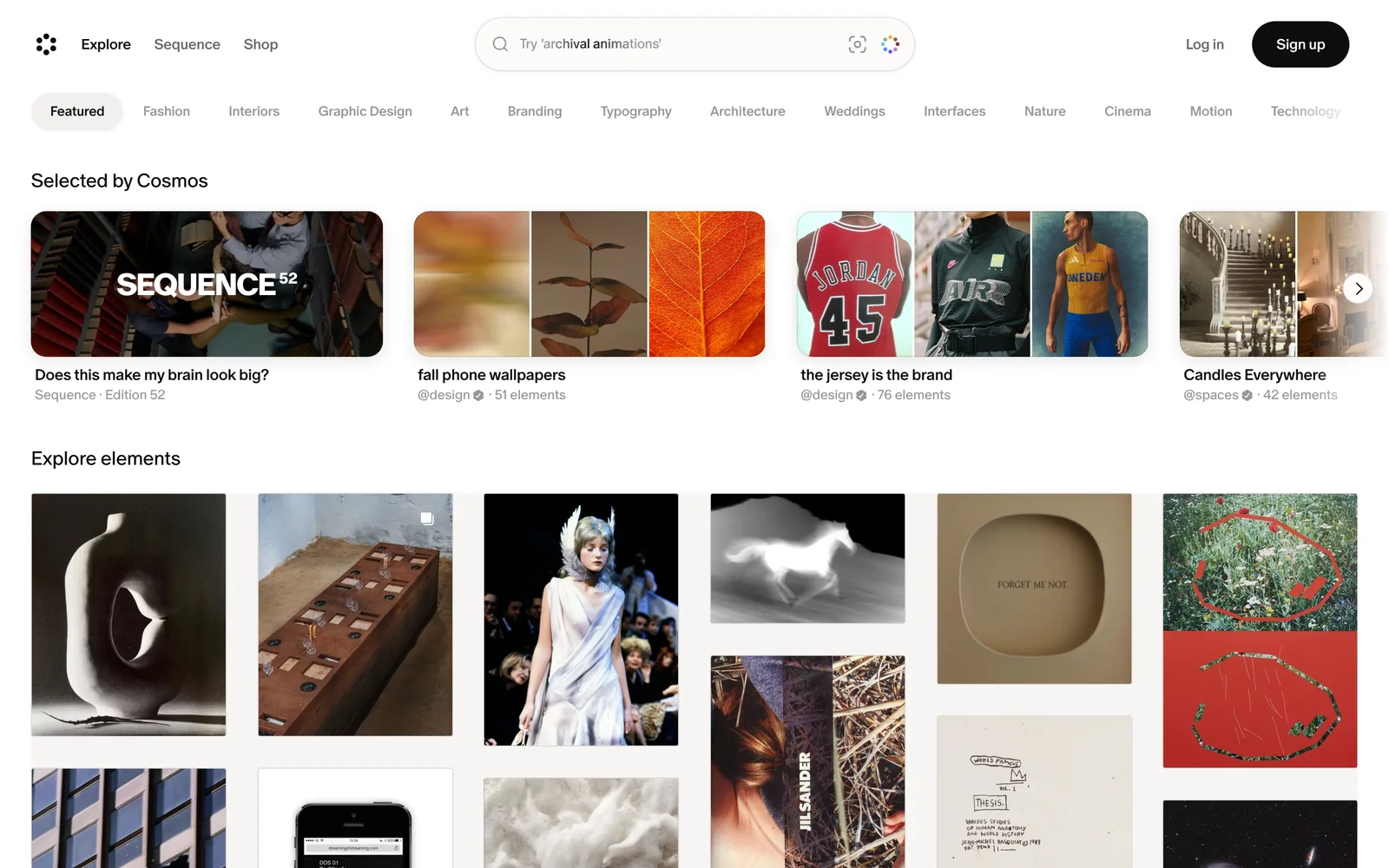
Its site lists the free plan as full access to the core features: saving, organising, searching, discovering and collaborating. Premium is $8 a month and is described only as advanced tools for power users. In the UK App Store the subscription is £8 a month or £69 a year.
The features that matter to designers are on the homepage. Search by colour. Find images similar to one you like. Show, blur or hide images flagged as AI-generated. Build collections with other people. Cosmos also lists an AI feature called Captions for attributing images to their source, which is welcome on a platform built on other people's work.
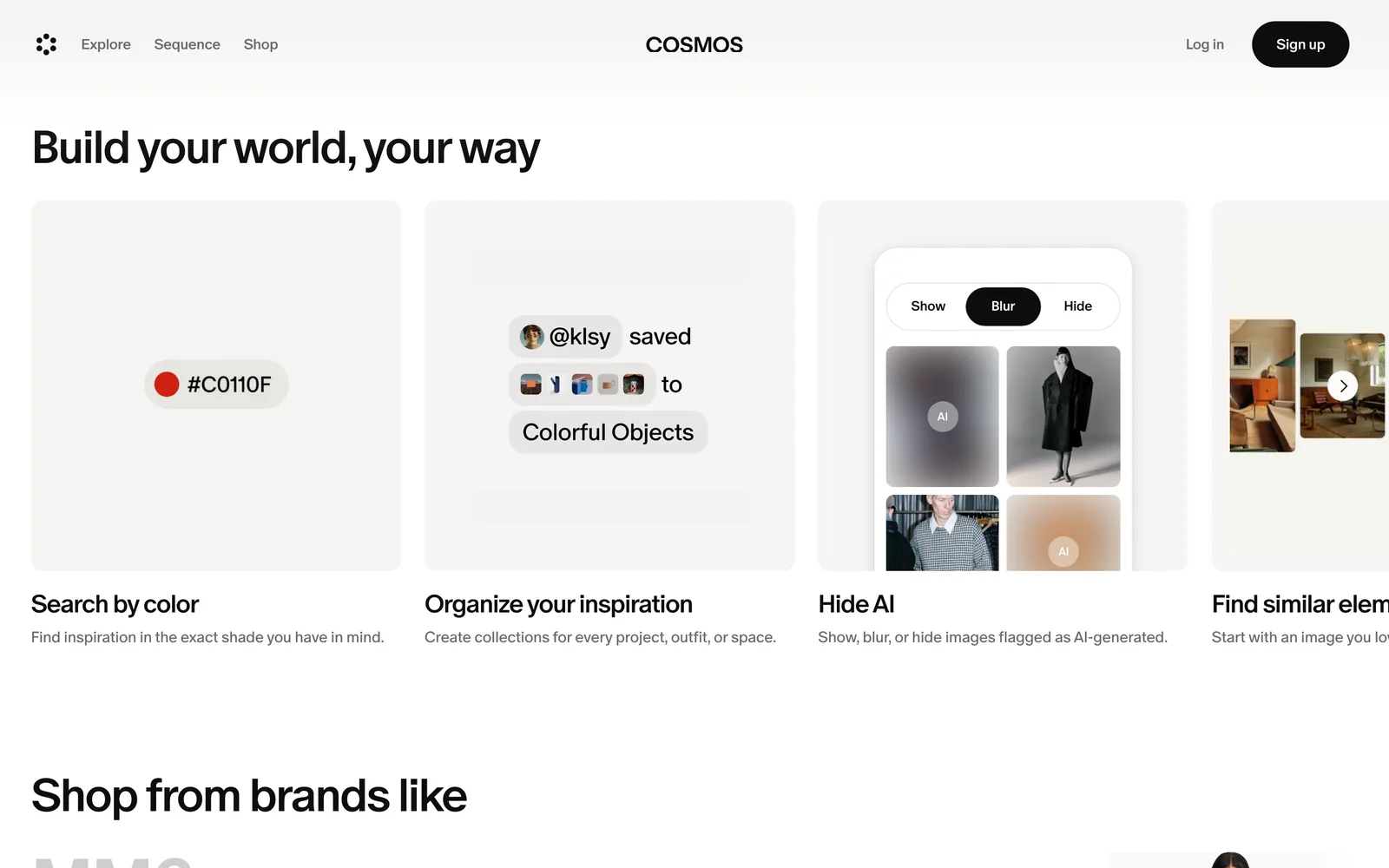
If you're leaving Pinterest, Cosmos is the easier move: it imports from Pinterest, Are.na and Tumblr, so your old boards come with you.
What Savee is like
Savee describes itself as a place for designers and creative thinkers to save, organise and share inspiration, with no ads and no algorithm. In practice it's where graphic designers go: posters, identities, type specimens, packaging, editorial layouts, interfaces. The homepage wall shows the taste straight away.
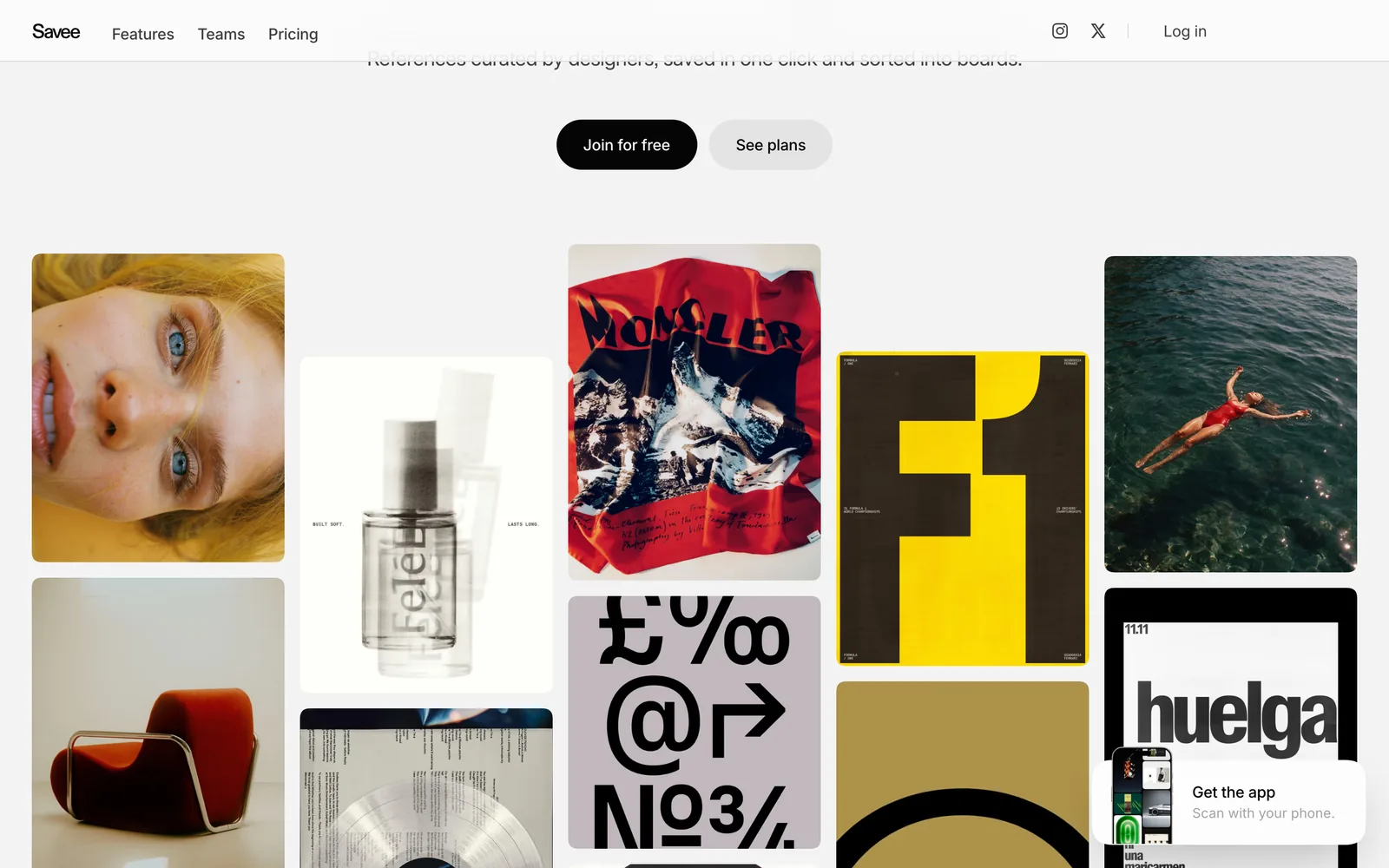
Search works by word, colour, image or tag, and a related view shows saves that look like the one you're on. There are apps for iPhone, iPad and Android, extensions for every major browser, and a Figma plugin for pulling references straight into a design file. Pro adds unlimited saves and boards, private boards, comments, right click saving from anywhere and an MCP connection for AI tools.
The free plan has limits on saves and boards, which Pro removes. Pro is $9 a month billed yearly ($108) or $12 month to month. Portfolio ($15 a month billed yearly) adds a website built from your saves on your own domain. Team is $12 per seat a month billed yearly, starting at two seats, with shared boards for the whole studio, a team feed, comments and admin roles.
Search: colour, image and words
Both search by colour, and it's the feature most worth learning. In Cosmos you can type a HEX code into the search, which makes it precise. Pull the code from a frame you already love and you can go looking for more of that exact shade.

That still is a good example. Our free colour palette extractor reads its dominant colour as #8A3C5D, and that code is a far better search term than the word pink. The extractor works on video frames too, so you can take a colour from a reference clip and search a still image app for it.
Savee's colour search does the same job from a colour picker, and search by image helps you find the cousins of a poster or a layout you like. Savee also searches your tags, which pays off if you tag as you save.
Verdict: Cosmos for colour, by a nose, because of the HEX search. Savee for finding graphic design by tag or by image.
Sharing with a team
This is where they part ways.
Cosmos makes collaboration free. Invite people into a collection and you're building it together. That's enough for two designers on a pitch or a client looking over your shoulder.
Savee charges for it, and gives you more for the money. Collaborative boards on Pro hold up to four people. The Team plan gives a studio one shared library: team boards, a feed of what everyone's saving, comments on each reference, seats and roles. If a design studio wants a shared inspiration library that isn't a Slack channel, Savee Team is the more grown-up product.
Verdict: Cosmos for a free shared collection. Savee for a studio that wants to pay for a proper team library.
AI images and the feed
Cosmos tackles AI imagery head on: images flagged as AI-generated can be shown, blurred or hidden. If your feed elsewhere has filled with generated interiors and fake fashion shoots, that switch alone is a reason to move.
Savee's answer is curation. It's ad-free, it says it has no algorithm, and the wall is shaped by designers' saves. We didn't find an AI filter on its pages. In practice its graphic design focus keeps the feed on topic.
Where both are weak: video
Both apps list video among the things you can save, and Savee's app lets you share a video from your camera roll. But both are image apps at heart. Their Explore walls are stills, their search reads pictures, and neither describes keeping a copy of a reel from Instagram or TikTok, searching what happens in a clip or what someone says in it, or pulling a GIF or a frame from it.
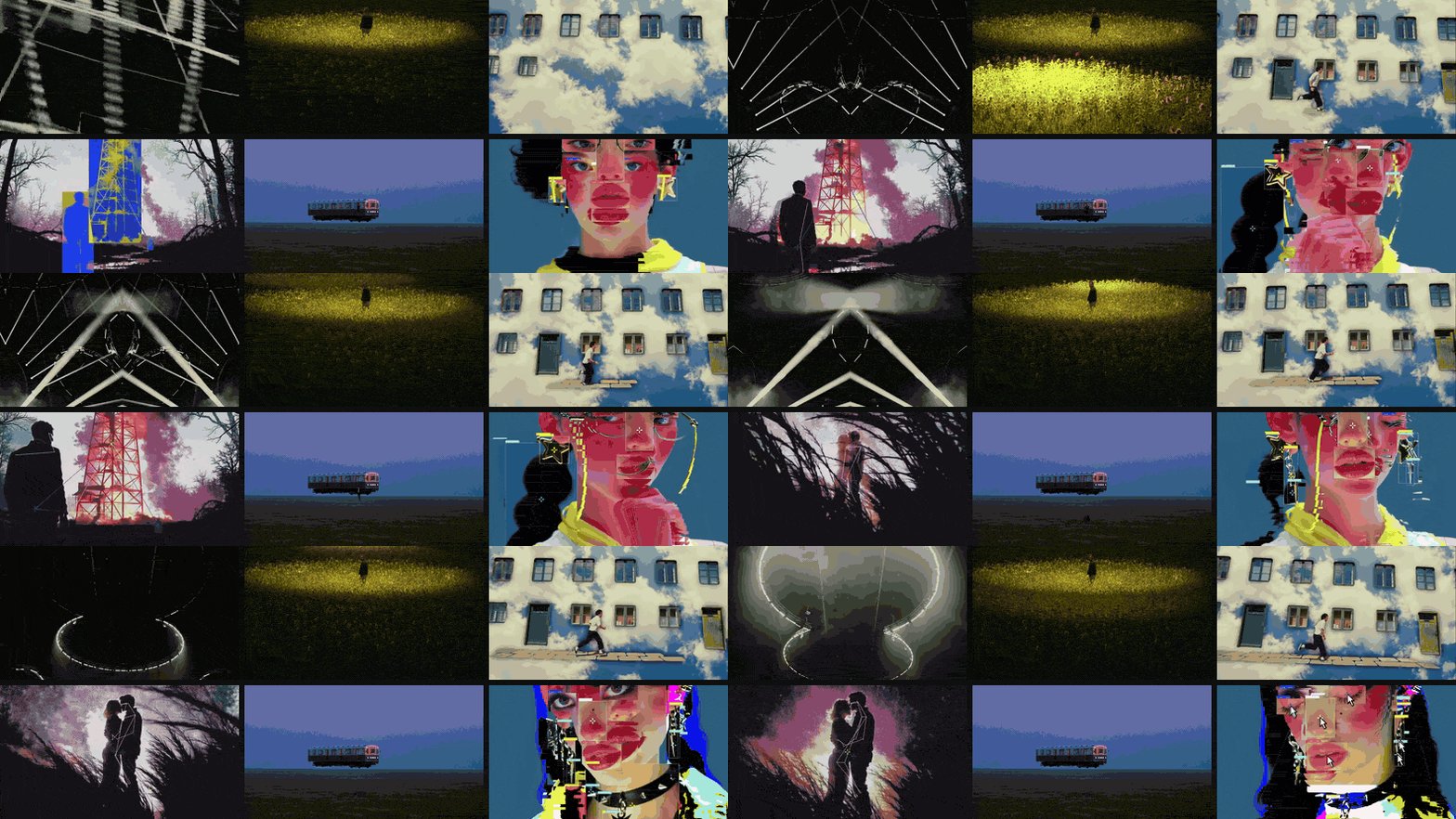
For a designer that's fine. For anyone in film, motion or advertising, the references that matter most are often the ones that move: a camera move, an edit rhythm, a transition, a performance. Those need a different home. Our Pinterest alternatives guide splits the field the same way, into places to find ideas and places to keep them.
Where to keep what you find
Treat Cosmos and Savee as the place you go looking. Then bring the keepers home, with a note on why you saved them, so they're findable when the brief lands. How to build a searchable creative library sets out a method that works in any tool.
For stills, a local library like Eagle or a research tool like Are.na works well (we compare it in Spark vs Are.na). For video, that's what we built Spark for: paste a link from Instagram, TikTok, YouTube, Vimeo or Pinterest and the video itself is saved, then sits on a board next to the stills you found in Cosmos or Savee.
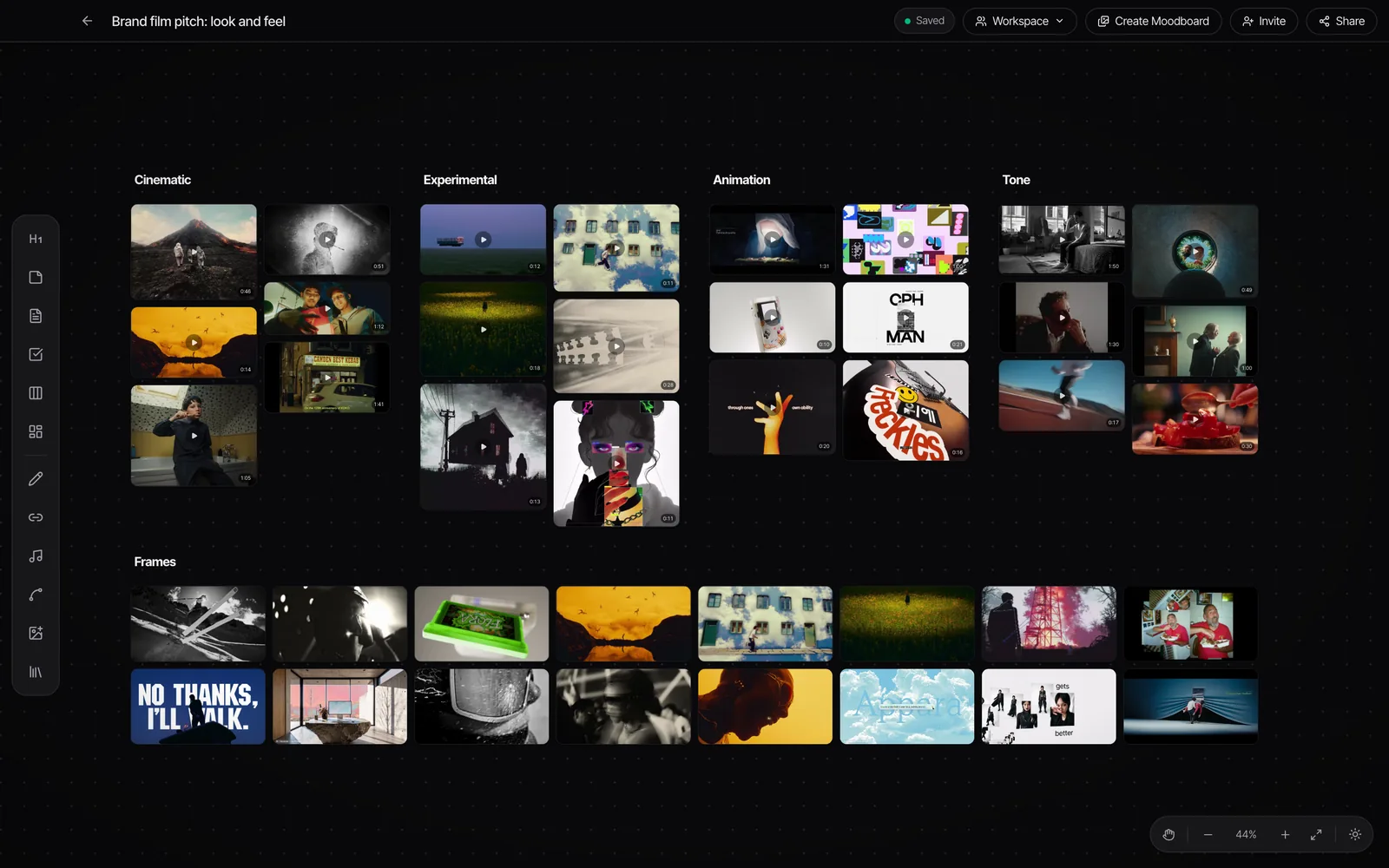
Still on Pinterest for some of it? Making a moodboard on Pinterest covers getting a usable board out of it, and Spark vs Pinterest covers where it stops for video.
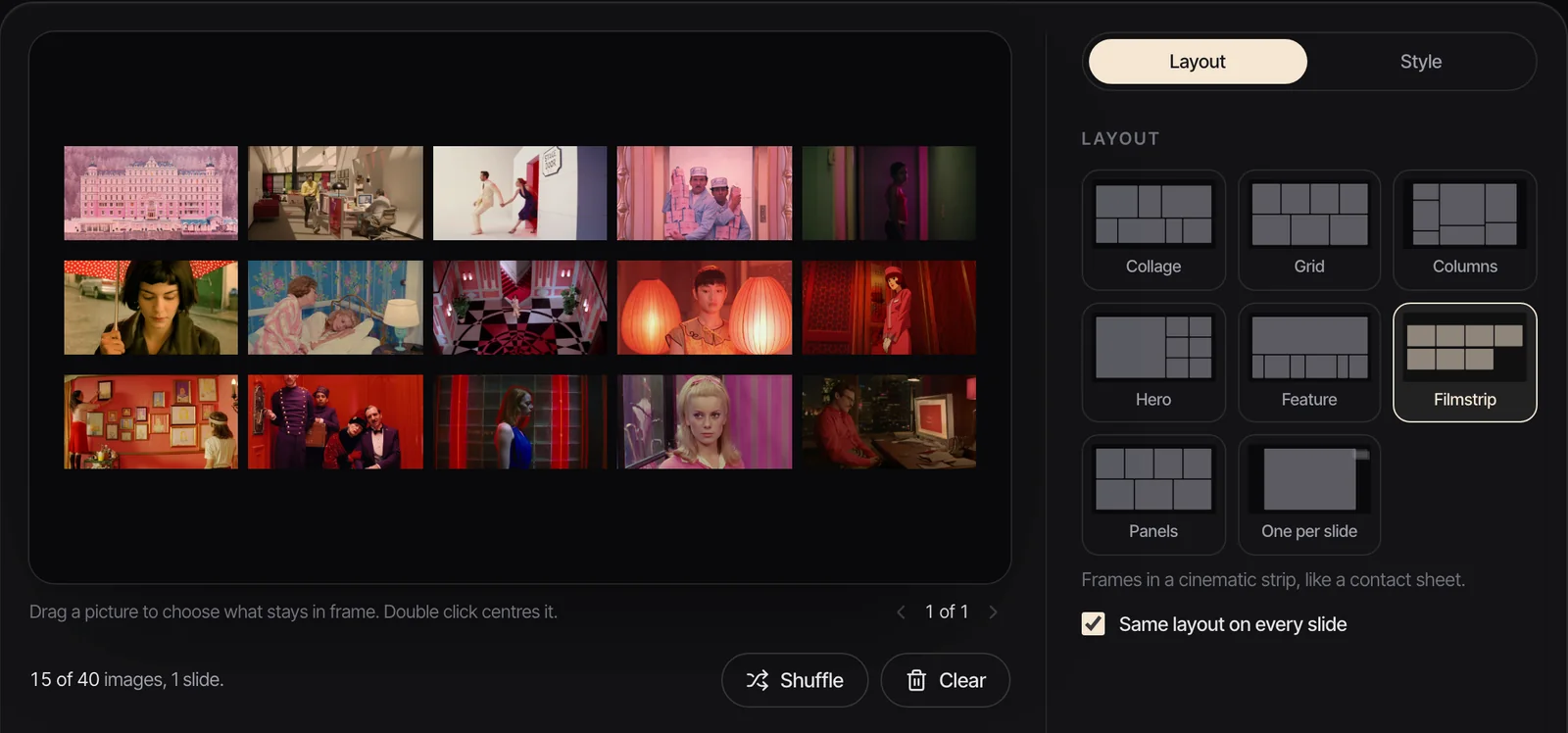
When the board becomes a pitch, our free moodboard maker takes up to 40 images you've saved from either app (GIFs included), lays them out in one of eight layouts, from Collage to Filmstrip, and exports a .pptx for PowerPoint, Keynote, Google Slides or Canva. Nothing is uploaded. For layouts that work, see our moodboard examples.
Which should you pick?
- You design across fashion, interiors, photography or art: Cosmos.
- You're a graphic designer or type person: Savee.
- You want to pay nothing: Cosmos, whose core is free.
- You run a studio and want one shared library: Savee Team.
- You're leaving Pinterest and want your boards to come too: Cosmos, for its Pinterest import.
- You hate AI images in your feed: Cosmos, for the hide switch.
- Your best references are videos: neither; find stills in these and keep the clips elsewhere.
Using both is a reasonable setup: Savee for type and layout, Cosmos for everything around it. They're cheap enough, and different enough, for that to make sense.
FAQs
Is Cosmos better than Savee?
Neither is better overall. Cosmos is broader (fashion, interiors, art, photography, cinema), free for its core features, and has HEX colour search and a filter for AI images. Savee is stronger for graphic design and type, with search by word, colour, image or tag, a Figma plugin and a paid Team plan for studios.
Is Cosmos free?
Yes. Cosmos lists its free plan as full access to the core features: saving, organising, searching, discovering and collaborating. Premium costs $8 a month, or £8 a month and £69 a year through the UK App Store, as of October 2026.
How much does Savee cost?
Savee is free to join, with limits on saves and boards. As of October 2026, Pro is $9 a month billed yearly or $12 monthly, Portfolio is $15 a month billed yearly, and Team is $12 per seat a month billed yearly, starting with two seats.
Can you save videos on Cosmos or Savee?
Both list videos among the things you can save, and Savee's app can take a video from your camera roll. Both are image-first, though: neither describes keeping copies of Instagram or TikTok videos, searching inside clips or exporting GIFs. For video references, use a tool built for them.
Can I import my Pinterest boards into Cosmos?
Yes. Cosmos lists imports from Pinterest, Are.na and Tumblr among its features, which makes it the easier move if you're leaving Pinterest. Savee doesn't advertise a Pinterest import on its pages.
Does Savee have a team plan?
Yes. Savee Team costs $12 per seat a month billed yearly and starts with two seats. It gives a studio shared team boards, a team feed, comments on references, admin roles and everything in Pro.
Keep reading
All articles
Best Frame.io Alternatives for Video Review in 2026
Most of these tools do the same core job as Frame.io. What separates them is how they charge, who they're built for and what happens when a client opens the link.
Best Storyboard Software for Directors and Agencies in 2026
The right storyboard tool depends less on how well you draw and more on who has to sign the boards off. Here's what each one is for, and what it costs.

Best Bookmark Managers for Designers and Creatives (Raindrop Alternatives)
Raindrop.io is still the bookmark manager we'd hand most designers. The alternatives win on specific jobs, and none of them keeps the videos you save from Instagram.