How to Build an Animation Reference Library
Every animator has a folder called reference that nobody can search, including its owner. Here's how to build one you can step through a frame at a time and find again in a year.
By the Spark team ·
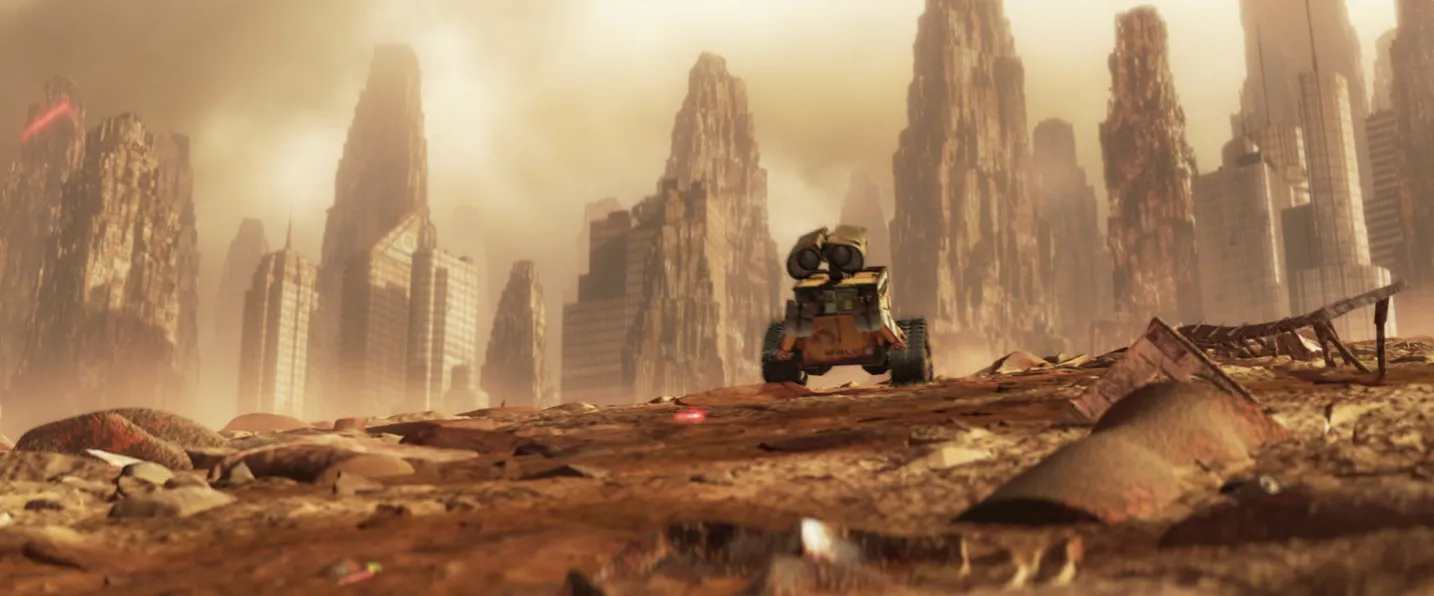
An animation reference library is a collection of short clips of motion, filmed, found or animated, that you can step through a frame at a time and find again by what happens in them. Build it from three sources: footage of yourself acting the shot, real world motion for body mechanics, and great animation for how other animators solved the same problem. Trim each clip to the move, loop it, count the frames between key poses, and file it by action and by animator.
We make Spark, a reference library app, so we care about libraries people can search, not folders they scroll. This guide works with any tool. Where Spark helps, we say how, and where another tool is better, we say that too.
Three kinds of animation reference
They do different jobs, so collect all three.
Acting reference is performance: how a person shifts weight when they're nervous, where the eyes go before a decision, how a line of dialogue sits in the body. Mostly you film this yourself.
Mechanics reference is physics: how a run pushes off, how a heavy box changes a walk, how far a body compresses on landing. Sport, dance and everyday footage are full of it.
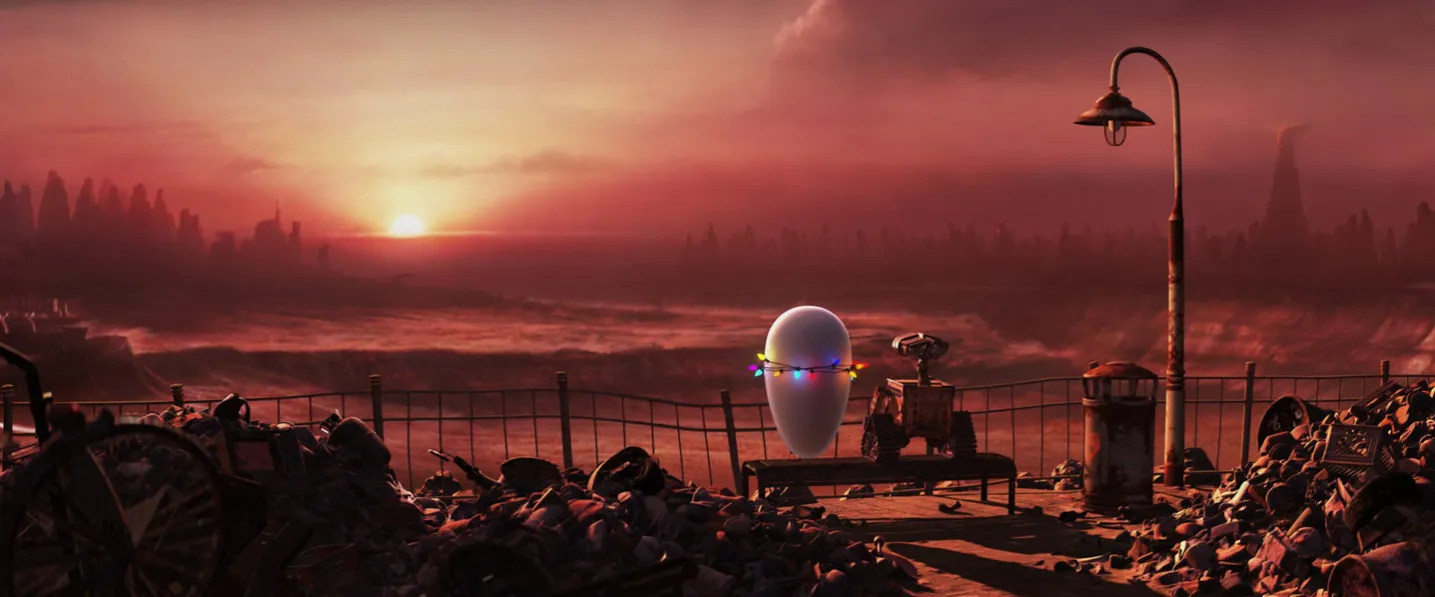
Animation reference is other animators' solutions: how they timed a take, how they broke a smear, how they drew smoke. This is where you learn what to exaggerate and what to leave out.

Film yourself: acting reference that fits the shot
The best acting reference is the one shot for your scene. Nobody else has performed your character in your layout with your line of dialogue, so you have to.
- Lock the camera off on a tripod or a stack of books, at the angle and height of the shot's camera.
- Frame the whole body, even for a mid shot. Weight starts in the feet.
- Shoot at your project's frame rate, 24 or 25 fps, at normal speed, so the frame counts carry straight over. Slow motion is for studying mechanics, not timing.
- Play the dialogue out loud while you act, so the mouth shapes and accents land where the audio does.
- Do ten takes, pushing bigger and then calmer. Your best take is rarely the first, and the extremes show you where the poses are.
Cut the chosen take to the shot's length and keep it with the shot. Reference is a guide to weight and timing, not something to trace frame for frame (unless rotoscoping is the style), so expect to push the poses further than you acted them.
Mechanics: where real motion lives
For body mechanics, you want clean, full body footage of people doing things with real weight. Sport is the richest source: sprints, jumps, throws, falls, all filmed from stable angles. Dance gives you balance and follow through. Everyday footage gives you the dull stuff that's easiest to get wrong, like standing up from a chair or carrying shopping.
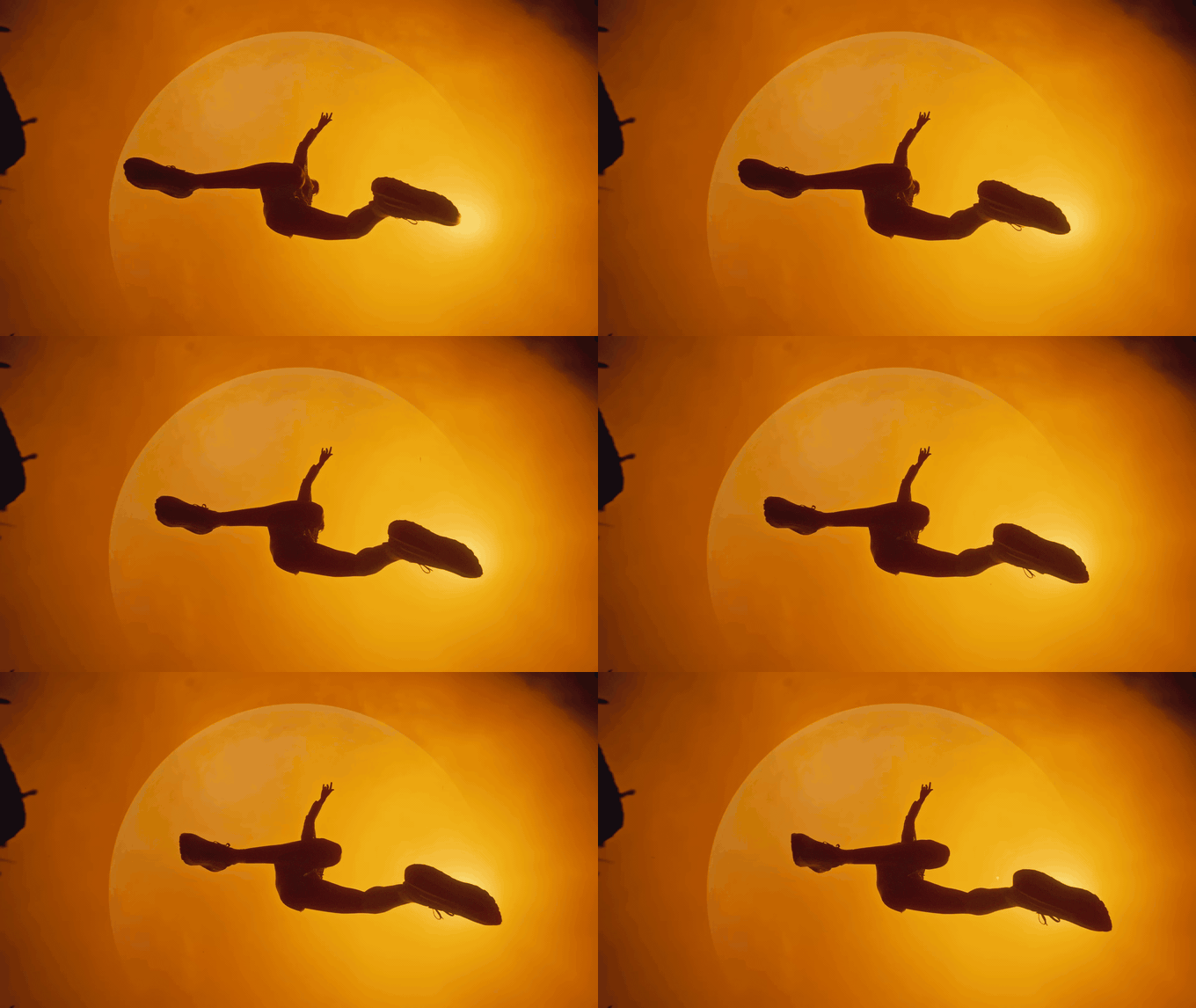
The classic source is still Eadweard Muybridge. His Animal Locomotion (1887) runs to 781 plates of people and animals photographed in sequence, long out of copyright, and the photos are laid out frame by frame already. For quick pose practice, Posemaniacs offers royalty free 3D pose reference and Line of Action has drawing practice tools for figures, hands, faces and animals.
Timing and spacing, in one picture
Two words do most of the work in animation, and reference teaches both.
Timing is how many frames a move takes. Spacing is how far things travel from one frame to the next. Same timing with different spacing gives a completely different feel: evenly spaced frames look mechanical, frames bunched near the key poses ease in and out.
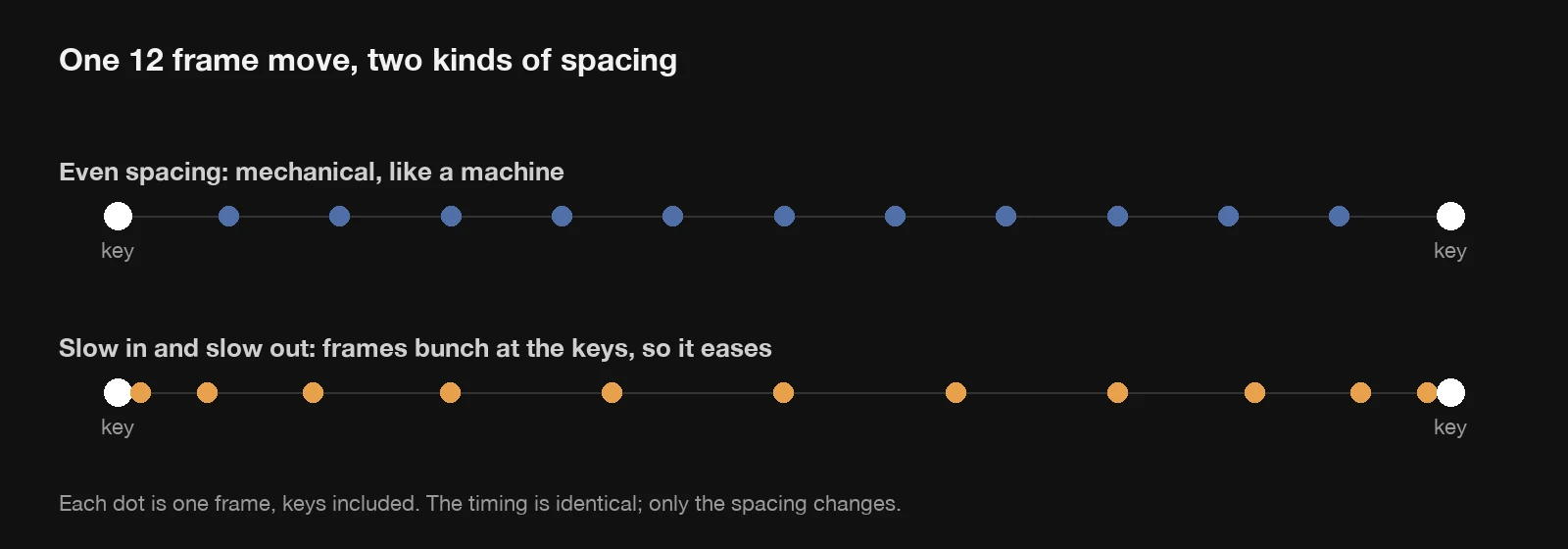
Animators also talk about ones and twos. At 24 fps, animating on ones means a new drawing every frame (24 a second); on twos, each drawing holds for two frames (12 a second). Fast action tends to need ones; calmer moments can sit on twos. When you study a reference, note which it uses.
Read a reference a frame at a time
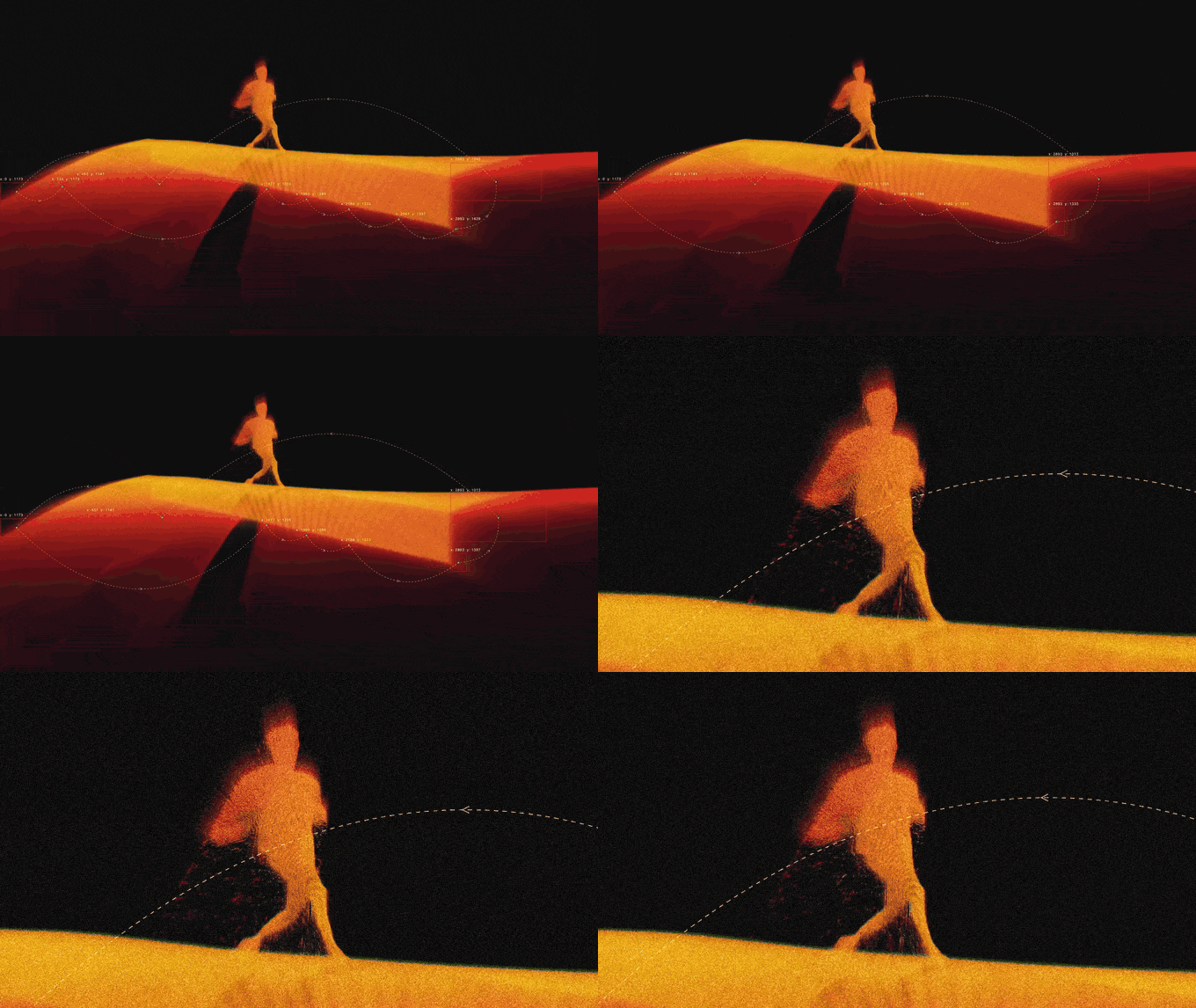
Playback at speed hides everything. Step through a move one frame at a time, find the key poses, and count the frames between them. For a jump that means anticipation, take off, the top of the arc and the landing. For a walk, contact, down, passing and up.
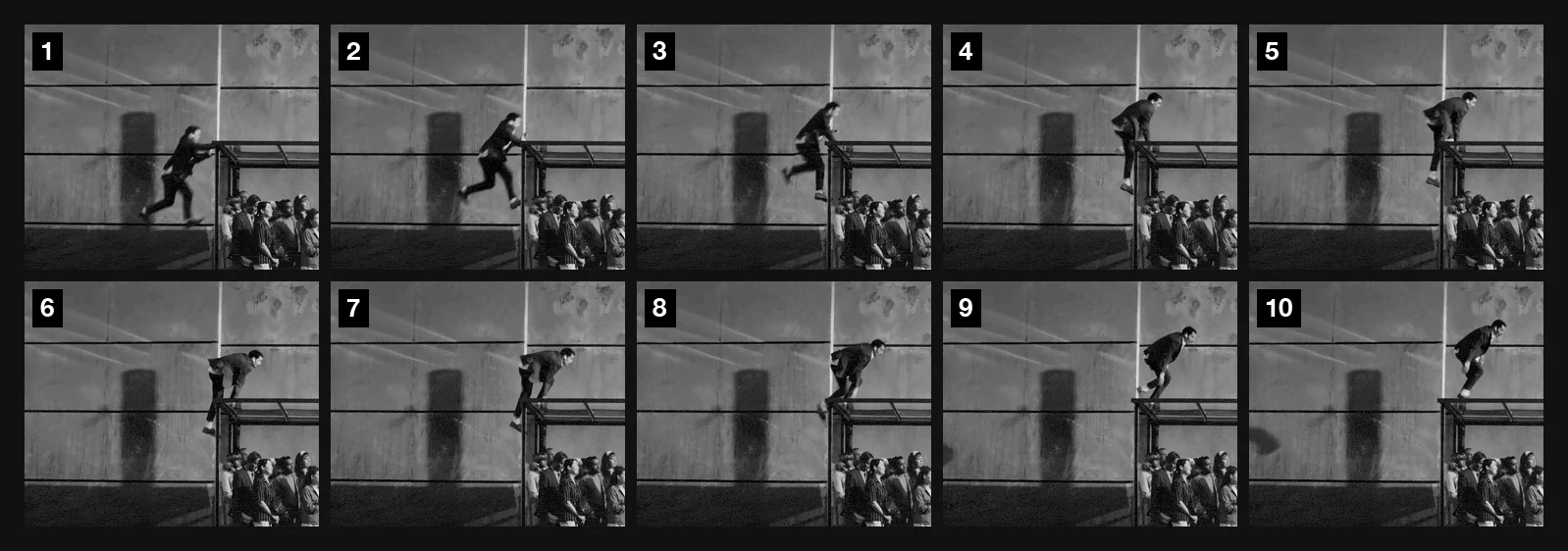
Write the counts down next to the clip. "Take off to landing: 9 frames" is the kind of note that saves you an hour on the next shot. Be wary of timing from social media clips: platforms re-encode uploads, and GIFs (like the one above) drop frames, so for anything precise find the highest quality source you can.
In Spark's player, comma and full stop step back and forward one frame, the arrow keys jump 5 seconds when you're hunting for the moment, and J, K and L shuttle backwards, pause and forwards.
Loop the move
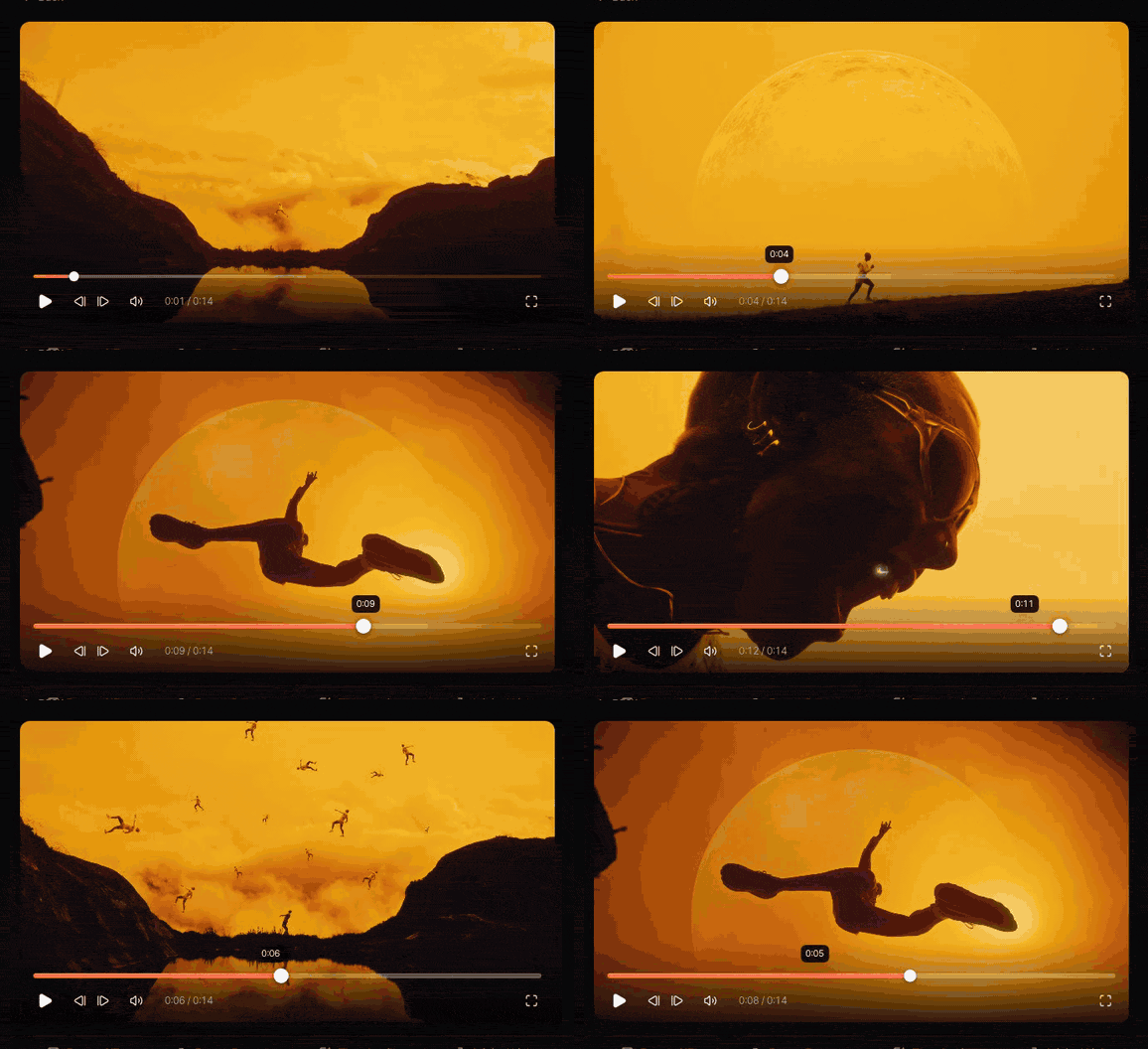
Once you've found the move, cut it out and loop it. A three second loop of one action, playing on your second monitor while you animate, is worth more than the whole two minute video it came from.
For a cycle (a walk, a run, a flag in the wind) set the out point on the frame before the pose repeats, so the loop doesn't stutter. Our guide to GIFs that loop without a jump covers the trick. For your own footage, or any file you're allowed to use, our free video to GIF converter trims in the browser with in and out points you can nudge one frame at a time, then exports at the width and frame rate you choose.
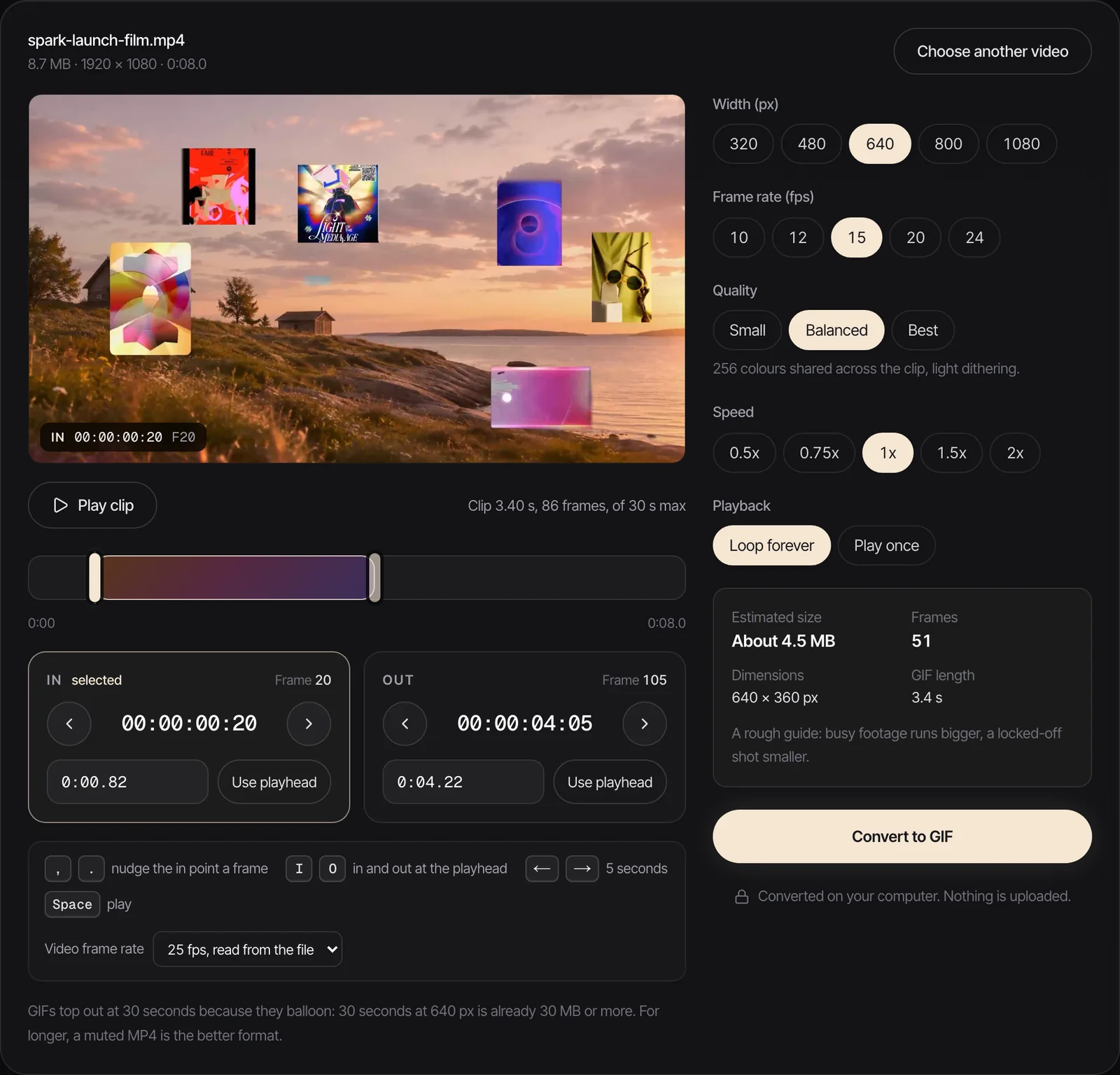
For references you've saved in Spark, Export GIF (on Creator and Studio) does the same on the saved video and drops the loop into Frames, next to the stills you've pulled.
File it by action and by animator
A reference library dies when you can't find things in it. Two axes cover nearly every search an animator makes: what happens in the clip, and who animated it. Add a few tags for source and weight and you're done. Keep the list short and fixed, and type the tags yourself.
| Facet | Example tags |
|---|---|
| Action | walk, run, jump, lift, push, throw, fall, sit, stand, take, lip sync |
| Effects | smoke, fire, water, debris, hair, cloth |
| Weight and character | heavy, light, child, elderly, creature, robot |
| Source | own reference, live action, 2D, 3D, stop motion |
| Animator | the key animator's name, where it's credited |
| Timing note | ones, twos, frame count of the key move |
Our guide to tagging video references explains how to keep a vocabulary like this from sprawling, and building a searchable library covers the capture habit that feeds it.
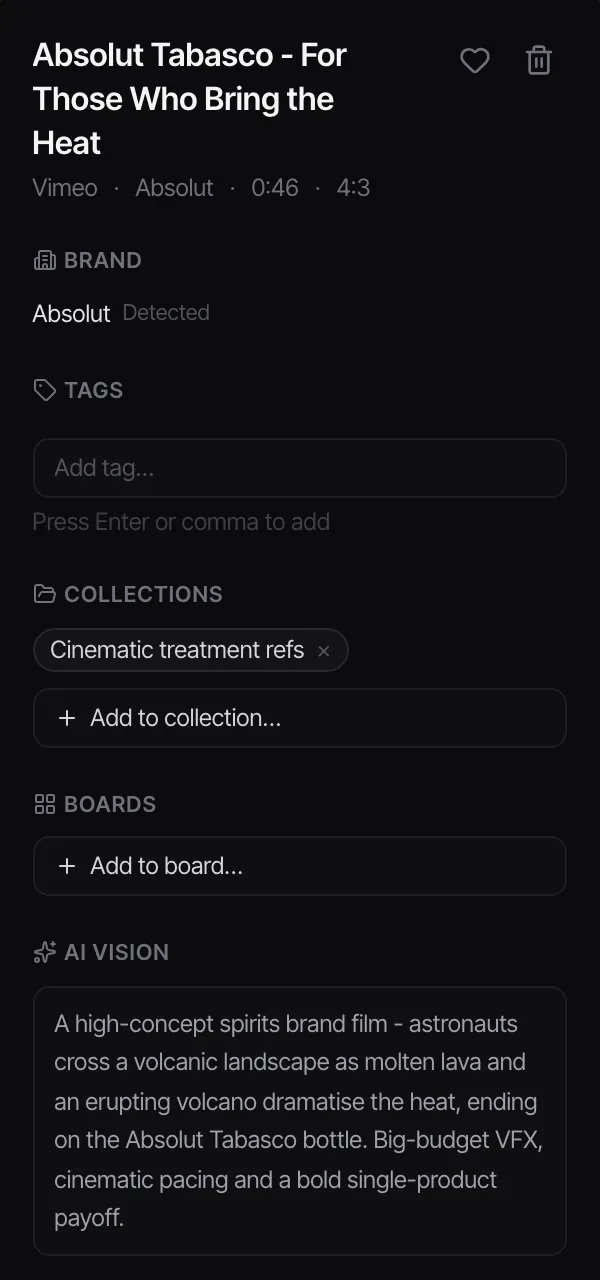

On Spark's Creator and Studio plans, every saved video also gets an AI description of what happens in it and a transcript of any speech. So a search for "man jumps onto a bus shelter" can find a clip you never tagged, which covers the gaps any tag list leaves. The tags stay yours; Spark doesn't add them.
Where to find great animation to study
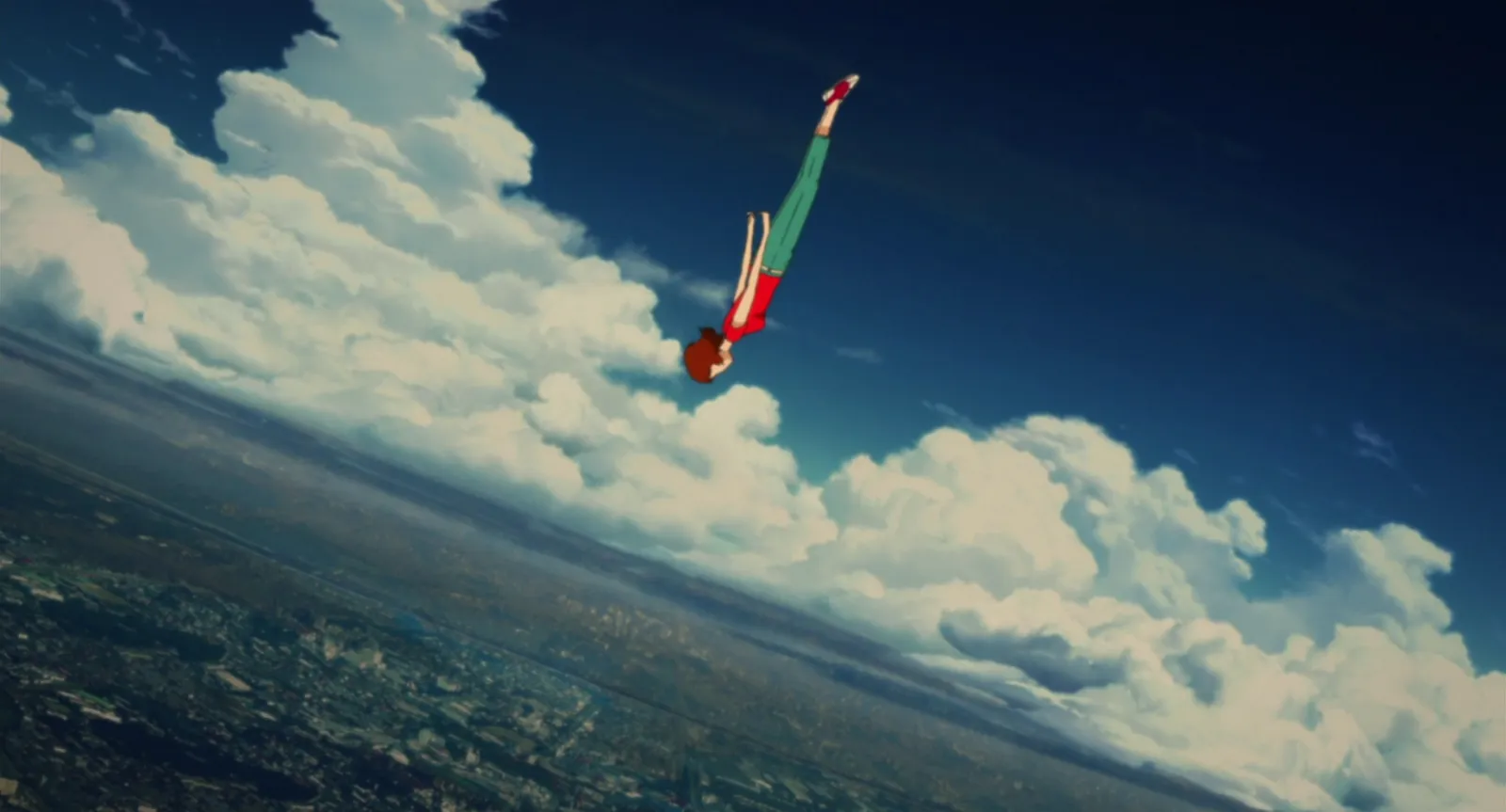
Sakugabooru is the best free source for 2D animation, mostly Japanese: a community archive of short cuts, tagged with the key animator who drew each one where it's known, plus the show and the type of effect. When we opened it in October 2026, the post list ran to more than 4,600 pages. Browse an animator's tag and you see their habits across years of work. Its companion Sakuga Blog explains who did what and why it matters.
The 11 Second Club has run a monthly character animation competition since 2007. Everyone animates the same short audio clip, so its archive of entries is a rare chance to see dozens of animators solve the identical acting problem.
Studio breakdowns and making ofs show the process behind finished motion work, often with the reference that fed it. Our list of motion design inspiration sites covers where they're published, from Motionographer to the studios' own sites.
Social feeds are where many animators post work in progress and reference side by side. Save those properly, not just to an app's Saved tab, where they vanish when the post does. Our guide to saving Instagram reels for inspiration explains how.
Keep reference next to the work
Reference only helps if it's on screen while you animate. For stills, PureRef floats a canvas of images above your animation software, and our roundup of PureRef alternatives compares the options. For video loops, a second monitor playing the GIF does the job.
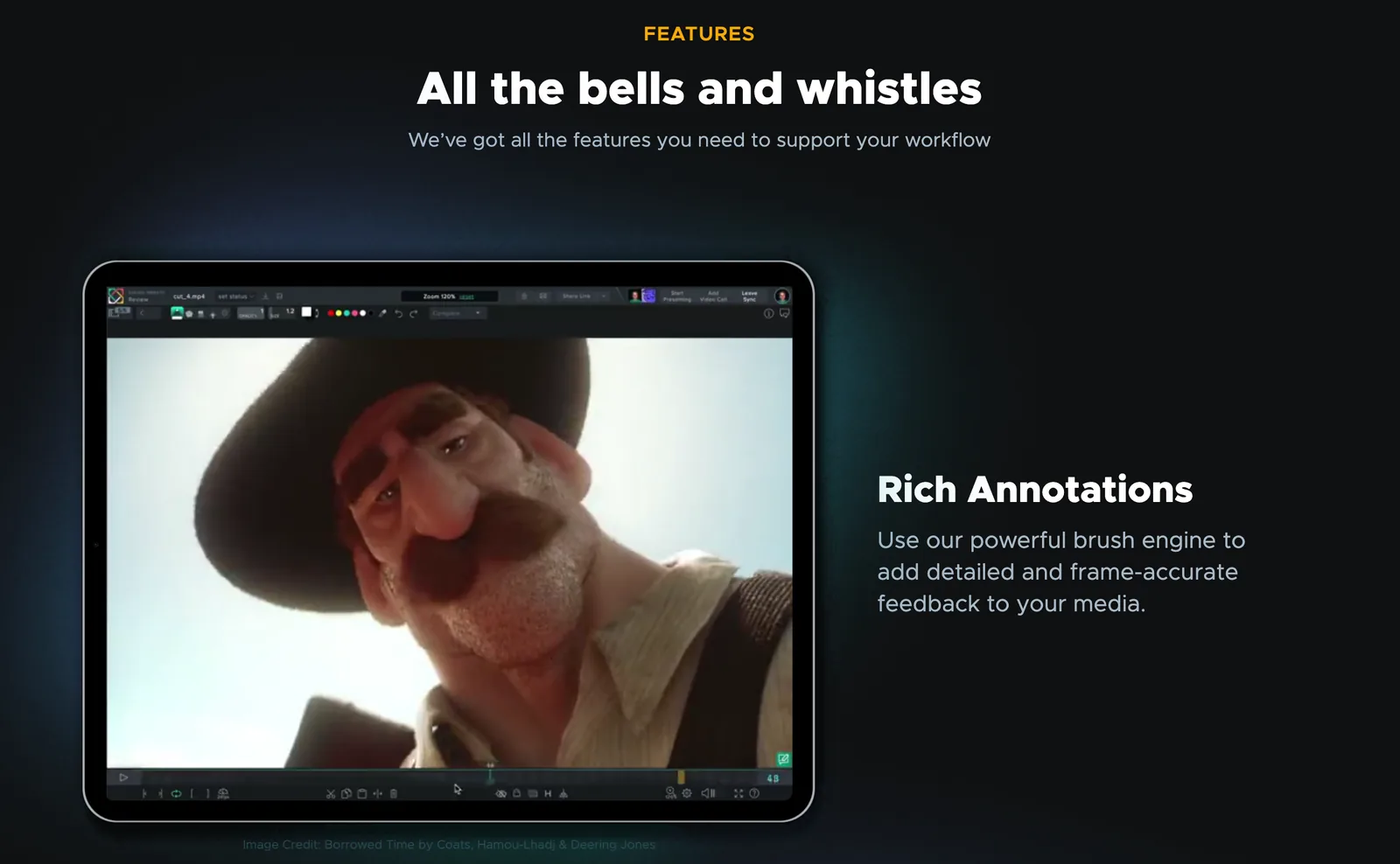
If a team is studying reference together, a review tool helps. SyncSketch lets people draw over frames of a clip and comment on them, which is ideal for an animation lead marking up arcs on a reference.
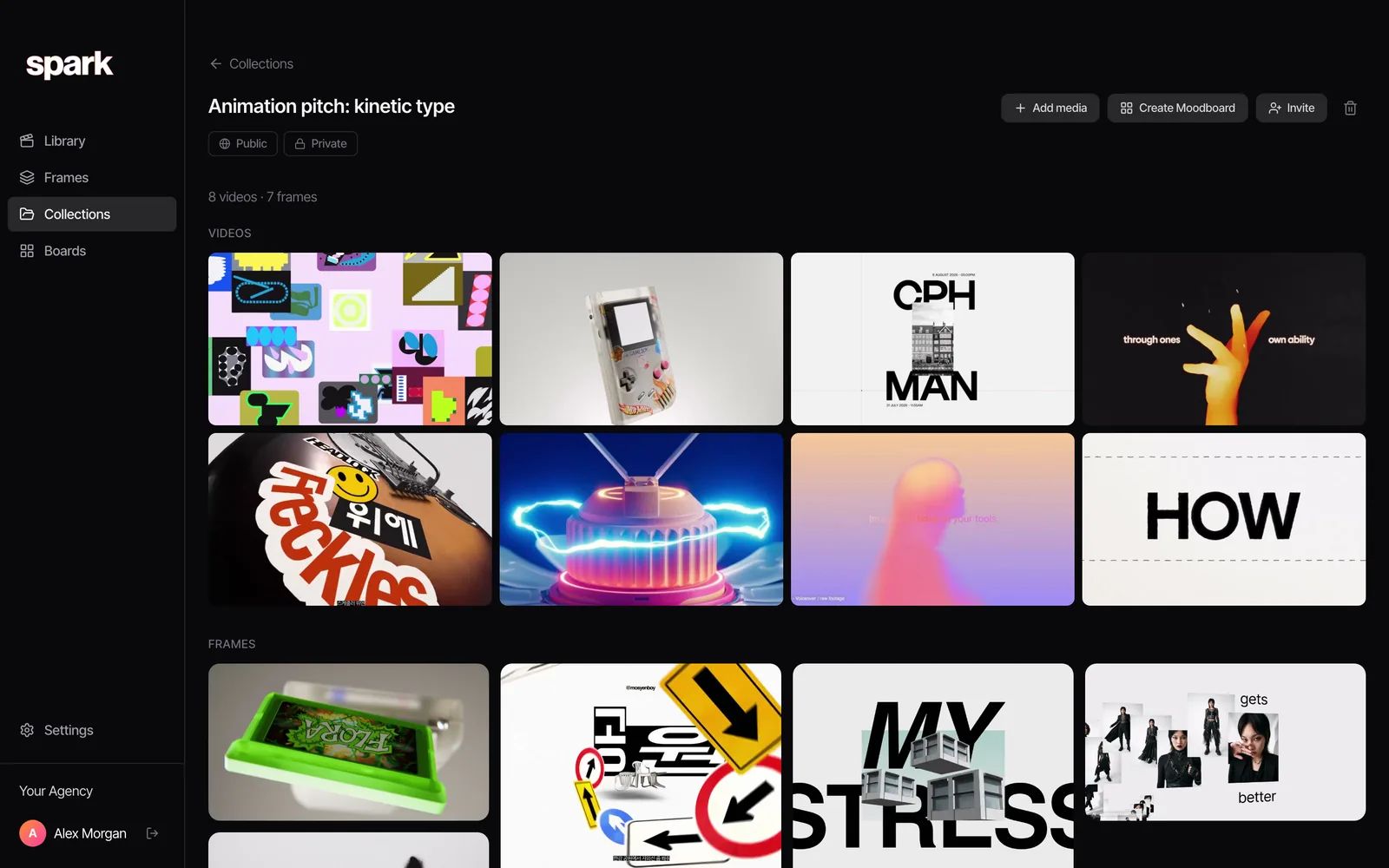
Spark is the library part: one place for your own acting takes (uploads stay yours to download again), the clips you've saved from Instagram, YouTube, Vimeo and TikTok, and the loops and frames you cut from them. A collection per shot or per project keeps the reference for a job together and shareable with the animator who picks it up next.
A note on credit. Studying other people's animation is how everyone learns, but it's still their work. Keep the animator's name on every clip, don't trace published animation into your own, and don't repost other people's clips as yours.
FAQs
What is animation reference?
Animation reference is footage animators study to get motion right: video of themselves acting a shot, real world footage for body mechanics, and other animators' work for timing and style choices. It's used as a guide to weight, timing and poses, not usually traced.
How do I film reference for animation?
Lock the camera off at the same angle as your shot, frame your whole body, and film at your project's frame rate (24 or 25 fps) at normal speed so frame counts carry over. Play any dialogue out loud while you act, and do several takes, pushing bigger and calmer.
Where can I find animation reference videos?
Sakugabooru is the best free source for 2D animation, tagged by key animator. The 11 Second Club's entries show many animators tackling the same audio. For mechanics, sport and dance footage and Eadweard Muybridge's motion studies are classic sources, and filming yourself is often best of all.
What's the difference between timing and spacing in animation?
Timing is how many frames a move takes. Spacing is how far the object travels between each frame. With the same timing, even spacing looks mechanical, while frames bunched near the key poses make the move ease in and out.
How do I step through a video frame by frame?
Most players have a frame step key. In Spark, comma steps back one frame and full stop steps forward, and the arrow keys jump 5 seconds. In YouTube's player, comma and full stop also step a frame while the video is paused, according to YouTube's keyboard shortcuts.
Should I organise animation reference by action or by film?
By action first, because that's how you search when you're animating ("heavy lift", "double take"). Add the animator's name as a second tag for 2D work, and the source film as a detail, not a folder.
Keep reading
All articles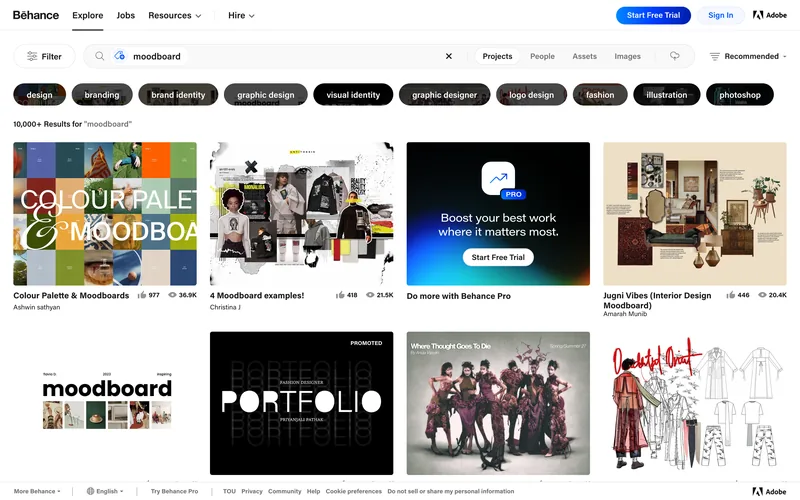
How to Save Behance Projects and Build a Moodboard From Them
Behance is one of the best places to find finished work with the thinking attached. Its Moodboards are a bookmark list, so here's how to use them, and what to do when a pitch needs more.
How to Save Pinterest Videos (Not Just the Pin)
Pinterest is brilliant at finding motion and quietly bad at keeping it. A board of video pins is a board of bookmarks to other people's uploads.
How to Save Vimeo Videos for Reference (When There's No Download Button)
Vimeo is where directors keep the work they're proudest of, usually with downloads switched off. Here's how to keep a reference without a download button.