How to Make a Seamless Looping GIF
A GIF plays its worst moment every two seconds: the cut from the last frame back to the first. We measured that jump on our own loops, then fixed it four different ways.
By the Spark team ·
A seamless looping GIF is one where the last frame flows straight back into the first, so nobody can see where it starts. There are four ways to get one. Cut on two frames that match, if the motion repeats naturally. Ping-pong it (play forward, then backward) if it doesn't. Crossfade the end into the beginning for soft, drifting footage. Or design the loop from scratch in After Effects with loopOut().
The cut on matching frames is the cleanest of the four and the fussiest, because it lives or dies on a single frame. That's why our free video to GIF converter moves its in and out points one frame at a time with the comma and full stop keys.
Loops end up on most moodboards, and we didn't want to wave our hands about which ones are seamless, so we measured them. The test is simple: compare the jump from the last frame to the first with the ordinary step between neighbouring frames. A seamless loop's seam is no bigger than a normal step. Ours weren't, at first.
We measured our own GIFs first
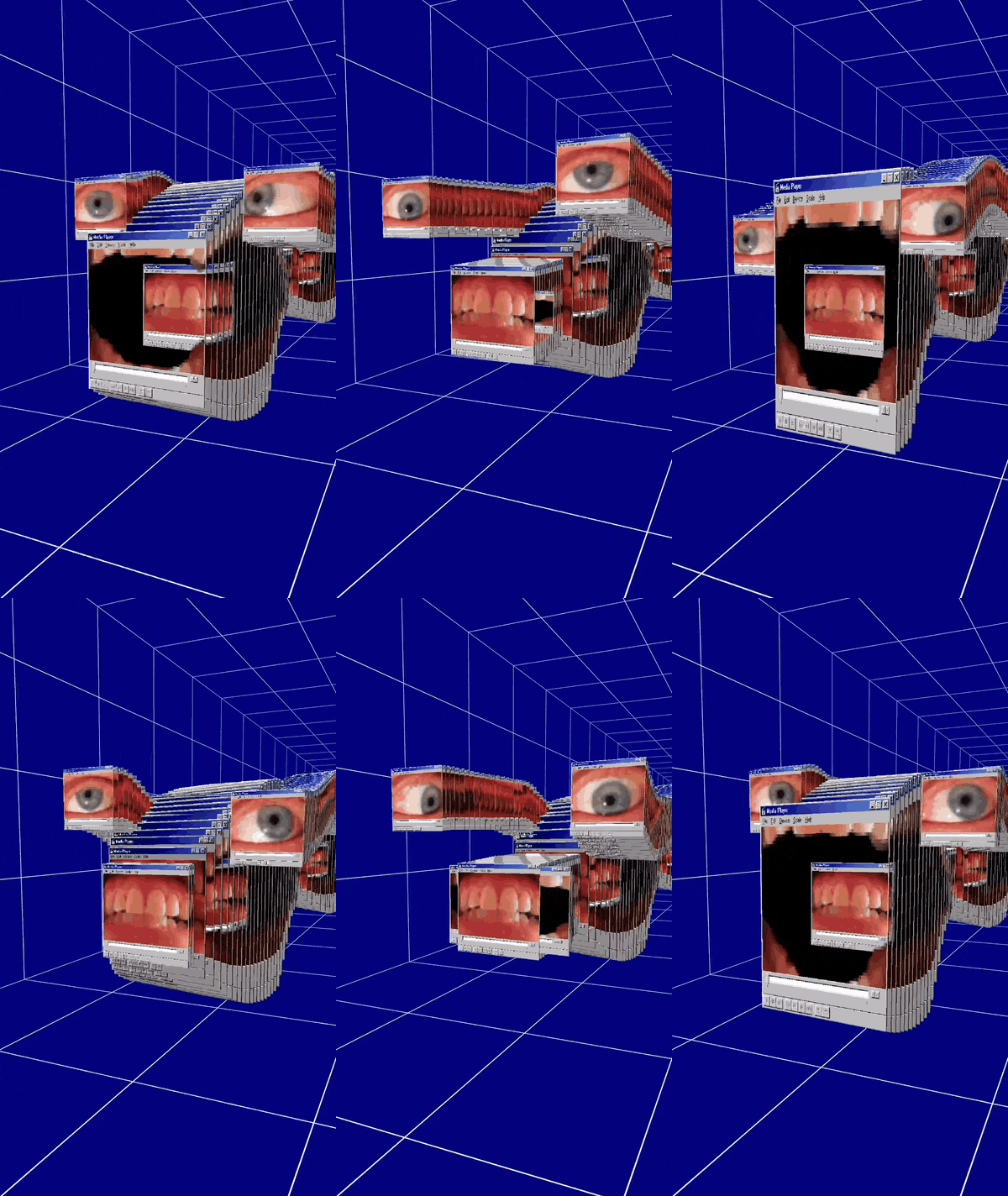
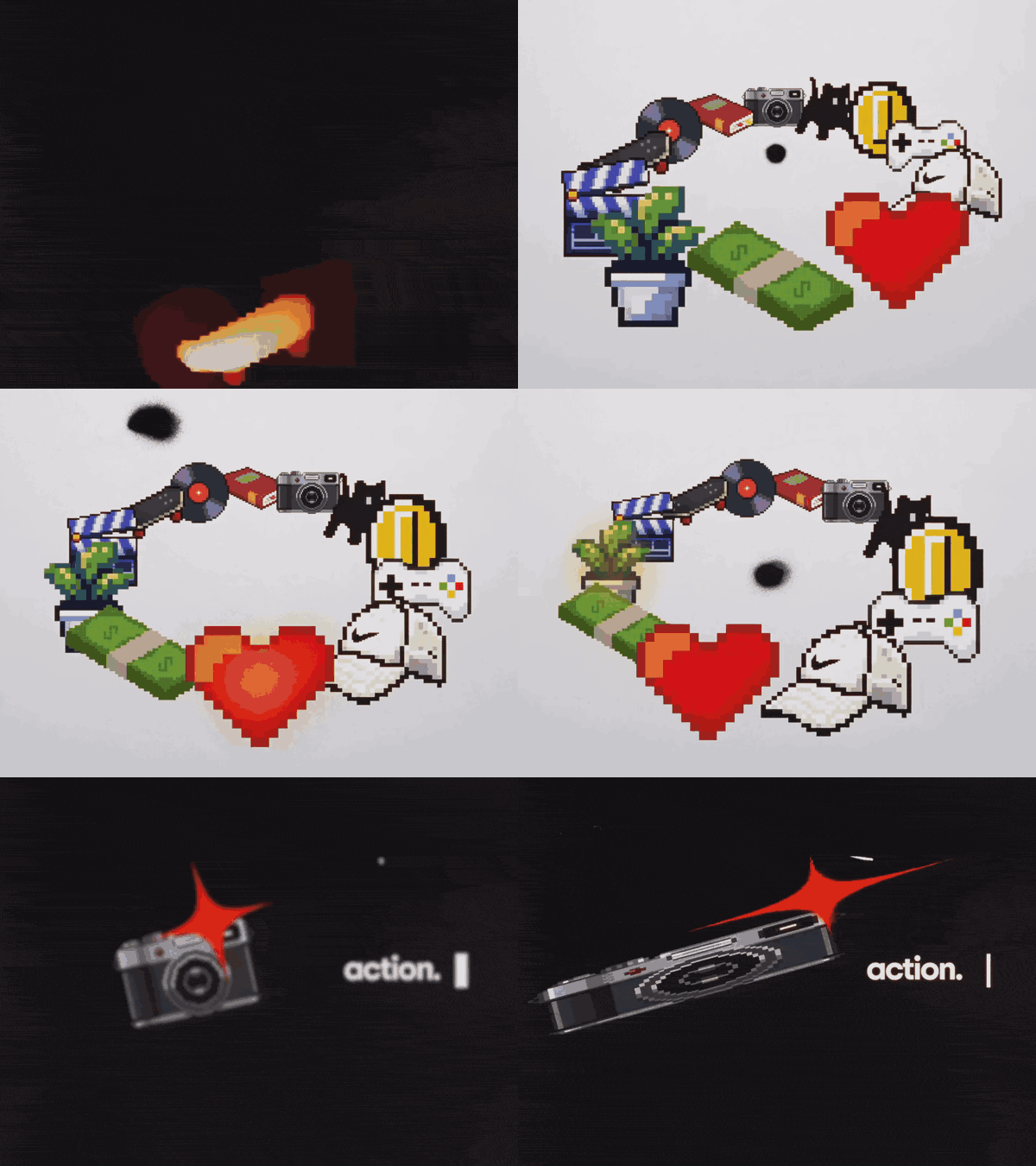
This blog has 24 short GIFs cut from films and reels we keep as references. We ran the seam test on all of them. Only one wrapped around with a jump smaller than its typical frame step: Jordan Watkins' Change, at 0.7 times. Most were between two and seven times. The worst, our loop of Oddfellows' film for Figma, jumps 34.6 times harder at the seam than it moves between ordinary frames.
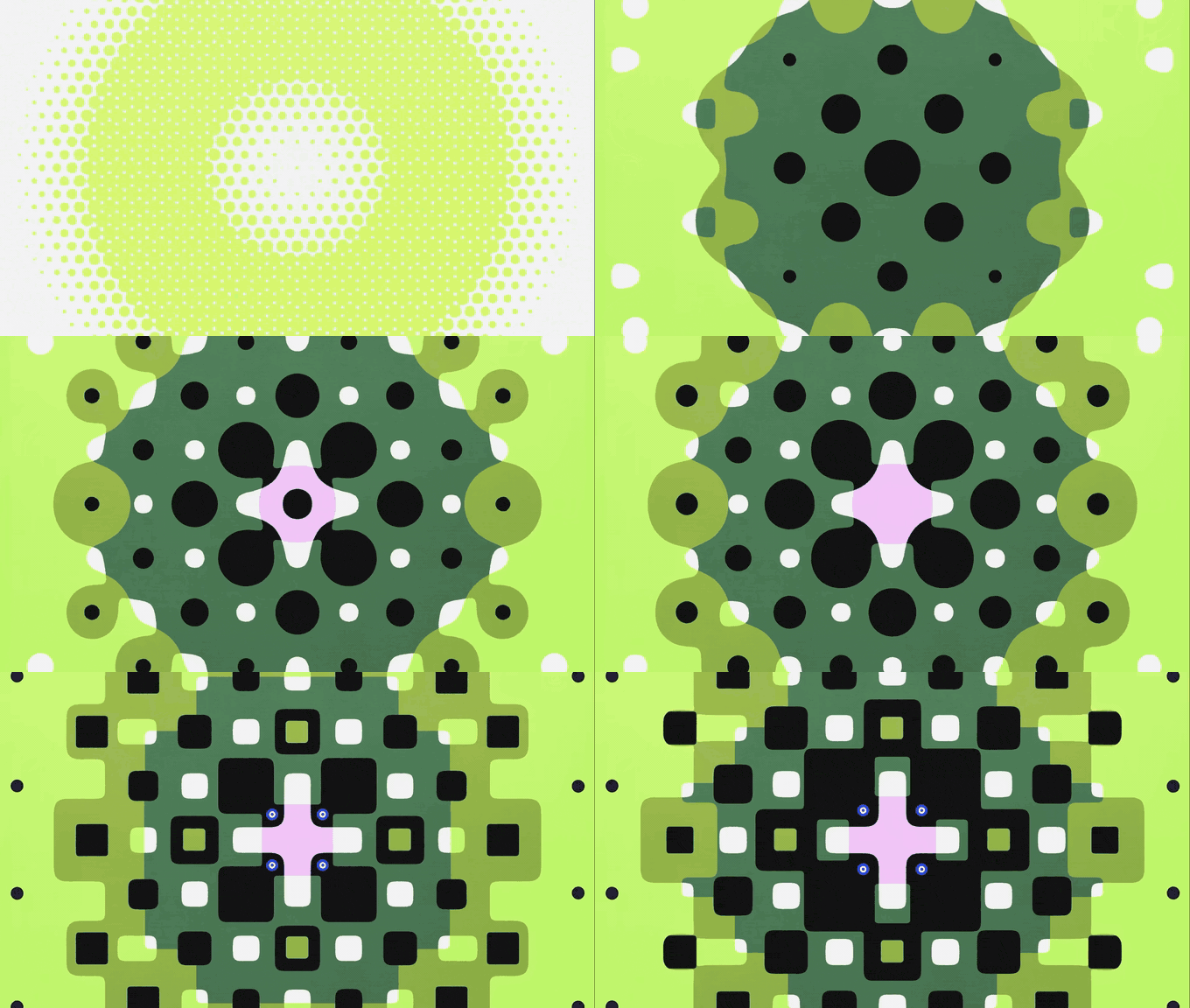
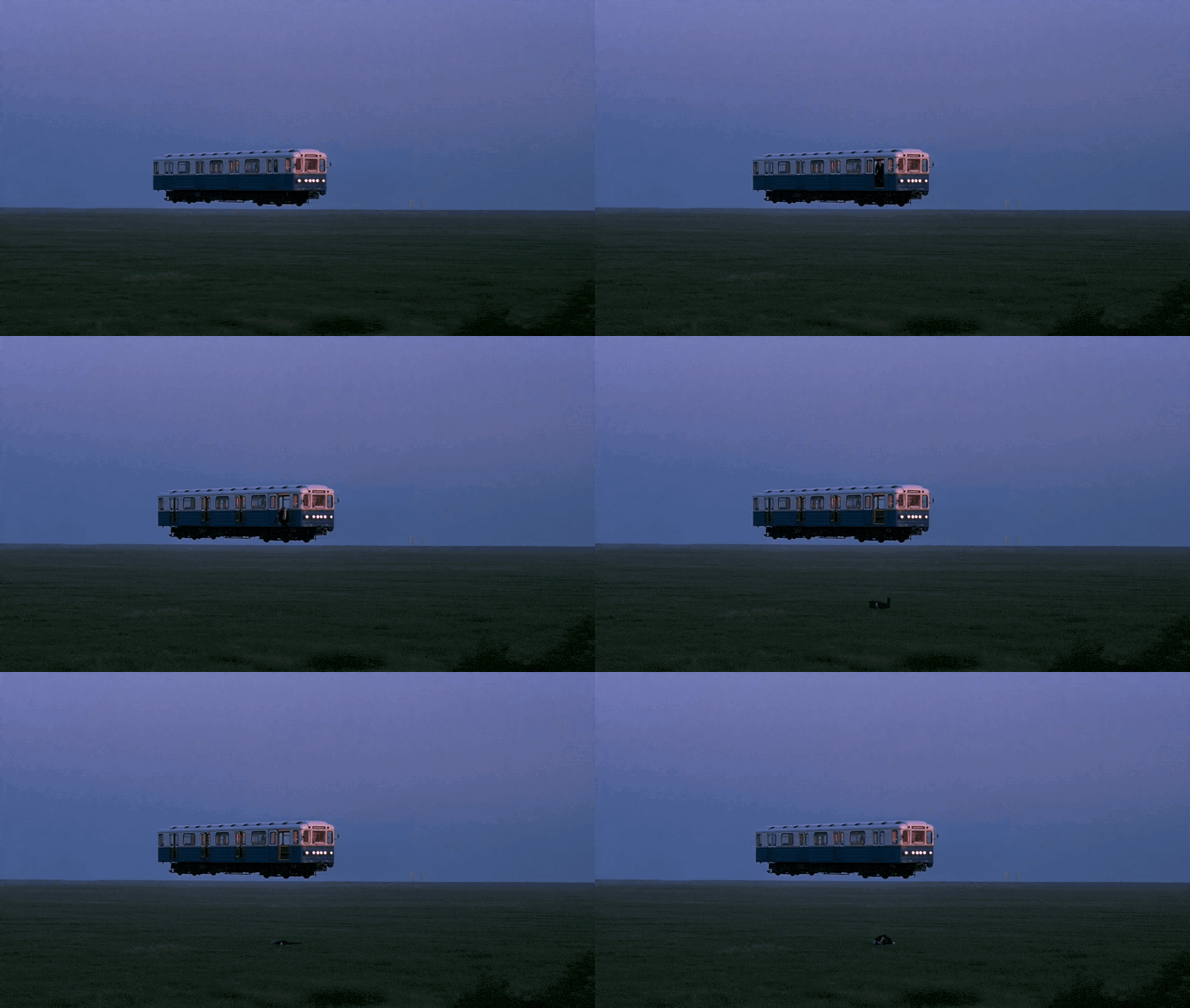
Two more results are worth knowing. The floating metro carriage barely moves (a median step of 0.09), so even a tiny seam of 2.32 is 25 times its normal motion, and you notice the pop on a near-still shot. And the spinning Game Boy in Daniele Giaquinto's Game Boy Flora, which is a natural cycle, still measured 2.0 times: close, but we cut it on the wrong frame. The lesson is that a jump is relative. Fast, busy footage hides a seam. Slow footage shows every one.
Why a loop jumps
Take 2.4 seconds of a slow camera move across a sky. Play it on a loop and the clouds drift for 2.4 seconds, then teleport back to where they started. Here it is, cut straight from Spark's own launch film:

The typical step between frames in that GIF measured 2.02, and the biggest 2.70. The seam measured 14.11, seven times the typical step. Put the last and first frames side by side and you can see why:

Every method below is a way of making that pair nearly identical. Which one you use depends on the footage.
The four kinds of loop
| Kind | How it works | Footage it suits | Where it fails |
|---|---|---|---|
| Matching frames | Cut where the motion returns to its start | Spins, walk cycles, swings, waves, pulsing lights | Anything that only moves one way |
| Ping-pong | Forward, then backward | Slow drifts, floating, breathing, hair in wind | People walking, traffic, falling water, text |
| Crossfade | Fade the end over the start | Clouds, smoke, water, foliage, light leaks | Hard-edged objects, which double up mid-fade |
| Designed | Animate it to end where it began | Motion design, logos, type | Live action |
Method 1: cut on matching frames
If something in the shot repeats, a wheel turning, a pendulum, a figure walking on the spot, a light pulsing, there's a frame later in the clip that looks almost exactly like your first frame. Cut the frame before it and the loop closes. It's the only method that leaves the motion untouched.
The difficulty is precision. At 25 frames a second, being one frame late means the start pose plays twice and the loop hiccups. Being one frame early means a tiny jump. So you need a tool that steps one frame at a time and shows you both ends.
Finding the frames in our converter
- Drop the clip into the converter. It reads the video's frame rate from the file, so each step is one real frame.
- Pick a distinctive pose for the start and press I to set the in point at the playhead (or drag the handle).
- Play on to roughly one cycle later and press O.
- Click the In card and look at the preview: it shows the selected point's frame. Then click the Out card and step it with comma (back) and full stop (forward) until the out frame is the one just before the start pose comes round again.
- Press Space to play the clip and watch the seam. Nudge, play, repeat.
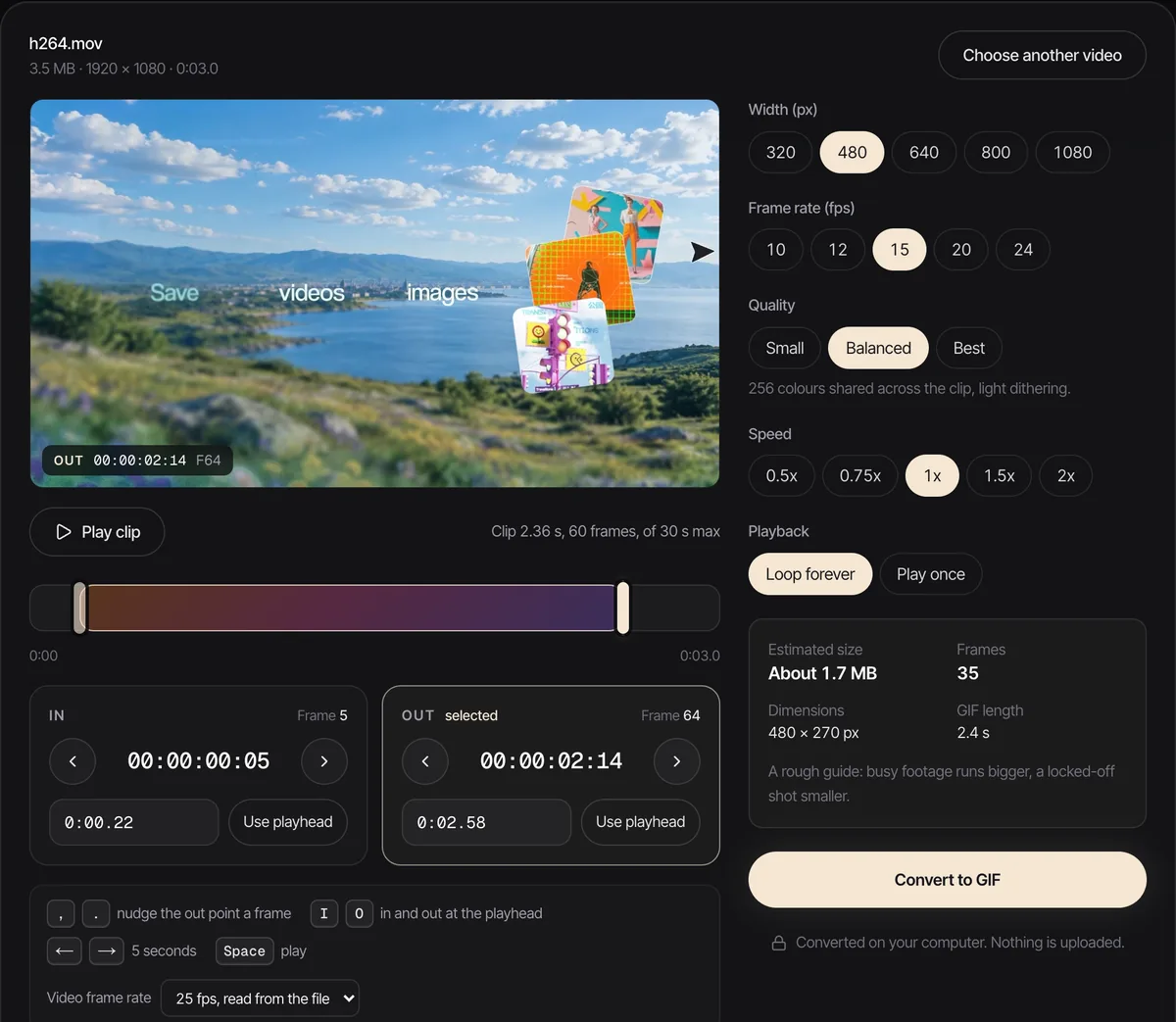
One detail that trips people up: the out point is included. In our screenshot, in at frame 5 and out at frame 64 gives a clip of 60 frames (64 minus 5, plus 1). So if frame 64 is the twin of frame 5, set the out point to 63.
Pick a frame rate that fits the loop
The converter turns 25 frames a second into whatever GIF frame rate you choose, and a loop only stays clean if its length divides evenly. A 2.4 second loop is exactly 36 frames at 15 fps. At 12 fps it's 28.8 frames, and our 12 fps export of that loop came out at 29, so the last frame lands a little late. For loops that matter, choose a frame rate where length times frame rate is a whole number, or trim the loop by a frame until it is.
When nothing matches
Some footage simply has no matching frames. We searched every start point and loop length between 0.8 and 3 seconds across all 1,550 frames of Spark's launch film. The best full-frame match still had a seam about three times its normal frame step, because a promo film is built from camera moves and cuts that never come back round. For footage like that, you need one of the next two methods.
Method 2: ping-pong
Play the clip forward, then backward. The last frame of the forward half is the first frame of the backward half, so there's never a jump in position. The giveaway is that the motion reverses, which looks natural for anything floating or drifting and silly for anything with a direction.

The ffmpeg version, on a clip that's already trimmed and scaled to size:
ffmpeg -i clip.mp4 -filter_complex "[0:v]split[f][r0];[r0]reverse,trim=start_frame=1:end_frame=13,setpts=PTS-STARTPTS[r];[f][r]concat=n=2:v=1,split[a][b];[a]palettegen=stats_mode=diff[p];[b][p]paletteuse=dither=bayer:bayer_scale=3" pingpong.gifThe trim matters. Our forward half was 14 frames, and the reversed half drops its first and last frame (keeping 1 to 12), otherwise the end frame and the start frame each play twice and the turns stick. Change end_frame to one less than your forward frame count. Ping-pong also doubles the frames, so start from half the length you want.
If the GIF is going into Keynote, you may not need to bake it in at all: the Movie tab's Repeat menu has Loop Back and Forth, as our guide to inserting GIFs into PowerPoint and Keynote explains. On iPhone, a Live Photo's Bounce effect is the same idea.
Method 3: crossfade the ends
For texture that drifts, clouds, smoke, water, a field of grass, fade the last half second of the clip over the first. When the fade finishes, the picture is exactly where the loop began.

This is the command we used on a 2.4 second clip. It removes the first 0.6 seconds from the main clip and overlays them, fading in, over the last 0.6 seconds, so the loop comes out 1.8 seconds long:
ffmpeg -i clip.mp4 -filter_complex "[0:v]split[body][pre];[pre]trim=duration=0.6,format=yuva420p,fade=t=in:st=0:d=0.6:alpha=1,setpts=PTS-STARTPTS+(1.2/TB)[fadein];[body]trim=start=0.6,setpts=PTS-STARTPTS[main];[main][fadein]overlay=eof_action=pass,fps=12,scale=300:-1:flags=lanczos,split[a][b];[a]palettegen=stats_mode=diff[p];[b][p]paletteuse=dither=bayer:bayer_scale=3" crossfade.gifFor a clip of a different length, keep 0.6 as the fade and set the 1.2 to the clip length minus twice the fade. Crossfades fail on anything with a hard outline: for half a second you see two of it. Keep them for soft subjects.
Method 4: design the loop
Motion designers don't hunt for loops, they build them. In After Effects, animate one cycle, make the last keyframe match the first, then add an expression to the property (Alt-click or Option-click its stopwatch):
loopOut("cycle")The expression reference lists four types: "cycle" repeats the segment, "pingpong" alternates forward and backward, "offset" repeats it while adding the change each time (useful for something that keeps travelling), and "continue" carries on at the last keyframe's speed instead of repeating. Make sure the comp ends one frame before the cycle repeats, for the same reason as Method 1. Our guide to exporting a GIF from After Effects picks it up from the render, and if the loop is part of a pitch, style frames is where that motion language gets agreed.
Keep it light once it loops
A loop gets watched three or four times, which is the point, but it also means every frame is paying rent. Trim to one cycle, not two. 300 to 480 px wide is enough for a deck or a moodboard; all three of our sky loops sit between 0.92 and 1.17 MB at 300 px and 12 fps. Our guides to reducing GIF file size and making a GIF without losing quality cover the rest. If the source is a MOV that won't open, see converting MOV to GIF.
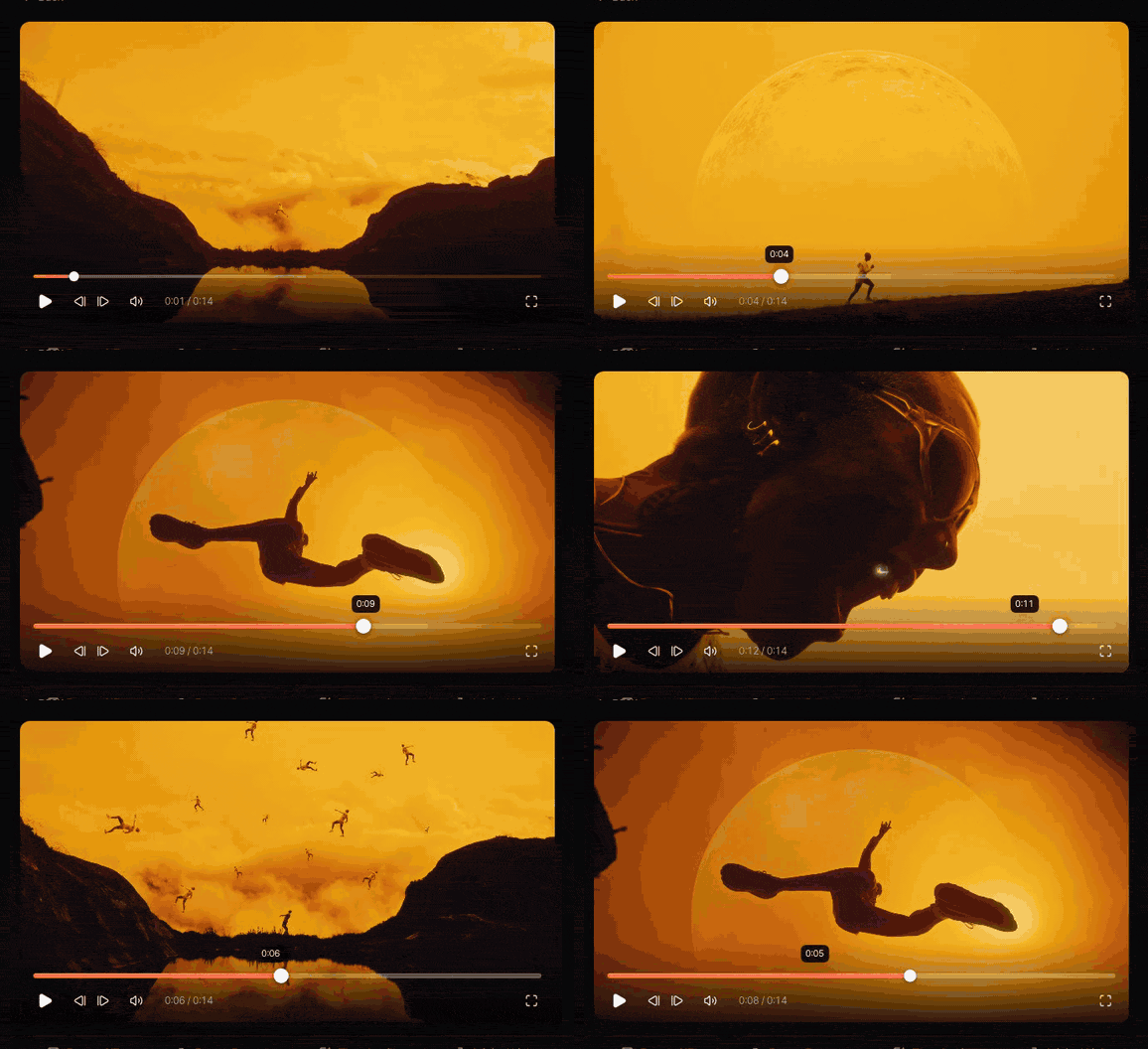
Loops earn their keep on moodboards, where six of them playing at once say more about pace than a page of notes. Our guide to building a video moodboard covers laying them out.
Finding loops in references you've saved
The best loops often come from someone else's film: the perfect spin in a product ad, a walk cycle in a music video. Those are references for a deck or a treatment, so credit the maker and keep them in-house.
In Spark, the player steps one frame at a time with comma and full stop, and J K L shuttles, so you can find the two matching frames in a saved reference. Then Export GIF trims it, nudges the in and out points by a second or a tenth, sets the frame rate and width, and saves the loop to Frames. For a frame-perfect seam on your own footage, the free converter's single-frame nudges are the finer tool.
FAQs
How do you make a GIF loop seamlessly?
Make the last frame flow into the first. If the motion repeats, cut on two matching frames and set the out point one frame before the repeat. If it doesn't repeat, play it forward and backward (ping-pong) or crossfade the end into the start. Motion design can be built to loop with loopOut("cycle") in After Effects.
Why does my looping GIF jump at the end?
The first and last frames are too different, so the loop teleports from one to the other. In our test a straight cut of a camera drift had a seam seven times its typical frame step. Trim to matching frames, or switch to a ping-pong or crossfade loop.
What is a ping-pong GIF?
A GIF that plays forward and then backward, so it never jumps in position. It suits slow, directionless motion like floating, drifting or breathing. Drop the duplicate frames at each turn or the motion sticks for a moment.
How do I make a perfect loop in After Effects?
Animate one cycle with the last keyframe matching the first, then Alt-click or Option-click the property's stopwatch and type loopOut("cycle"). Use "pingpong" to alternate direction or "offset" for motion that keeps travelling. End the comp one frame before the cycle repeats.
Do GIFs loop forever by default?
Most do, because the loop count is stored in the file and most tools set it to forever. ffmpeg does by default, and our converter has a Loop forever or Play once switch. A GIF that stops after one play was saved with a loop count; re-save it set to forever.
What frame rate is best for a looping GIF?
12 to 15 fps for most footage, but choose one that divides your loop evenly. A 2.4 second loop is exactly 36 frames at 15 fps, while at 12 fps it rounds to 29 and the seam lands slightly late.
Keep reading
All articles
GIF Size Limits for Slack, Email, Discord, LinkedIn and More (2026)
The limits are scattered across sixteen help centres, and Discord's changed as recently as August. We checked every one on the same day, linked the source, and left out anything we couldn't confirm.
How to Turn a Screen Recording Into a GIF (Mac and Windows)
Interface GIFs should be tiny and crisp, and most come out blurry and heavy. We recorded our own tools page, converted it a dozen ways and found the one thing that blows up the file.
How to Add a GIF to Keynote So It Actually Plays
Keynote is the kindest app to a GIF, right up until the file leaves your Mac. We built a test deck and exported it every way Keynote allows, so you know what arrives where.