
How to Save Pinterest Videos (Not Just the Pin)
Pinterest is brilliant at finding motion and quietly bad at keeping it. A board of video pins is a board of bookmarks to other people's uploads.
By the Spark team ·

To save a Pinterest video, open the pin and click Save to put it on one of your boards. That keeps the pin, not the video: if whoever posted it deletes it, it goes from your board too. Downloading is far more limited than for pictures. Pinterest only lets people download a full-screen (9:16) video pin when its creator has switched downloads on, and the copy carries the creator's username as a watermark. For every other video pin, there's no download.
So Pinterest is a fine place to find motion and a fragile place to keep it. Spark, the reference library we make, is built around that gap. Here's what Pinterest itself offers (all checked on Pinterest's help pages on 24 October 2026), how to find pins again, and how to keep the videos that matter.

Saving a video pin to a board
Pinterest's page on saving Pins to a board gives these steps. On a computer:
- Hover over the pin, or click it to open it.
- Click the arrow next to Save at the top right.
- Hover over a board and click Save, or click the plus icon to make a new board.
- For a new board, type a name, and switch on Keep this board secret if it's for a pitch you don't want on your profile. You can add collaborators here too.
In the app, tap the pin, tap Save at the bottom, and pick a board or Create new board.
Video pins save exactly like picture pins, which is part of the problem. On your board they look the same as everything else, so nothing tells you that this pin is a pointer to a video someone else can take down at any time.

Can you download a Pinterest video?
Mostly not. Pinterest's page on downloading an image covers picture pins: open the pin, click the ellipsis next to the image, choose Download image. It also says that not every pin can be downloaded.
Video is a narrower case. Pinterest's guide to creating a Pin from an image or video explains that creators choose whether people can download their full-screen (9:16) video Pins, with a Video Pin downloads switch under Social permissions in their settings. When it's on, a downloaded copy carries a watermark of their username at the bottom. When it's off, or the video isn't full screen, there's no download at all.
If you've noticed Pinterest video downloader websites and board downloader extensions, the short version is that we leave them alone. They scrape pages that weren't built to be scraped, they're thick with adverts, and an extension that grabs "any video" usually wants permission to read every site you visit. That's a lot of trust to hand over for a loop of ice cream.
Getting back to what you pinned
Your boards sit on your profile. Open one and you see its pins, split into sections if you made them. Board sections are worth the thirty seconds: a "Light" board with sections for practicals, window light and night exteriors is far easier to use than three hundred pins in one grid.
Name boards and sections by what you'd search for later, not by the project. "Food: slow pours" outlives "Client X pitch".

Three things Pinterest won't do for you:
- Search inside a video. Nothing in Pinterest finds a video pin by a line someone says in it, or by what happens after the first frame.
- Keep a removed pin. Pinterest's page on missing Pins or boards lists the reasons pins disappear, including content removed under its guidelines. A deleted pin can't be recovered.
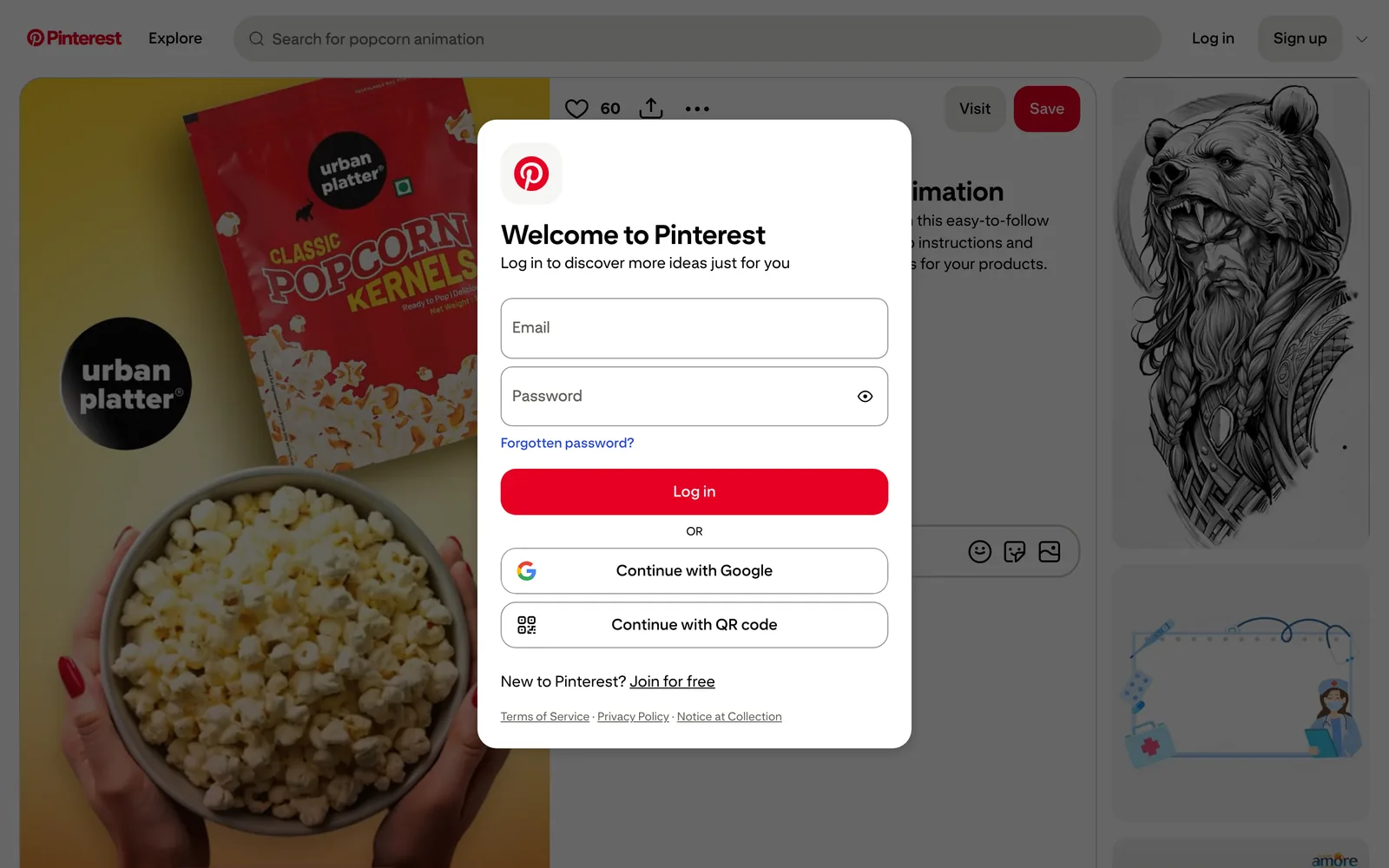
- Show a client. A secret board only opens for people you invite, and they need a Pinterest account. A public pin opens for anyone, but behind a log in prompt, as the picture above shows.
Why a board of video pins is fragile
A Pinterest board is a wall of bookmarks. That's perfect for discovery and ideas, and it's why Pinterest is free and fast. But it means three different parties can break your board without you knowing:
- The person who uploaded the video pin can delete it.
- Pinterest can remove it.
- The website the pin links to can change, so Visit leads somewhere else or nowhere.
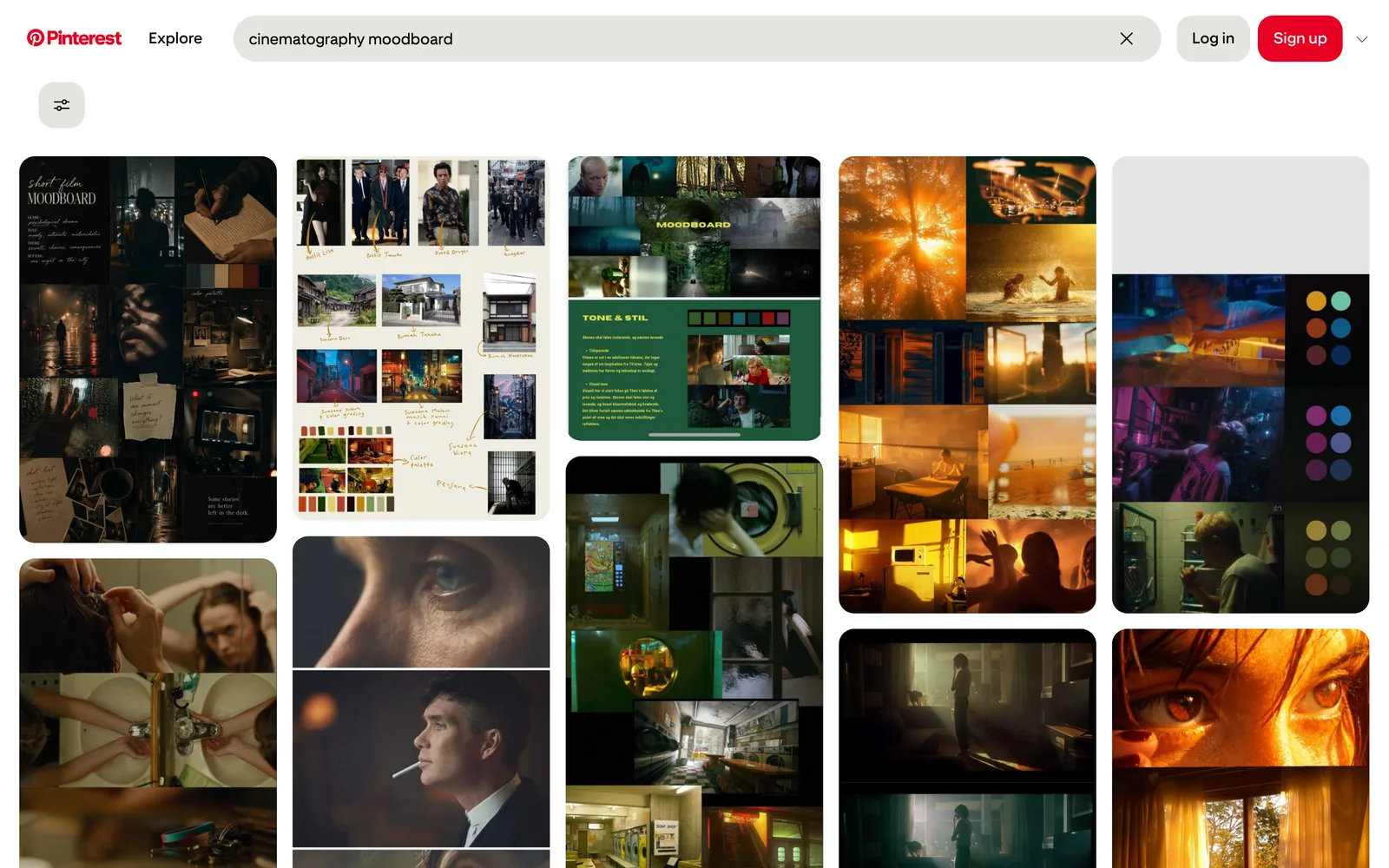
There's a fourth issue particular to Pinterest: a video pin may be an upload of someone else's film, three or four shares away from the source, with the credits long gone. Before a pin becomes a reference, click Visit or search for the film itself, and find who made it.
If a video matters, keep a copy. You can ask the maker for the file, record the pin with your computer's screen recorder (Shift-Command-5 on a Mac, Windows logo key + Shift + R on Windows 11), or save it into a library that keeps the video for you. There's more on recording well in saving a video from a website.
Saving Pinterest videos into Spark
Spark is a desktop app for Mac and Windows that keeps video and image references in one searchable library. With Pinterest, it does the bit Pinterest doesn't: it keeps the video.
| Route | Video pins | Picture pins | Whole boards |
|---|---|---|---|
| Pinterest Save to a board | A pointer on your board | A pointer on your board | Yes, that's what boards are |
| Pinterest's own downloads | Only full-screen pins whose creator allows it, watermarked | Download image, where offered | No |
| Spark Paste a pin link into Spark | Saved to the Library | Saved to Frames | No, one pin at a time |
| Google Chrome Spark's Chrome extension | Toolbar button on an open pin | Toolbar button, or right-click the picture | No |
| Spark bulk import (Studio) | Saved to the Library | Saved to Frames | Yes, from a public board |



Paste the pin's link
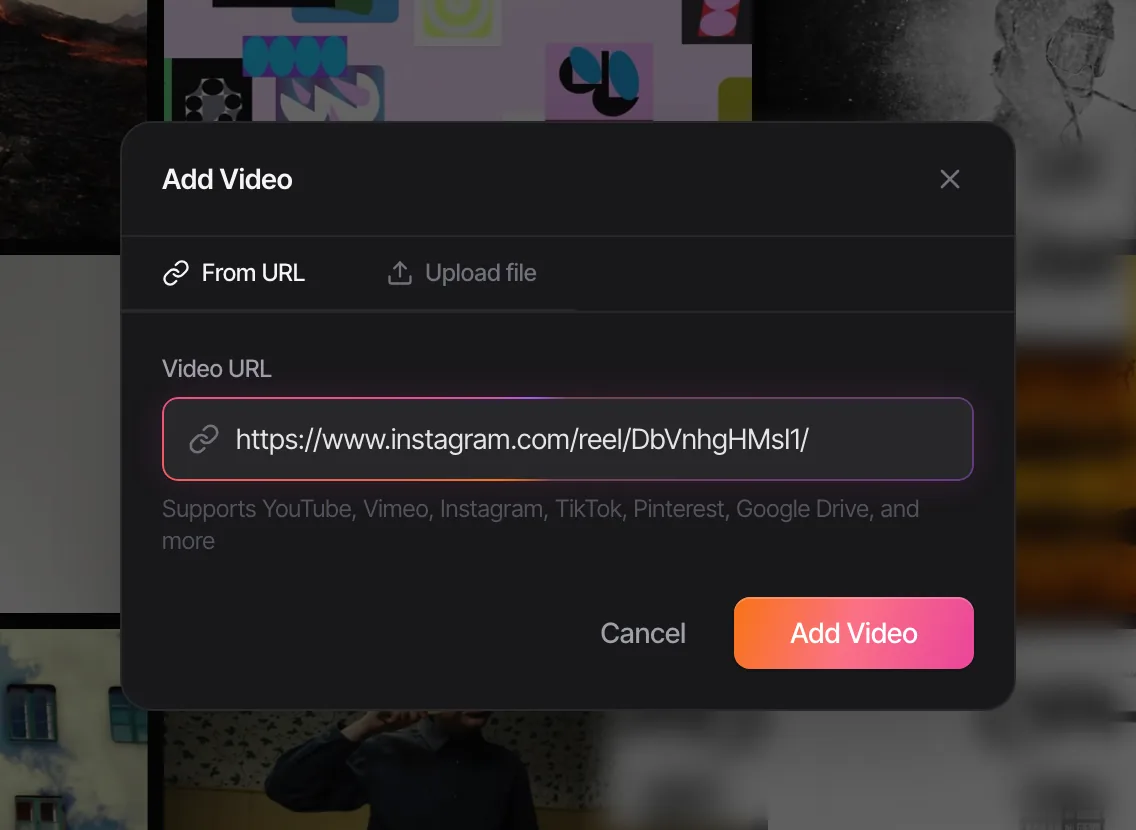
Open the pin, copy its link (from the browser's address bar or the Share menu; a short pin.it link works too) and paste it into Add Video in Spark. Spark reads the pin and works out what it is. A video pin is saved to your Library as a playable video with a link back to the pin. A picture pin is saved to Frames.
Or use the extension on the pin
In Chrome, Spark's extension works on the pin itself: open it, click the Spark icon in the toolbar and choose Add to Spark. The same rule applies: video pin to the Library, picture pin to Frames. You can also right-click any picture on Pinterest and choose Add to Spark to send it straight to Frames.
On Pinterest, the toolbar button only saves pins. Your home feed, a board, a search results page or a profile isn't a pin, and Spark will tell you so; open the pin you want first.
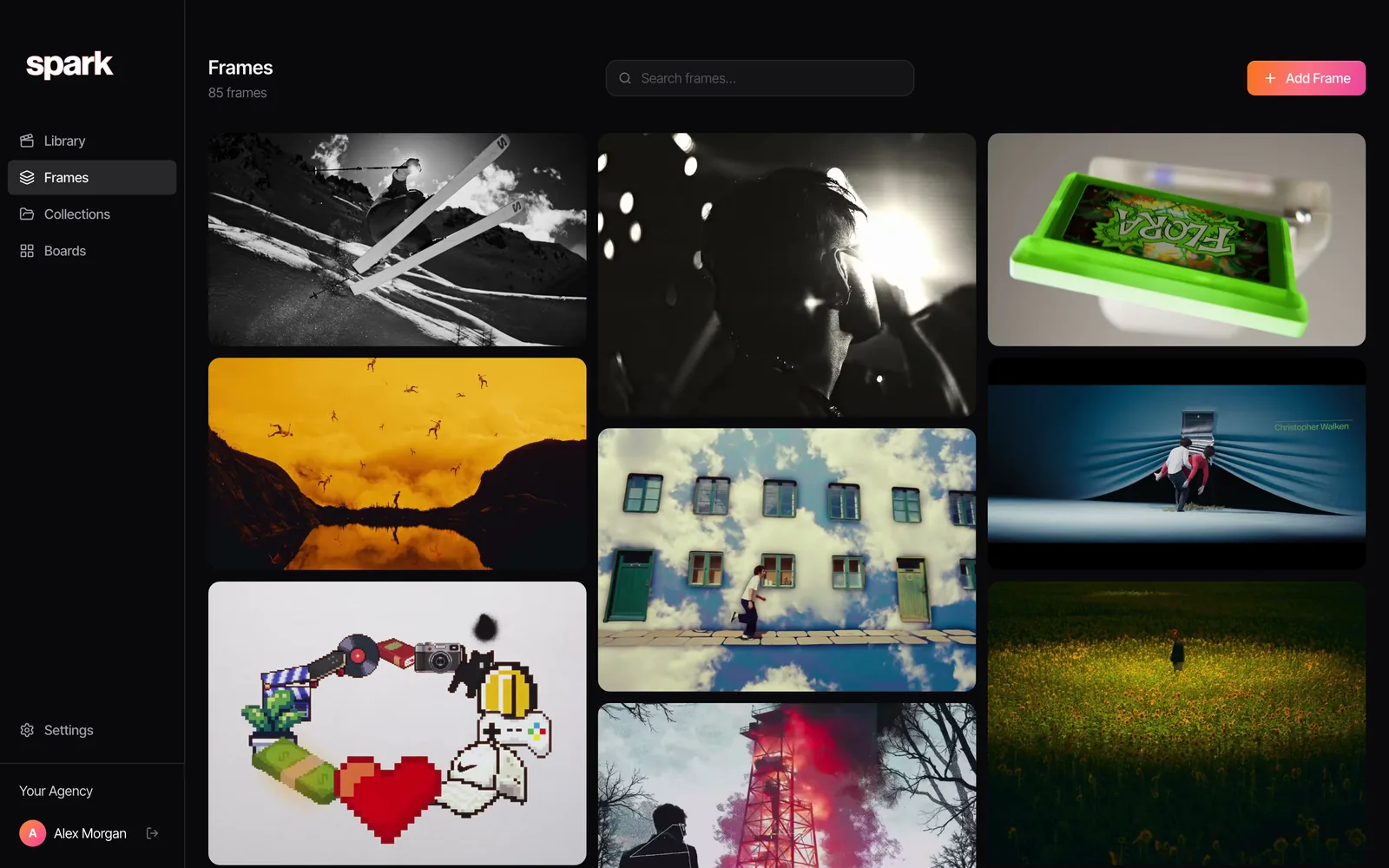
When Spark can't open a pin
Spark sees a pin the way a signed out visitor does. If a pin has been removed, there's nothing to save. And some newer pin links are ones Pinterest won't open for anyone signed out; Spark will say so. For a picture, right-click it on Pinterest in Chrome and choose Add to Spark. For a video, Spark's built-in screen recorder covers it: Add Video, then Screen recording.
Whole boards, on Studio
On the Studio plan, bulk import can bring in a public Pinterest board in one go, with video pins going to the Library and picture pins to Frames. On other plans it's one pin at a time, which is honestly not a bad discipline.
Then use them
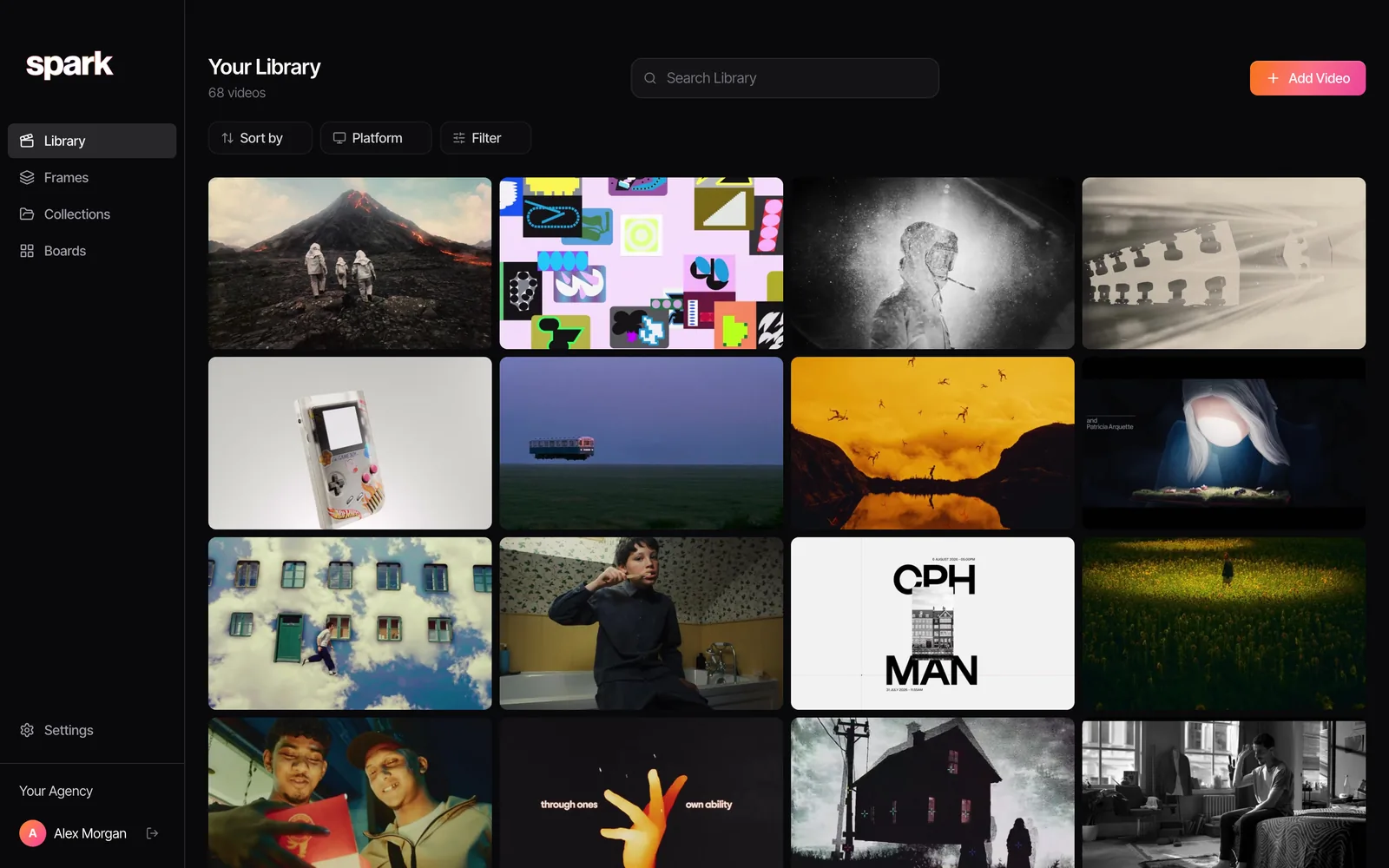
Paid plans add the part Pinterest can't do: Creator and Studio describe each saved video in words and transcribe its speech, so a search finds a pin by what happens in it. From any saved video, Export Frame pulls a still and Export GIF (also Creator and Studio) turns a moment into a looping GIF. A Spark board then holds the videos, frames, notes and writing for a project on one canvas, every video playing in place.
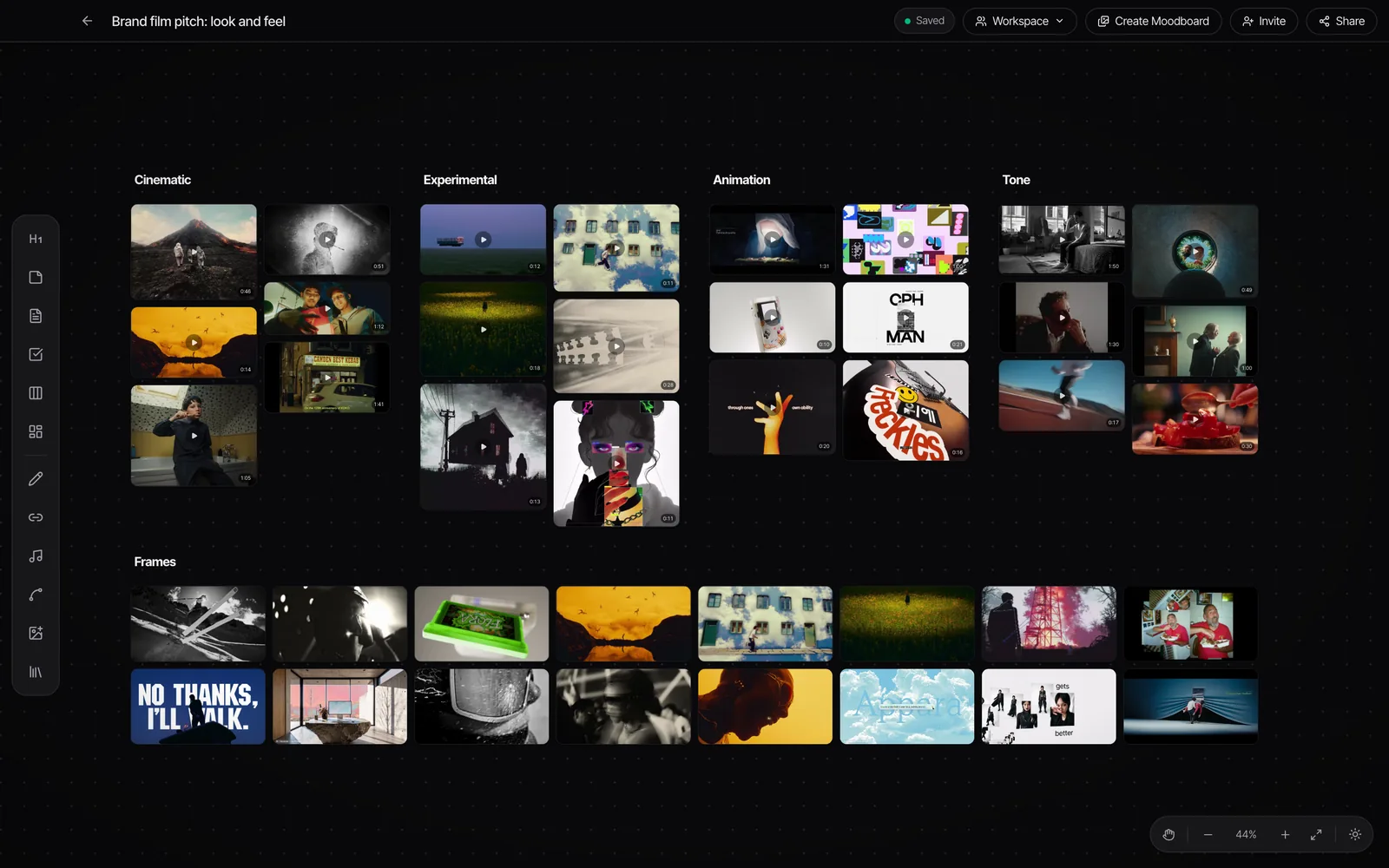
If you're working from a clip you've downloaded or recorded yourself, our free GIF converter makes the loop in your browser, and the moodboard maker lays pictures out as slides.
Pinning politely
Pinterest makes it very easy to forget that every pin is someone's work.
- Credit the maker, not the pinner. The director, studio, brand or photographer. If you can't find them, say so in your notes and don't present the reference as known.
- Keep it internal. Pins in a reference library are for research, pitches and treatments. They don't go on your website, in your social posts or in an ad.
- Respect the switch. A creator who left Video Pin downloads off chose not to hand out copies. Record for internal reference if you need to, and nothing more.
- Ask before anything public. If a reference is going to be seen outside the room, get permission.
For more on Pinterest itself, our comparison of Spark vs Pinterest goes through where each one wins, the best Pinterest alternatives for creatives covers tools for finding and keeping, and making a moodboard on Pinterest takes a board all the way to a deck. Fashion teams should also read our guide to building a fashion campaign moodboard, and if your references come from portfolio sites as well, see saving Behance projects.
FAQs
Can you download videos from Pinterest?
Only in a narrow case. Pinterest lets creators allow downloads of their full-screen (9:16) video pins through a Video Pin downloads setting, and downloaded copies carry the creator's username as a watermark. Other video pins can't be downloaded with Pinterest's own tools.
What happens to a saved Pinterest video if the original is deleted?
It goes from your board too, because a saved pin points at the original upload. Pinterest also removes pins that break its guidelines, and deleted pins can't be recovered. To keep a video for reference, save a copy into a library you control.
How do I save a Pinterest video to my computer?
If the creator has switched on downloads for a full-screen video pin, you can download it with their watermark. Otherwise, screen record the pin for internal reference, or paste its link into Spark, which saves the video into your library.
Why won't Spark save my Pinterest link?
Usually the link opens a board, a feed, a search or a profile, not a single pin. Open the pin itself and copy that link. Some newer pin links can't be opened signed out at all; for a picture, right-click it on Pinterest with the Chrome extension, and for a video, use Spark's screen recorder.
Can I save a whole Pinterest board?
Pinterest has no board export. In Spark, the Studio plan's bulk import can bring in a public board, with video pins going to the Library and picture pins to Frames. On other plans, save pins one at a time.
What's the difference between saving and downloading a pin?
Saving adds the pin to one of your boards, so you can find it later on Pinterest, and it still depends on the original. Downloading puts a copy of the picture (or, where the creator allows it, the video) on your device. For reference work you usually want both: the pin for its link, a copy for keeps.
Keep reading
All articles
How to Save Vimeo Videos for Reference (When There's No Download Button)
Vimeo is where directors keep the work they're proudest of, usually with downloads switched off. Here's how to keep a reference without a download button.
How to Save WhatsApp Videos to Your Computer (Mac and PC)
WhatsApp is where references get swapped and where they drown. Here's how to get a video out of a chat and onto your computer, and how to stop the good ones sinking.

How to Save Facebook Videos (and Find Them Again)
Facebook's Saved page is tidy, private and full of things you'll never open again. Here's how to use it properly, what it can't do, and where ads fit in.