
Free Shot List Template (With Examples for Music Videos, Ads and Interviews)
Fifteen columns, one row per shot, and three filled examples to steal from. Download the CSV, open it in Google Sheets or Excel, and start numbering.
By the Spark team ·
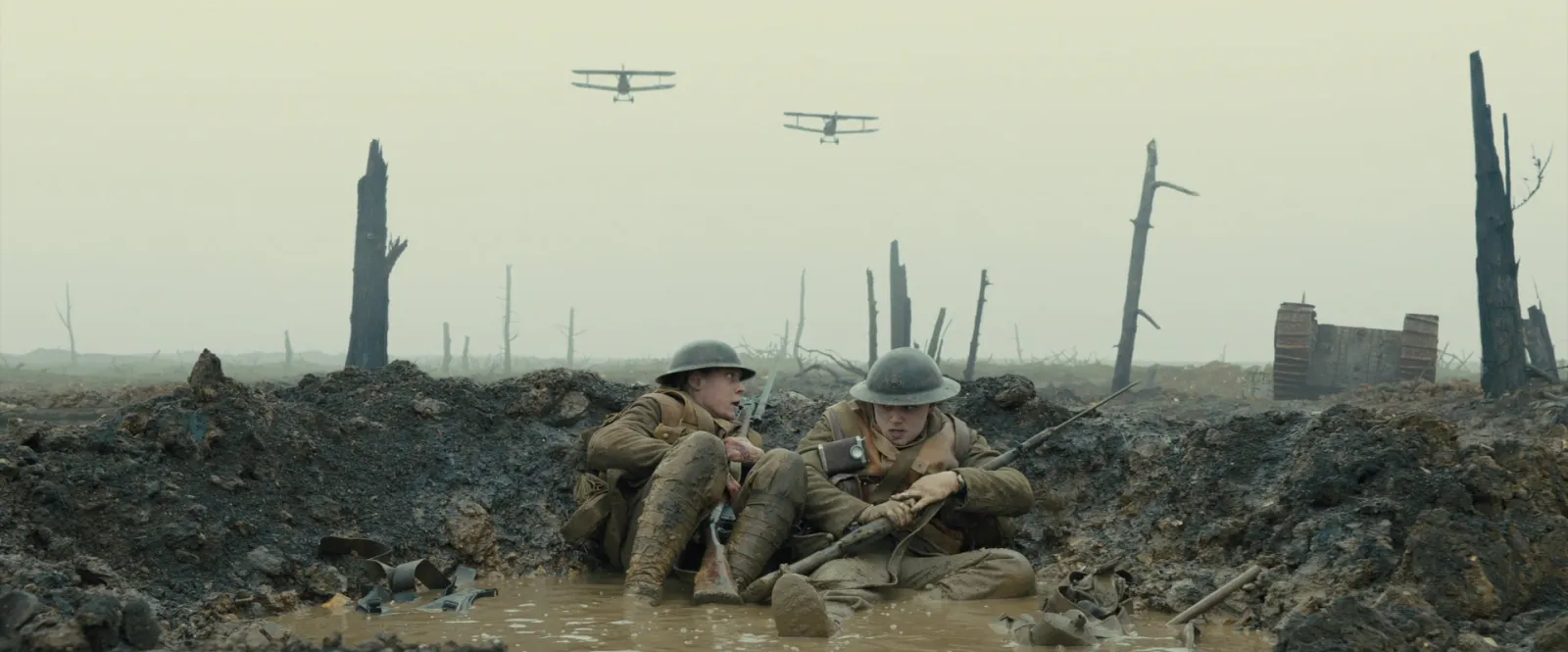
A shot list template is a table with one row per shot and a column for every decision the crew needs: scene, shot number, size, angle, movement, lens, frame rate, description, audio, a reference frame and link, location, cast, notes and priority. Copy the table below into Google Sheets or Excel, or download it as a CSV, and fill in one row per shot. Underneath are three filled examples: a music video, a 15 second vertical ad and an interview day.
We're the team behind Spark, and this is the sheet to hand a first AD. It's a spreadsheet on purpose. Anyone on the crew can open it on a phone, sort it by location and print it for the truck.
If you're starting from a folder of reference clips with no script, read how to build a shot list from video references first. It walks through a 30 second running ad from beats to finished list. This post is the template itself, and how it changes for other kinds of shoot.
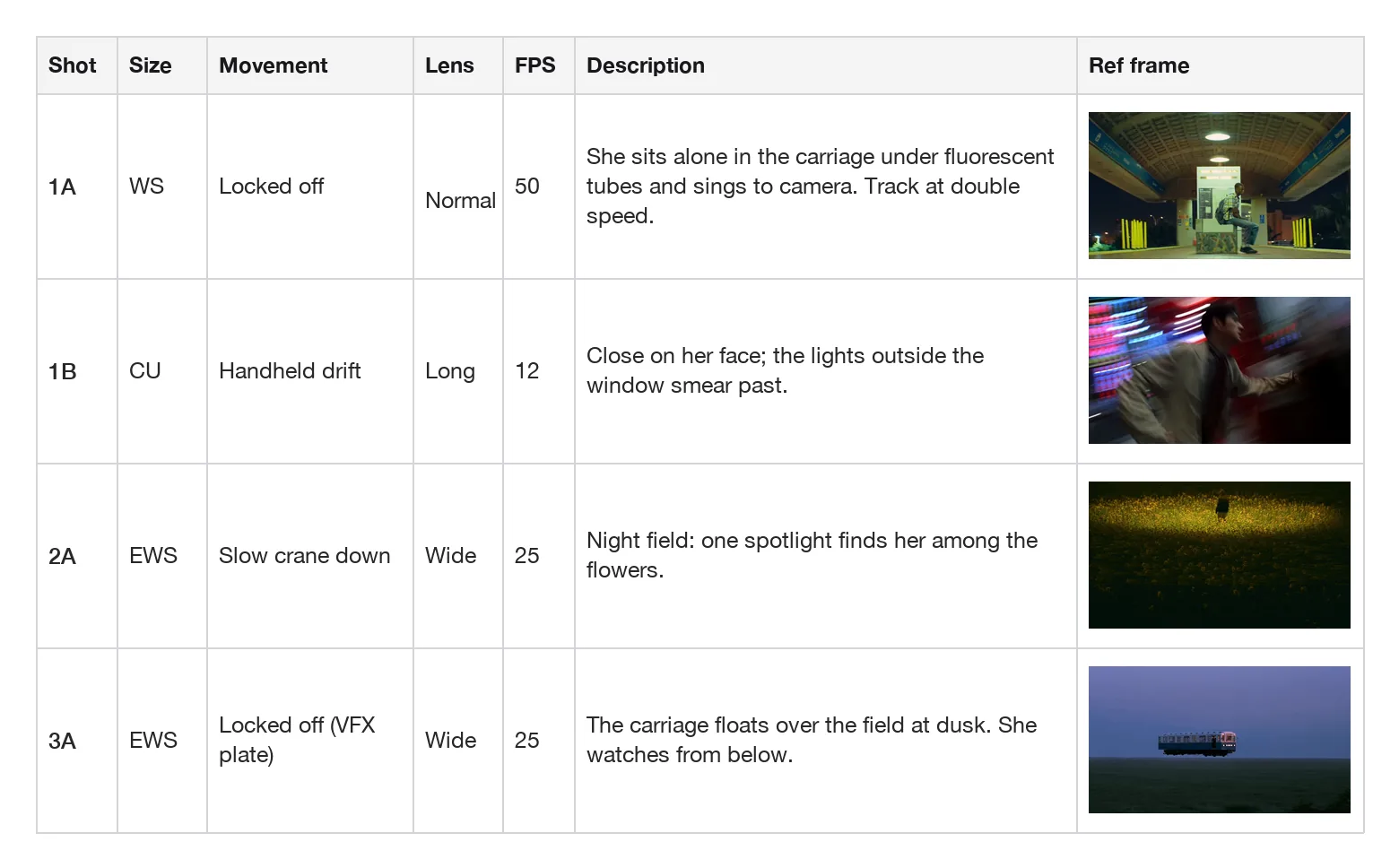
The shot list template (copy it or download the CSV)
One row per shot. Leave a cell blank when it doesn't apply, but keep the column, because the AD will sort and filter on it later.
| Scene | Shot | Size | Angle | Movement | Lens | Frame rate | Description | Audio | Ref frame | Ref link and timecode | Location | Cast | Notes | Priority |
|---|---|---|---|---|---|---|---|---|---|---|---|---|---|---|
| 1 | 1A | |||||||||||||
| 1 | 1B | |||||||||||||
| 2 | 2A |
The same columns as a header row, if you'd rather paste than download:
Scene,Shot,Size,Angle,Movement,Lens,Frame rate,Description,Audio,Ref frame,Ref link and timecode,Location,Cast,Notes,PriorityThe CSV file has those headers and one example row to overwrite. It's plain text, so it opens in Google Sheets, Excel, Numbers or Airtable without complaint.
What goes in each column
Scene and Shot
The scene number comes from the script or treatment; the shot is the scene plus a letter: 1A, 1B, 1C. Once a shot has a number it keeps it. Cut 1B and there is no 1B. Stable numbers let the camera report, the edit and the call sheet point at the same shot.
Size
How much of the subject fills the frame. Use the abbreviations crews already know: EWS, WS, MWS, MS, MCU, CU, ECU, plus INSERT for objects and hands. One size per row; if the camera moves from wide to close, write the start and the end ("WS to CU") and let Movement explain how.
Angle
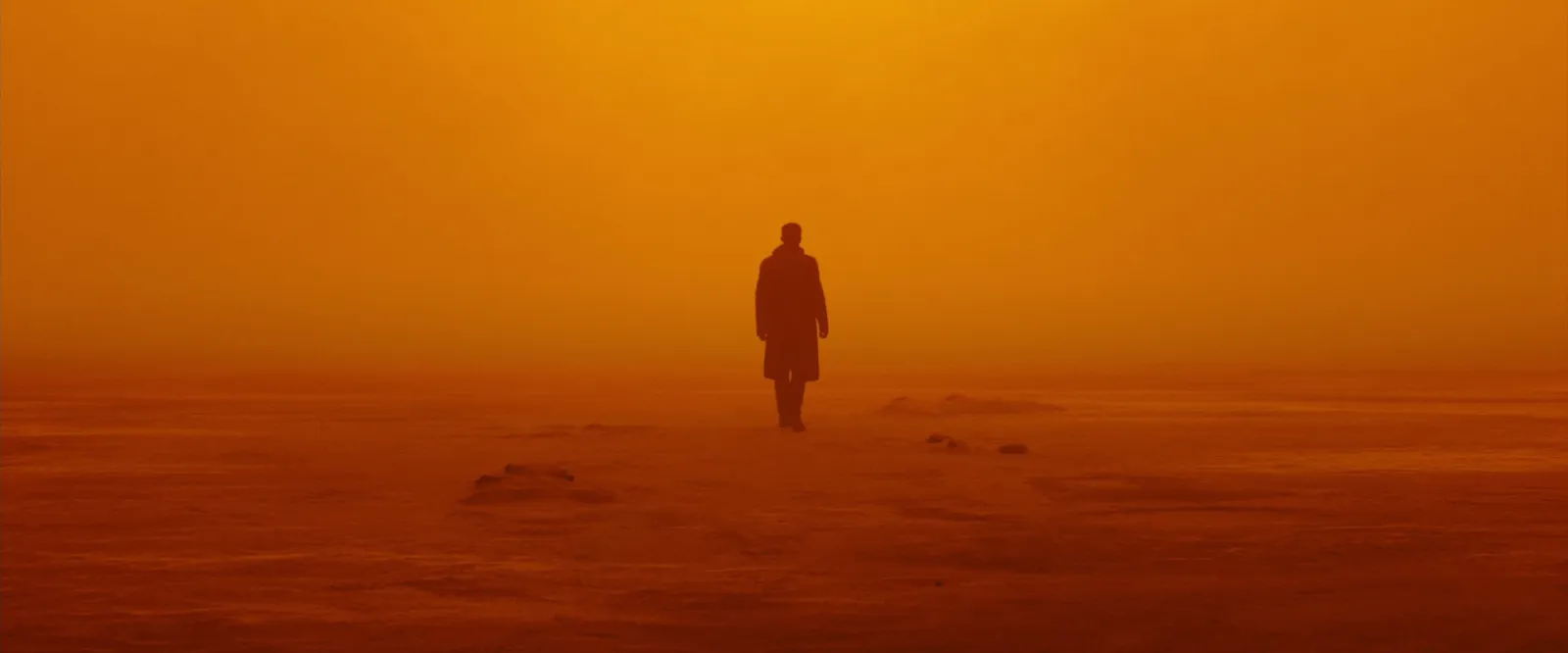
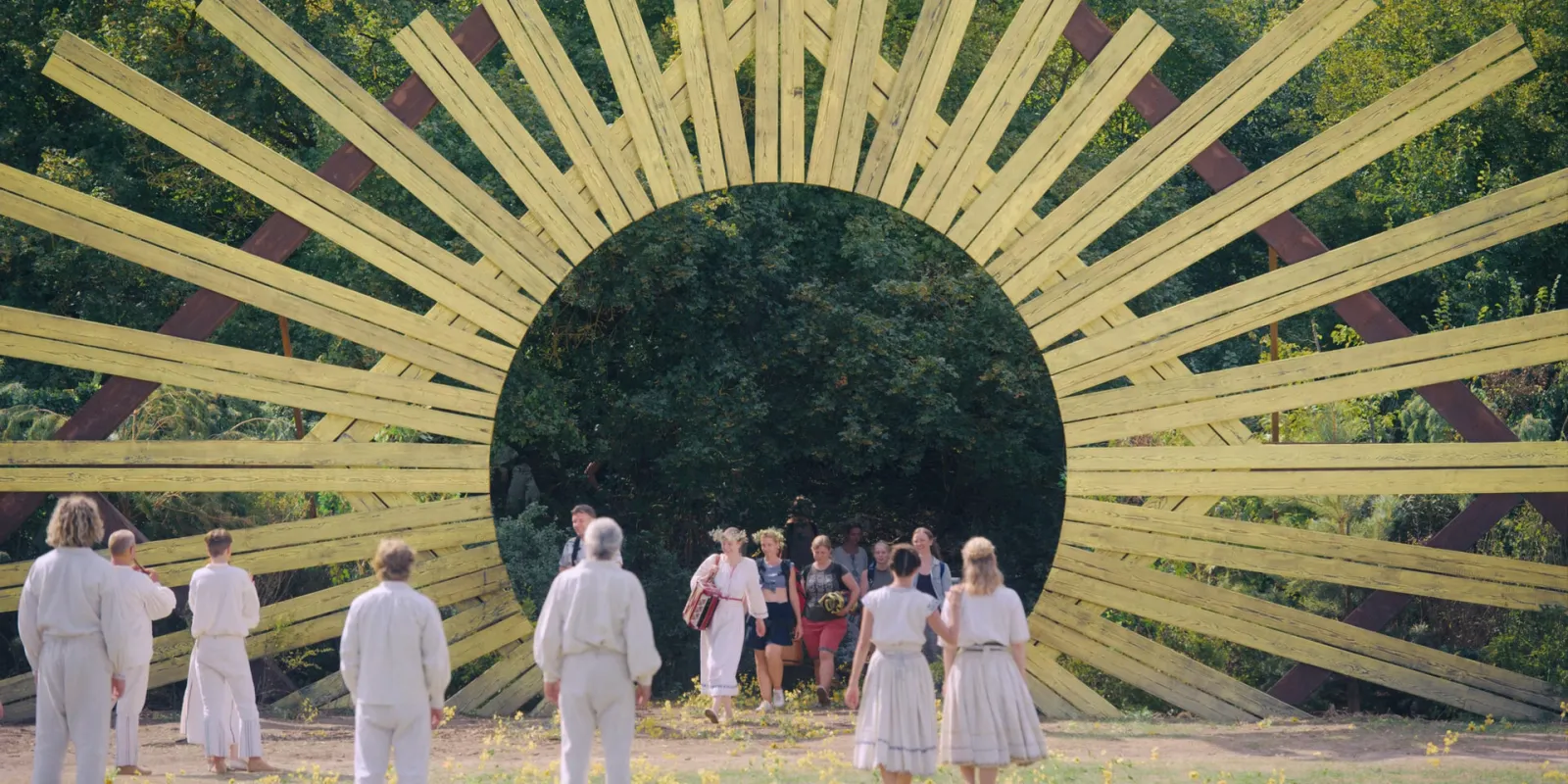
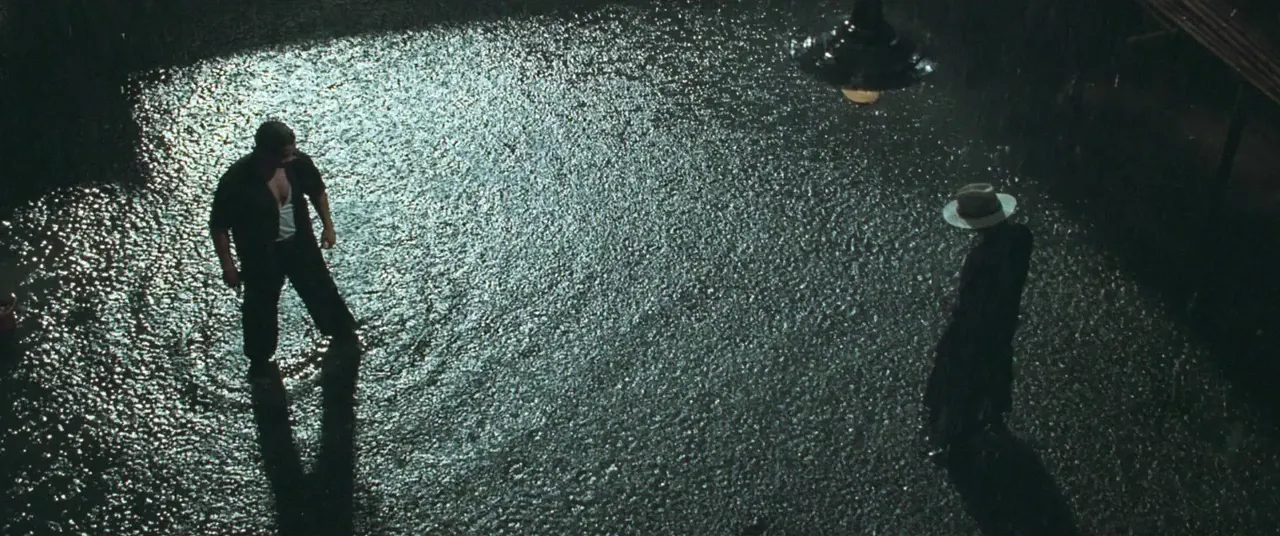
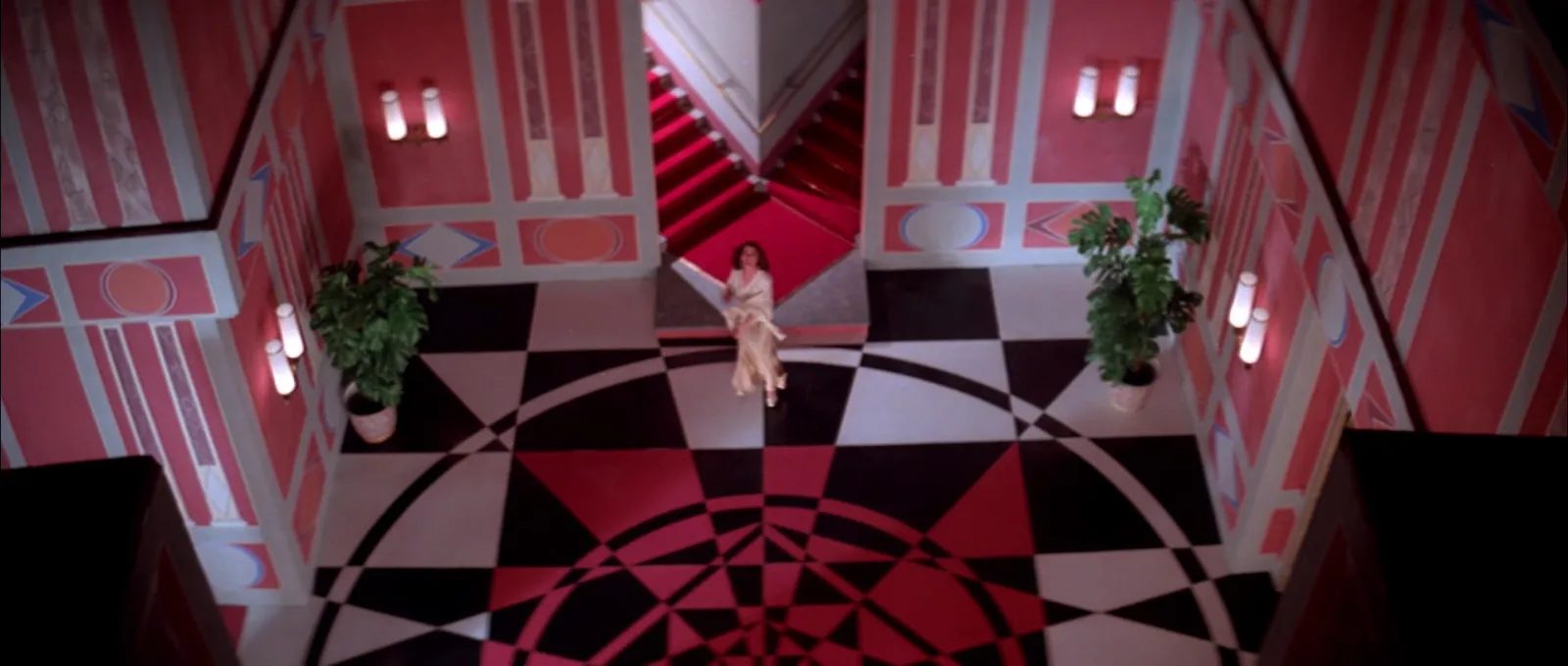
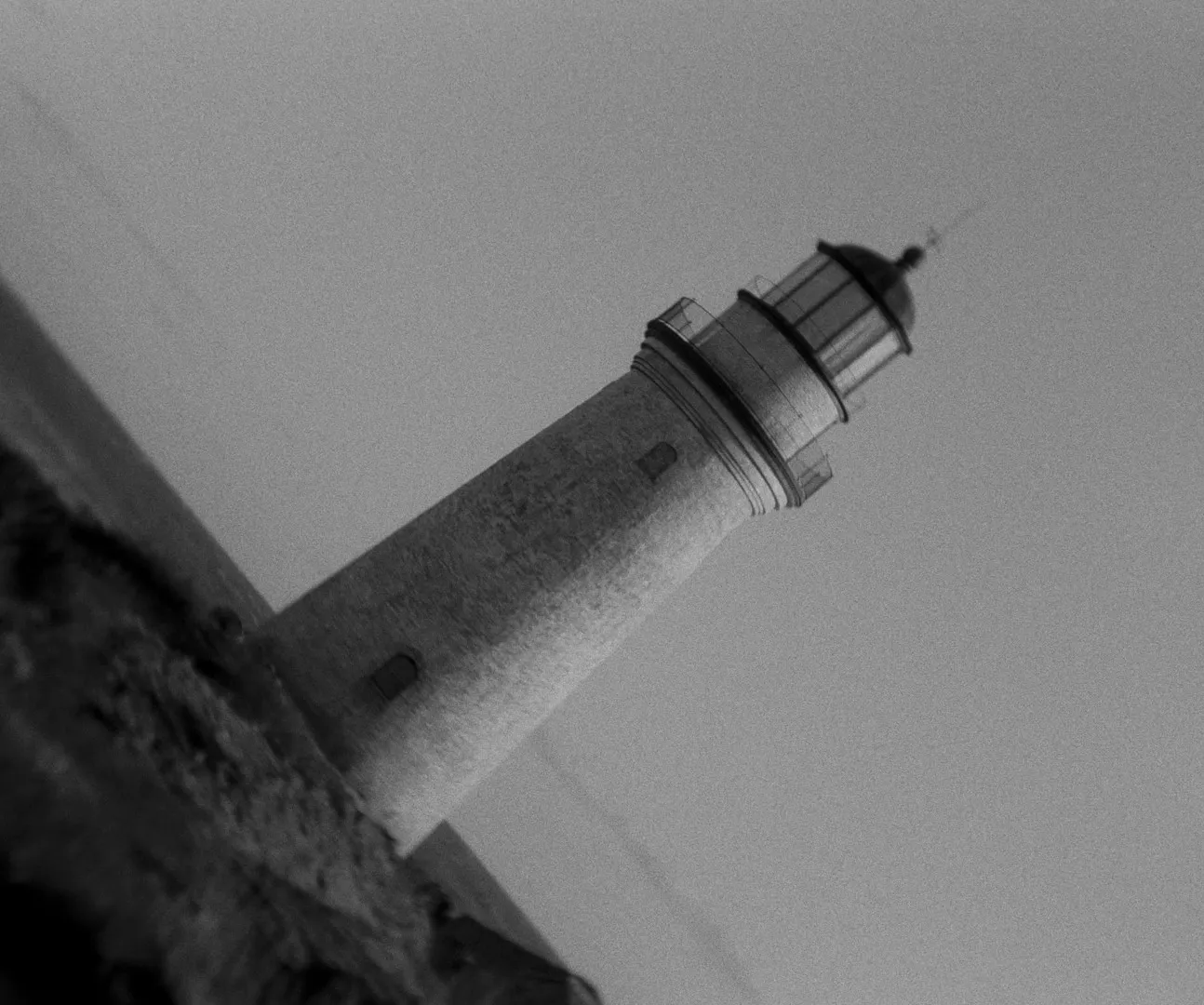
Where the camera sits: eye level, low, high, overhead (or top down), Dutch for a tilted horizon, POV or over the shoulder. Angle changes how a person reads, so it gets its own column.
Movement
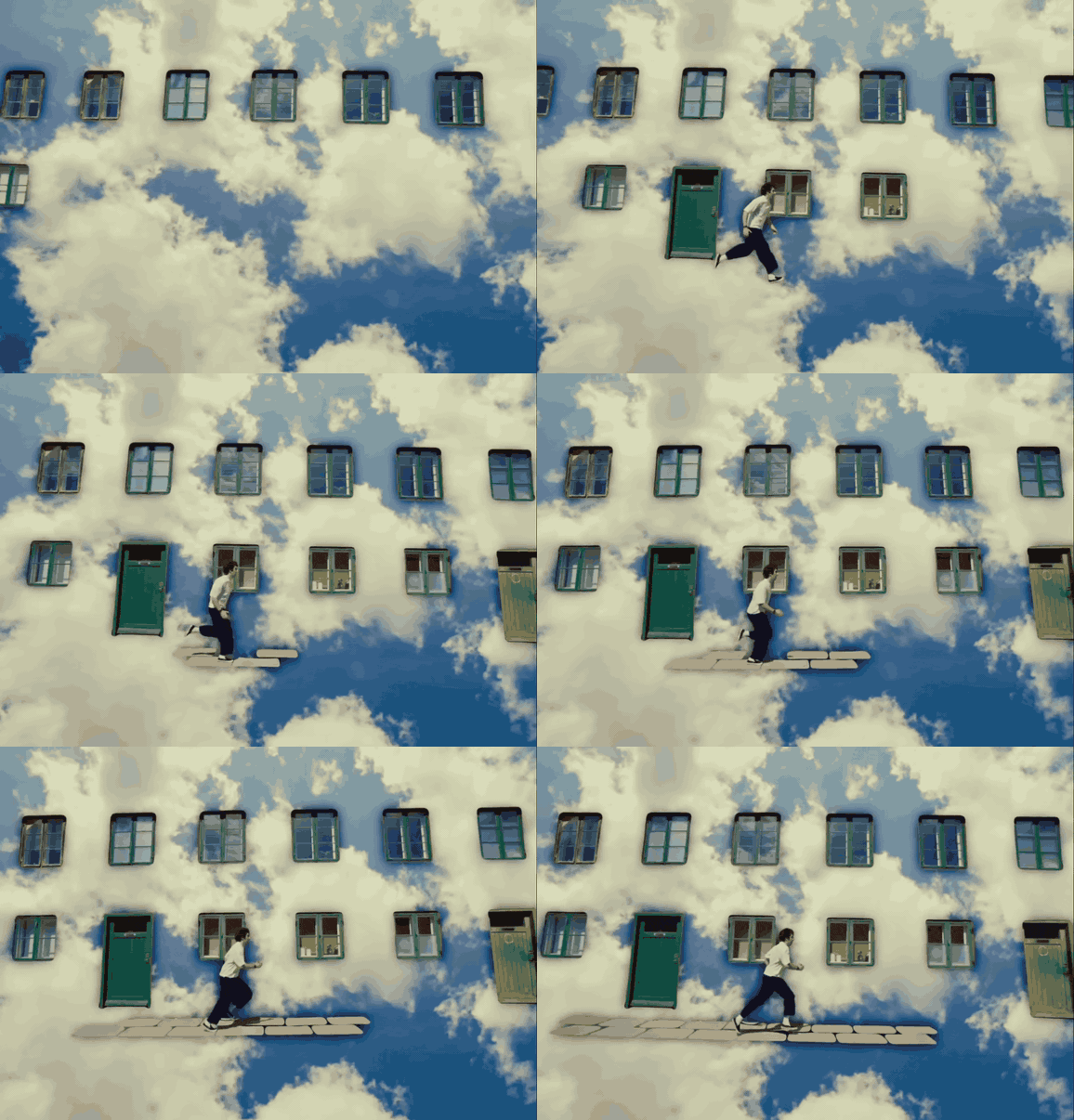
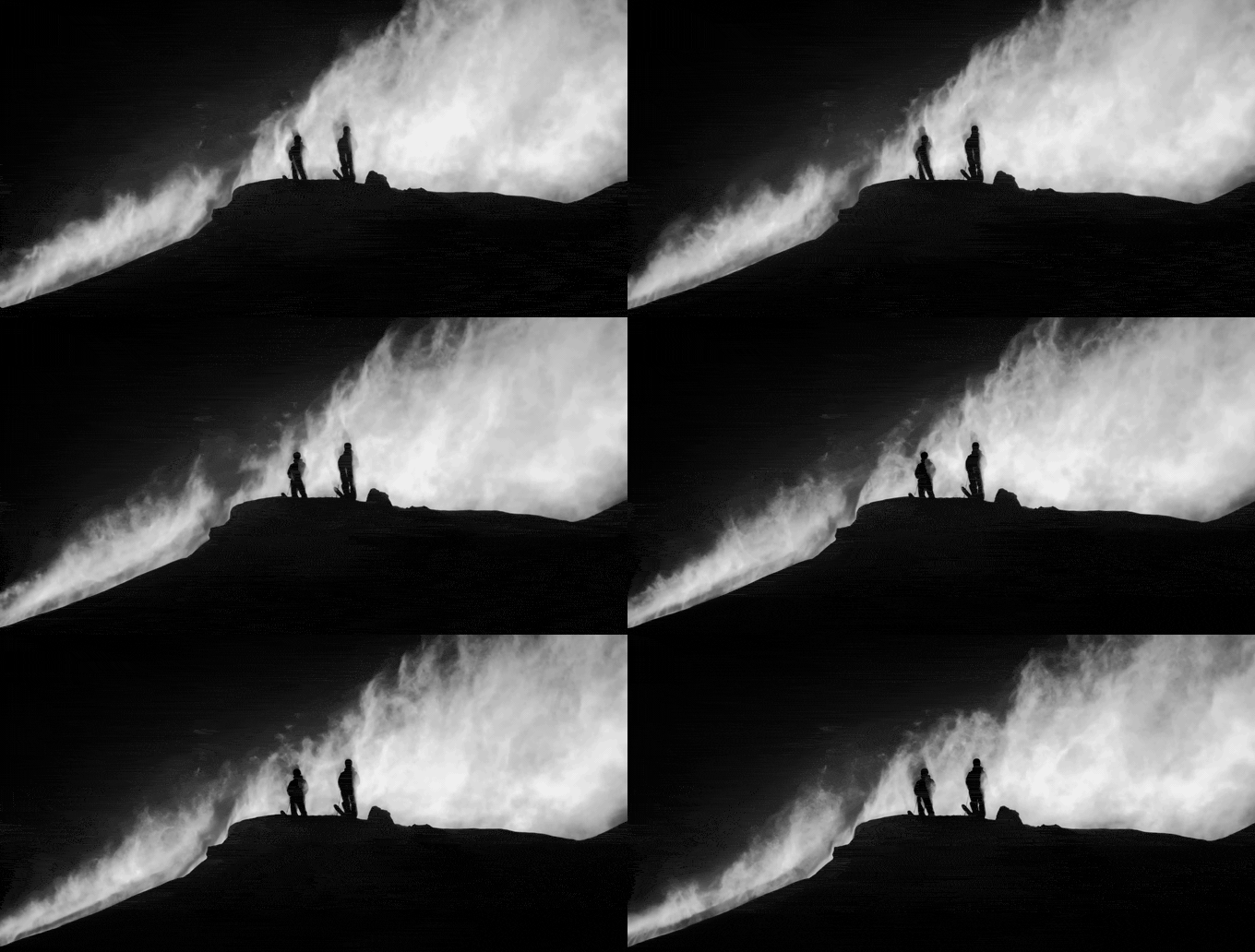
Plain words: locked off, pan, tilt, push in, pull out, track (alongside, leading or following), crane, handheld, gimbal, drone. Add speed and the start and end if they matter: "slow push in, MS to MCU". This is the column that most needs a moving reference, because two people read "slow push" very differently.
Lens
Before the DoP is attached, write the feel: wide, normal or long. Once they've chosen a lens package, they'll replace it with focal lengths. If a reference makes a lens obvious, a room that bends or a background squashed flat, say so in Notes.
Frame rate
Write the project frame rate once at the top of the sheet (25 fps for most UK work, 24 or 23.976 for cinema or US delivery) and only fill this column when a shot is different. A 50 in this column means slow motion on a 25 fps timeline. A low number with a slow shutter gives you smeared, step-printed motion. Both change the kit, the light and the time on set, so they belong on the list rather than in the DoP's head.
Description
One present tense sentence of what happens in the shot. "She drops the keys and doesn't pick them up." Not the camera, not the mood. If a sentence needs an "and then", it's probably two shots.
Audio
Sync dialogue, playback (for music), wild track, atmos or MOS (no sound). This column is how the sound recordist knows what to prepare without reading every description, and it's where a music video's playback speed lives.
Ref frame and Ref link and timecode
A still for composition and light, and a link that opens the reference clip at the right moment, for movement and timing. YouTube's Share button can add a start time, a Vimeo link takes #t=1m05s on the end, and Instagram and TikTok can't, so write the time beside the link.
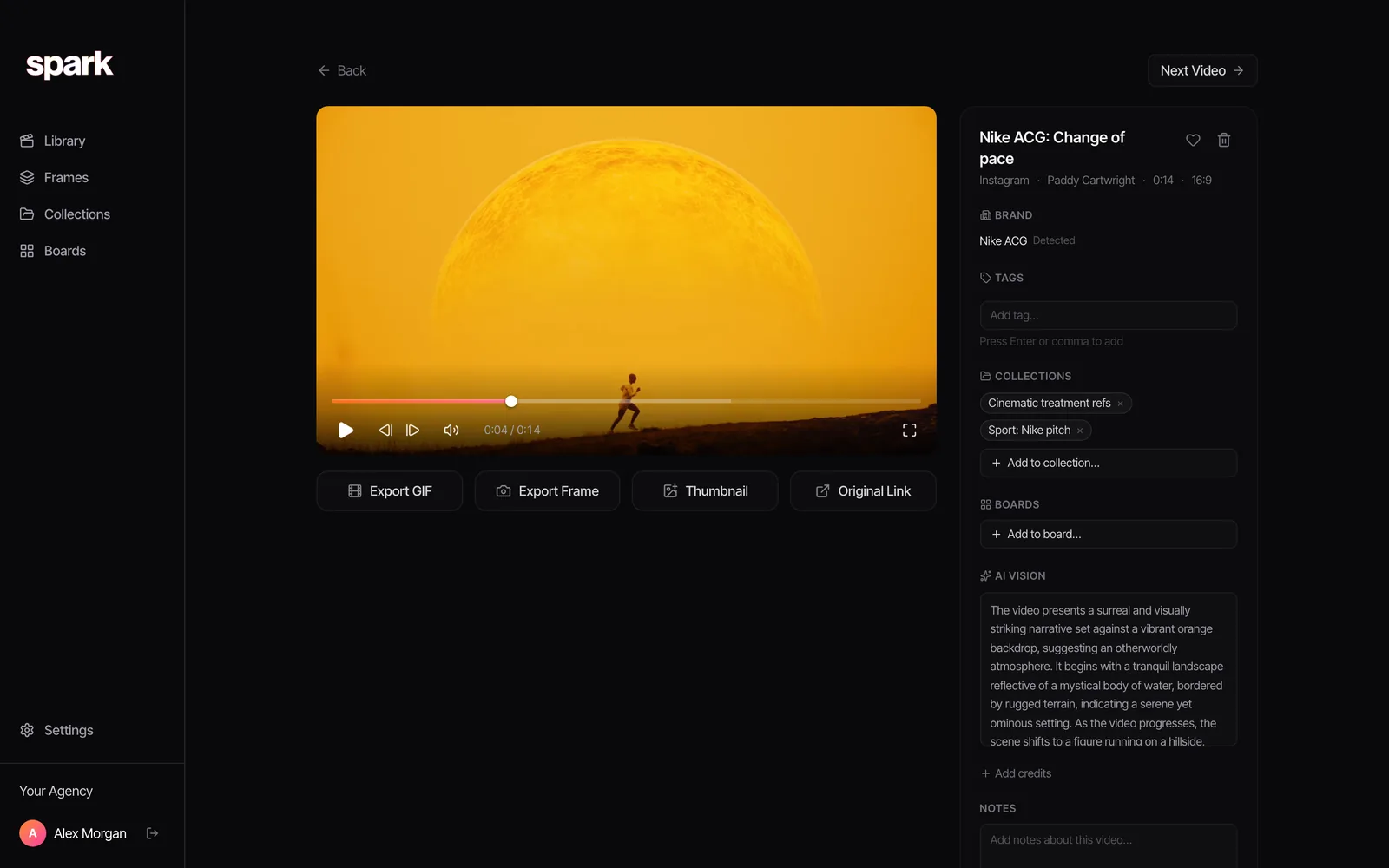
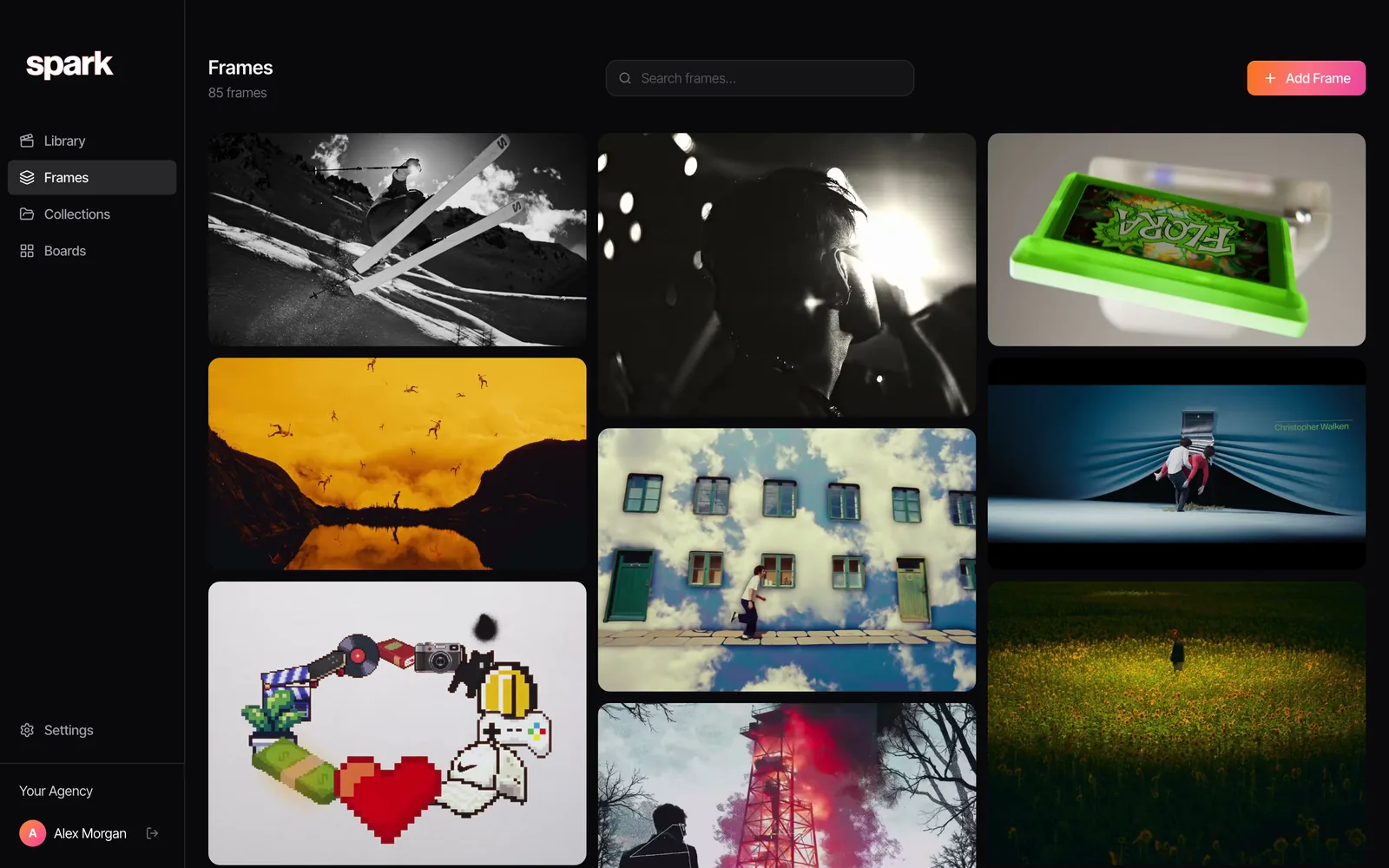
Getting a clean frame from a moving clip is the fiddly part. Step to it frame by frame: in Spark's player the comma and full stop move one frame back or forward, and J, K and L shuttle.
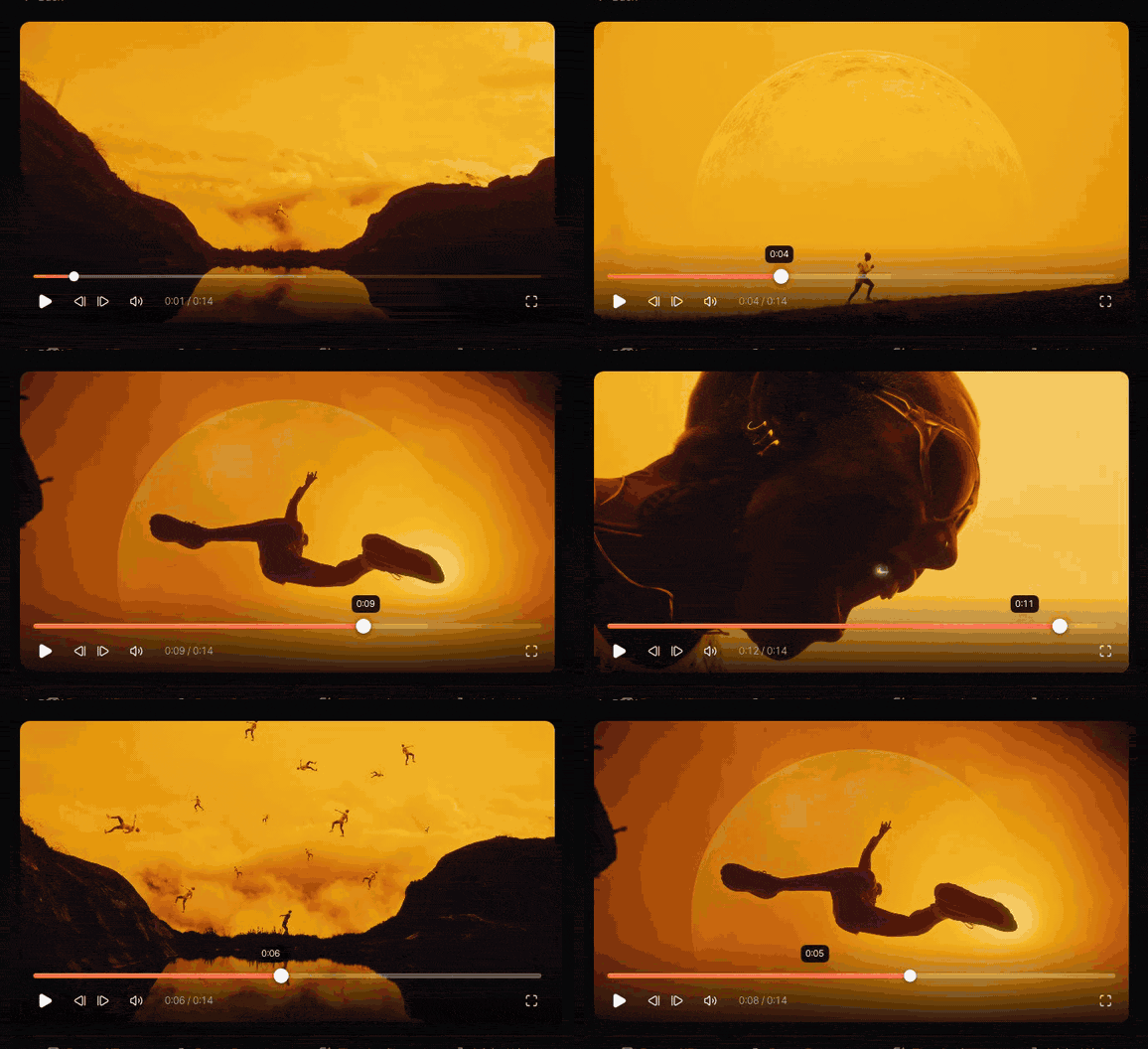
Then Export Frame saves a clean still to Frames, and the clip stays saved beside it with its original link. (For other routes to a still, see how to extract a frame from a video.)
Location, Cast and Notes
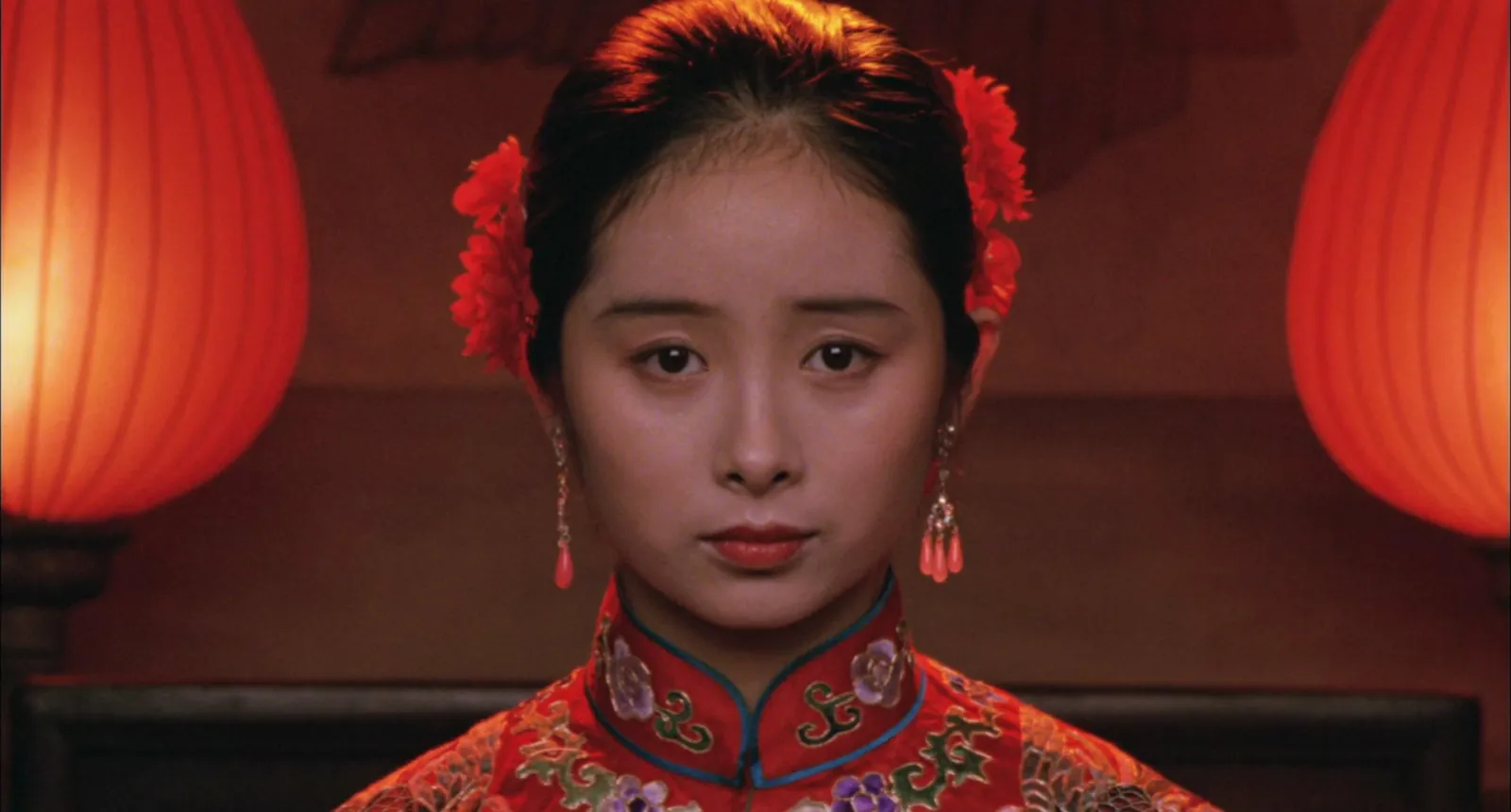
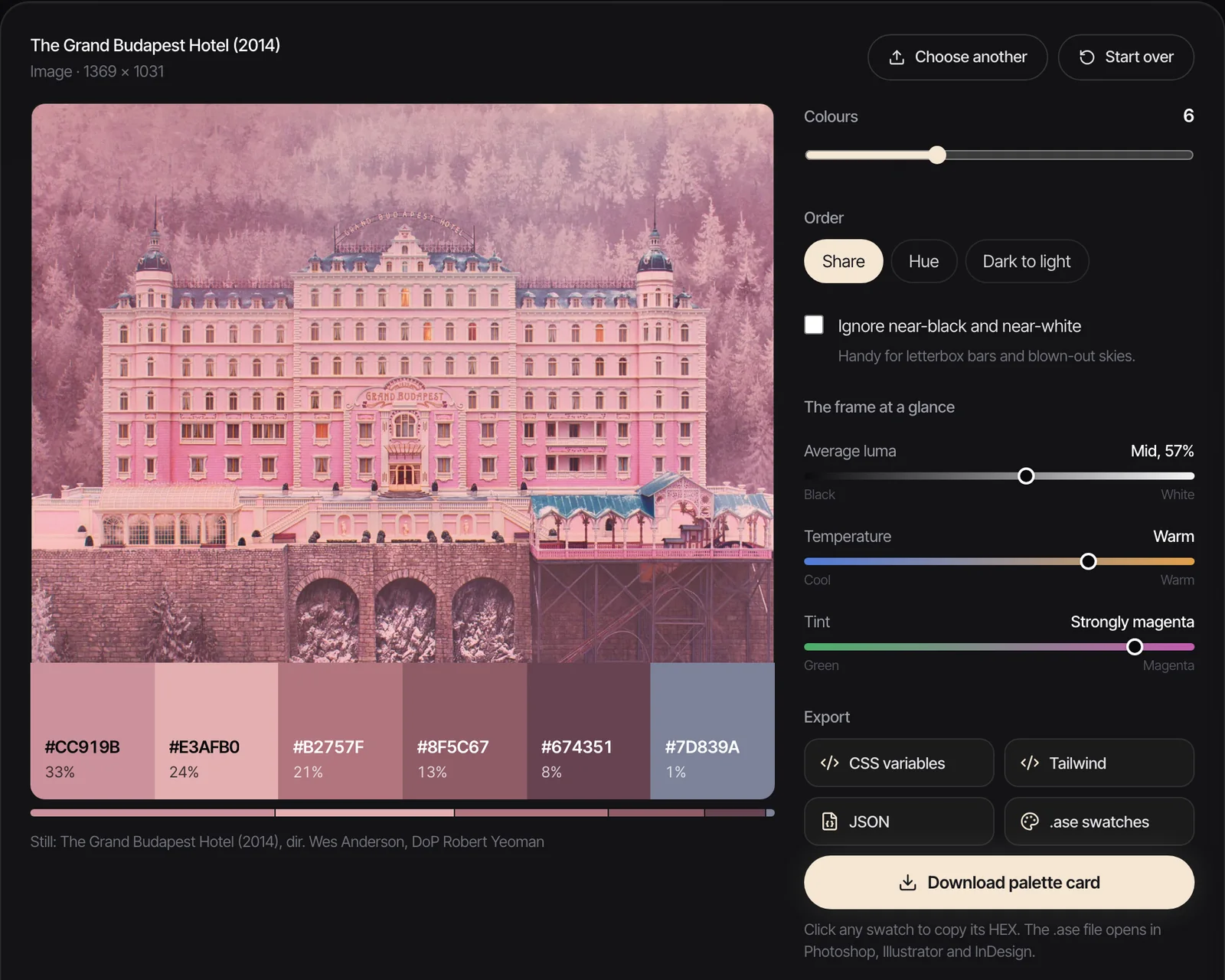
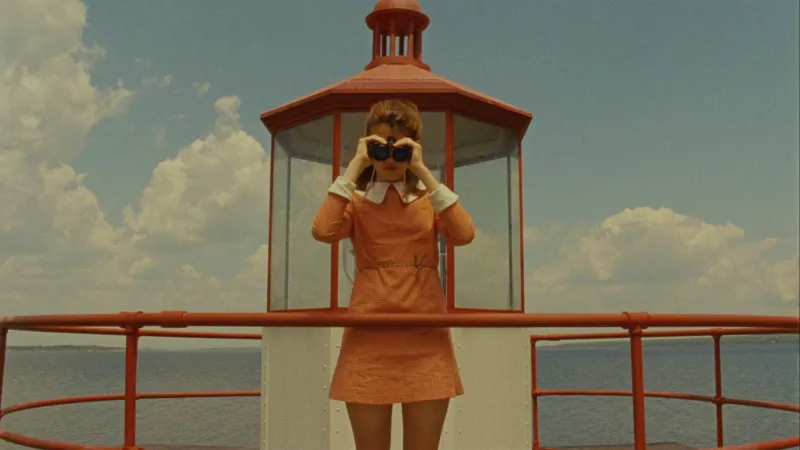
Location is the name everyone will use on the call sheet ("Carriage interior", not "the train bit"). Cast lists who must be there, so the AD can see which shots need the expensive person. Notes is for light, grade, rigs, permissions and anything the reference gets wrong. For grade notes, HEX codes from the reference frame are quicker to agree than adjectives: run the Moonlight frame above through the free palette extractor and its fluorescent greens come out at #6C7B4C, #95AC5F and #C1D8AD. Our guide to building a lighting reference library covers what a gaffer will want written there.
Priority
Must, Want or Bonus. Every day runs out of light or time eventually, and this column decides the order things are lost in. A list where everything is a Must hasn't been prioritised yet.
Example 1: a music video
This one is invented for illustration: a three minute video for an imaginary artist and track called Night Service. She falls asleep on the last train and wakes in a city that has come loose. We've hidden the columns that don't change (Angle is eye level throughout, Location follows the scene).
| Shot | Size | Movement | Lens | FPS | Description | Audio | Ref | Priority |
|---|---|---|---|---|---|---|---|---|
| 1A | WS | Locked off | Normal | 50 | She sits alone in the carriage under fluorescent tubes and sings to camera | Playback at double speed | Moonlight, phone booth frame | Must |
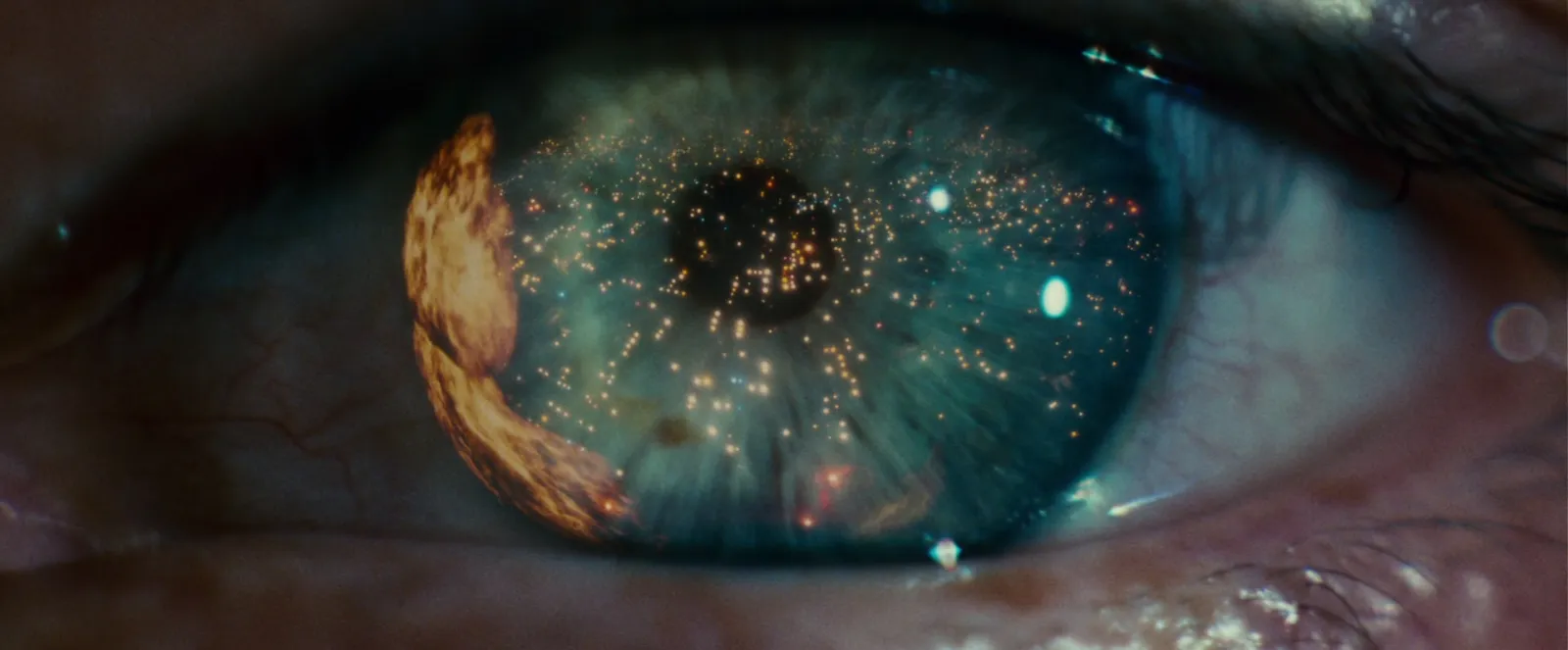
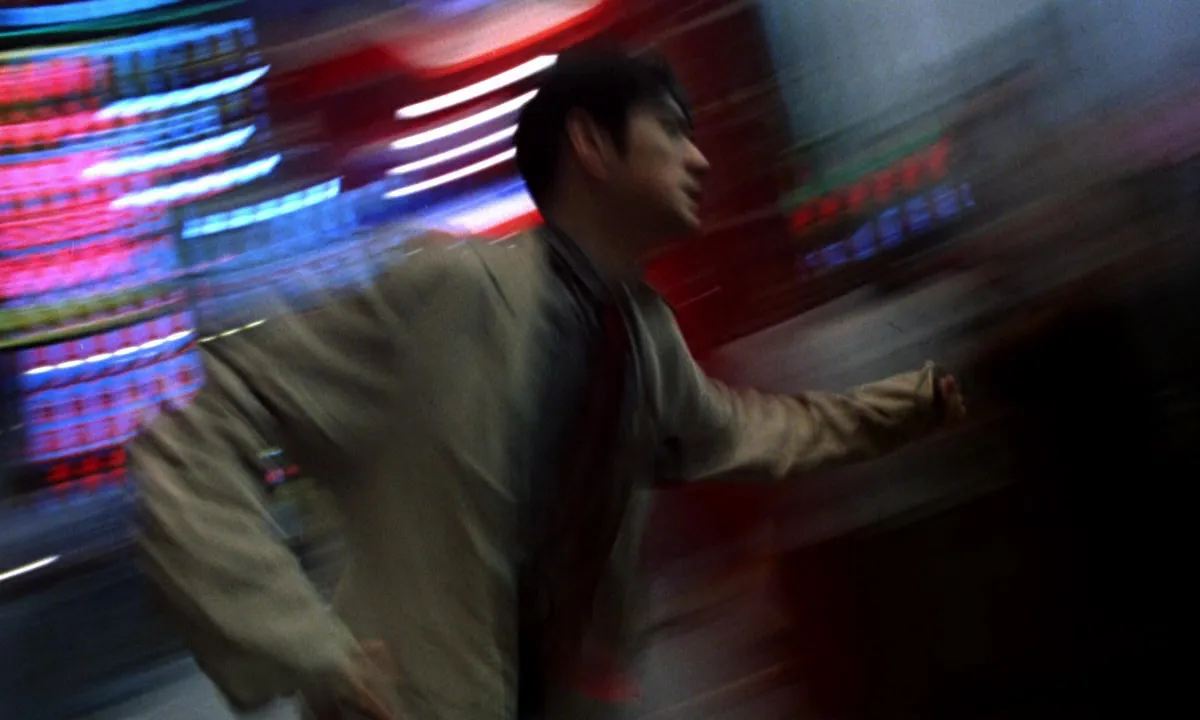
| 1B | CU | Handheld drift | Long | 12 | Close on her face as the lights outside smear past the window | Playback, no sync needed | Chungking Express | Want |
| 1C | MCU | Slow push in | Long | 50 | Second chorus: she stands and the tubes go out one by one | Playback at double speed | Moonlight, plus a dimmer test | Must |
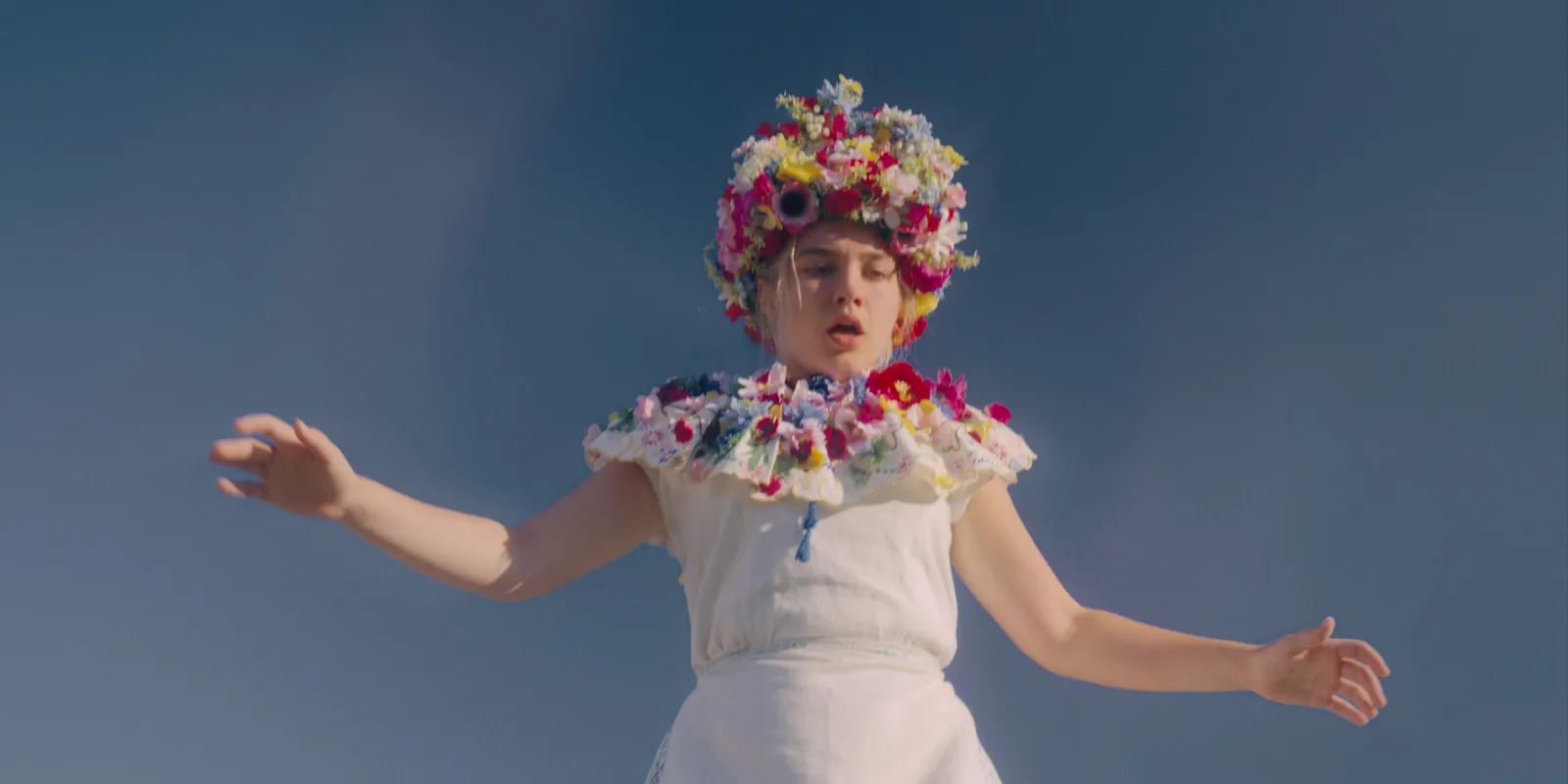
| 2A | EWS | Slow crane down | Wide | 25 | Night field: a single spotlight finds her among the flowers | Playback | Spotlit Sunflowers clip | Must |
| 2B | MS | Locked off | Normal | 50 | She sings the bridge in the pool of light, flowers to her waist | Playback at double speed | Spotlit Sunflowers clip | Must |
| 3A | EWS | Locked off, VFX plate | Wide | 25 | The carriage floats over the field at dusk while she watches from below | Wild track: wind | Floating Metro clip | Want |
| 3B | EWS | Locked off, clean plate | Wide | 25 | The same frame with no carriage, for the composite | MOS | Match 3A exactly | Must if 3A shoots |
Three things here are specific to music videos. The 50 fps rows are slow motion lip sync: the artist sings to the track played at double speed, and when the footage is slowed to 25 fps the lips land in sync and everything else floats. Every performance row gets the full song as a pass. And the VFX shot is a Want with its clean plate a Must, because 3A without 3B leaves post nothing to composite into.
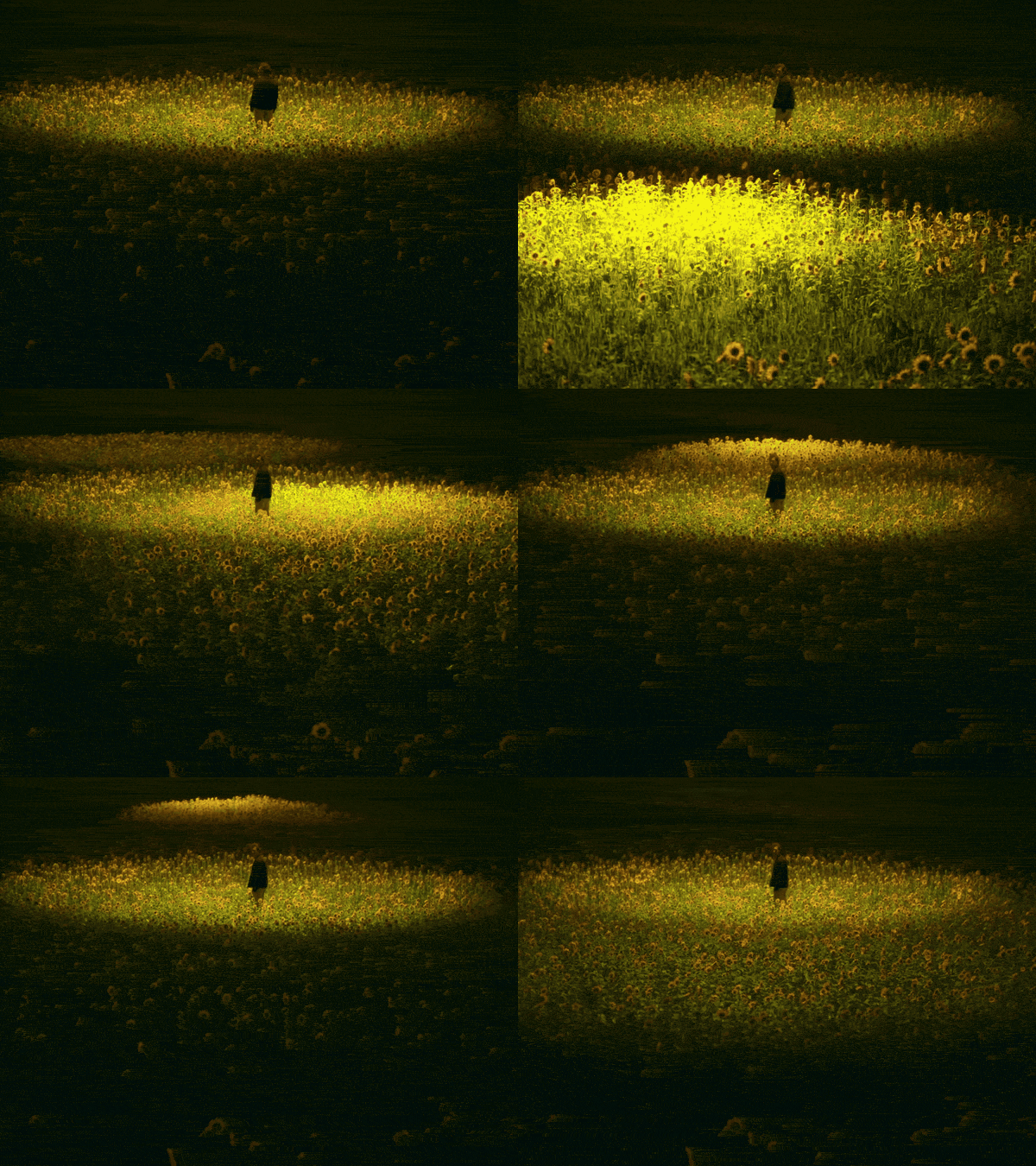
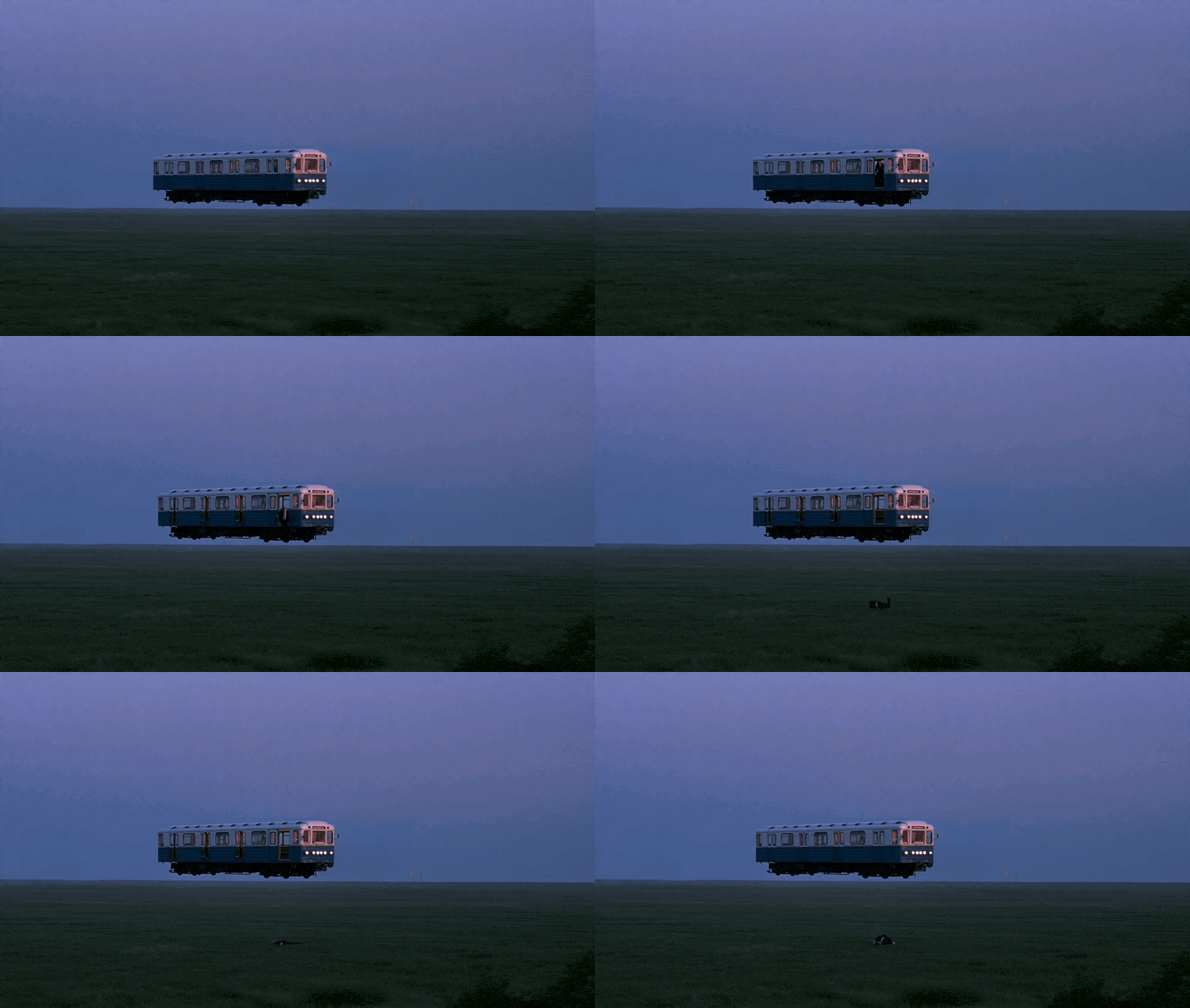
The story behind this example is written up as a full treatment in our music video treatment template, and the frames for a sheet like this usually come straight from the treatment's reference pages (more on those in how to build a film treatment).
Example 2: a 15 second vertical social ad
Invented again: a 15 second 9:16 ad for a canned iced coffee, for Reels and TikTok. Vertical ads add two columns, Time (where the shot sits in the 15 seconds) and On-screen text, and they change what Notes is for: the safe zone.
| Shot | Time | Size | Movement | Description | On-screen text | Audio | Priority |
|---|---|---|---|---|---|---|---|
| 1 | 0:00 to 0:02 | ECU | Locked off, macro | The ring pull cracks and condensation runs down the can | None. The sound is the hook | Close mic on the can | Must |
| 2 | 0:02 to 0:05 | MCU | Handheld | She drinks at a red light on her bike, low sun behind her | Product name, centre third | Street atmos | Must |
| 3 | 0:05 to 0:09 | WS | Track alongside | She rides off through the city, the can in her bottle cage | None | Music in | Want |
| 4 | 0:09 to 0:12 | INSERT | Top down | Ice, the pour, the can set down on a table | Offer line, centre third | Pour and ice | Must |
| 5 | 0:12 to 0:15 | MCU | Locked off | End frame: can and logo, held still | Logo and call to action above the bottom band | Sound logo | Must |
Write the framing in the Size or Notes column too. "9:16 native" means you shoot vertical. "16:9, protect 9:16" means you shoot wide for other cutdowns and keep the action in the centre strip, which changes where the operator puts the subject on every shot.
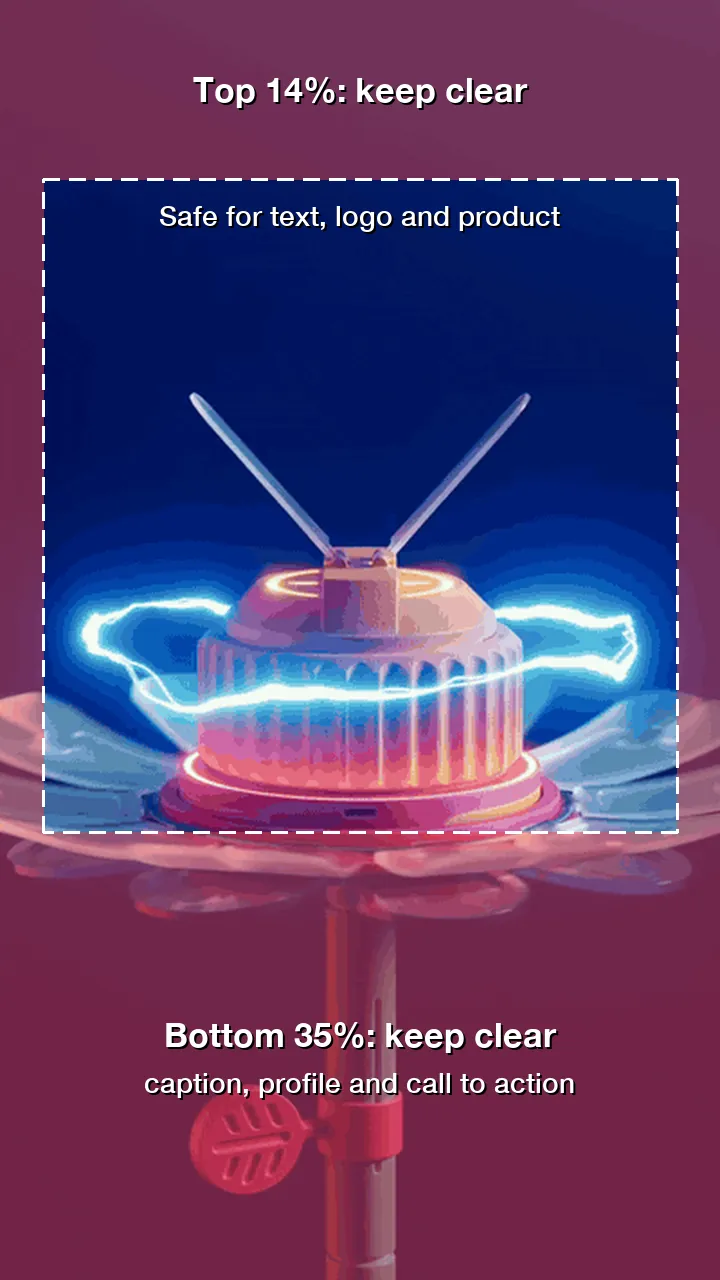
Those safe zone numbers are from Meta's Reels ad specifications, which also recommend 1440 x 2560 pixels. TikTok's ad specs publish downloadable safe zone overlays instead of percentages. Load the overlay into the monitor or the edit, and note on the list which shots carry text, so the operator leaves room.


Collecting references for a vertical ad? The Meta Ad Library guide shows how to find ads that are running now, which beats a pile of polished landscape films for this job.
Example 3: an interview and documentary day
A one day shoot for an invented three minute film about a community bike workshop. Documentary lists work differently. You can't script what happens, so the list splits into setups you control (the interview) and a wish list of observational shots you hope to get.
| Shot | Setup | Size | Camera | Description | Audio | Location | Cast | Notes |
|---|---|---|---|---|---|---|---|---|
| I1 | Interview, A cam | MCU | Locked off, eyeline just off lens | Founder answers the questions | Lav and boom, 60 s room tone | Workshop office | Founder | Window light from camera left |
| I2 | Interview, B cam | CU | Locked off, 45 degrees off A | Same answers, tighter | Same as I1 | Workshop office | Founder | Match grade to A cam |
| B1 | Observational | INSERT | Handheld, long lens | Hands truing a wheel, spokes catching the light | Wild track | Workbench | Mechanic | Ask before showing faces |
| B2 | Observational | WS | Locked off | The shutter rolls up at opening time | Atmos | Street front | None | Shoot first: light changes fast |
| B3 | Observational | MWS | Track alongside | A young rider on a repaired bike through an underpass | Wild track | Underpass nearby | Rider | Check the local filming rules |
| B4 | Observational | CU | Handheld | Kids at the workshop counter, waiting | Atmos | Workshop | Visitors | Release forms first |
Interviews are Musts, observational shots are Wants, and the Cast column becomes a list of contributors with the time each one is available. The Notes column picks up the paperwork: release forms, permissions and anything a contributor asked you not to film.


Using the template in Google Sheets
- In Google Sheets, open a new spreadsheet, then File > Import > Upload and choose the CSV. Pick Replace spreadsheet.
- View > Freeze > 1 row keeps the headers on screen while you scroll.
- For Size, Movement and Priority, select the column and use Insert > Dropdown (or Data > Data validation > Add rule) with your list of values, so nobody types "Mid shot" in one row and "MS" in the next.
- To put a reference frame inside a cell, click the cell and use Insert > Image, then choose to place it in the cell. Images must be under 50 MB and PNG, JPG or GIF (Google's help page). A cell with an image can't hold text too, which is why Ref frame and Ref link are separate columns.
- If the frames are online,
=IMAGE("https://...")does the same from a link. Google doesn't accept drive.google.com links in the IMAGE function. - Give the DoP and AD their own sort with Data > Create filter view. A filter view only changes what that person sees, so the director's story order survives.
Using the template in Excel
- Double click the CSV, or use Data > From Text/CSV to see a preview first (Microsoft's import guide).
- Before you type any timecodes, select the Ref link column and set it to Text. Excel converts anything that looks like a time or date as you type it, and "0:42" turns into a time of day.
- View > Freeze Panes > Freeze Top Row keeps the headers visible.
- Data > Data Validation, Allow: List builds the same dropdowns for Size, Movement and Priority.
- In Microsoft 365 and Excel 2024, Insert > Pictures > Place in Cell puts a frame inside a cell so it sorts with its row (Microsoft's help page). Then save as .xlsx, because a CSV only holds text.
From story order to shoot order
You write the list in story order. The AD schedules it in shoot order: by location, then by setup (every shot from the same camera position and lighting together), then by cast and the sun. Sort a copy by Location, and keep the shot numbers so everyone can still find 2B.
Two habits keep the sheet honest on the day. Strike through a shot when it's done (in Google Sheets, Format > Text > Strikethrough) instead of deleting it, so the editor knows it exists. And put any shot that depends on another, like a clean plate or the second half of a match cut, on adjacent rows with a note pointing at its partner.
Should you draw it as well? For VFX, stunts or a client who approves shot by shot, yes: see moodboards versus storyboards and the best storyboard software. StudioBinder and Boords build shot lists beside their storyboards. We still keep ours in a spreadsheet, because the first AD can open it on anything.
FAQs
What should a shot list template include?
At least a scene and shot number, shot size, angle, movement, lens, a one line description, audio, location, cast, notes and a priority. A frame rate column matters as soon as any shot is slow motion, and a reference frame plus a timecoded link stops arguments about what a description means. Vertical ads add a time column and an on-screen text column.
How do I make a shot list in Google Sheets?
Import the CSV with File > Import, freeze the header row with View > Freeze, and add dropdowns to Size, Movement and Priority with Insert > Dropdown. Insert > Image can place a reference frame inside a cell. Use filter views so each person can sort the sheet without changing it for everyone else.
How do you number shots on a shot list?
Use the scene number plus a letter: 1A, 1B, 1C. Never renumber when shots are cut or moved, because the camera report, edit and call sheet all refer to those numbers. A shot added later between 1B and 1C becomes 1BB or 1B1.
Do interviews and documentaries need a shot list?
Yes, but a different kind. List the setups you control, like the interview cameras, as Musts, and keep a wish list of observational shots as Wants. Use the Cast column for contributors and their availability, and Notes for release forms and permissions.
What frame rate should I put on a shot list?
Put the project frame rate at the top of the sheet, often 25 fps for UK work, and only fill the column for shots that differ. Slow motion shots get the higher rate, for example 50 fps on a 25 fps timeline. For lip sync in slow motion, note that the playback track runs at double speed.
Is a shot list the same as a storyboard?
No. A storyboard draws each shot so people can see it, and is often what a client approves. A shot list describes each shot in a few technical words and is what the crew schedules from. Adding a reference frame to each row gives a shot list much of a storyboard's clarity without the drawing.
Keep reading
All articles
How Much Does Video Production Cost in the UK? (2026 Guide)
Every video quote is the same handful of lines in different sizes. Here they are, priced from published 2026 rates, with three worked budgets and the questions that get you a quote you can compare.
How to Collect References From Clients (Without 40 WhatsApps)
A client who sends forty links has told you everything and nothing. Ask for four, each with a sentence and a timecode, and you'll learn more.
Video Production Proposal Template (and What Clients Actually Read)
Clients read three things in a proposal: whether you understood them, what they'll get, and what it costs. Here's a template built around those, with every budget line explained.