
Milanote vs Miro for Moodboards and Creative Planning
Both are infinite canvases with templates and a free plan, and they still feel nothing alike. One is a studio wall; the other is a workshop room.
By the Spark team ·
For moodboards and creative planning, Milanote is the better pick for directors, designers and small creative teams: the boards look good with no effort, writing sits naturally beside the images, and the free plan lets you build a real board before paying. Miro is the better pick when the board is a workshop, with ten people adding ideas at once, voting and timing, or when your company already runs on it. For video, neither is great: Milanote embeds only YouTube and Vimeo, and Miro won't play embedded video on its free plan or let you comment on a moment in a clip.
We make Spark, a video reference library that sits beside tools like these rather than replacing them, and boards are where most treatments start. Below is how the two compare on the things that matter for creative work, with prices checked on both vendors' pages in October 2026.
 Milanote
 Miro
Milanote and Miro side by side
| Milanote | Miro | |
|---|---|---|
| Feels like | A tidy studio wall | A workshop room with sticky notes |
| Built for | Creative projects: moodboards, scripts, briefs, plans | Teams: workshops, diagrams, planning, product work |
| Templates | A creative library: moodboards, storyboards, shot lists, briefs | 7,000+ Miro and community templates |
| Video | Uploads that autoplay and loop; YouTube and Vimeo embeds | Uploads up to 150 MB on paid plans; embedded video won't play on Free |
| Working together | Edit, comment or view in a browser | Live cursors, comments, timer, voting, video calls on Starter |
| Offline | No (offline editing is on its feature poll) | No, and not planned |
| Exports | PDF, PNG, Word, Markdown, text, ZIP of files | Image, PDF and CSV; high resolution on paid plans |
| Price (as of October 2026) | Free for 100 notes, images or links and 10 uploads; $9.99 a month billed yearly or $12.50 monthly; Team $49 a month for up to 10 people | Free for 3 editable boards; Starter $8 per member a month billed yearly or $10 monthly; Business $20 or $25 |
How each board feels
Open a blank board in each and the difference is obvious within a minute. Milanote gives you a calm, light canvas where images snap into tidy columns, notes look like notes and a board reads like a designed page without you designing it. Miro gives you an endless canvas, a toolbar of sticky notes, shapes, connectors and frames, and an invitation to get people in and start moving things around.
That's the whole comparison in miniature. Milanote is built for one person or a small team thinking visually, and the result is presentable. Miro is built for many people thinking together, and the result is usually a working document that someone tidies up afterwards.
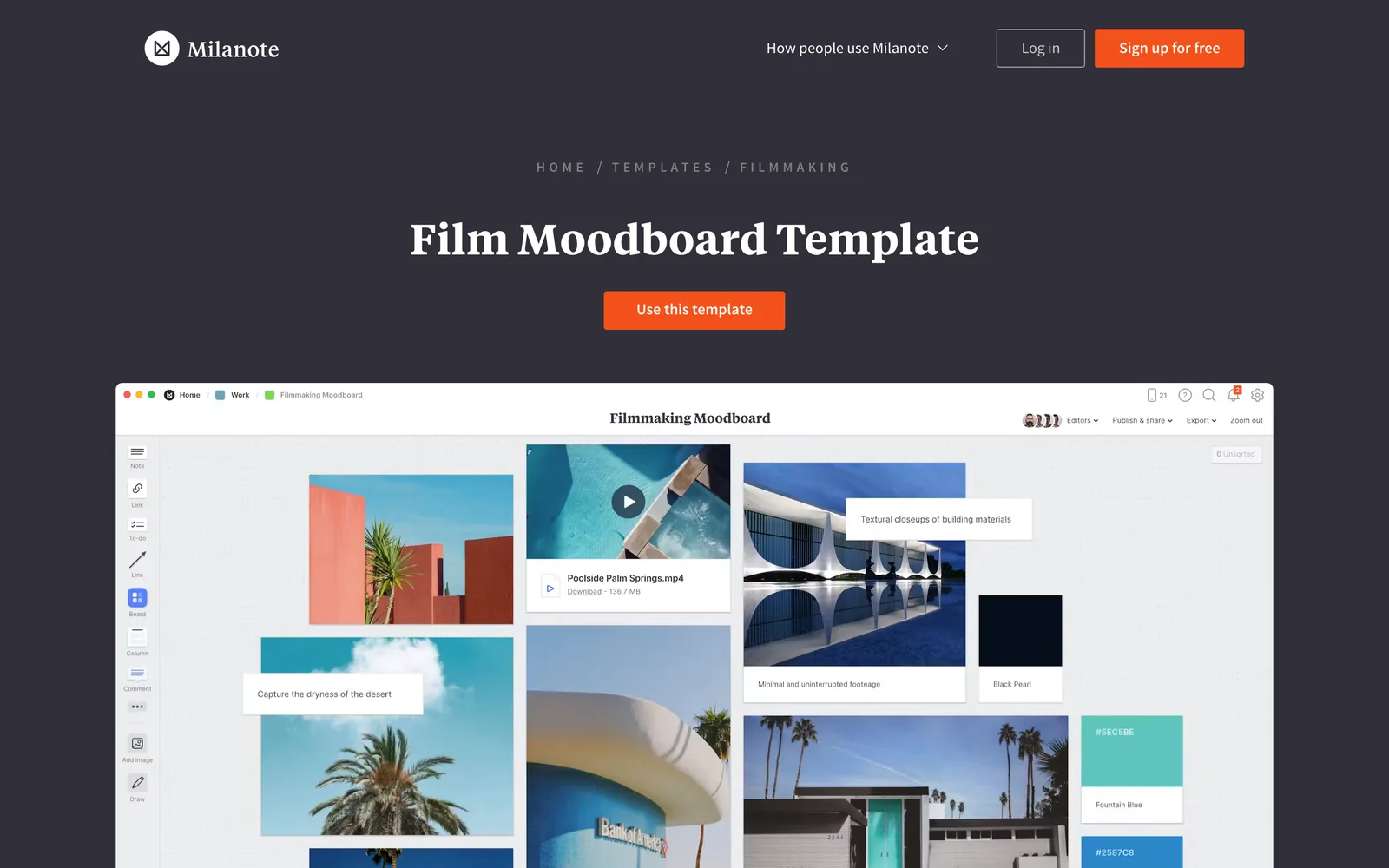
For a mood or a look, that presentability matters. A client opening a Milanote board sees a moodboard. A client opening a Miro board sees a workspace, and it's on you to make it read as a mood.
Templates
Both have more templates than you'll need. Milanote's are aimed squarely at creative work: moodboards, storyboards, shot lists, scripts, creative briefs and production plans, built as boards you can duplicate and fill.
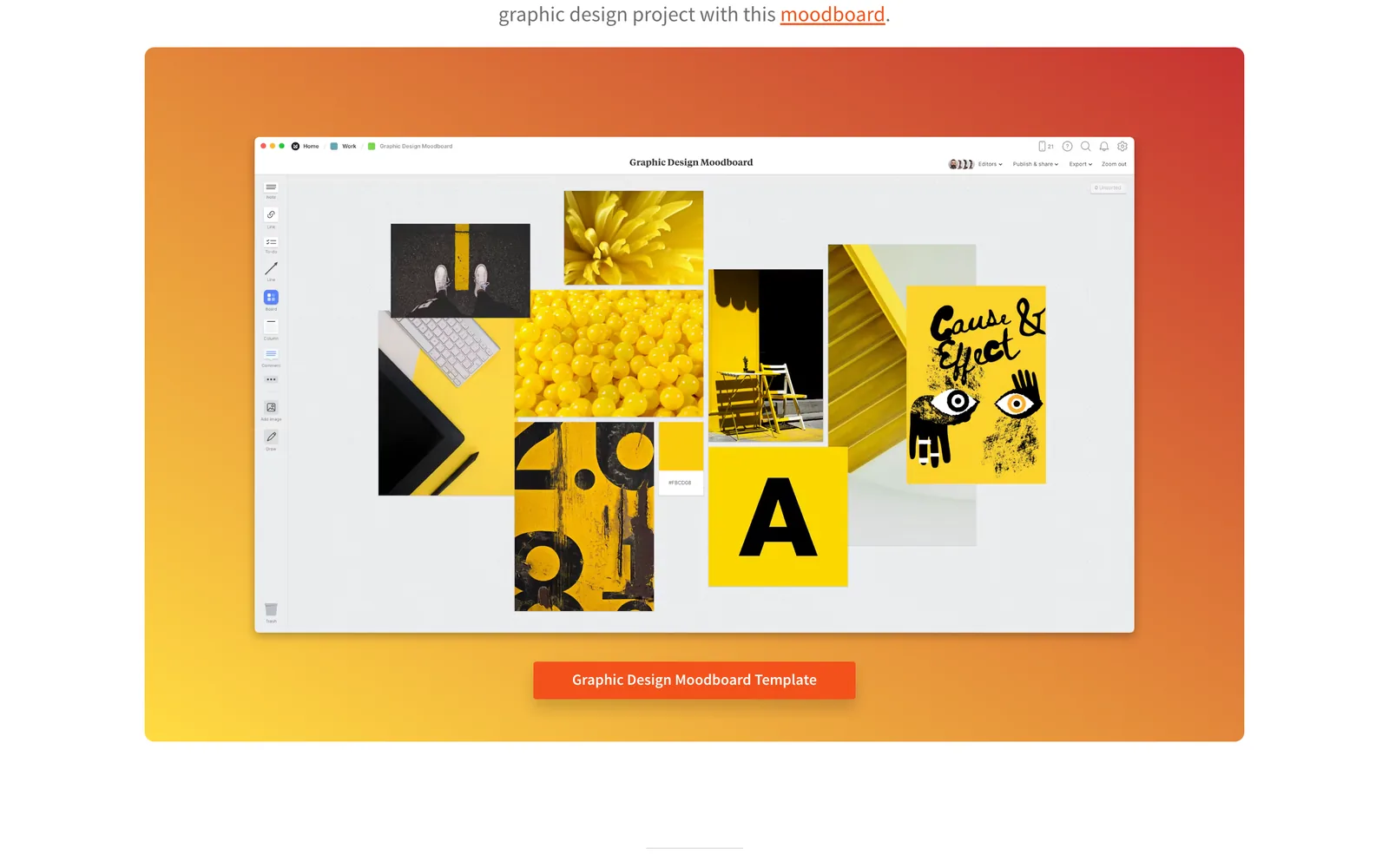
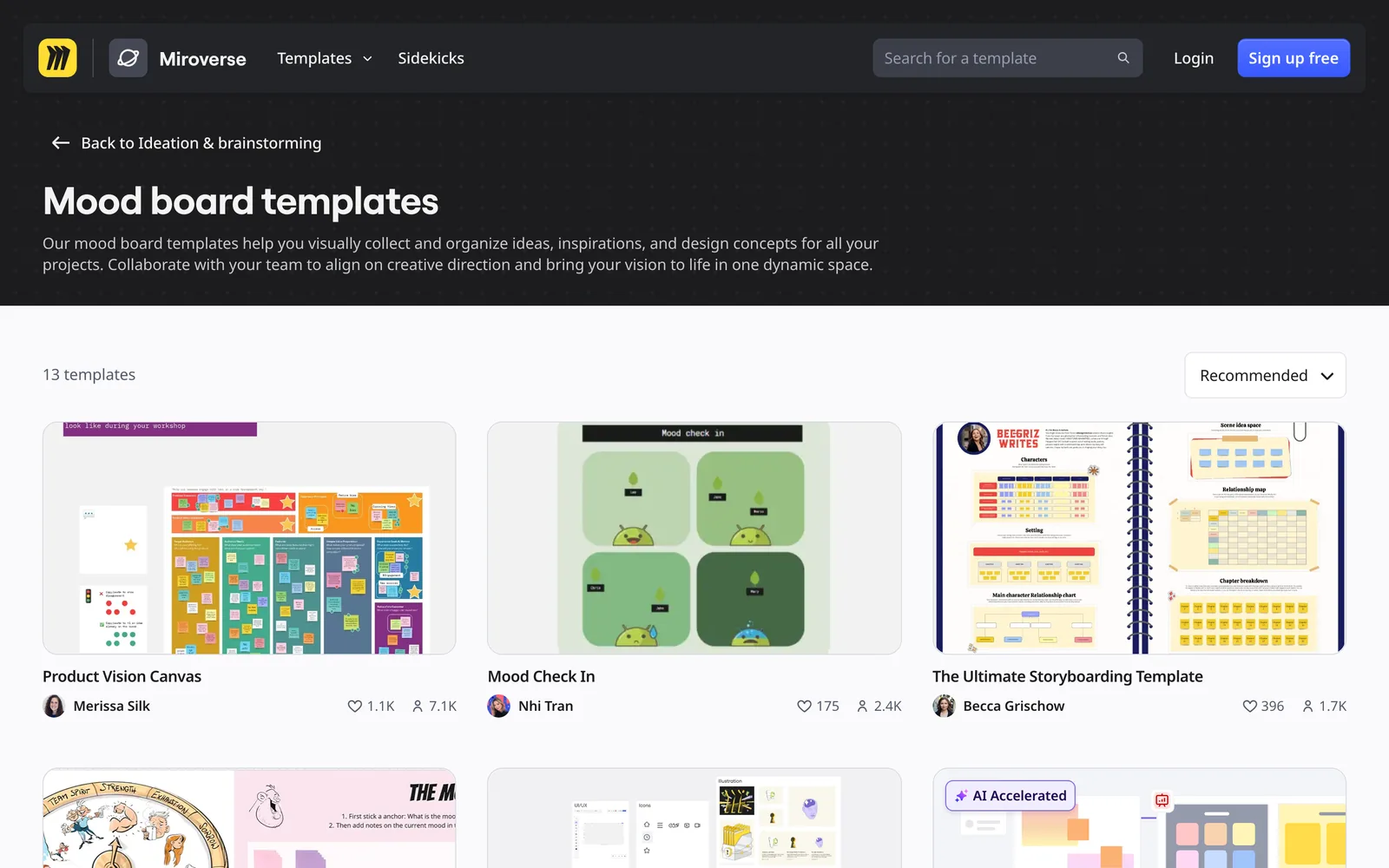
Miro's library counts more than 7,000 Miro and community templates, and the moodboard section is a small corner of it. Many of its mood board templates lean towards workshops: check-ins, voting and sticky note exercises around a set of images. If you're running a brand session with a client team, that's useful. If you want a clean board of references, you'll spend time deleting furniture.
If you want a template for the presentation itself, neither is the shortest route. Our free moodboard templates post covers templates built for the pitch, and how to make a moodboard in Figma covers the design tool route.
Video on the board
This is where creative teams hit the limits of both, so it's worth being precise.
Milanote plays uploaded video on the board (its help page has the details), and you can switch each upload to autoplay and loop, which makes a board move when it opens. The free plan allows 10 uploads with videos up to 50 MB each; Pro allows unlimited uploads up to 5 GB per file. Embedded video works for YouTube and Vimeo links only. A reel from Instagram or a TikTok lands as a link card that opens the original post.
Miro lets you paste a YouTube or Vimeo link, but its help centre says embedded video playback is unavailable on Free plans, and a video added this way won't autoplay. Uploading video files (MP4, MOV, WebM up to 150 MB, with automatic captions) is listed for Starter and above, though an older help page still calls it a beta. You can't comment on or annotate a moment in a video; Miro's suggestion is to pause, copy the frame as an image and comment on that. Animated GIFs do play, within Miro's 30 MB upload limit.


So for a moving moodboard, Milanote wins, as long as you upload the clips. For a team whose references are mostly Instagram, TikTok and ads, both end up as a wall of links. That's the gap a dedicated video library covers, which we come back to below.
Collaboration and clients
Miro is built for this round. Live cursors, comments, sticky note sessions, a timer and voting, and on Starter, video calls inside the board and visitor editing, so people can edit a public board without signing in. Talktrack records a walk through the board with your voice: five on Free, unlimited on paid plans.
Milanote's collaboration is simpler: invite people to edit, comment or view a board in any browser, and changes appear live. It suits a director, a producer and a designer working on one treatment. It isn't built for twenty people at once.
Verdict: Miro, clearly, for workshops and large teams. Milanote is enough for a small creative team and less overwhelming for a client.
Apps and offline
Both run in a browser, on Mac and Windows desktop apps and on phones and tablets. Milanote also has a web clipper for saving images and links from any page.
Neither works offline. Miro's system requirements page says offline mode is not on its radar. Milanote's help centre says its apps need a connection to view and edit boards, and offline editing and offline browsing both sit in the up next column of its public feature poll.
If you prep on the move, export the board as a PDF before you lose signal, or keep the deck itself in Keynote or PowerPoint.
Exports
Milanote exports a board as PDF (standard or large), PNG, Word, Markdown or plain text, plus a ZIP of every image and file on it. PDF and PNG put the whole board on one page, so a big board gets small; Word and Markdown stack the content across pages. Miro exports boards or frames as an image, PDF or CSV. On Free you get small, low resolution exports; paid plans get high resolution JPG and PDF, and vector PDF or SVG.
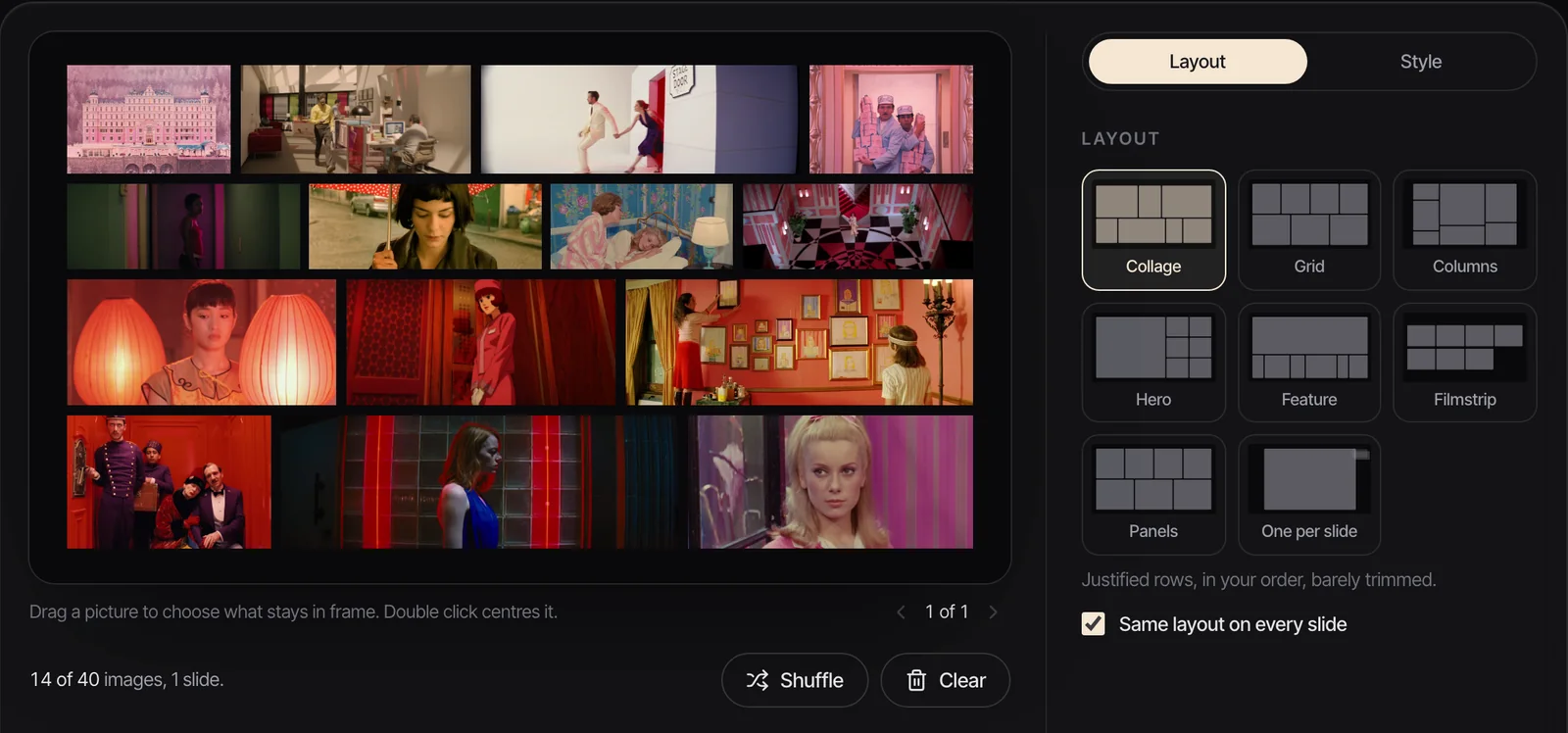
Neither export keeps the motion. A board with looping clips becomes a still picture of a board. If the deliverable is a deck that moves, build it in Keynote, Google Slides or PowerPoint, or use our free moodboard maker: drop in up to 40 stills and GIFs, pick from eight layouts and export a .pptx where the GIFs keep playing.
What Milanote and Miro cost
Milanote's free plan has no time limit and holds 100 notes, images or links and 10 file uploads, with unlimited shared boards. That's enough for one or two real boards. Paid is $9.99 per person a month billed yearly, or $12.50 monthly, with unlimited everything. The Team plan is $49 a month billed yearly for up to 10 people, which works out cheaper per head once you're past five.
Miro's free plan lets you create as many boards as you like, but only the three most recent stay editable, exports are low resolution and embedded video won't play. Starter is $8 per member a month billed yearly or $10 monthly, adding unlimited private boards, high resolution exports, video upload and calls. Business is $20 yearly or $25 monthly. Annual billing saves 20%.
For one person, Miro Starter is a little cheaper ($8 against $9.99 billed yearly, $10 against $12.50 monthly), though Miro's free plan is the more restricted of the two. For a team of ten, Milanote's Team plan ($49) undercuts ten Miro Starter seats ($80 billed yearly) by a distance.
Which one to choose
Choose Milanote if you're a director, designer, writer or small studio building moodboards, treatments and plans that need to look good when a client opens them, and you want notes and images on the same canvas.
Choose Miro if the board is a workshop with lots of contributors, your client or agency already lives in Miro, or the moodboard is one corner of a bigger planning job with diagrams, timelines and product work.
Use both if your team runs on Miro but your creative leads plan in Milanote. That happens, and it's fine: boards are cheap, the habits are what matter.
For a wider view, see the best moodboard tools for creative directors, the best Milanote alternatives if you're leaving Milanote for a particular reason, and how to make a moodboard for a video project for what goes on the board in the first place.
The video library that sits beside either
Whichever board you pick, the video references have to live somewhere first. Neither Milanote nor Miro saves an Instagram reel or a TikTok as a playable video, and neither can search what happens inside a clip.
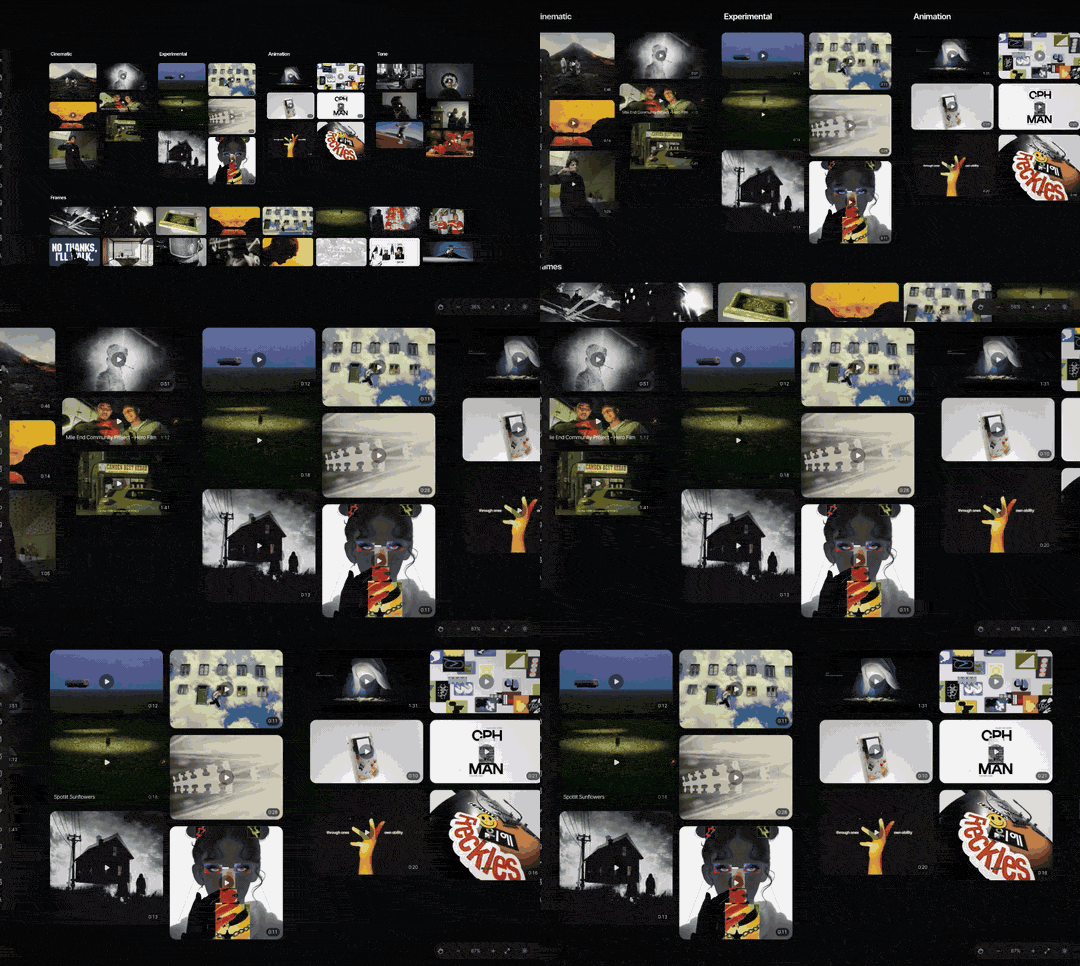
That's what Spark does. Paste a link from Instagram, TikTok, YouTube, Vimeo, Facebook, LinkedIn or Pinterest, or DM a reel to @sparkreferences, and the video lands in a library on your Mac or PC. Export GIF and Export Frame pull the exact moment, and those GIFs and frames drop onto a Milanote or Miro board. Spark has its own boards and Create Moodboard too, but you can keep planning in Milanote or Miro and use Spark only as the library. We set out where Spark and Milanote overlap in Spark vs Milanote.
FAQs
Is Milanote better than Miro for moodboards?
For most moodboards, yes. Milanote's boards look designed with no effort, uploaded videos can autoplay and loop, and writing sits naturally beside images. Miro is better when the moodboard is part of a workshop with many people contributing at once, voting or timing exercises.
Is Miro free?
Miro has a free plan where you can create unlimited boards, but only the three most recent stay editable, exports are low resolution and embedded video won't play. Starter is $8 per member a month billed yearly, or $10 monthly, as of October 2026.
How much does Milanote cost?
Milanote is free for 100 notes, images or links and 10 file uploads, with no time limit. Paid is $9.99 per person a month billed yearly or $12.50 monthly, and the Team plan is $49 a month billed yearly for up to 10 people (October 2026).
Can you put videos on a Miro board?
Yes, with limits. You can paste YouTube or Vimeo links, but embedded playback is unavailable on the free plan and videos don't autoplay. Paid plans can upload MP4, MOV or WebM files up to 150 MB, and you can't pin a comment to a moment in a video.
Do Milanote and Miro work offline?
No. Miro's help centre says offline mode isn't planned, and Milanote's says its apps need an internet connection to view and edit boards, with offline editing listed as up next on its feature poll. Export a PDF before you travel.
Can I use Milanote and Miro together?
Yes. Some teams plan creative work in Milanote and run workshops in Miro. Images, GIFs and links move between them easily; what doesn't move is the board layout itself, so pick one as the home for each project.
Keep reading
All articles
Best Frame.io Alternatives for Video Review in 2026
Most of these tools do the same core job as Frame.io. What separates them is how they charge, who they're built for and what happens when a client opens the link.
Best Storyboard Software for Directors and Agencies in 2026
The right storyboard tool depends less on how well you draw and more on who has to sign the boards off. Here's what each one is for, and what it costs.

Best Bookmark Managers for Designers and Creatives (Raindrop Alternatives)
Raindrop.io is still the bookmark manager we'd hand most designers. The alternatives win on specific jobs, and none of them keeps the videos you save from Instagram.