
How to Make a Lookbook for Fashion, Film and Brand Shoots
A lookbook is a moodboard with a running order. Get the order right and the pictures do the talking; get it wrong and even great frames read as a slideshow.
By the Spark team ·
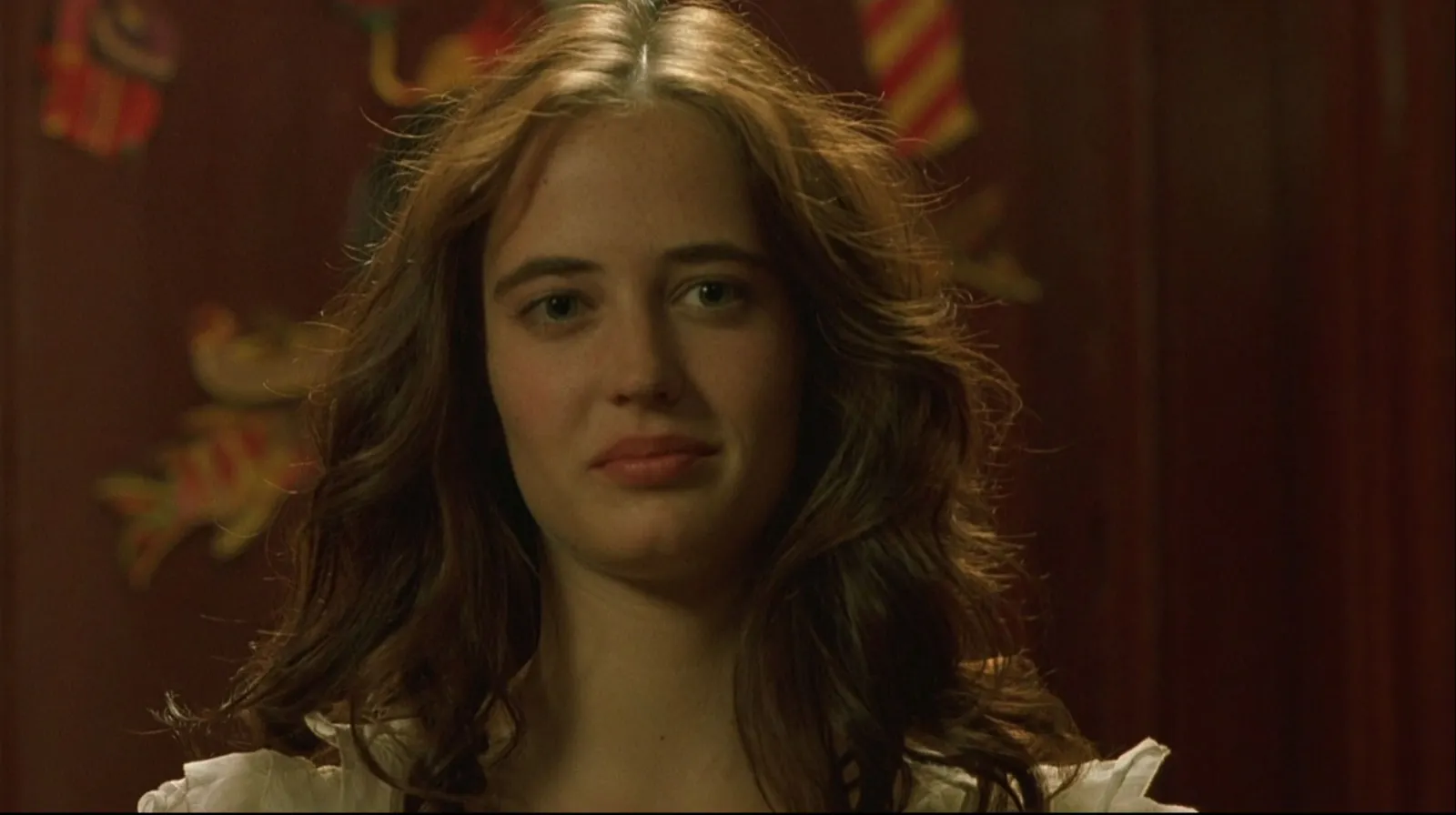
To make a lookbook, decide who it's for, gather more pictures than you need, cut to the ones that carry the idea, and put them in an order that builds: a strong opening image, a run that develops it, a pause, and a close. Give each picture its own page, keep the type to a line or two, then export a PDF to send and a .pptx or Keynote file to present. The One per slide layout in our free moodboard maker builds the pages for you in a couple of minutes.
The difference between a lookbook and a moodboard is the running order. A moodboard is seen all at once. A lookbook is turned page by page, so it has pacing, and pacing is where most of them go wrong. We're the team behind Spark, and this is how we'd build one for a fashion shoot, a film or a brand.
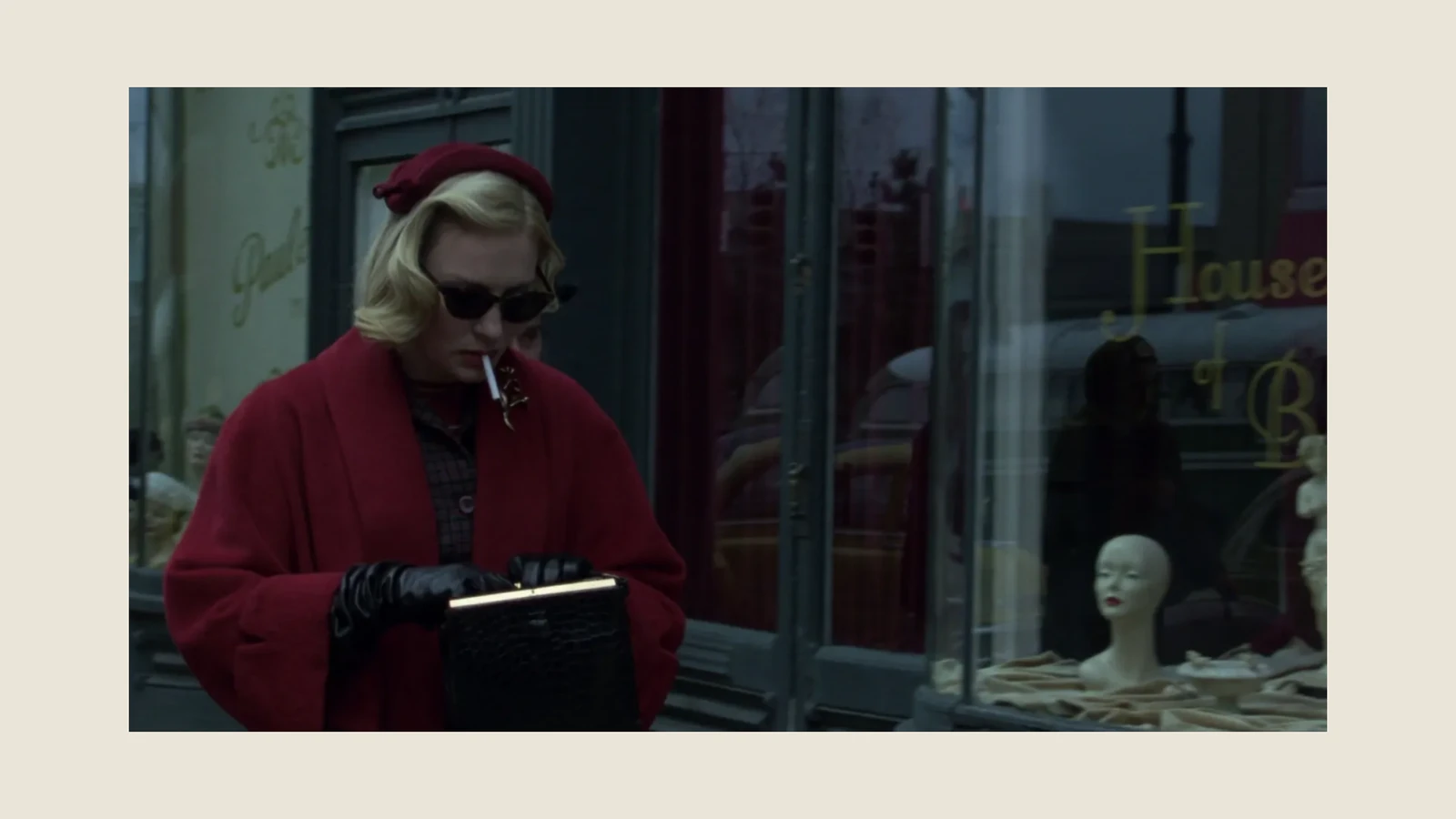
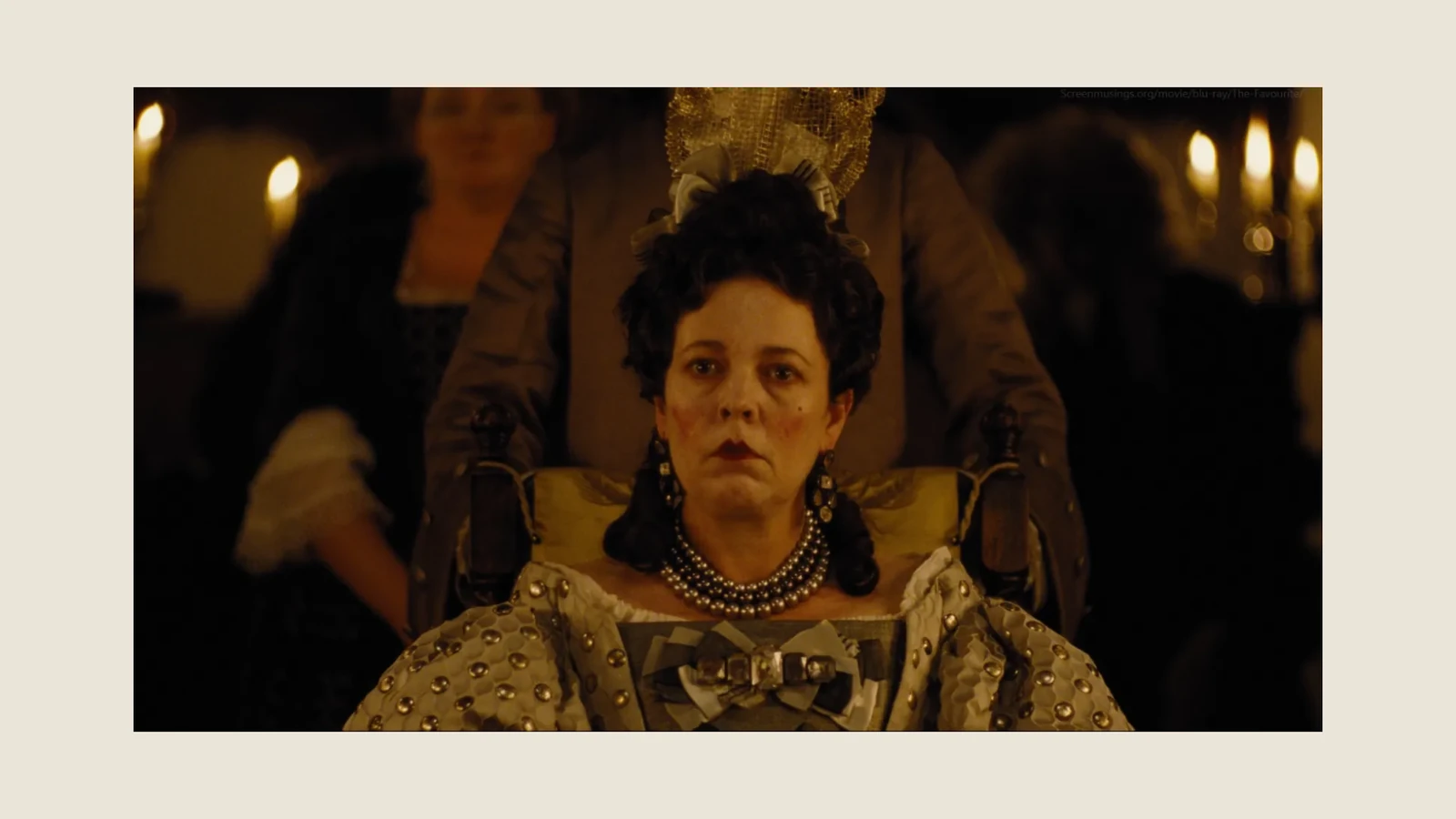
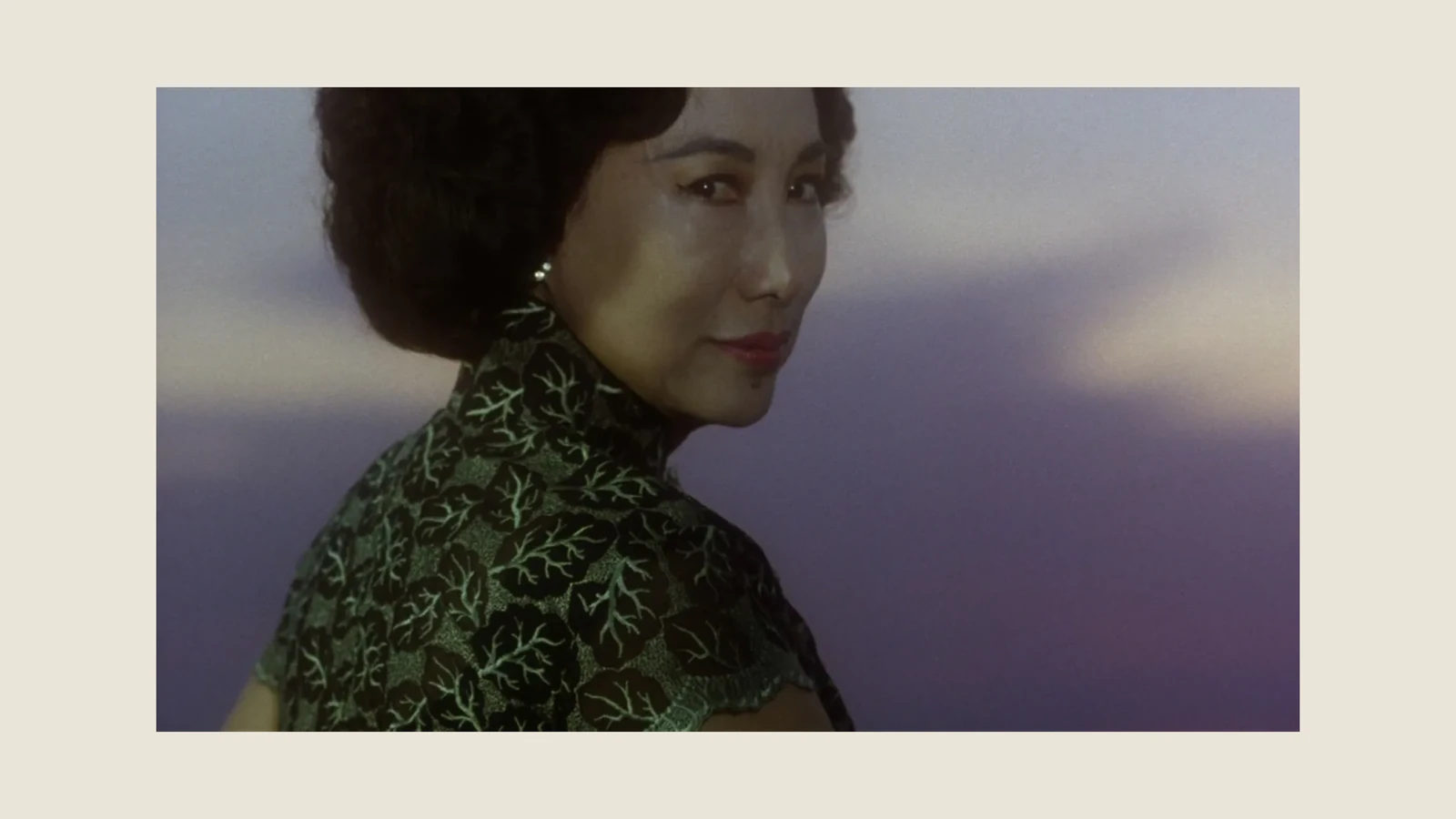
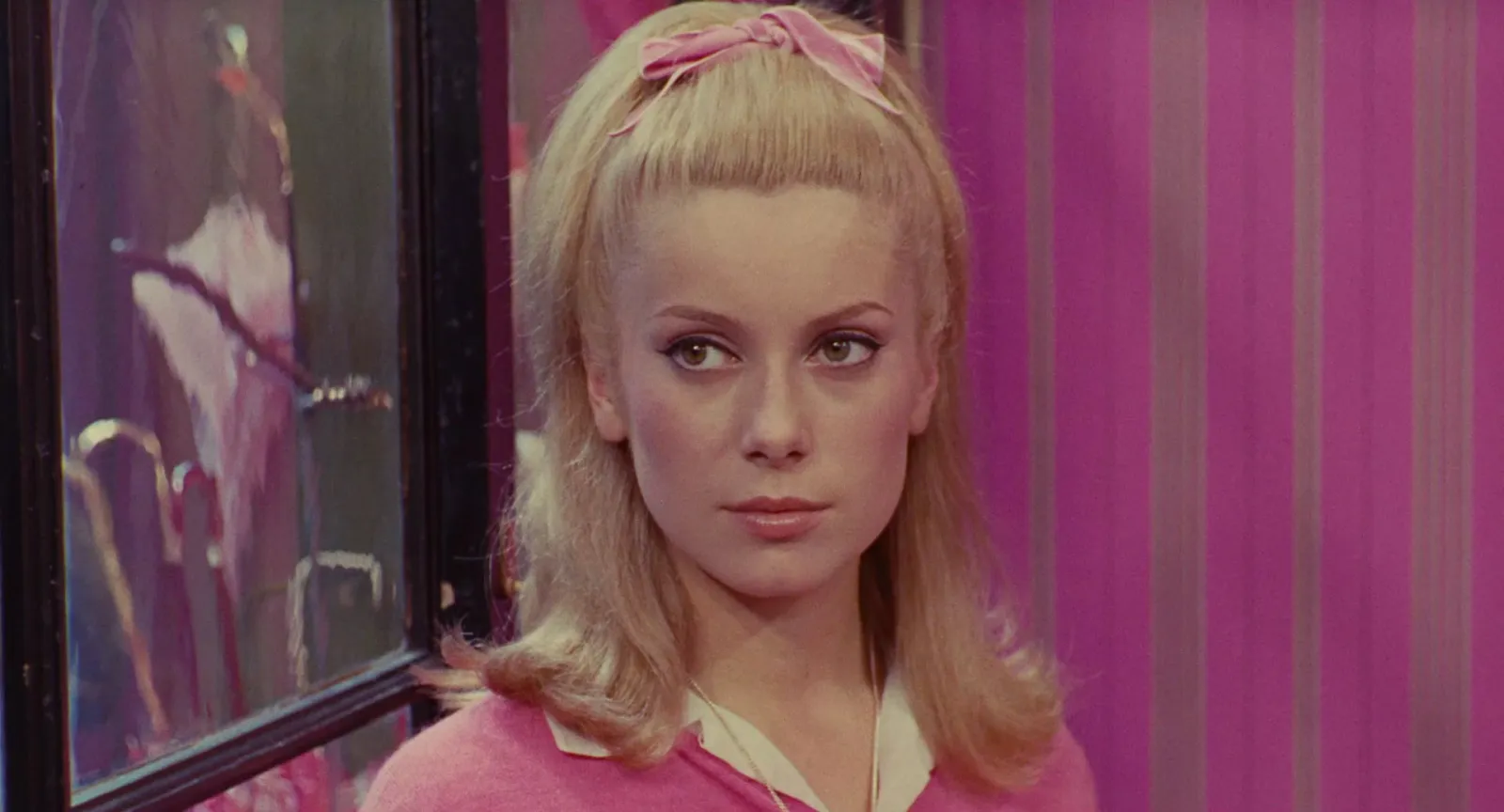
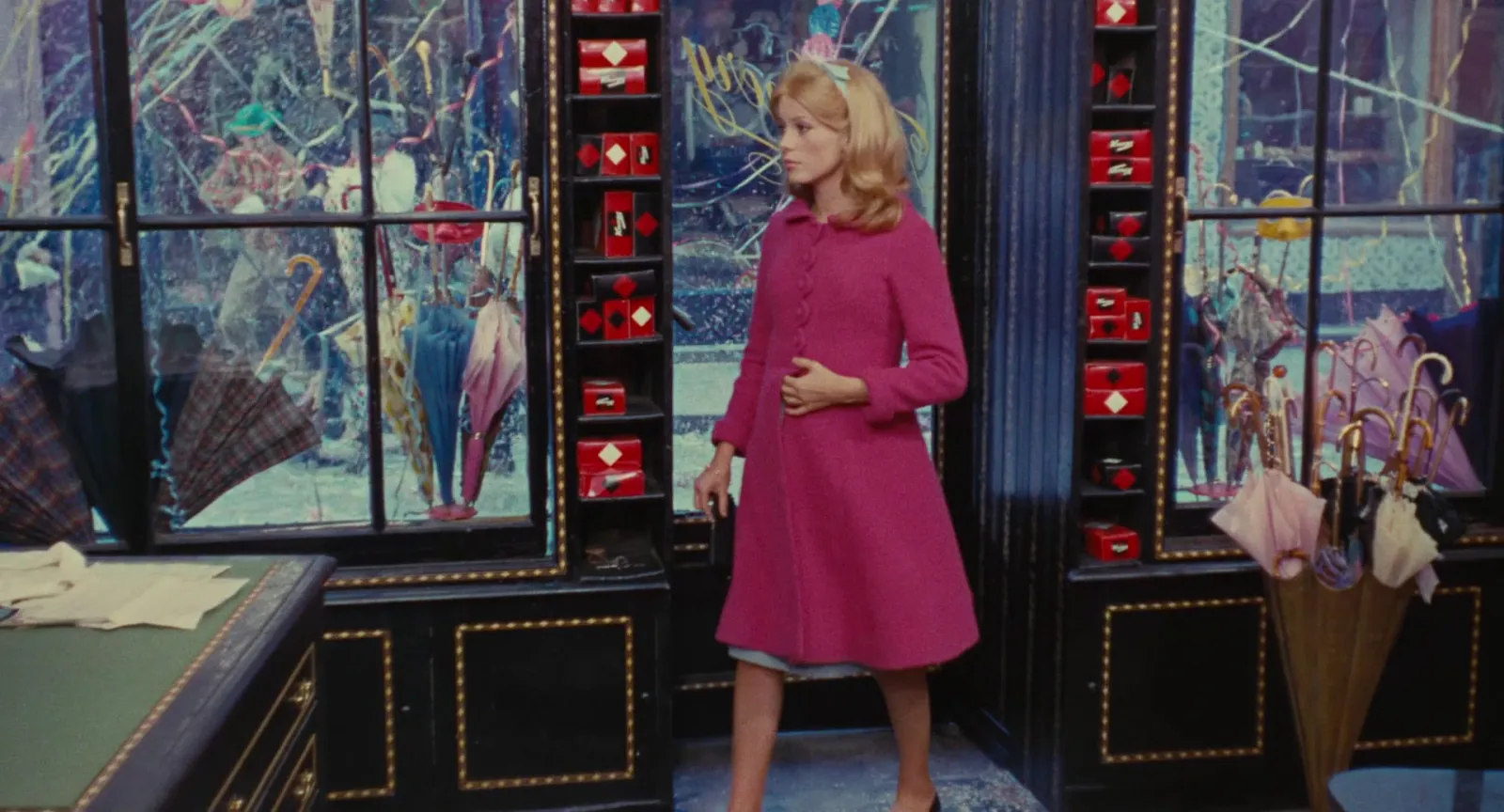
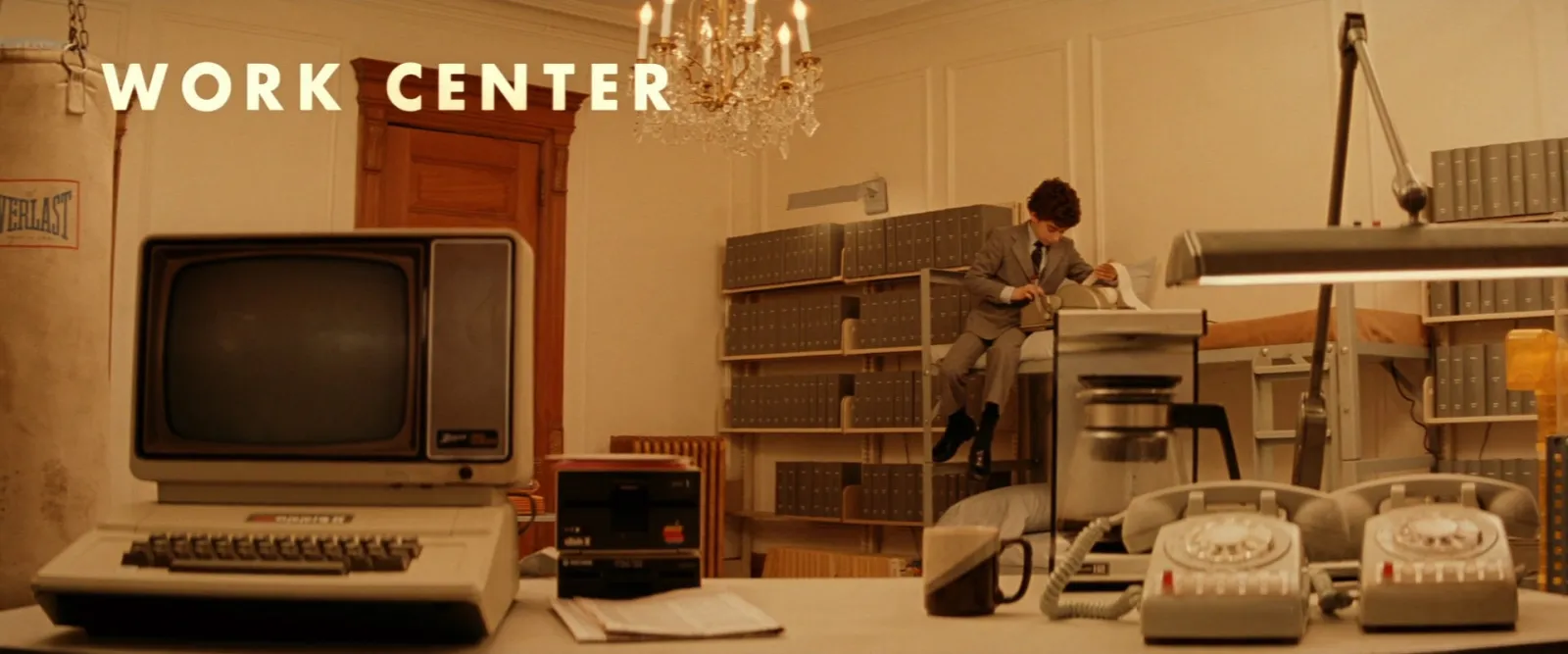
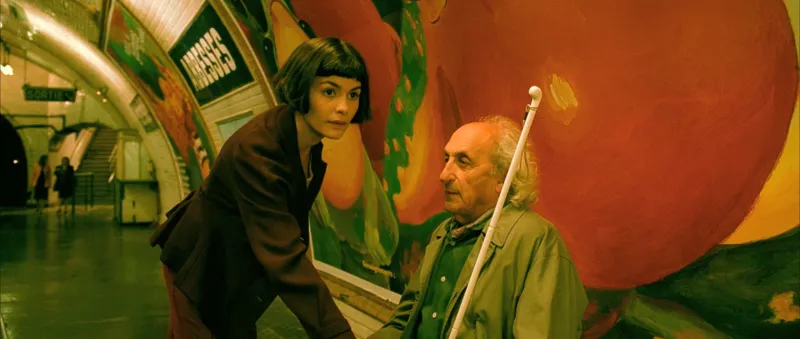
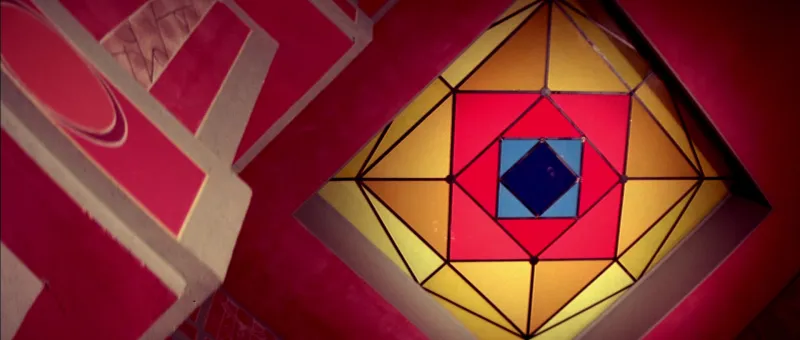
Those three pages came out of the maker's One per slide layout with a Bone background and Airy spacing, which leaves a printed looking margin around each picture.
Three kinds of lookbook
The word covers three different documents, and the first decision is which one you're making.
| Kind | Who reads it | What's in it | Our working length |
|---|---|---|---|
| Fashion lookbook | Buyers, press, stylists | One finished look per page, numbered, with the pieces credited | One page per look |
| Film or DoP lookbook | Director, DoP, designer, financiers | The visual approach: light, colour, framing, references from other films | 15 to 30 pages |
| Brand lookbook | Agencies, partners, retailers, new hires | The brand's world: campaign images, product, tone, what it never looks like | 10 to 20 pages |
The lengths are our own working ranges, not a rule. If a lookbook runs longer, it's usually doing two jobs and wants splitting.
Fashion: the clothes are the subject
A fashion lookbook shows a collection, one look at a time. Each page is a finished outfit, usually on a plain ground or in a single location, so the clothes can be compared page to page. Consistency is the whole craft: the same light, the same crop and the same pose family, so the only thing that changes is the look.
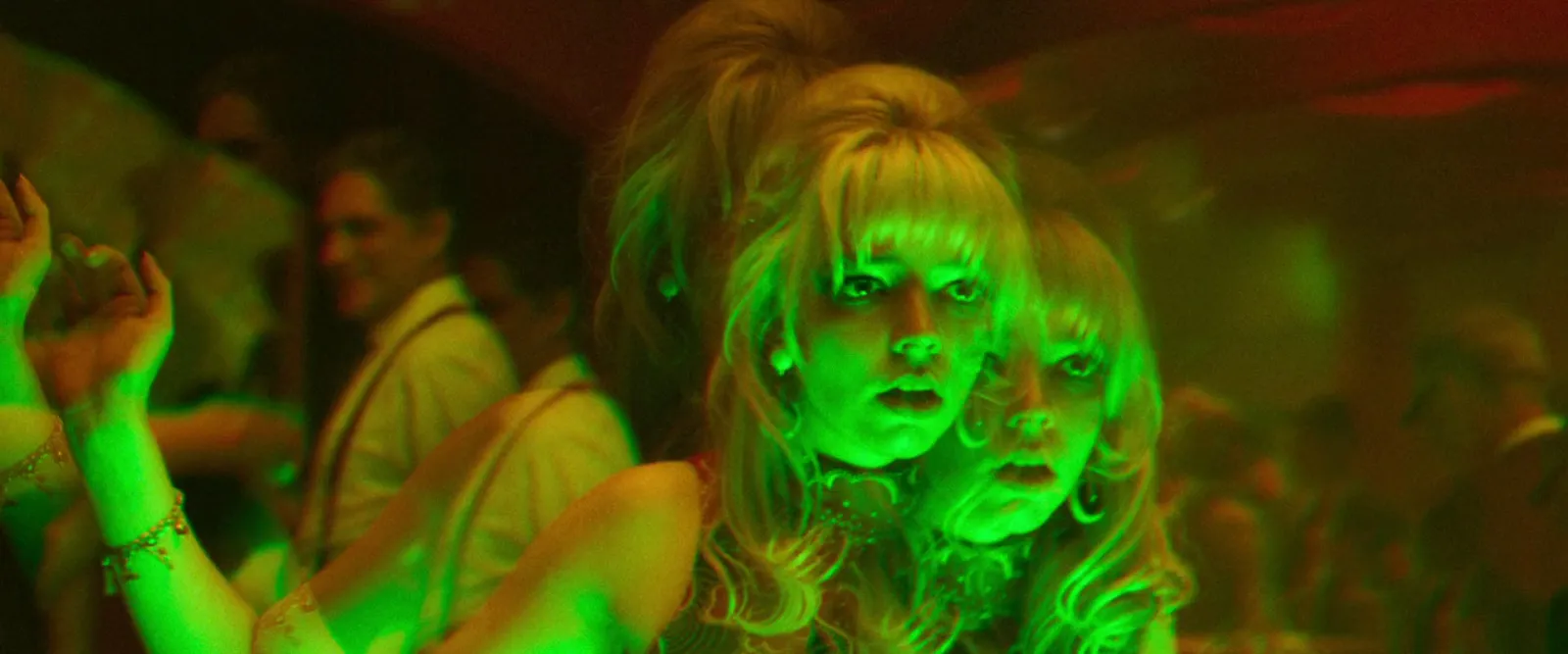
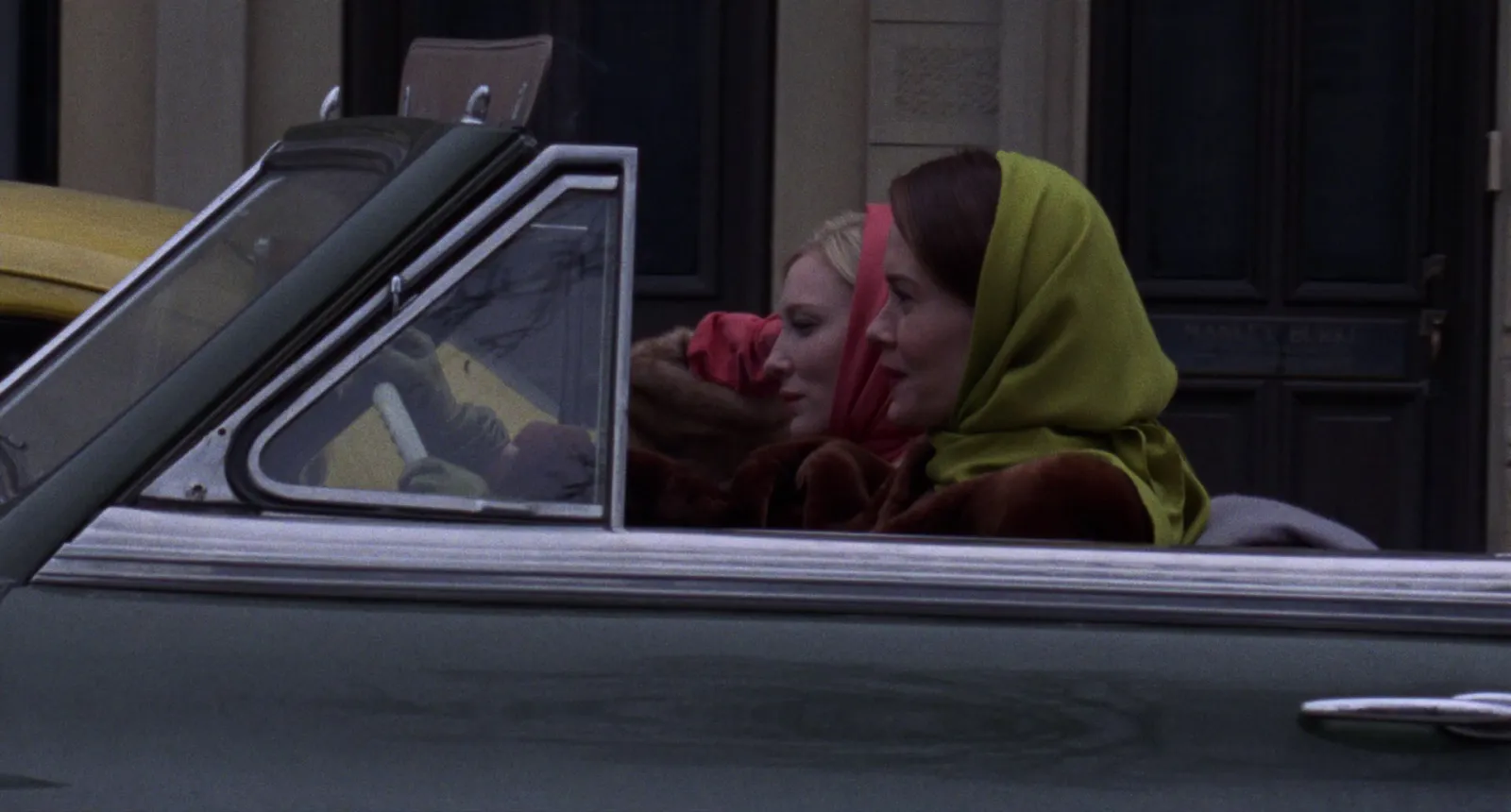
If you're at the earlier stage, deciding the mood, styling and casting before anything is shot, that's a moodboard job, and our fashion campaign moodboard guide covers it.
Film and DoP: the look is the subject
A film lookbook, sometimes written look book, sets out how a film will look before it's shot. Directors use it to pitch an approach, DoPs to agree light and lensing with the director, production designers to fix palettes. It's mostly references from other films, plus location scouts and tests once they exist. Unlike a treatment, it doesn't argue. It shows.
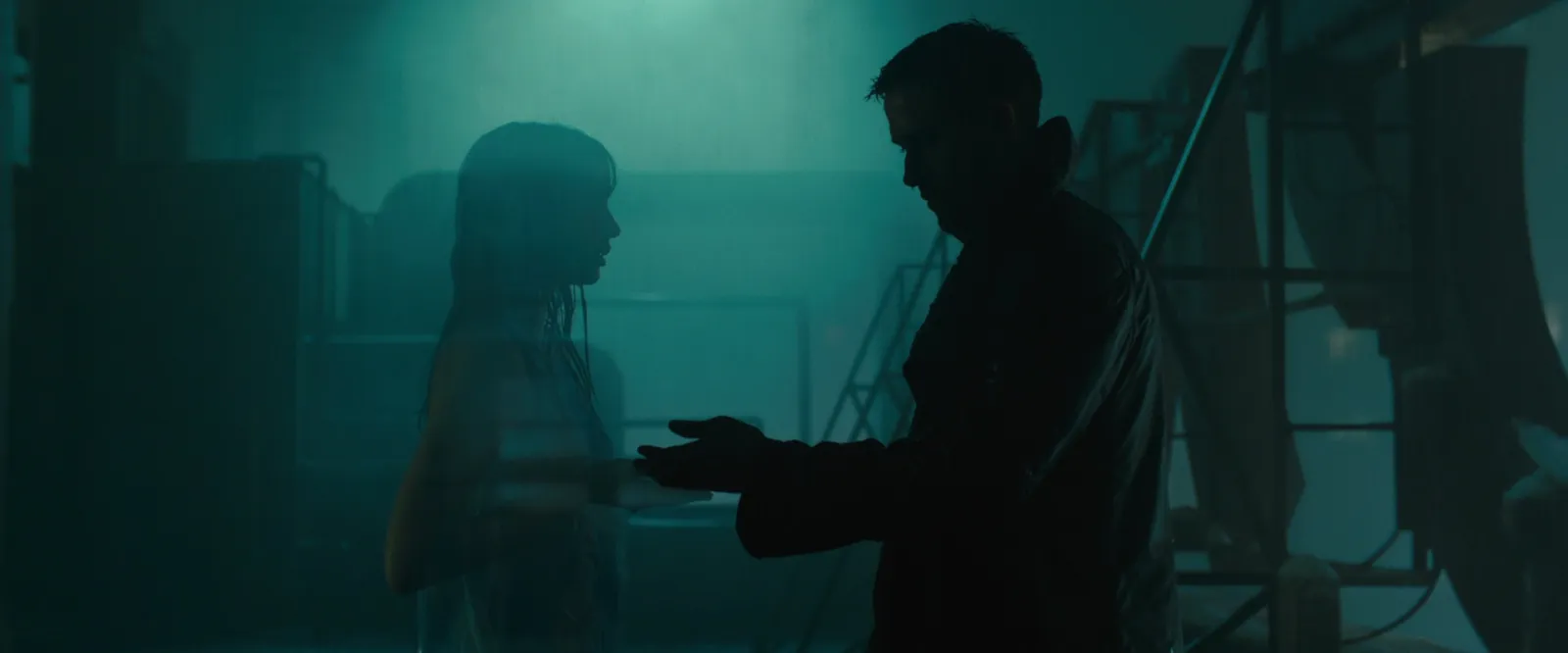
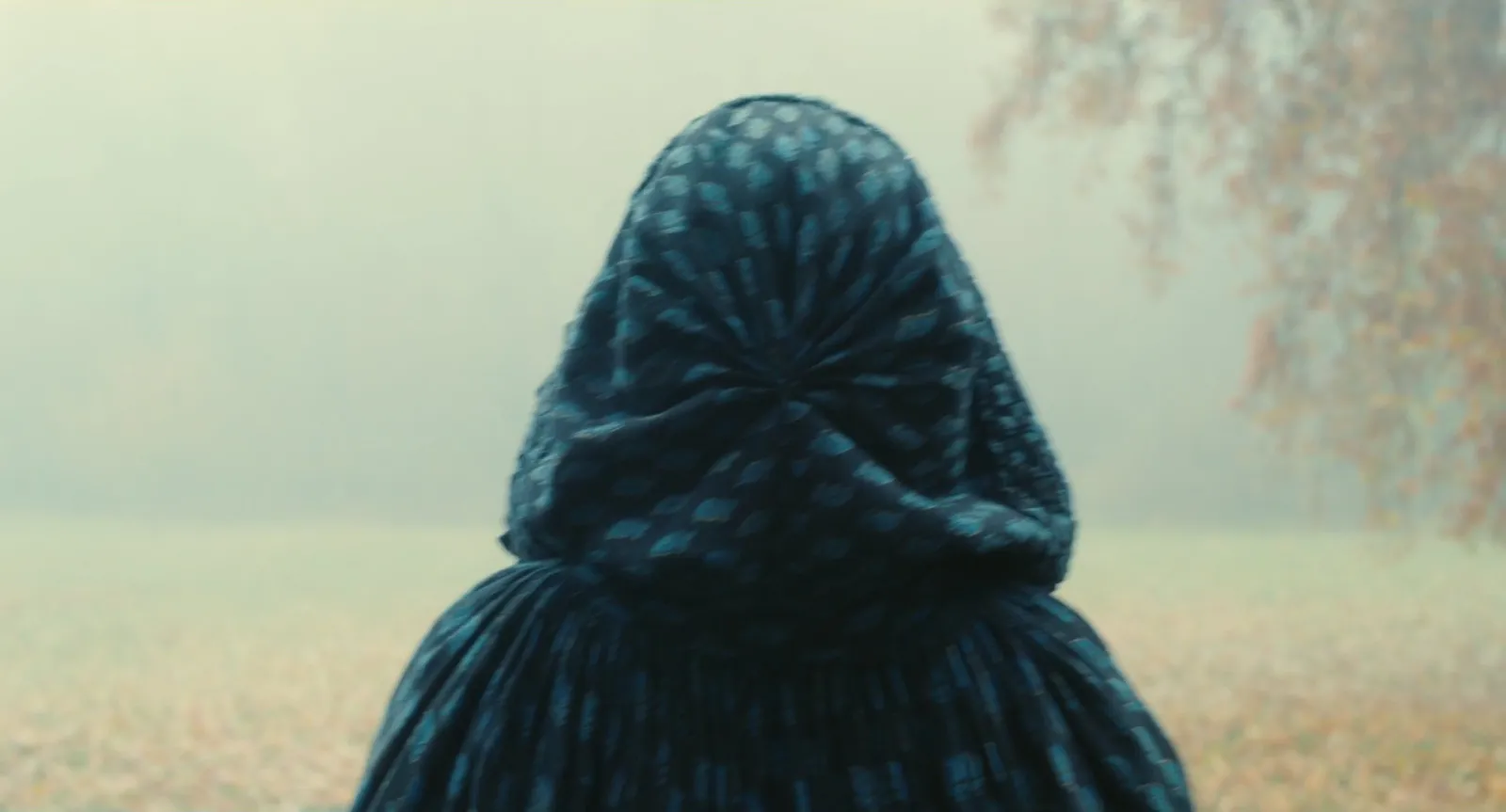
The words in a film lookbook are short and technical. "Haze in every interior, single source, no fill" is a lookbook caption. The longer, persuasive version belongs in a film treatment, where the lookbook often ends up as the reference pages.
Brand: the world is the subject
A brand lookbook shows what a brand looks like across everything it makes, so an agency, a retailer or a new designer can match it. It sits between a moodboard and a rulebook. Campaign images, product shots and tone pictures, often with a page of things the brand never does.
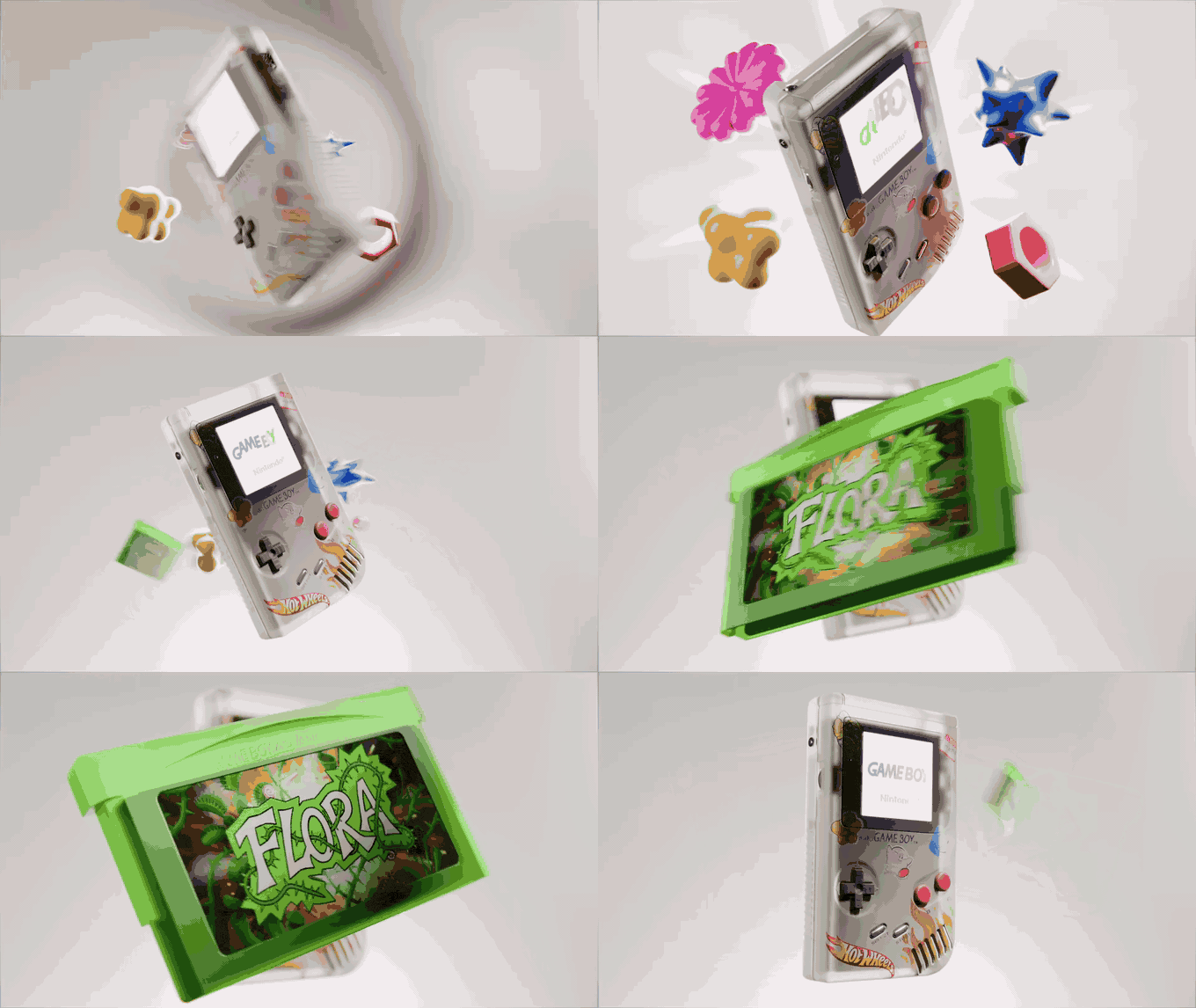
If it's turning into a document of rules (always, never, only), it has become a style guide, and our guide to a visual style guide for a video production is the better template.
Step 1: Decide what it has to do
Write one sentence before you collect anything. "Show buyers the twelve looks for spring." "Agree the light and colour of the night scenes with the DoP." "Show the new agency what our product photography looks like." That sentence decides who reads it, how long it is and what's allowed in. Anything that doesn't serve it goes.
Step 2: Gather wide, then cut hard
Collect two or three times as many pictures as you'll use. Then cut in passes: first anything that doesn't serve the sentence, then any picture that says the same thing as a better one, then anything you'd have to explain. A lookbook with 18 pages that each earn their place beats one with 40, because the reader's attention drops with every page that repeats.
Step 3: Sequence it like an edit
Lay the whole set out at once before you order it. A contact sheet view makes the sequence visible: which images belong together, where the colour shifts, where two similar frames would sit side by side and cancel each other out.
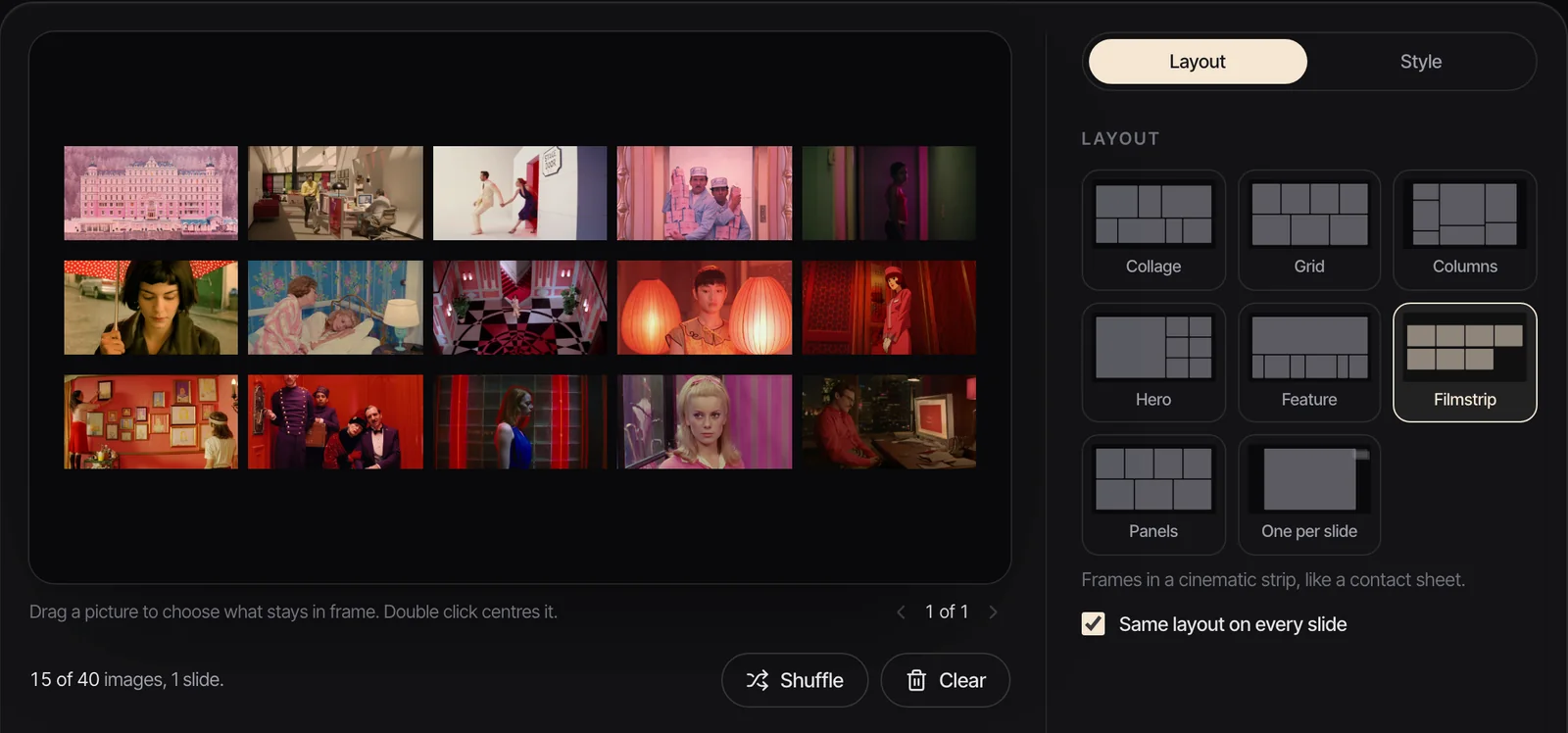
Then order it like a short edit:
- Open on the most specific image. The one that could only belong to this collection, film or brand. Not the prettiest one.
- Build. Three to six pages that develop the opening: the same idea from new angles, in new places, closer and wider.
- Breathe. A quieter page, a detail or an empty frame, so the next run lands.
- Develop again. A second run that takes the idea somewhere the first didn't.
- Close on an image that sums it up. The page people should remember when they shut the file.
Change one thing at a time between neighbouring pages. Colour, location, scale or subject. Change everything at once and it reads as a cut to a different document.
Step 4: Pace it with one image per page
One image per page is the default for a reason: it gives every picture the reader's whole attention, and it makes the sequence the structure. Break the rule only on purpose:
- A pair when two pictures only make sense together, such as a look from the front and the back, or a wide and a detail of the same set.
- A full bleed page for the opening or the close, where you want no margin at all.
- A run of three similar pages to set a rhythm, then break it.
Step 5: Keep the type quiet
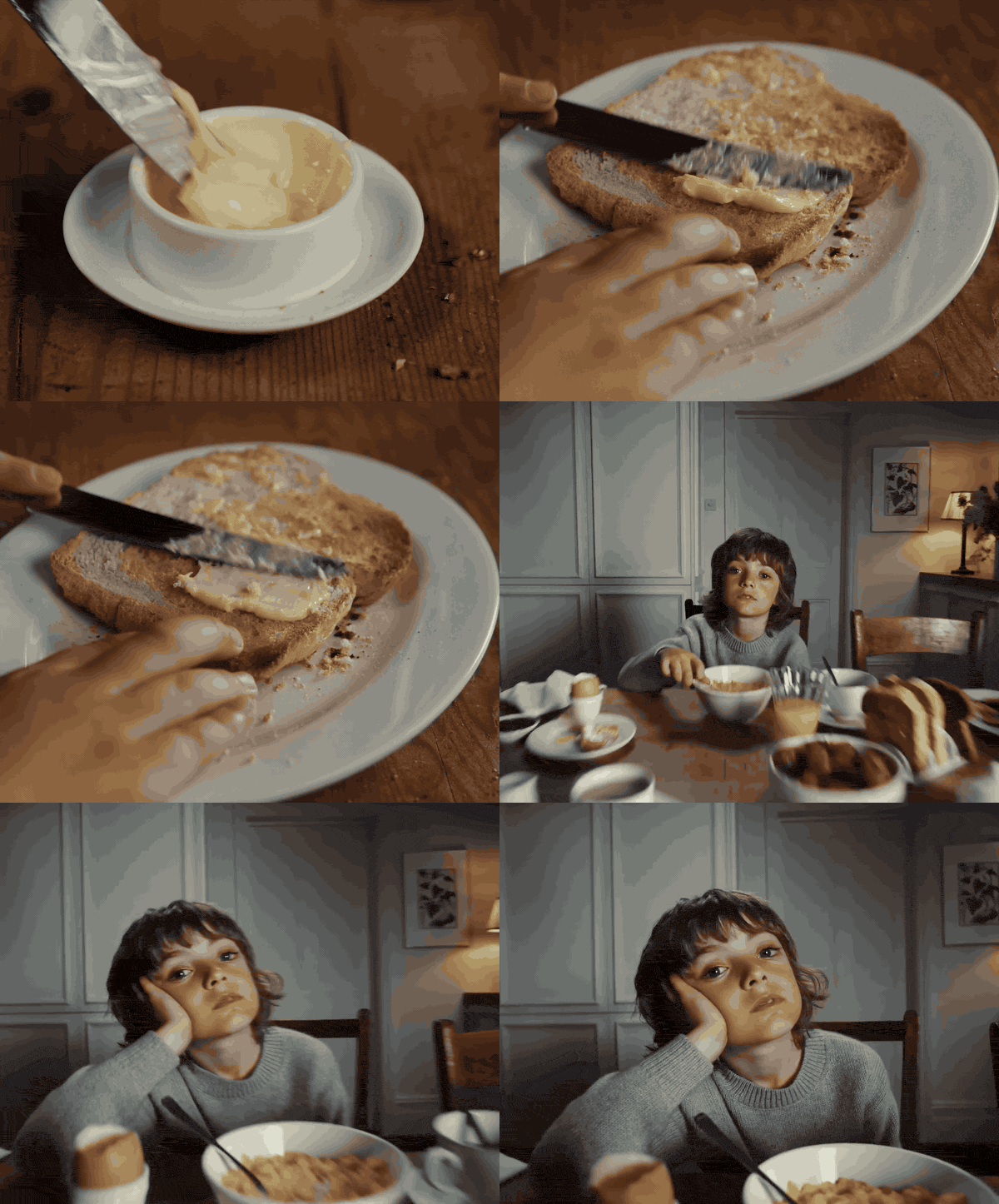
Type in a lookbook is there to orient, not to persuade. One typeface in two sizes is plenty. A title page, then at most a line per page: a look number and its pieces for fashion, a scene or a technical note for film, a short label for brand. Leave the rest of the page to the picture.
Add the type once the pages are in the deck app. Export the .pptx, open it in Keynote or PowerPoint, and put a text box on each slide in the same place, so the eye stops looking for it. For a printed fashion lookbook, Adobe InDesign handles portrait page sizes, bleed and print PDFs properly.
Step 6: Build the pages with One per slide
The quickest way to get from a folder of pictures to finished pages is the One per slide layout in the moodboard maker.
- Open the moodboard maker and drop in your pictures, up to 40 at 25 MB each (JPEG, PNG, WebP or GIF).
- Choose One per slide. Each picture gets its own 16:9 slide and keeps its shape.
- Drag the pictures in the running order strip into your sequence from Step 3.
- Under Style, pick a background: Bone or Paper reads like a printed page, Ink or Slate suits film stills. Airy spacing gives each picture a generous margin; Edge to edge makes every page full bleed.
- Export.
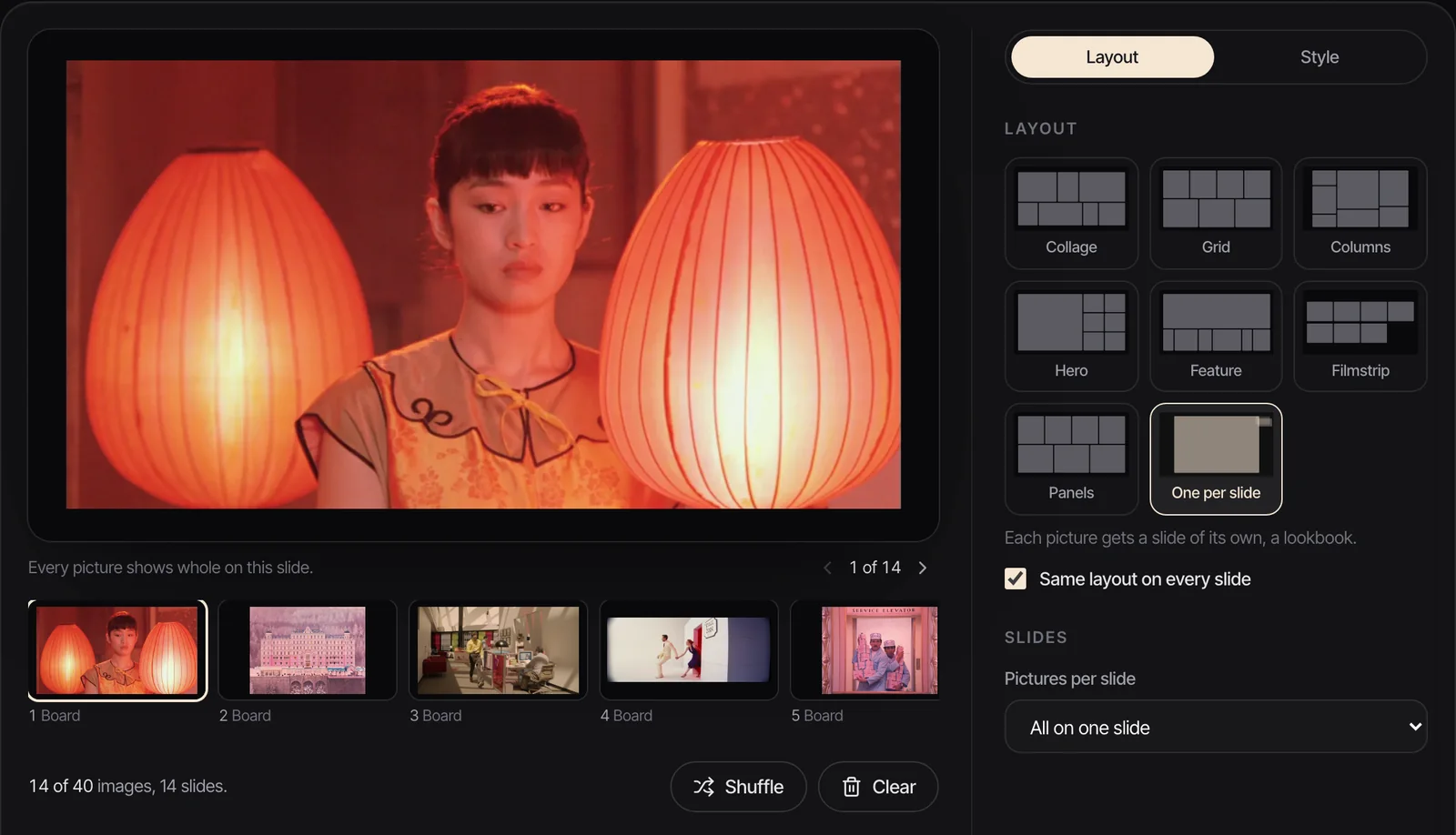
The pages are 16:9, which suits a lookbook that will be read on a laptop or shown on a screen. If yours is going to print as a portrait book, use the maker for the sequence and build the final pages in InDesign or Keynote at the print size. If you'd rather build the whole thing in Keynote from the start, our Keynote moodboard guide covers media placeholders and masks.
Step 7: Export one file to send and one to present
Make two files, because the jobs are different.
The PDF is for sending. It opens on any phone, prints, and can't be accidentally edited. In our test, 12 full screen pictures exported from the maker as One per slide came to a 17.3 MB PDF, so a long lookbook can pass Gmail's 25 MB attachment limit, at which point Gmail swaps the file for a Drive link anyway. For anything over 20 pages, send a link from the start.
The .pptx or Keynote file is for presenting. It's the version where motion survives. A PDF freezes every GIF on its first frame, so if your lookbook includes a fashion film loop or a camera move, the PDF shows a still and the deck shows the movement.
If the lookbook is going to be presented to a room, our guide on how to present a moodboard covers the talking part: what to say before the first page, and which pages to stop on.
Where the pictures come from
For film and brand lookbooks, the pictures usually start as video: a film you rewatched for its light, an ad from the Meta Ad Library, a reel a stylist sent. Grabbing the right frame from each and keeping track of where it came from is most of the work.
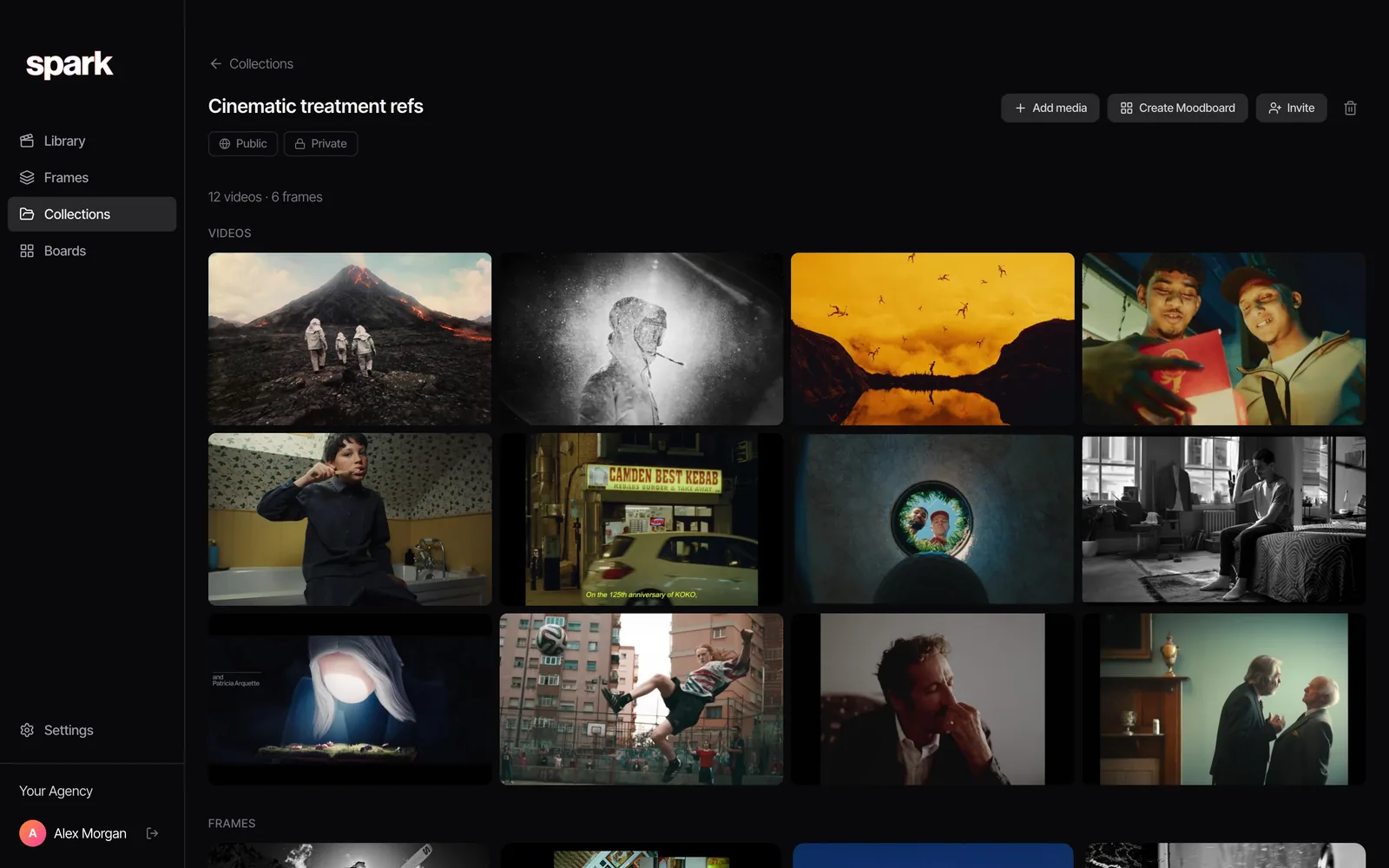
That's what we built Spark for. Save the videos, export a clean frame or a GIF from the exact moment, and keep them in a collection per project. Create Moodboard then lays the collection's frames and GIFs out as slides and exports them to Google Slides, Canva, PowerPoint, Keynote or PDF. For more on which layouts suit which job, see our free moodboard templates, and for finished boards to learn from, our moodboard examples.
FAQs
What is a lookbook?
A lookbook is a sequence of images, usually one per page, that shows a look: a fashion collection, the visual approach of a film, or a brand's world. Unlike a moodboard, which is seen all at once, a lookbook is read page by page, so its order and pacing matter as much as the pictures.
What is the difference between a lookbook and a moodboard?
A moodboard explores a feeling on a single page or slide, and it's usually made early to agree a direction. A lookbook is sequenced, one image per page, and presents a direction that's already been chosen. Many lookbooks start life as a moodboard that got cut down and put in order.
How many pages should a lookbook have?
As few as the job allows. A fashion lookbook has one page per look; for film and brand lookbooks we work to roughly 15 to 30 and 10 to 20 pages respectively. If it runs much longer, it's usually trying to do two jobs and should be split.
What size should a lookbook be?
16:9 at 1920 x 1080 pixels if it will be read on screens or presented, which covers most film and brand lookbooks. For a printed fashion lookbook, use a portrait page size such as A4 and build it in a layout app like InDesign.
Can I make a lookbook for free?
Yes. Our free moodboard maker's One per slide layout turns up to 40 pictures into a slide each, with backgrounds and spacing, and exports a .pptx for PowerPoint, Keynote, Google Slides or Canva, a PDF, or PNGs. Nothing is uploaded and there's no sign-up.
Should I send a lookbook as a PDF?
Send a PDF when it has to open anywhere and nothing in it moves. If it includes GIFs or video loops, present from the .pptx or Keynote file, because a PDF shows only the first frame of each GIF. Keep an eye on the size: a long lookbook PDF can pass the 25 MB email limit.
Keep reading
All articles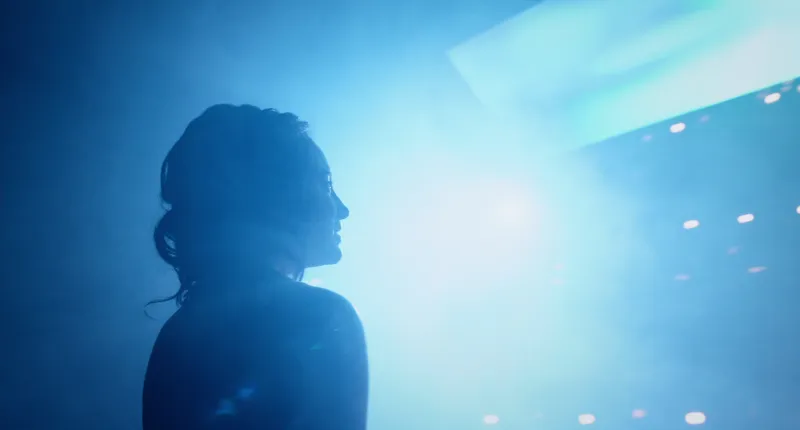
How to Present a Moodboard to a Client (Without Losing the Room)
A moodboard doesn't speak for itself. Left alone on a screen, it invites a room full of opinions; introduced well, it gets you a decision in five minutes.
Moodboard vs Storyboard vs Shot List: What Each One Is For
Six documents, six different questions. Ask for the wrong one and you get a beautiful answer to something nobody asked, usually a day before the shoot.
How to Make a Moodboard in Figma or FigJam
Figma gives you more control over a moodboard than any slide app. It also freezes your GIFs in the editor, which matters the moment your references move.