
Free Moodboard Templates for Film, Video and Brand Pitches
Most template downloads are a grid of grey boxes behind an email form. These eight fill themselves with your pictures and leave as slides, ready for PowerPoint, Keynote, Google Slides or Canva.
By the Spark team ·
The fastest free moodboard template is one that fills itself. Our moodboard maker has eight layouts (Collage, Grid, Columns, Hero, Feature, Filmstrip, Panels and One per slide), runs in your browser with no sign-up and no email form, and exports a .pptx for PowerPoint, Keynote, Google Slides or Canva, a PDF, or 1920 x 1080 PNGs. Drop in up to 40 pictures, pick the layout that suits the job, and the board is done.
Which layout? Hero when one frame carries the whole idea. Grid when the point is palette and you want it calm. Panels for casting and wardrobe. One per slide for a lookbook. The rest of this post goes through all eight with a real board built in each, how many pictures each one likes, and where the other apps (Canva, Google Slides, PowerPoint, Keynote, Milanote, Miro, Notion and Figma) keep their templates if you'd sooner start there.
We're the team behind Spark, a reference library for video, and these are the layouts that work when a pitch needs a board by this afternoon.
Why a layout beats a downloaded template
A downloaded template is a set of empty boxes. You still have to crop every picture to fit its box, and the number of boxes decides how many references you show, which is the wrong way round. Twelve boxes and seven good frames means five weak ones get in to fill the gaps.
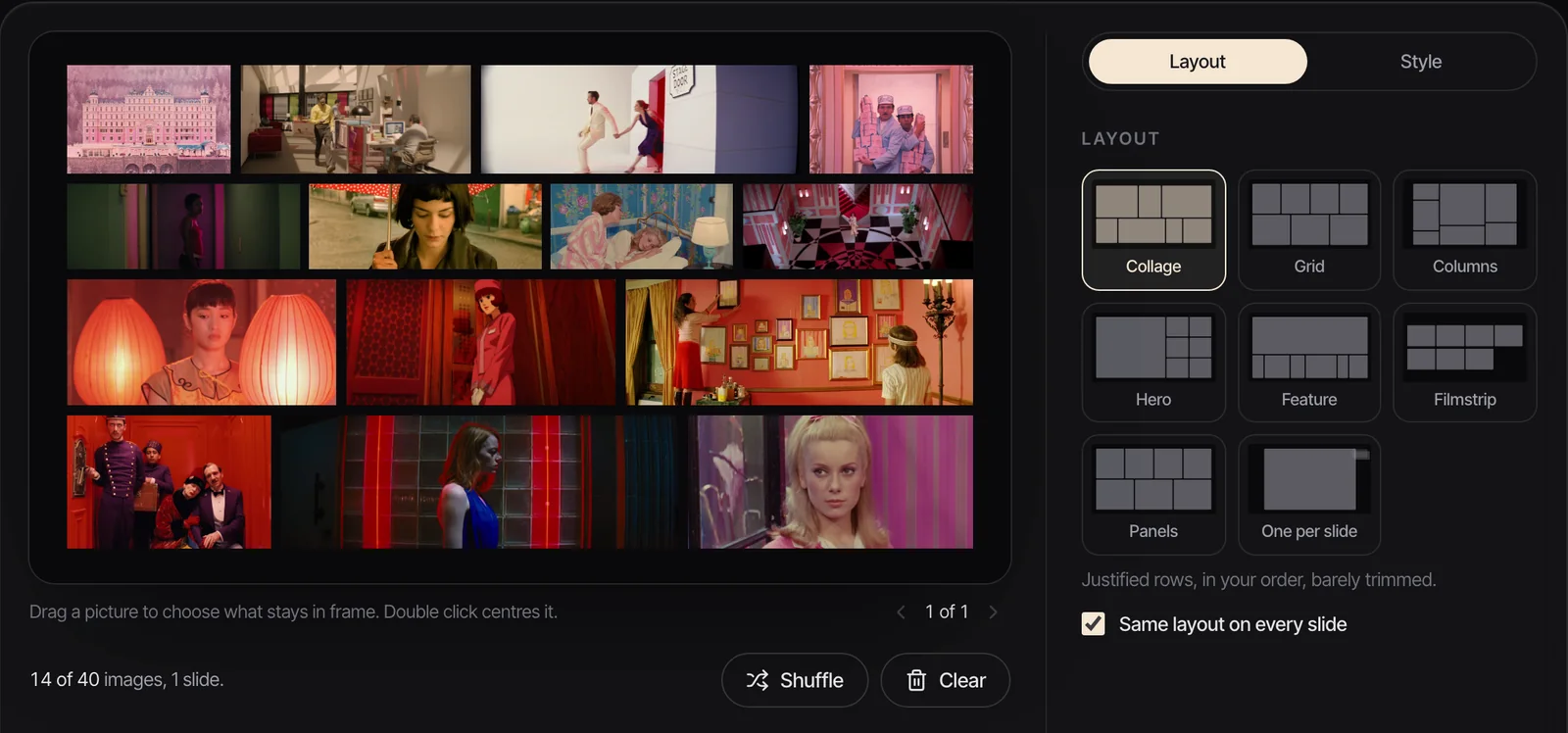
A layout works from the pictures you have. In the maker, every board is a 16:9 slide, and each layout arranges whatever you give it:
- Nothing is ever stretched. Collage, Columns and One per slide keep each picture's shape. The others trim edges to fill their frames, the way a picture framer would, and you drag any picture to choose what stays in. Pick Show whole and nothing is trimmed at all.
- Spacing runs from Edge to edge through Tight and Standard to Airy.
- Backgrounds: Ink, Paper, Bone, Gallery, Slate, a Matched colour pulled from your own pictures, or a custom one.
- Pictures per slide: all on one slide, or up to 4, 6, 9 or 12 a slide, so 30 references can become a five slide deck with the same layout on every page.
- Formats: JPEG, PNG, WebP and GIF, 25 MB each. Nothing is uploaded; the files are built on your own computer.
Every example board below was made in the maker from film stills, exported with its PNG image button and only resized for this page.
The eight layouts at a glance
| Layout | Best for | Pictures that work | Watch out for |
|---|---|---|---|
| Collage | Tone and world: lots of references, one feeling | 6 to 12 | Mixed shapes make busy rows; keep it to one colour family |
| Grid | Palette, symmetry, a calm overview | 4, 6, 9 or 12 | Even cells flatten the hierarchy; nothing leads |
| Columns | Mixed shapes, portrait and landscape together | 6 to 10 | All landscape frames leave space above and below |
| Hero | One frame that sells the idea, with support | 4 to 7 | The first picture must be the best one |
| Feature | Location and landscape, a wide lead and details | 4 to 6 | Needs a genuinely wide lead frame |
| Filmstrip | Sequence, rhythm, a run of frames | 9 to 15 | Small frames: no fine detail survives |
| Panels | Casting, wardrobe, portraits | 3 to 6 | Hard crops on wide frames; drag to reframe faces |
| One per slide | Lookbooks, treatments, presenting frame by frame | 1 per slide | A deck of 20 slides needs a running order |
The picture counts are our own working ranges, apart from Panels, where the maker itself says three to six. If a board needs more than its range, split it with the pictures per slide setting. Two boards that each say one thing beat one board that says six.
Collage: tone and world
Collage lays pictures in justified rows, in your order, barely trimmed. It's the most forgiving layout and the one to start with when the job is mood: the world of the film, its light, the feeling of a place at night. Six to twelve frames from one colour family read as a single idea. Mix a pastel frame into a neon board and it stands out like a typo.
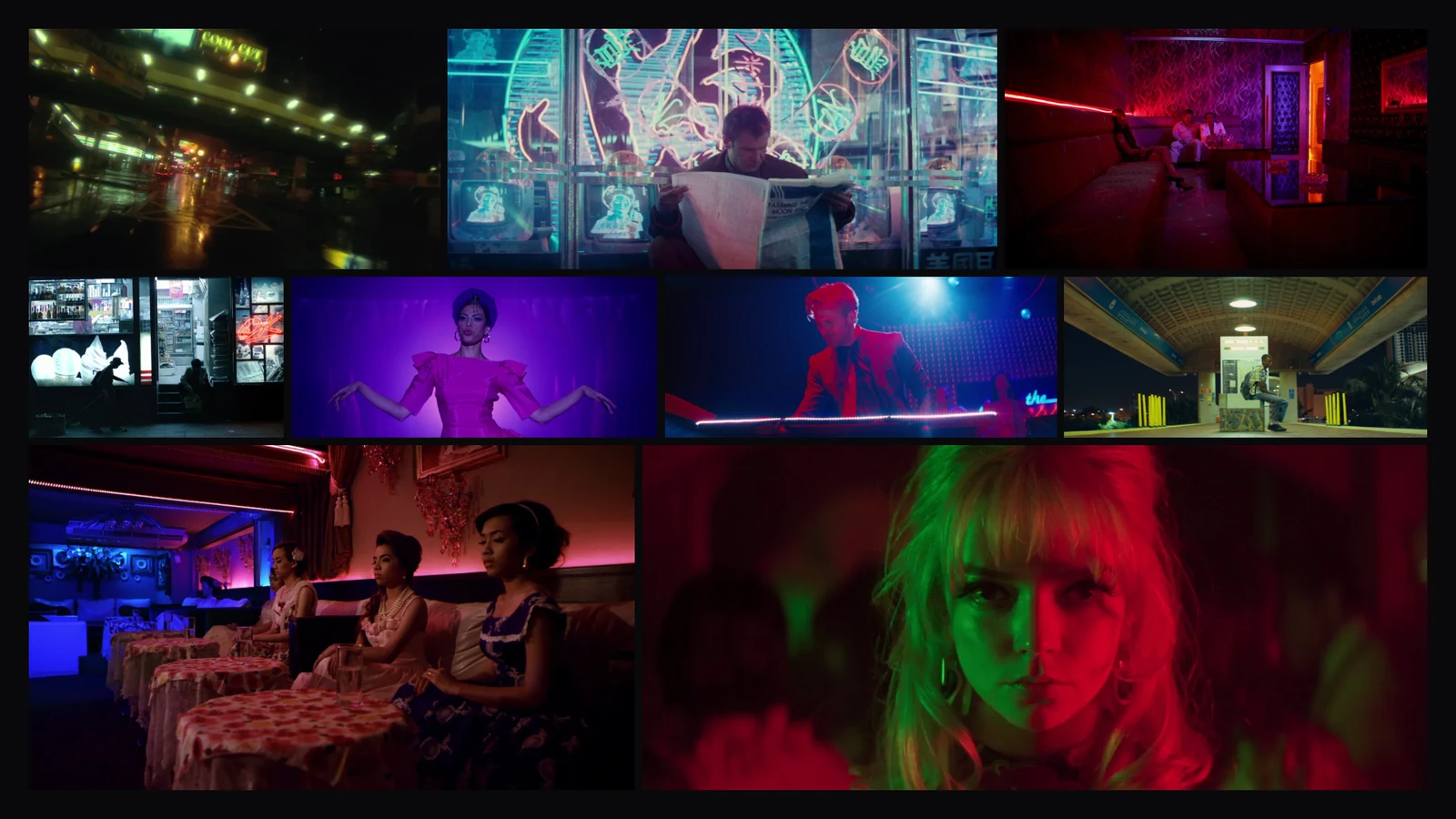
Put your strongest frame in the first row. People read a collage like a page, top left first, and the first row sets the expectation for the rest.
Grid: palette and symmetry
Grid gives every picture an equal cell, trimmed to fill. Tidy and calm, as the maker puts it. That evenness is the point when the board is about colour or composition, because the eye compares cell to cell. It's also its weakness: nothing leads, so a Grid is a poor choice for a board that needs to sell one idea.
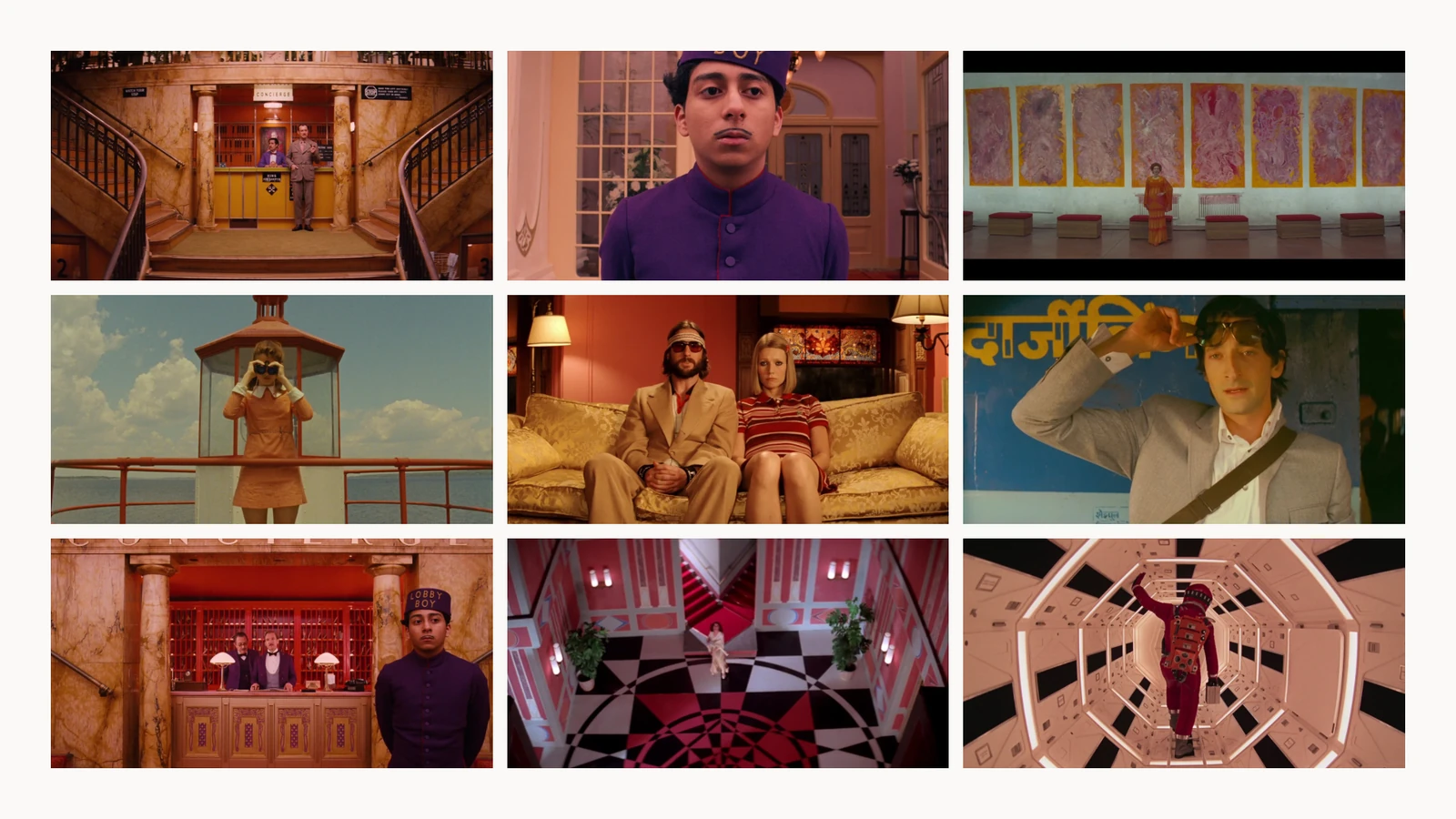
Use 4, 6, 9 or 12 pictures so the cells fill evenly. A pale background (Paper, Bone or Gallery) suits a pastel palette; Ink makes saturated colour glow. For a deeper look at reading palettes off frames like these, our post on the Wes Anderson colour palette pulls the HEX codes.
Columns: mixed shapes, pinboard style
Columns stacks pictures in columns that end level, like a pinboard. It keeps each picture's shape, which makes it the layout for a mix of portrait phone grabs, square frames and widescreen stills. Feed it mostly widescreen stills and the columns end short of the slide, leaving a margin above and below, as here.
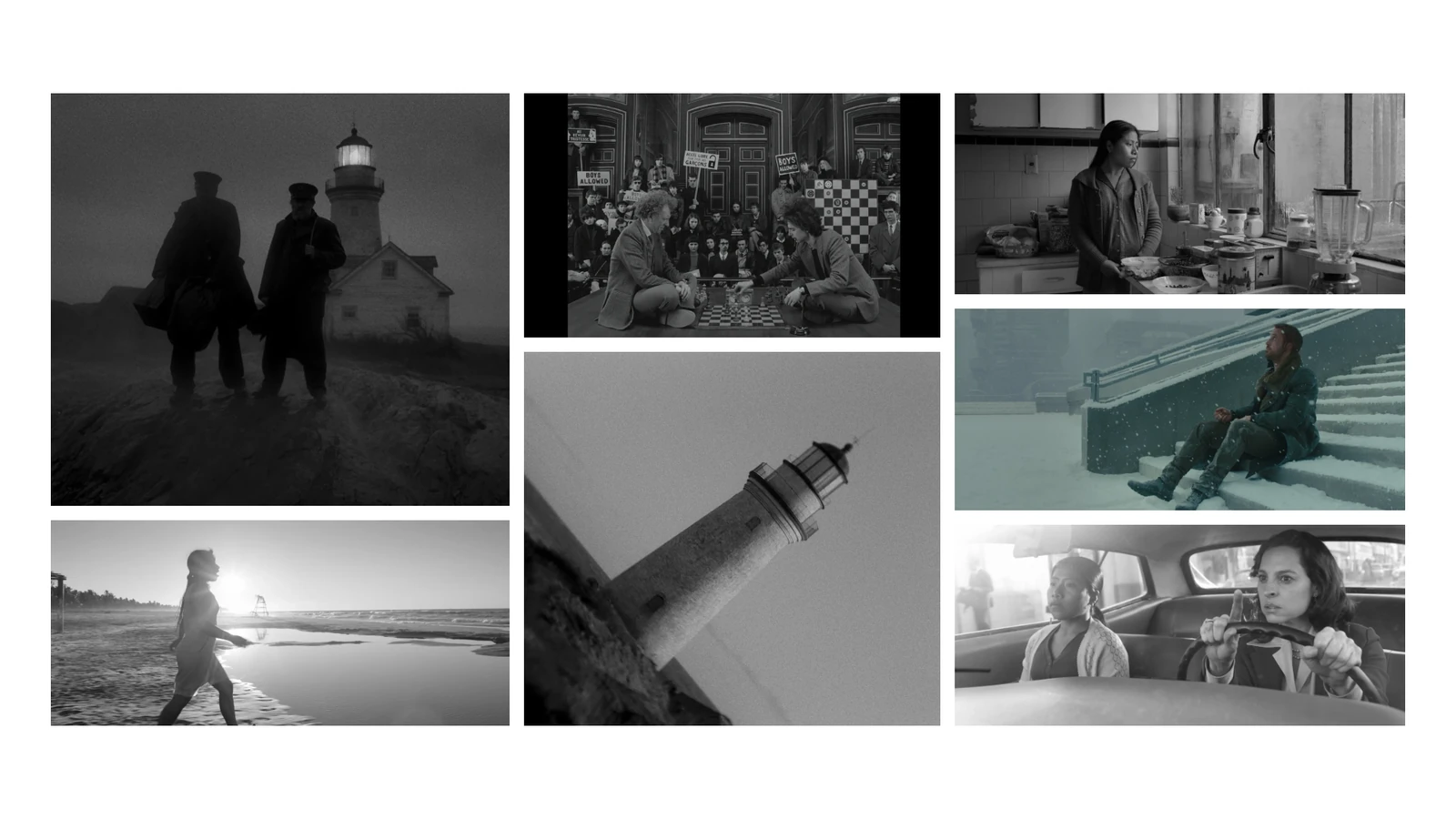
Hero: one frame that sells it
Hero puts your first picture large on the left and the rest beside it. It's the layout for pitches. If you can point at one frame and say "this is the film", give it the hero slot and let the others answer questions about it: the light up close, the colour, the scale.
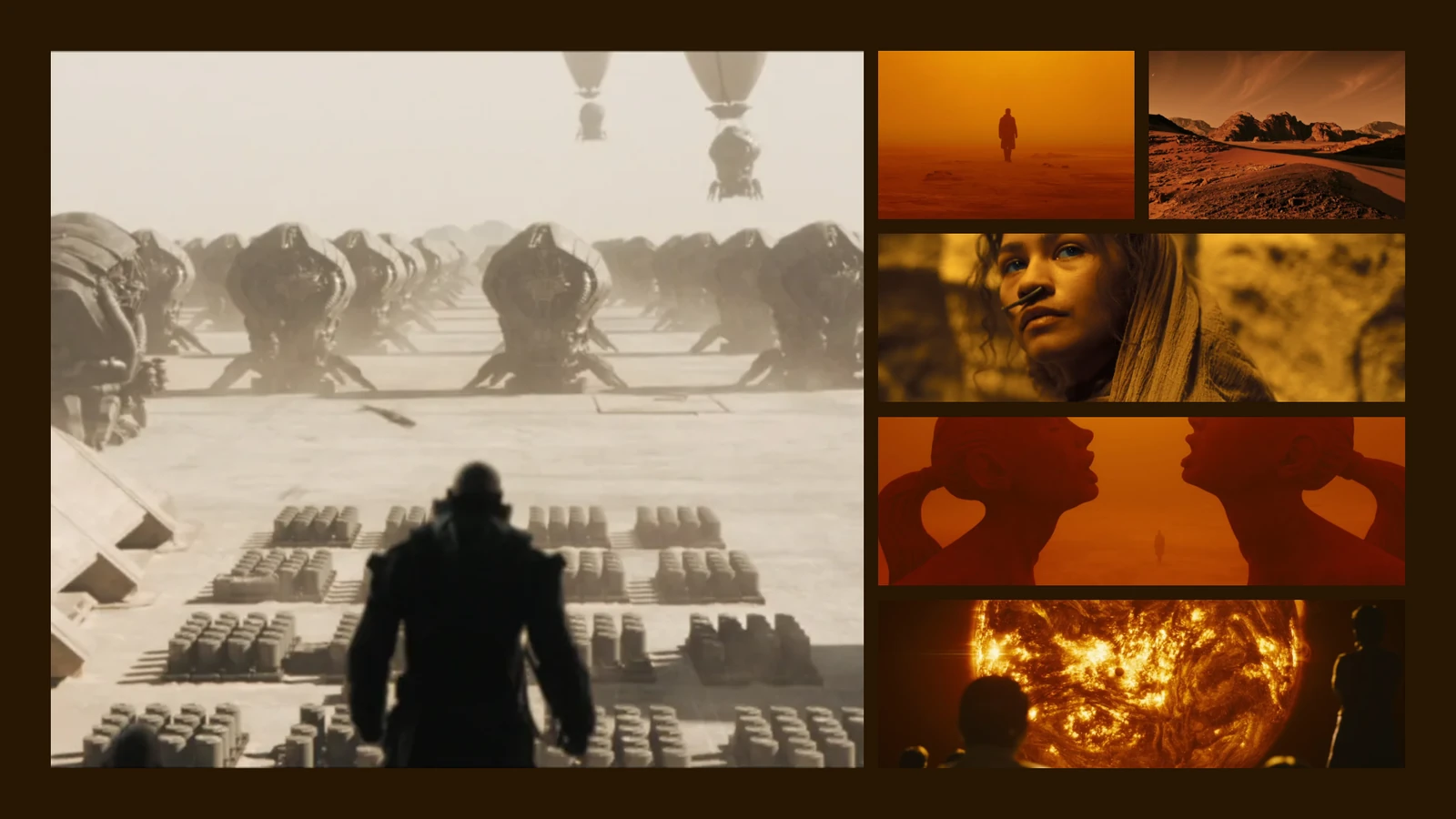
The order matters more here than anywhere else. Drag your strongest frame to the front of the running order, then check the crop on it. Hero trims to fill, and you can drag the picture to keep a face or a horizon in frame.
Feature: a wide lead and details
Feature runs a wide lead picture across the top with details in a row below. It's the natural layout for a location or landscape board, where the wide shot gives the place and the details give its texture: trees, rock, weather, a figure for scale.
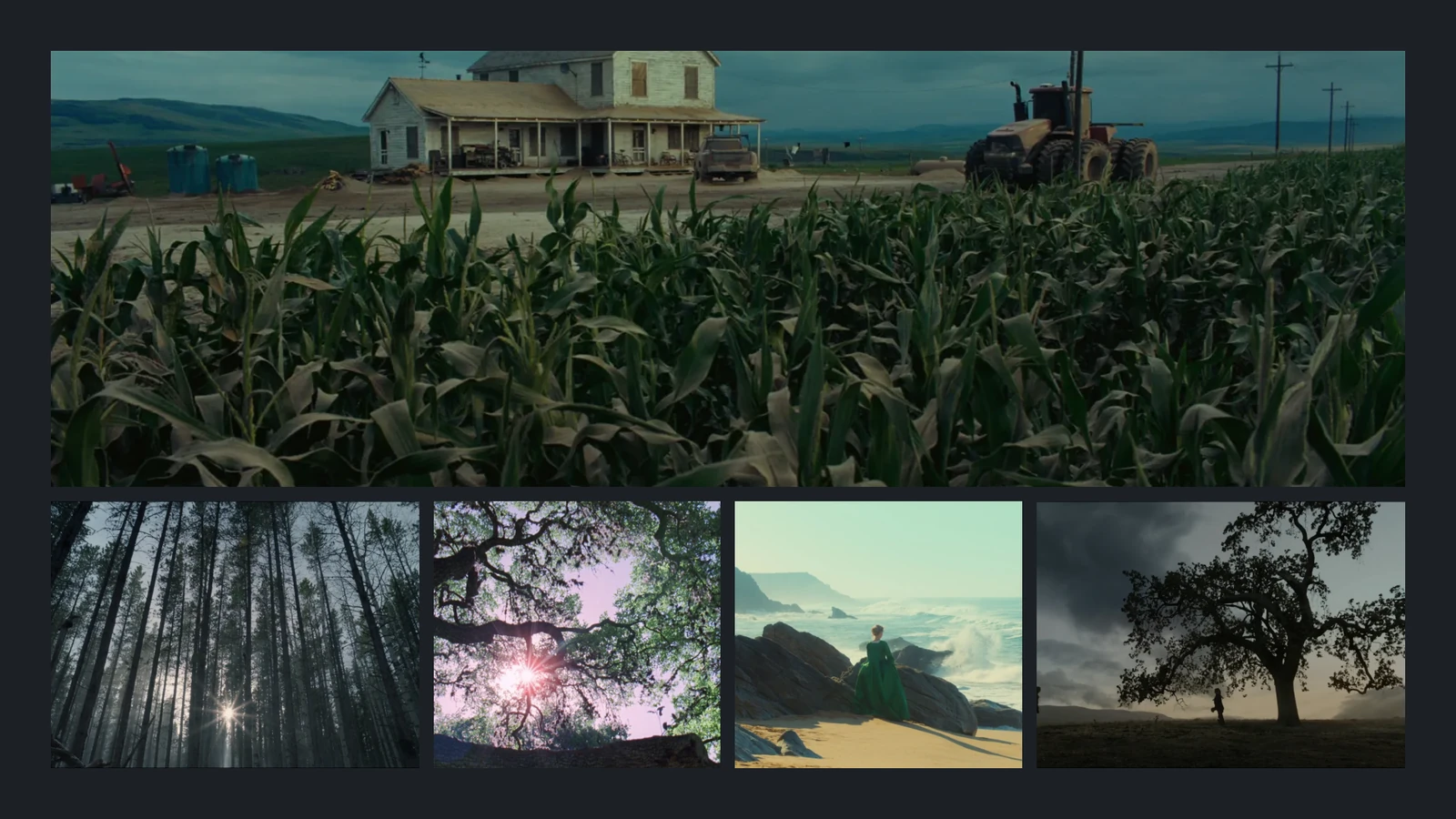
Filmstrip: sequence and rhythm
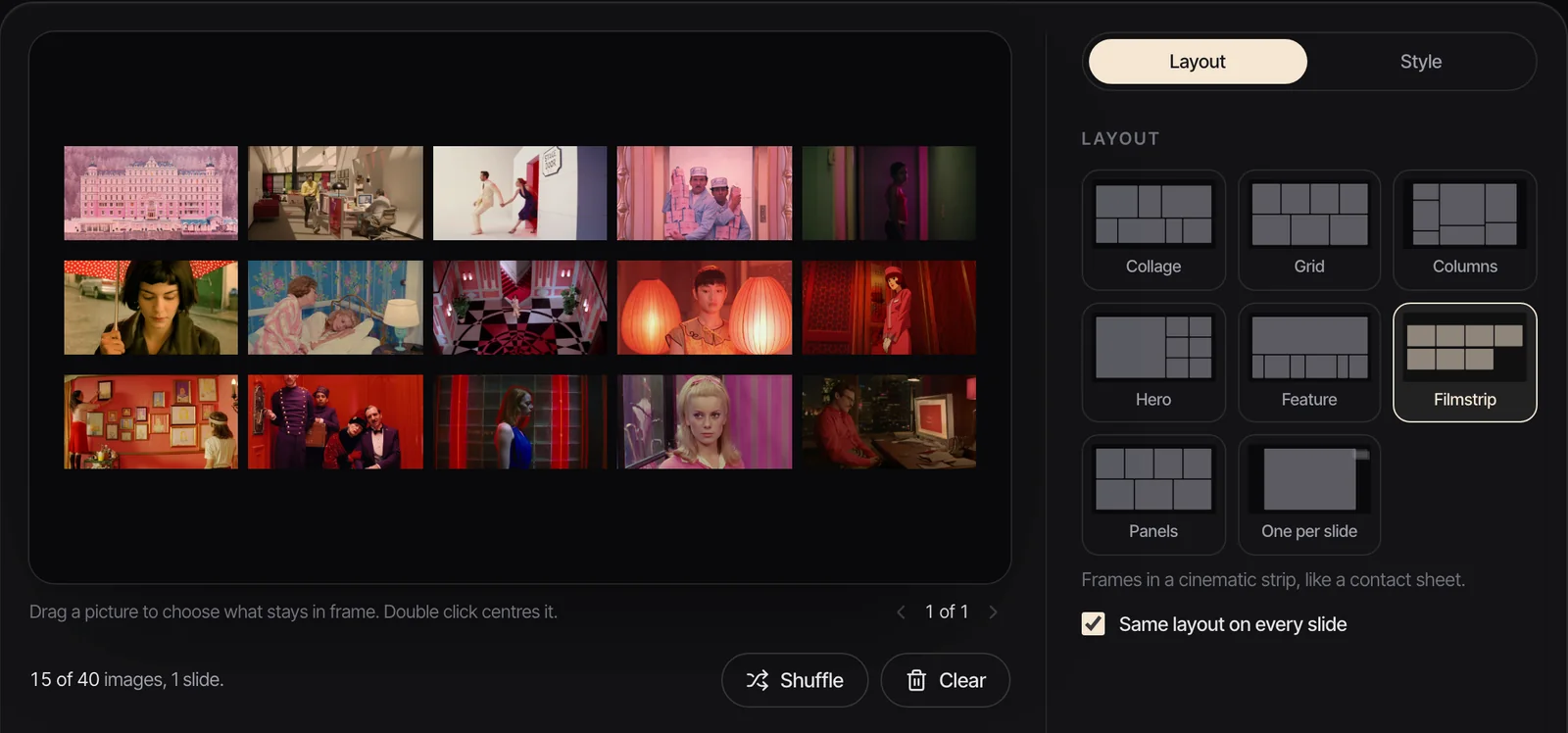
Filmstrip lays frames in a cinematic strip, like a contact sheet. Use it when the order is part of the idea: the build of an edit, a run of frames from one scene, a day going from morning to night. It's also a handy layout for the reference pages of a treatment, where you want a lot of frames on one page and nobody needs to see detail.
Panels: casting and wardrobe
Panels sets tall pictures side by side. Best with three to six, the maker says, and we agree. Tall slots suit people: faces, wardrobe, silhouettes, posture. On widescreen stills the crop is hard, so drag each panel to keep the face in, and favour frames where the person sits near the middle.
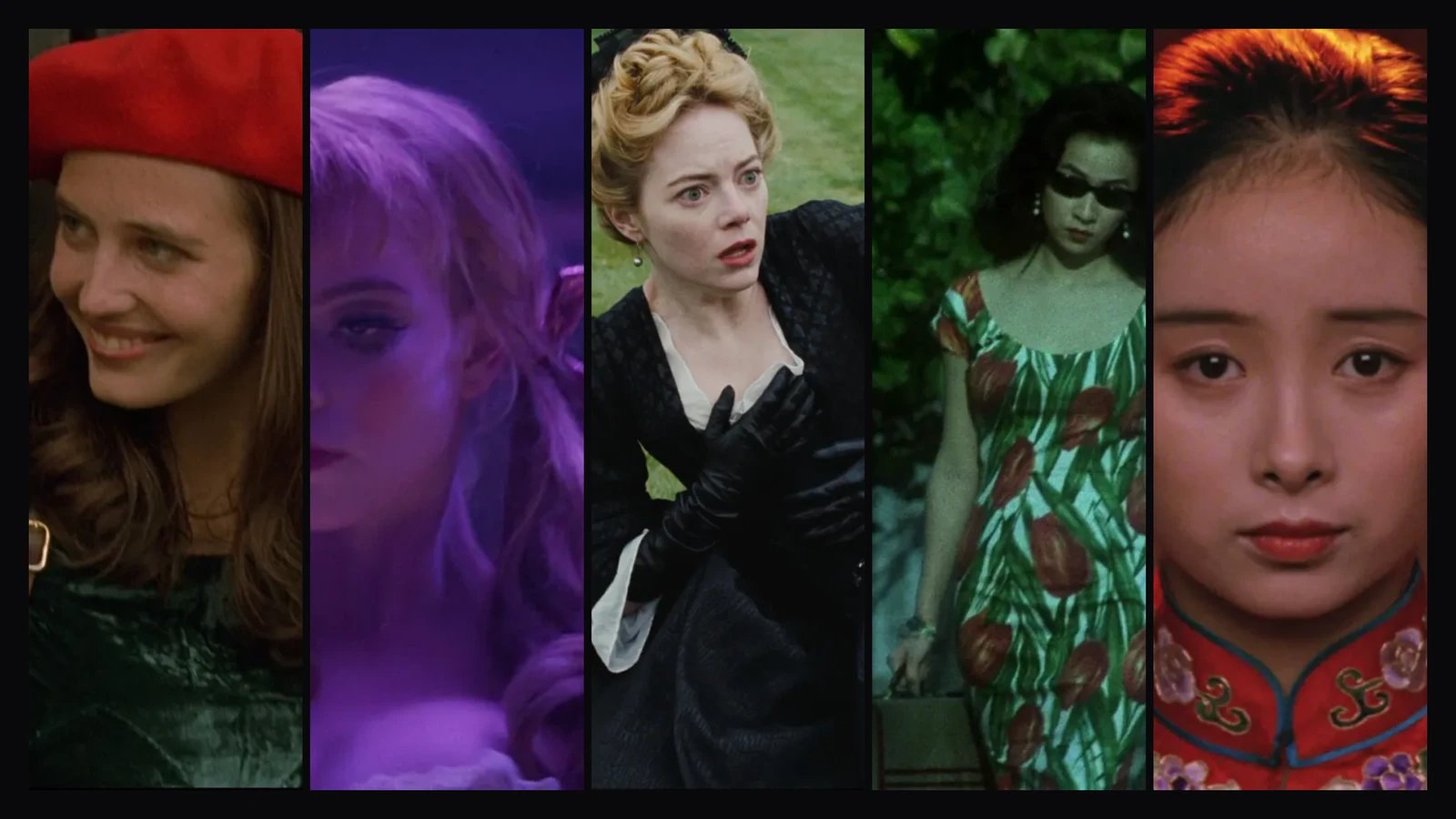
If the board is for a fashion or styling job, our guide to a fashion campaign moodboard splits it into mood, styling, and casting and set, and Panels fits the last two.
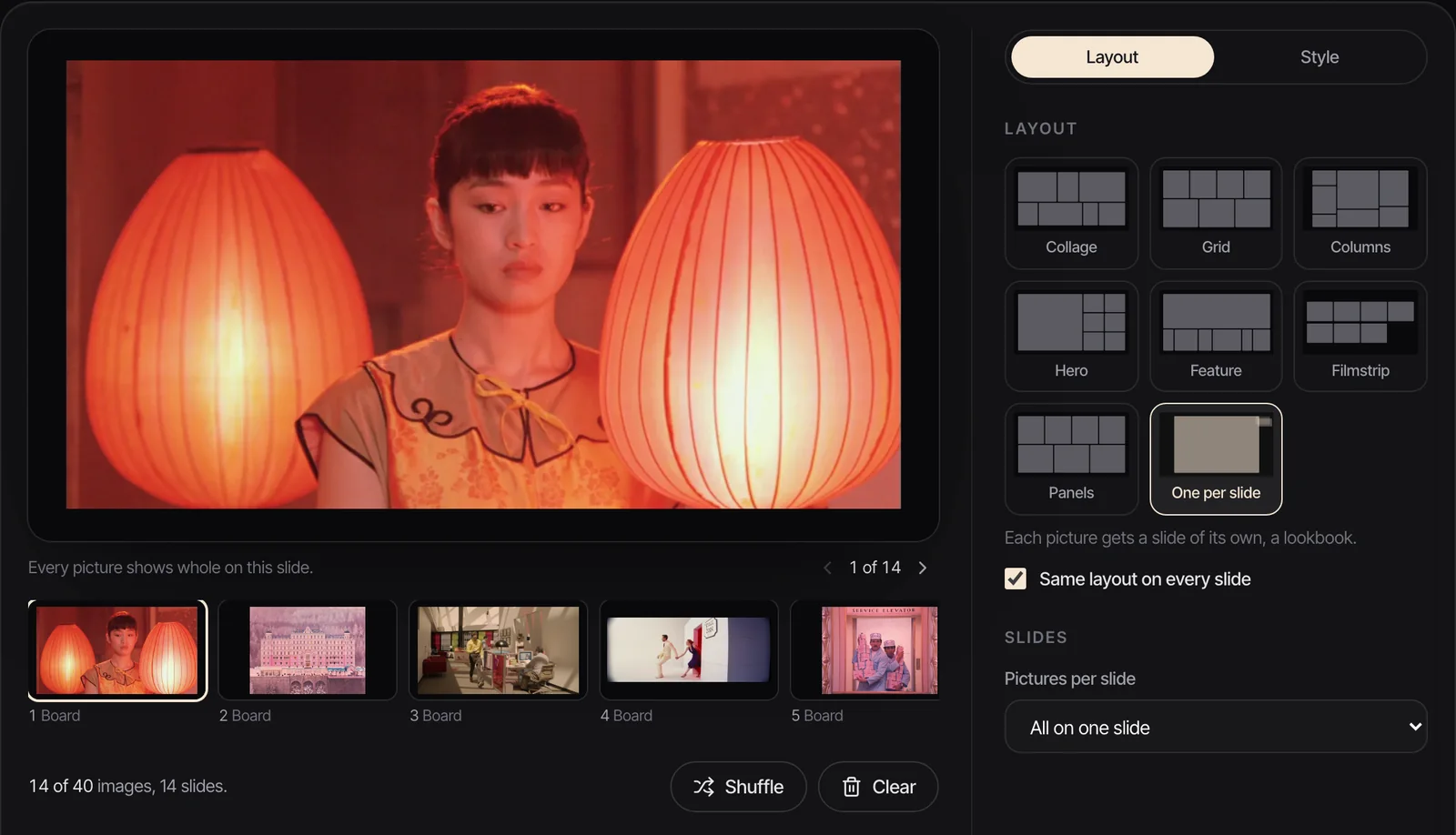
One per slide: the lookbook template
One per slide gives each picture a slide of its own, which is a lookbook. It's also the right way to present a board you want to talk through frame by frame, and the simplest base for the look pages of a treatment. The order becomes the story, so it needs more thought than any other layout. We go through sequencing and pacing in how to make a lookbook.
Moving references: GIFs in any layout
Every layout takes GIFs, and in the .pptx each one is embedded as a GIF. PowerPoint's desktop apps usually animate a GIF as you edit, while Keynote treats it as a movie that plays when you present, so always check a moving board in slideshow mode. A PDF or PNG can't animate, so there a GIF shows its first frame.


To make a GIF from a clip, trim it in our free video to GIF converter and drop the result on the board. Two to six seconds is plenty. Our guide to moving moodboards covers how long each clip should be and what breaks playback.
Exporting the template to your app
The maker offers five exports, and each one is the same board.
- PowerPoint or Keynote: a .pptx. In Keynote, choose File > Open and pick it.
- Google Slides: the same .pptx, then File > Import slides > Upload in a blank presentation, or upload it to Google Drive and open it with Google Slides. Our guide to building a moodboard in Google Slides carries on from there.
- Canva: the same .pptx, dragged on to the Canva homepage. It becomes a presentation design you can keep editing, and our Canva moodboard guide covers grids, video and sharing once it's there.
- PDF: one 16:9 page per slide. For sending and printing. GIFs freeze.
- PNG image: 1920 x 1080, or a .zip with one per slide. For Slack, Notion, Miro or an email.
Nothing is saved between visits. Refresh the page and the board starts again, so export before you close the tab.
Where other apps keep their moodboard templates
If you'd sooner start inside the app the deck will live in, here's what each one offers, checked on their sites in October 2026.
| App | Where the templates are | What you get | Price (as of October 2026) |
|---|---|---|---|
| Canva | Search Mood Board on the home page, or the mood board gallery | 358 mood board templates; many are square or portrait photo collages | Free; Pro £100 a year |
| Google Slides | The template gallery has no moodboard | Build image placeholders once in Slide > Edit theme | Free with a Google account |
| PowerPoint | No film or brand moodboard built in | Build picture placeholders in View > Slide Master, save as a .potx | Microsoft 365 Personal £8.49 a month or £84.99 a year |
| Keynote | No dedicated moodboard theme | Basic Black plus media placeholders in Edit Slide Layouts | Free on Mac, iPad and iPhone |
| Milanote | Moodboard templates | 21 templates, including Film, Fashion, Motion Design and Brand Board | Free for 100 notes, images or links; $9.99 a month billed yearly |
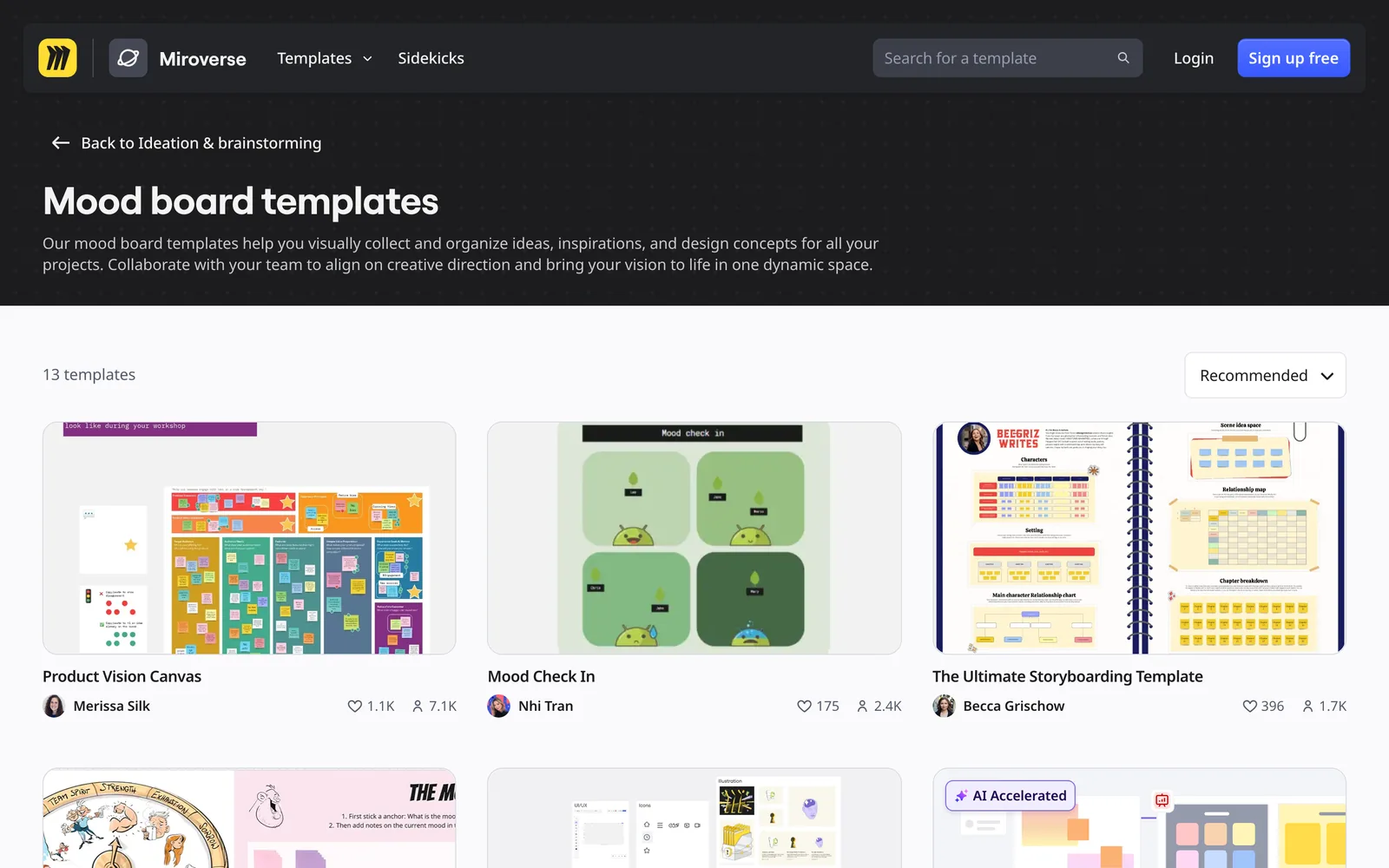
| Miro | Mood board templates in Miroverse | 13 community templates on an infinite canvas | Free for 3 editable boards; Starter $8 per member a month billed yearly |
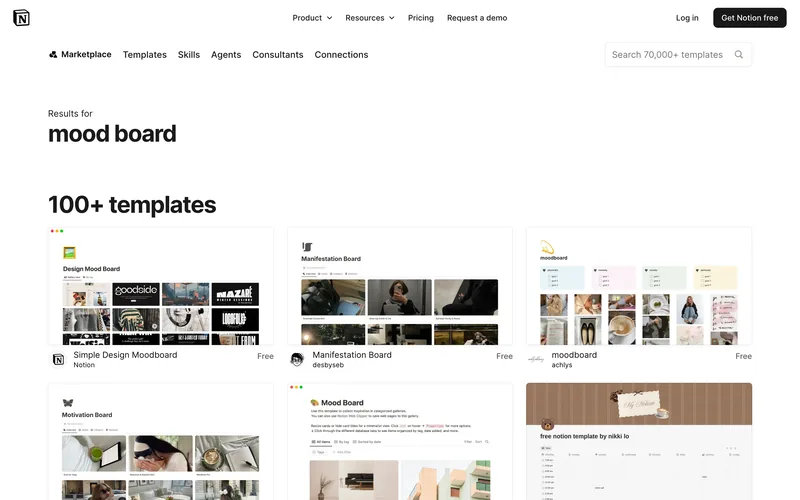
| Notion | Template marketplace | 99 templates in its Mood Board category, community made; the first page is mostly personal planners | Free; Plus £8.50 per member a month |
| Figma | Mood board template | A free kit of mood board layouts made by designers at Mixpanel | Starter free; Professional seats from $3 a month (Collab) |






Prices as shown on each vendor's pricing page in October 2026: Canva, Notion and Microsoft in pounds, Milanote, Miro and Figma in dollars. For a fuller comparison of the two board apps, see Milanote vs Miro.
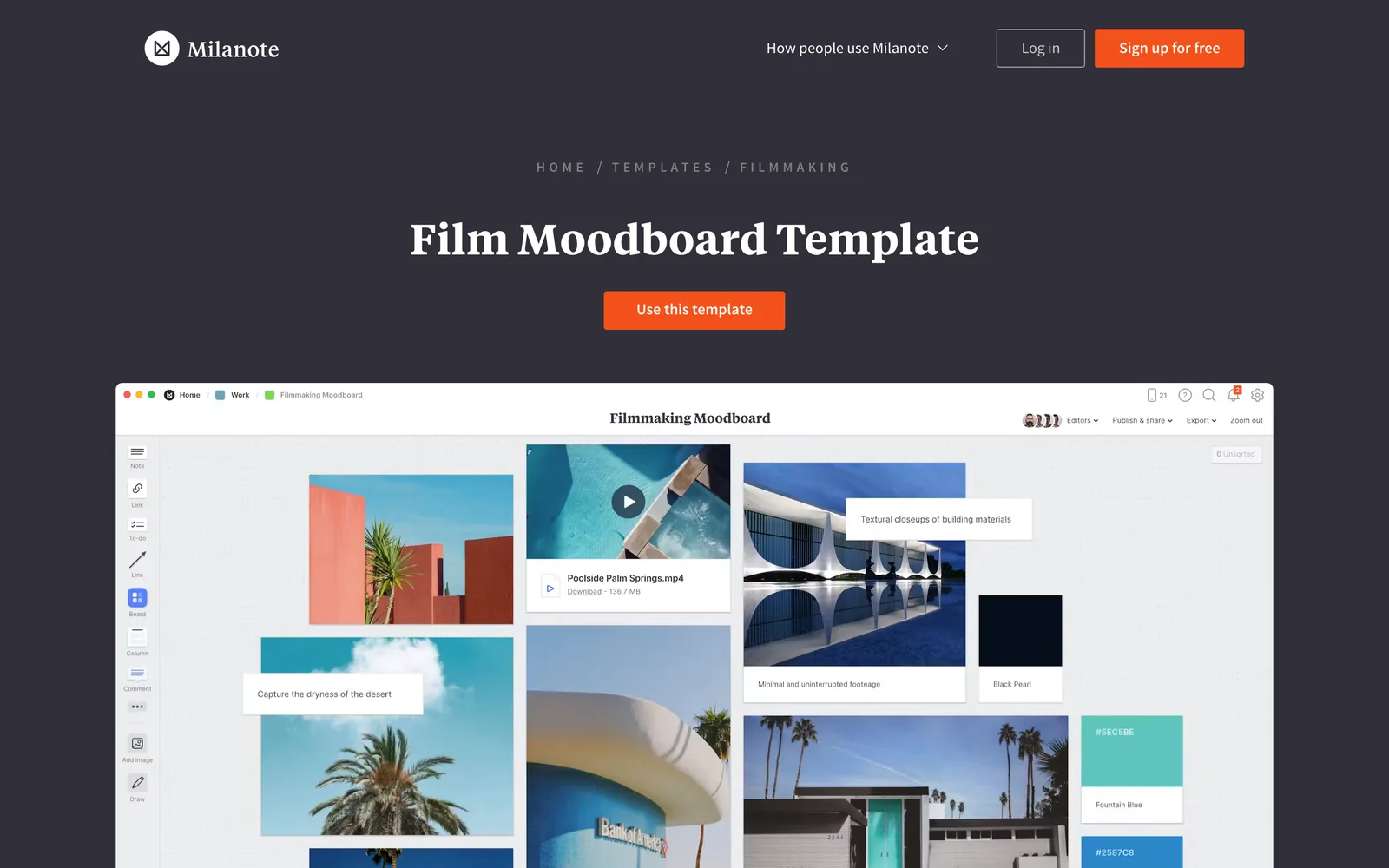
A few honest notes on these. Canva's gallery is huge but leans towards social posts and photo collages, so most templates are the wrong shape for a meeting room screen. Milanote's are the closest to how a film or brand team thinks, because they mix notes and references. Miro and Notion suit a team building a board together more than a client deck, and the Notion templates we looked at were personal mood and planning pages. Figma's kit is the best fit if your designers already live there; our guides to a moodboard in Figma and a moodboard in Notion take each one further.
For PowerPoint and Keynote the best template is the one you make once. Our PowerPoint moodboard guide builds a Slide Master layout you can save as a .potx, and the Keynote moodboard guide does the same with media placeholders.
When the references are video
Templates assume you already have the pictures. With film and ad work, the references usually start as videos: reels, TikToks, YouTube links, a Vimeo film from a director's site. Getting the right frame out of each one is most of the job.
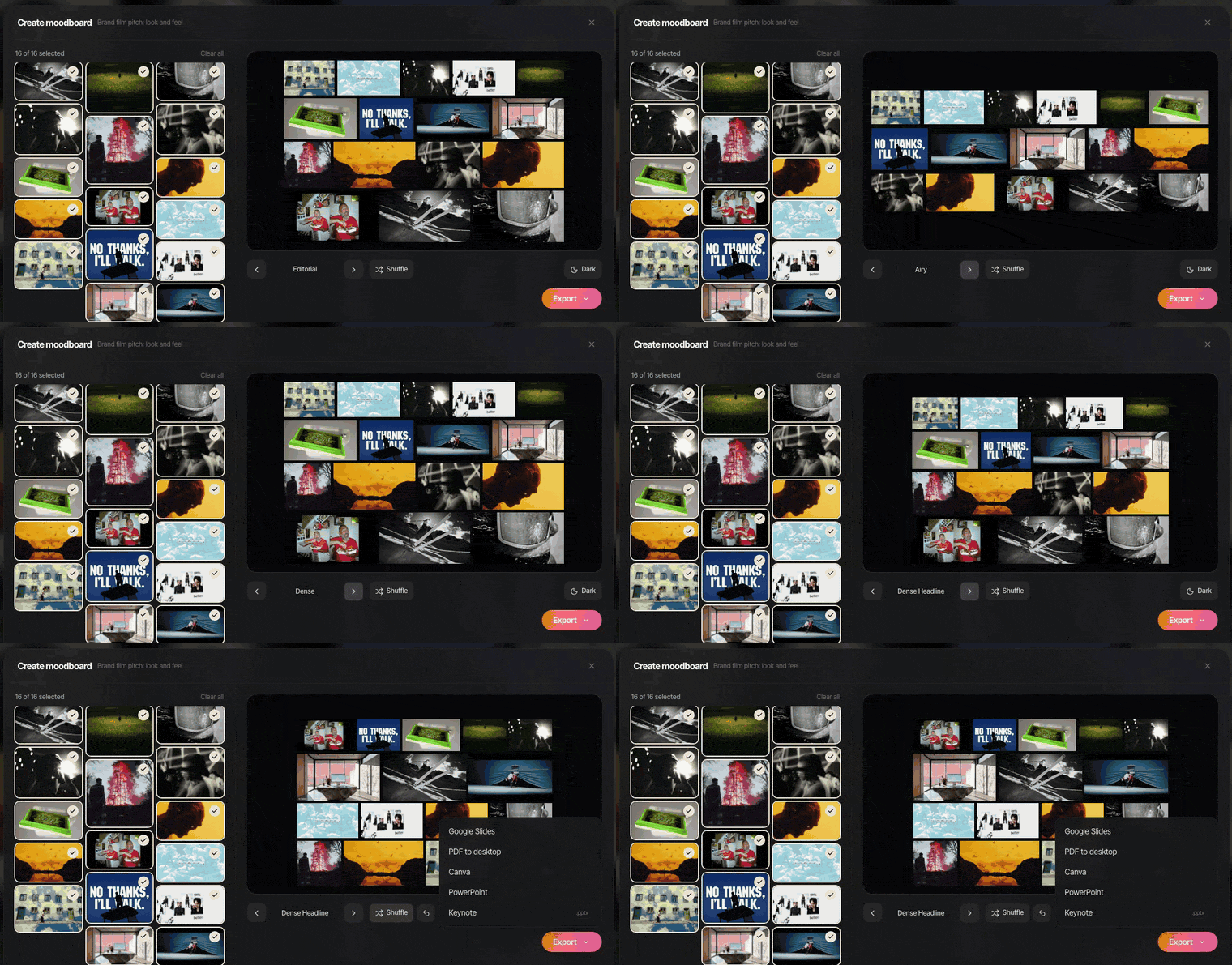
That's the gap Spark fills. You save the videos to one library, pull a frame or a GIF from the exact moment you mean, and Create Moodboard lays them out from a board or collection with its own layouts and shuffle, then exports to Google Slides, Canva, PowerPoint, Keynote or PDF. GIFs stay animated everywhere except the PDF.
Once the board exists, the next two questions are what good ones look like and how to show them. We've collected moodboard examples with notes on why each works, and the presenting guide covers the room.
FAQs
Is there a free moodboard template for PowerPoint?
Yes. Our free moodboard maker exports a .pptx built from your own pictures in any of eight layouts, with GIFs that play when you present. PowerPoint itself has no film or brand moodboard template, so the other route is building picture placeholders in the Slide Master once and saving the file as a .potx.
What size should a moodboard template be?
For anything shown on a screen, 16:9 at 1920 x 1080 pixels. It fills a laptop, a meeting room TV and a shared screen on a call. Square and portrait templates suit Instagram and Pinterest, and look cramped in a pitch.
How many pictures should a moodboard have?
Between eight and twenty for a whole board, and fewer per slide. Fewer than eight and it reads as a handful of nice pictures; more than twenty and nobody can say what it's about. If you have more, split them into boards that each answer one question, such as light, wardrobe or location.
Can I use a moodboard template in Google Slides?
Yes. Export a .pptx from the moodboard maker, then in a blank Google Slides presentation choose File, Import slides, Upload. Google Slides' own template gallery has no moodboard, so starting from a .pptx or a theme you build yourself is quicker.
Do GIFs keep moving in a moodboard template?
In a .pptx, yes: the moodboard maker embeds each GIF as a GIF, and PowerPoint, Keynote, Google Slides and Canva can all play it. If one arrives as a still after a Google Slides import, put it back with Insert, Image. A PDF or PNG export shows only the first frame, so send the .pptx when motion matters.
What is the best moodboard layout for a film pitch?
Hero, if one frame captures the idea, because it gives that frame most of the slide and lets the rest support it. For a treatment's reference pages, One per slide or Filmstrip work better, depending on whether you want to talk frame by frame or show a sequence.
Keep reading
All articles
How to Make a Moodboard in Figma or FigJam
Figma gives you more control over a moodboard than any slide app. It also freezes your GIFs in the editor, which matters the moment your references move.
How to Make a Moodboard in Notion
Notion is very good at the notes beside the pictures. The pictures themselves, and especially the moving ones, need a bit more care, so here's how we'd set it up.
How to Make a Moodboard on Pinterest (and Turn It Into a Deck)
Pinterest is still the quickest place to fill a board. Getting that board in front of a client as a deck is where it stops helping, so here's the whole route, both halves.